

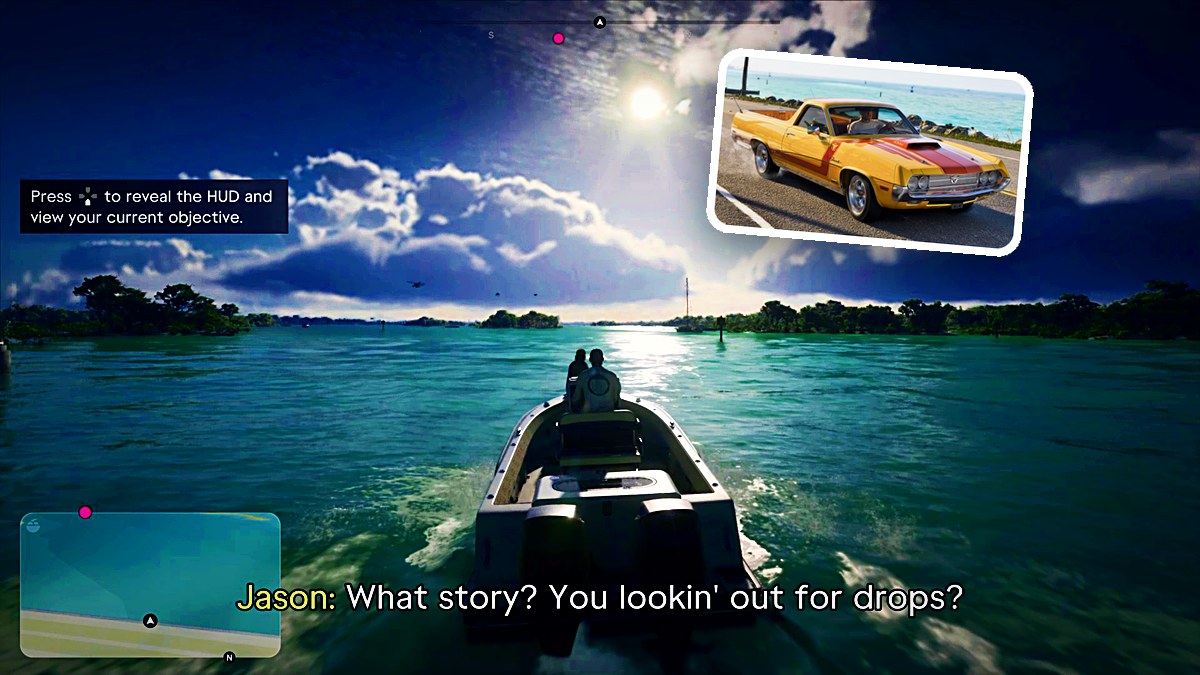
QUICK ANSWER
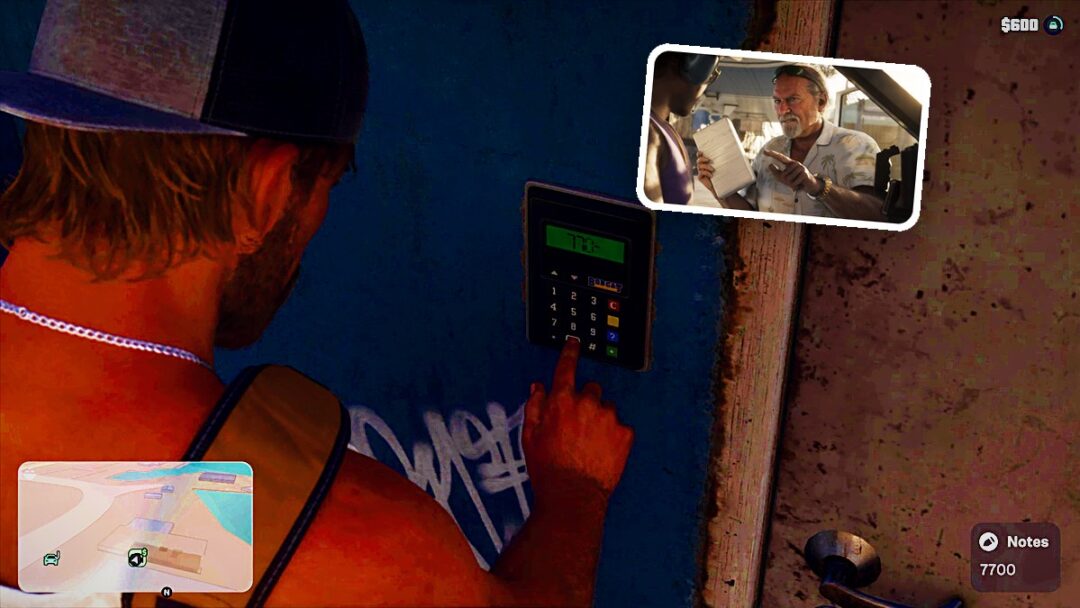
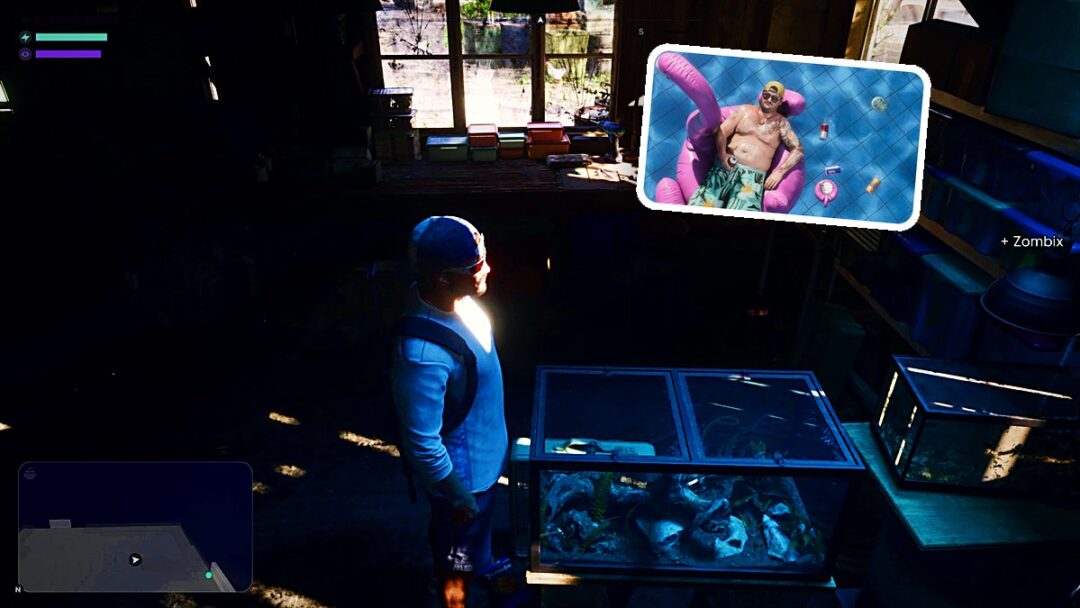
Press D-pad Down to reveal the HUD and view your current objective in Grand Theft Auto VI.
Press D-pad Down to reveal the HUD and view your current objective in Grand Theft Auto VI.
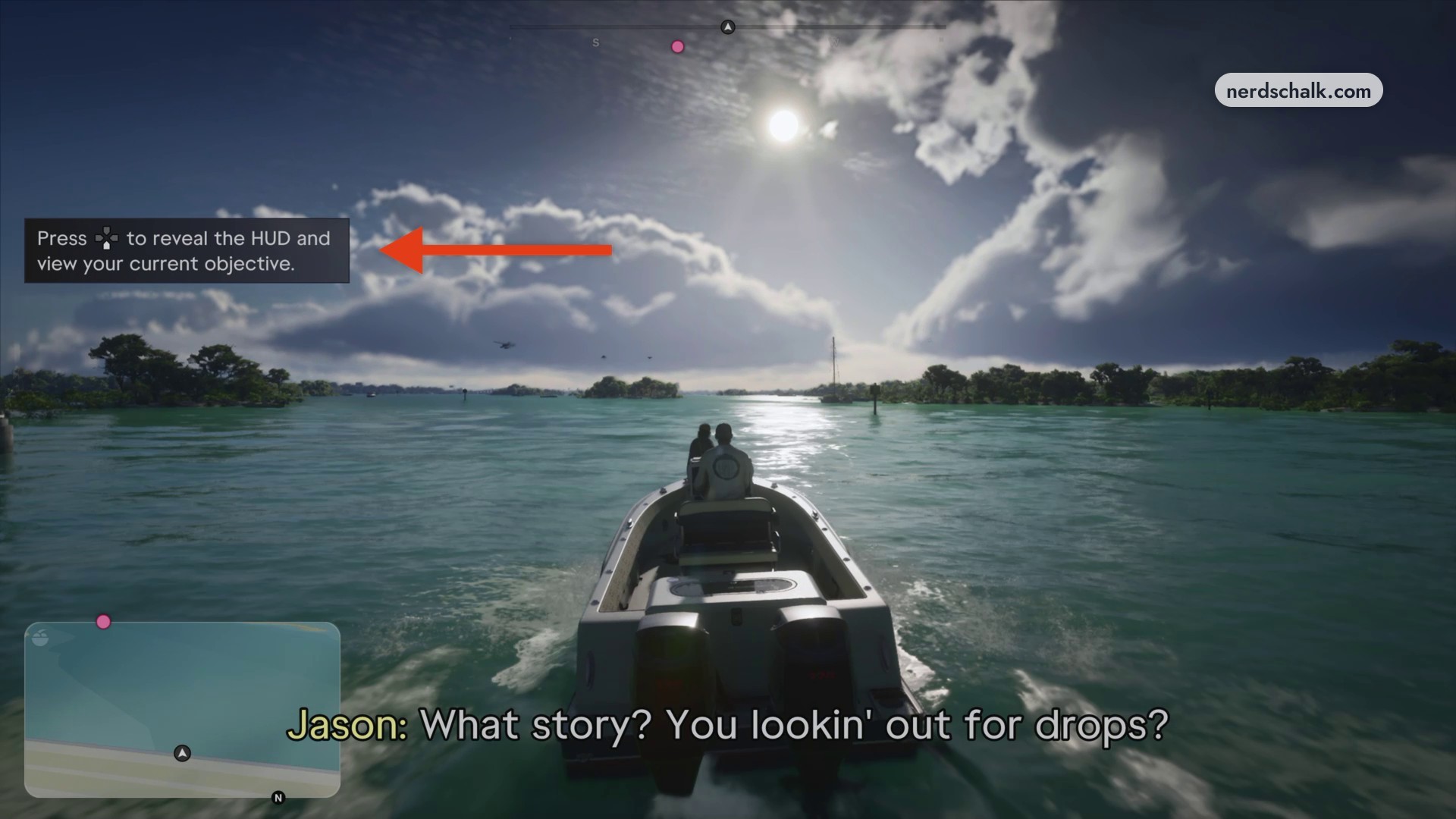
The HUD hides automatically in Grand Theft Auto VI, so it won’t stay onscreen throughout gameplay. A tutorial hint explains the HUD and objective control while you’re driving a boat.
The game is listed for PlayStation 5 and Xbox Series X|S.
How to show the HUD and your current objective in Grand Theft Auto VI
STEP 1
Reveal the HUD and current objective
Press D-pad Down to bring the HUD onscreen and see your current objective.
Related Grand Theft Auto VI guides
Leave a Reply