

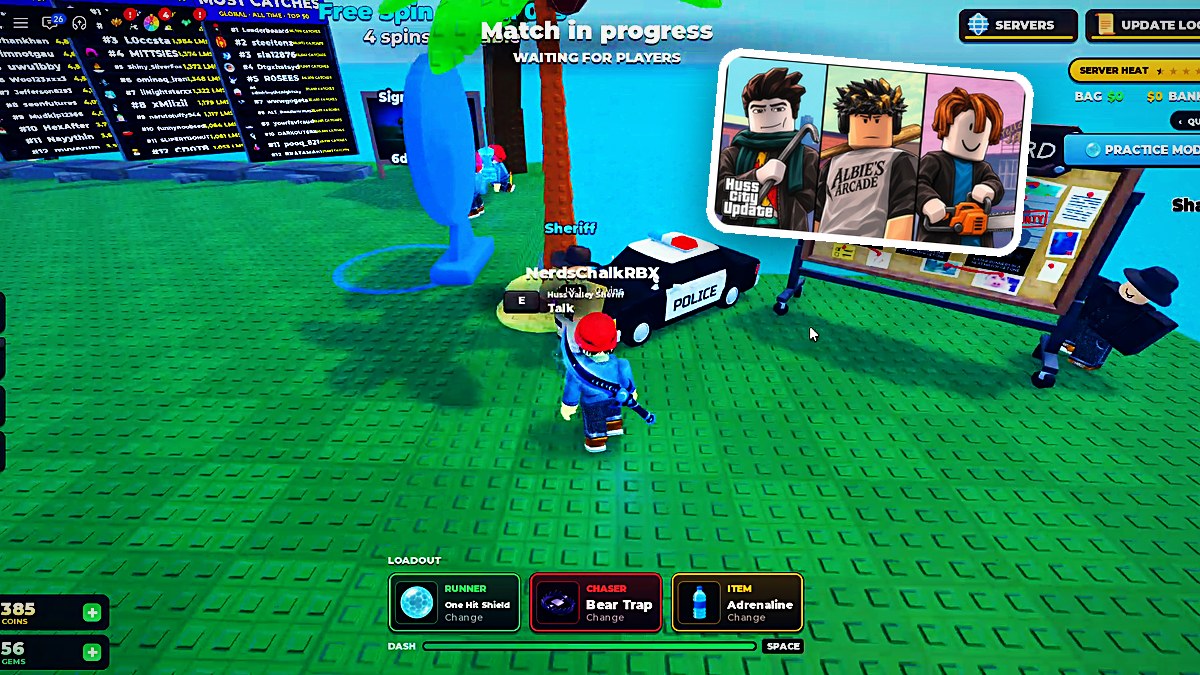
Huss Valley’s Bounty Update adds player-set bounties, cash and Heat progression, vault rewards, and the Getaway Bundle.
The Bounty Event connects lobby services with match progression. Build enough Heat and the Huss Valley PD puts a bounty on you, while every server contributes to the collective Valley Heat track. This guide covers the NPC interactions, cash and bounty rules, Crew Vault rewards, and bundle previews.
How to get started with the Bounty Update in Huss Valley
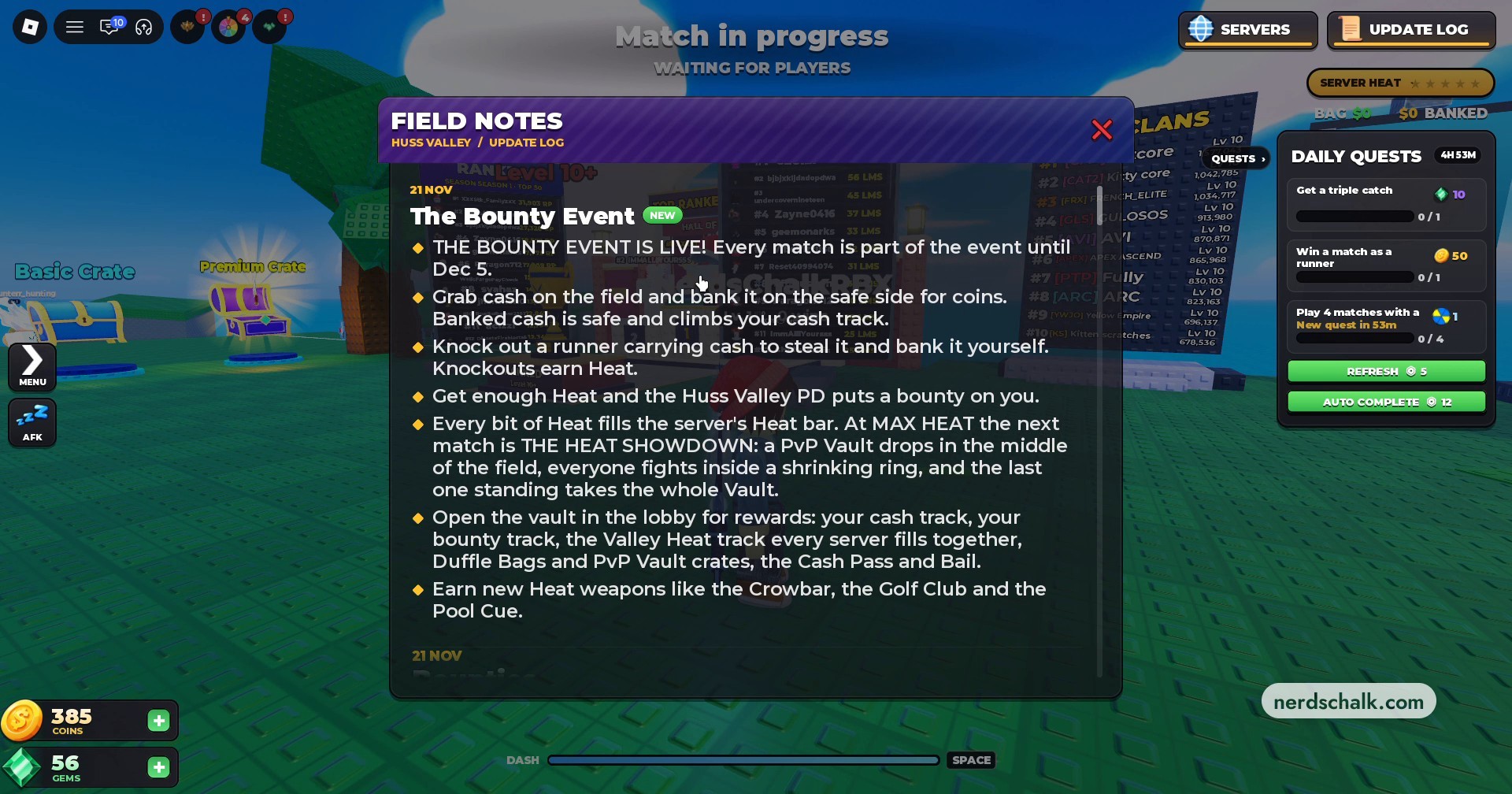
Open the update log
Click UPDATE LOG at the top right of the screen to read about bounties, Heat, and the new bundles.
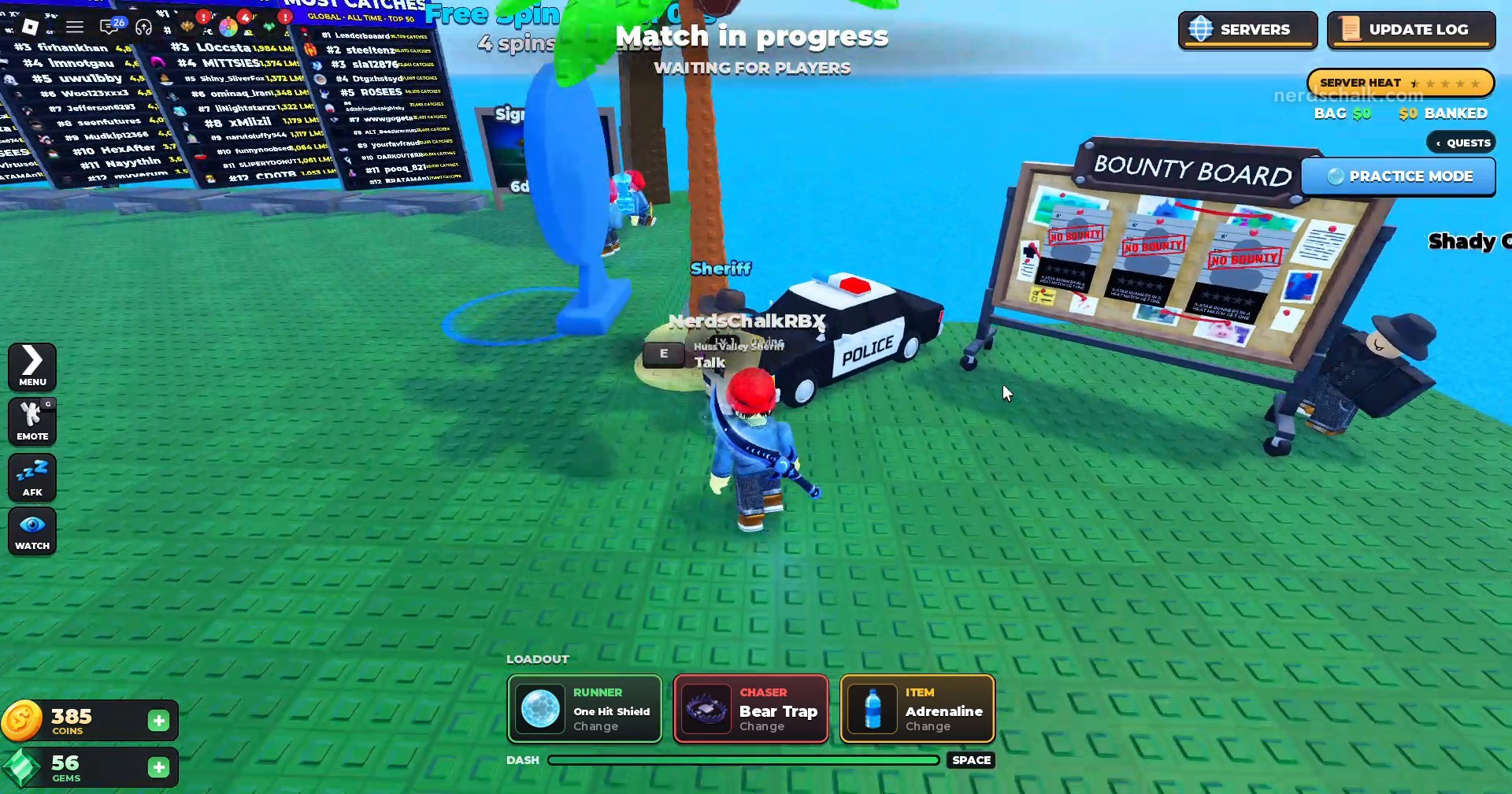
Find Shady Guy
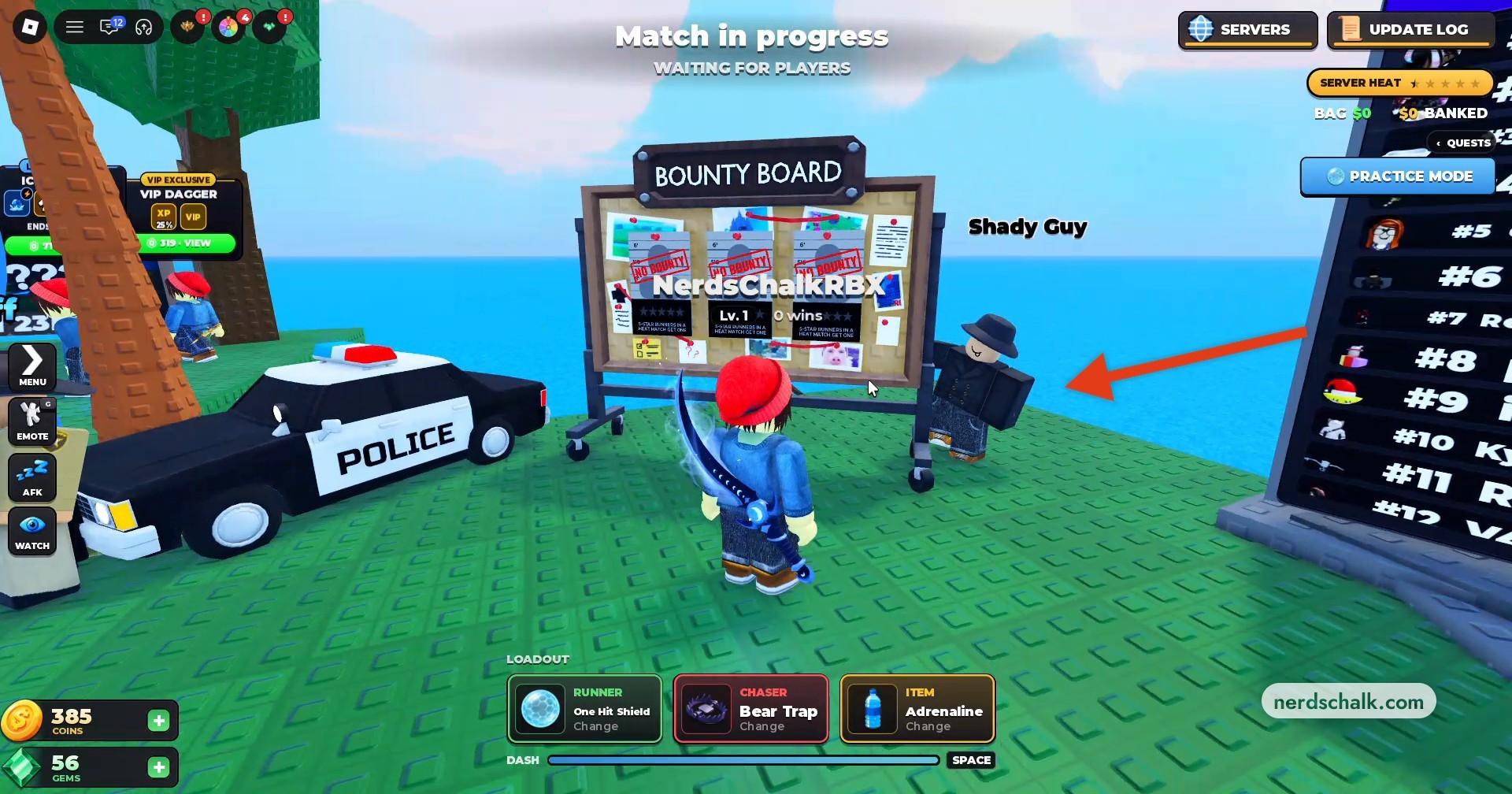
Cross the lobby toward the police cruiser and Bounty Board. Shady Guy stands beside the board.
Open the bounty offer
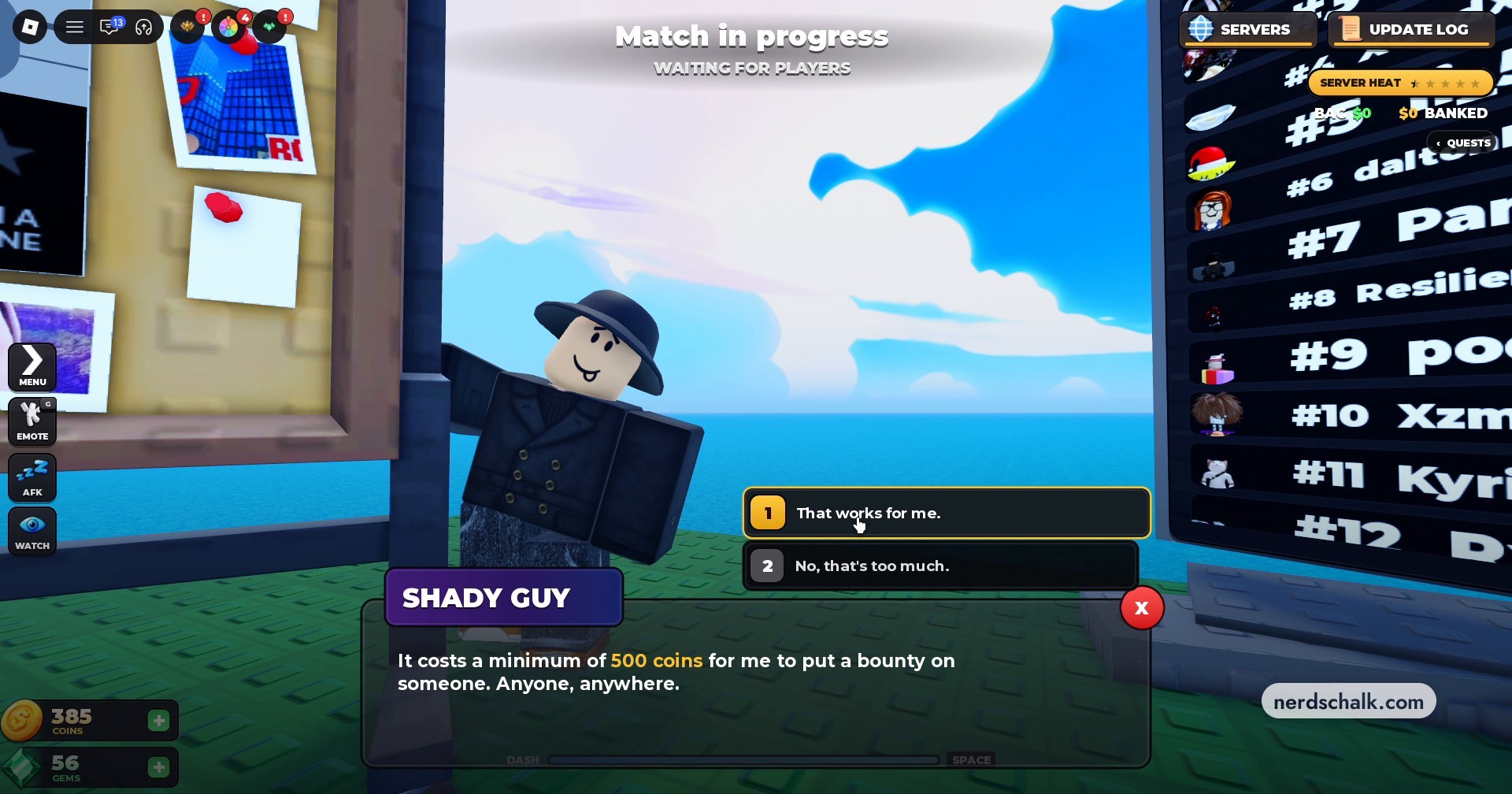
Interact with Shady Guy to access Place A Bounty, where you can choose a target. Select 1 That works for me. to accept his offer, or 2 No, that’s too much. to decline.
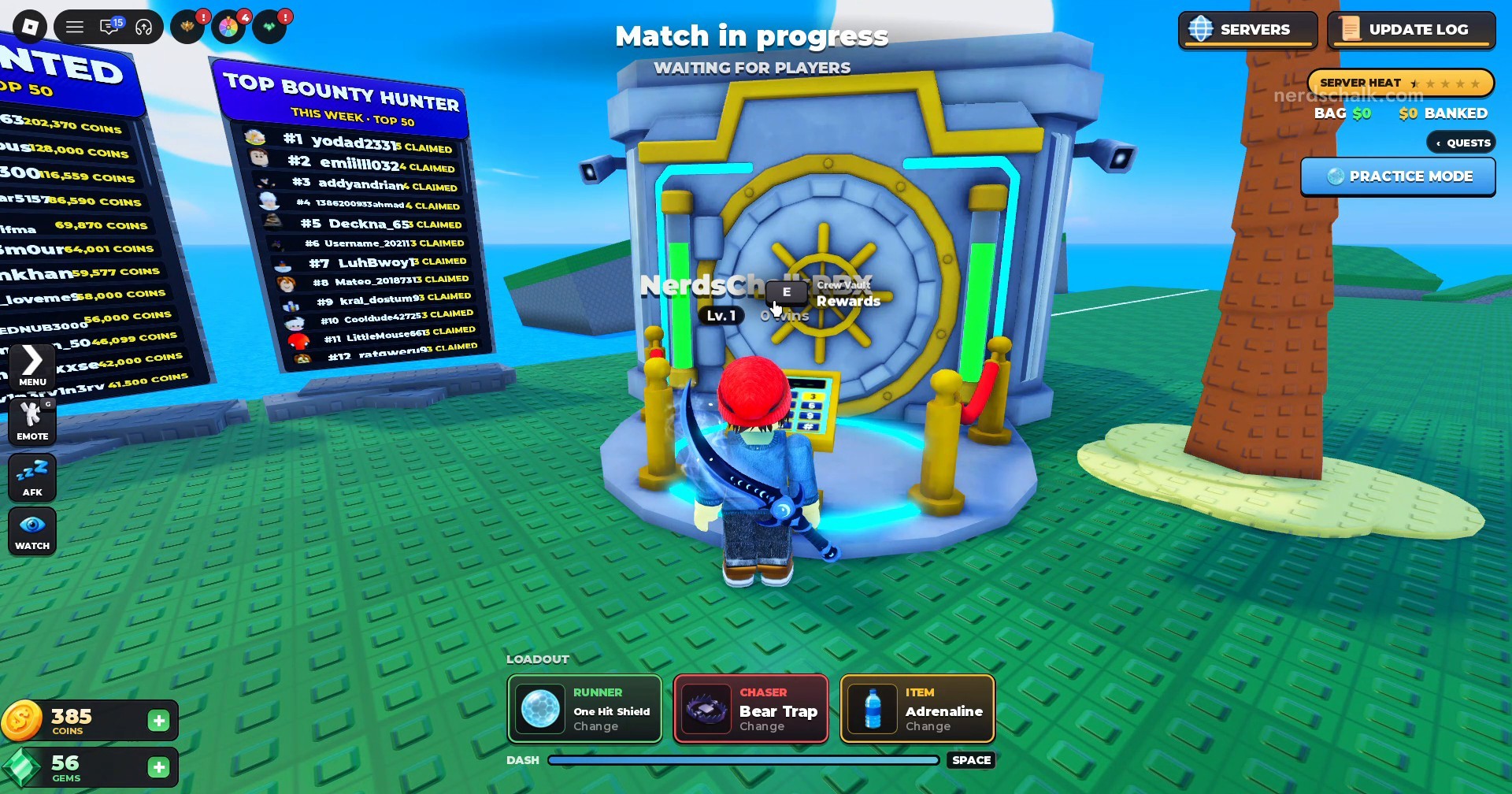
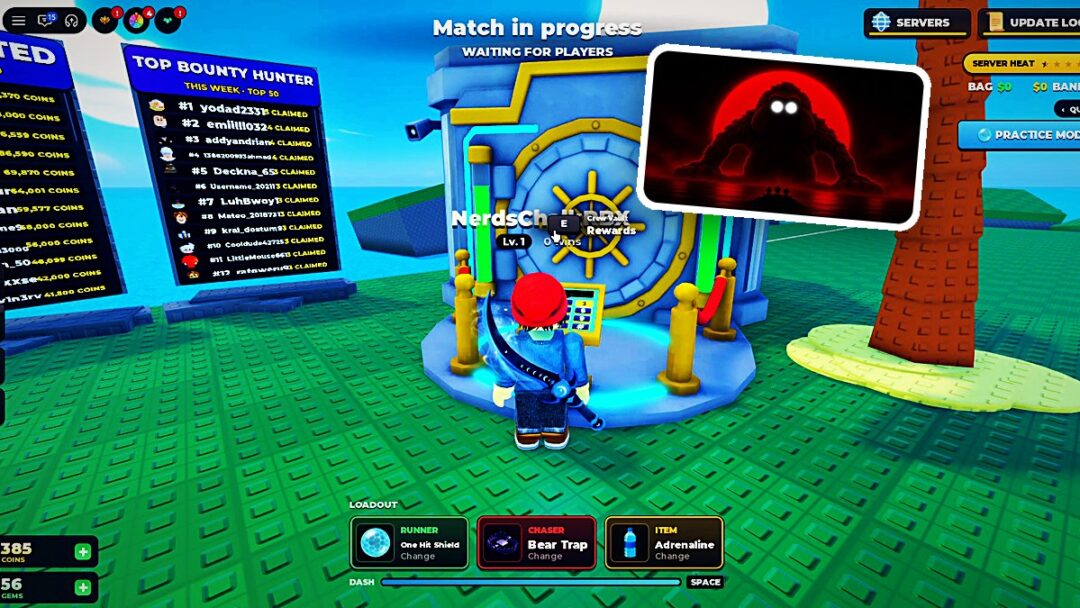
Examine the Crew Vault rewards
Walk to the golden Crew Vault in the lobby and press E at Crew Vault Rewards to view reward tiers, their cash requirements, and unlockable items.
Open the Getaway preview
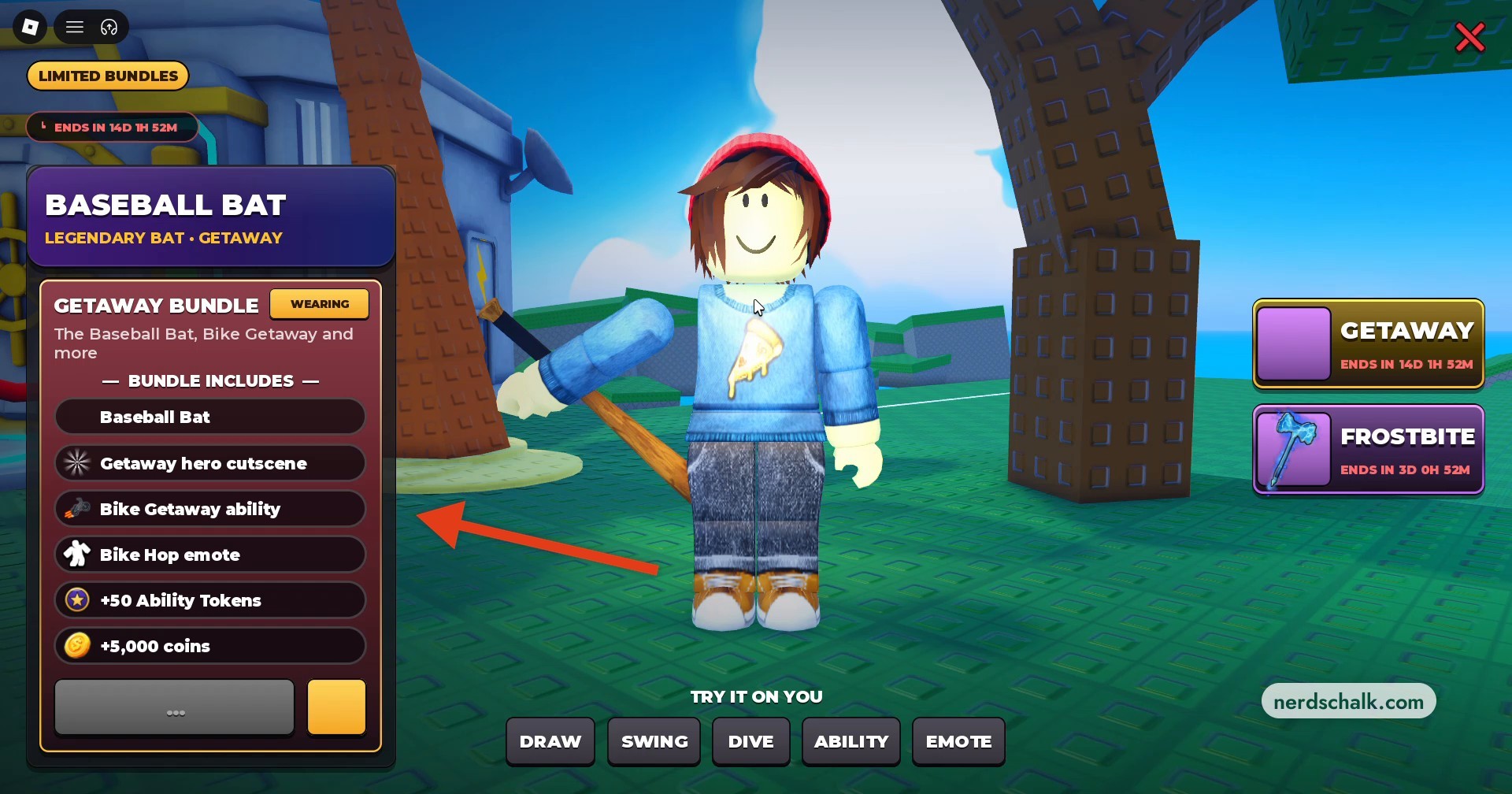
Interact with the dummy beneath the palm tree to open the Getaway Bundle preview.
Reach the Sheriff
Approach the Huss Valley Sheriff beside the police car near the Bounty Board.
Choose a Sheriff dialogue topic
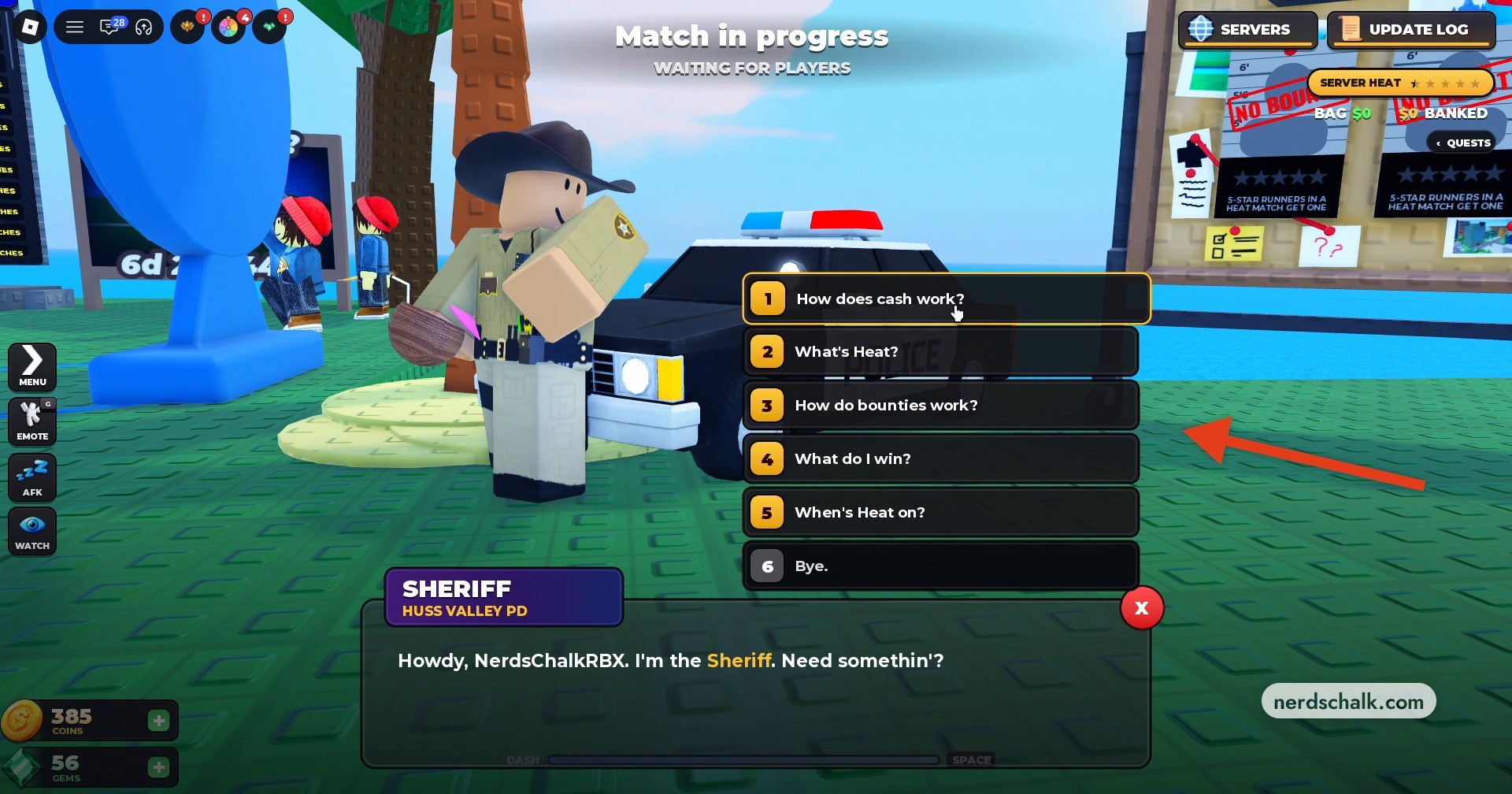
Press E to talk. His choices are 1 How does cash work?, 2 What’s Heat?, 3 How do bounties work?, 4 What do I win?, 5 When’s Heat on?, and 6 Bye.
Head into matches
Join matches to earn Heat and participate in event progression. Bank cash and knock out bounty targets as you work toward the vault’s rewards.
For mode access, Pro Servers requires level 25, while Ranked requires level 10+.
What do the Bounty Update patch notes change?
| Lobby board | Ranking criterion |
|---|---|
| MOST WANTED | Bounties received during the week |
| TOP BOUNTY HUNTER | Completed bounties |
| CASH KINGPINS | Banked cash |
Every match participates in The Bounty Event until December 5. During matches, collect cash out on the field and bank it on the safe side to earn coins. Once banked, that cash stays secure and advances your cash track. Knocking out a runner carrying cash also lets you take their cash.
You can bank cash taken from knocked-out runners, too.
Knockouts earn Heat, including knockouts against bounty targets, and each bit of Heat contributes to your server’s Heat bar.
During the Heat Showdown, a PvP Vault drops into the center of the field. Everyone fights within a shrinking ring, and the last survivor takes the entire Vault.
Player-set bounties use coins: Shady Guy can put one on any Roblox user, including friends who are offline. Catch a player with a bounty to claim a coin payout. The claim gives Heat to both you and whoever placed the bounty, while the target’s Heat resets to zero.
The Sheriff offers a separate service if someone has placed a bounty on you. Pay him 500 coins to reveal who placed it.
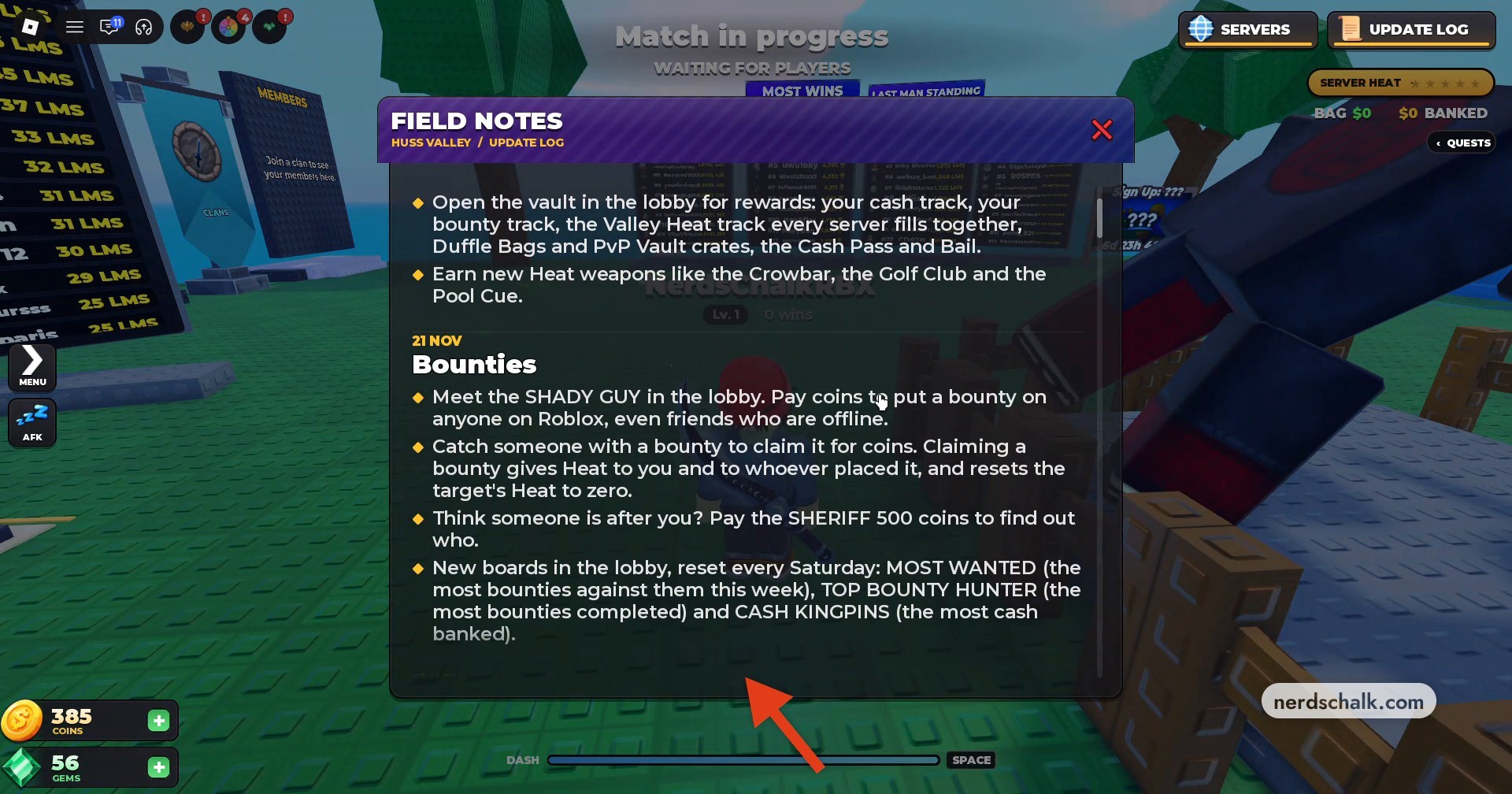
The update also adds three weekly ranking boards in the lobby. They share a Saturday reset.
Separately, the official listing named HUSS CITY EVENT runs from November 21, 2026, at 18:00 UTC to November 28, 2026, at 18:00 UTC.
Another event listed as ??? is scheduled for November 28, 2026, at 18:52 UTC through November 30, 2026, at 19:52 UTC.
What rewards are available in the Crew Vault?
| Tier | Cash required | Reward |
|---|---|---|
| Tier 1 | $5,000 | 500 coins |
| Tier 2 | $15,000 | 1 Wheel Spin and PICKPOCKET title |
| Tier 3 | $30,000 | 25 gems and 5 Ability Tokens |
| Tier 4 | $50,000 | Crowbar, a Heat weapon |
| Tier 5 | $80,000 | 1,500 coins and 2 Wheel Spins |
The Crew Vault’s Heat Rewards tiers use dollar-denominated cash requirements. These requirements measure cash.
The vault also houses your cash track, bounty track, and Valley Heat track. Its other options include Duffle Bags, PvP Vault crates, Cash Pass, and Bail. Opening the vault gives you access to its rewards.
Golf Club and Pool Cue are other named Heat weapons you can earn through the update.
What is in the Getaway Bundle, and what can you preview?
| Bundle inclusion | Type or amount |
|---|---|
| Baseball Bat | Legendary Bat |
| Getaway hero cutscene | Hero cutscene |
| Bike Getaway ability | Ability |
| Bike Hop emote | Emote |
| Ability Tokens | 50 |
| Coins | 5,000 |
The Getaway Bundle preview lets you view its equipment and animations on your Roblox avatar. You can also preview the ability and emote. The available controls are TRY IT ON YOU, DRAW, SWING, DIVE, ABILITY, and EMOTE.
Frostbite appears as another bundle option. At capture time, Getaway displayed 14D 1H 52M remaining and Frostbite displayed 3D 0H 52M; those values are capture-time countdowns.
The previews let you see the bundle’s equipment and animated features on your avatar, alongside its currency and token inclusions.
Related Huss Valley guides
Leave a Reply