

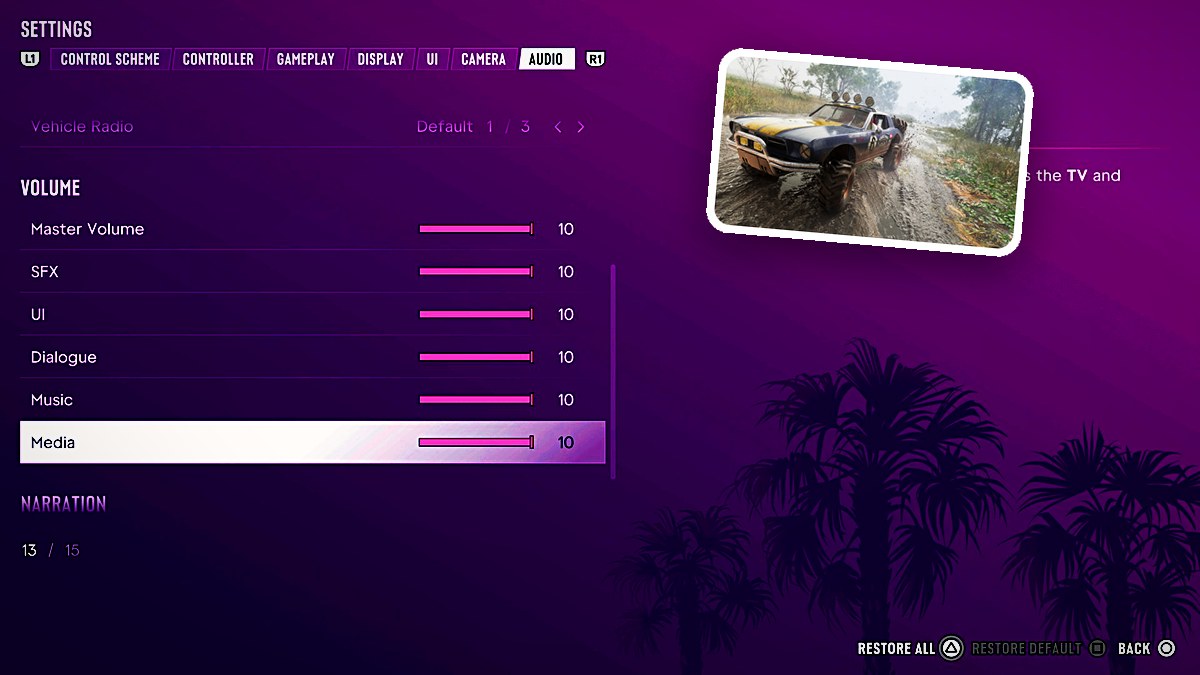
Grand Theft Auto VI’s Audio menu includes Setup, Volume, and Narration sections, with settings for controller sound, vehicle radio, volume, and spoken accessibility features.
You can adjust audio routing, change individual volume levels, and choose which parts of the game receive spoken narration. The game is listed for PlayStation 5 as well as Xbox Series X|S.
How to adjust audio settings in Grand Theft Auto VI
Open Audio
From the Camera tab, press R1 to switch to Audio.
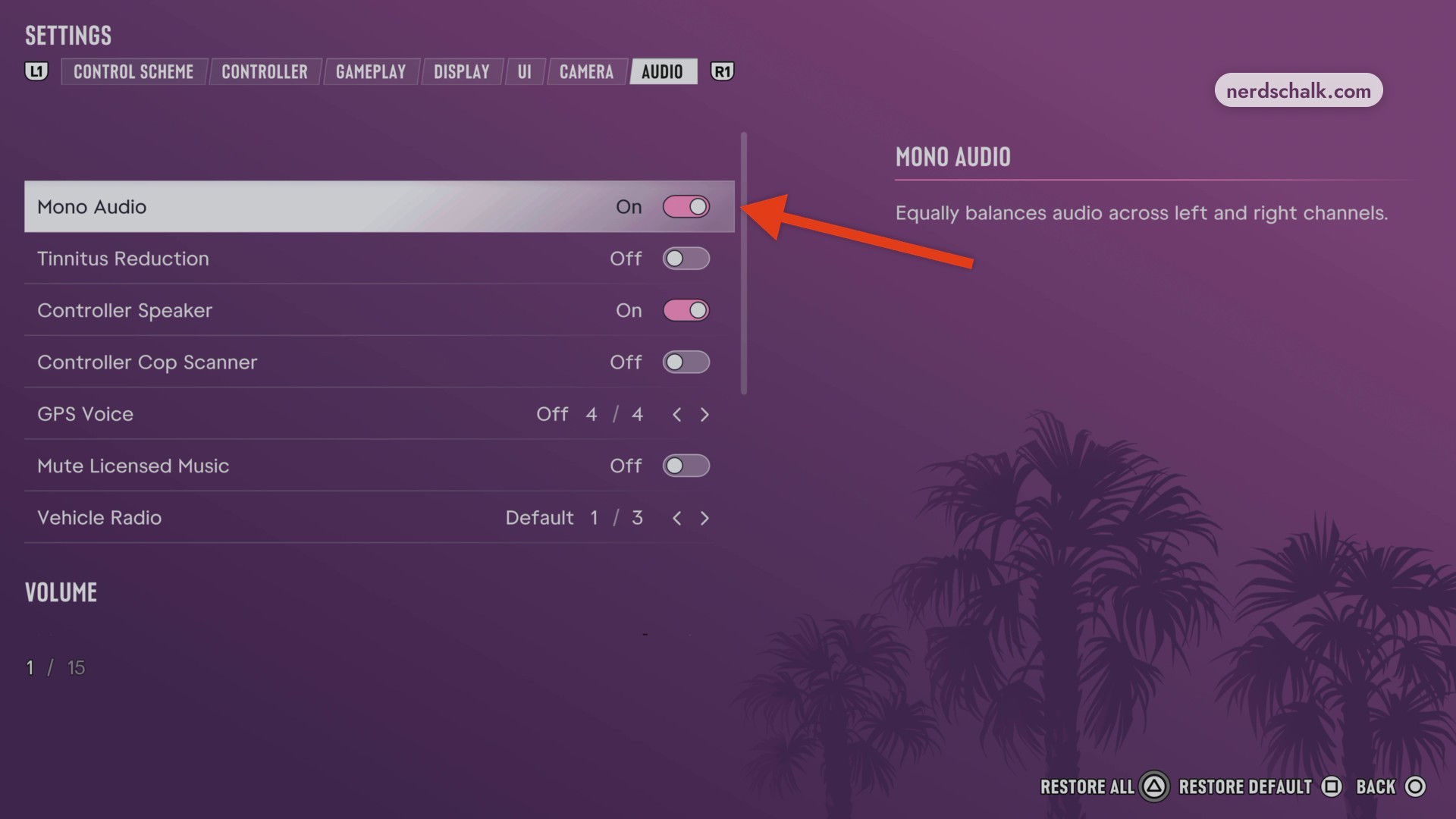
Change Mono Audio
Use the Mono Audio toggle to change its setting.
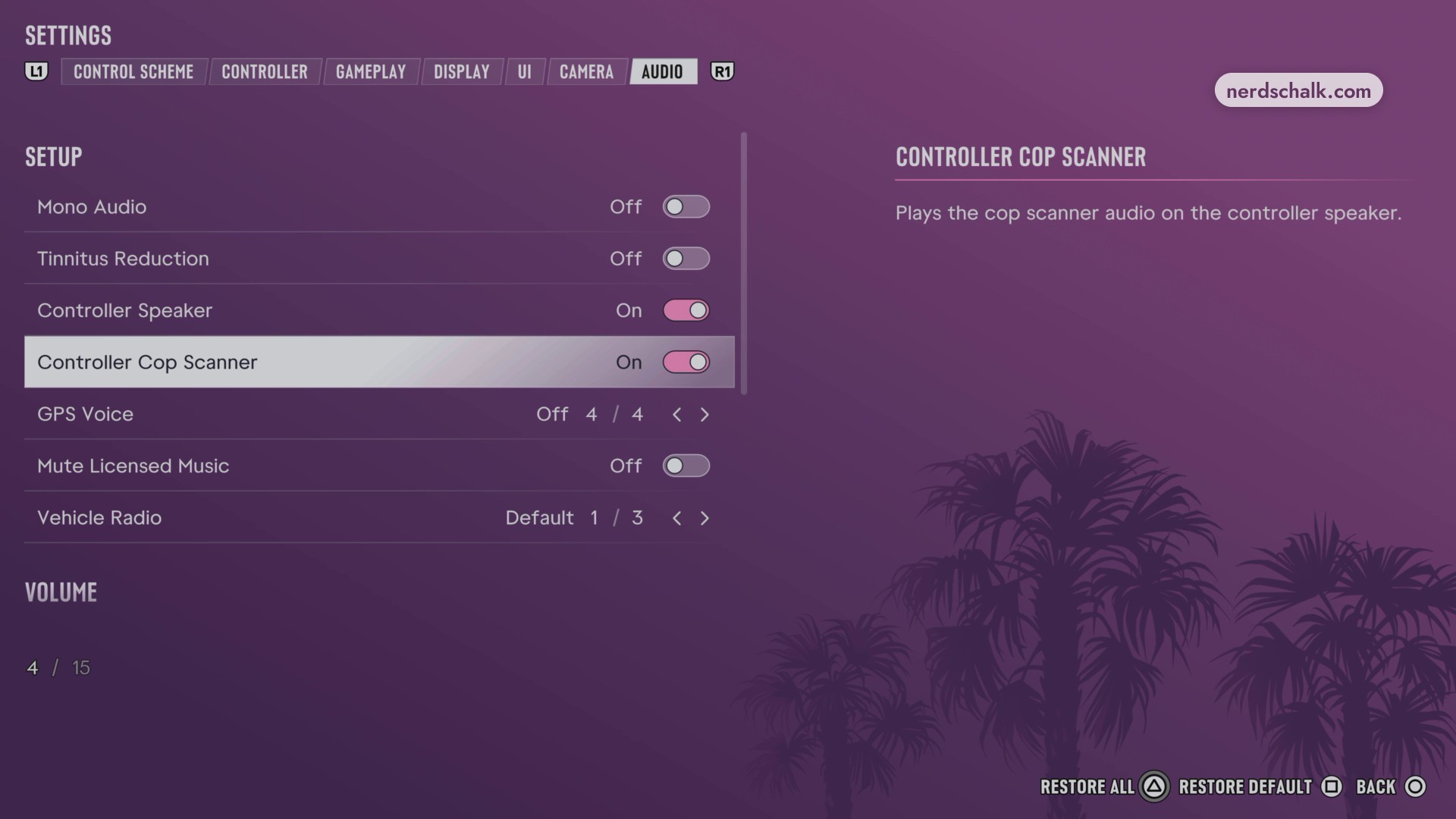
Enable Controller Cop Scanner
Set Controller Cop Scanner to On.
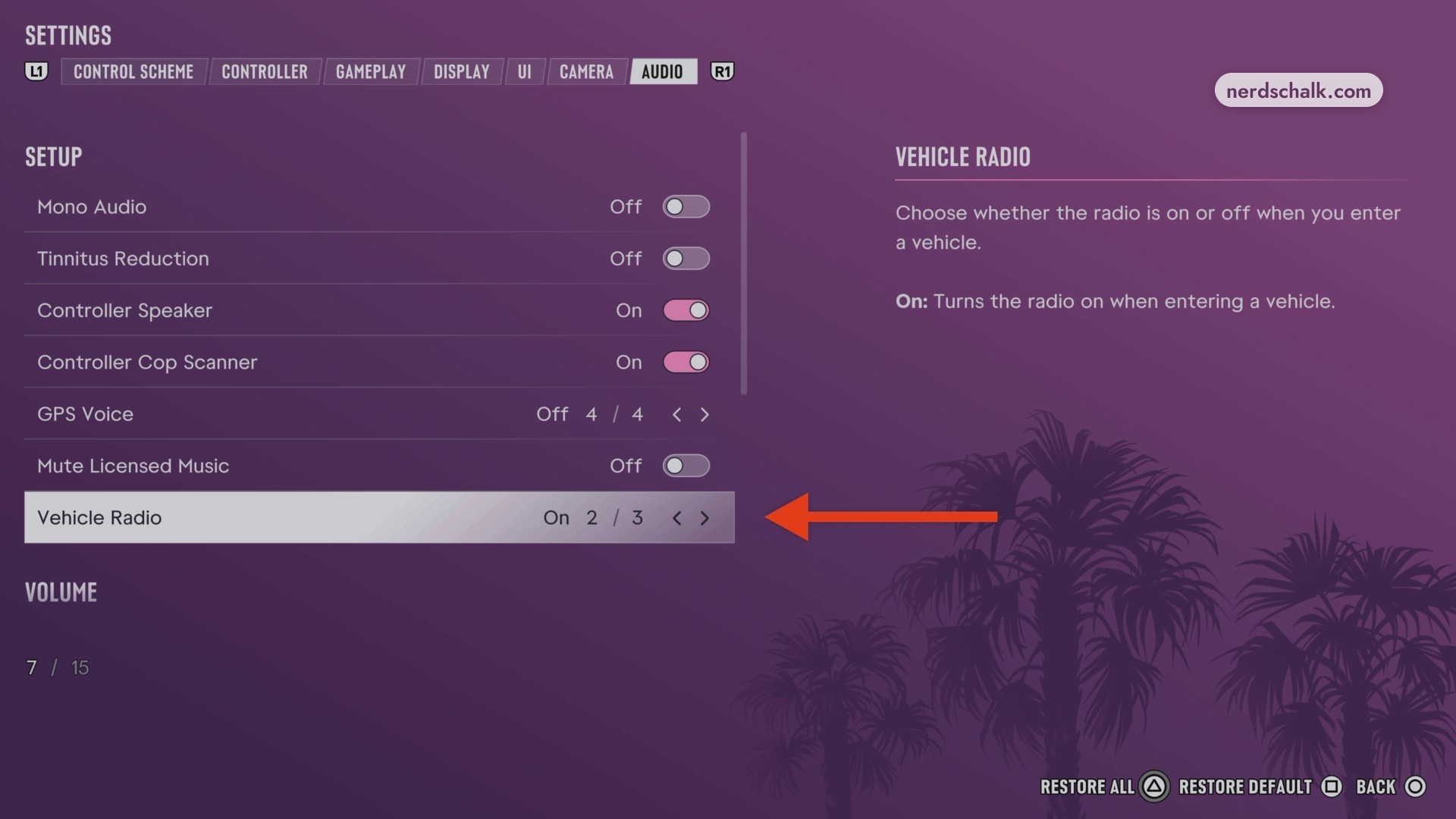
Cycle Vehicle Radio
Move to Vehicle Radio and cycle through its choices.
Review the volume sliders
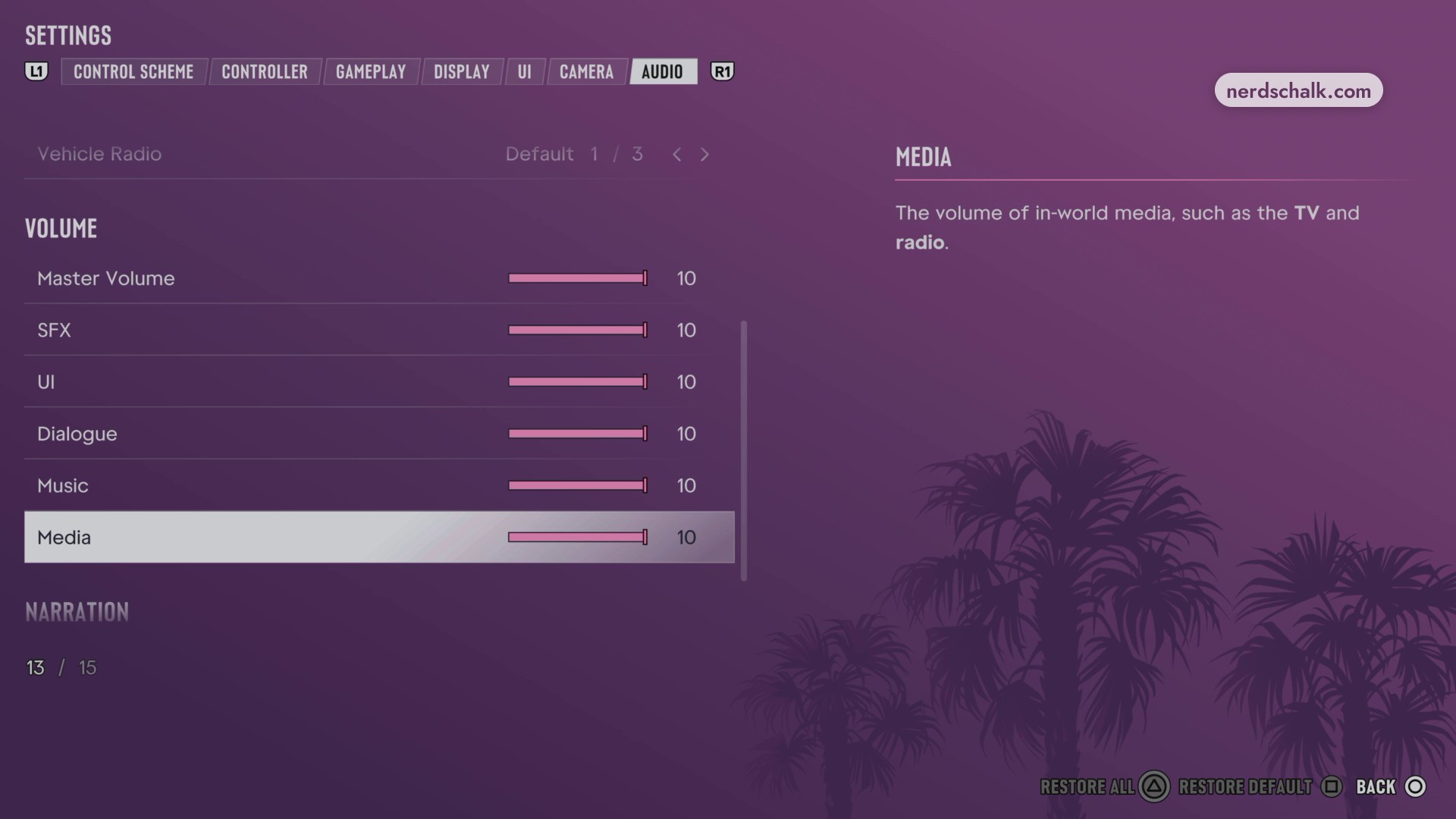
Scroll through Master Volume, SFX, UI, Dialogue, Music, and Media.
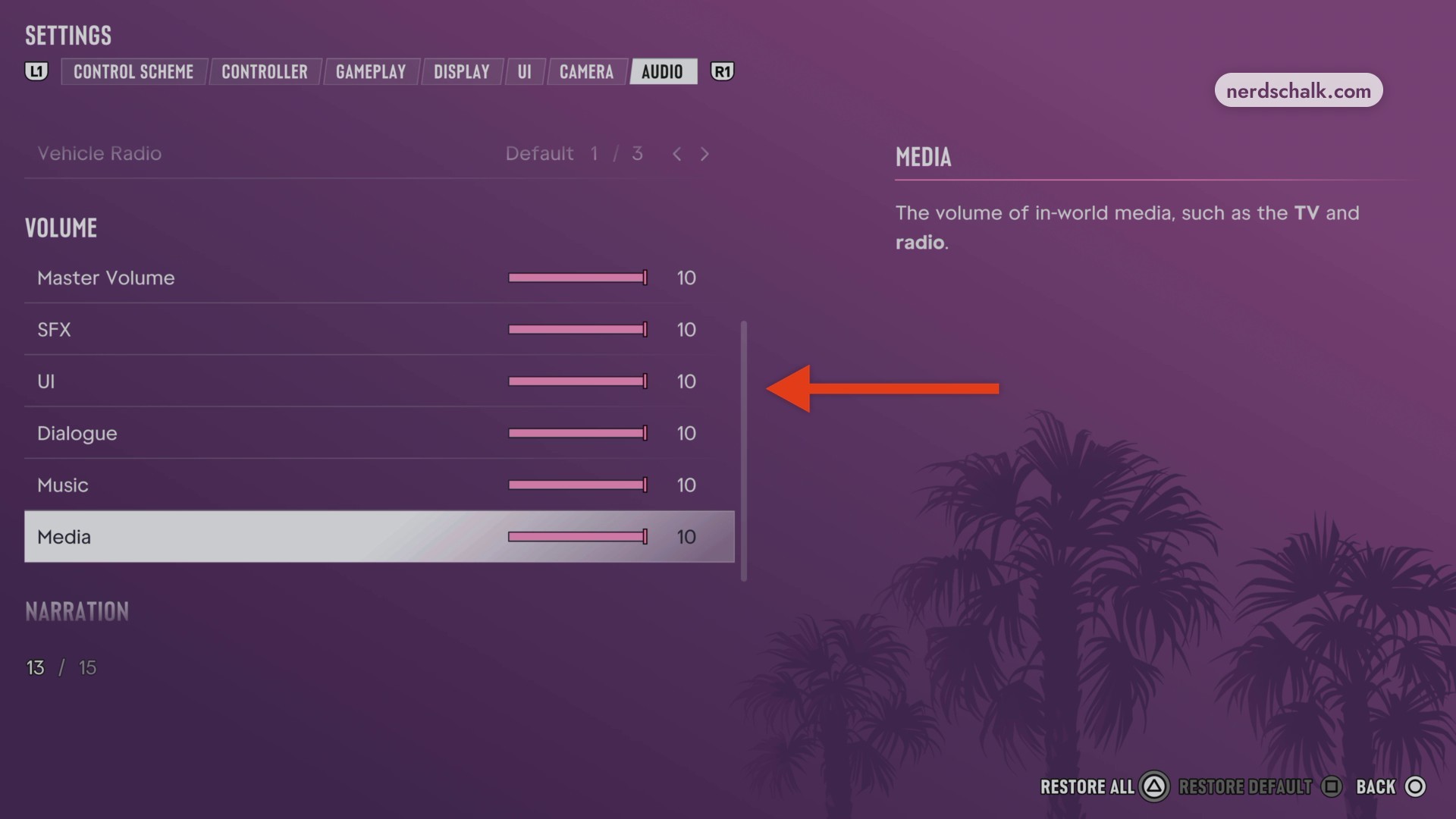
The menu also displays the controls RESTORE ALL, RESTORE DEFAULT, and BACK.
What do the individual audio settings do?
| Setting | Choices and displayed value | Description |
|---|---|---|
| Mono Audio | On or Off. | Balances audio equally across the left and right channels. |
| Tinnitus Reduction | Displayed: Off. | Reduces the ringing that follows explosions. |
| Controller Speaker | Displayed: On. | Plays cop radio, phone, GPS, and some mini game audio through the controller speaker. |
| Controller Cop Scanner | On or Off. | Plays cop scanner audio through the controller speaker. |
| GPS Voice | Displayed: Off, with a 4 / 4 selection indicator. | Chooses the audio type used for GPS directions while driving. |
| Mute Licensed Music | Displayed: Off. | Mutes licensed music. Music captions remain visible when captions are enabled and licensed music is muted. |
| Vehicle Radio | Default, On, or Off. Default displays 1 / 3; On displays 2 / 3. | Controls radio behavior when you enter a vehicle. On starts the radio upon entry. Default automatically resumes the radio if the previous driver was listening to it. |
Your listening setup matters when choosing Controller Speaker.
For ringing after explosions, use Tinnitus Reduction.
What do the Volume sliders control?
| Setting | Displayed value | Description |
|---|---|---|
| Master Volume | 10. | |
| SFX | 10. | Controls the volume of all sound effects. |
| UI | 10. | |
| Dialogue | 10. | Controls dialogue volume. |
| Music | 10. | |
| Media | 10. | Controls the volume of in-world media, including TV and radio. |
With Media selected, you can read its volume description.
What do Screen Narration and Audio Descriptions do?
| Setting | Displayed value | Description |
|---|---|---|
| Screen Narration | Off. | Reads on-screen text aloud across most menus and UI. |
| Audio Descriptions | Off. | Provides spoken descriptions for cutscenes. |
Language support is shared across both Narration options.
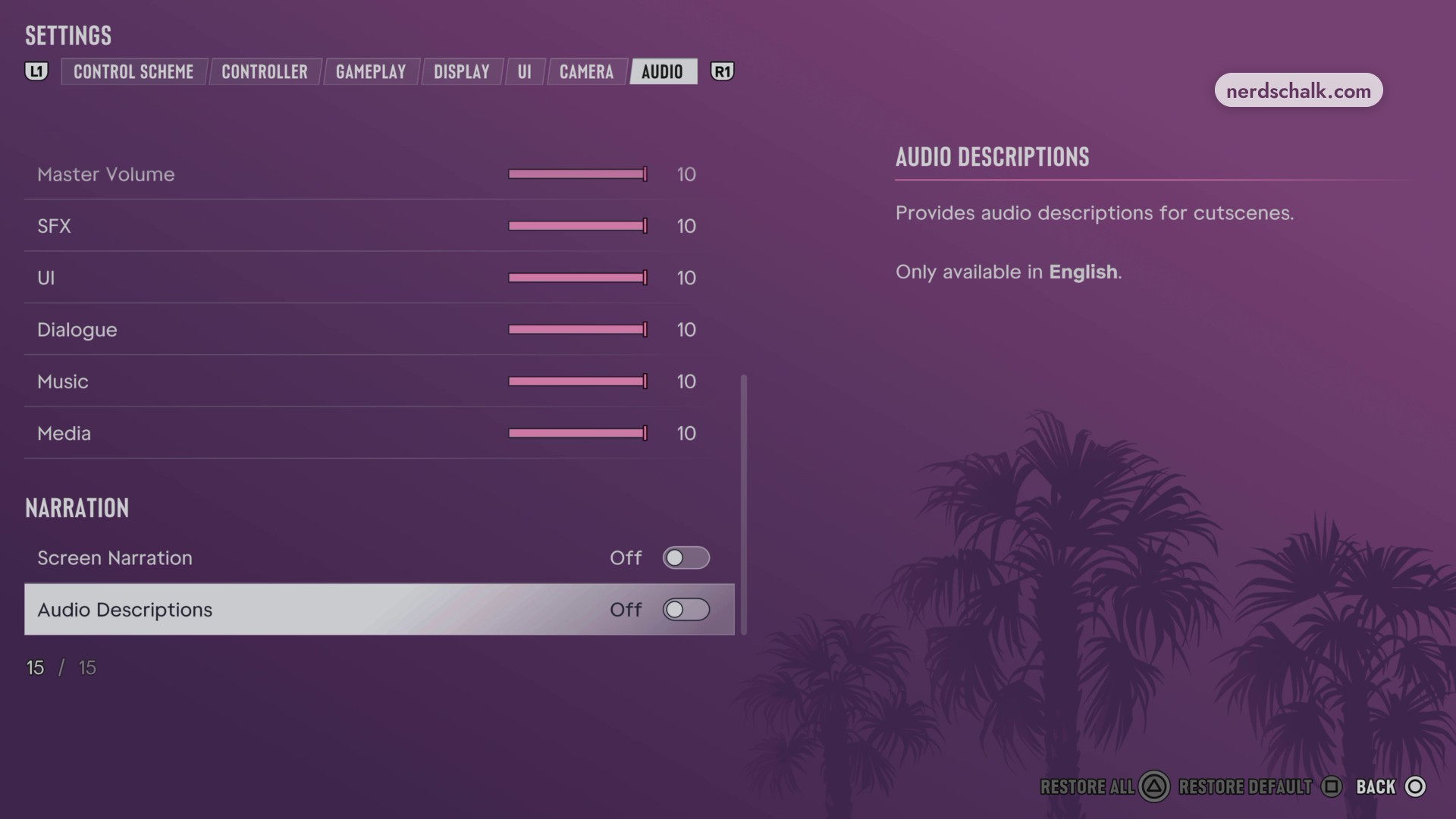
Choose Screen Narration for menu and UI text, or Audio Descriptions for cutscenes.
Related Grand Theft Auto VI guides
Leave a Reply