

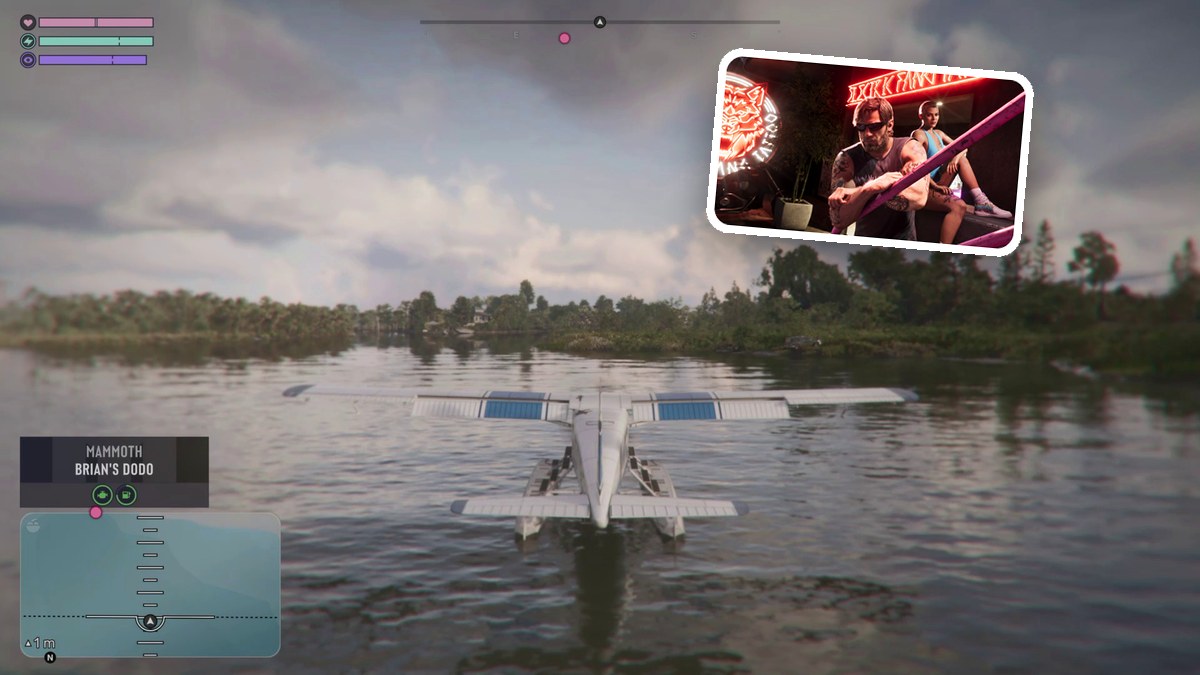
To land Brian’s Dodo, approach the dock’s calm inlet, gradually reduce the throttle, and gently settle the floats onto open water.
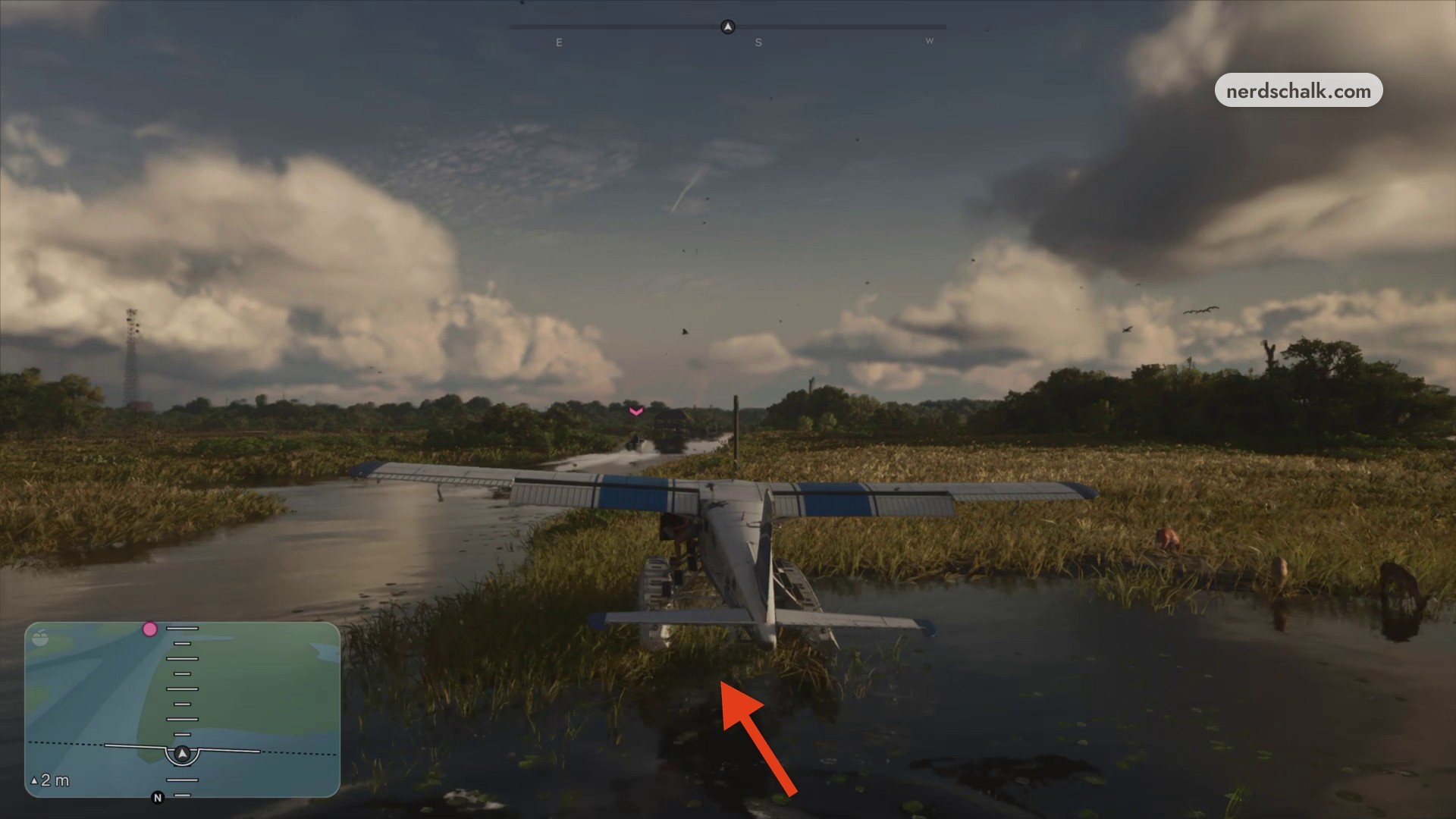
A low approach over the water in Grand Theft Auto VI can end with the seaplane hitting a grassy bank. When the aircraft stops on land after the collision, mission failure begins.
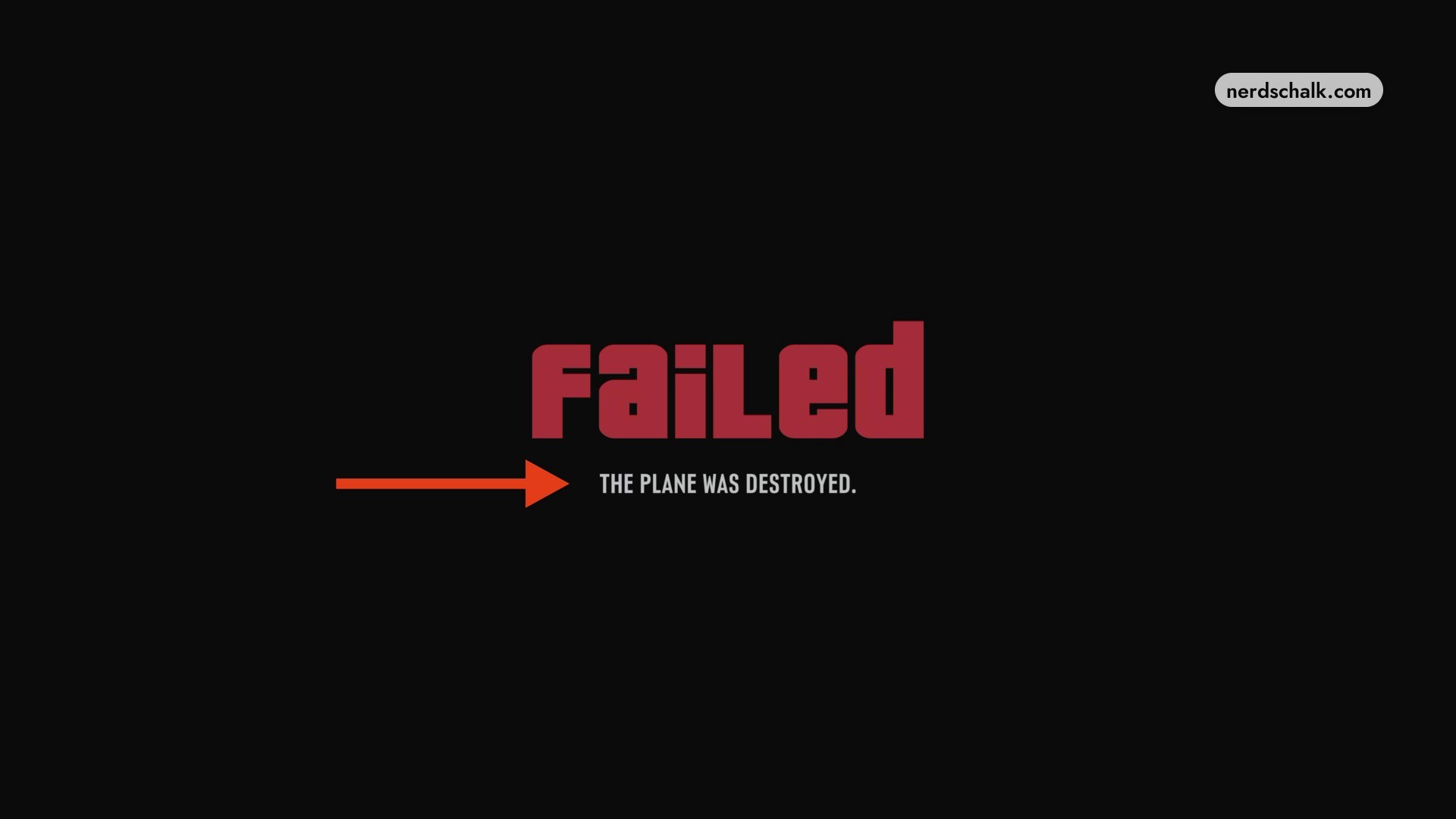
The failure screen reads THE PLANE WAS DESTROYED. This guide covers the takeoff, boat approach and return flight, ending with the water landing near the dock. Coverage stops at the Land near the dock objective.
The game’s listed platforms are PlayStation 5 and Xbox Series X|S.
How to land Brian’s seaplane in Grand Theft Auto VI
Restarting from this failure resumes aboard Brian’s Dodo on the water.
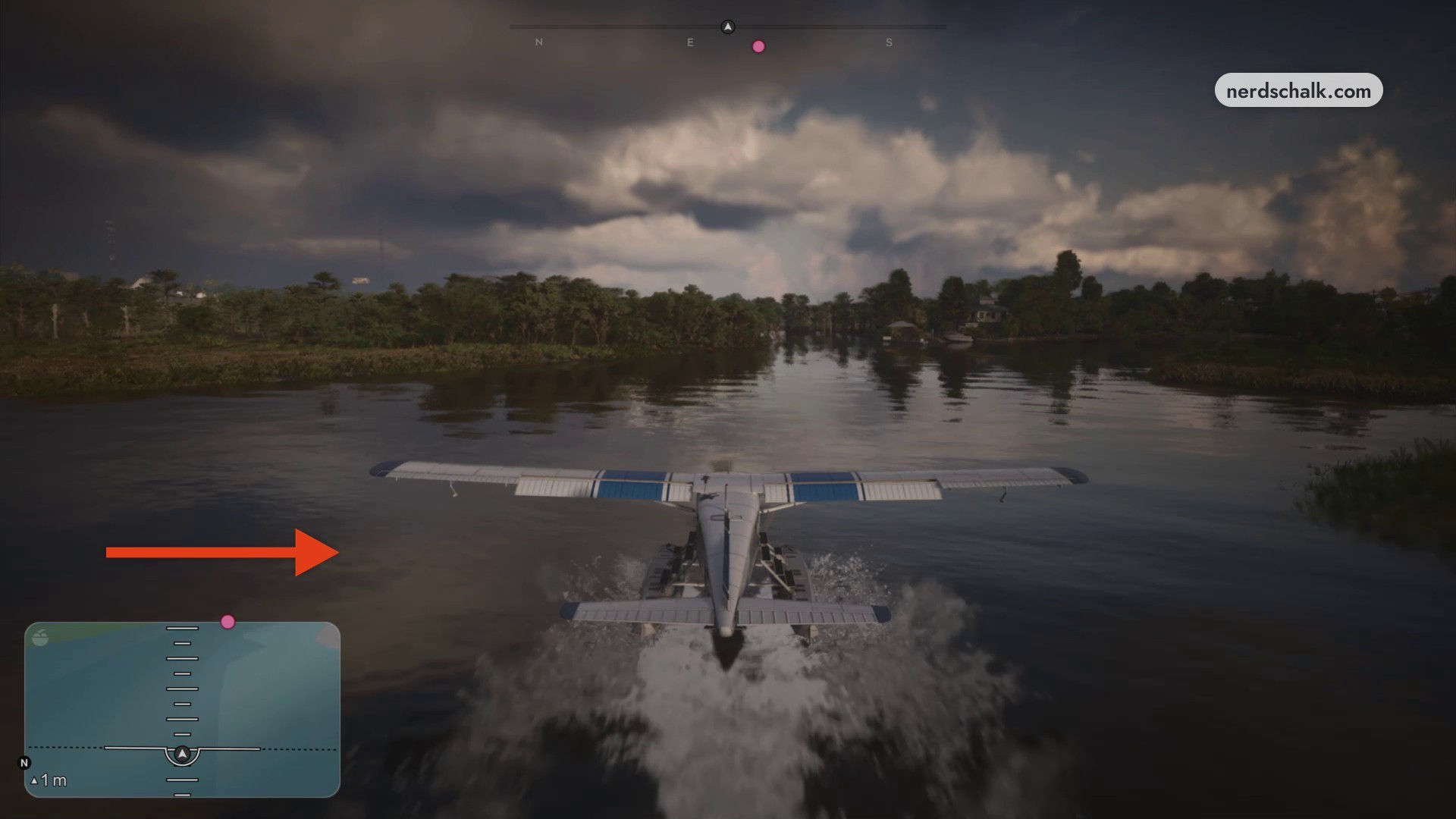
Take off from the water
Press R2 to accelerate Brian’s Dodo along the water. Once you’ve built sufficient speed, pull the left analog stick down to lift off.
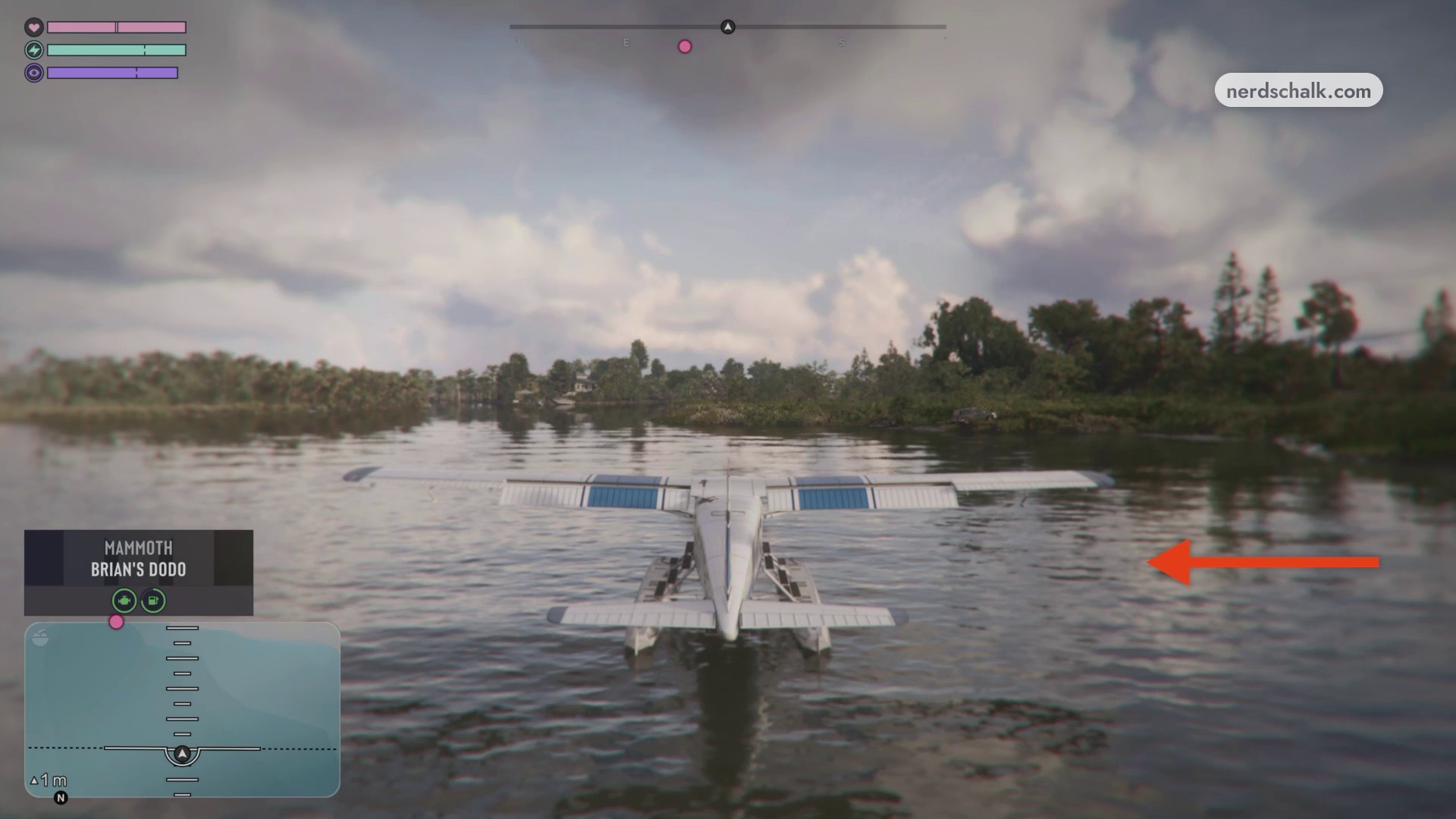
Continue the takeoff sequence as Brian’s Dodo moves along the waterway.
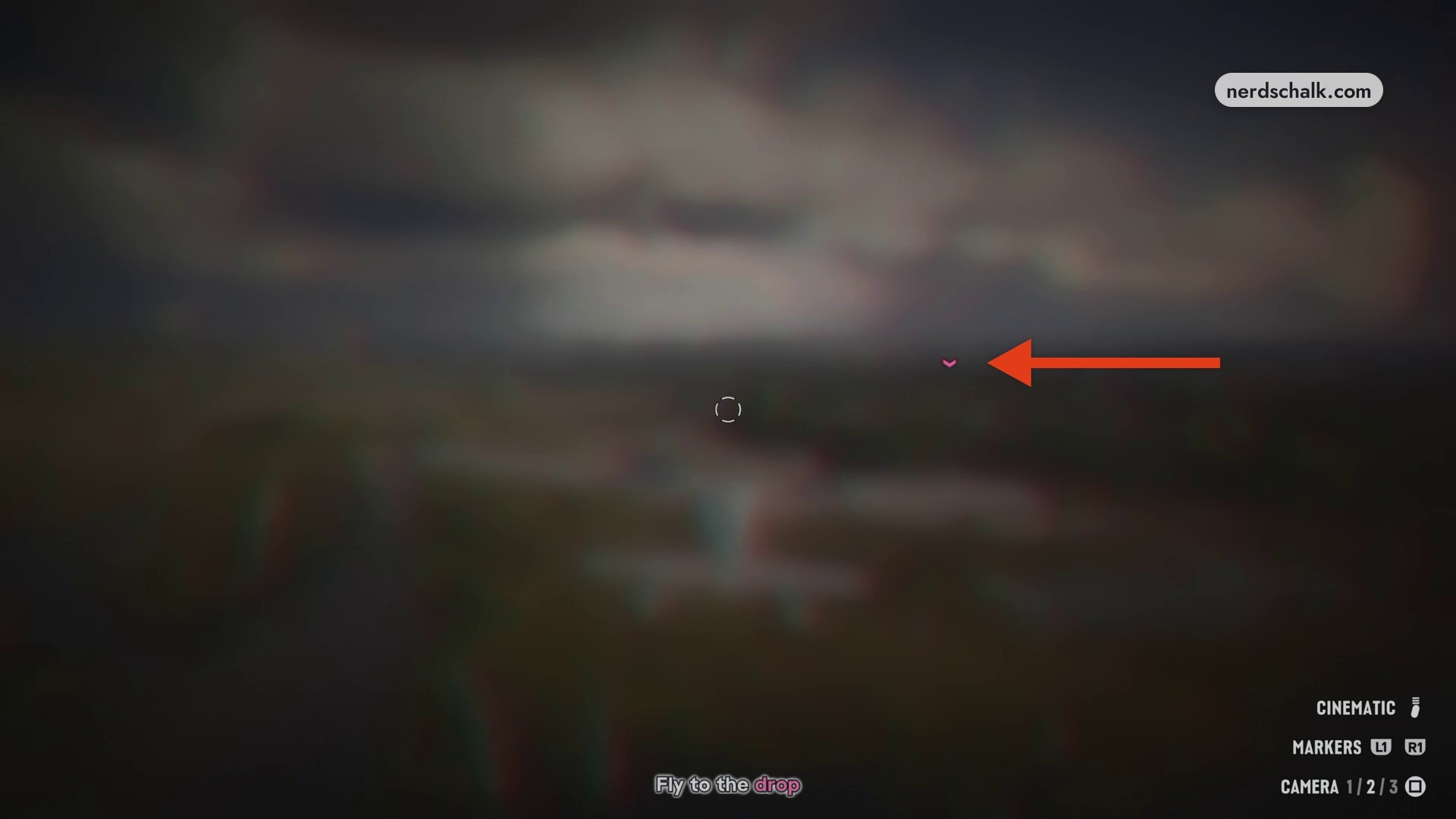
Fly toward the drop marker
With Fly to the drop active, follow the pink waypoint across the wetlands toward the drop zone. Maintain your altitude along the way.
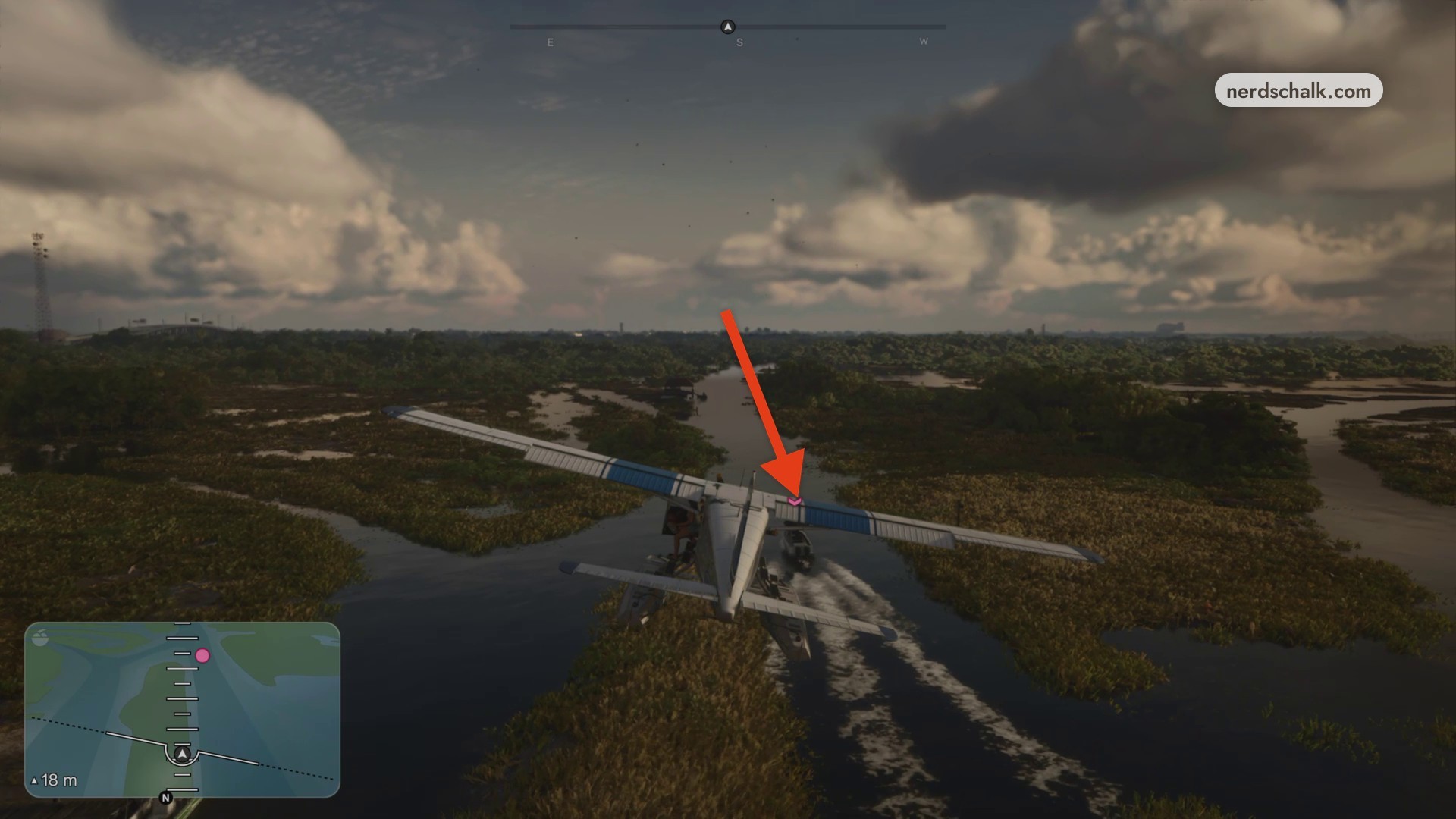
Bring the plane alongside the boat
Descend into the canal for Fly alongside the boat. Match the moving boat’s direction and position the plane parallel to it, using its pink objective indicator to identify the target in the water channel.
Follow the objective prompt and bring the plane alongside the target boat.
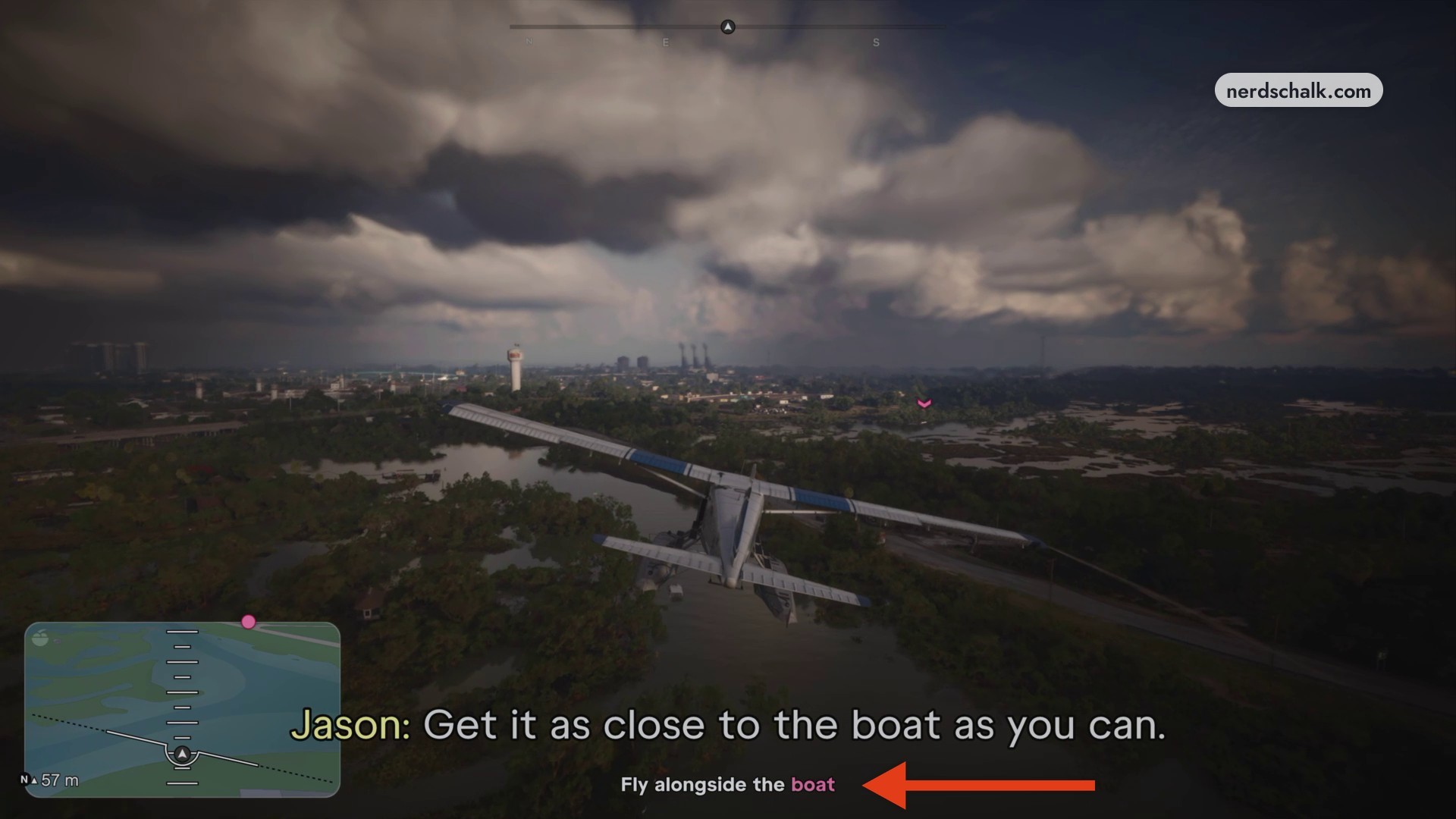
Return toward the dock waypoint
After the boat sequence, climb over the trees and cross the swamps toward the residential waterway marked on your radar. For Land near the dock, bank over the inlet toward the dock waypoint to set up your approach.
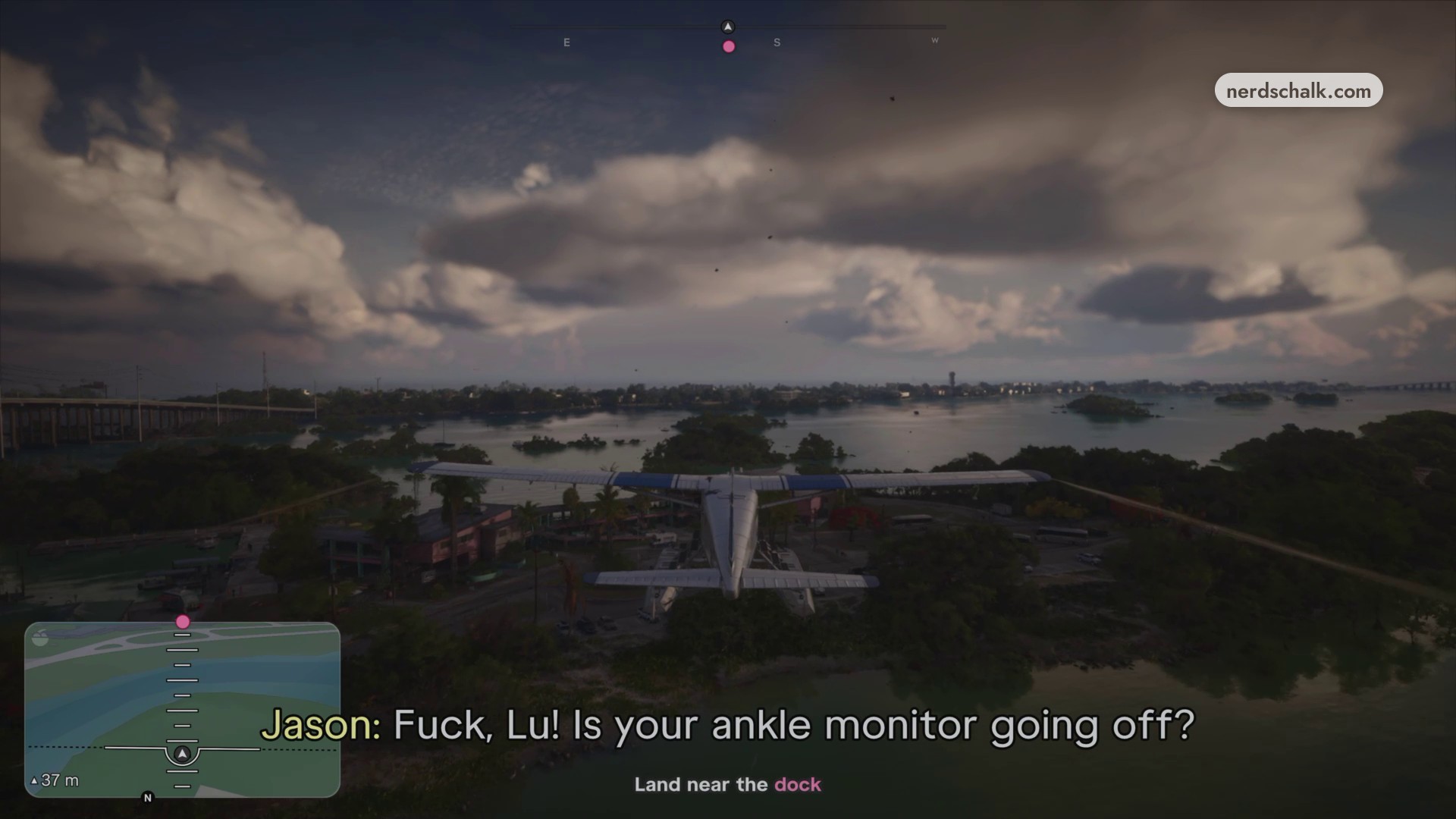
Follow the return route across the wetlands toward the coastal water.
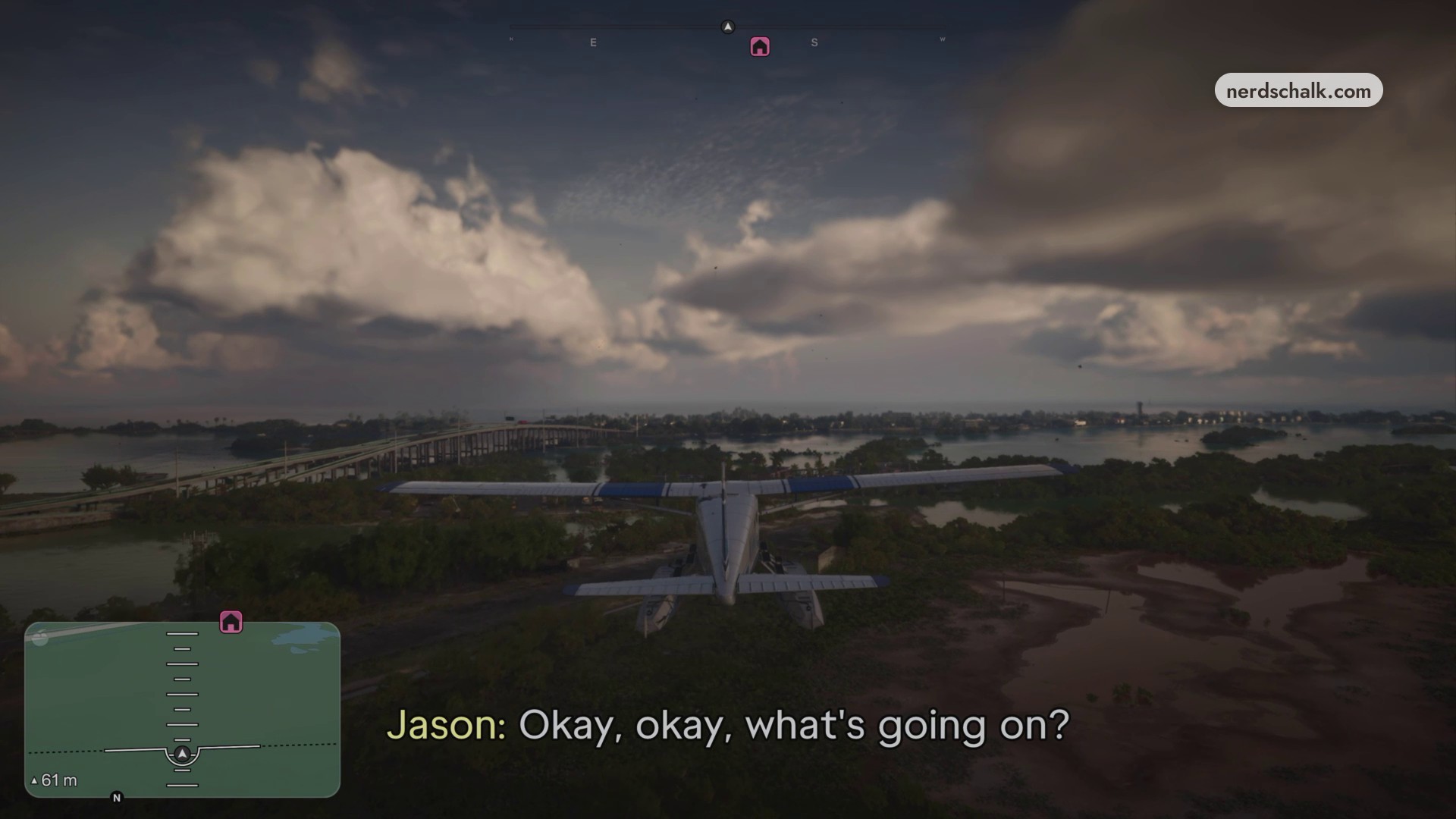
Set the floats down on open water
Approach the calm inlet beside the coastal houses and gradually reduce the throttle. Bring the floats gently onto the open water ahead of the dock.
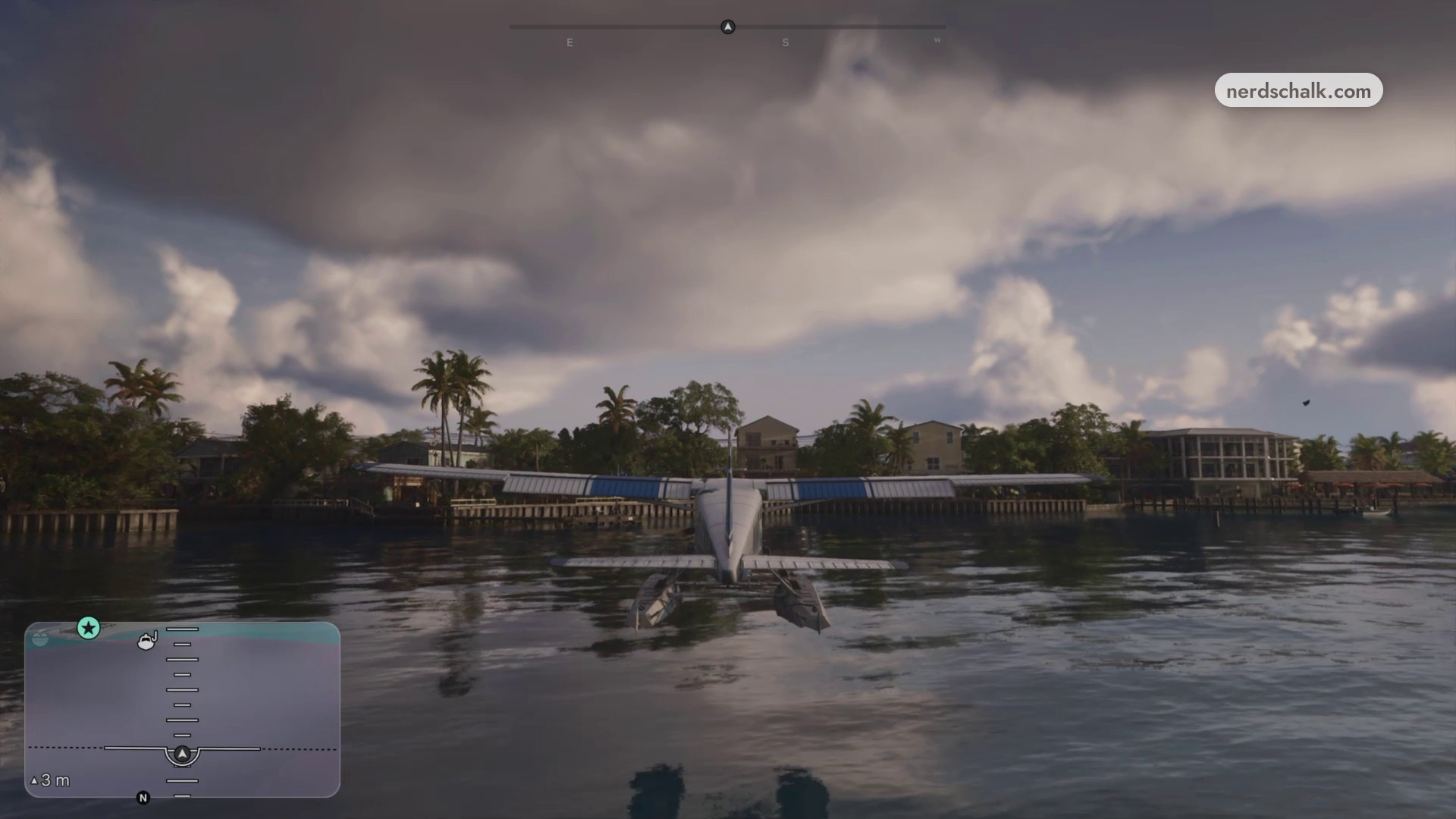
Use the calm water beside the coastal houses to line up the landing approach.
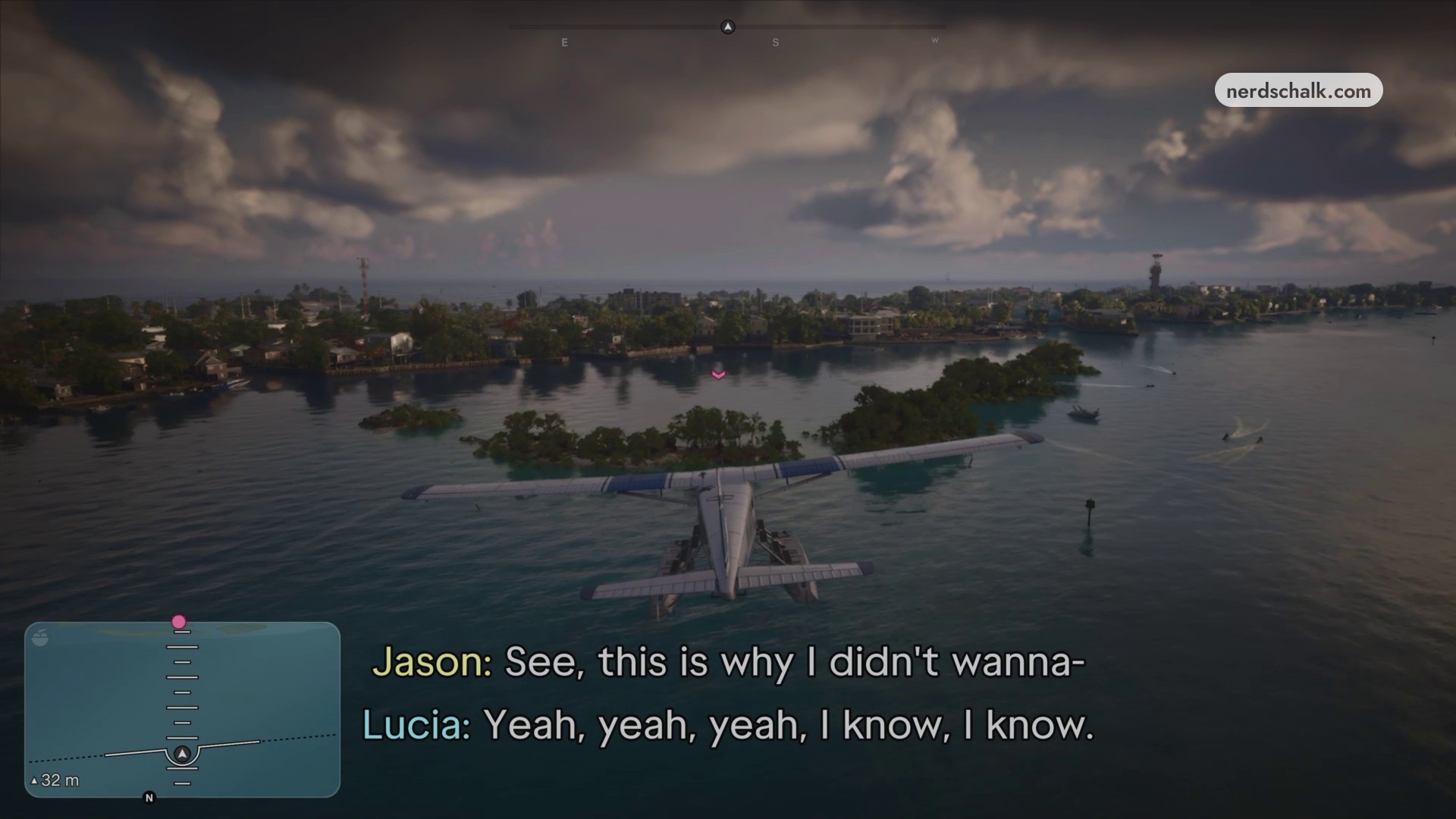
Your landing result is Brian’s Dodo floating on the water near the dock.
› story detailsSpoilers for the story. Open to read.
Lucia releases the contraband package through the plane door directly into the boat, with a cinematic showing the delivery as the aircraft passes above it.
Related Grand Theft Auto VI guides
Frequently Asked Questions
How do you change the camera while flying?
Press the Touchpad to cycle the camera, or press R3 to toggle cinematic view.

Leave a Reply