

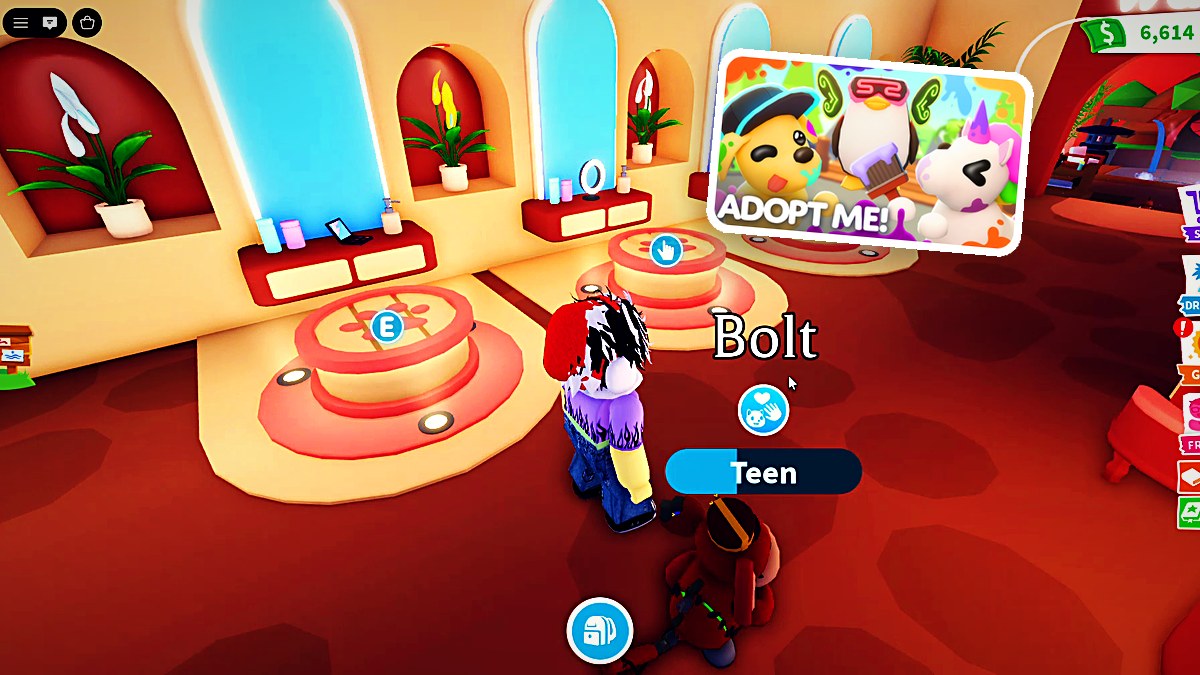
Adopt Me!’s Quality of Life update adds 25 Pet Paints and seven Mega Neon Paints, with pet recoloring available at the town’s Salon.
Pet Paints let you choose a different appearance for your pet through the Salon’s customization menu. This guide covers named paint options, paint prices, and the controls for applying and removing colors.
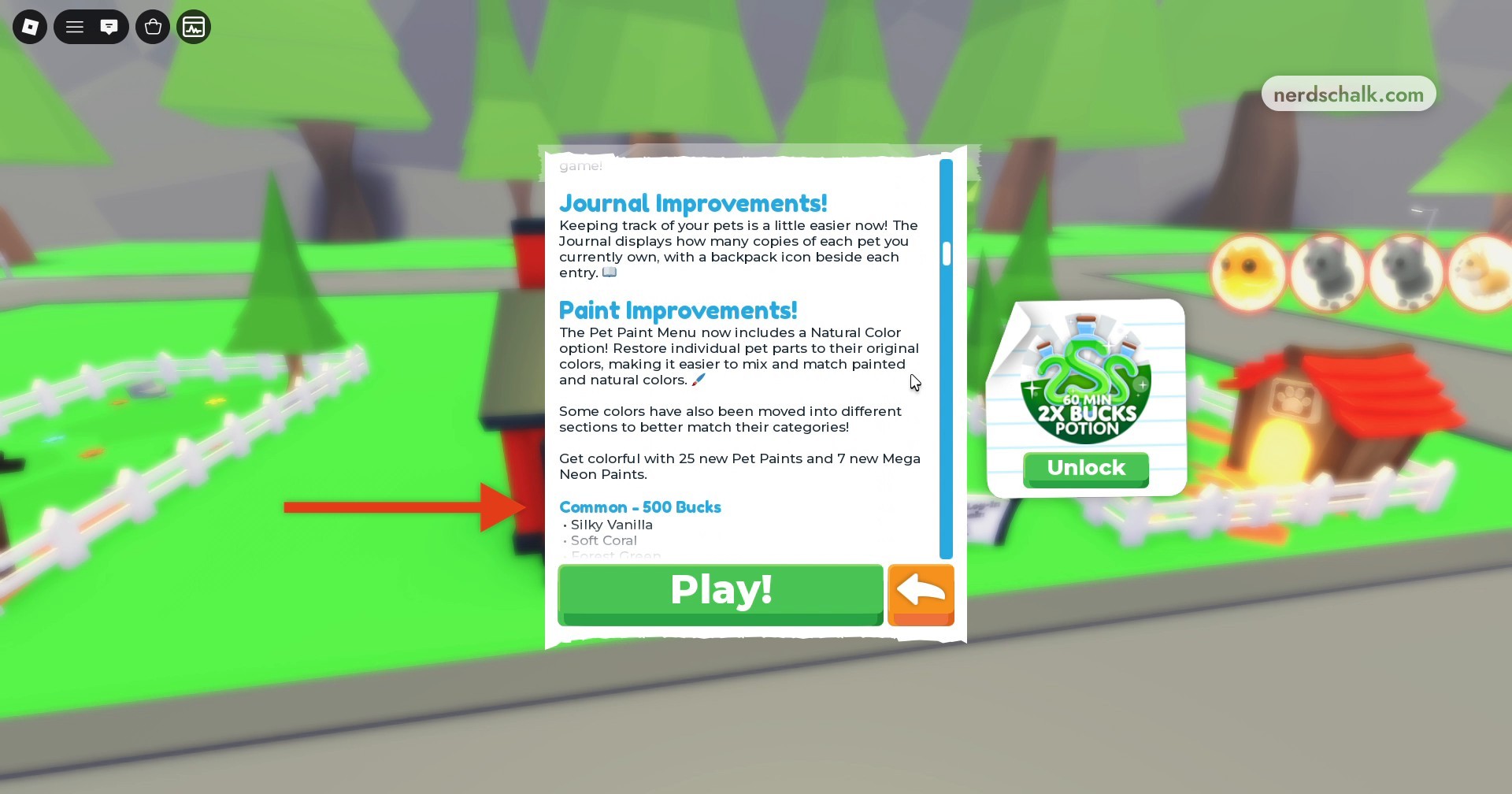
Alongside the paint changes, the update introduces building tools. A 2x Bucks Potion costs 27 Robux. The Journal displays your owned count for each pet, with a backpack icon alongside every entry.
The ADOPT ME NEW UPDATE! Roblox event runs from November 20, 2026, at 16:05 UTC through November 27, 2026, at 15:45 UTC.
How to change your pet’s colors in Adopt Me!
Read the paint patch notes
On the start screen, scroll through the Quality of Life patch notes to review the pet paint changes and prices before entering the game.
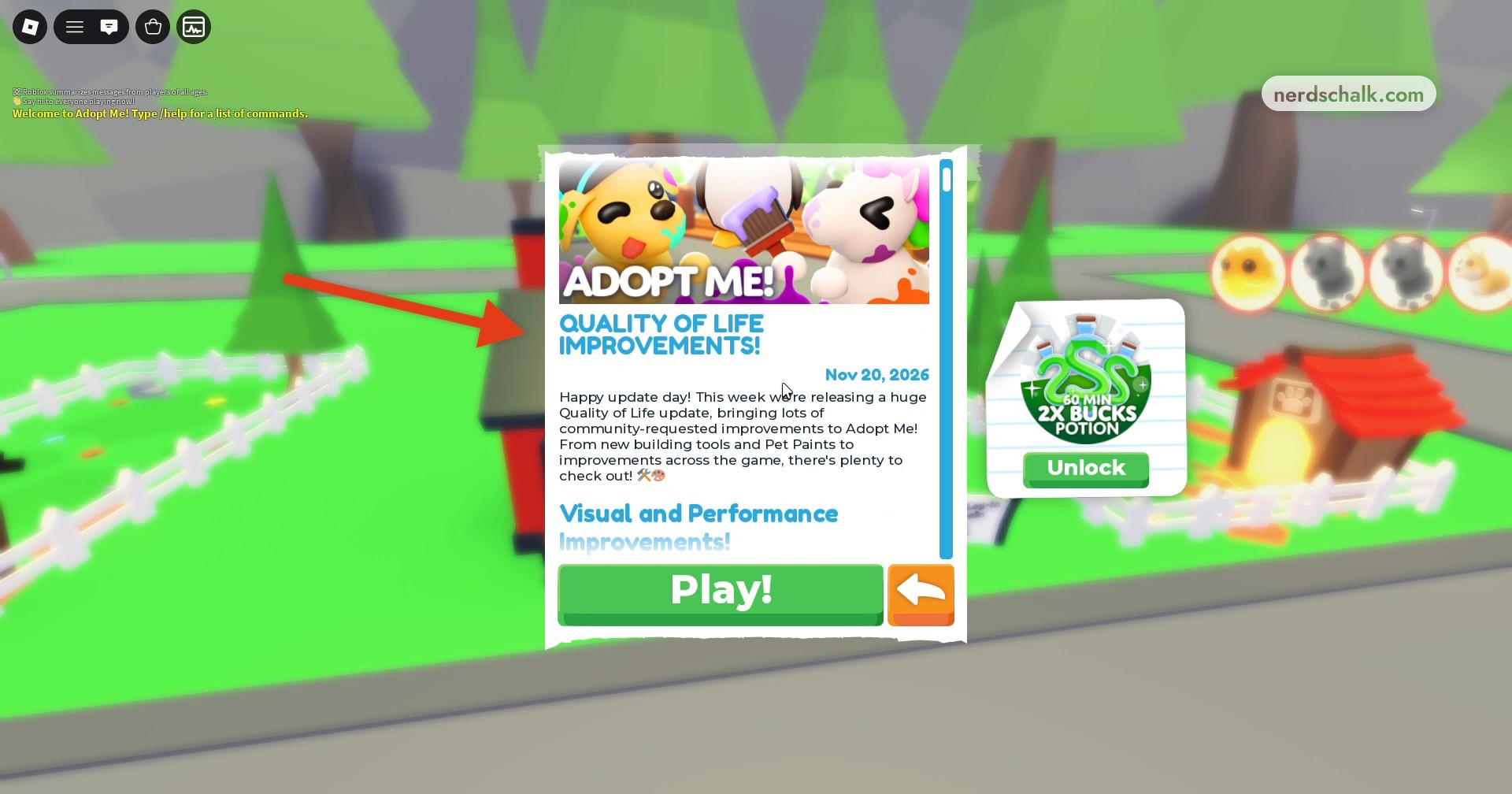
The announcement header identifies the Quality of Life update whose paint changes you’re reviewing.
Enter the game and claim rewards
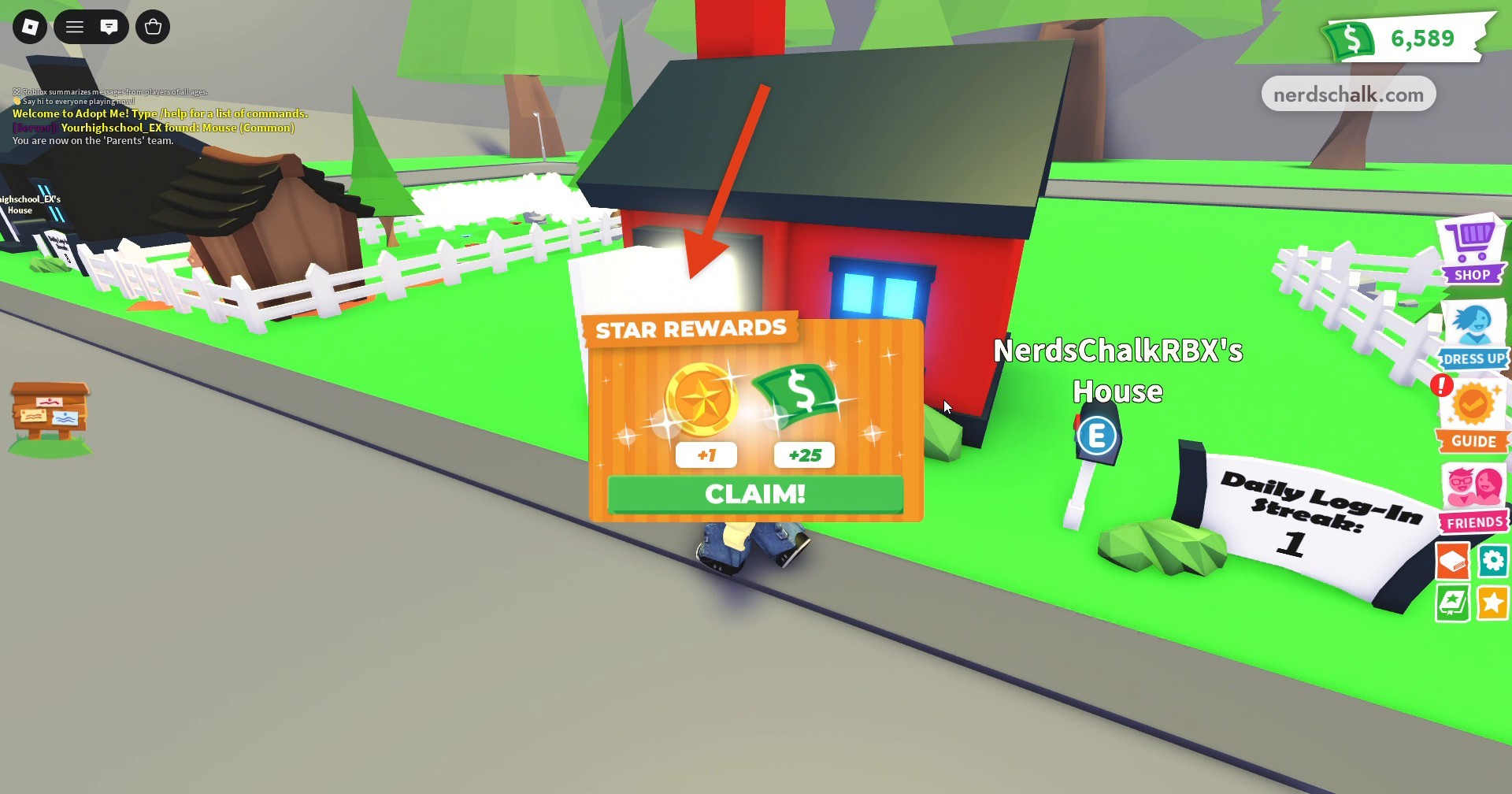
Select Play to enter the game. If a Star Rewards popup has a pending login reward, collect it.
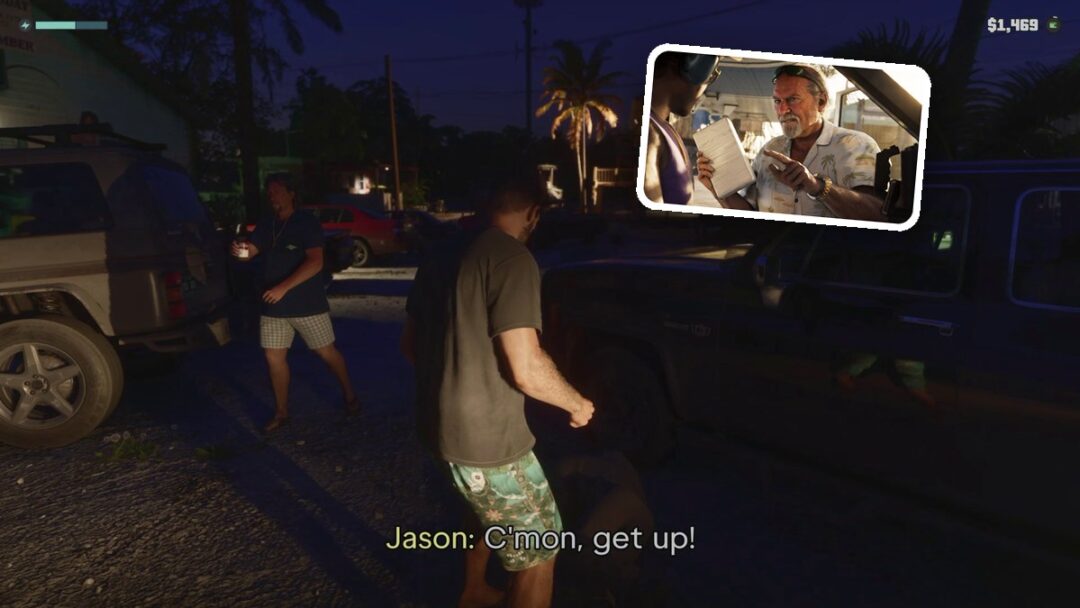
Leave your house if you’re indoors
Walk to your house’s front door and go outside to reach the neighborhood. If you’re already outside, continue from there.
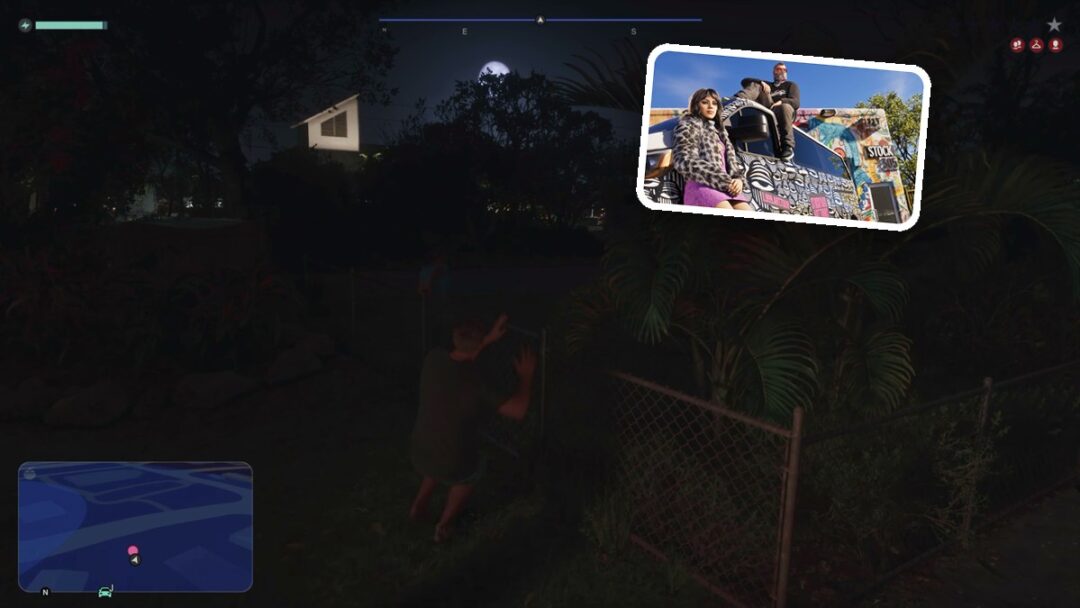
Outside the house, head toward the neighborhood exit tunnel.
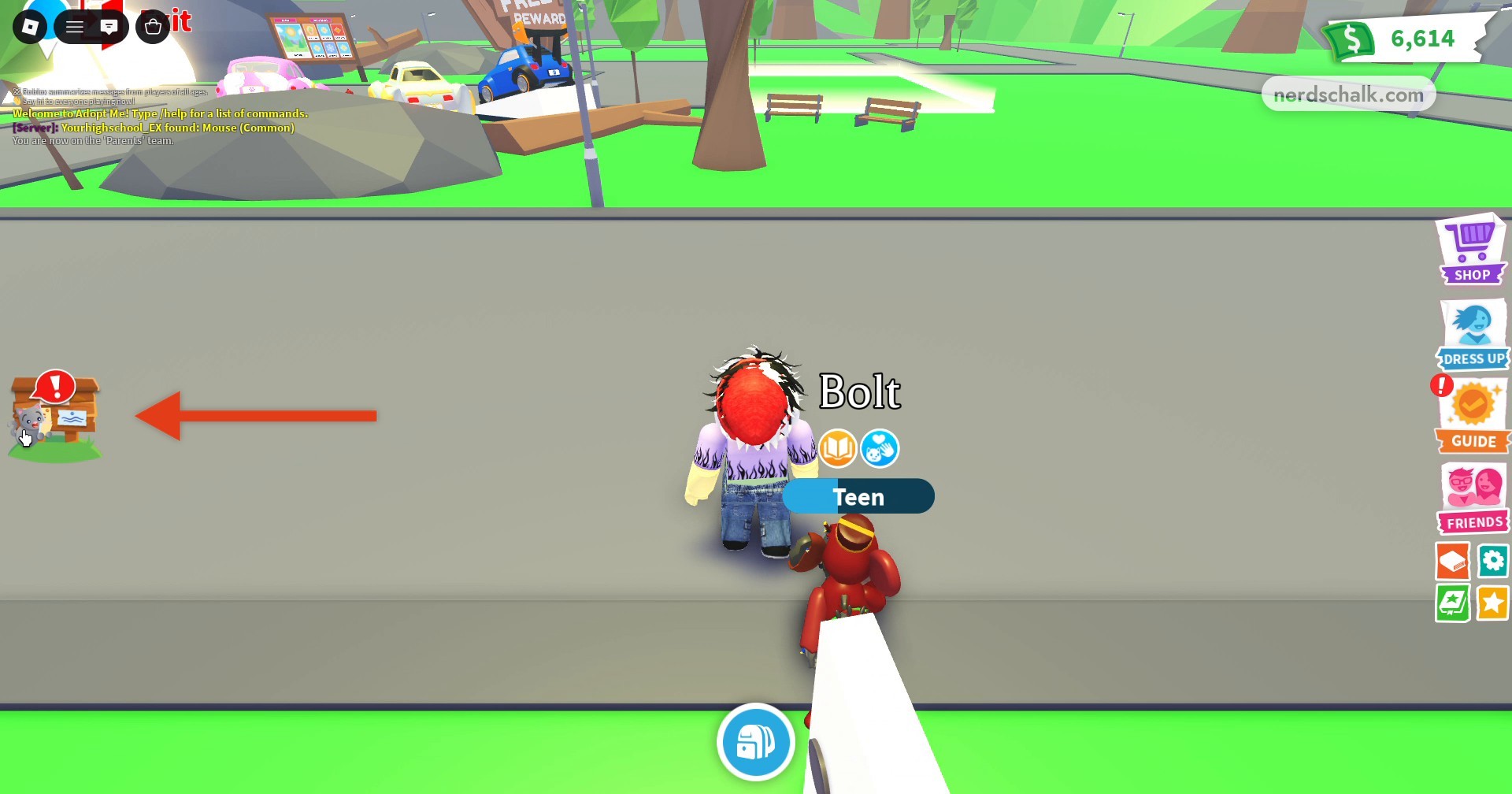
Travel into town and enter the Salon
Take the tunnel at the neighborhood exit into the main town, then enter the Salon to reach its styling pedestals.
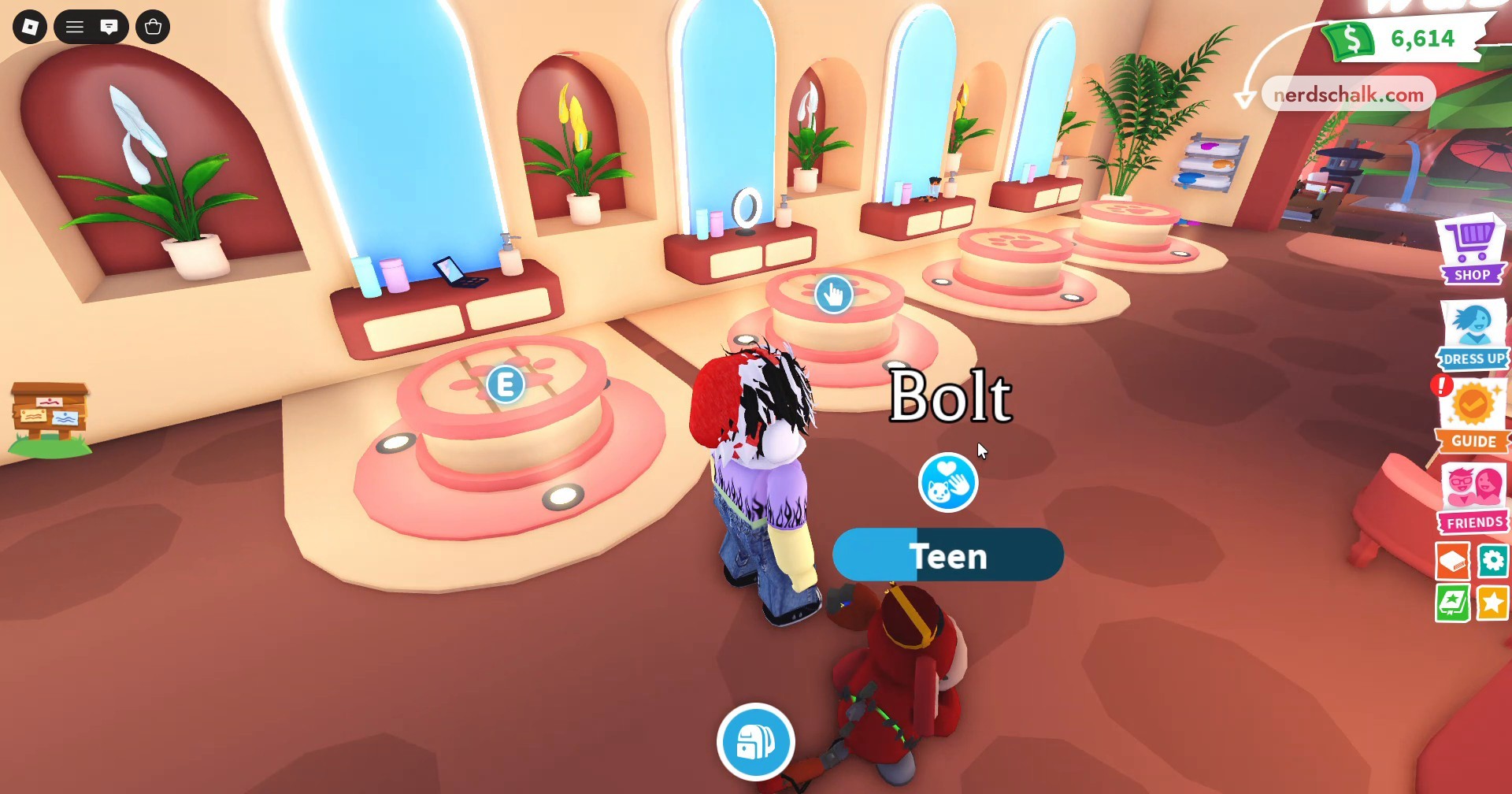
Place your pet in a styling booth
At a circular pedestal, choose Paint Pet to place your pet in the styling booth and begin customizing it.
Open the paint catalogue
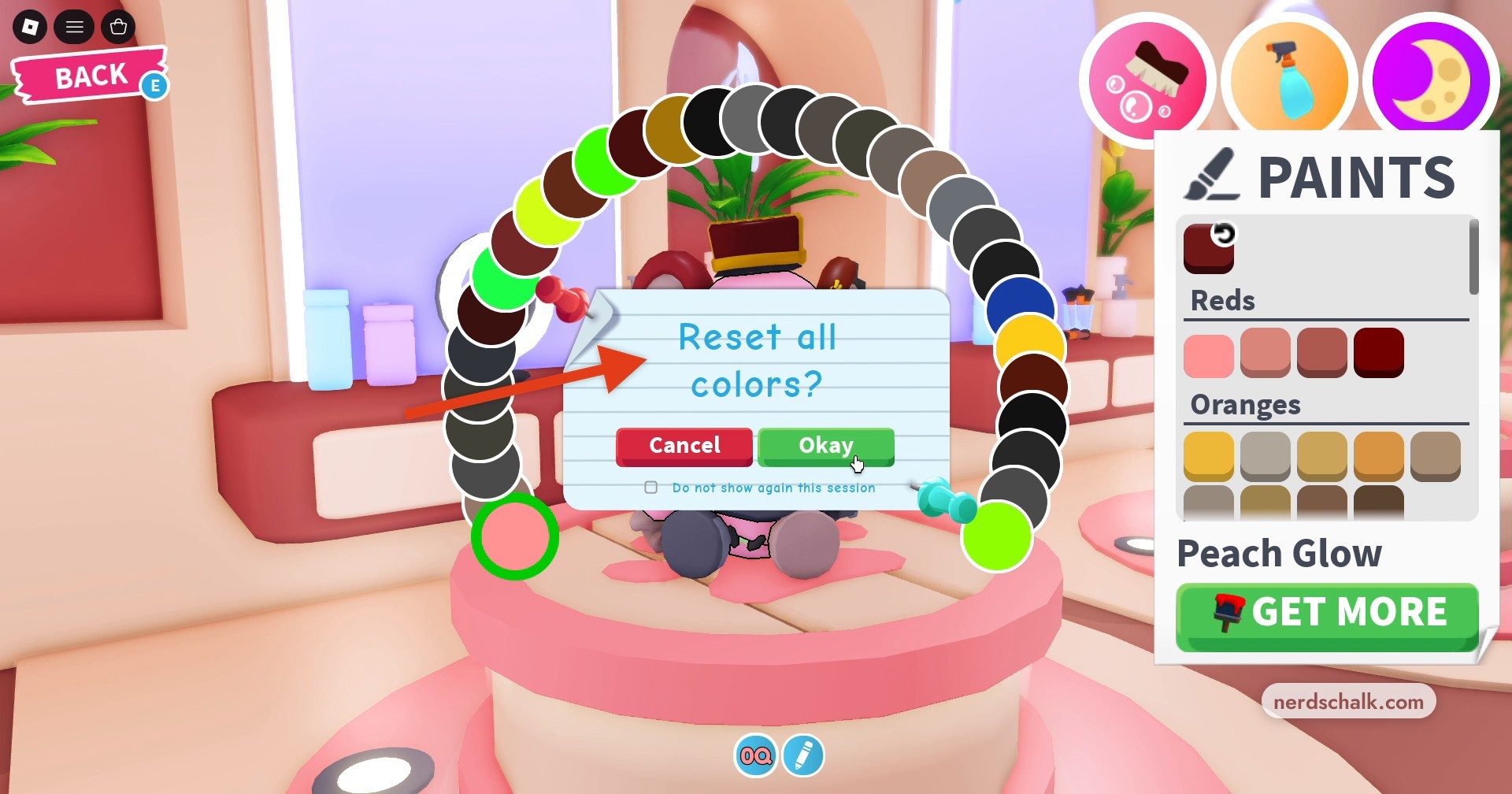
Select the segment for the red part on the pet wheel. The PAINTS panel includes Reds, Oranges, and Default Color; select GET MORE to open GET PAINTS, where categories include Cyans, Purples, Pinks, and Neutrals.
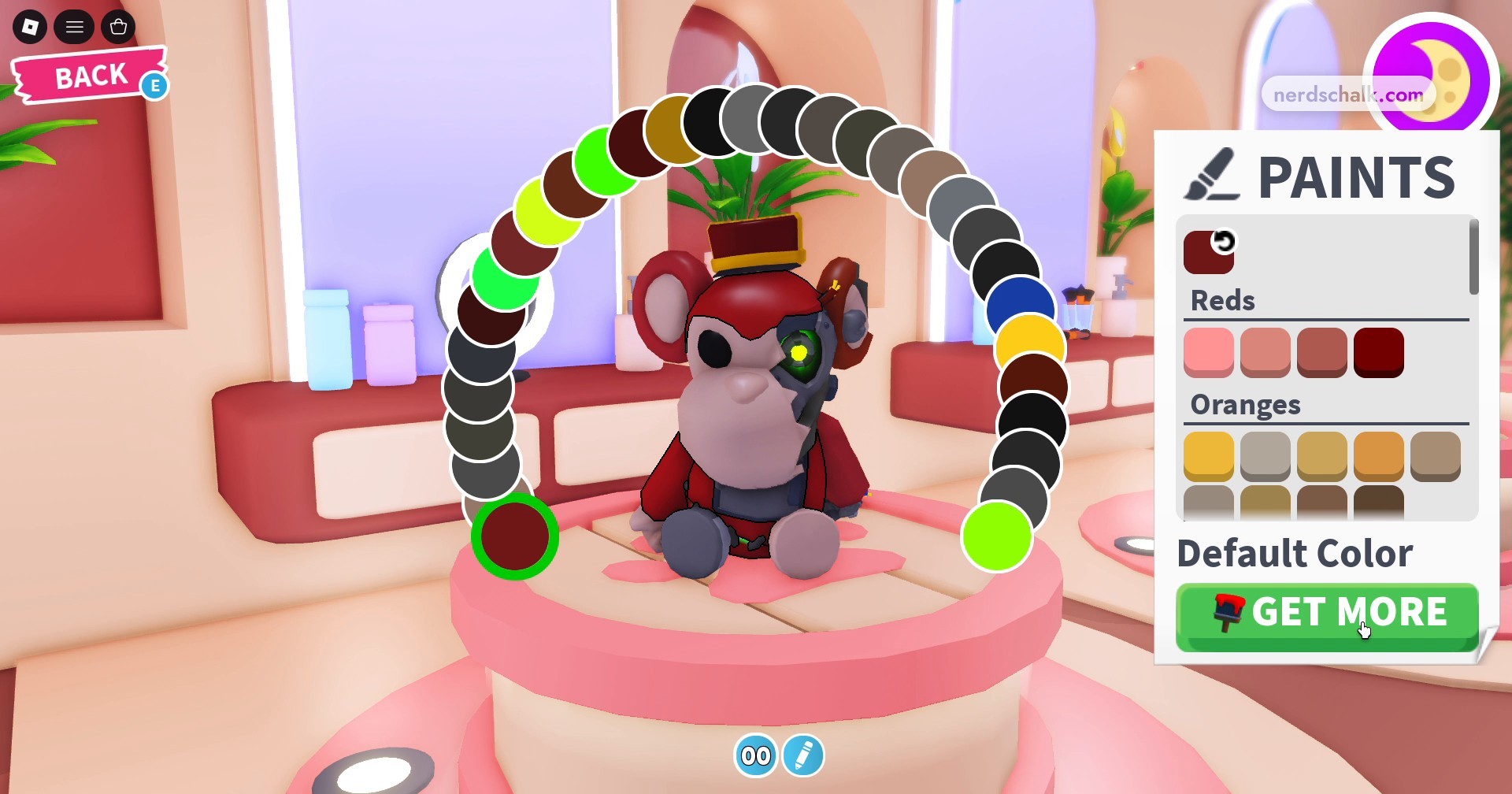
Choose a shade to buy or apply
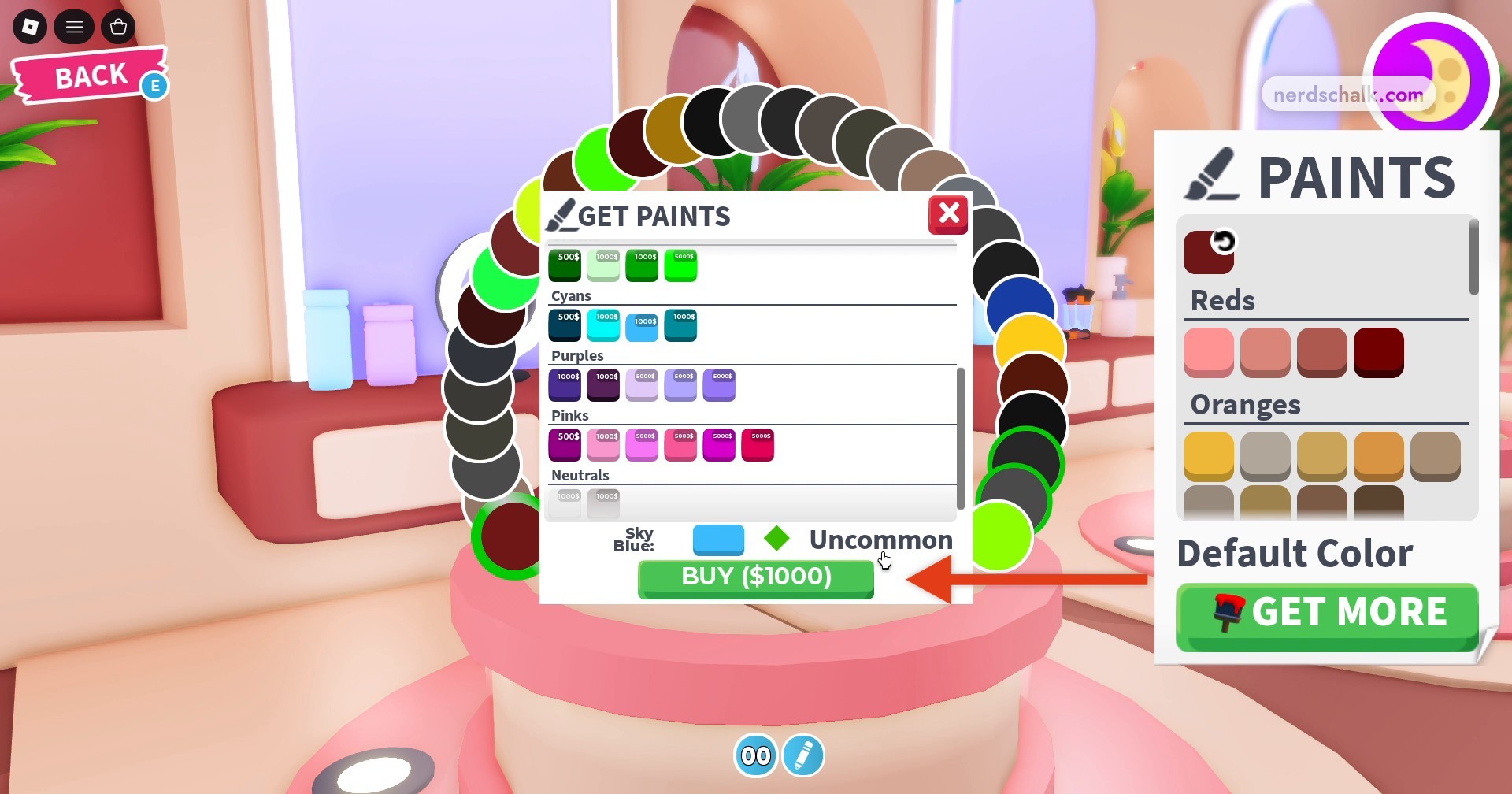
Select a shade in the catalogue to see its tier and price before purchasing. You can also choose a shade you already own from the side panel to apply it to the selected part.
Reset all painted colors
When you want to restore your pet’s natural colors, select the sponge button in the upper-right corner. At Reset all colors?, choose Okay to remove the paint. The popup also offers Cancel and an option labeled Do not show again this session.
What pet paint colors and prices are available?
| Paint tier and named shades | Price |
|---|---|
| Common — Silky Vanilla, Soft Coral, Forest Green | 500 Bucks |
| Uncommon — Sky Blue | 1,000 Bucks; Sky Blue purchase button: BUY ($1000) |
| Rare | 5,000 Bucks |
| Mega Neon | 49 Robux |
The paint selection includes Silky Vanilla, Soft Coral, and Forest Green. Some colors have also moved between menu sections to better match their categories.
Peach Glow is another selectable customization color, giving your pet a pink appearance. Choose the painted look you want for your pet, whether that’s a new shade or one you already own.
Related Adopt Me! guides

Leave a Reply