

QUICK ANSWER
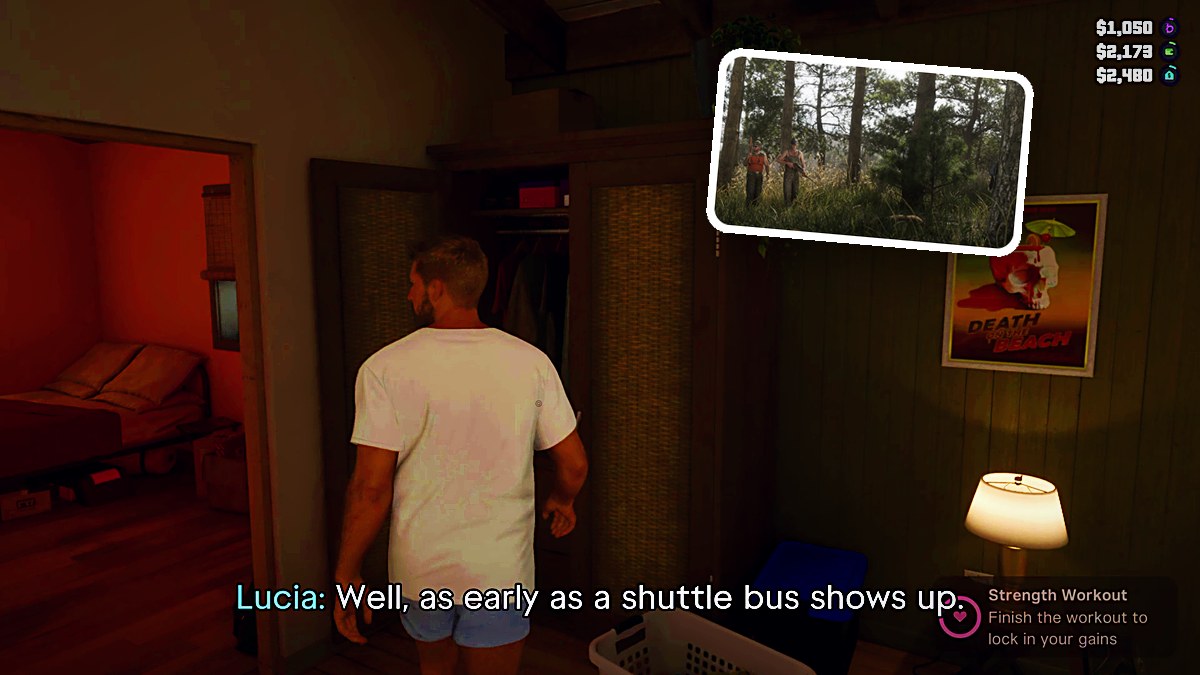
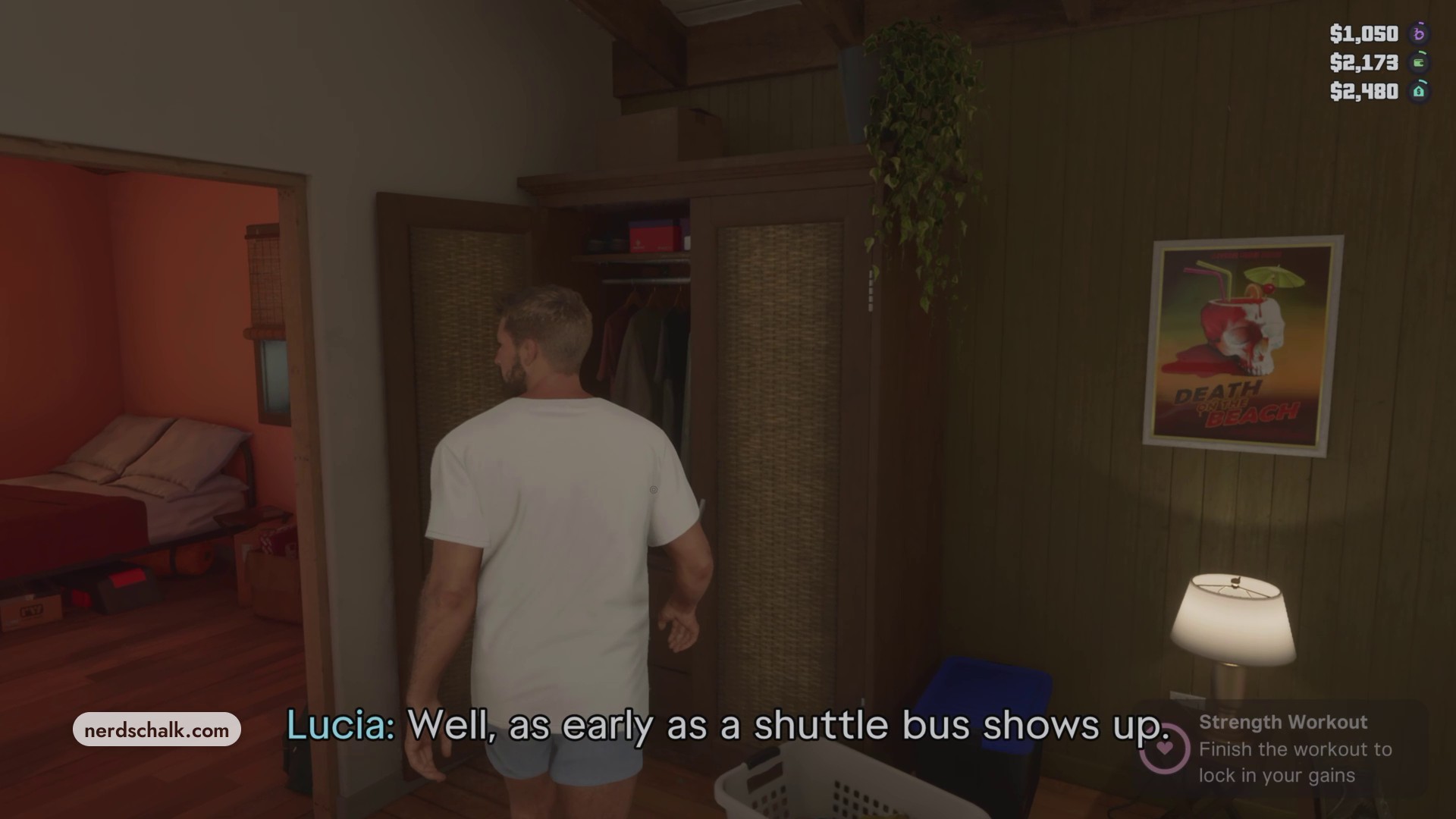
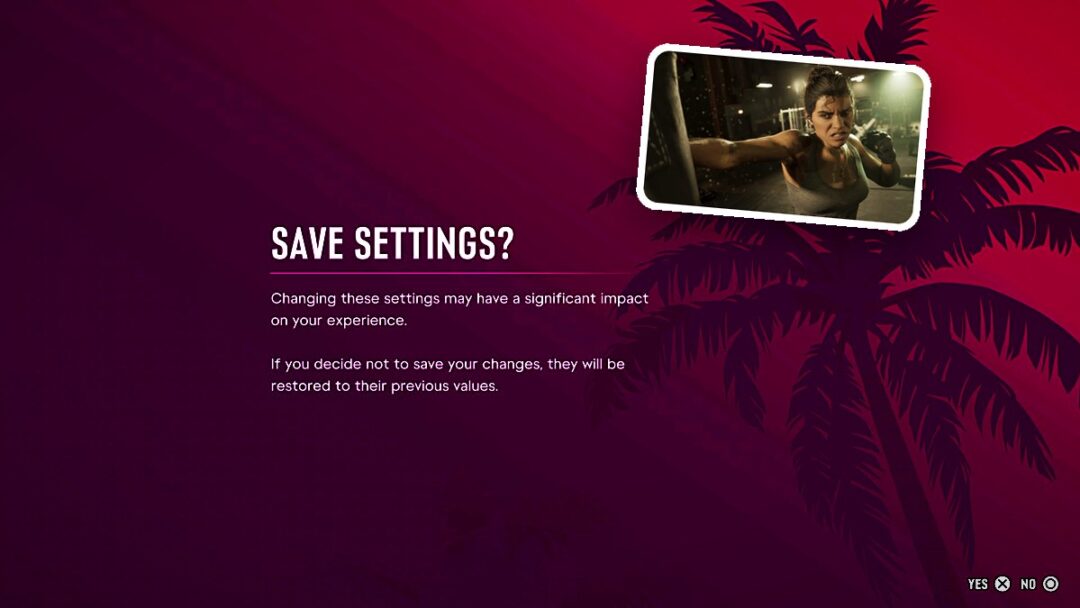
Open the wardrobe inside the house and select YES (X) when asked to save your found eyewear.
Open the wardrobe inside the house and select YES (X) when asked to save your found eyewear.
Your wardrobe in Grand Theft Auto VI lets you store found eyewear to keep it. Look for the WARDROBE interaction prompt when you approach it. The game is listed for PlayStation 5, alongside Xbox Series X|S.
characterJasonlocationWooden wardrobe in the house’s bedroomwhat you needFound eyewear
How to save found eyewear to your wardrobe in Grand Theft Auto VI
The wardrobe presents a save choice for your found eyewear. Accept it to add the eyewear to your wardrobe.
Don’t miss thisFound eyewear can be lost unless you save itSave your found eyewear in the wardrobe to keep it.
STEP 1
Access the wardrobe
Walk along the porch and enter the house, then cross the living room toward the bedroom’s wooden wardrobe. Approach it and press its interaction button. At the save prompt, select YES (X) to save your eyewear, or NO (O) to decline. After confirming, browse the wardrobe categories and open Saved Outfits.
Related Grand Theft Auto VI guides

Leave a Reply