

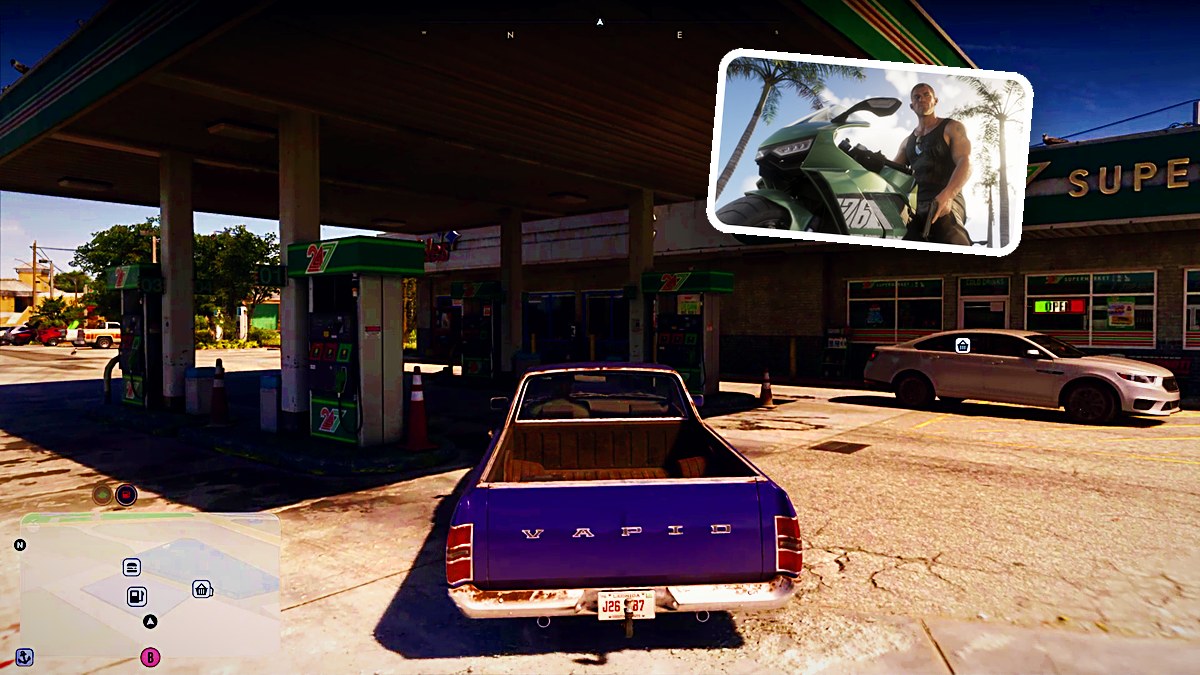
QUICK ANSWER
At a 24/7 gas station pump, open Services with Right on the D-Pad, then press Square to select Repair for the listed $136 fee.
At a 24/7 gas station pump, open Services with Right on the D-Pad, then press Square to select Repair for the listed $136 fee.
In Grand Theft Auto VI, the gas station pump’s Services menu handles fuel and repairs. The game’s platforms are PlayStation 5 and Xbox Series X|S. This guide covers the pump interaction and repair charge using PlayStation button labels.
location24/7 gas station pump bayopen servicesRight on the D-PadrepairSquare; listed fee $136
How to repair your car at a gas station in Grand Theft Auto VI
STEP 1
Drive to a 24/7 gas station
Take your damaged vehicle into the station’s pump bay.
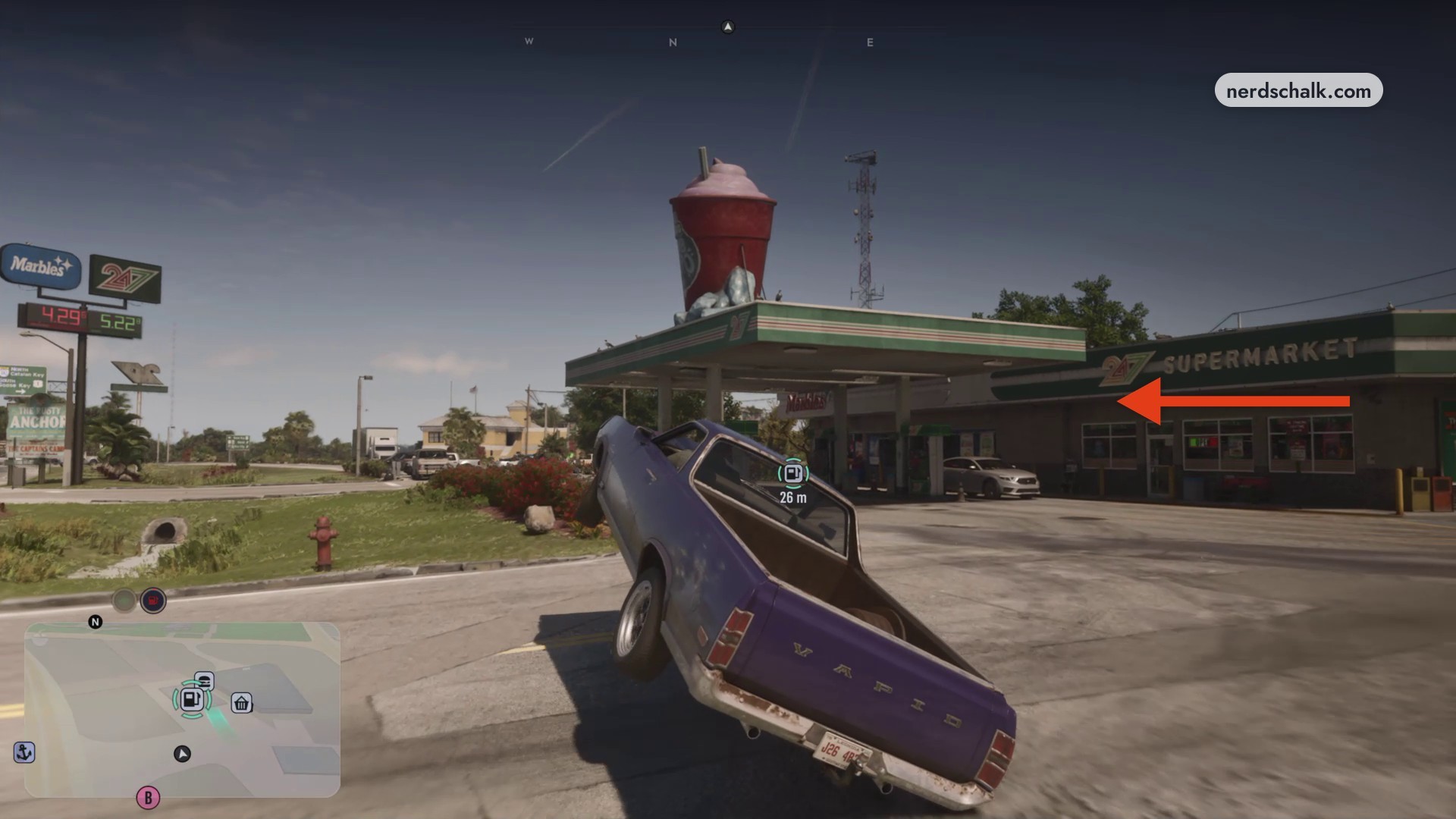
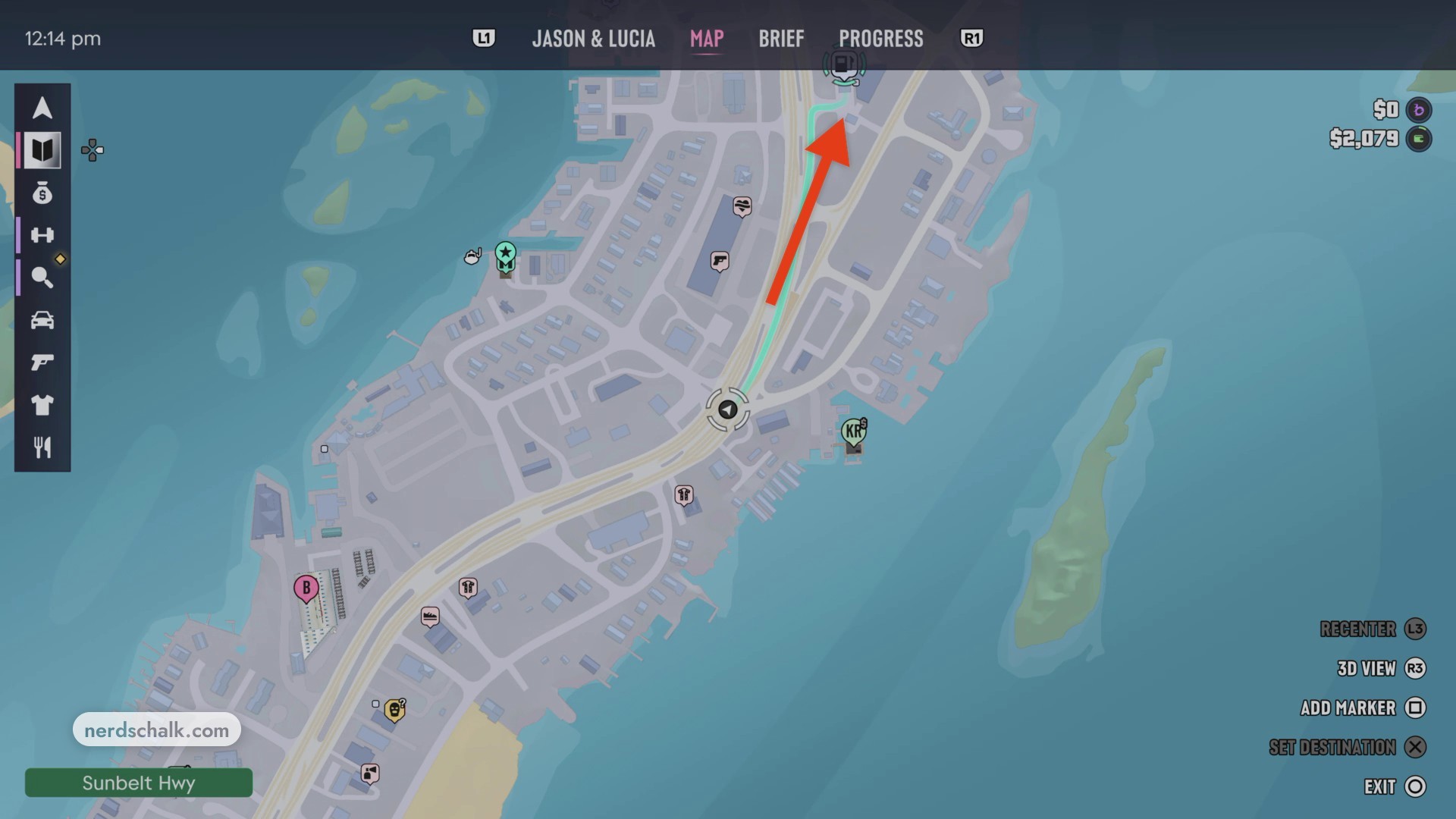
Follow the highlighted highway route toward the gas station’s destination marker.
STEP 2
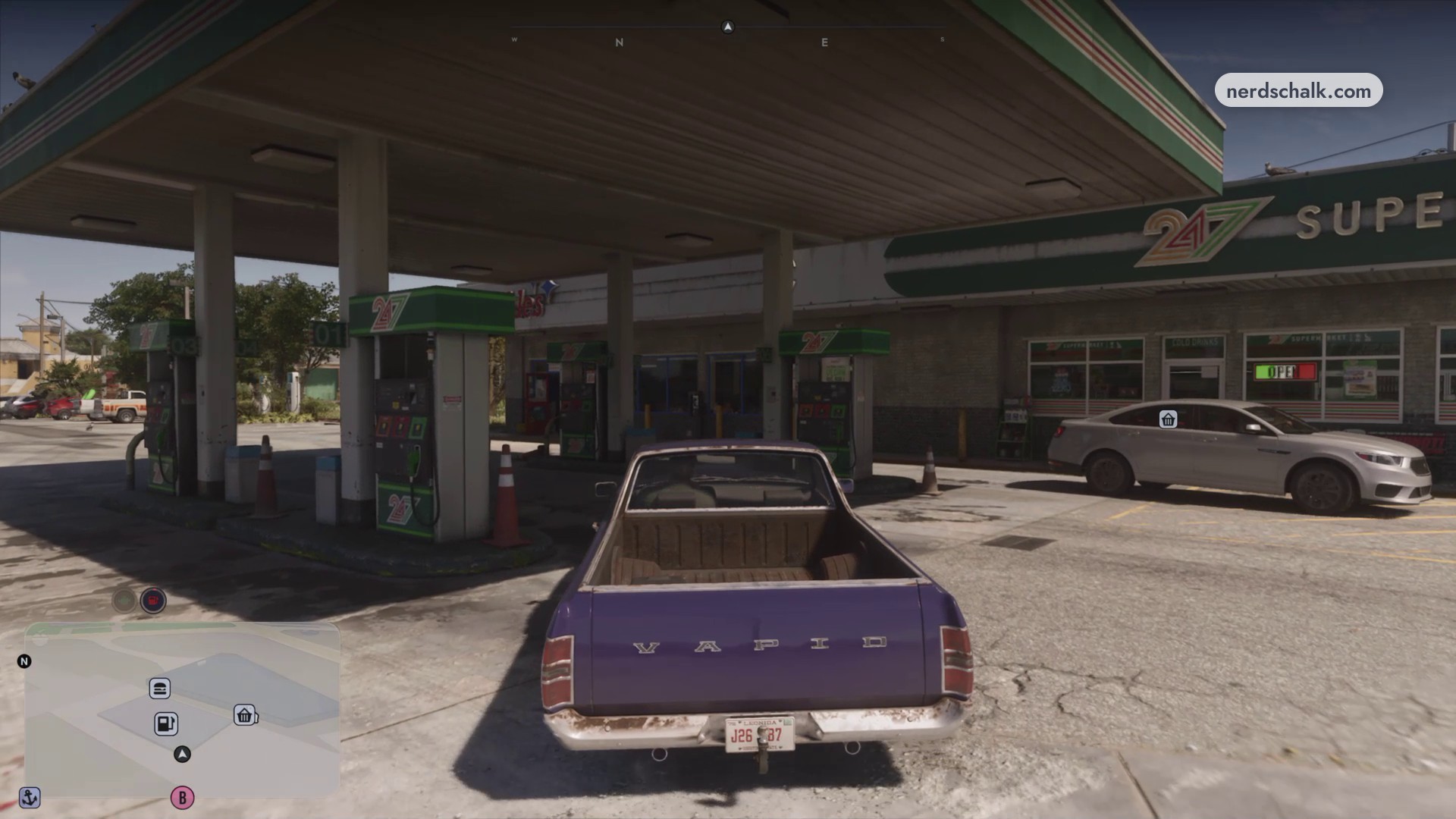
Pull up to a fuel pump
Position your vehicle for the Services interaction.
STEP 3
Open Services
Press Right on the D-Pad to open the menu for fuel and repairs.
STEP 4
Select Repair
Press Square to choose Repair for the listed $136 fee. Cross selects Refuel, so use Square for the repair. Choosing Repair fixes your vehicle.
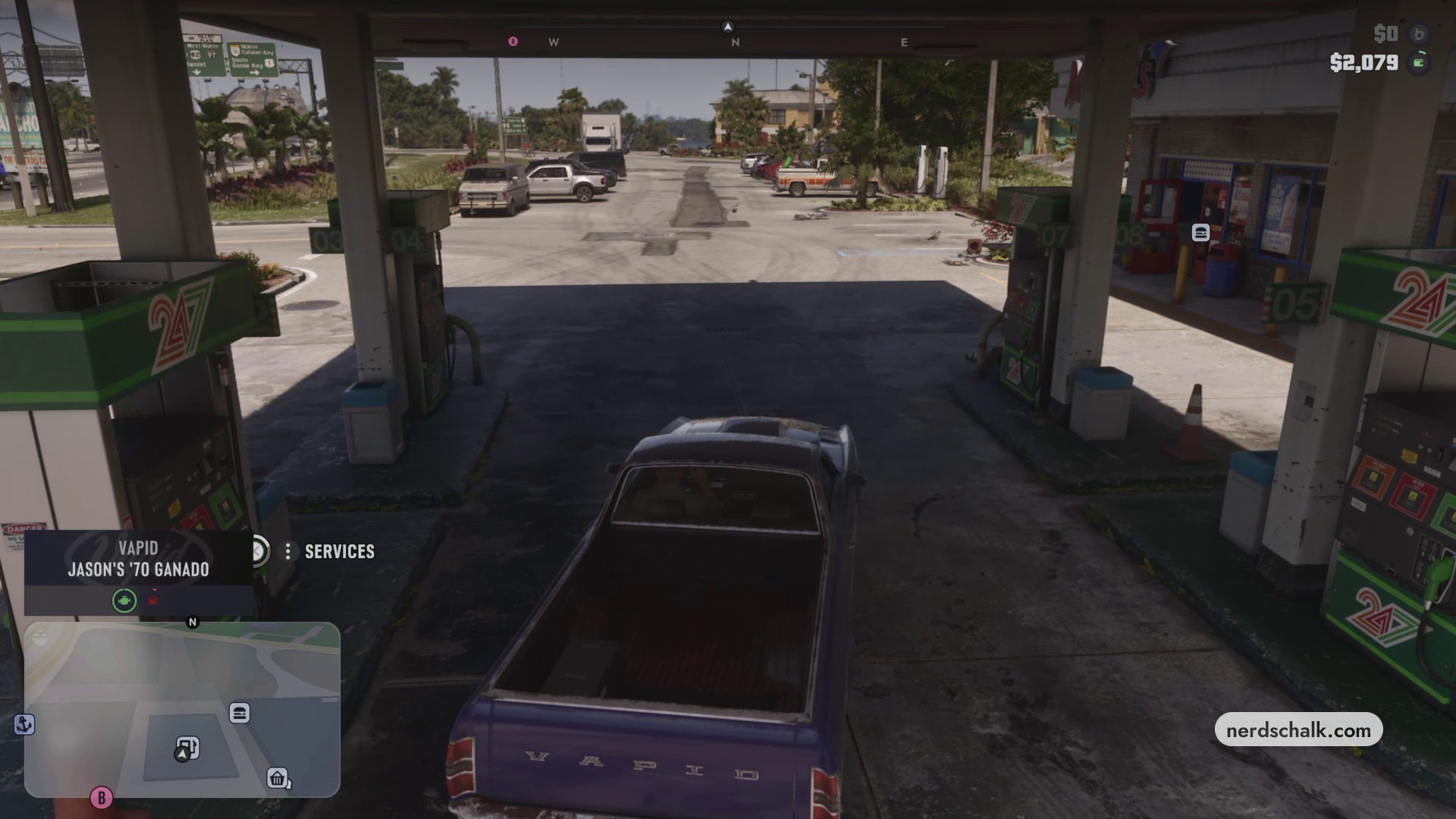
Don’t miss thisServicesStop beside a fuel pump until Services appearsWait for that prompt before opening the services menu.
Related Grand Theft Auto VI guides
Leave a Reply