

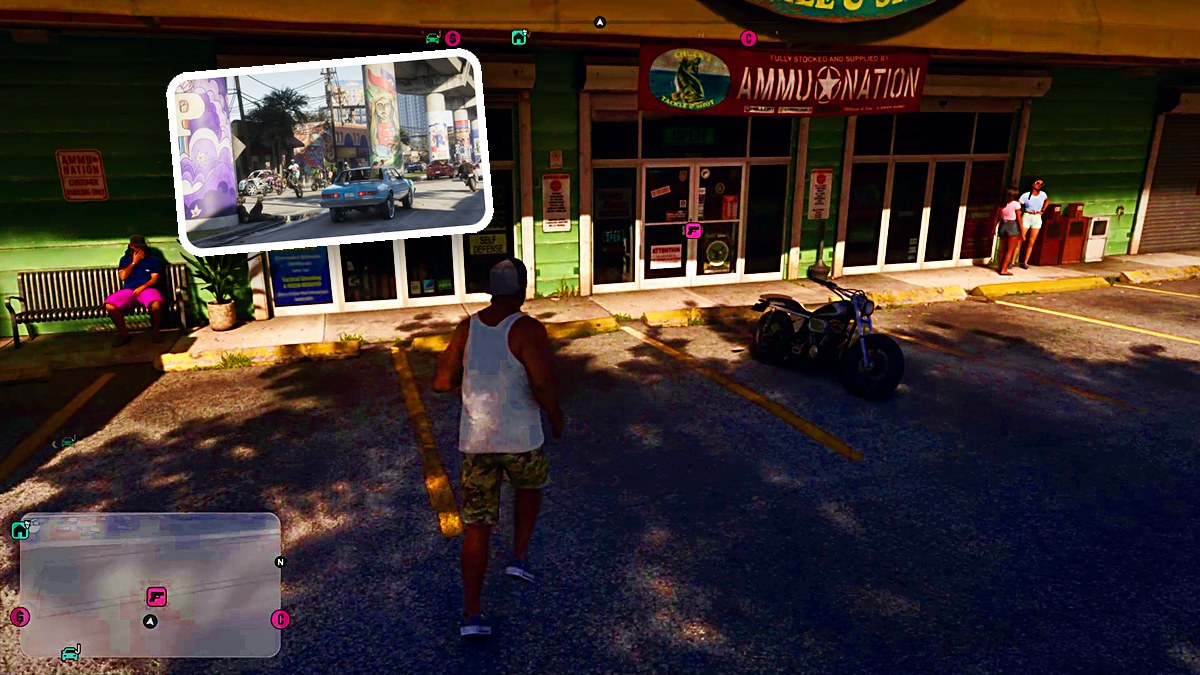
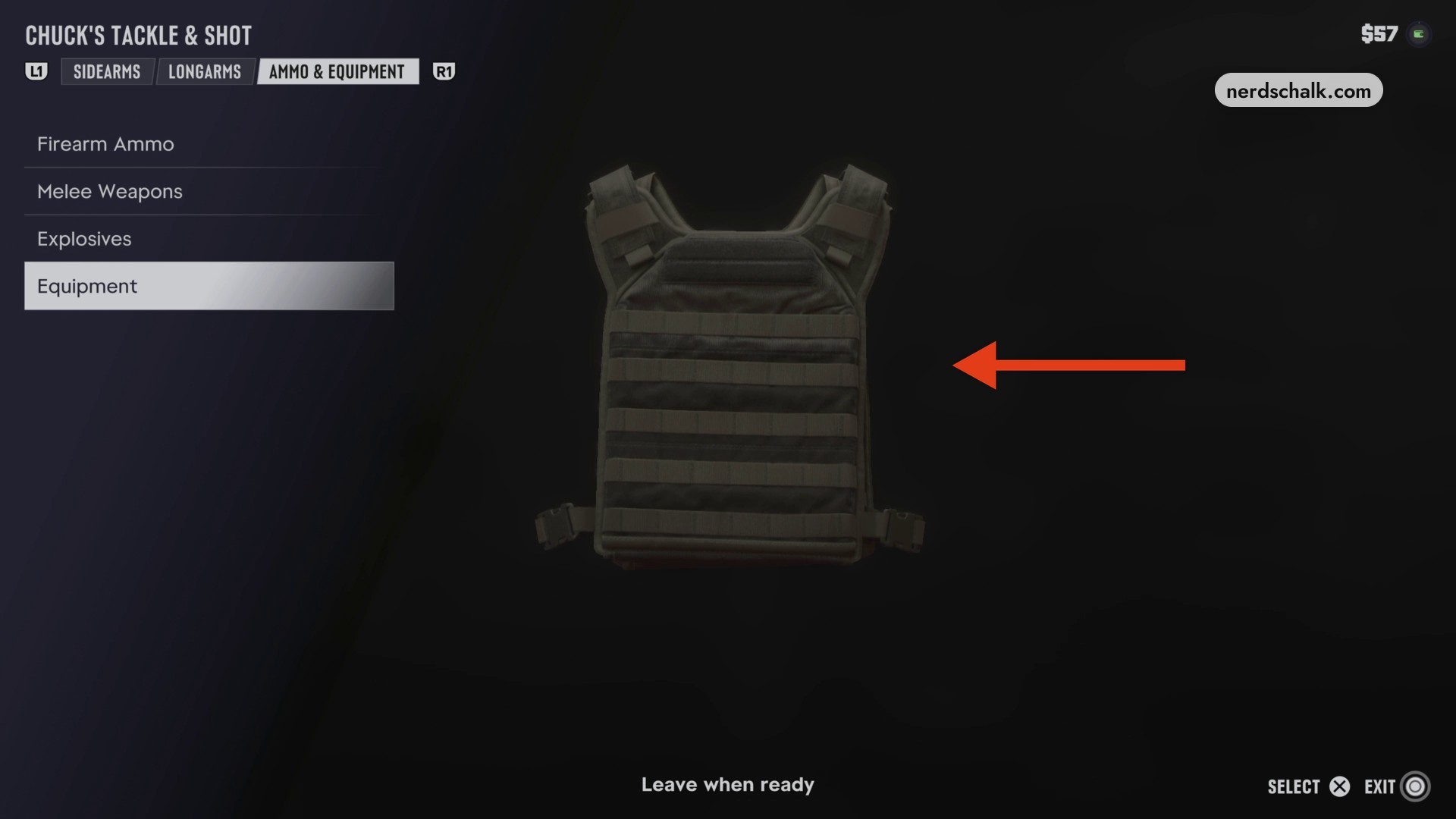
Chuck’s Tackle & Shot offers guns through its Longarms menu and displays body armor under Ammo & Equipment.
GEAR UP sends you to buy a longarm for Brian’s work, which requires gear from Ammu-Nation. The shop also has attachment options for the Fortune & Son Moreland 850. This guide covers the opening shop visit, the longarm purchase, weapon prices and stats, and body armor browsing.
Grand Theft Auto VI is listed for PlayStation 5 and Xbox Series X|S. Its Indian PlayStation Store listing carries an 18+ rating.
How to shop for guns and body armor in Grand Theft Auto VI
Enter Chuck’s Tackle & Shot
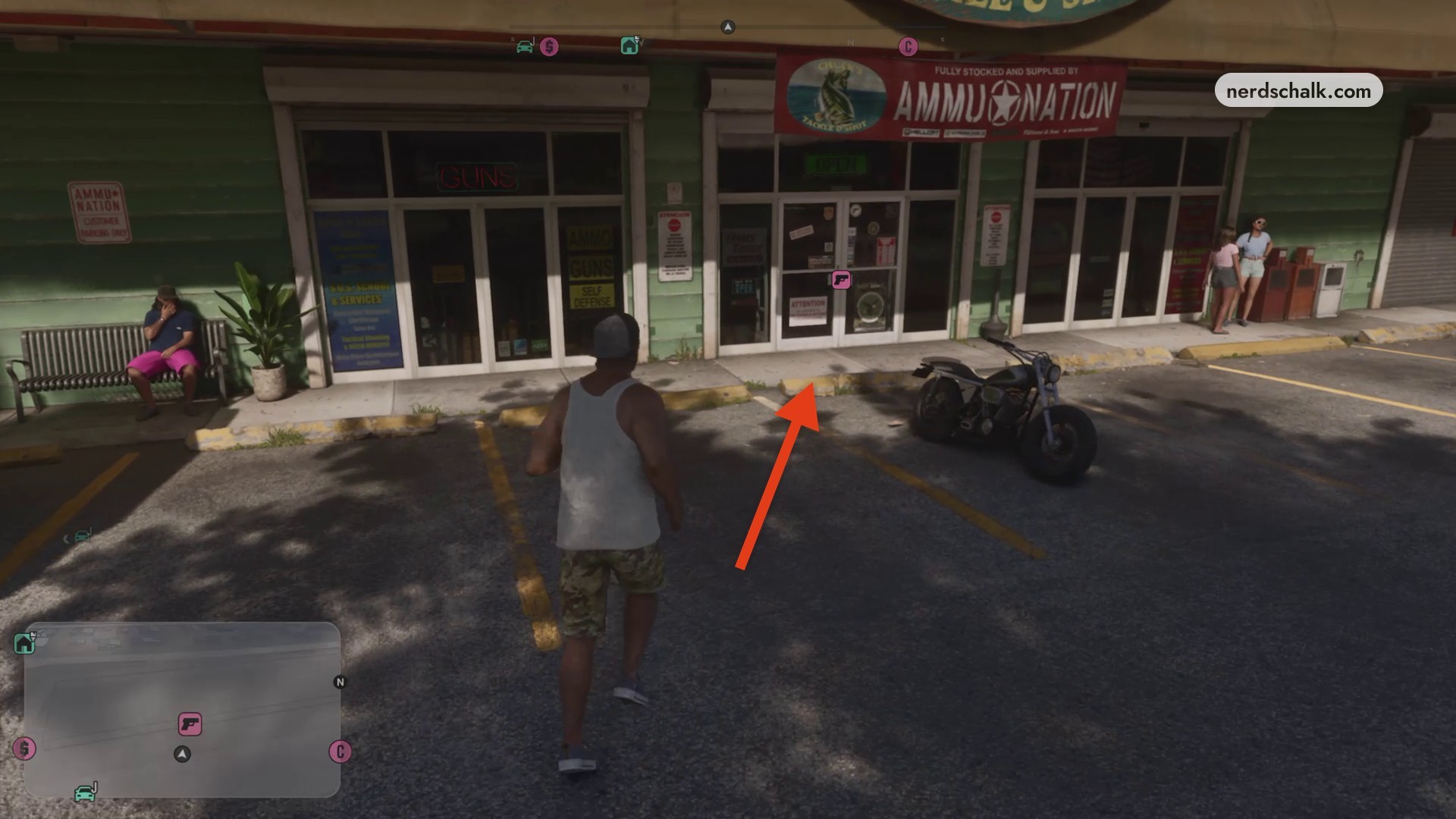
Walk toward the entrance facing the parking lot. Look for the AMMU-NATION CUSTOMER PARKING ONLY notice, the OPEN sign and the AMMO signage, then head inside to find the counter.
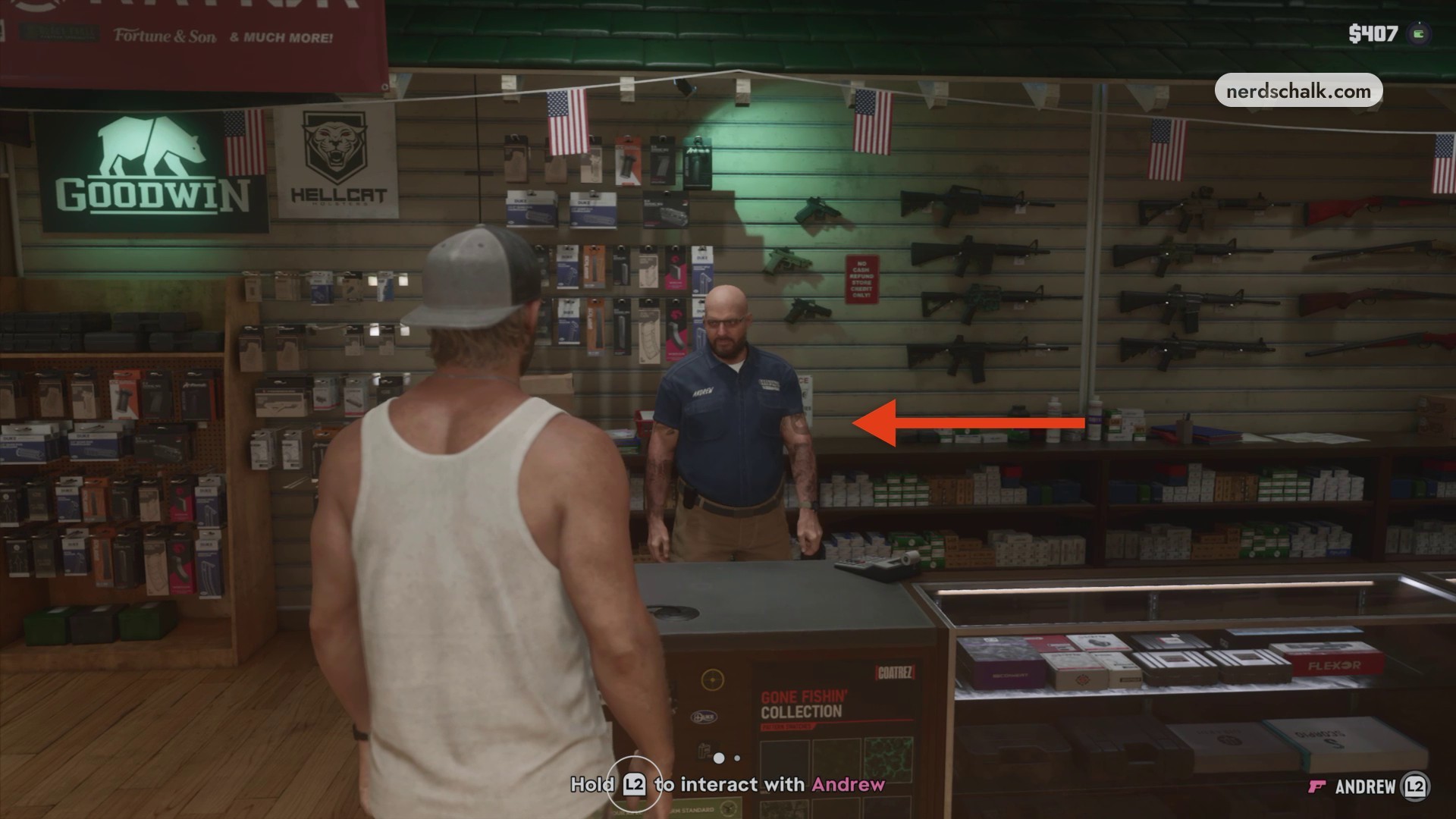
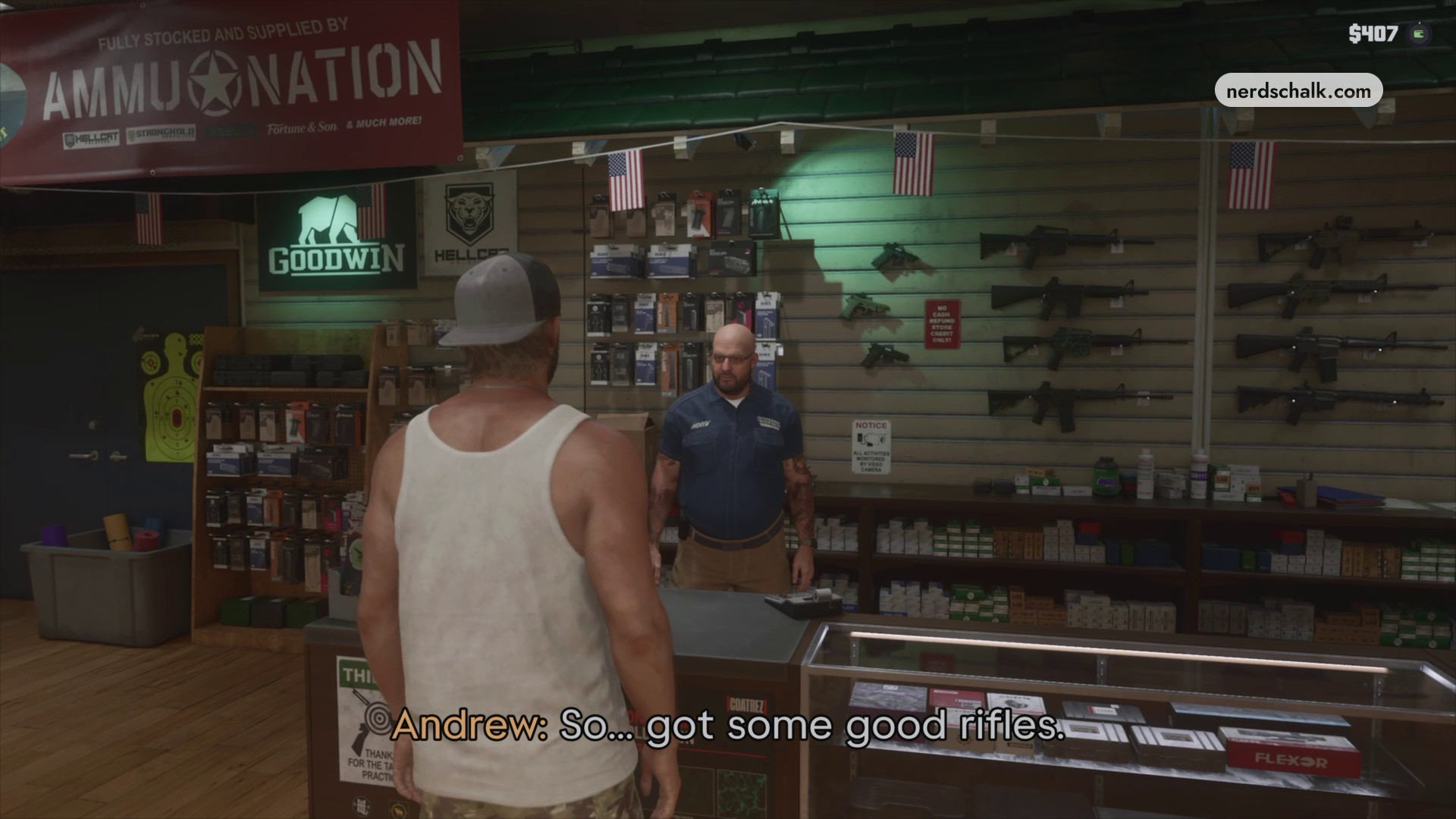
Speak with Andrew
Follow Approach Andrew to the shopkeeper behind the counter and start a conversation. The starting cash readout is $407.
Another view shows the counter and clerk as you continue the interaction.
Open the inventory
Press Triangle to browse the shop. The inventory initially opens on Sidearms with pistols; its tab row lists Sidearms, Longarms and Ammo & Equipment, with L1 and R1 labels beside it.
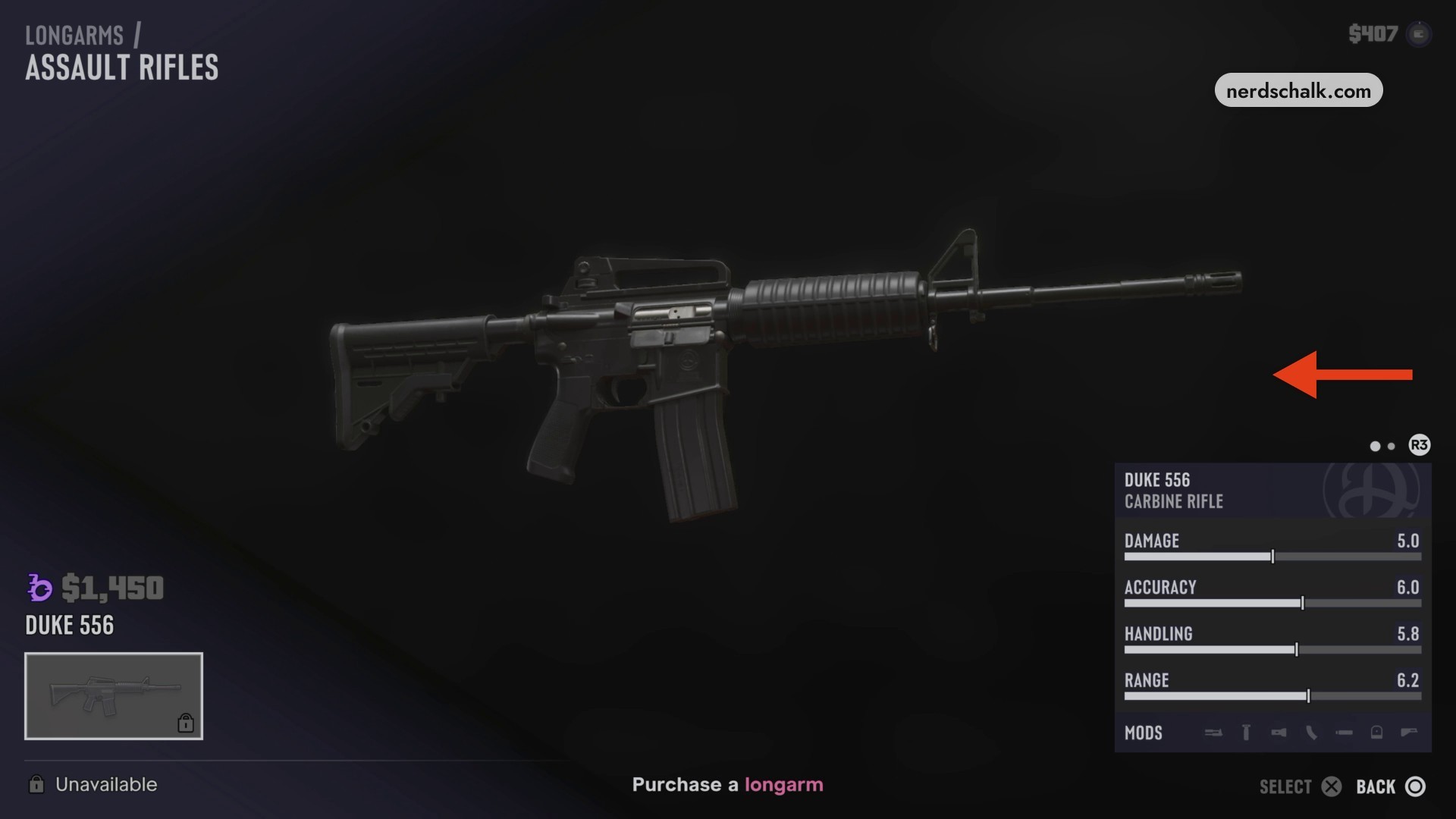
Examine Duke 556
Open Longarms and select Assault Rifles to view Duke 556. The objective reads Purchase a longarm, and the screen includes MODS, R3, SELECT and BACK. The cash readout remains $407 with Duke selected.
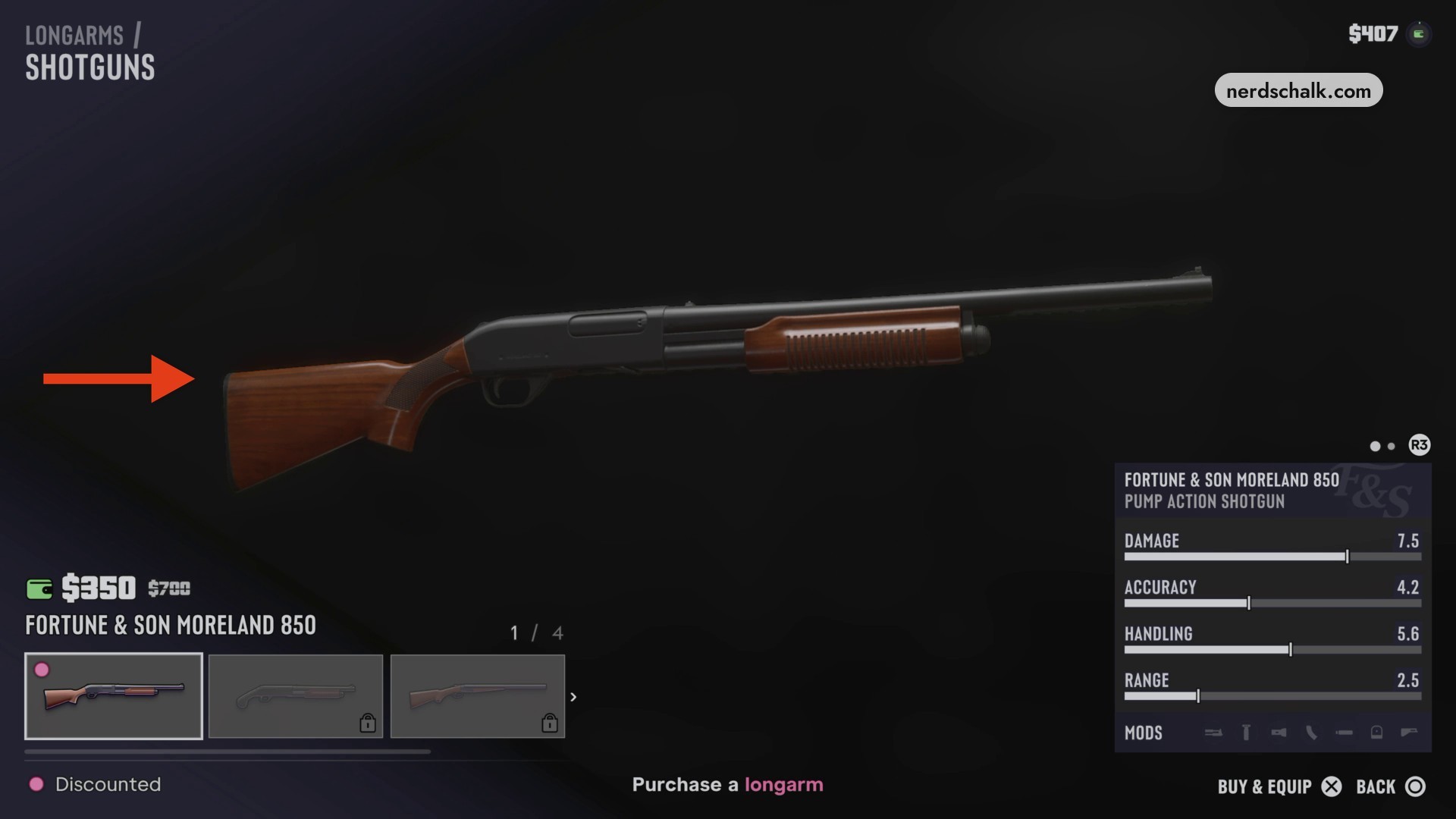
Buy Fortune & Son Moreland 850
Switch to Shotguns and select Fortune & Son Moreland 850. Choose BUY & EQUIP to purchase it; the selection screen also includes MODS, R3 and BACK. The purchase screen carries the Purchase a longarm objective and a $407 cash readout; buying the shotgun leaves $57.
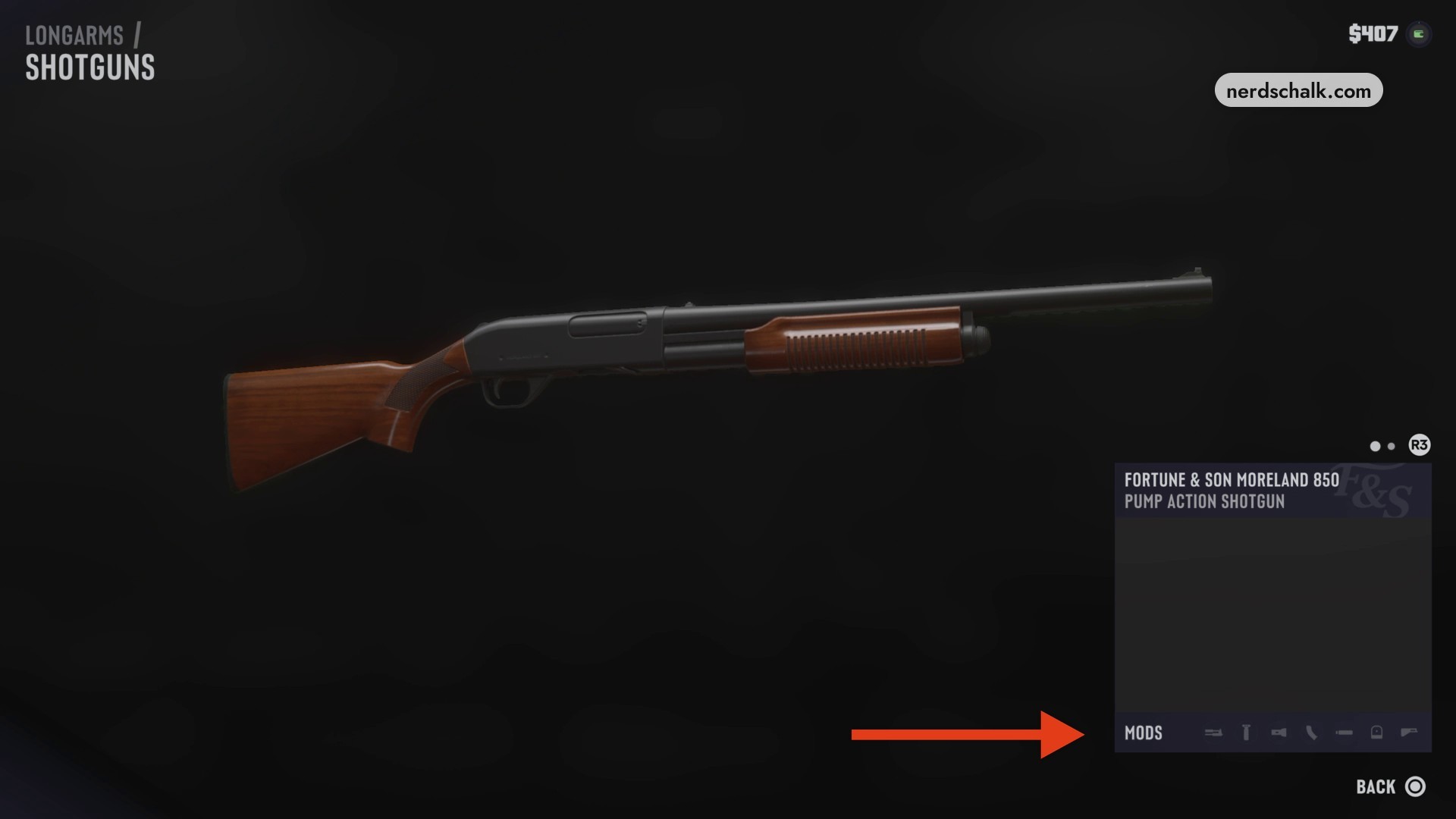
Examine the shotgun’s modifications
View the Moreland 850 customization screen to browse its attachment categories, represented by icons. Its cash readout displays $407.
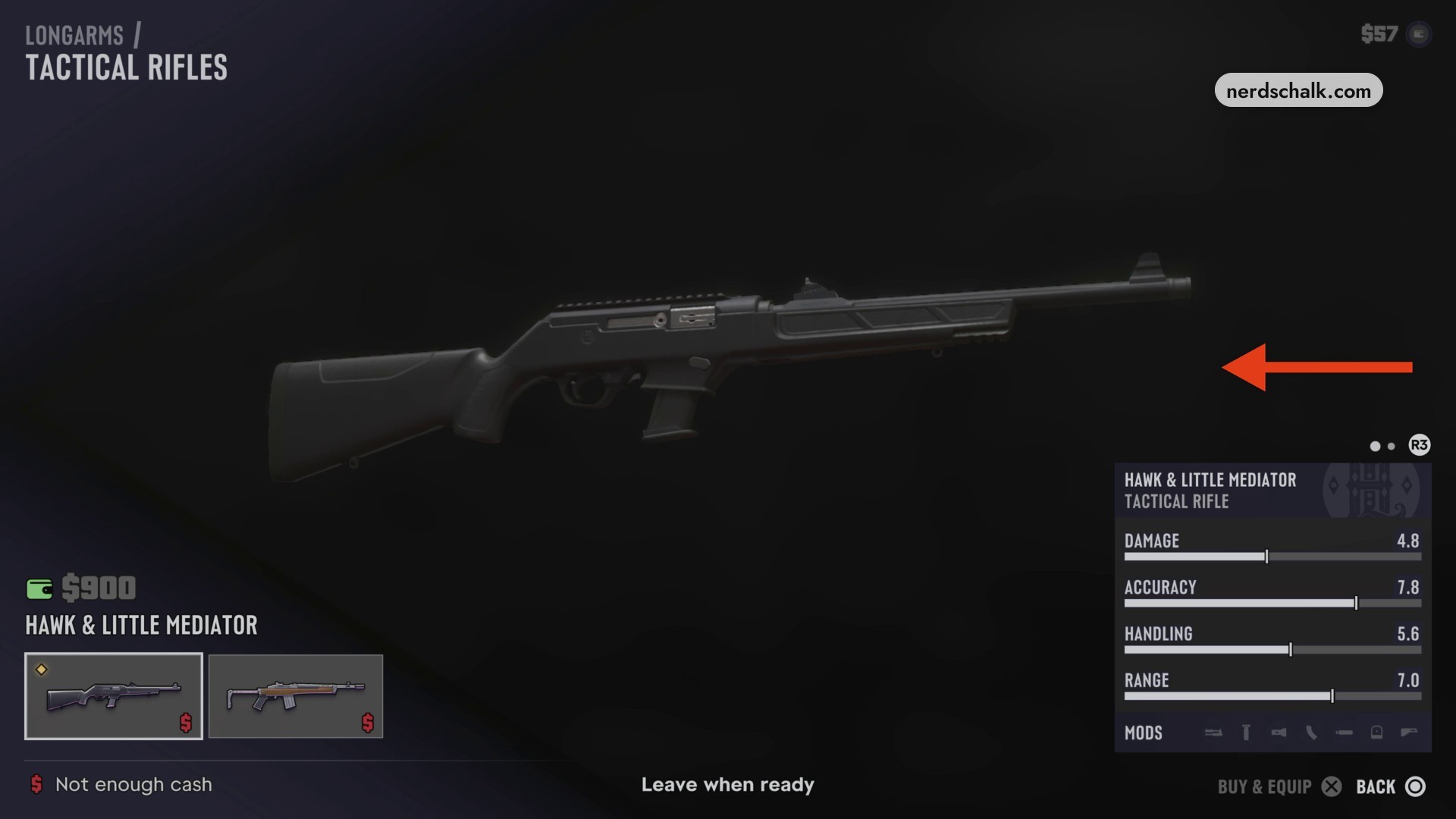
Examine Hawk & Little Mediator
Open Tactical Rifles and select Hawk & Little Mediator. Its screen includes MODS, BUY & EQUIP and BACK. The cash readout displays $57.
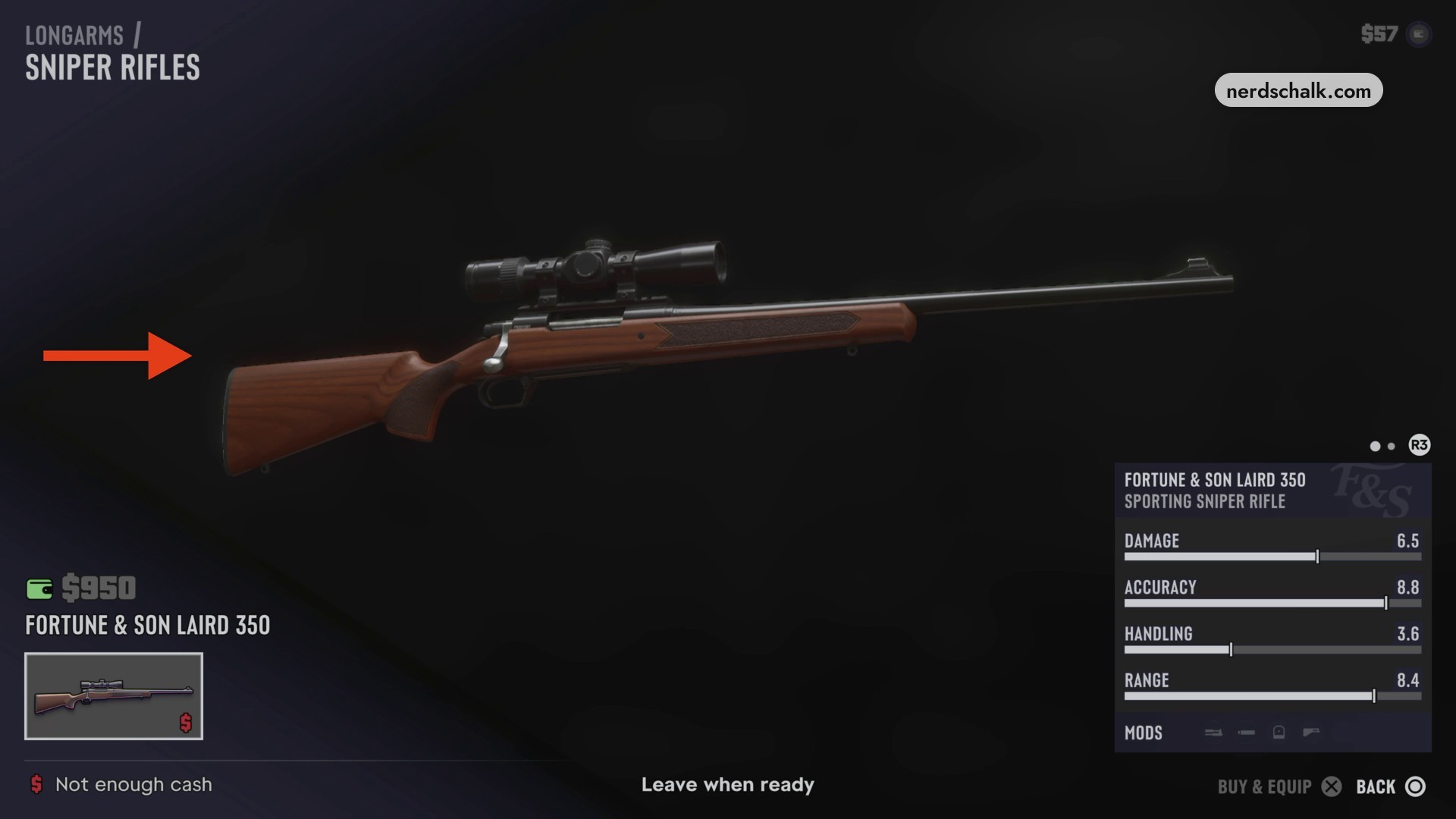
Examine Fortune & Son Laird 350
Open Sniper Rifles to view Fortune & Son Laird 350. The selection includes MODS, R3, BUY & EQUIP and BACK. The cash readout displays $57.
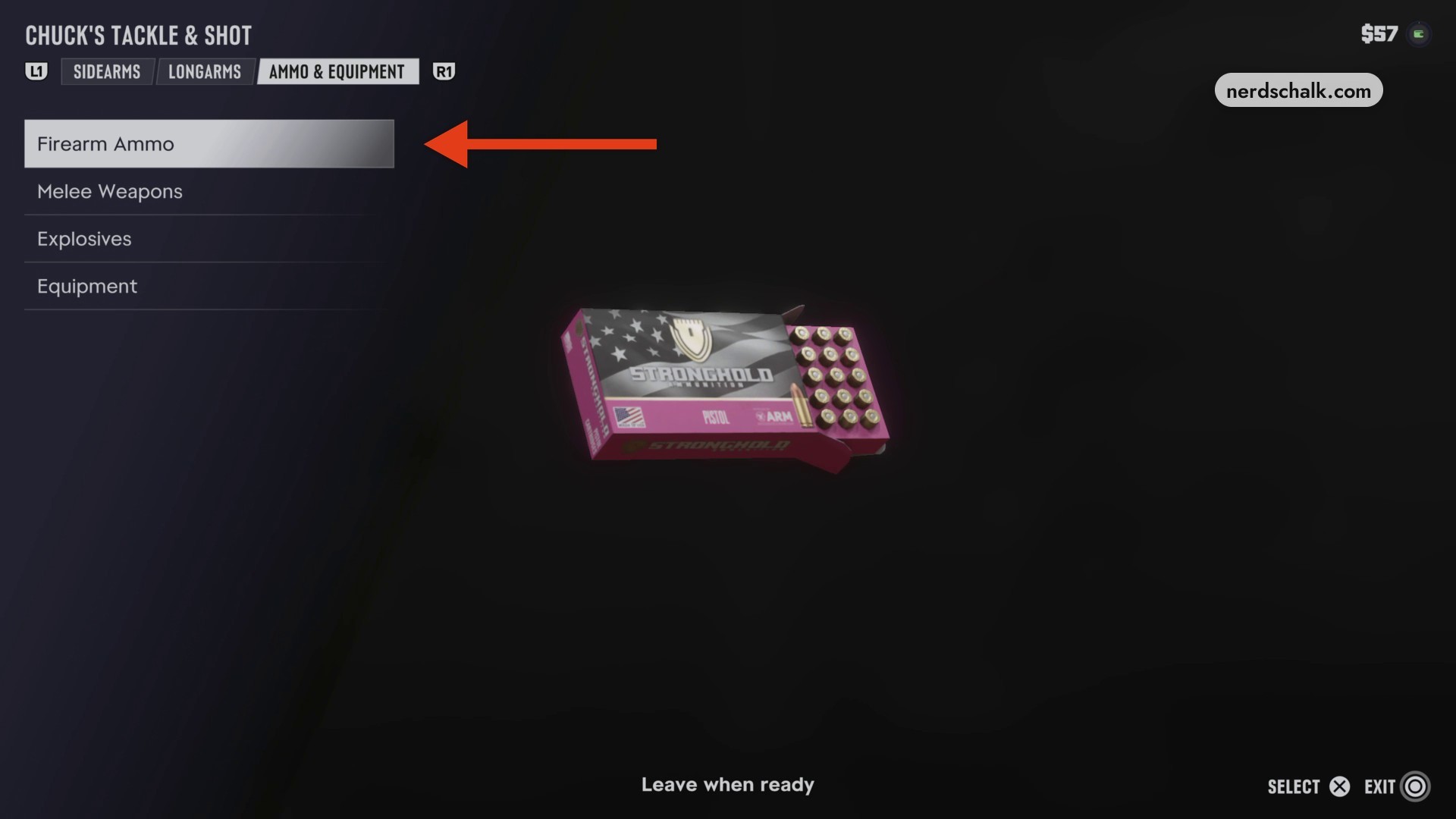
Look at the Firearm Ammo preview to see the Stronghold pistol-ammunition box.
Browse Ammo & Equipment
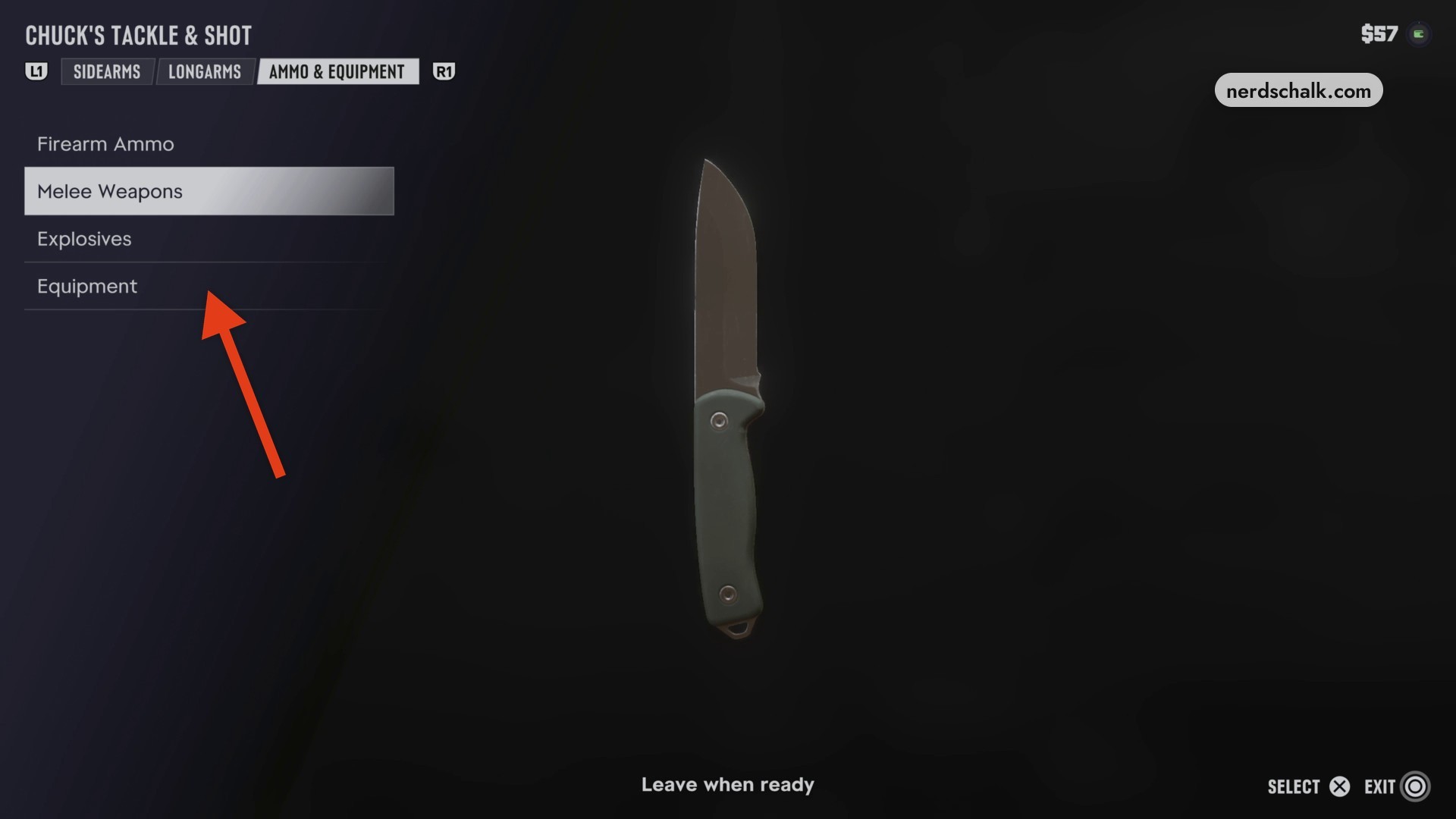
Switch to Ammo & Equipment to browse the shop’s supplies. The screen offers SELECT and EXIT, and your next instruction is Leave when ready. The cash readout displays $57 while you browse.
NEXT PICTURE:
This walkthrough stops at Leave when ready, before GEAR UP finishes.
What guns, prices and weapon stats does Chuck’s Tackle & Shot show?
The next section shows longarms prices and menu statuses.
Longarms prices and menu statuses
| Longarms category | Weapon | Weapon type | Price | Menu status |
|---|---|---|---|---|
| Assault Rifles | Duke 556 | Carbine Rifle | $1,450 | Unavailable |
| Shotguns | Fortune & Son Moreland 850 | Pump Action Shotgun | $350, reduced from $700 | Discounted |
| Tactical Rifles | Hawk & Little Mediator | Tactical Rifle | $900 | Not enough cash |
| Sniper Rifles | Fortune & Son Laird 350 | Sporting Sniper Rifle | $950 | Not enough cash |
The status messages describe each weapon’s selected menu state. The weapon ratings use four numerical fields: Damage, Accuracy, Handling and Range.
Longarms weapon stats
| Weapon | Damage | Accuracy | Handling | Range |
|---|---|---|---|---|
| Duke 556 | 5.0 | 6.0 | 5.8 | 6.2 |
| Fortune & Son Moreland 850 | 7.5 | 4.2 | 5.6 | 2.5 |
| Hawk & Little Mediator | 4.8 | 7.8 | 5.6 | 7.0 |
| Fortune & Son Laird 350 | 6.5 | 8.8 | 3.6 | 8.4 |
QUICK WIN
What ammunition, melee weapons and body armor can you browse?
| Category | Displayed item |
|---|---|
| Firearm Ammo | Stronghold pistol-ammunition box |
| Melee Weapons | |
| Explosives | |
| Equipment | Tactical plate carrier/body armor |
You can finish browsing these categories while Leave when ready remains active.
Related Grand Theft Auto VI guides
Frequently Asked Questions
Does Chuck’s Tackle & Shot offer cash refunds?
No, the posted policy offers store credit instead of cash refunds. The notice at the counter reads “NO CASH REFUND STORE CREDIT ONLY!”
Leave a Reply