
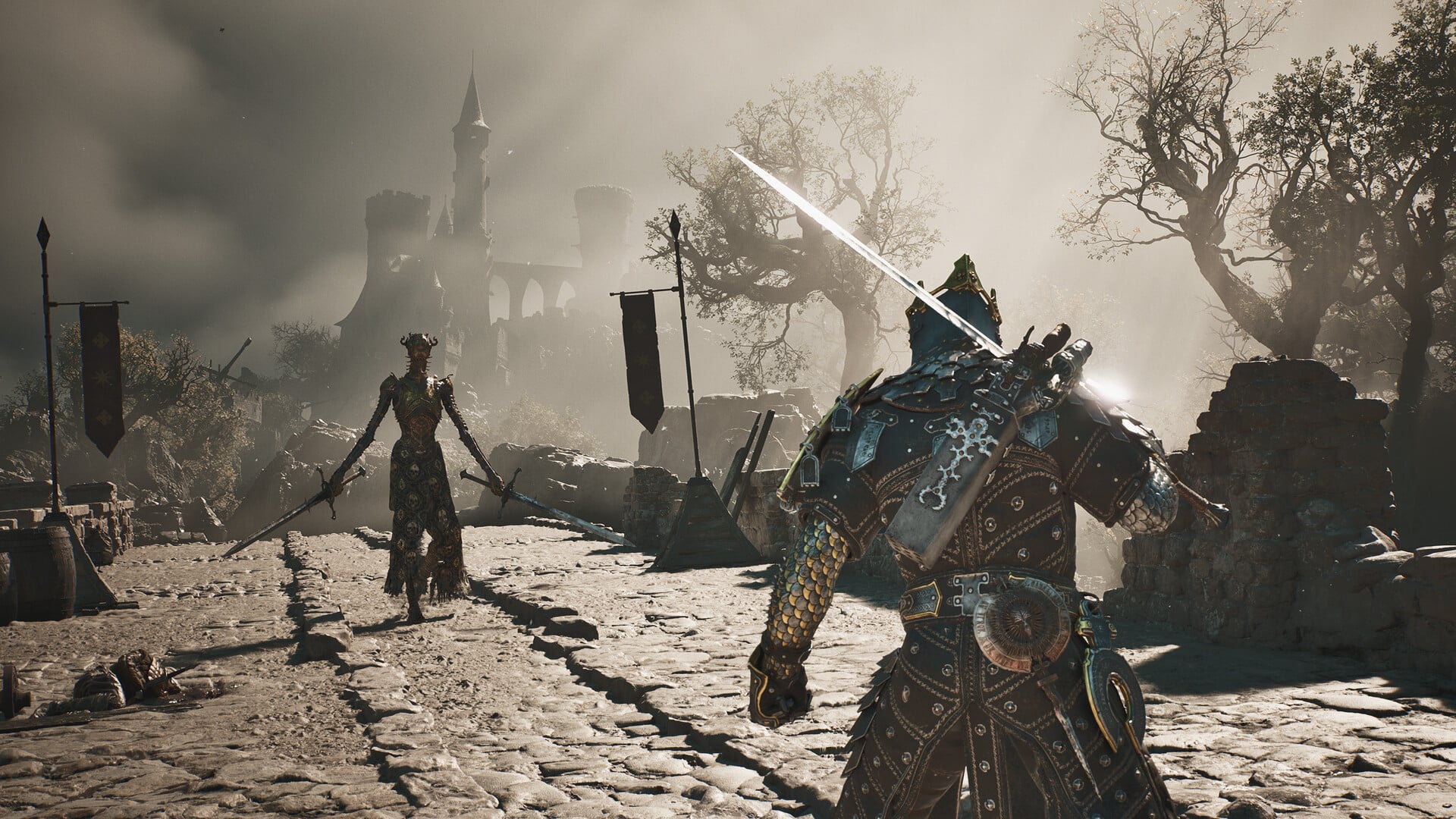
Mortal Shell 2’s New Game Plus starts when you choose Send Ova at the Gloom Siphon after the final boss; most character and gear progress carries over, but Ovum resets and the next cycle asks you to recover more Ova because many will not survive.
New Game Plus continues your developed build inside a refreshed, more dangerous world. Because the final transition remains under your control, you can settle unfinished business before beginning the next cycle.
- Quick answer: New Purpose and New Game Plus
- New Game Plus carry-over at a glance
- How New Game Plus starts at the Gloom Siphon
- Ovum survival and the next-cycle reset
- Complete reference: Game mechanics for New Game Plus
- How to use this list before selecting Send Ova
- New Game Plus rewards and completion planning
- Frequently Asked Questions
- More Mortal Shell II guides
Quick answer: New Purpose and New Game Plus
The transition appears under the title New Purpose and the subname New Game Plus. Its message begins: “Welcome to New Game Plus. Although Mether has sent the Ova on their way, many will not survive.”
It then asks you to recover more Ova so that “we may bolster our odds of survival” and warns that the Foul Passenger has returned, growing ever stronger.

New Game Plus carry-over at a glance
| Thing | In New Game Plus |
|---|---|
| Shells | Unlocked Shells carry over. |
| Memories | Unlocked Shell memories carry over. |
| Character progress | Harbinger level, Shell points, and bonding progress carry over. |
| Equipment | Equipped gear and its upgrades remain available. |
| Inventory | Seals, materials, keys, and permanent pickups carry over. |
| Weapons and sidearms | Acquired weapons, sidearms, and their upgrades carry over. |
| Tarstones | Tarstones retain their existing upgrades. |
| Currencies | Glimpse, Gloom, and gold carry over. |
| Map reveal | Revealed areas remain visible, but map markers reset. |
| Fast travel | Mether’s Breath carries over. |
| Beacons | Cleansed states reset; one Beacon in Fainweald and one in Mammon begin unlocked. |
| Mether’s Pulse | Unlocked upgrades carry over. |
| Tarforge | Unlocked upgrades carry over. |
| Dungeons | Reset and can be cleared again. |
| Corrupted Gates | Reset and can be cleared again. |
| Enemies | Return in the refreshed world. |
| Bosses | Return for the new cycle. |
| Quests | Quest progress resets. |
| Chests | Reset and can be opened again. |
| Killed NPCs | Are restored with the world reset. |
| Ovum count | Resets and must be rebuilt. |
Durable character and equipment growth survives the transition, while completed world content reopens for another journey.

How New Game Plus starts at the Gloom Siphon
Defeating the final boss does not immediately force you into New Game Plus. The point of no return is the deliberate Send Ova choice at the Gloom Siphon in Marrow Keep.
| Stage | What to do |
|---|---|
| Meet the Ovum requirement | Collect 168 Ovum. Corrupted Gates are the main source, while Beacons and other activities can supply additional Ova. |
| Open the endgame route | Use the 168 Ovum requirement in Marrow Keep and clear the area beneath it. |
| Finish the final fight | Defeat Zmey, the Unbidden. |
| Handle unfinished business | Continue exploring, collecting, upgrading, and resolving current-cycle interactions. |
| Begin the next cycle | Return to the Gloom Siphon and choose Send Ova to start the final sequence and New Game Plus. |
You do not need to clear every Corrupted Gate if Beacons and other activities bring your total to 168 Ovum. Once the final boss is down, you can continue using the current world until you personally commit to Send Ova.
Treat Send Ova, not the final boss, as your cutoff. Finish any current-cycle business before selecting it.

Ovum survival and the next-cycle reset
The survival warning is narrative context, not an inventory-retention mechanic. Mether sends the Ova onward, many will not survive, and recovering more Ova in the next cycle is meant to bolster their survival odds.
Your previous Ovum count resets rather than carrying over as a surviving percentage. The new cycle therefore begins another collection effort even though your character, equipment, and other currencies remain intact.
Complete reference: Game mechanics for New Game Plus
Retaining a build is only part of NG+ readiness. Character Progression, Beacon travel, attack selection, Resolve prompts, and Tarstone development determine how effectively that carried power handles stronger opposition.
| Game mechanic | How it works |
|---|---|
| Character progression | There are multiple ways to improve the strength of the Harbinger and Shells. |
| Leveling with Gloom | Spending Gloom to level up improves stats for both the Harbinger and your Shells. |
| Automatic stat selection | Stats upgraded by leveling with Gloom are automatically selected based on the Harbinger’s level. |
| Mether’s Breath | “You have inhaled a potent vapor from the lungs of the Undermether, awakening a strength you did not know you had.” Mether’s Breath then becomes available as an option from Beacons, allowing fast travel between any revitalized Beacon you have visited. |
| Enemy vulnerabilities | Some enemies are more vulnerable to certain attacks. Try experimenting with Light, Heavy, and Ranged attack types against your adversaries. |
| Resolve consumption | The associated Resolve-powered action consumes 2 Resolve segments. |
| Low-health healing prompt | The prompt reads, “Press Heal to Heal.” |
| Shell ability prompt | The short prompt reads, “Press Shell II to activate your Shell ability.” |
| Shell ability tooltip | The tooltip reads, “When in Shell, press Shell II to activate.” |
| Weapon ability prompt | The prompt reads, “Press Weapon Ability to trigger.” |
| Tarcore use | Tarcore is used to level a Tarstone from level 2 to level 3. |
| Obtaining Tarcore | Tarcore is obtained by leveling other Tarstones. Try using and leveling up different Tarstones to get Tarcores, then use those Tarcores to level up more Tarstones. |
| Neutral stat value | The neutral value is exactly 0.0. |
How to use this list before selecting Send Ova
Spend your remaining time on progress that improves the carried build or disappears with the world reset. A focused primary loadout, stronger healing, and multiple attack types will usually provide more value than spreading resources across equipment you rarely use.
| Priority | Do this before NG+ |
|---|---|
| World-state cleanup | Finish open quests and NPC interactions before selecting Send Ova. |
| Primary build | Upgrade your main Shell, weapons, and sidearms. |
| Healing | Improve your healing capacity, including useful Mether’s Pulse upgrades. |
| Travel cleanup | Use Mether’s Breath between visited revitalized Beacons to close remaining objectives efficiently. |
| Attack coverage | Prepare dependable Light, Heavy, and Ranged options for different enemy vulnerabilities. |
| Gloom decision | Spend Gloom for immediate Harbinger and Shell growth, or deliberately carry it into the next cycle. |
| Tarstone development | Level Tarstones that fit your build and develop alternatives that can produce Tarcores. |
| Ova collection | Use Corrupted Gates for substantial amounts and Beacons or other activities when you need additional Ova. |
Once those priorities match your intended build, the reset becomes an opportunity to replay dungeons, Gates, bosses, chests, and NPC questlines without rebuilding your core character from nothing.
New Game Plus rewards and completion planning
Reaching New Game Plus unlocks the Cosmic Harbinger skin. It belongs to the Harbinger rather than the 8 playable Shells; equip it by resting at a Beacon and selecting Change Shades.
Completion-focused players also need to account for Seeking the Past. It requires viewing Shell memories and demands more Glimpses than one playthrough provides, although the required number of additional cycles depends on how that memory progress is handled.
Frequently Asked Questions
Are the Gloom Siphon and Ovum Siphon the same Marrow Keep interaction?
The names are used around the same Marrow Keep interaction context, but they do not establish that these are definitely separate devices. For the NG+ transition, identify the interaction by the Send Ova choice at the Gloom Siphon.
Do weapons and sidearms need to be collected again in New Game Plus?
No. Acquired weapons, sidearms, and their upgrades remain with you; their previous pickup locations provide upgrade materials instead.
Is New Game Plus required to finish Mortal Shell 2?
It is not required simply to finish the story. It becomes necessary for full completion goals that extend beyond the Glimpses and Shell memories available during one playthrough.


Leave a Reply