
Category
iOS
-

How to Search the Web with ChatGPT Using ‘Browse with Bing’
What to know On ChatGPT’s desktop website, enable ‘Browse with Bing’ from Settings > Beta features > Browse with Bing. Then select ‘Browse with…
-
How to Select a Different SIM to Return Calls From an Unknown Caller on iPhone
What to know To select the preferred SIM Line, head to Phone > “i” beside the number > SIM Line > Select preferred SIM Line…
-
Personal Voice Not Showing Up in iOS 17? Fix in 10 Proven Ways
What to know If Personal Voice is missing or not working on your iPhone, then the first fix we recommend is to restart your…
-

12 Ways to Fix iOS 17 Face Time Gestures Not Working Issue
What to know The main reason gestures might not trigger reactions in a FaceTime call for you might be because they have not been…
-
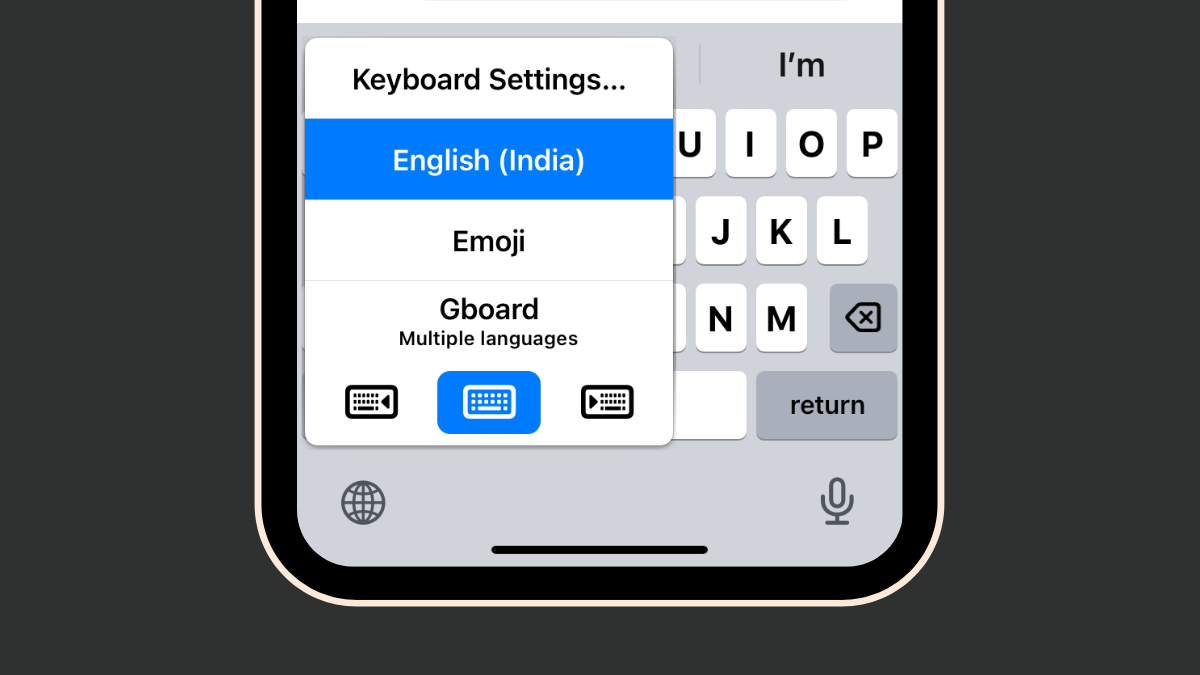
How to Fix the iOS 17 GIF Keyboard App Issues in 4 Ways
What to know The GIF Keyboard App in iOS 17 is now part of the iMessage apps and can be accessed by going to…
-

iOS 17 Settings to Turn Off: Recommended Changes You Should Make in iOS 17
What to know You can turn off a few settings in iOS 17 if you are feeling overwhelmed by its changes. For better safety…
-

iOS 17 Wi-Fi Icon Not Showing Issue: 15 Fixes Explained
iPhones have traditionally excelled at seamless switching between mobile and Wi-Fi networks. They remember and automatically connect to your saved networks and hotspots based…
-
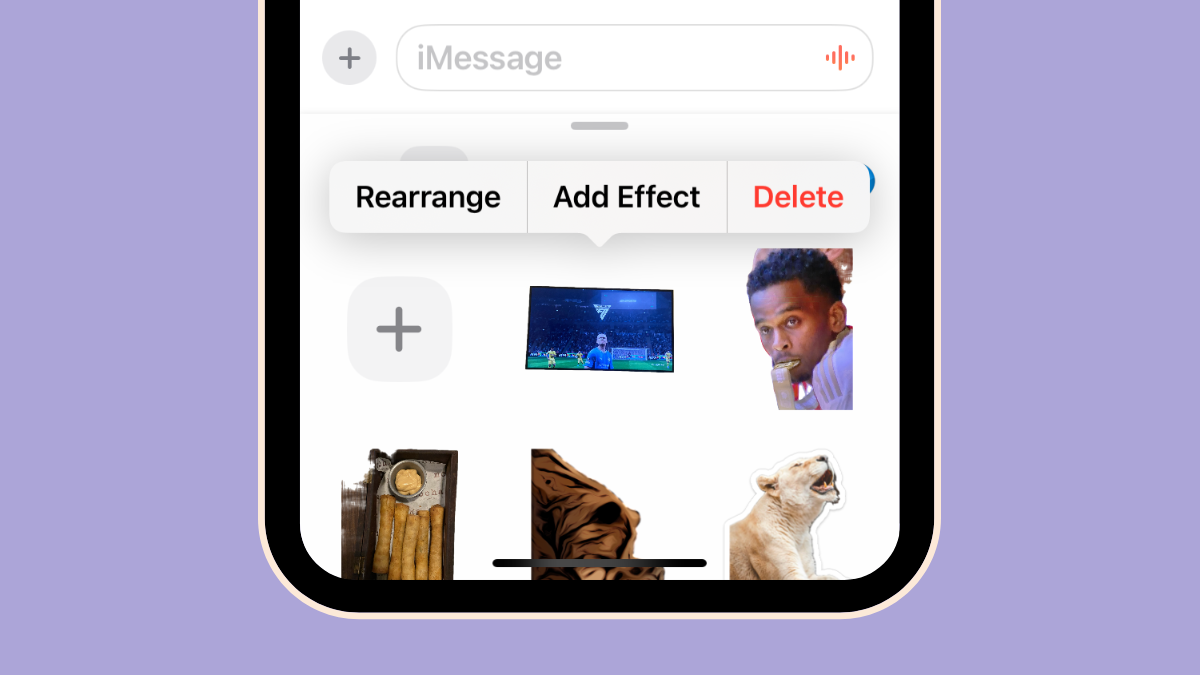
How to Delete Stickers in iOS 17
What to know To delete a sticker, go to Messages > select any conversation > + icon > Stickers > long-press on an unwanted…
-
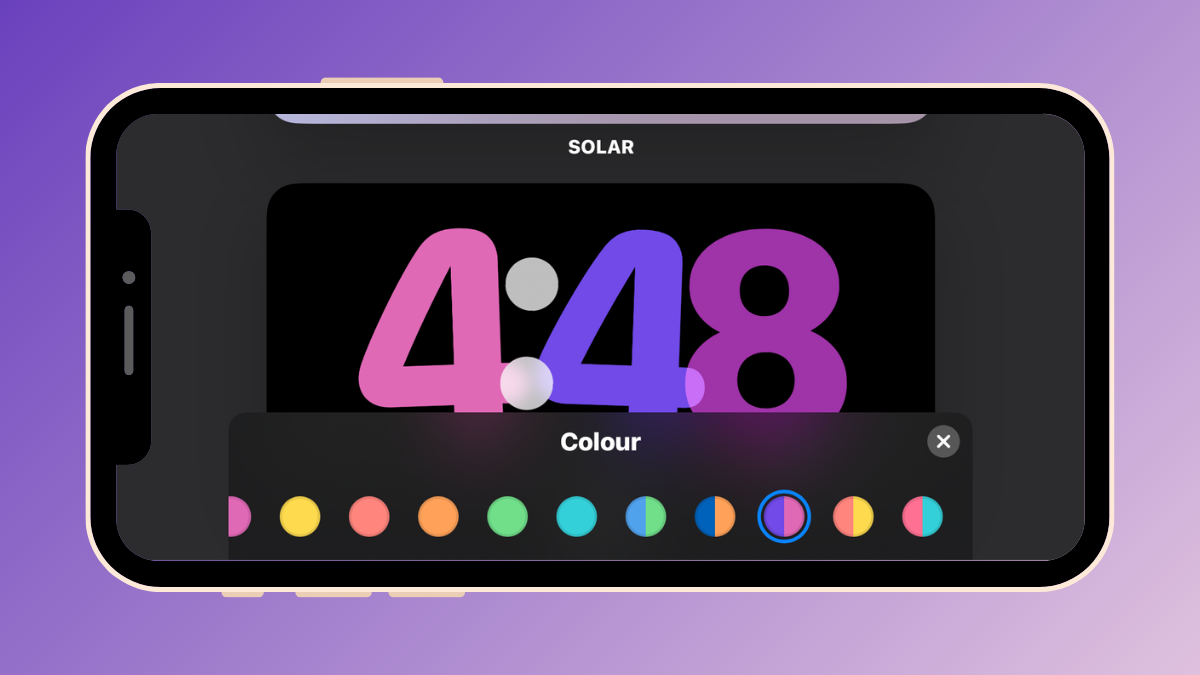
How to Change Standby Color in iOS 17
What to know StandBy lets you change the colors of the Clock screen it’s active on your iPhone in iOS 17. To change the…
-
Does iOS 17 Show Lyrics on Lock Screen?
What to know iOS 17 doesn’t have a feature to show lyrics on the lock screen yet. Apple Music has received a number of…
-
![How to Set up My Card in Contacts on iPhone [2023]](https://cdn.nerdschalk.com/wp-content/uploads/2023/09/my-card-in-ios.png)
How to Set up My Card in Contacts on iPhone [2023]
What to know Using the Contacts app, go to My Card > Edit. You can then add the relevant information to your My Card…
-
![iOS 17: How to Fix Notification Haptics on iPhone [Vibration Change Issues Resolved]](https://cdn.nerdschalk.com/wp-content/uploads/2023/09/notification-haptics-issue-ios-17.png)
iOS 17: How to Fix Notification Haptics on iPhone [Vibration Change Issues Resolved]
What to know The new default Rebound tone is very quiet on iOS 17. Since the haptics are now synchronized to the tones, the haptic…
-

New Emojis in iOS 17: All You Need To Know
What to know Apple may introduce a total of 118 new emojis that have been drafted and approved by the Unicode Consortium this year. …
-

How to Keep iOS 17 Standby Always On (Fix StandBy Turn Off Issue)
What to know You can make StandBy always on an iPhone 14 Pro or 15 Pro handset by turning on the Always On feature…
-
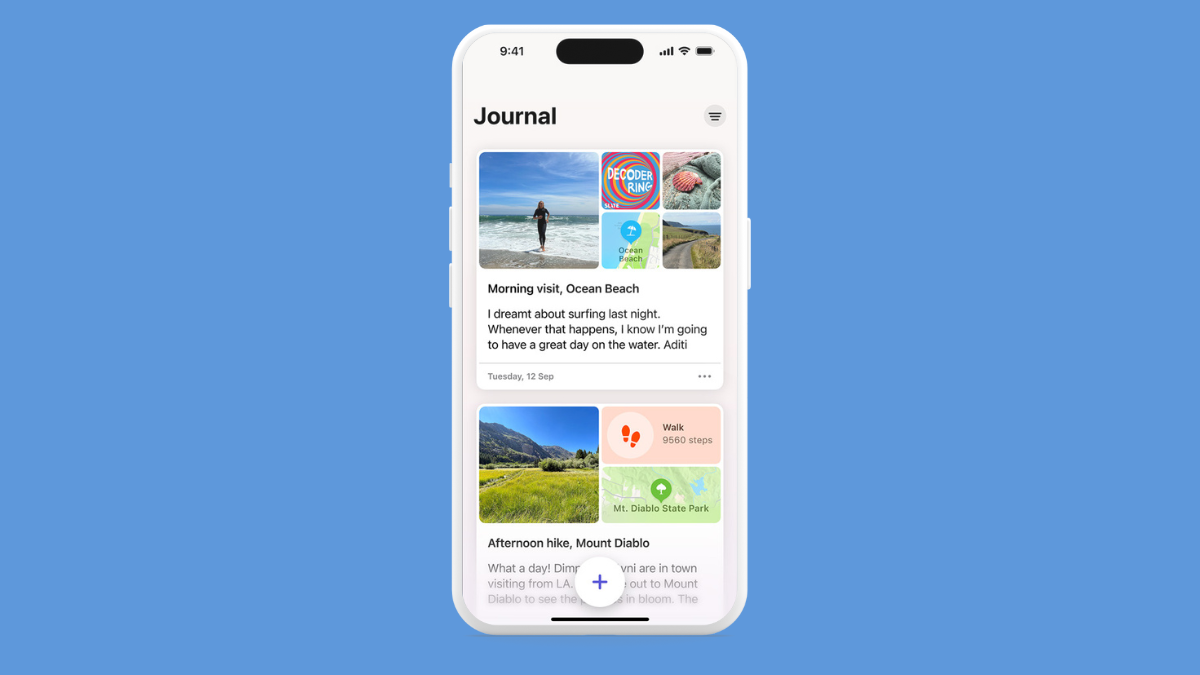
iOS 17 Journal App Missing: Where is the Journal App in iOS 17
What to know Journal is Apple’s version of your personal diary that helps to mark your life’s biggest events and revisit them in the…
-

Contact Photo and Poster Disabled in iOS 17? Fix it in 8 Ways
What to know iOS 17’s Contact Poster feature allows you to customize your image on others’ iPhones during calls or messages. If the feature…
-
![Does iOS 17 Support Split Screen? [2023]](https://cdn.nerdschalk.com/wp-content/uploads/2023/09/split-screen.png)
Does iOS 17 Support Split Screen? [2023]
What to know No. iOS 17 doesn’t support Split Screen. Mac and iPad users have had Split View. But a similar functionality hasn’t been…
-
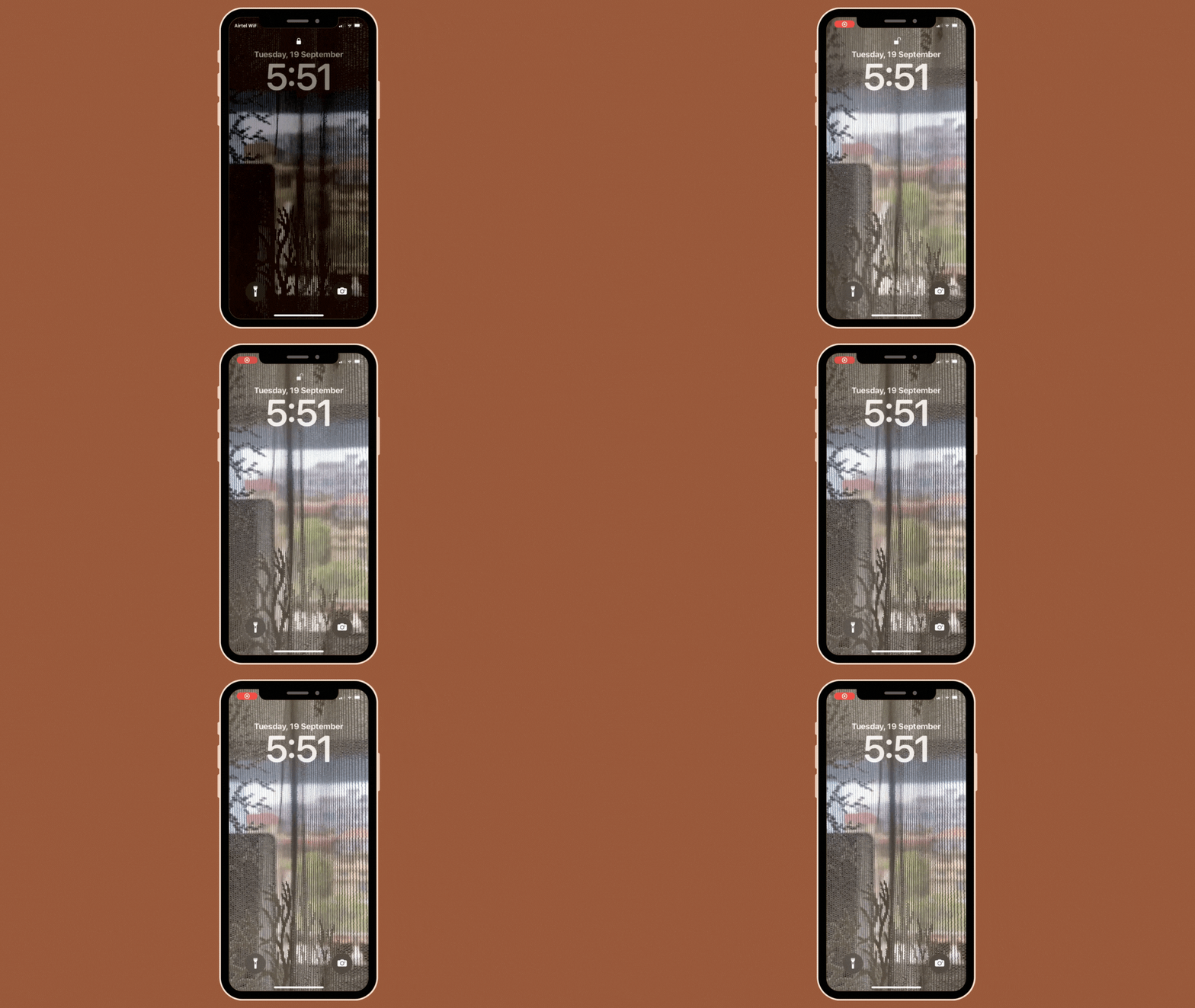
iOS 17: How to Use a Live Photo as Lock Screen Wallpaper on iPhone
What to know Apple lets you apply Live Photos as backgrounds on your iPhone’s lock screen in iOS 17 which will then animate every…
-

iOS 17 Standby Mode Digital Clock: Step-By-Step Guide
What to know You first need to enable StandBy on your iPhone. Head to Settings > StandBy > enable the toggle for StandBy. Once StandBy…
