
Category
how to
-

How to Reset Taskbar in Windows 10
The magic of Windows is in its customizable elements. There are myriad ways that one can change the look and feel of its visual…
-

How to Change Signature in Outlook
Mircosoft Outlook is the most popular email and calendar client since Windows was first introduced in the 90s. And although the service has its…
-

How to Change Address with IRS
With the second round of stimulus checks coming up, it’s important to ensure the IRS knows the right place to send yours. If you…
-

7 Ways Block a Number on Android
No matter where you are or which cellular carrier you’ve subscribed to, being constantly spammed with messages and calls from strangers and telemarketers is…
-

How to Add Ringtones to iPhone: 2 Easy Ways to Do So
Thankfully, there is a neat trick that you can use to use custom ringtones on your iPhone. Additionally, you can also download custom ringtones…
-

How to Delete Your Organization in Microsoft Teams
Unlike the likes of Zoom and Google Meet, Microsoft Teams follows a certain decorum when it comes to setting up your workplace. It allows…
-

4 Ways to Download Photos From iPhone to Mac
File sharing between your iPhones, iPads, and Mac devices has always been a simple affair and the same thing can be translated when moving…
-

How To Transfer Music From Windows to iPhone in 2021
Apple has been notorious for blocking and micromanaging connections to your device. While a great convenience in terms of privacy, it ends up taking…
-
How to Clear Clipboard on iPhone
The iPhone’s native Clipboard tool can copy texts as well as store images and other data so that you can paste the content onto…
-

How to Remove Quick Access on Windows 10
Microsoft Windows is arguably the most loved operating system on the planet. It’s used widely across desktops and laptops, offering virtually endless customization options…
-

How to find Motherboard Details in Windows 11
It’s always good to be familiar with your motherboard’s hardware, whether it’s to find its model number, update drivers, check compatibility for upgrades, or…
-

How to Merge Calls on iPhone
There are many reasons why you might need to speak to more than one person when making calls from your phone. You might need…
-

How to Transfer Music from Mac to Android
Thanks to the boom of streaming services, we hardly need to worry about keeping track of thousands of downloaded songs and playlists. We can…
-

2 Ways to Back up iPhone Without iTunes
Backups are essential for iPhones as they help bring them back to their previous configuration when you reset them or move on to a…
-

How to Turn off Test Mode on Windows 10
Windows 10 has introduced numerous security features for end-users since its launch. One main addition has been the ability to stop unverified/unsigned apps. Microsoft…
-
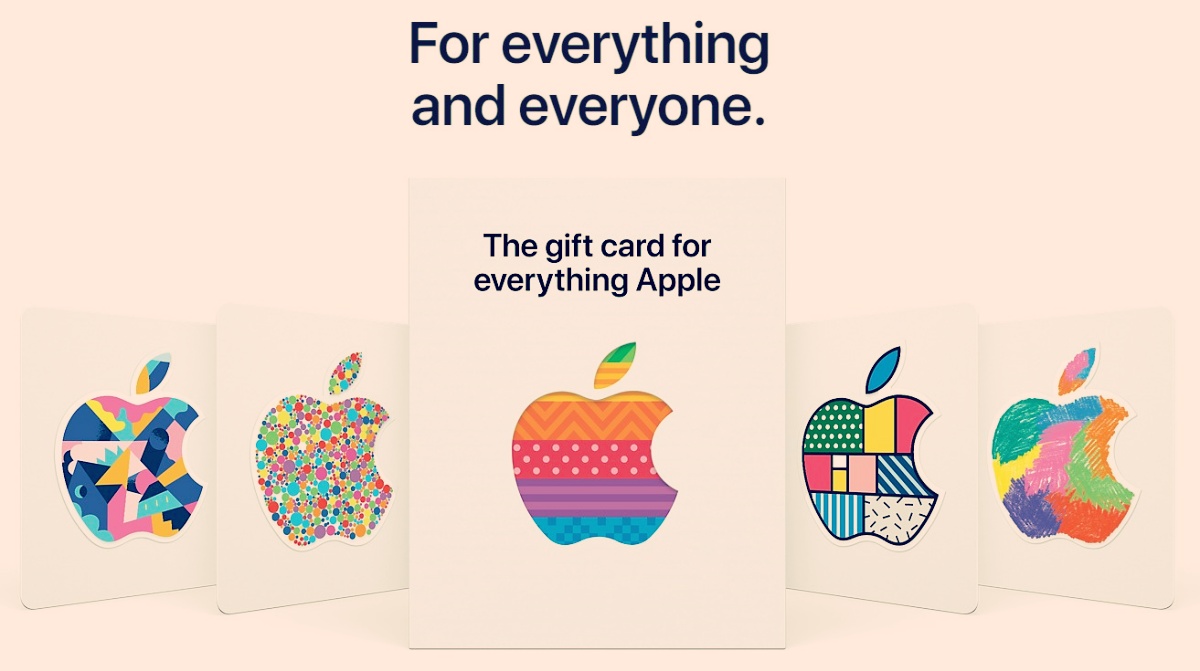
How to Buy and Redeem Apple Gift Cards
The holiday season is right around the corner and it is the perfect time to exchange gifts with your loved ones. However, in this…
-

How to Check Balance on an Apple Gift Card
The holiday season is just around the corner and one of the best gifts for the season seems to be Apple Gift Cards. They…
-

Turn Off Read Receipts for Privacy on Microsoft Teams
When WhatsApp rolled out Read Receipts or the ‘Blue Tick’ in 2014, the world of texting changed drastically, for better or worse. Since the…
-

How to Delete Services in Windows 10
Windows has a lot of administrative tools to give you complete control over your system. And rightly so, many programs install additional services, telemetry…
