
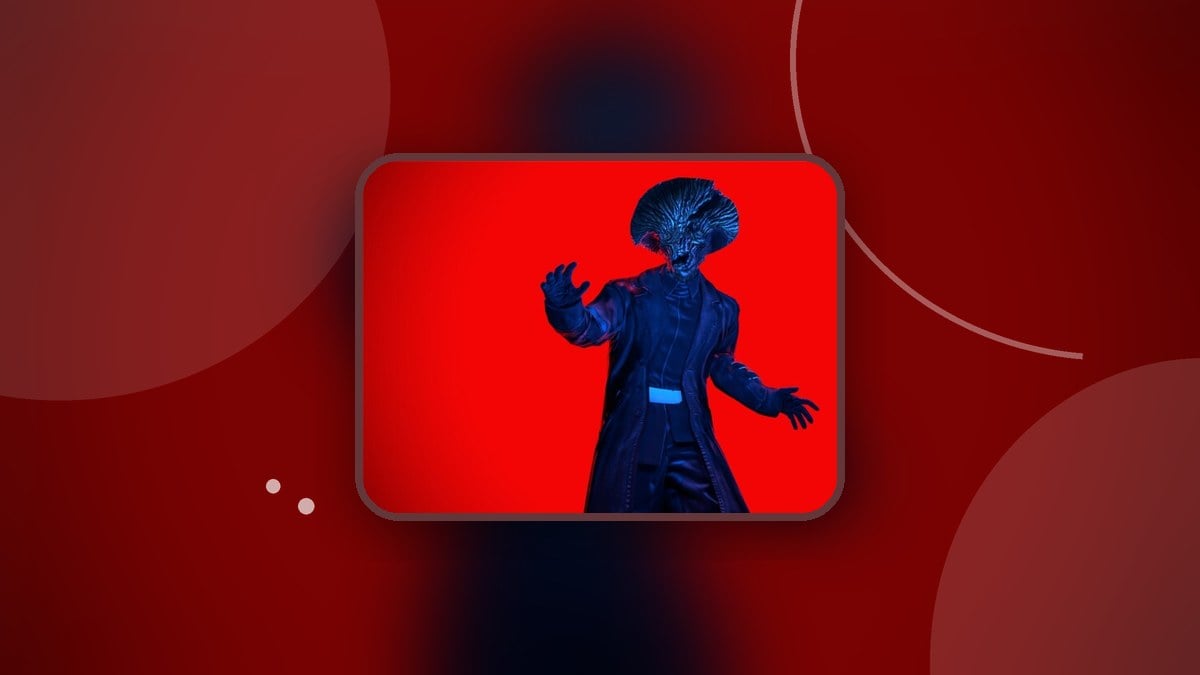
Complete Scary Shawarma to earn The Hollow 2026, then return to The Hollow hub and claim Mushroom Infestation from the pedestal outside its portal.
Mushroom Infestation is an avatar item in The Hollow, earned through its Scary Shawarma event. The activity takes you into the Shawarma Kiosk: Anomalies tutorial shift, where preparing food shares your attention with incoming anomalies.
Finishing the shift earns The Hollow 2026 badge, with the avatar reward waiting back in the hub. This guide covers entering the event, responding to its kiosk challenges, and collecting Mushroom Infestation.
How to get Mushroom Infestation in The Hollow
Enter Scary Shawarma, complete the kiosk shift, and return to the hub for the item claim.
Part 1 – Enter Scary Shawarma and start the event
Enter the Scary Shawarma portal
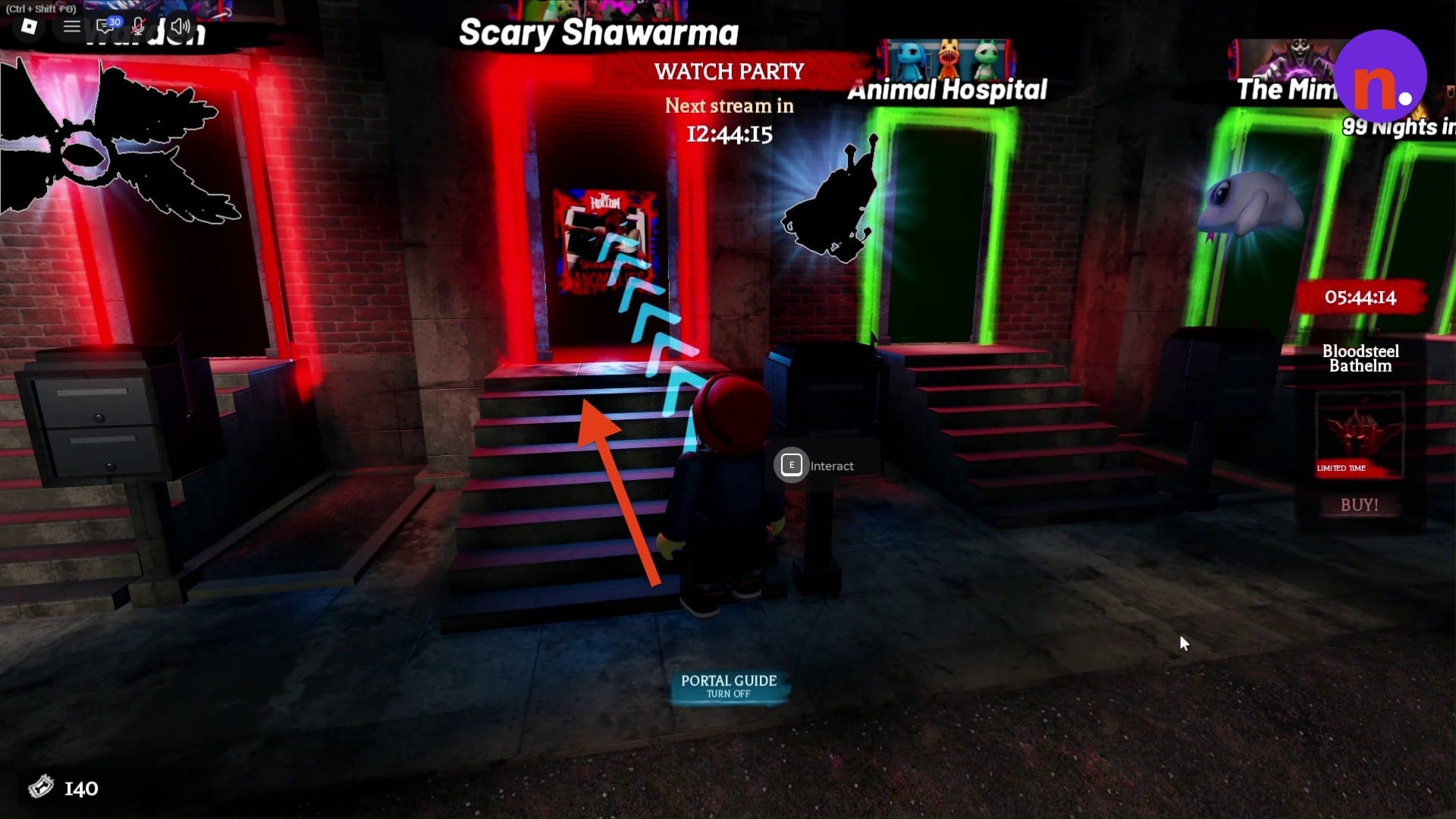
In The Hollow hub, approach the steps leading to the red-glowing Scary Shawarma portal. The teleport popup says you will leave the hub to enter Scary Shawarma. Choose Let's go! to travel there.
Stand on the yellow queue circle
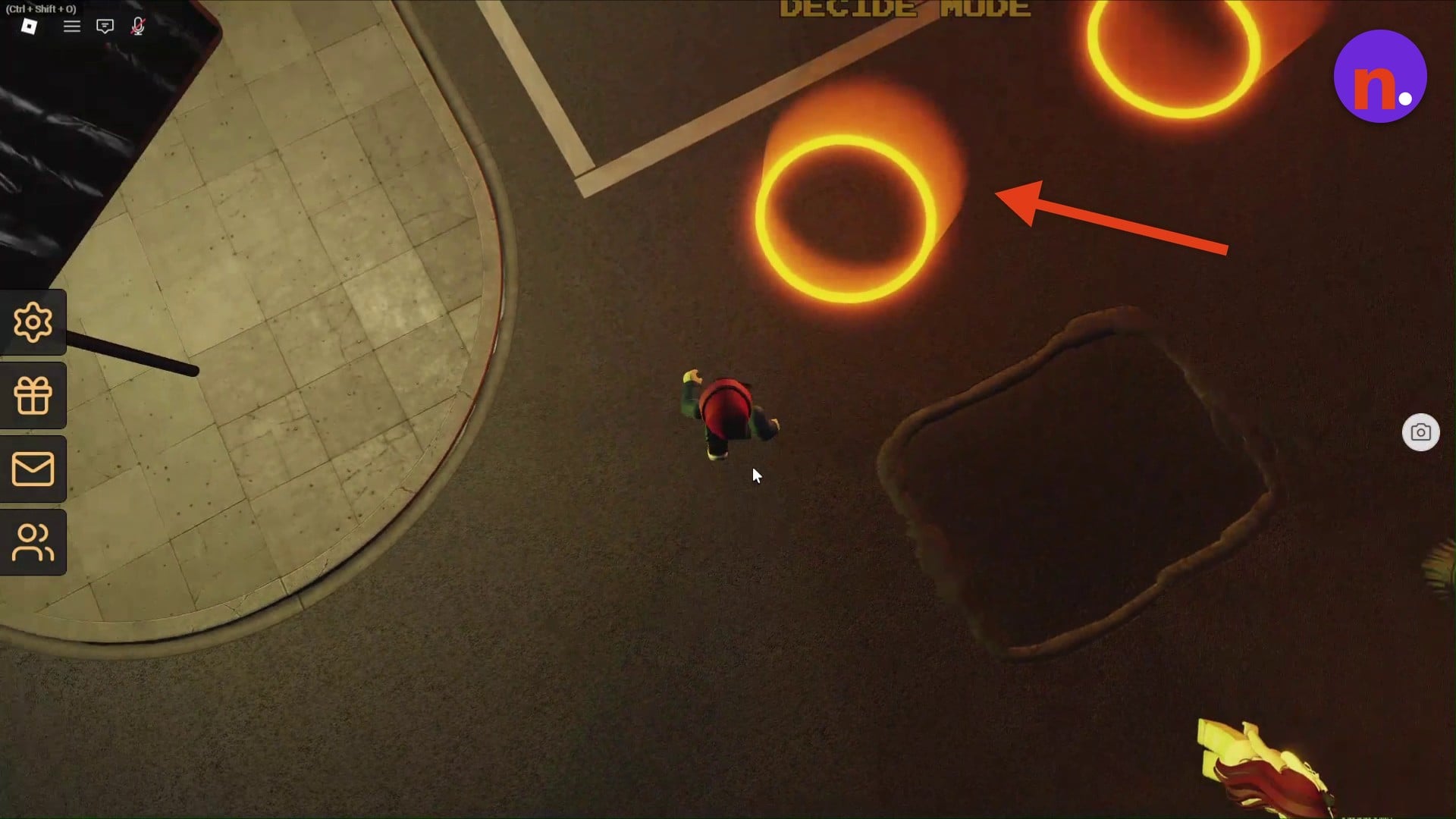
Once you reach the destination lobby’s parking lot, stand on a circular, yellow-glowing queue pad on the ground. This starts the event and loads the Shawarma Kiosk: Anomalies tutorial shift.
Part 2 – Complete the kiosk shift and seal the breach
Prepare shawarma and respond to challenges
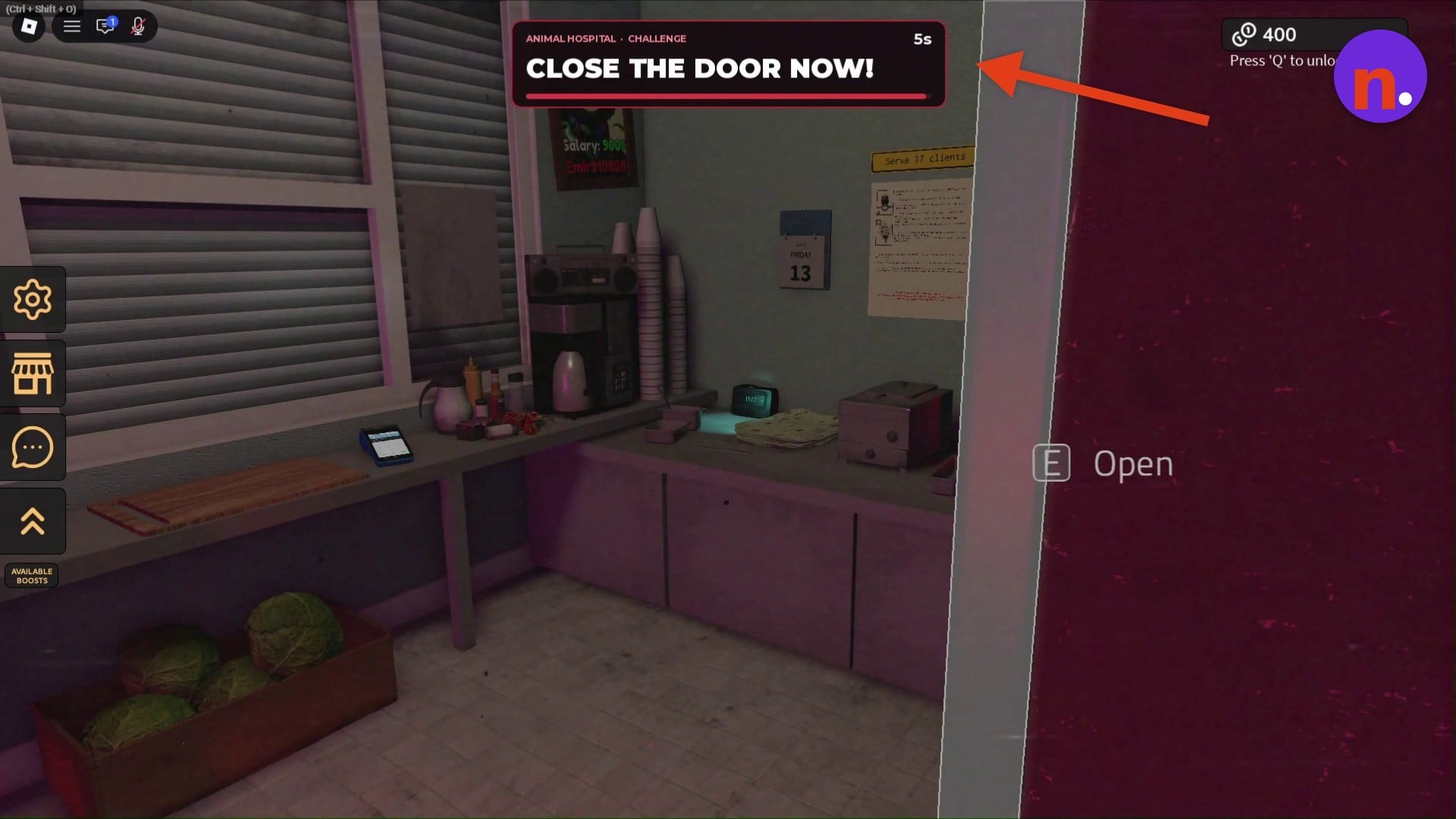
At the preparation station, start by placing Lavash on the cutting board, then use the ingredients to prepare shawarma and serve it to customers. When monsters appear, use the wall-mounted red button labeled Close to lower the window shutter. Follow each challenge’s prompt: Animal Hospital displays a 5s timer and warns CLOSE THE DOOR NOW!, so shut the back door immediately. During Seek, stay alert and keep the windows closed; its challenge timer is 10s. The Ao Oni challenge displays an 8s timer.
Continue until the breach seals
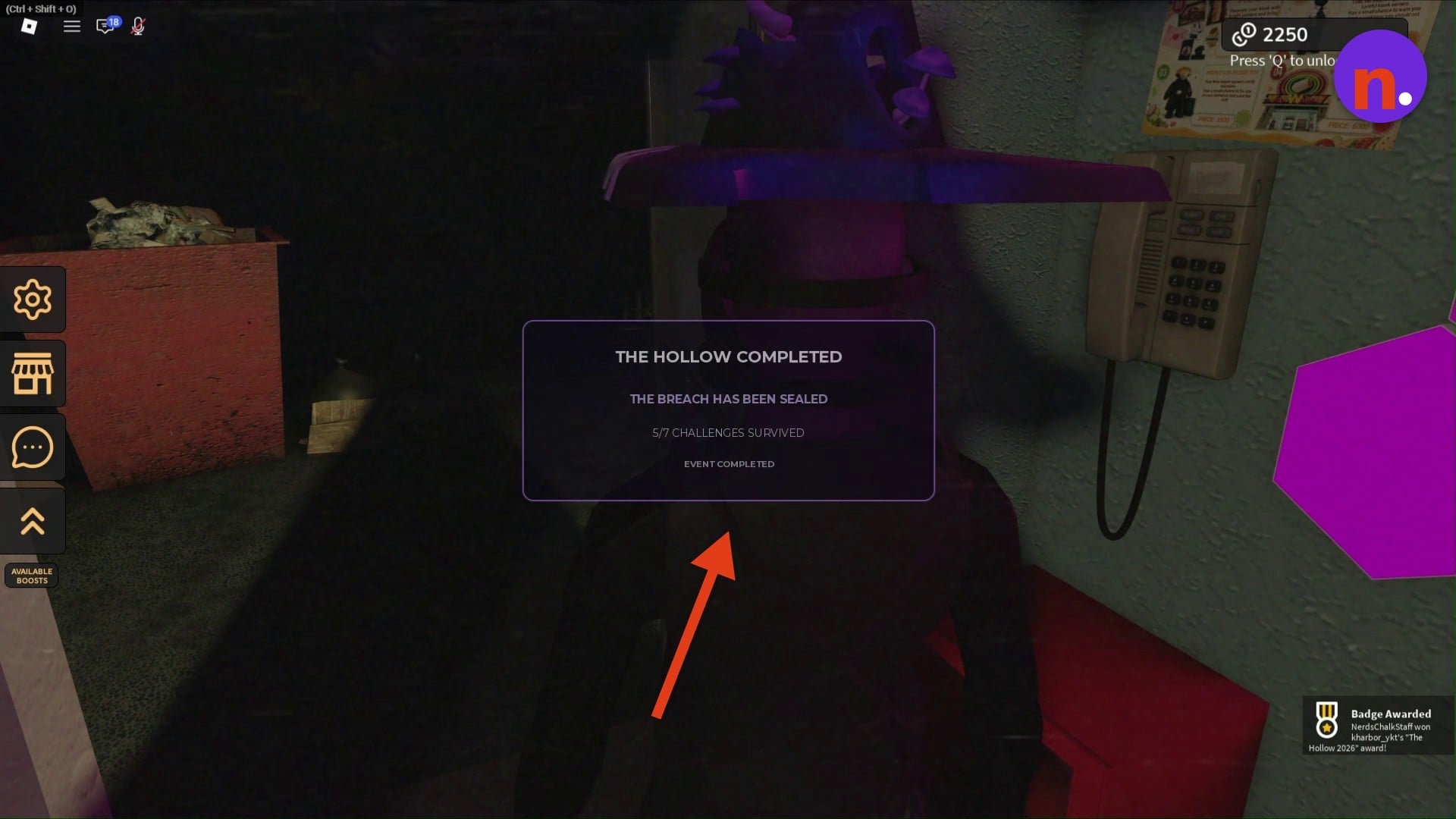
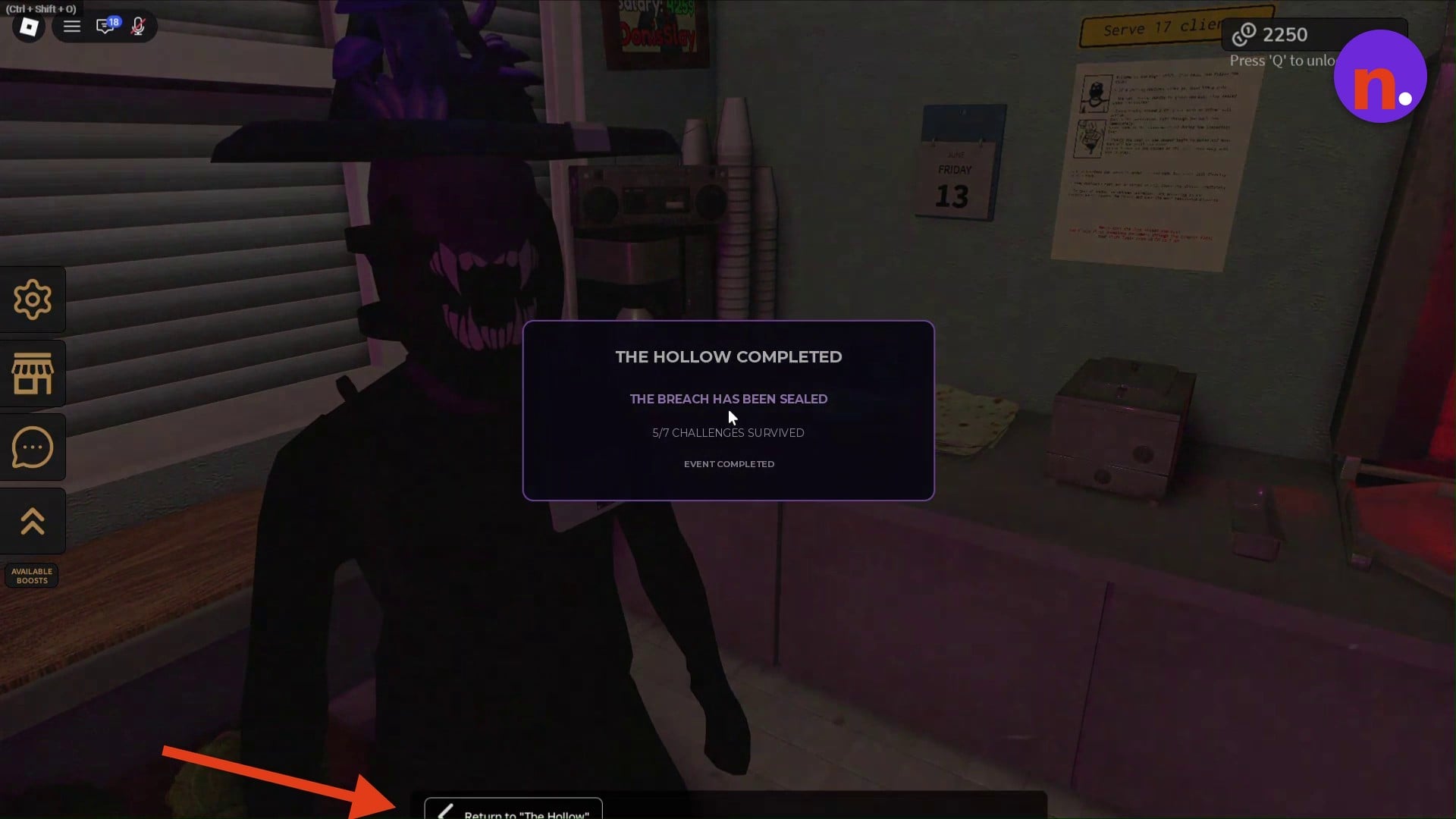
Anomalies appear inside the kiosk as the breach in the wall grows. Surviving challenges makes it shrink, so continue through the event until the completion popup reads THE HOLLOW COMPLETED and THE BREACH HAS BEEN SEALED. The completion notification awards The Hollow 2026 badge. The completion counter tracks seven challenges and can show five survived out of seven when the event ends.
Part 3 – Return to the hub and claim Mushroom Infestation
Return to The Hollow and redeem the badge
After earning the event badge, choose Return to "The Hollow" at the bottom of the completion popup to travel back to the hub. At REDEEM BADGES, select Confirm for The Hollow 2026 to receive 10 tickets.
Claim Mushroom Infestation at the pedestal
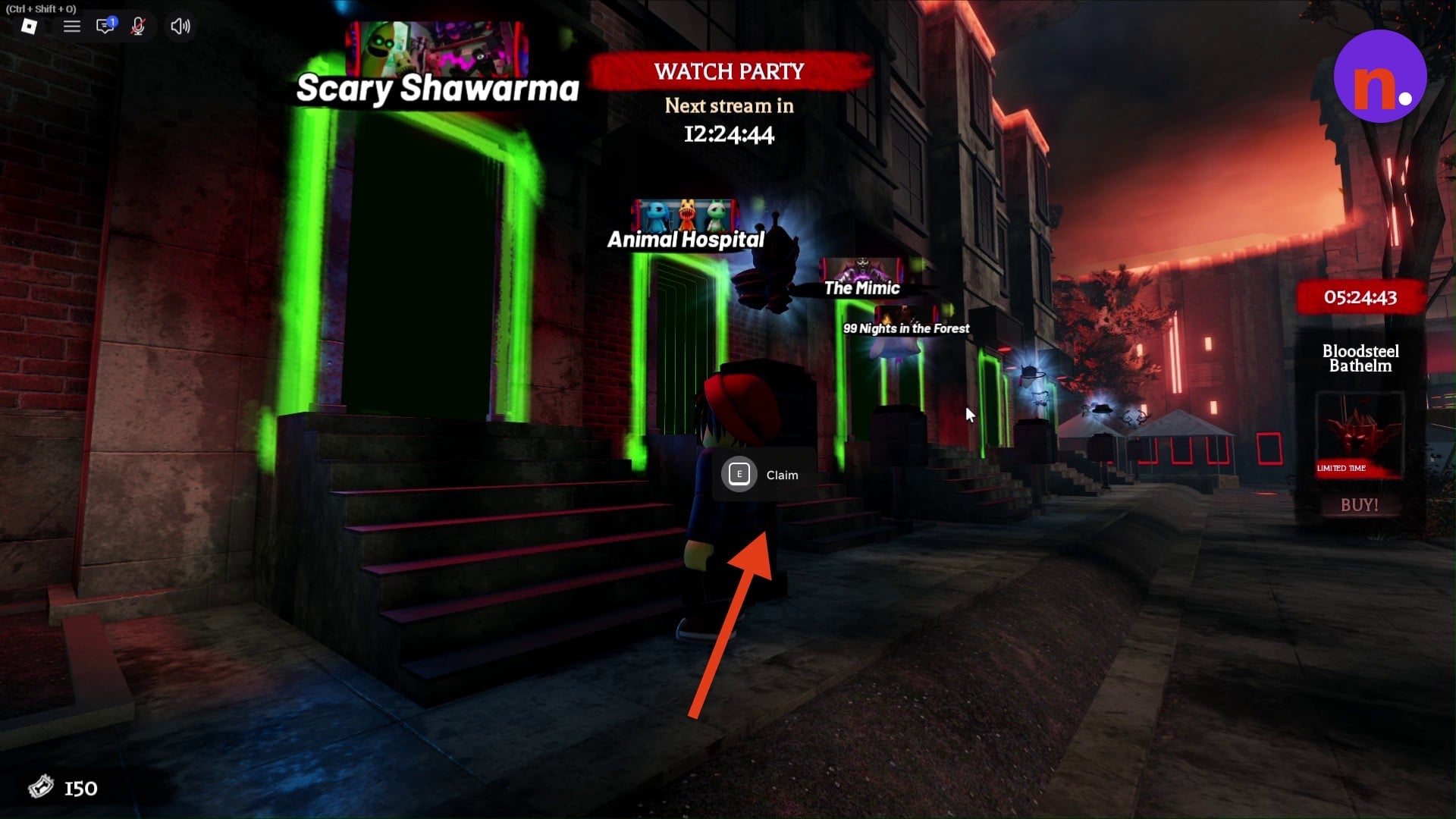
Back on the hub street bordered by green-glowing portal doorways, approach the pedestal outside the Scary Shawarma portal. Press E at Claim to collect Mushroom Infestation.
Press Q to unlock your mouse while working inside the kiosk.
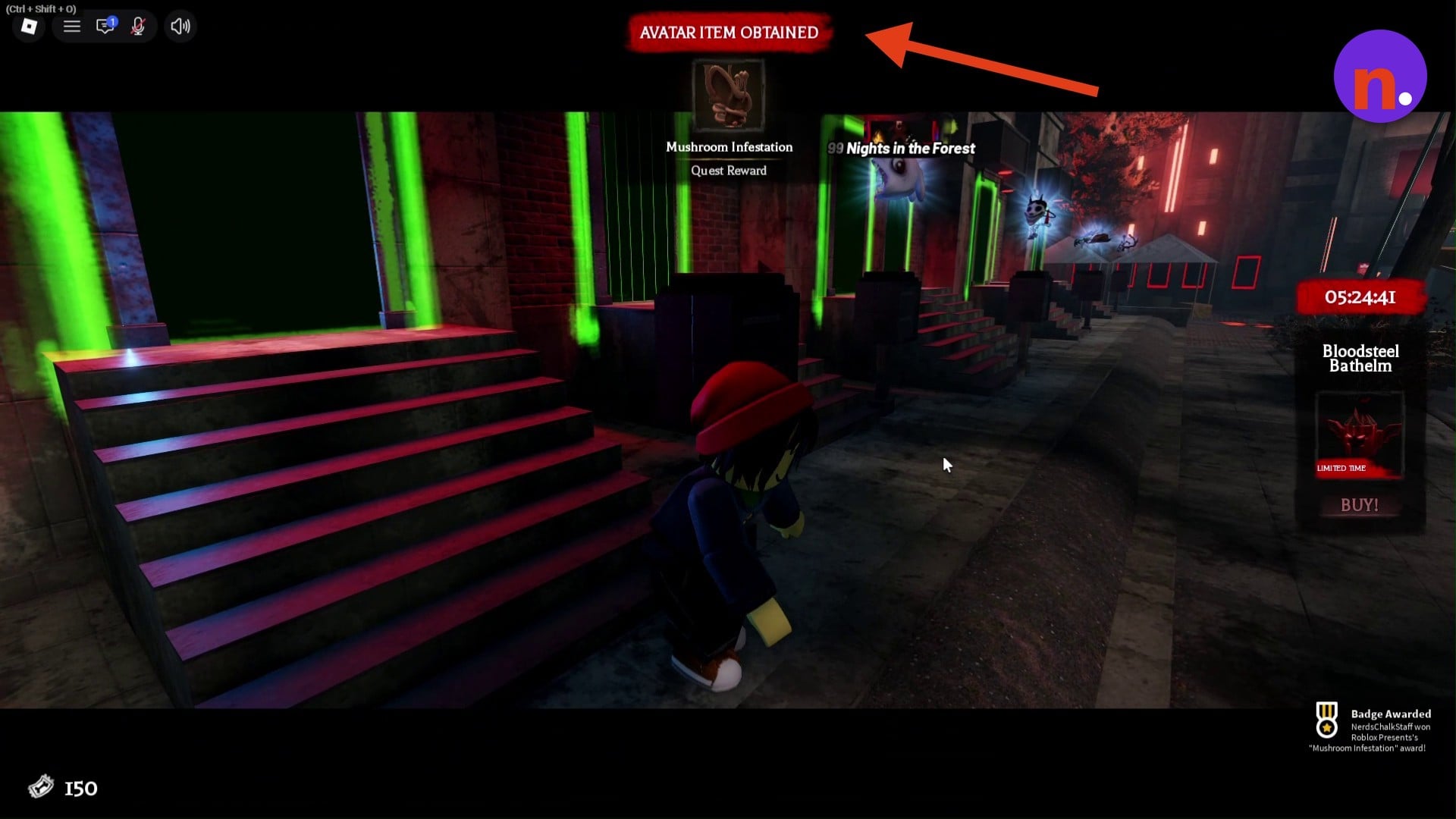
The AVATAR ITEM OBTAINED banner names Mushroom Infestation as a Quest Reward, confirming you’ve collected the item. Obtaining it also awards the separate Mushroom Infestation badge.
Related The Hollow guides
Leave a Reply