
Category
how to
-
iOS 17: How to Add More Photos and Videos to a Memory
What to know To add new photos and videos to a memory on Photos in iOS 17 go to Photos > For You >…
-
iOS 17: How to Set Two Different Search Engines in Safari
What to know iOS 17 lets you use two separate search engines inside Safari – one for regular browsing and another for private browsing.…
-

How to Blur Background Using Photos App in Windows 11
Blurring the background of an image was once an advanced capability available only on third-party apps. But with Microsoft’s recent introduction of a Blur…
-

iOS 17: How to Pause And Resume Audio Recording on iPhone
What to know To pause an audio message recording, tap on the Stop icon. Once you’re ready to record again, tap the Plus icon beside…
-
iOS 17: How to Adjust Siri’s Speaking Speed on your iPhone
What to know In iOS 17, you can manually tweak the speed at which Siri responds to your queries. To adjust Siri’s speaking speed,…
-

How to Undo Widgets in iOS 17 Home Screen
What to know To enable the ability to undo widgets directly from the home screen in iOS 17, go to Settings > Accessibility >…
-

Fly Delta App Not Working? 8 Ways to Fix
What to know If the Fly Delta app fails to work on your phone, we first recommend you check the service’s server status. In…
-

How to Search the Web with ChatGPT Using ‘Browse with Bing’
What to know On ChatGPT’s desktop website, enable ‘Browse with Bing’ from Settings > Beta features > Browse with Bing. Then select ‘Browse with…
-

How to Select a Different SIM to Return Calls From an Unknown Caller on iPhone
What to know To select the preferred SIM Line, head to Phone > “i” beside the number > SIM Line > Select preferred SIM Line…
-
Personal Voice Not Showing Up in iOS 17? Fix in 10 Proven Ways
What to know If Personal Voice is missing or not working on your iPhone, then the first fix we recommend is to restart your…
-

12 Ways to Fix watchOS 10 Battery Drain Issue
What to know A new update like watchOS 10 may cause some temporary issues on your Apple Watch because the device needs to adapt…
-
How to Use AI in the Paint App on Windows 11
What to know The Paint app on Windows 11 is getting a new AI-enabled Cocreator feature. To use AI in Paint, click on the…
-

How to Redact and Extract Text From Images Using Snipping Tool on Windows 11
Like many other apps, Microsoft is updating and streamlining Windows’ native screenshot app, Snipping Tool, with a few new capabilities. ‘Text Action’, a new…
-

5 Ways to Hide or Uninstall Copilot on Windows 11
What to know Uninstall: Method 1: In Group policy Editor, enable “Turn off Windows Copilot” under User Configuration > Administrative Templates > Windows Components…
-

12 Ways to Fix iOS 17 Face Time Gestures Not Working Issue
What to know The main reason gestures might not trigger reactions in a FaceTime call for you might be because they have not been…
-
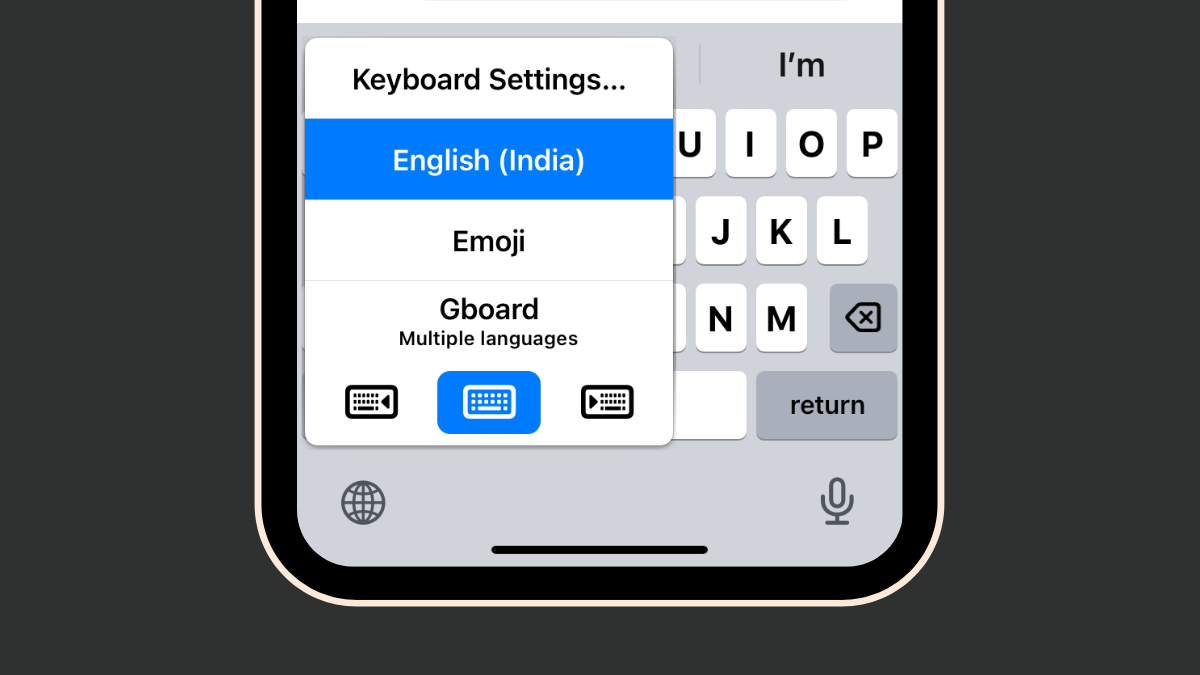
How to Fix the iOS 17 GIF Keyboard App Issues in 4 Ways
What to know The GIF Keyboard App in iOS 17 is now part of the iMessage apps and can be accessed by going to…
-
![How to Use Bing AI in SwiftKey Keyboard [AIO]](https://cdn.nerdschalk.com/wp-content/uploads/2023/09/bing-ai-swiftkey.png)
How to Use Bing AI in SwiftKey Keyboard [AIO]
What to know SwiftKey in unloading a ton of AI features with Bing AI at heart. Features like Bing AI camera lenses (GIFs and…
-

How to Use Voice and Image Prompts in ChatGPT
What to Know As of September 27, 2023, ChatGPT Plus and Enterprise users can now interact with the chatbot with image and voice prompts…
-
How to Change Tone with AI in SwiftKey Keyboard
What to know Install, set up SwiftKey as your primary keyboard, and log in to your Microsoft account to get started. Tap on the…
