

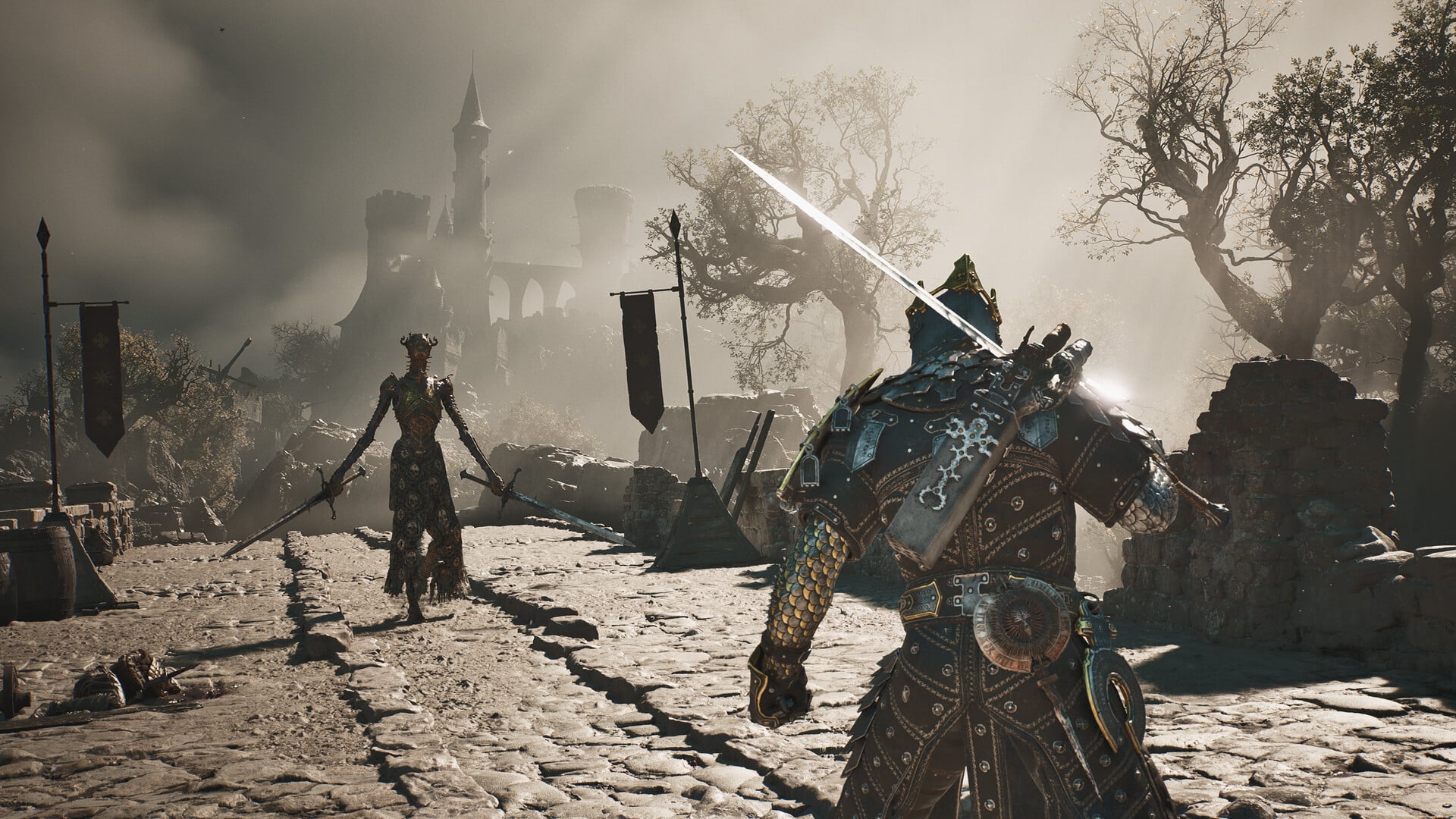
What to know
- Night Mode is Mortal Shell 2’s dedicated hard-difficulty mode, changing the world while making enemies significantly more dangerous.
- You need to reach Widow’s Overlook and defeat or get past the Great Arbiter of Flesh to obtain the required flame item.
- Take the flame back to Marrow Keep and place it at the designated location near the top of the tower.
- Night Mode is toggleable, so you can return to the normal daytime experience rather than being permanently locked into the harder setting.
Mortal Shell 2 does not simply hide its hard difficulty behind a conventional menu option. Instead, Night Mode is tied to an item you discover during exploration, giving the increased difficulty a physical presence in the game world. The mode also does more than increase enemy strength: according to Cold Symmetry, Night Mode changes the visual experience and introduces harder enemies, additional rewards, unique NPCs, dungeons, items, and secrets.
| Quick overview | Details |
|---|---|
| Mode | Night Mode |
| Difficulty | Hard |
| Required item | Gloom Bound Flame |
| First major location | Widow’s Overlook |
| Boss involved | Great Arbiter of Flesh |
| Activation area | Marrow Keep |
| Main effect | Darker world and tougher enemies |
| Extra content | Unique NPCs, dungeons, items and secrets |
| Can you turn it off? | Yes |
How to reach the Gloom Bound Flame in Widow’s Overlook
The first part of unlocking Night Mode takes you to Widow’s Overlook, an area you can reach after completing the prologue. Once you arrive at the Widow’s Overlook beacon, continue through the area until you encounter the Great Arbiter of Flesh.
The Great Arbiter of Flesh serves as the major obstacle associated with obtaining the flame. You can defeat the boss or, depending on your route and movement, make your way past the encounter and reach the area containing the item. The flame is positioned in the middle section of the area, making it relatively straightforward to identify once you have reached the correct location.
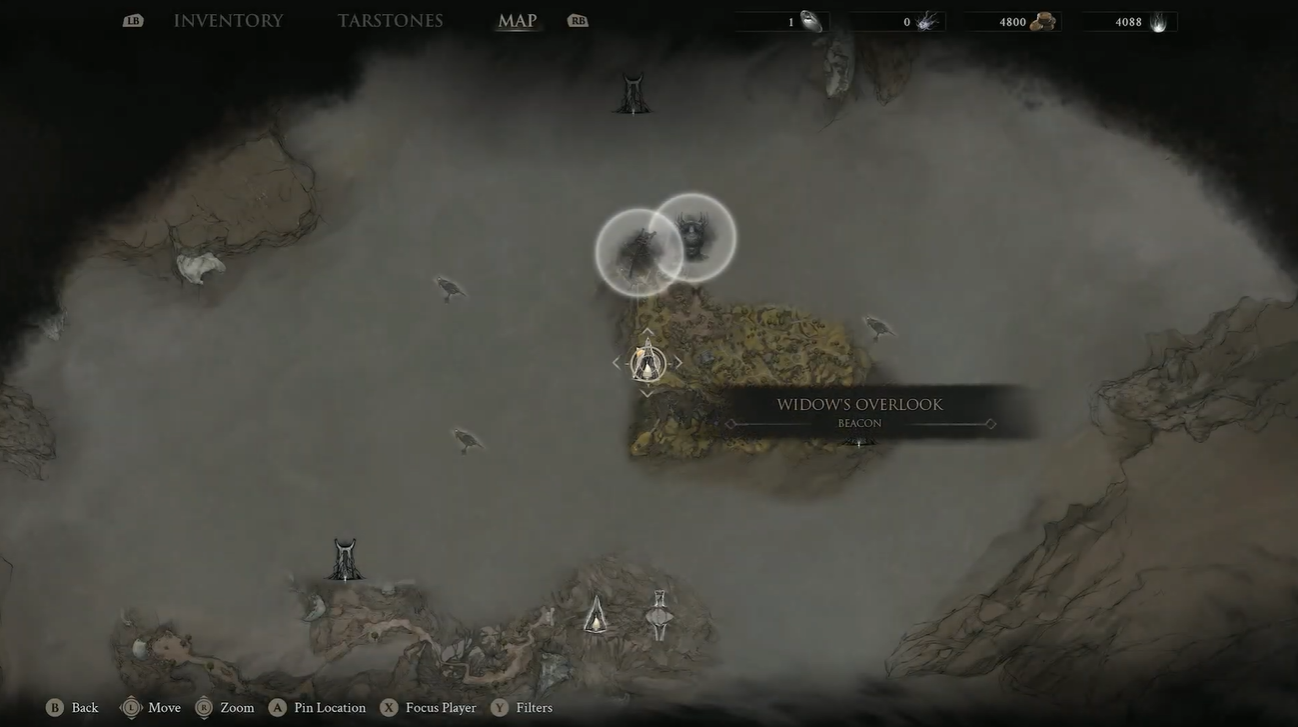
Recent player reports also confirm that defeating the Great Arbiter of Flesh is the key progression point for obtaining the item that enables Night Mode.
How to get the flame after reaching Widow’s Overlook
Step 1
Reach the Widow’s Overlook beacon after progressing beyond the prologue. Use the beacon as your navigation point and continue into the surrounding area.
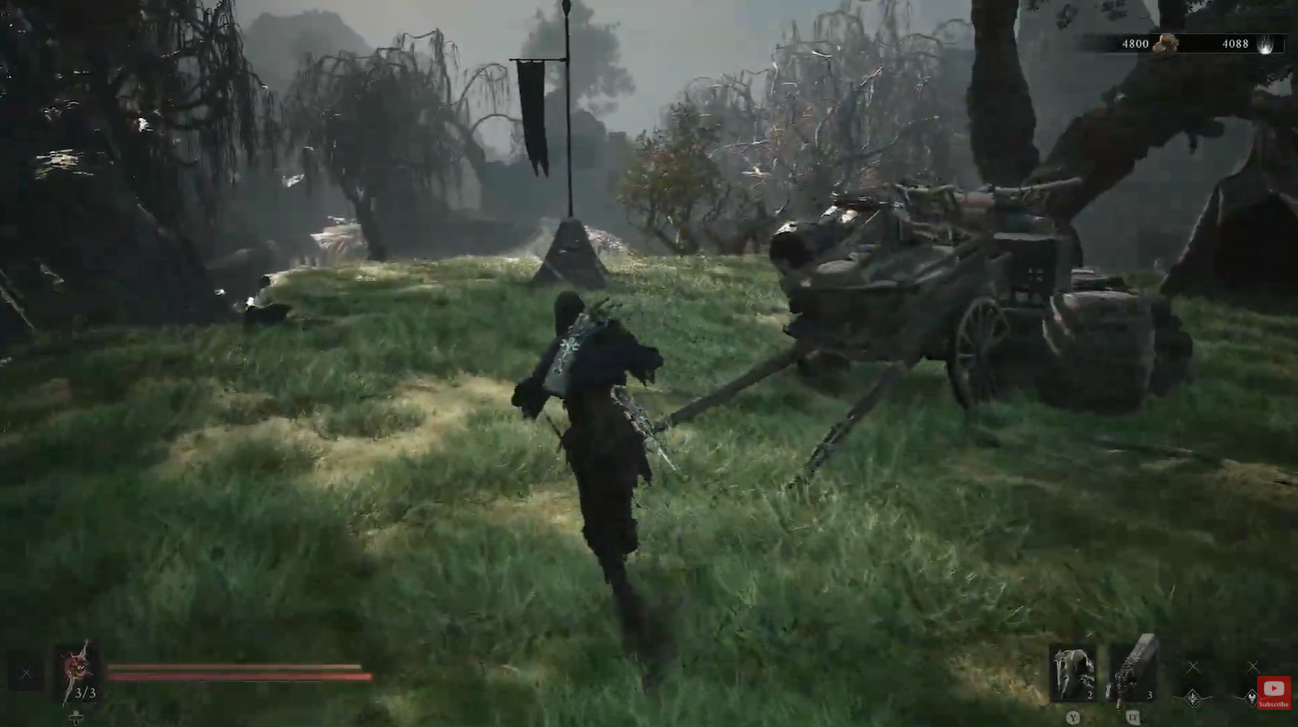
Step 2
Proceed toward the area containing the Great Arbiter of Flesh. Be prepared for a serious encounter because this boss can be dangerous even before you voluntarily increase the game’s difficulty.
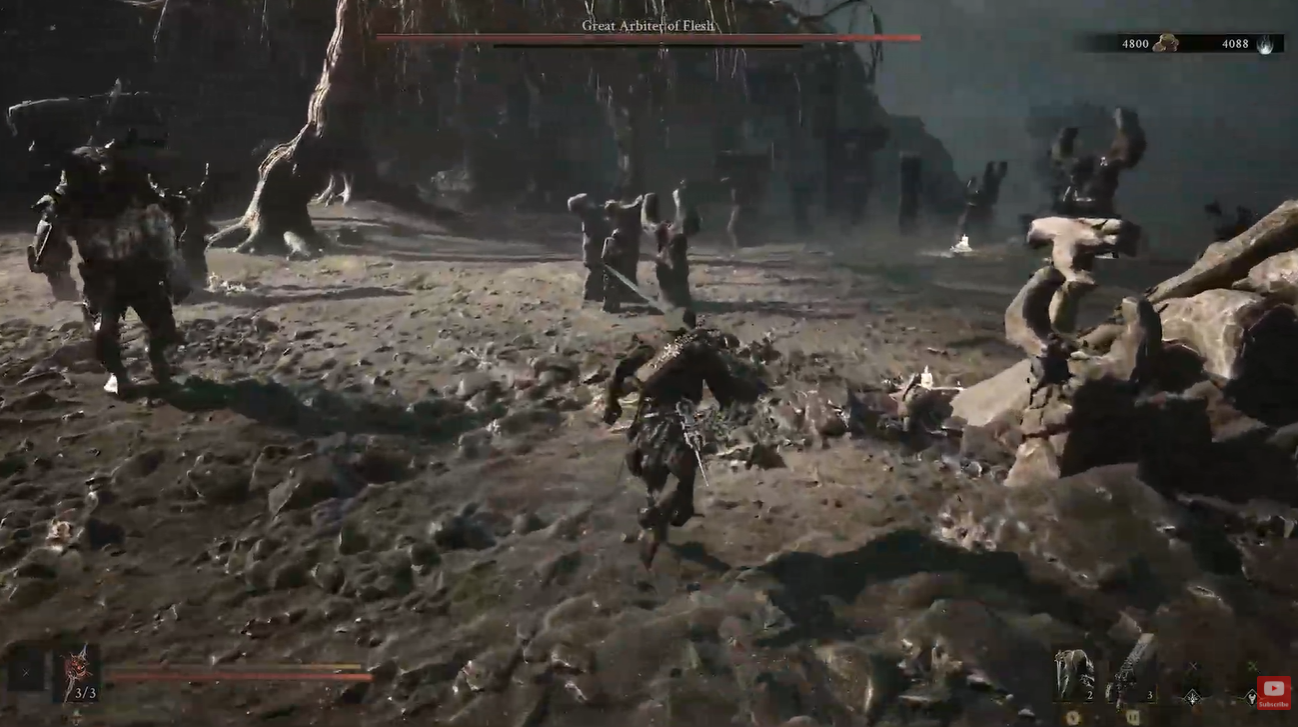
Step 3
Defeat the Great Arbiter of Flesh or navigate past the encounter if your route allows it. The important objective is reaching the section beyond the boss where the flame can be collected.
Step 4
Look through the central area for the Gloom Bound Flame. Pick up the flame to unlock the ability to activate Night Mode.
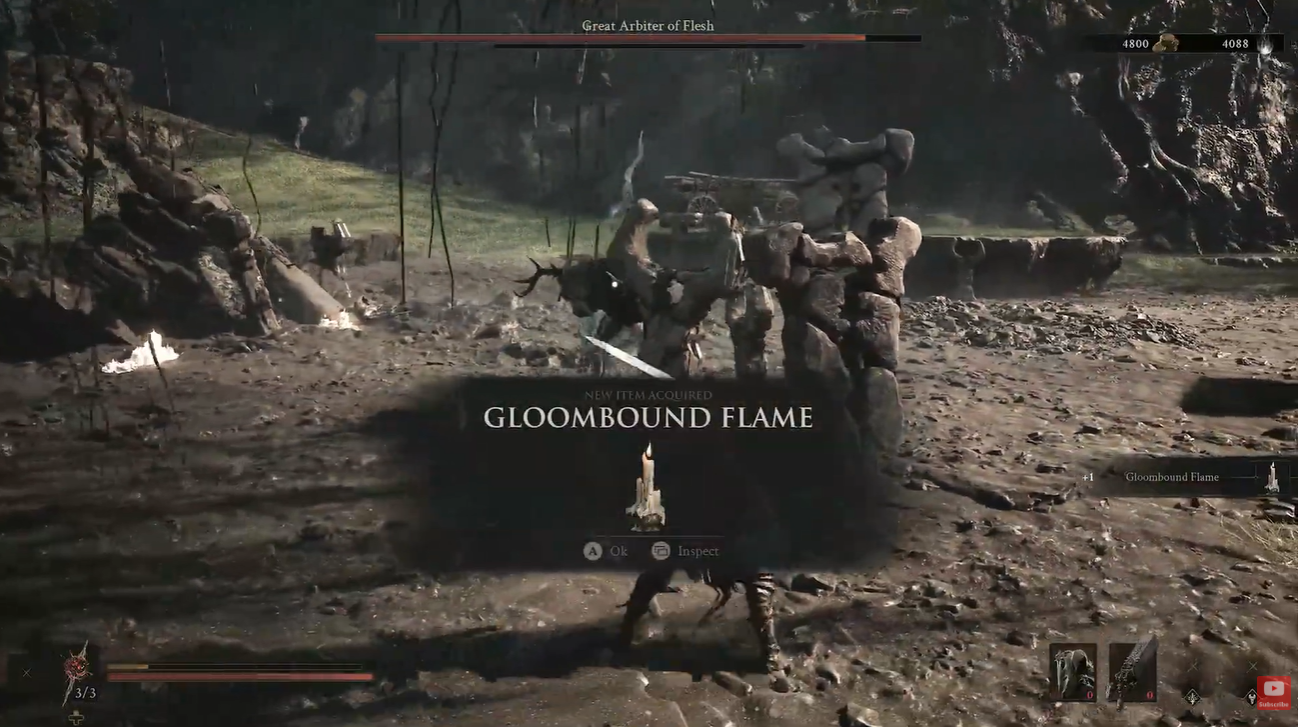
Once you have the flame, you do not need to keep fighting through Widow’s Overlook simply to activate the mode. Your next destination is your home base, Marrow Keep.
How to activate Night Mode at Marrow Keep
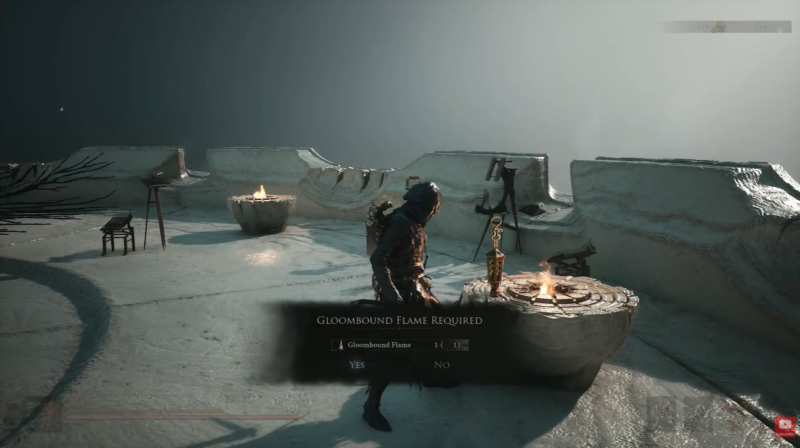
With the Gloom Bound Flame in your possession, return to Marrow Keep. This is where the item actually becomes useful. The activation point is located high within the keep, so you need to use the elevator to reach the upper level.
From there, look toward the left side of the upper area. You will find the designated location where the flame can be placed. Interacting with this spot triggers the Night Mode sequence.
Step 1
Return to Marrow Keep after collecting the Gloom Bound Flame.
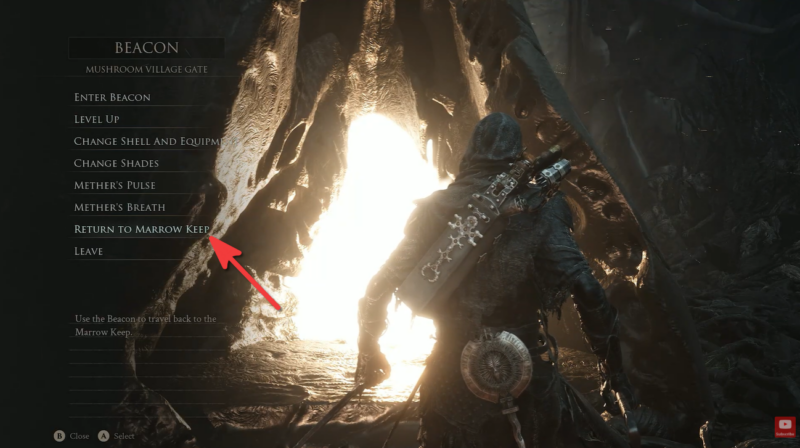
Step 2
Find the elevator inside the keep and use it to travel to the upper level.
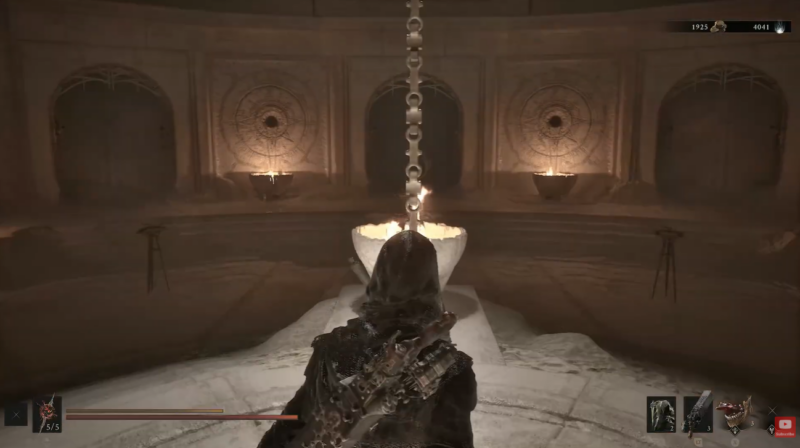
Step 3
When you reach the top, move toward the left side of the area.
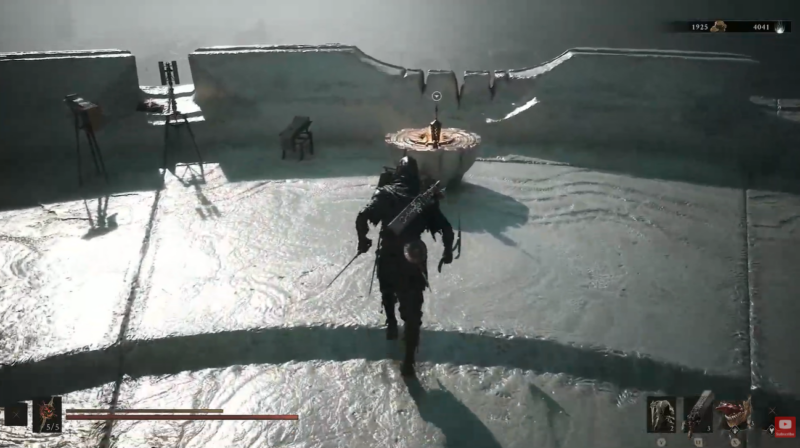
Step 4
Look for the interaction point associated with placing the flame. Interact with it to place the Gloom Bound Flame.
Step 5
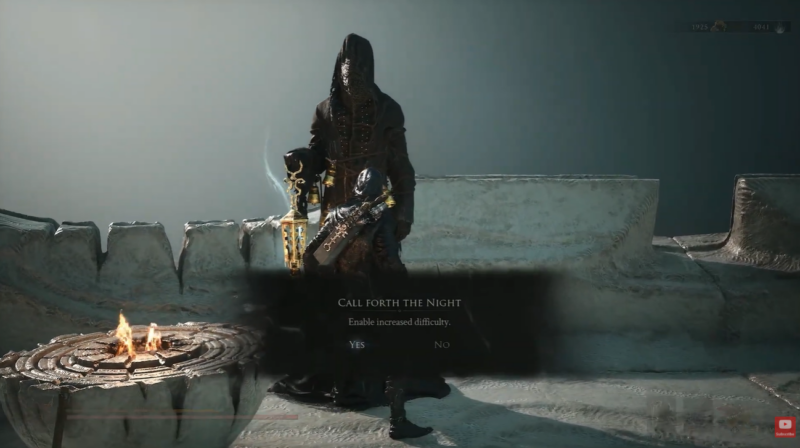
Allow the resulting sequence to play out. The world will transition into Night Mode, changing the atmosphere and difficulty of your current game world.
The method fits with Cold Symmetry’s description of Night Mode as more than a standard difficulty slider. The developers have explained that Night Mode is the primary way to experience increased difficulty and that it also contains additional content rather than simply applying larger enemy numbers.
How Night Mode changes Mortal Shell 2
The most obvious change is immediately visual. The familiar world becomes much darker and more oppressive, giving areas a completely different atmosphere. This is not simply a cosmetic filter, however. Night Mode is designed as the game’s harder experience, with stronger enemies making exploration considerably more dangerous.
Players have reported that the difference can be substantial. Current launch-period discussions describe Night Mode as capable of turning ordinary encounters into extremely punishing fights, with some players reporting that enemies can defeat them in only a few hits.
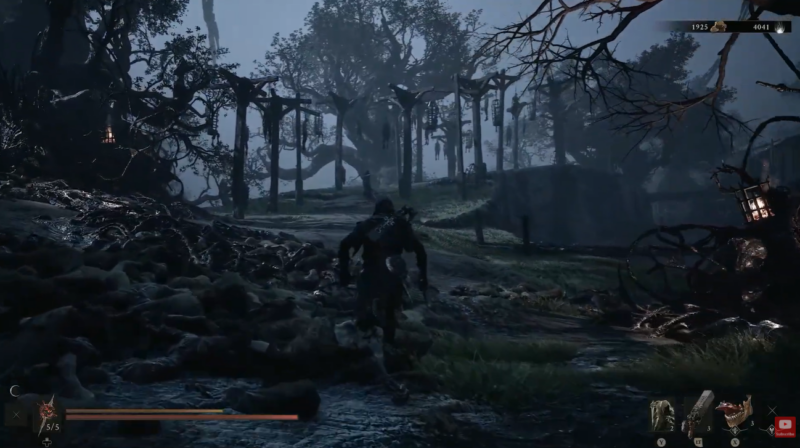
Cold Symmetry has also clarified that the mode includes more than tougher combat. The developers describe Night Mode as having harder enemies, more rewards, unique NPCs, dungeons, items and secrets, giving players a reason to explore the altered world rather than treating the mode as nothing more than a difficulty modifier.
This makes Night Mode particularly interesting for players who have already learned the game’s combat systems. Instead of simply replaying the same adventure with stronger enemies, you can encounter elements that are specific to the darker version of the world.
Night Mode rewards and additional content
Because Night Mode changes portions of the world, its rewards extend beyond the challenge itself.
| Night Mode element | What changes |
|---|---|
| Enemy difficulty | Enemies become substantially more dangerous |
| World atmosphere | The game adopts a darker nighttime presentation |
| Rewards | Additional rewards are available |
| NPCs | Unique NPC encounters can appear |
| Dungeons | Night Mode contains unique dungeon content |
| Items | Additional items can be discovered |
| Secrets | Some secrets are specific to the mode |
The developers’ own comments are especially important here because they confirm that Night Mode was designed as a different experience rather than simply a hard preset.
How to turn Night Mode off in Mortal Shell 2
- Travel back to Marrow Keep.
- Use the elevator to reach the upper section where you originally placed the Gloom Bound Flame.
- Interact with the flame and use the available option to deactivate Night Mode.
- The world will return to its normal light-state presentation, allowing you to continue playing without the Night Mode difficulty.
This toggle system is one of the more useful aspects of the feature. Rather than forcing you to select a difficulty at the beginning of a new game, Mortal Shell 2 lets you change the challenge during your adventure once you have discovered the necessary item.
Night Mode gives Mortal Shell 2 a clever alternative to the traditional difficulty menu. You earn access to the harder experience by exploring the world and finding the Gloom Bound Flame, then decide when you are ready to activate it. If you are confident in your build and combat skills, the additional enemies, rewards and discoveries make it worth trying. If it becomes overwhelming, you can simply return to Marrow Keep and switch back.
Video help:




Leave a Reply