
Category
Windows
-
Why Windows Recall Isn’t as Big a Privacy Threat as You Think
What to know Windows Recall saves snapshots of your PC use so you can go back in time and access your work again. The…
-
Spicetify Not Working? 7 Ways to Fix
What to know Issues with Spicetify mostly arise due to improper installation, Spotify’s updates, and network issues. Make sure that the Spotify app installed…
-
Does Windows Recall Use Cloud to Analyze Your Snapshots?
What to know No, Windows Recall does not use cloud to analyze your snapshots. Microsoft can’t access or view the snapshots either. All analyses…
-
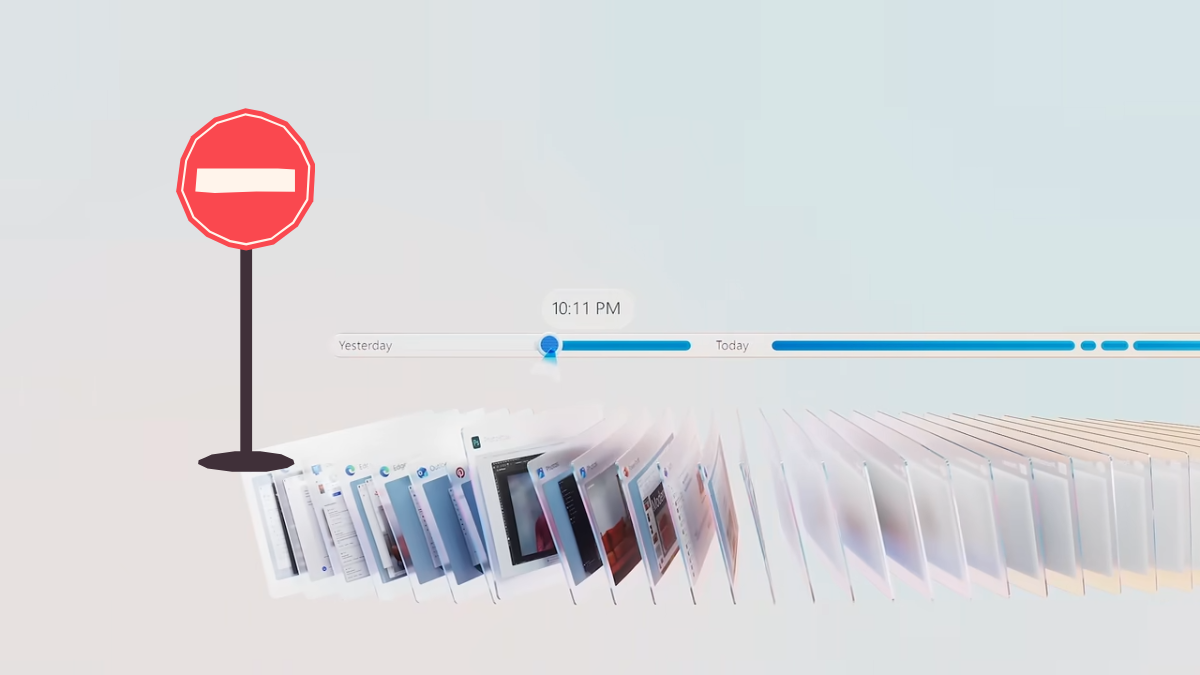
How to Uninstall the Recall App in Windows
What to know Disable the Recall app from Settings > Privacy & security > Recall & snapshots > toggle off ‘Save snapshots’. Pause Recall…
-
How to Use Paste Using AI in Windows Using ‘Advanced Paste’ in PowerToys
What to know Advanced Paste is a PowerToys utility that pastes the clipboard content in different formats, such as plain text, markdown and JSON. …
-

Our 10 Favorite Spicetify Extensions to Customize the Spotify Desktop App
What to know Spicetify is a command-line tool that lets you customize Spotify’s desktop app. Spicetify’s Marketplace has numerous extensions and add-ons that embellish…
-

How to Create a Passkey for Your Personal Microsoft Account
What to know You can now create passkeys for your personal Microsoft account. Passkeys are a replacement for passwords. With them, you can sign…
-

How to Block Ads on Spotify’s Desktop App
What to know You can easily modify the Spotify app for Windows to block ads for a non-Premium Spotify account. Several GitHub projects let…
-

How to Use KDE Connect to Control PC With Phone and Vice Versa
What to know KDE Connect is a free open-source app that lets you connect your PC and smartphone and control one from the other…
-

How to Run Microsoft Phi-3 AI on Windows Locally
What to know Microsoft’s Phi-3 is a small but powerful AI model that you can run locally on Windows. Install Ollama, then run the…
-
How to Run Llama 3 by Meta AI Locally
What to know Meta’s large language model Llama 3 is available for you to download and run locally on your system. Download Meta Llama…
-
How to Check if Your Windows 11 Computer Is AI-Enabled
What to know Your computer is AI-enabled if you see the ‘NPU’ label within the Performance tab of the Task Manager. You can also…
-

How to Turn on Dark Mode on Google Drive
What to know Enable Dark mode on Google Drive for the web from Settings > General > Appearance. Enable Dark mode on Google Drive…
-
How to Transfer Songs Between Two Spotify Accounts
What to know You can transfer songs between Spotify accounts in a variety of ways. The fastest way to transfer songs is via a…
-
How to Peek Audio Files on Windows Using PowerToys
What to know PowerToys now lets you preview audio files using the Peek tool. Peek at audio files by selecting them and pressing Ctrl+Space.…
-
How to Peek .WebP Images on Windows Using PowerToys
What to know PowerToy v0.80.0 now supports .WebP image format for Peek. To peek at .Webp image files, simply select them and press the…
-

How to Enable or Disable the Copilot Suggestions Menu on Windows 11
What to know Enable or disable the Copilot Suggestions Menu feature from Settings > Personalization > Copilot in Windows > Show Copilot suggestions menu…
-
How to Set RAM Usage for Microsoft Edge
What to know Edge has a new setting that lets you control how much RAM the browser can use. To set RAM limits, go…
-
How to Extract Words from Kindle’s Vocabulary Builder to PC
What to know Kindle’s Vocabulary Builder is a built-in tool on Kindle devices that saves the words that you’ve looked up while reading. Extracting…
-

Windows 11 Restores Drag-And-Drop Function to File Explorer’s Address Bar
What to know Windows 11’s File Explorer lets you drag and drop files between breadcrumbs in the File Explorer’s address bar. The feature was…