
Category
how to
-

How to Use Live Text in Video on iPhone on iOS 16
Live Text was a much sought-after feature in iOS 15 that has proved to be beneficial for a lot of users. Looking to improve…
-

What Is the Search Button on Home Screen on iOS 16?
iOS 16 brings along tons of changes, many documented, others not so much. If you’ve set up your phone from scratch then you might…
-

30 Must-know iOS 16 Features!
With iOS 16, Apple has given us a lot of new and improved features that will be in many ways pretty helpful in making…
-

How to Use File Explorer Tabs on Windows 11
Windows 11 had teased File Explorer tabs a few months ago but soon removed the feature in favor of the recent 22H2 Sun Valley…
-
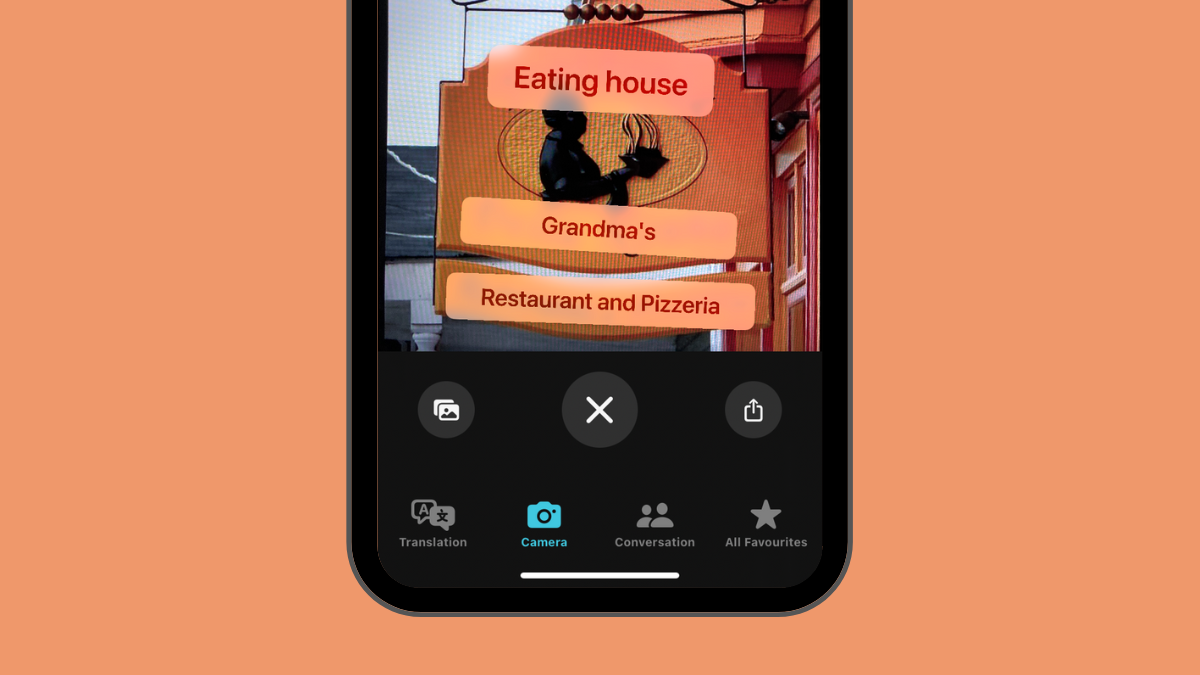
How to Translate Text Using Camera on iPhone
Apple’s Translate app lets you translate text from one language to another by pointing your iPhone’s camera towards the text you wish to translate.…
-
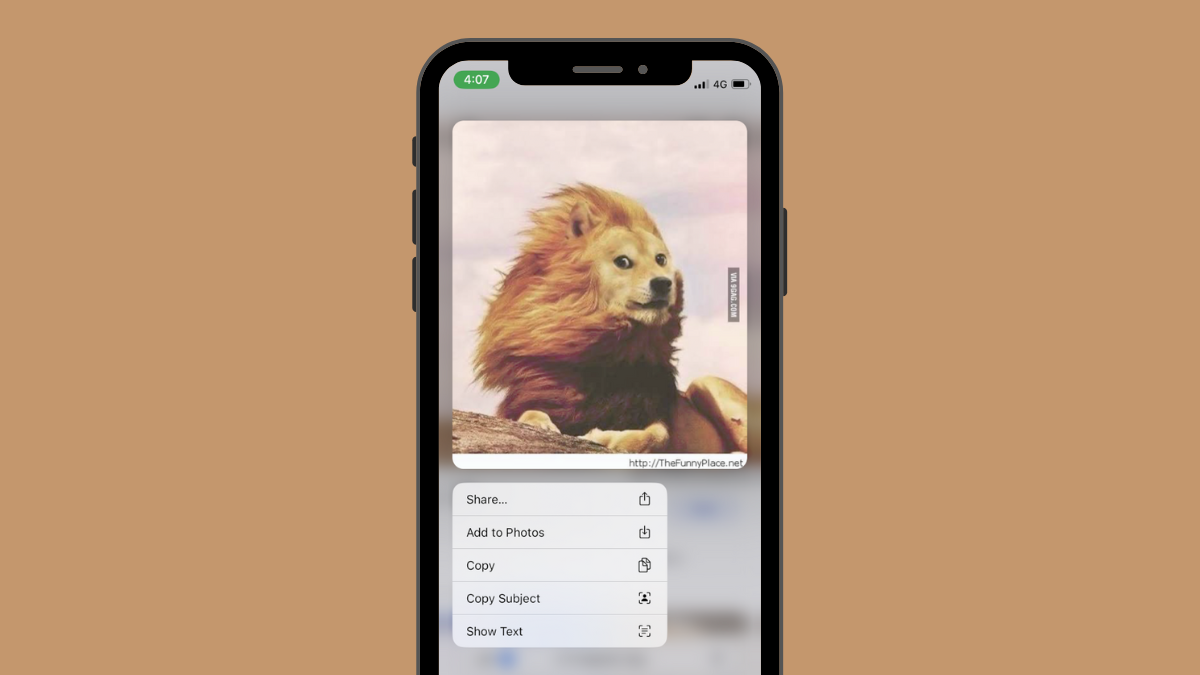
iOS 16 Photo Cutout: Top 6 Ways to Create a Cutout and 4 Ways to Paste and Use it
iOS 16 gets you numerous new features and improvements, including making it incredibly easy to copy an object or person from an image or…
-

How to Disable the Confirmation Prompt for Siri When Sending a Message
When it comes to Voice Assistants, Siri is a name synonymous with Apple users. It was the first wide-scale voice assistant to be released…
-

How to Create a Solid Color Lock Screen on iPhone on iOS 16
With iOS 16 lock screen customization settings, you can create custom wallpapers with an entire spectrum of colors. The tool is complete with a…
-

How to Turn On Dark Mode on a Lock Screen on iPhone on iOS 16
There is something so charming about the phone display when it is in the dark mode. With iOS 16, Apple hopes to elevate the…
-
How to Track Your Fitness on iPhone Without Apple Watch on iOS 16
For the most part, the Fitness app on iOS has only been useful for people who own an Apple Watch. The app would sync…
-

How to Convert Currency Using the Camera on iPhone on iOS 16
One of the new elements in the iOS 16 update for iPhone is the extension of Live Text support to perform a variety of…
-

How to Use Focus Filters on iPhone on iOS 16
Focus modes were first introduced in iOS 15 and since then they have become a vital part of the iOS ecosystem. Many users rely…
-

How to Change Clock Font on iPhone on iOS 16
To an extent, your iPhone lock screen reflects your personality, especially your sense of aesthetic expression. Catering to the general interest, Apple has introduced…
-
iOS 16 Lock Screen: How to Show Full Clock in Front or Let Subject Come in Front
With iOS 16, Apple hopes to revolutionize the fundamental appeal and utility of your iPhone lock screen. Among the visual changes to come to…
-

How to Schedule an Email on Apple Mail on iPhone
Apple’s native Mail app offers a Scheduled Send feature that allows users to compose emails and prepare them to be sent at a later…
-

How to Get Old Notifications View Back on iPhone on iOS 16 With ‘List View’
iOS 16 is designed to give your lock screen a visibly different visual and hands-on experience with the many additions and UI overhauls made…
-

How to enable or disable Live Captions on FaceTime on iOS 16
Apple’s enduring effort towards self-improvement shines through yet again with the iOS 16 update that shows off conspicuously thought-out additions to the existing functionalities…
-
How to Recall an Email in the Mail app on iPhone
Apple’s native Mail app has an Undo Send option that allows users to recall emails that they’re sending before they reach the recipient. When…
-

4 Ways to Remove Widgets From iPhone Lock Screen
What to know The simplest way to remove widgets from the lock screen is by unlocking your iPhone > long-pressing on the lock screen…
-
![[Easy] How to Remove Background Using Files App on iPhone or iPad](https://cdn.nerdschalk.com/wp-content/uploads/2022/06/remove-background-logo-2.png)
[Easy] How to Remove Background Using Files App on iPhone or iPad
Background removal is one of the most hyped and celebrated features on popular photo editors; if you are like us you can find a…