
Category
how to
-
![How to Unsend a Message on iPhone [2023]](https://cdn.nerdschalk.com/wp-content/uploads/2021/09/imessage-logo.png)
How to Unsend a Message on iPhone [2023]
What to know Messages you send to someone can be easily retrieved using the Undo Send feature on the iPhone. Undo Send immediately removes…
-
How to Disable Face ID or Touch ID for Hidden and Recently Deleted Photos on iPhone
What to know Apple lets you enable or disable Face ID or Touch ID authentication for accessing content inside the Hidden and Recently Deleted…
-

How to Convert Metrics Very Quickly on iPhone on iOS 16
The application of metric conversion tools in everyday life has a huge spectrum, like when you look up a recipe online or when you…
-
![13 Tips to Manage Medications And Medication Reminders on iPhone [Updated With iOS 17 Features]](https://cdn.nerdschalk.com/wp-content/uploads/2022/06/set-up-and-track-your-medications-on-health.png)
13 Tips to Manage Medications And Medication Reminders on iPhone [Updated With iOS 17 Features]
Health and Fitness have always been a region of focus for Apple and with recent updates to iOS, there are better ways to understand…
-
![How to Save Wordle Stats [5 Methods]](https://cdn.nerdschalk.com/wp-content/uploads/2022/06/wordle-how-to-save-stats.png)
How to Save Wordle Stats [5 Methods]
Wordle is the 5 letter word puzzle that took the world by storm in early 2022. Since then the game has developed a cult…
-

Windows 11 Spotlight Not Working? 9 Fixes and 3 Checks To Do
Windows Spotlight was first introduced on the lock screen and later added to the desktop in Windows 11. However, as this feature sources its…
-
iOS 16 Theme: How to Access and Change Themes for Lock Screen on iPhone
Apple has introduced an eclectic ensemble of customization features and tools so that you can give more character to your lock screen appearance in…
-
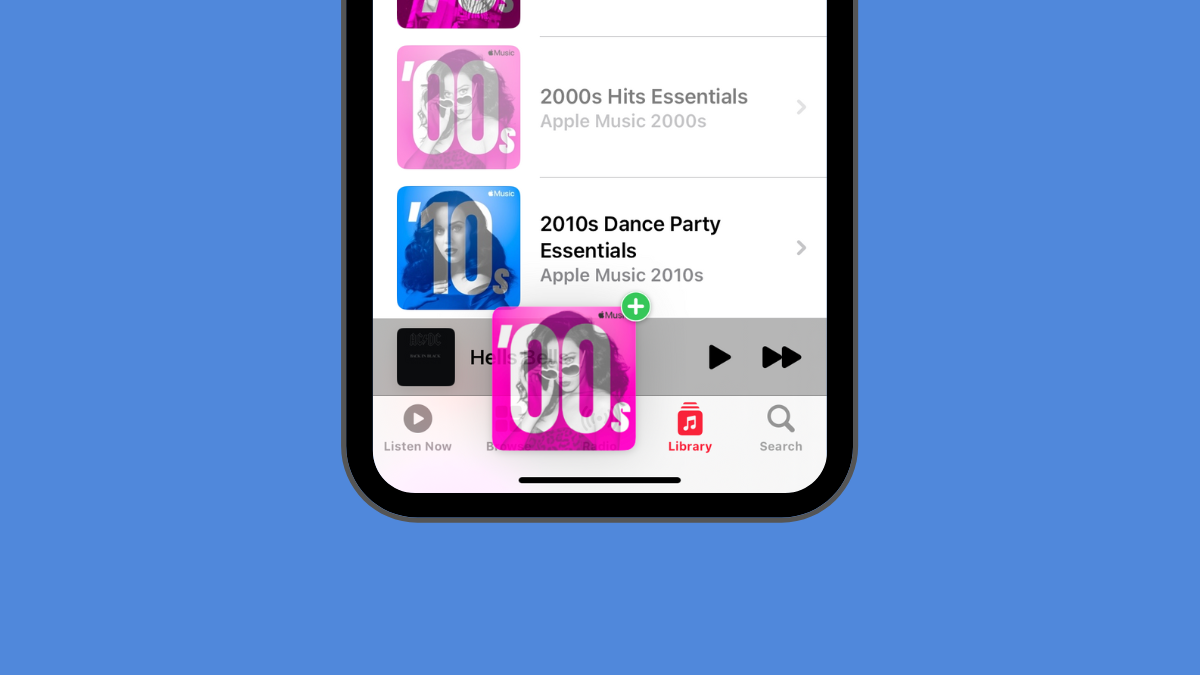
3 Ways to Quickly Add Songs to Playing Next in Apple Music on iPhone
Apple Music lets you queue songs so that your desired track starts playing as soon as the current one ends. You can use gestures…
-

How to Prevent Side Button From Ending Calls on iPhone
What to know iPhones can be configured to end calls instantly with the press of the Side button. If this function is killing calls…
-

How to Remove Duplicate Photos on iPhone on iOS 16
Duplicate photos can easily pile up within albums and the Photos app. They can be your selfie clicks, those multiple shots you took so…
-

How to delete a contact very quickly on iPhone on iOS 16
From what’s revealed in the preview of iOS 16, you can limn out a keen emphasis from the end of Apple devs to meet…
-

How to Blur the Home Screen Background on iPhone on iOS 16
Bright or flashy wallpapers do have their appeal, especially if you like being expressive with brilliant colors or vivid images. But if they are…
-
How to Copy Edits in Photos App on iPhone
What to know The Photos app on iOS lets you copy the edit you made in one image and paste it into other images…
-

How to Fix Weather App Battery Drain on iOS 16
The iOS weather app received a major overhaul with the release of iOS 16. You now can add weather widgets on the home screen,…
-

How to View and Share WiFi Password on iPhone on iOS 16
Have you been in a situation in which only you could access the WiFi (because your device had previously connected to it) but your…
-

How to Add Your Vision Prescription in the Health App on iPhone
The Health app on your iPhone can be used to add and update your vision prescriptions. This way, you can check your vision details…
-

2 Ways to Open Links From a Video on iPhone
What to know Apple Live Text feature allows you to grab texts and links from videos saved inside the Photos app. To open links…
-

How to Use Shareplay in Messages App on iPhone on iOS 16
SharePlay has been one of the most popular features of iOS since it was introduced with iOS 15. SharePlay allows you to share and…
-
2 Ways to Remove Duplicate Contacts on iPhone
What to know Apple’s Contacts app on iOS offers the ability to merge duplicate contacts on your iPhone with ease. You can merge all…
