
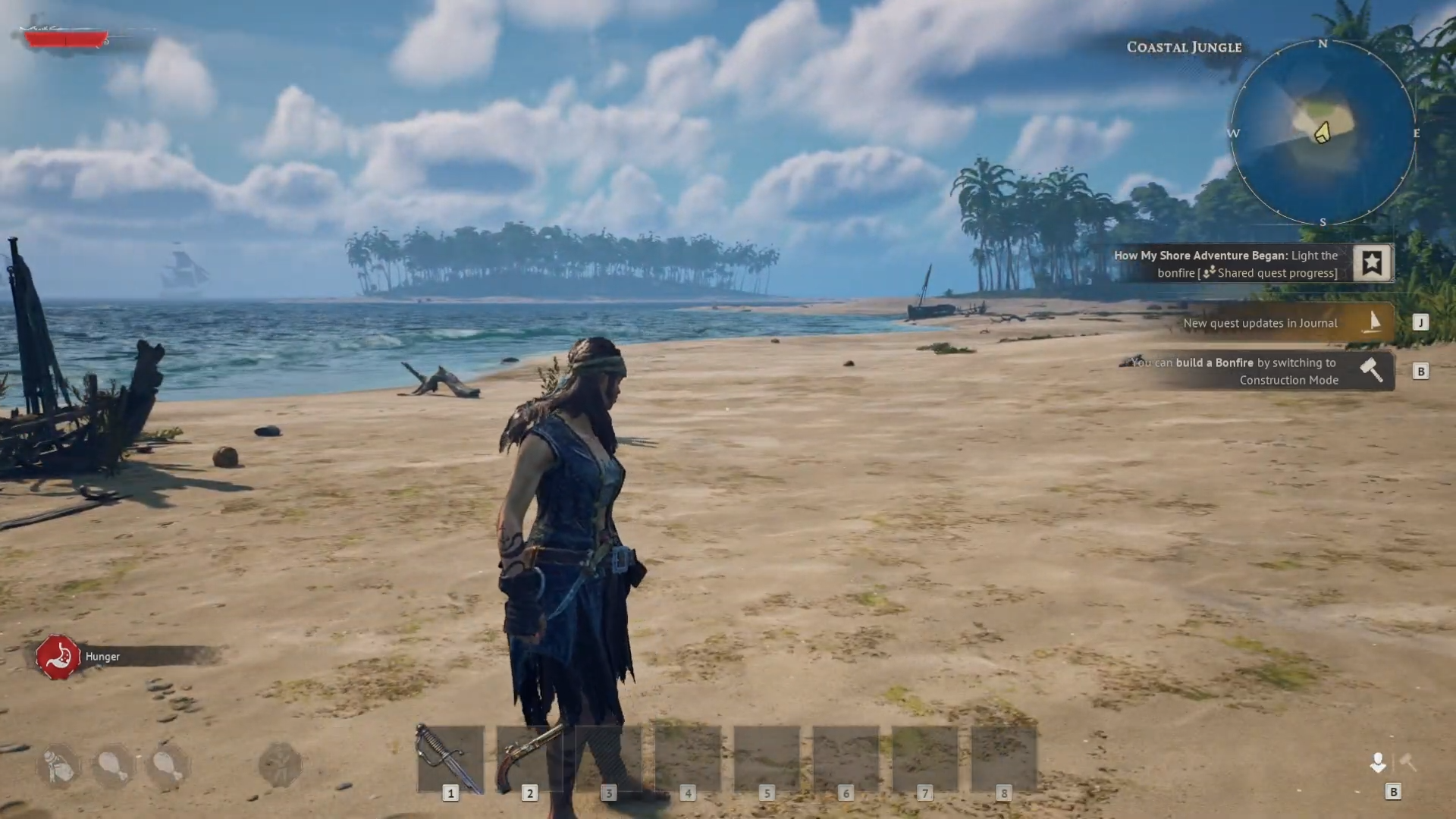
Lighting the Bonfire in Windrose is a simple action. In fact, the objective text on your screen tells you the whole solution: open construction mode and build the structure. The moment the Bonfire is placed in your camp, it counts as lit and switches on every function tied to it. So the task isn’t lighting in the campfire sense; it’s building and placing the thing.
Finish the Light the Bonfire objective by opening Build mode with B, crafting the Bonfire from five pieces of wood, and placing it in your camp, where it lights and activates on its own.
How to build and light the Bonfire in Windrose
Open Build mode
Press B to drop into construction mode, where the Bonfire becomes available to place.
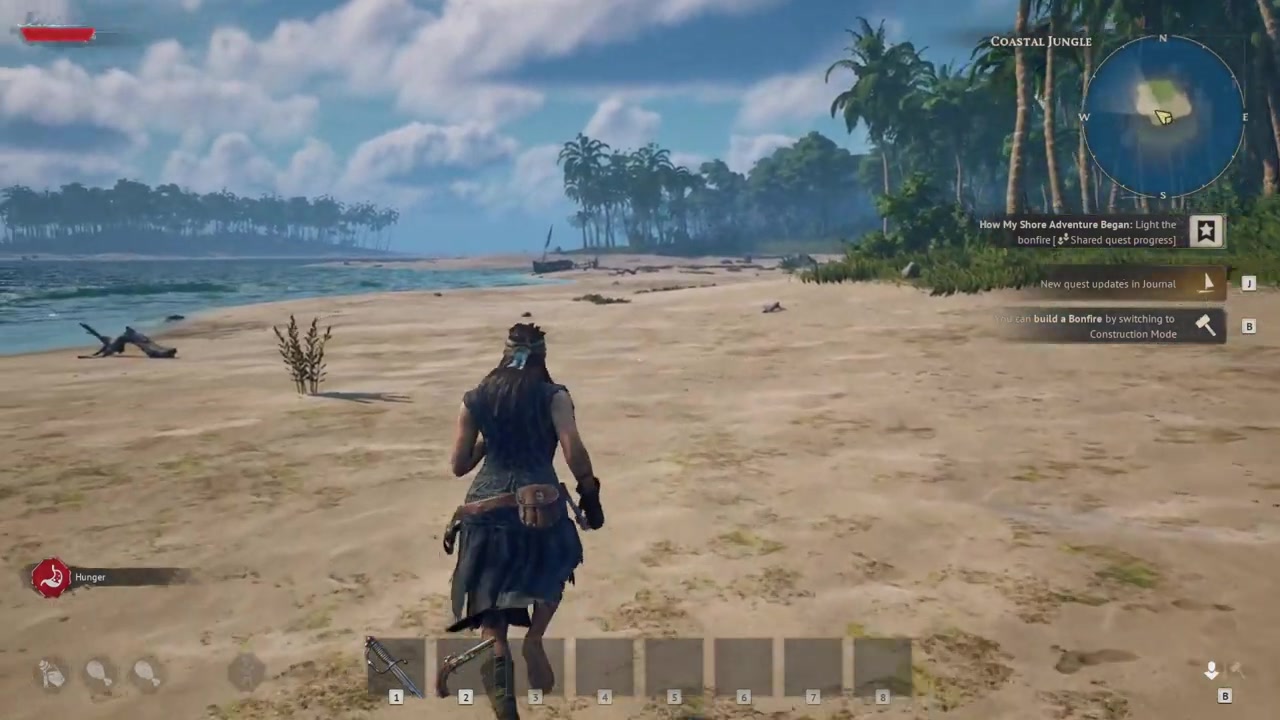
Check the wood cost
The build prompt shows the Bonfire needs five pieces of wood before you can place it.
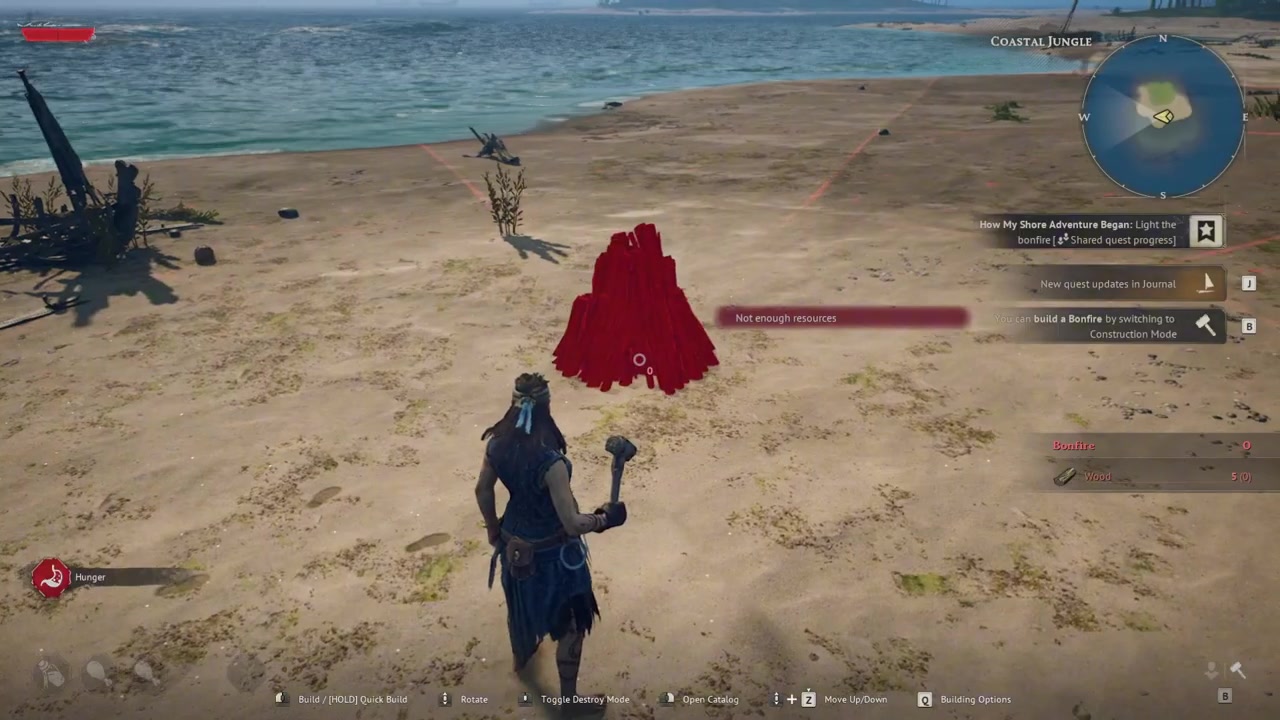
Gather the five wood
Collect your five wood, then return to construction mode with the recipe satisfied.
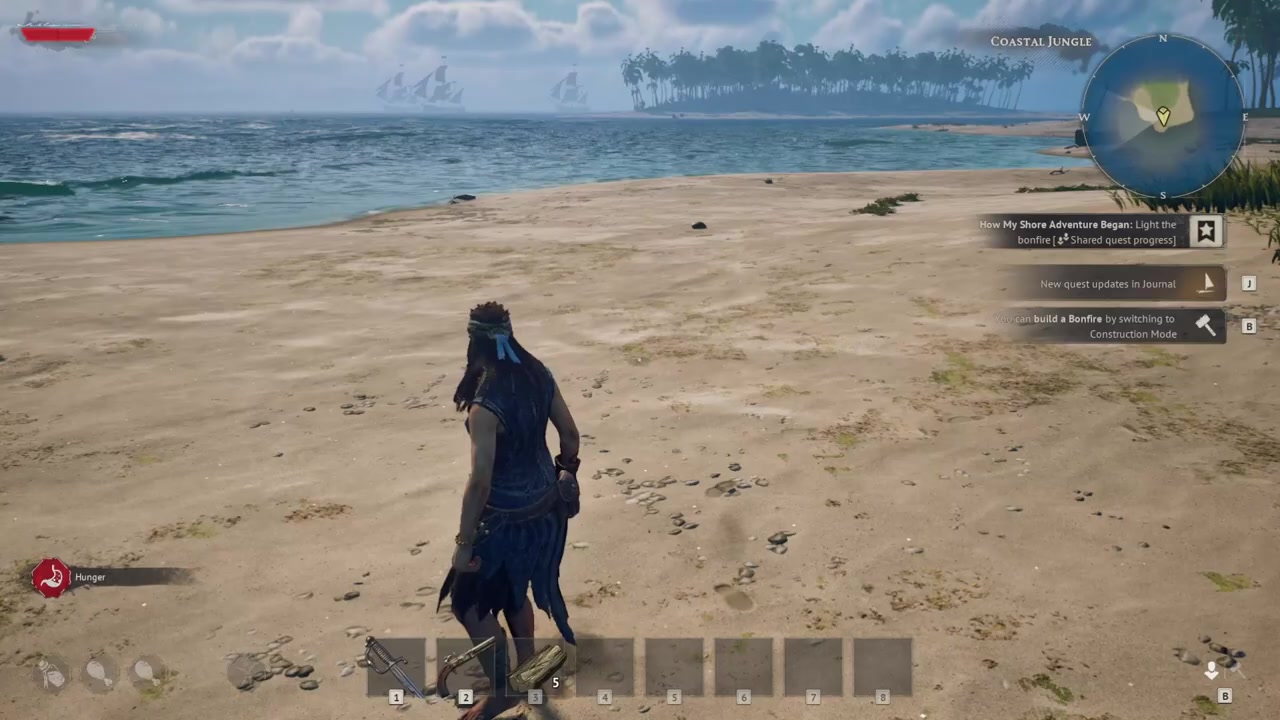
Place the Bonfire
Set the blueprint down where you want your camp centered, since everything else builds around it.
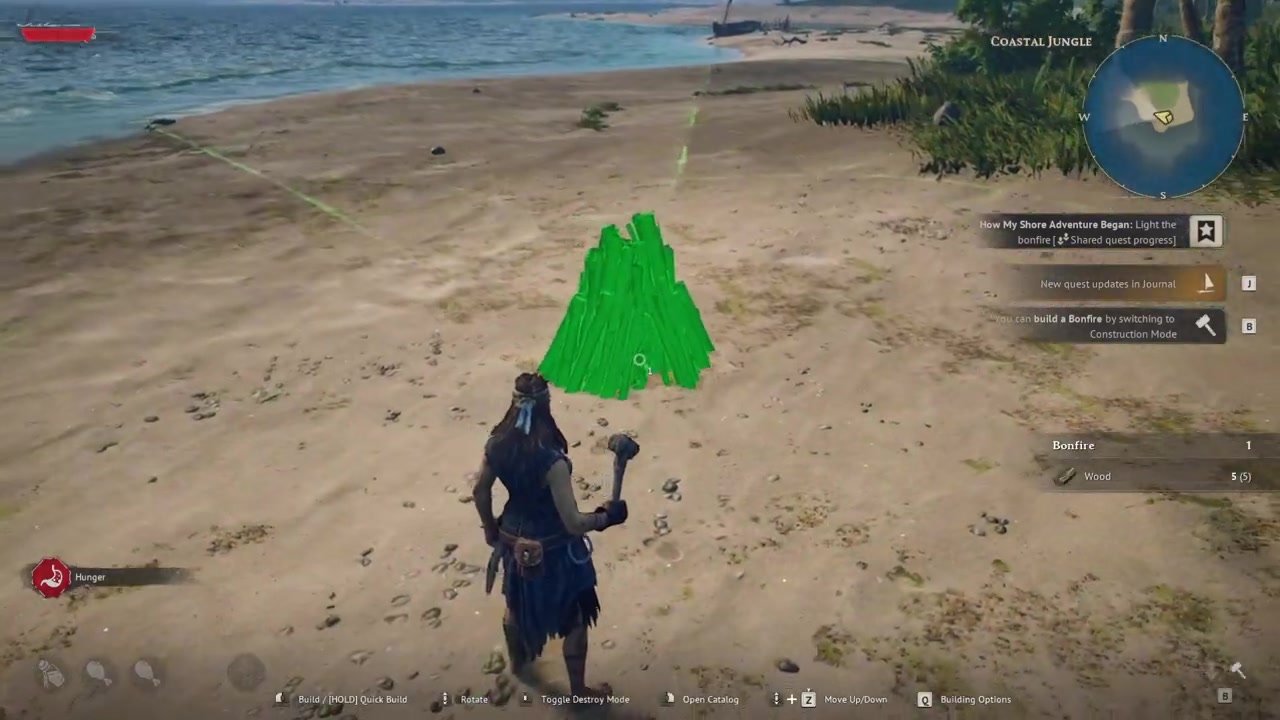
Let it light itself
Once placed, the Bonfire lights and activates automatically — the objective completes with no extra input.
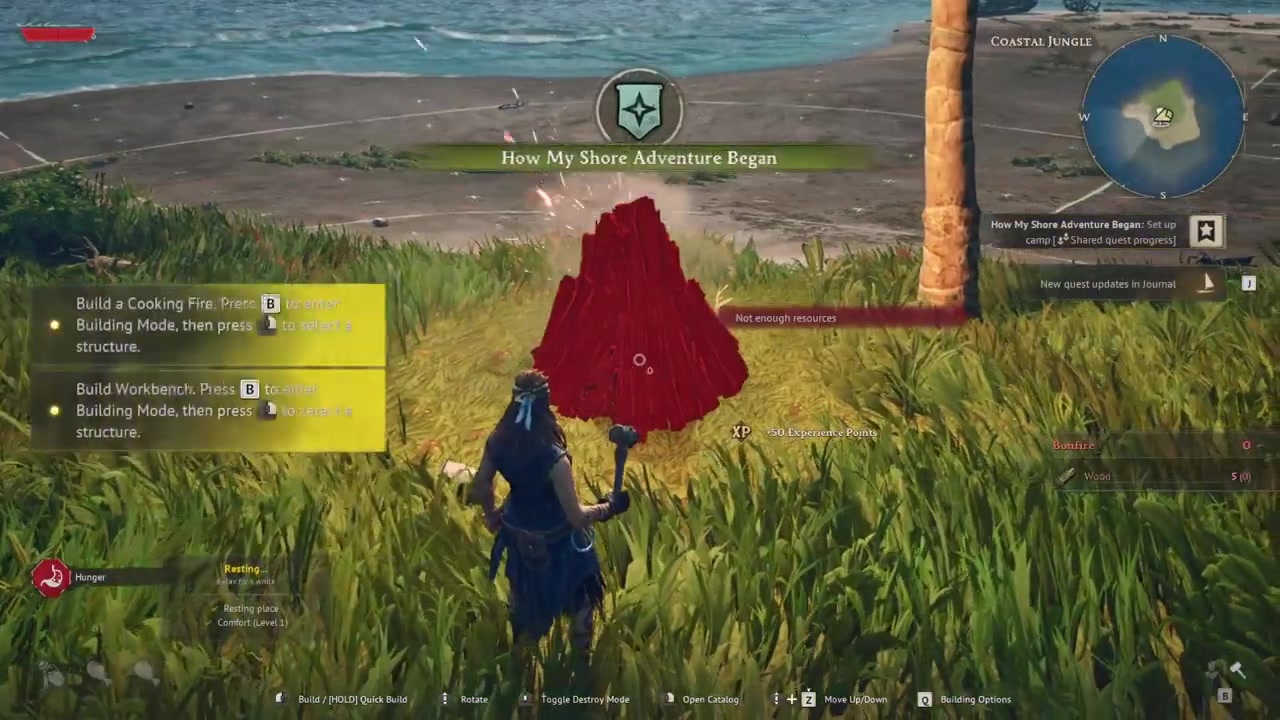
Place the Bonfire first, then build every workbench and crafting station inside its circle — stations set down outside its radius won’t function.
What the Bonfire powers in your camp
The Bonfire is the heart of your base, not just a light source. It works like a power generator for the crafting stations and workbenches around it, and it links the storage chests inside its zone so your materials are available when you craft or build there. That’s why players treat it as the center of attention: it defines the area you’re allowed to build in, and it doubles as your rest spot, handing you the Rested buff when you use it.
It also sets the boundary of your buildable space. Structures placed inside the Bonfire’s radius work and can be expanded; the radius itself isn’t given a hard number in any source, so think of it as a circle around the Bonfire rather than a measured distance.
| Property | Detail |
|---|---|
| Structure name | Bonfire |
| Category | Utilities |
| Cost | 5 wood (shown in-game; no confirmed recipe in public databases) |
| Powers nearby stations | Yes — workbenches and crafting stations in range |
| Links storage in radius | Yes — chests in its zone feed crafting |
| Defines build area | Yes — sets where you can build |
| Grants Rested buff | Yes — acts as a rest spot |
| Movable | No — demolish and rebuild to relocate |
Moving the Bonfire and mistakes to avoid
The most common trap is expecting workbenches or crafting stations to run anywhere you drop them — they won’t. Anything placed outside the Bonfire’s radius stops working. If a station has gone dead, check whether it’s still inside the circle before assuming it’s broken.
You also can’t pick the Bonfire up and carry it. To relocate it you demolish the old one and rebuild where you want it. Demolishing doesn’t wipe out the buildings that end up outside the new radius — they survive, you just can’t extend further out there until a Bonfire covers that ground again. One useful side effect: rebuilding and interacting with the new Bonfire can respawn the Doctor NPC if they’ve gone missing from your camp.
A couple of layout warnings. The game expects Bonfires to be spaced out, so don’t try to stack several overlapping ones to game the system — they’re balanced against that. And go easy on heavy lighting: players report FPS drops from a Bonfire combined with a lot of wall torches, so if your base starts to stutter, thin out the light sources.
Frequently Asked Questions
Do you have to manually light the Bonfire, or does building it count?
Building it is lighting it. There’s no fuel item, torch, or ignite prompt — the Bonfire is considered active the instant it’s constructed inside your camp, and the “Light the Bonfire” objective completes on placement.
How much wood does the Bonfire cost?
The in-game build prompt shows five pieces of wood.
Can you move the Bonfire after placing it?
Not directly — you can’t pick it up. To move it, demolish it and rebuild in the new spot. Existing buildings that fall outside the new radius stay standing; you just can’t expand further there until a Bonfire covers that area again.
Why won’t my workbenches or crafting stations work?
They’re almost certainly outside the Bonfire’s radius. Most stations only function inside its zone, where the Bonfire powers them and links nearby storage. Move them in closer to the Bonfire and they should come back online.
Can you have more than one Bonfire?
Yes — you can run multiple Bonfires across larger bases. Just space them out rather than overlapping them heavily, since the system is balanced to stop you from stacking Bonfires for extra coverage.





Leave a Reply