
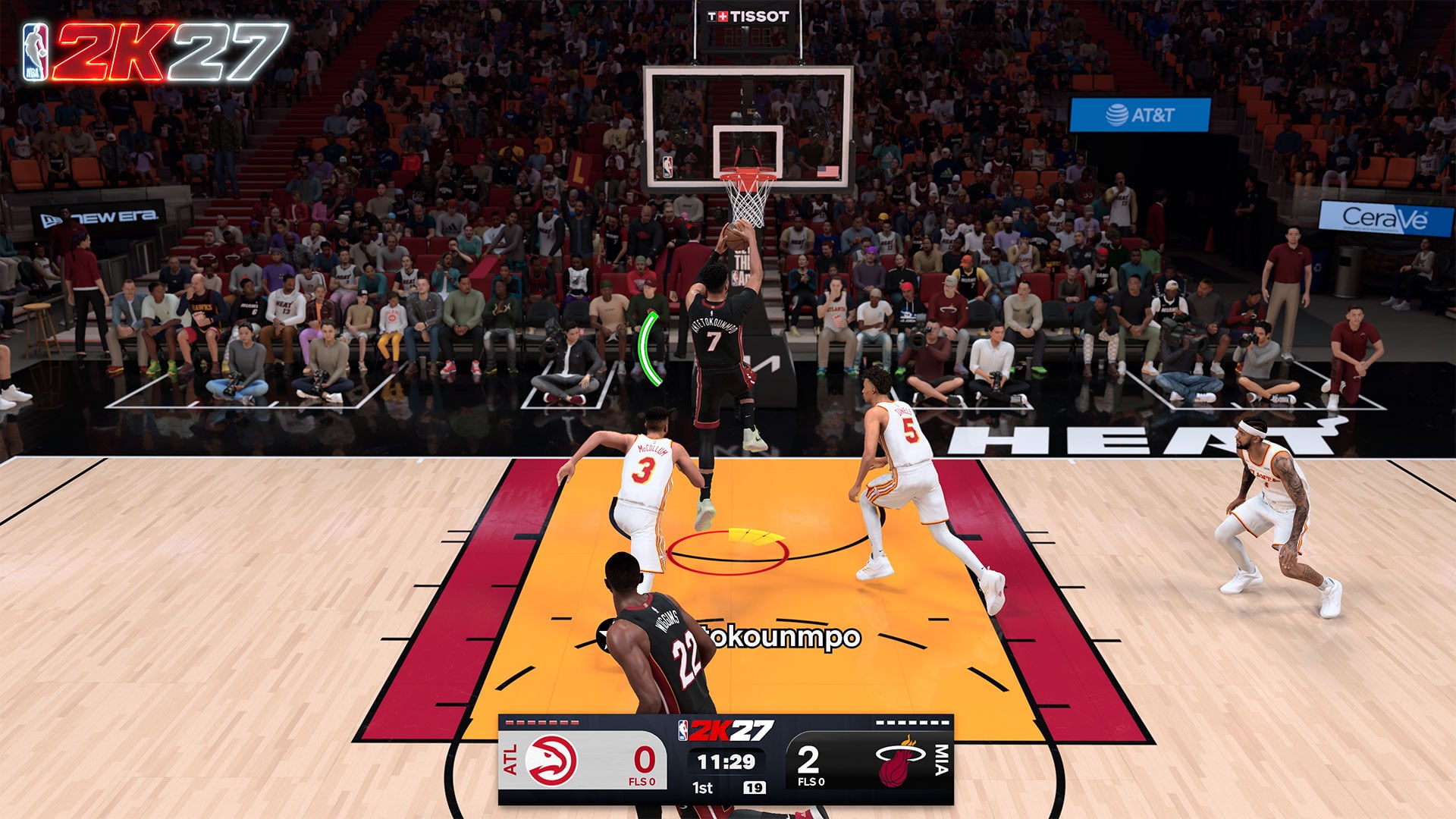
In NBA 2K27, every dunk is manually timed: initiate the dunk, watch the Dunk Meter react to defenders through the finish, and release the dunk input when the meter reaches the green window.
That makes dunking a two-part skill. You must create a viable approach and request the finish you want, but you must also complete that attempt with an accurate release. The meter provides the live information needed for that second part, including defensive changes that happen after your player leaves the floor.
What the Dunk Meter measures
The Dunk Meter measures the current difficulty of finishing the attempt. It appears whenever your player goes up for a dunk, rather than being reserved for a particular dunk category or contact situation.
Key More importantly, the meter is not a takeoff snapshot. It continuously evaluates the defense from the moment your player launches through the end of the finish. The size of the green window can therefore change while the dunk animation is already underway.
A clear lane can produce a relatively wide timing window because no defender is disrupting the finish. If help defense reaches the play after takeoff, that same window can tighten in mid-air. Treat the window shown at launch as the opening read, not a guarantee of how forgiving the final release will be.
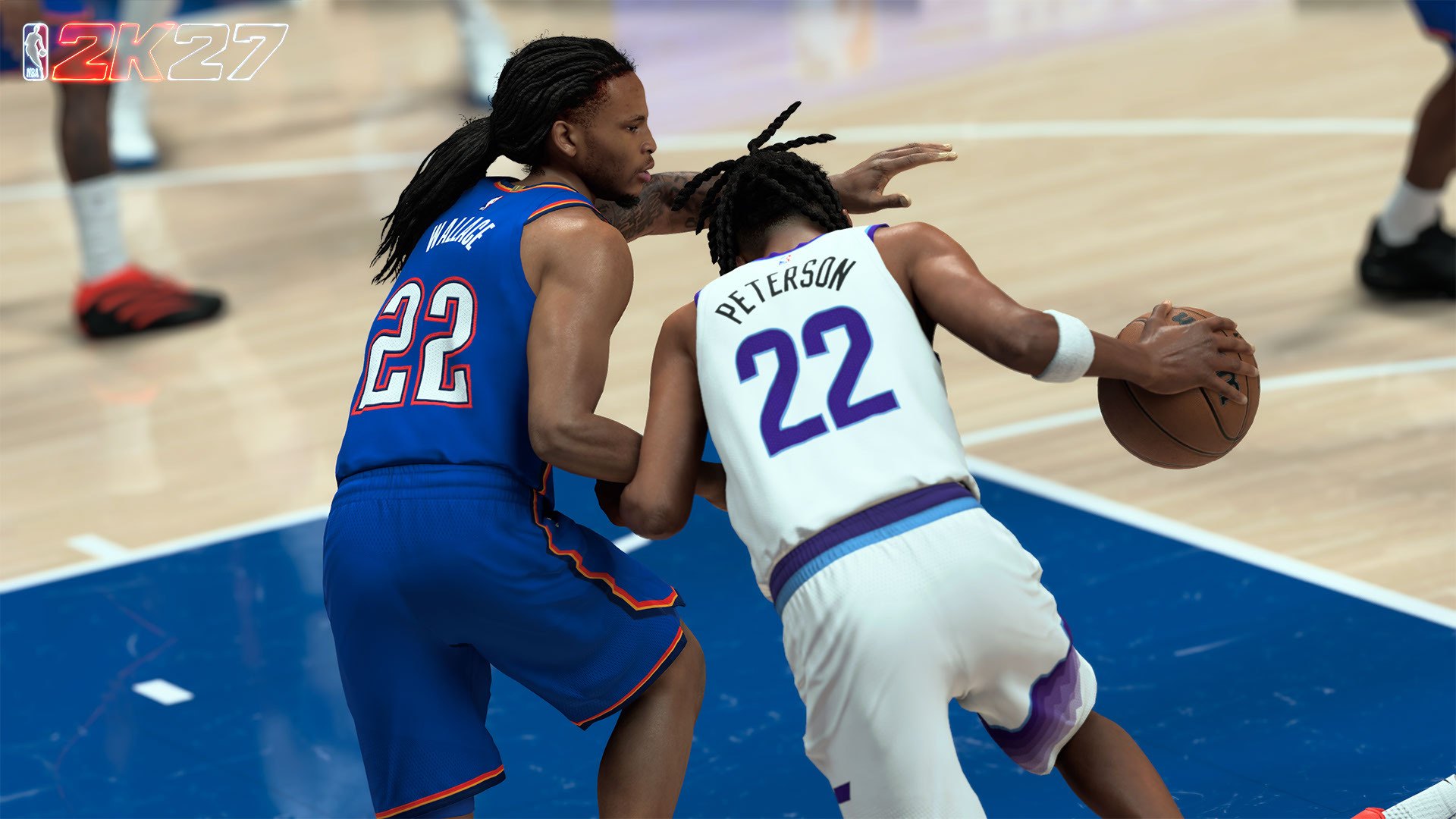
How to time a dunk in NBA 2K27
Create a runway
Begin outside the 3-point line with the ball and approach the basket through an available lane so the drive has enough space to develop.
Hold the sprint control
Keep Sprint held while moving toward the hoop; dropping the required drive input can turn the attempted dunk into a layup.
Initiate the dunk
Move the Pro Stick for the dunk you want as you approach, understanding that the input requests a finish rather than guaranteeing one exact animation.
Keep the input engaged
Continue holding the relevant dunk input as the meter fills, while watching both the green window and any defender entering the play.
Release in the green window
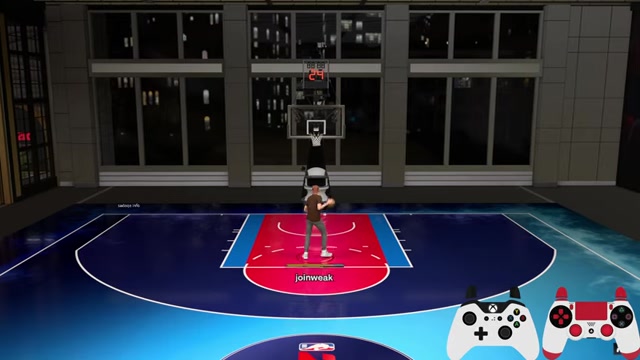
Let go of the dunk input when the meter reaches the live green window; releasing before or after it can miss the finish.
The approach and the release are connected. Starting with room gives the game a clear driving action to work with, while maintaining Sprint and the Pro Stick input keeps the dunk attempt active. Once the meter appears, however, the finish depends on your release rather than the initiation alone.
Do not use a memorized hold duration as your primary cue. Different approaches and defensive situations can leave you with different windows, so a release that worked on the previous possession may be early or late on the next one.
Reading a changing green window in mid-air
Imagine taking off with an open path and seeing a generous green area. A help defender then rotates across the paint before the finish. The meter responds to that new contest by tightening the available window, even though the attempt began in favorable conditions.
Your job is not to predict a fixed number of milliseconds at takeoff. Read the current boundaries of the green area and release when the filling meter reaches that area as it exists now. If the window contracts, the required input becomes more precise; that does not necessarily mean you should automatically release earlier or later.
This is why watching only the initial meter produces inconsistent results. Keep following it through the airborne portion of the attempt, particularly when another defender is close enough to rotate toward the rim. The meter, rather than a familiar animation frame or habitual count, is the direct cue for the finish.
Shift your attention to the live green window as soon as the dunk begins, then keep tracking it until you release the input.
Advanced Pro Stick dunk gestures
| Dunk type | Pro Stick gesture |
|---|---|
| Windmill | Move and hold left or right |
| Double clutch | Move and hold up |
| Reverse | Move and hold down |
| Between-the-legs | Quickly move right, then left, or left, then right |
| Bounce dunk | Quickly move down, then up, or up, then down |
| 360 | Twirl clockwise or counterclockwise |
Advanced Pro Stick gestures let you request a particular family of dunks during the approach. Each gesture controls the selection stage; it does not remove the timing requirement or guarantee that every attempt will produce one identical animation.
Complete the chosen gesture while driving, then handle the finish as a separate task. The gesture chooses the intended dunk type, while the Dunk Meter release determines whether you time the resulting attempt successfully. Holding the stick down is specifically the reverse gesture here, not a universal command for every flashy or contact finish.
Why a dunk becomes a layup or misses
If your player gathers into a layup instead of attempting the dunk, inspect the drive first. Begin with space, attack the basket purposefully, and keep Sprint held through the approach. Releasing the drive control while trying to initiate the finish can break the intended dunk setup.
If the dunk launches but misses, compare the release with the green window. Letting go before the meter arrives is early; continuing to hold after it passes is late. The correction is to adjust your release against the visible meter, not to change the gesture solely because the ball did not go in.
A window that begins comfortably and then becomes much smaller usually reflects a defensive change during the attempt. Continuing to use the opening window as your target leaves you aiming at information that is no longer current. Track the meter until the release instead of shifting your eyes away as soon as the animation starts.
Late help can also turn a reasonable attempt into an extremely demanding one. You can still try to time the reduced window, but the better possession often begins with lane selection: attack before the helper is positioned to reach the finish, or avoid forcing the dunk directly into a collapsing defense. Ratings, Takeover, and specific Posterizer levels should not be treated as automatic guarantees of a larger green window.
A practice routine for cleaner dunk timing
Begin with an open straight-line drive
Start outside the 3-point line, hold Sprint, and attack an uncontested lane so you can focus on the full meter cycle.
Repeat the initiation rhythm
Use the same clean approach while requesting a basic dunk, keeping your attention on when the meter appears and begins filling.
Practice the release cue
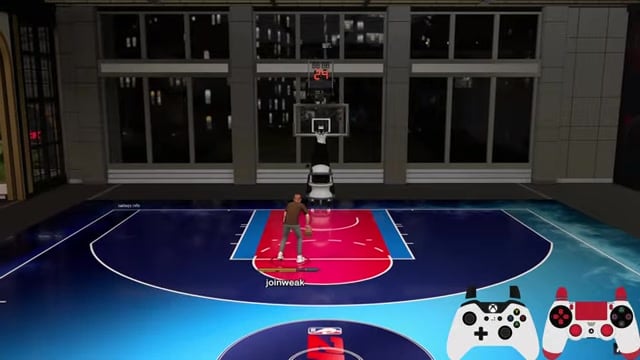
Hold the dunk input until the fill reaches green, then release based on the displayed window rather than counting out a fixed duration.
Add a nearby defender
Introduce defensive pressure around the lane and watch how a less comfortable attempt changes the precision demanded by the meter.
Test late help defense
Practice against a defender who can arrive after takeoff so you learn to follow a shrinking window instead of committing to its initial size.
Choose cleaner attempts
Favor open driving lanes for more forgiving opportunities, while remembering that every dunk still requires a manually timed release.






Leave a Reply