
Topic
iOS 17
-
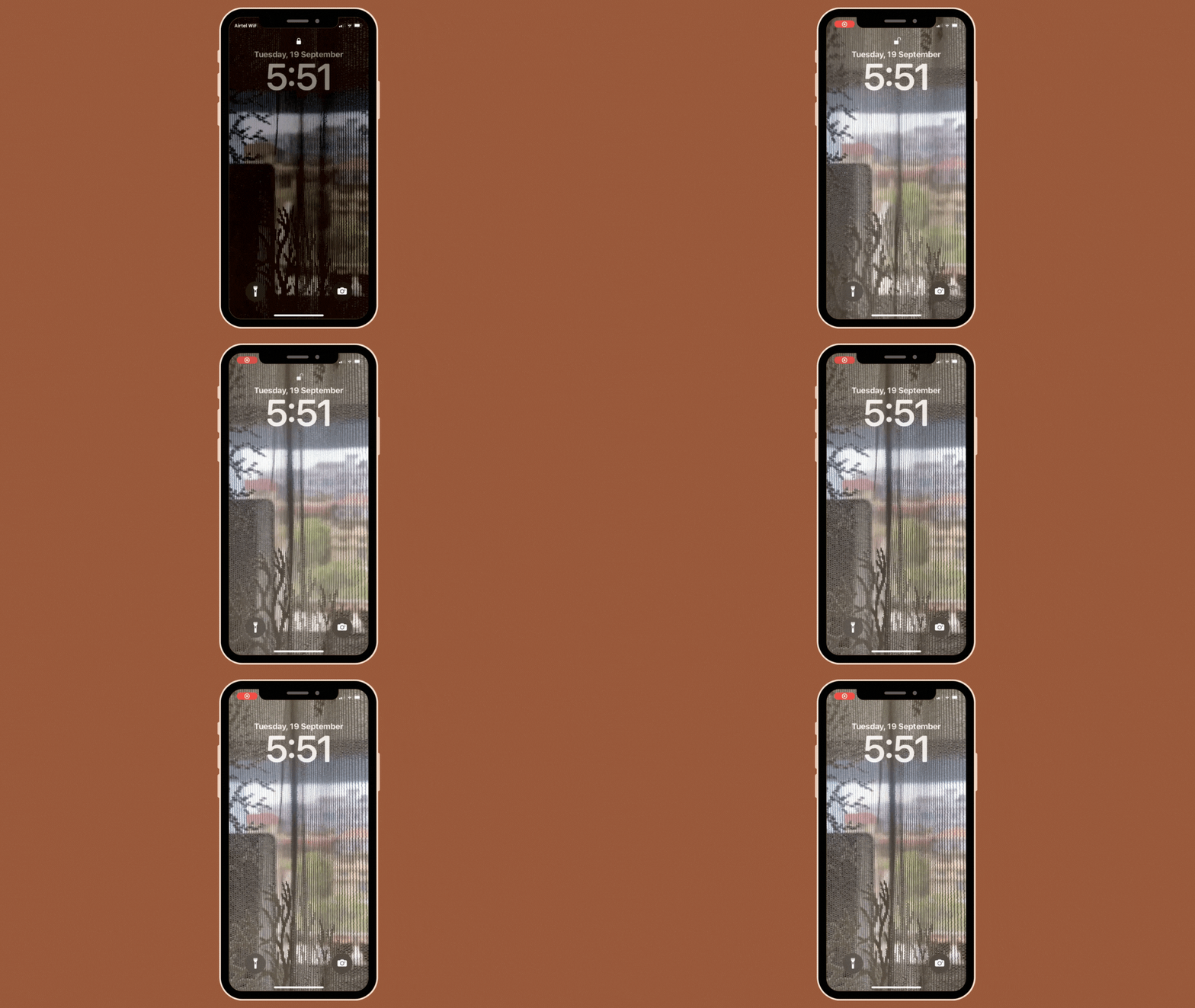
iOS 17: How to Use a Live Photo as Lock Screen Wallpaper on iPhone
What to know Apple lets you apply Live Photos as backgrounds on your iPhone’s lock screen in iOS 17 which will then animate every…
-

iOS 17 Standby Mode Digital Clock: Step-By-Step Guide
What to know You first need to enable StandBy on your iPhone. Head to Settings > StandBy > enable the toggle for StandBy. Once StandBy…
-

Fix: ‘Check in is not available to send to this recipient’ Issue on iOS 17 on iPhone
What to know The ‘Check In’ feature requires a number of permissions to function properly, including Location Services, Significant Locations, uninterrupted mobile data connection,…
-
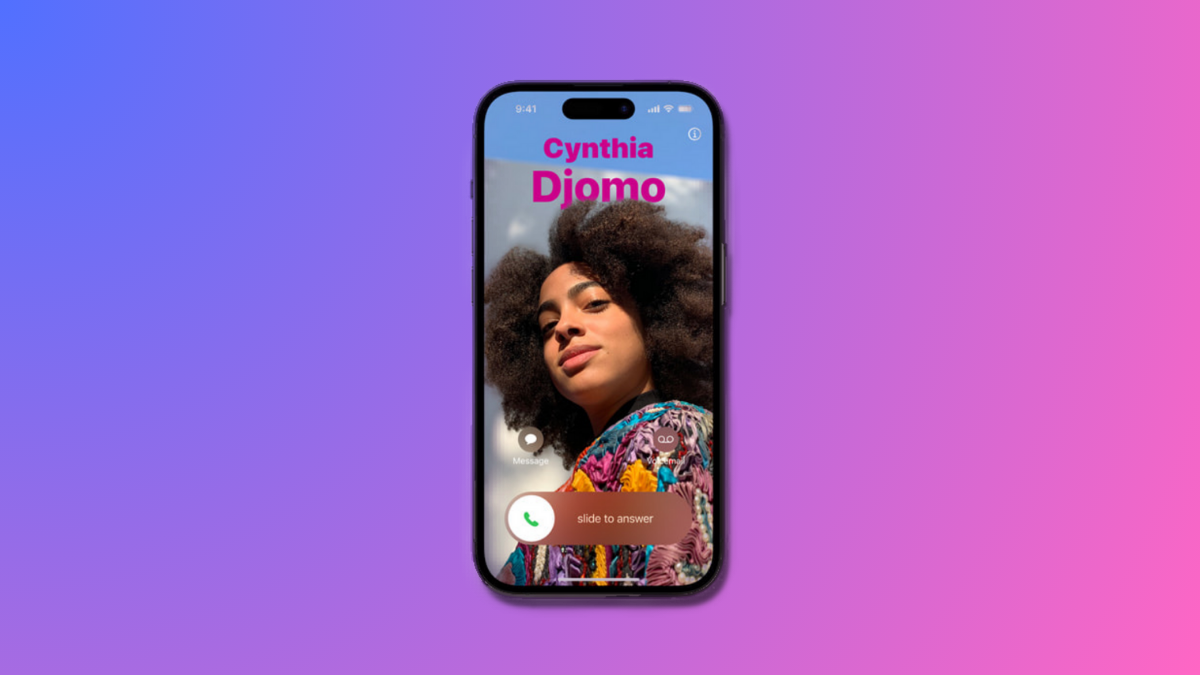
How to Personalize Phone Calls in iOS 17 on iPhone
What to know iOS 17’s Contact Poster feature allows you to customize your image on others’ iPhones during calls or messages. To do this,…
-

How to Use FaceTime Reactions on iPhone
Apple recently integrated reactions in the FaceTime app. These reactions allow you to express your emotions with a simple hand gesture or by using…
-

iOS 17 Grocery List Not Working? How to Fix
What to know To use Grocery List, enable iCloud for Reminders by going to Settings > your name > iCloud > Apps Using iCloud…
-
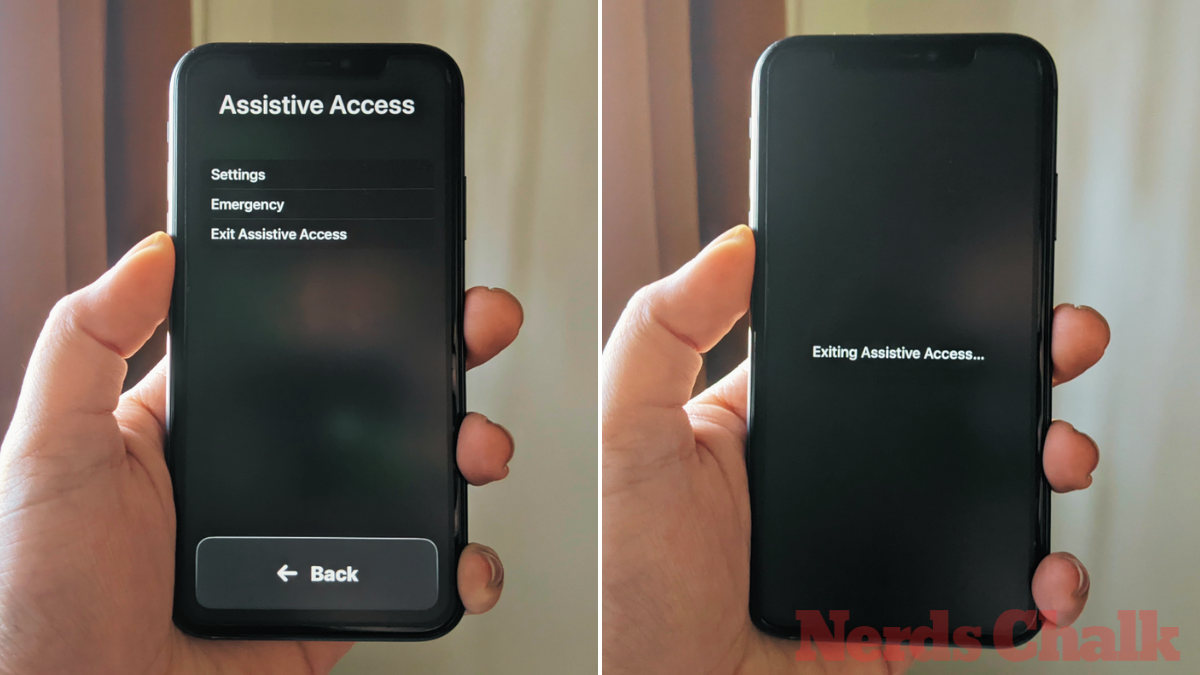
How to Turn Off Assistive Access on iPhone
What to know Assistive Access is an accessibility feature that’s designed for people with cognitive disabilities to use an iPhone by stripping away unnecessary…
-
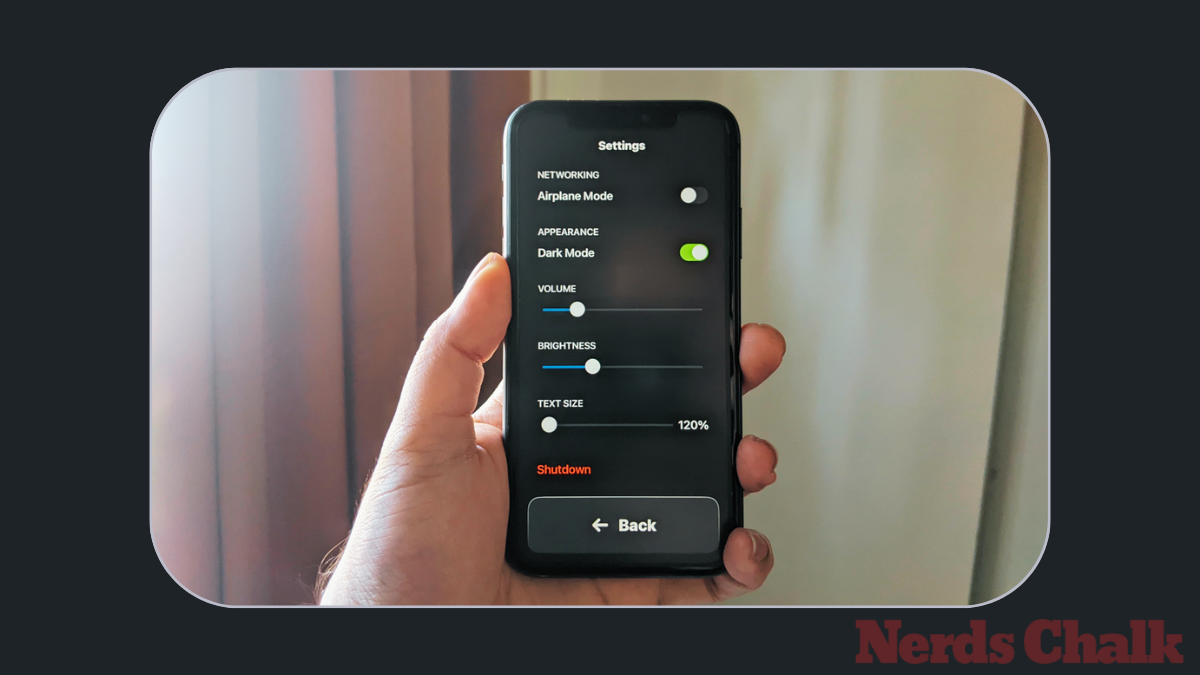
How to Customize Assistive Access on iPhone
What to know You can configure Assistive Access, how it looks, and what apps appear on it even after the initial setup. To access…
-

How to Turn On and Set Up Assistive Access on iPhone
What to know Assistive Access is an iOS accessibility feature that’s designed for people with cognitive disabilities to make it easy for them to…
-

How to Use Assistive Access on iPhone
What to know Assistive Access is an accessibility feature that’s designed for people with cognitive disabilities to use an iPhone by stripping away unnecessary…
-
![14 Best iOS 17 Features Thus Far [August 2023]](https://cdn.nerdschalk.com/wp-content/uploads/2023/07/best-ios-17-features-fi.png)
14 Best iOS 17 Features Thus Far [August 2023]
iOS 17 is just around the corner, set to drop in mid-September, and we bet you’re buzzing to see what’s new for your iPhone…
-
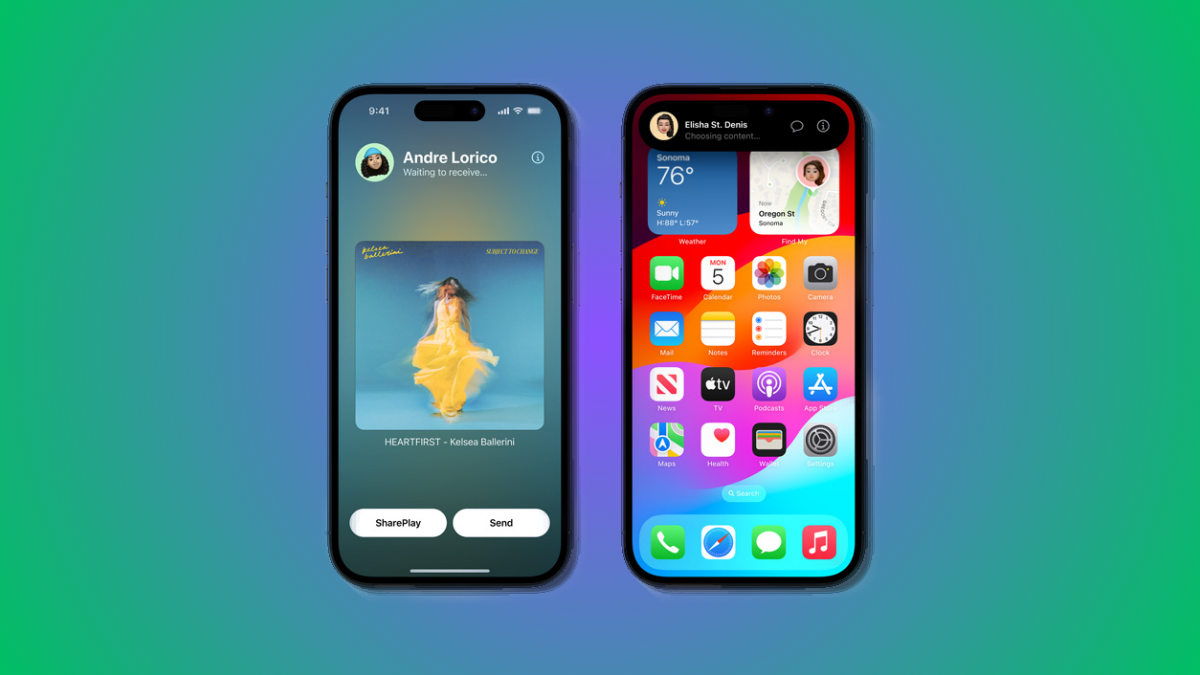
How to Start Shareplay Instantly by Bringing iPhones Closely
What to know iOS 17 has introduced new and improved AirDrop features and among these is the ability to instantly start a SharePlay session.…
-

Bring Devices Together in iPhone: What Is It and How to Use It
Apple has added tons of features to iPhones recently that introduce quality of life improvements and among them, the most talked about is the…
-
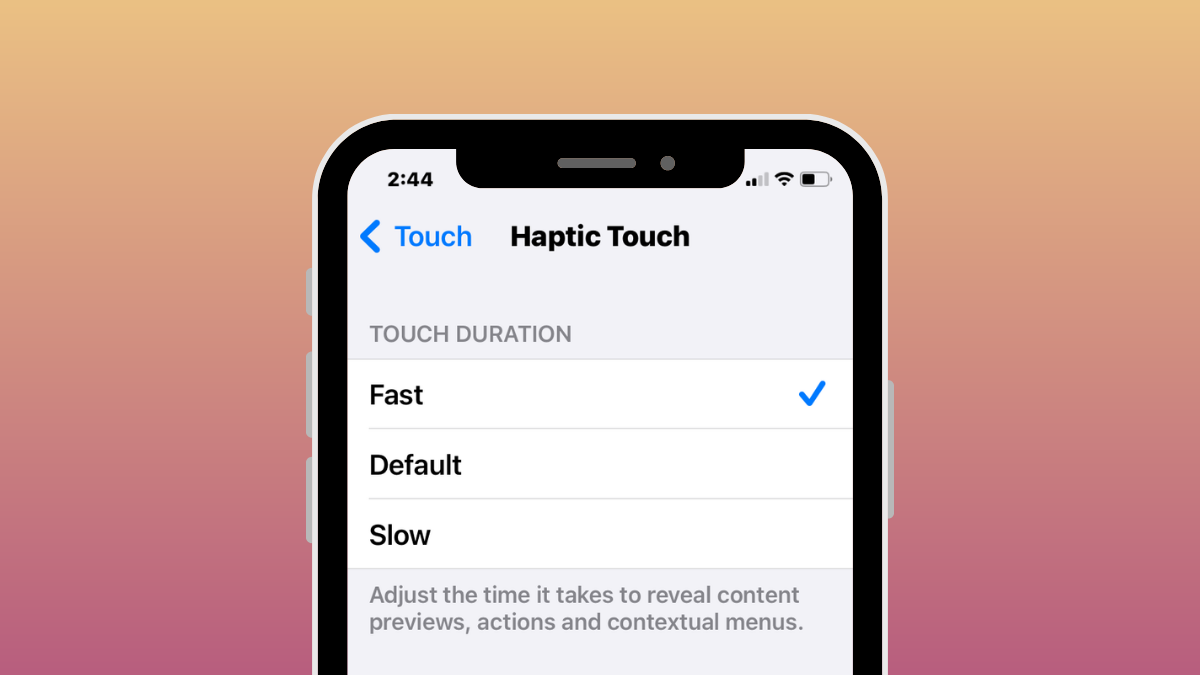
iOS 17: How to Enable “Fast” Haptic Touch on iPhone
What to know In iOS 17, Apple has made its Haptic Touch feature on the iPhone quicker with a new ‘Fast’ option. It works…
-

How to Disable Live Activities on Apple TV App on iPhone
Live Activities are a great way to keep up with your upcoming orders, sports matches, and more. This new take on notifications was first…
-
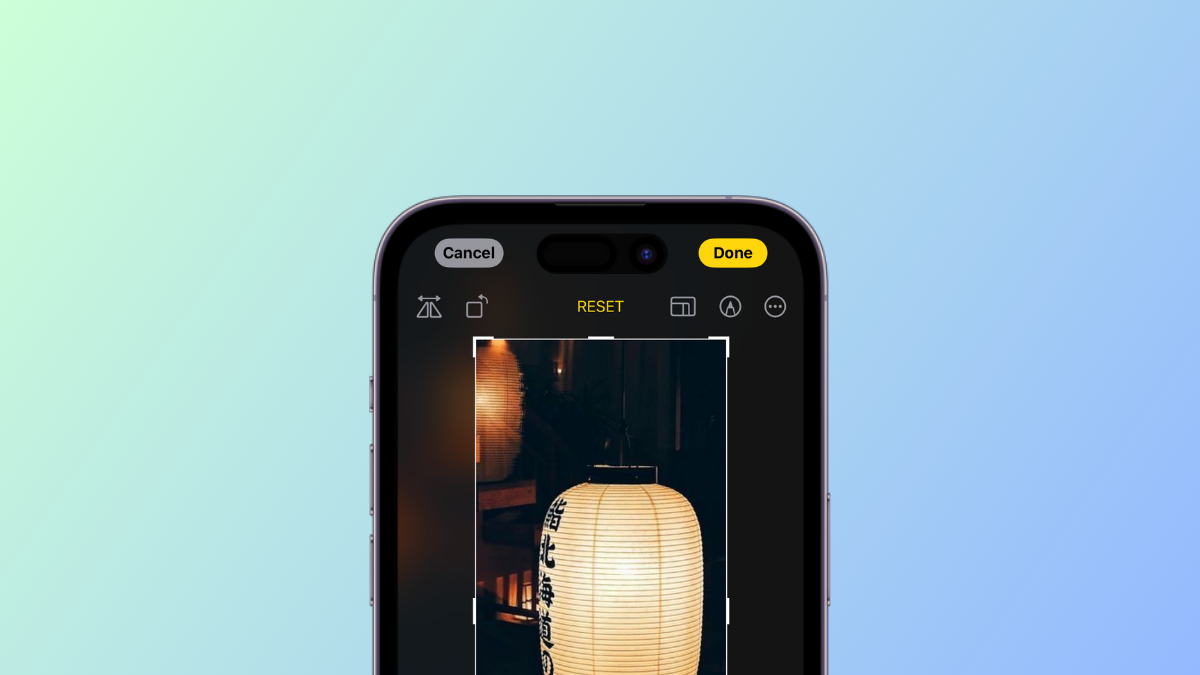
How to Zoom and Crop Photos in iPhone with iOS 17
What to know One tap Crop is a new feature in the Photos app that allows you to instantly crop a portion of a…
-

How to Enable or Disable Notifications in Standby Mode on iPhone With iOS 17
What to know You can now toggle whether notifications are displayed or not when your device is in Standby mode. This can help you…
-
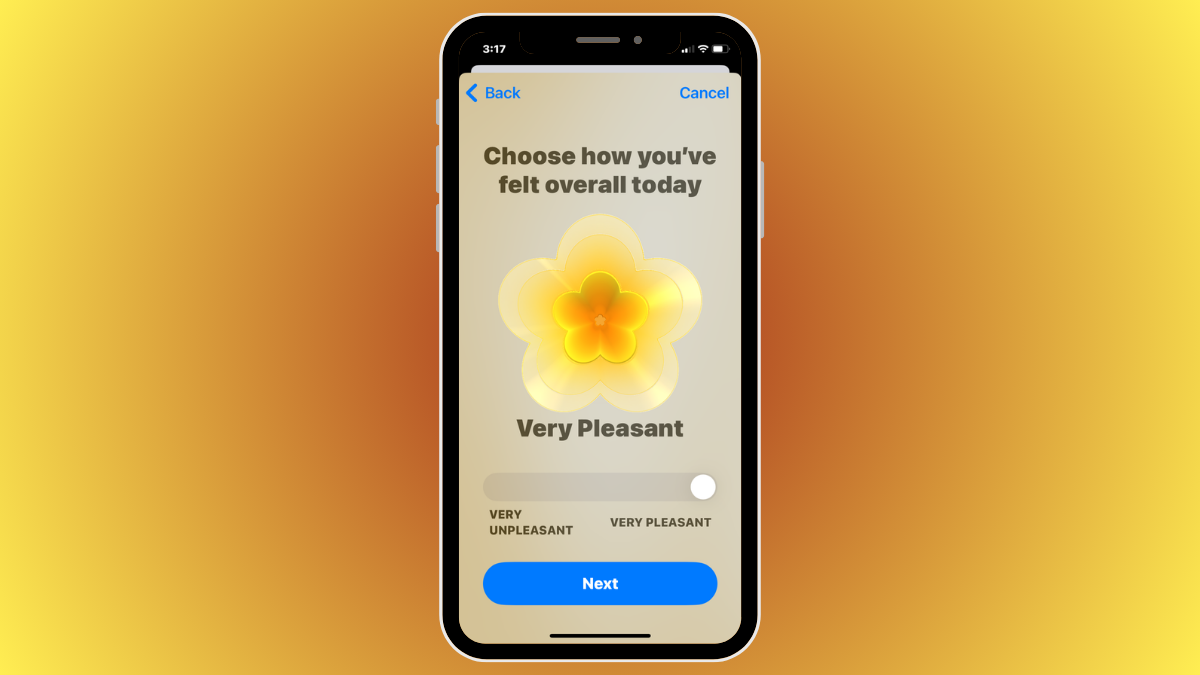
iOS 17: How To Log Your State of Mind on Health App on iPhone
What to know State of Mind is a new feature available on the Health app on iOS 17 — it allows users to reflect…

