

- What to know
- Why the Vehicle Fabricator and Tadpole Dock fail to place
- How large the room actually needs to be
- How to place the Vehicle Fabricator correctly
- How to place the Tadpole Dock without errors
- Common mistakes that prevent successful placement
- Expanding your base solves most placement problems
What to know
- Both the Vehicle Fabricator and Tadpole Dock require a Large Room to place properly.
- The Tadpole Dock needs significantly more space than the standard Moonpool-style setup.
- Side clearance matters more than overall room size because the structures need room to clip correctly.
- Keeping extra titanium nearby helps since you may need to repeatedly expand your base during placement testing.
Building underwater bases in Subnautica 2 can already feel cramped, but placing larger vehicle structures like the Vehicle Fabricator and Tadpole Dock introduces another layer of complexity. Many players assume the game is bugged when the placement hologram refuses to turn blue, but in most cases, the problem comes from insufficient clearance around the room.
This guide explains exactly how to place both structures successfully and avoid the most common mistakes.
| Quick Overview | Details |
|---|---|
| Required Room | Large Room |
| Main Placement Issue | Not enough side clearance |
| Tadpole Dock Size | Larger than Moonpool |
| Best Fix | Expand the room gradually |
| Recommended Material | Extra Titanium |
| Common Mistake | Trying to fit it into standard layouts |
Why the Vehicle Fabricator and Tadpole Dock fail to place
The biggest issue is that these structures do not only check the floor area. The game also checks nearby walls, side attachments, and clipping space before allowing placement.
A normal-sized room often appears large enough visually, but the game internally treats the structure footprint as much bigger than expected. This is especially noticeable with the Tadpole Dock, which extends farther outward than the standard Moonpool-style setup.
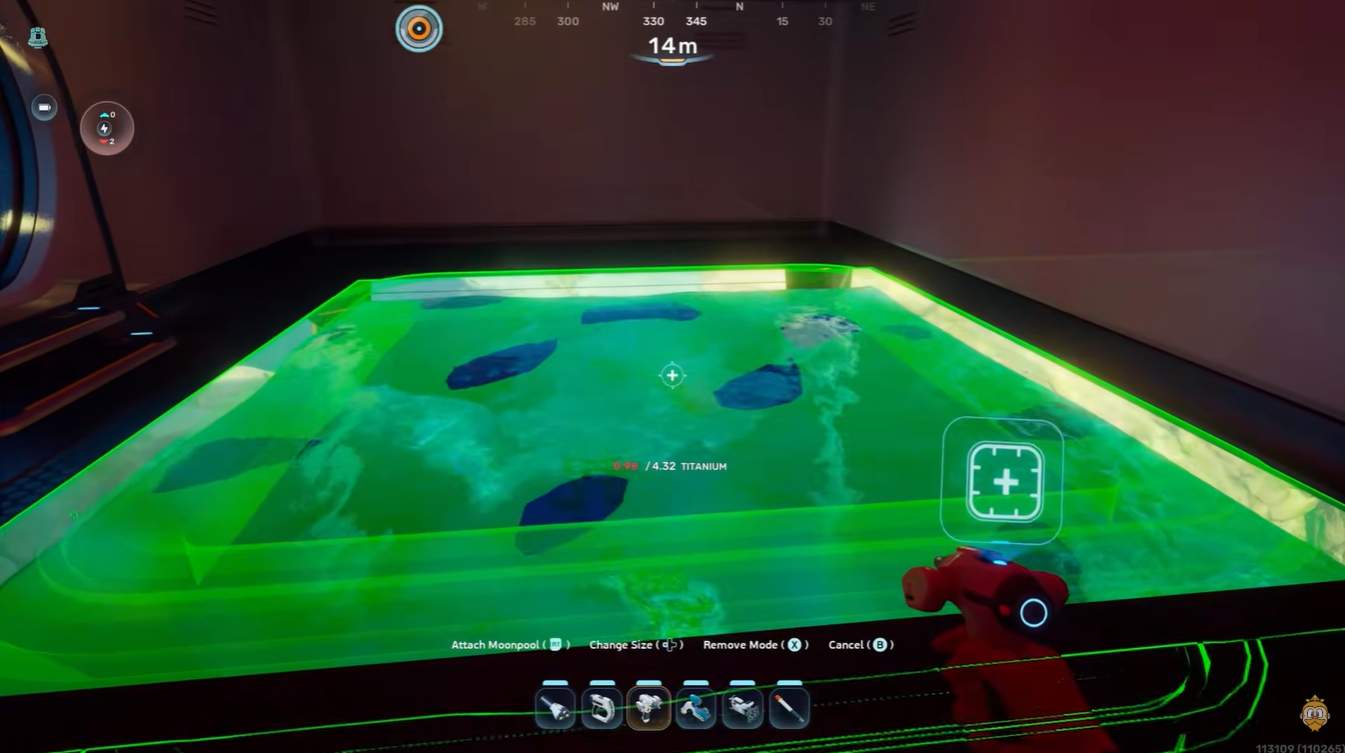
Because of this, players often encounter:
- Red hologram placement previews
- Snapping failures
- Invisible collision issues
- Partial clipping problems
- “Invalid placement” errors
The system can feel inconsistent, but expanding the room usually resolves the issue immediately.
How large the room actually needs to be
The safest setup is a fully expanded Large Room with open side clearance. However, you do not always need maximum expansion in every direction.
The important factor is ensuring that the side where the structure connects has enough empty space around it.
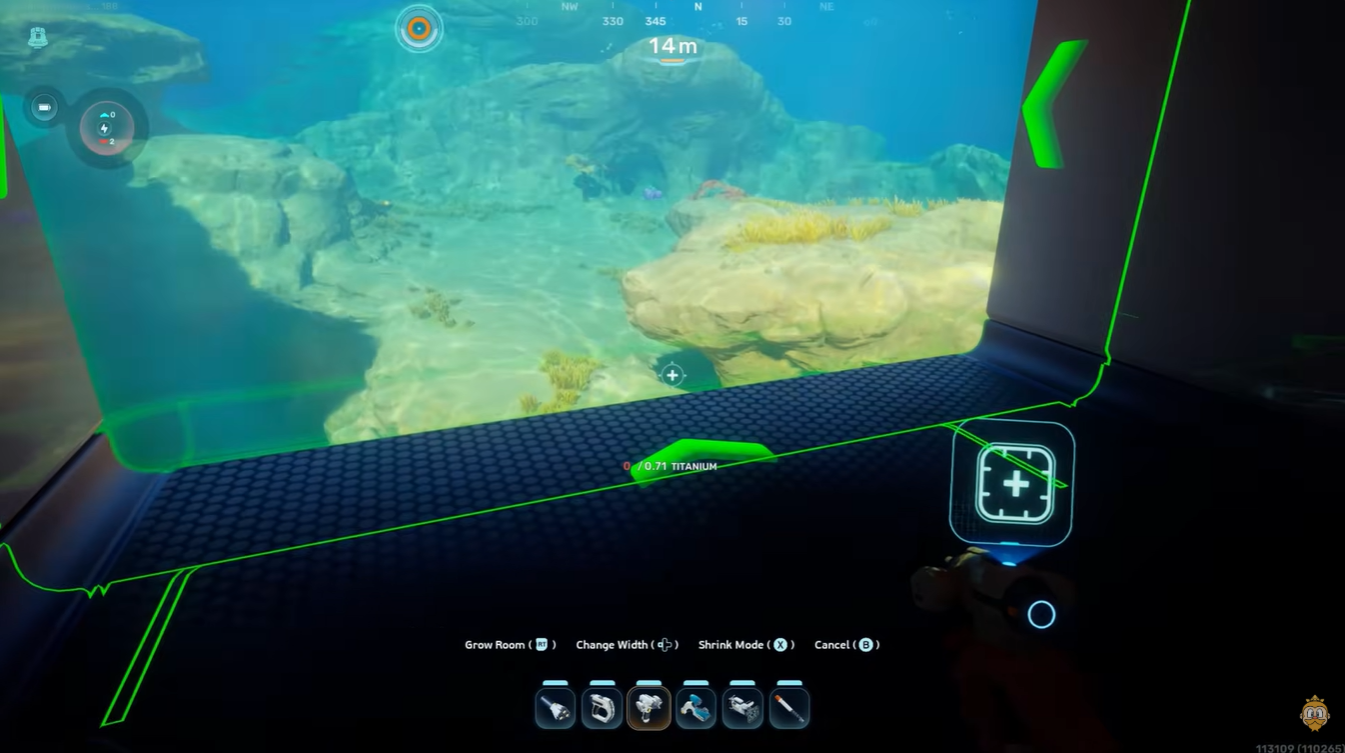
For example:
| Structure | Space Requirement |
|---|---|
| Vehicle Fabricator | Moderate side clearance |
| Moonpool-style attachment | Takes one full wall side |
| Tadpole Dock | Requires additional extension space |
The Tadpole Dock is currently the more demanding structure because its model extends outward further than expected.
How to place the Vehicle Fabricator correctly
Attempt placement near the outer edge of the room.
If the hologram remains red, expand the room outward on one or two sides.
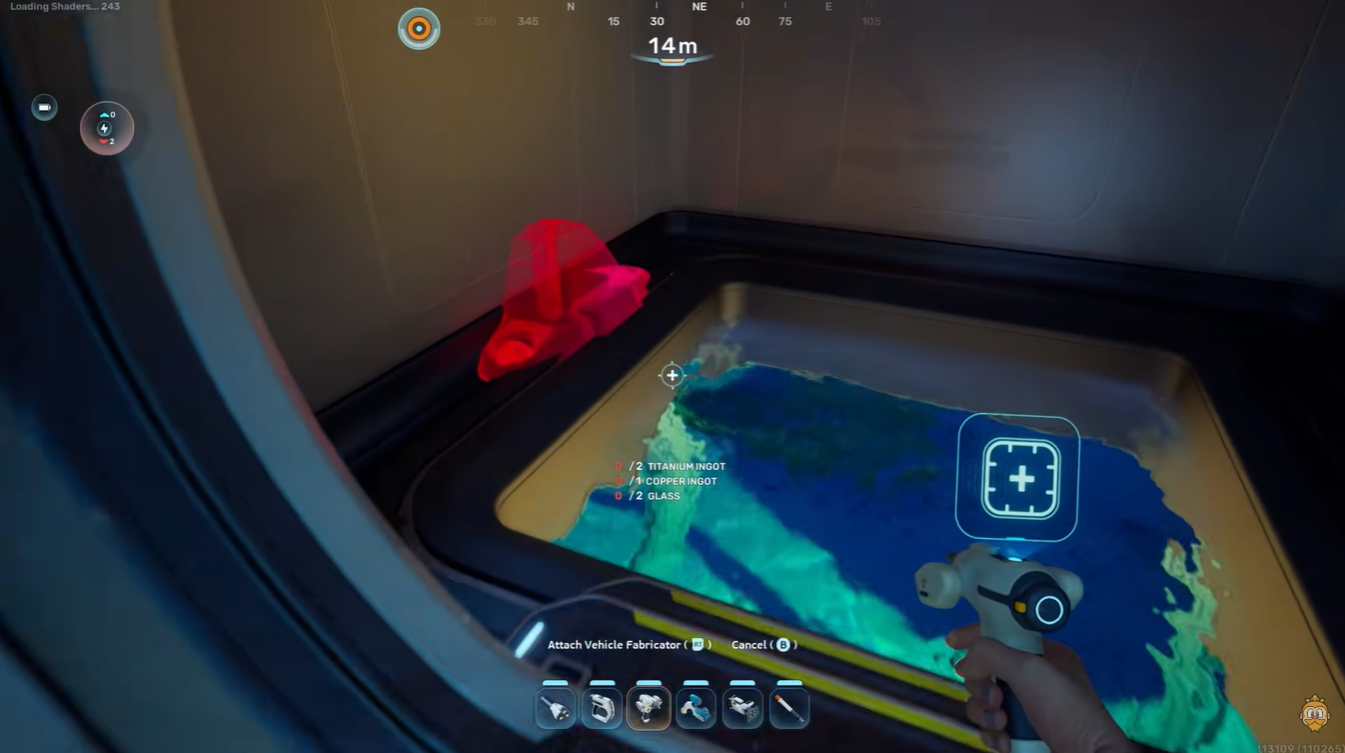
You do not necessarily need a giant base. The goal is simply to create enough attachment clearance.
Rotate the structure carefully until the snapping point activates.
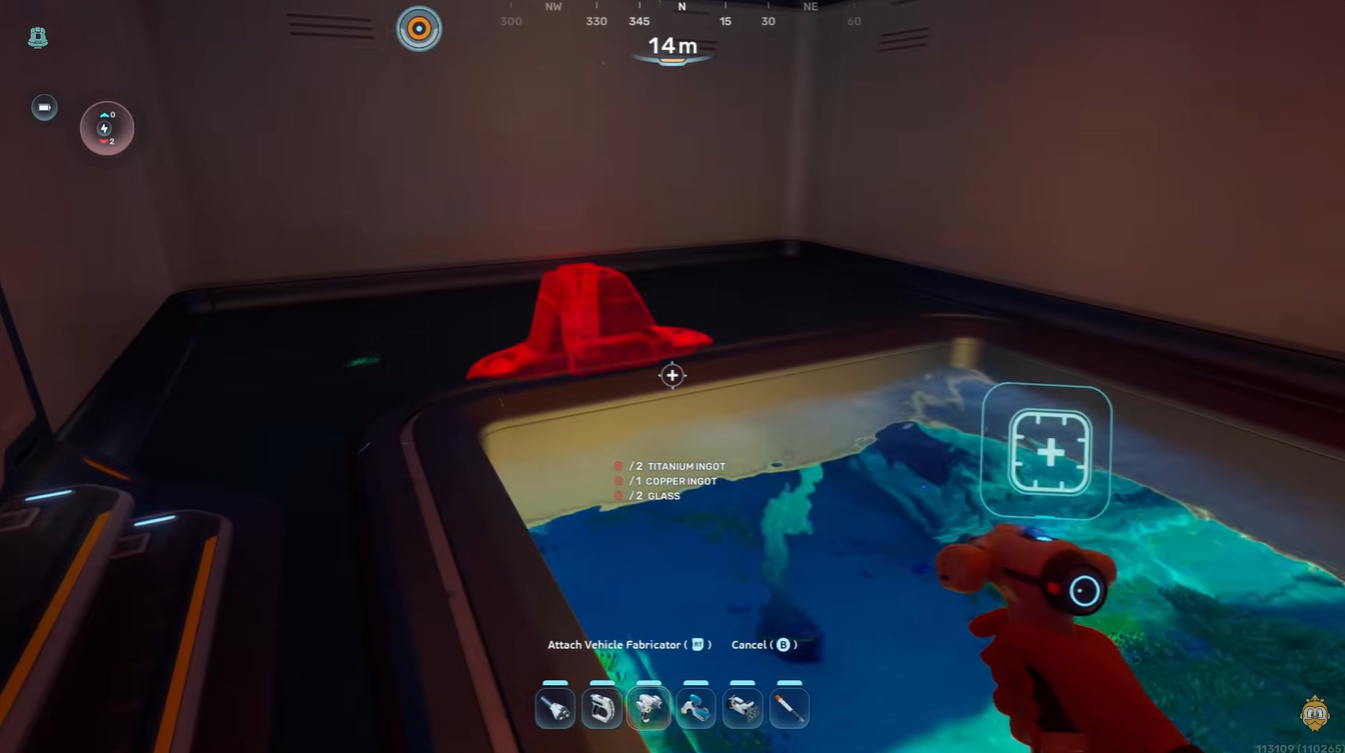
Sometimes the placement angle matters more than the actual room size.
How to place the Tadpole Dock without errors
The Tadpole Dock is considerably more demanding than the Vehicle Fabricator because of its larger footprint.
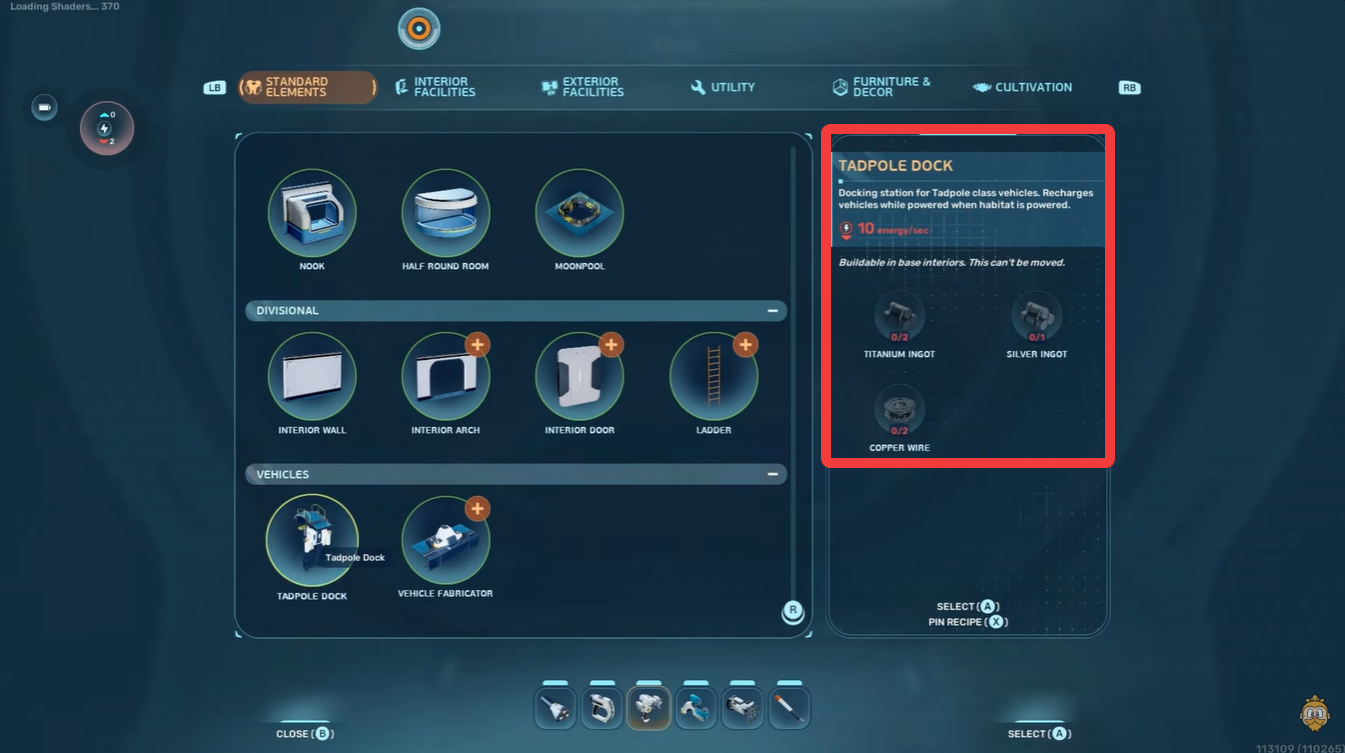
The dock effectively behaves like an oversized Moonpool attachment. A useful trick is to add one room extension at a time instead of rebuilding the entire base immediately.
This helps identify exactly which side lacks clearance.
Sometimes rocks, cliffs, or underwater terrain can interfere with external clipping space even when the interior looks fine.
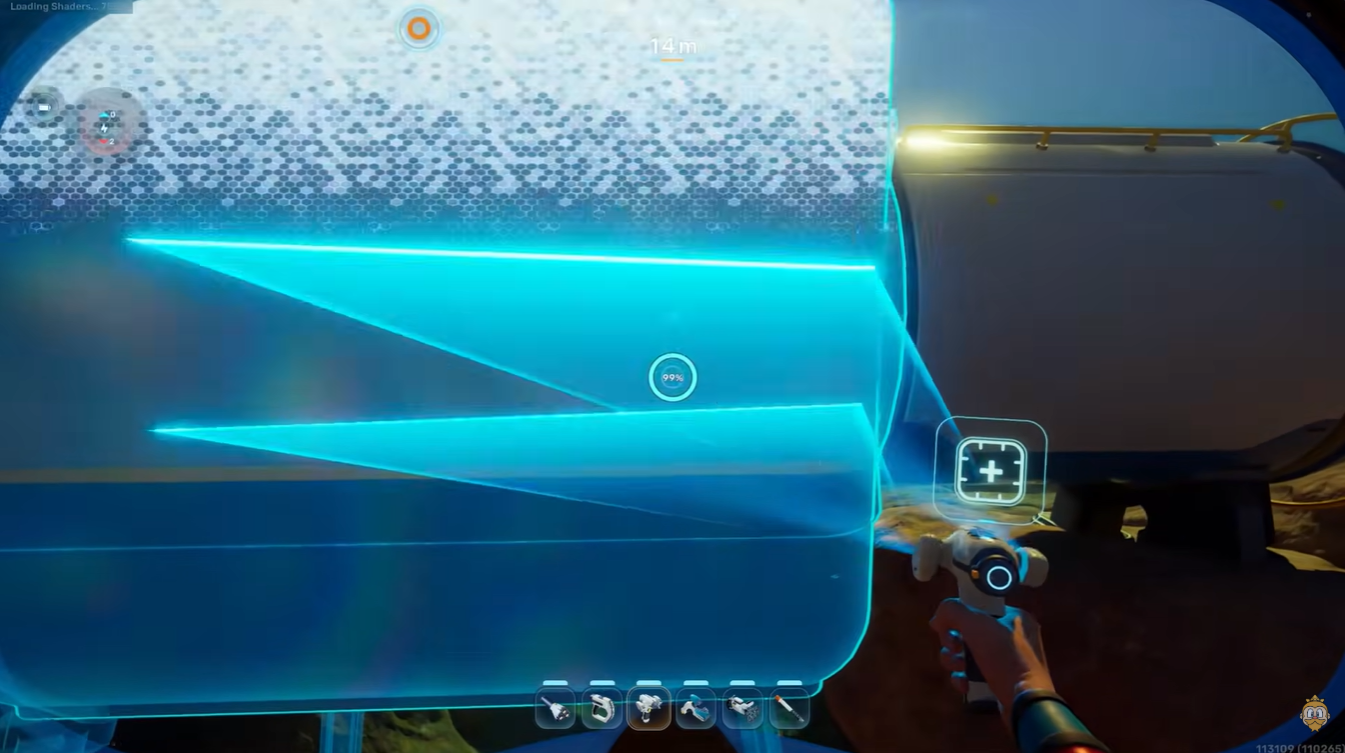
Common mistakes that prevent successful placement
Many placement issues happen because players assume the room only needs enough visible interior space.
In reality, the game also checks hidden collision boundaries.
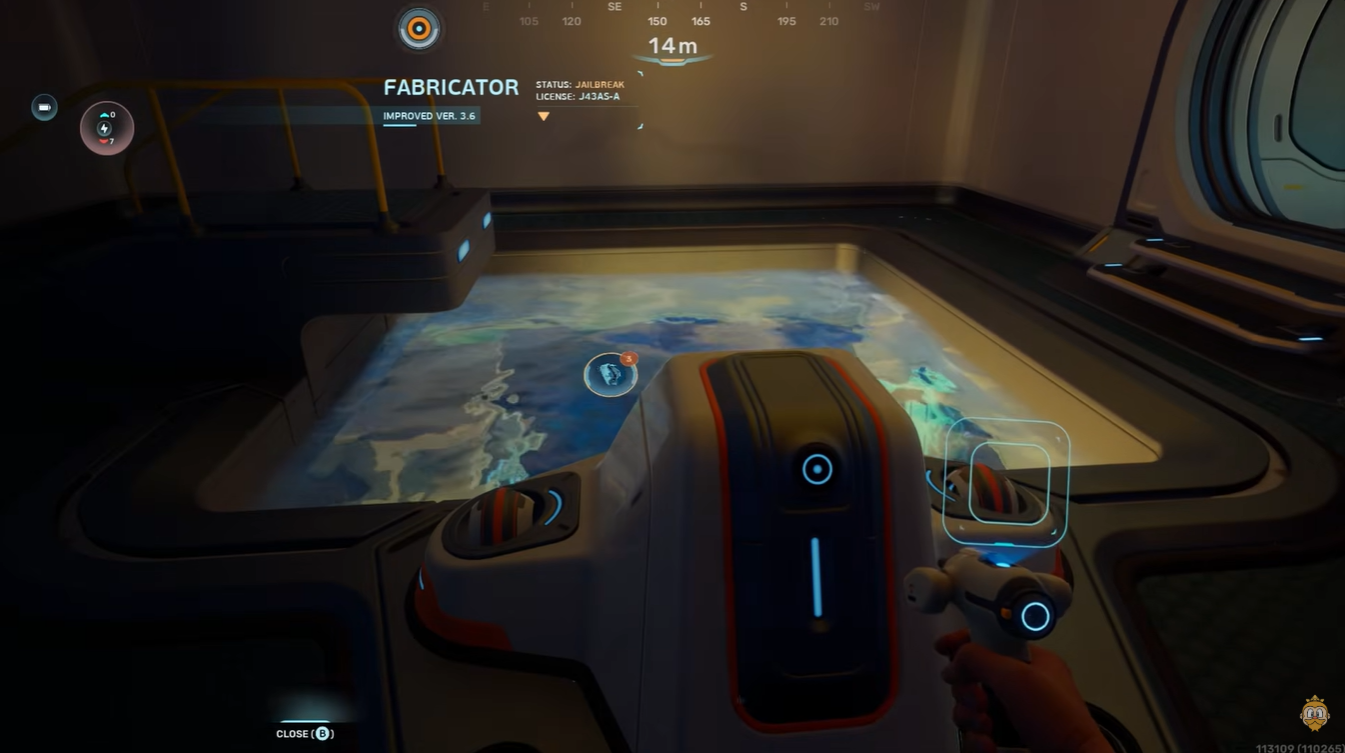
Here are the most common problems:
| Problem | Result |
|---|---|
| Using small rooms | Placement blocked |
| Wall clutter | Snap point fails |
| Tight exterior terrain | External clipping conflict |
| No room expansion | Tadpole Dock cannot attach |
| Decorative objects nearby | Invalid placement errors |
Another common mistake is attempting to place the Tadpole Dock immediately after building the room. Sometimes the game updates collision detection more reliably after adding another structural piece or re-entering build mode.
Expanding your base solves most placement problems
If the Vehicle Fabricator or Tadpole Dock refuses to place, the solution is usually much simpler than it first appears. The game heavily prioritizes attachment clearance, and even slightly cramped layouts can prevent successful snapping.
Using a Large Room, keeping walls clear, and expanding gradually will solve most issues. The Tadpole Dock especially benefits from oversized layouts, so planning extra space early can save a lot of rebuilding later.





Leave a Reply