
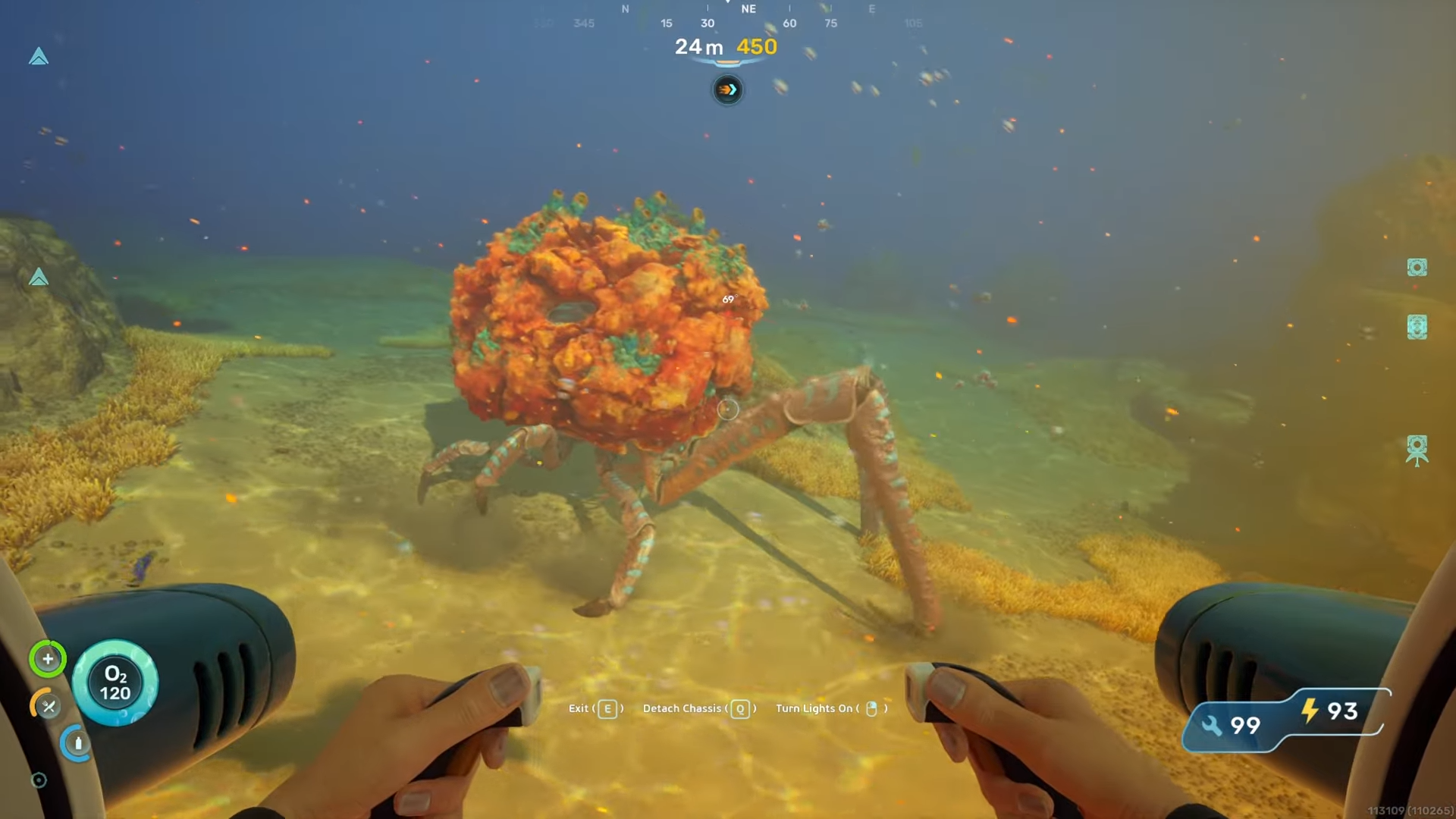
What to know
-
The coral crab spawns a short distance east of the lifepod, roughly about 200 meters out.
-
It only rises from the seabed and starts walking around at a specific time of day, around midday.
-
Once it surfaces, it typically stays active for about two to three minutes before digging back down.
-
You must perform the bio scan while it is above ground and moving; sleeping crabs cannot be scanned.
Bio scanning the coral crab in Subnautica 2 is easier if you know exactly when and where it becomes active. The crab is not aggressive while it is awake, but it only surfaces for a short window each day, so timing and positioning matter.
Bio Scanning Coral Crab details
Coral crab location
The coral crab is located directly east of the lifepod, at a moderate distance offshore. In practice that places it within a few hundred meters of the spawn area, still in relatively shallow water. The terrain around it is mostly open seabed, meaning you can see the crab from a fair distance once it has emerged.
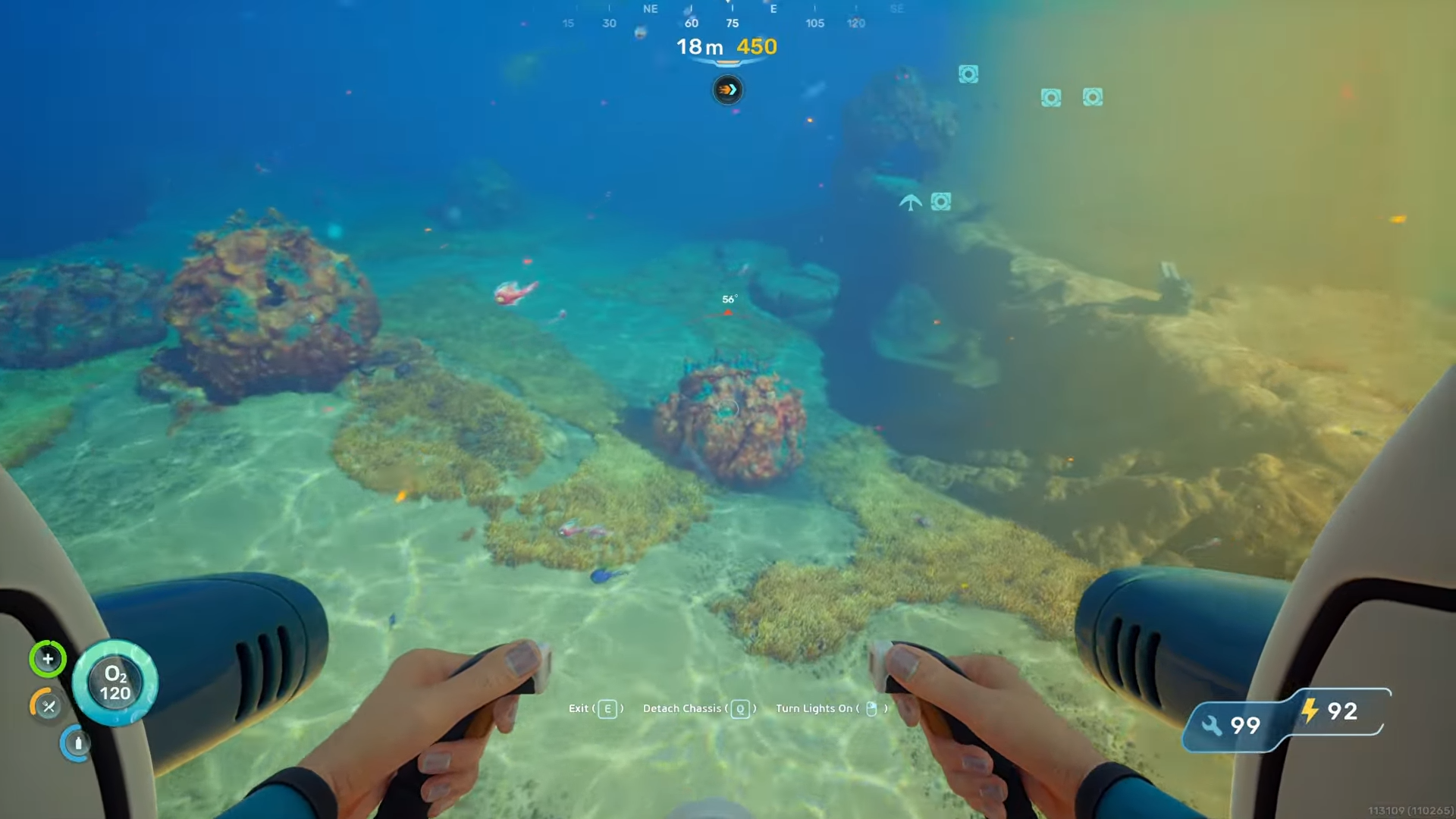
Occasionally you may notice other creatures nearby that bump into the crab while it is still dormant, which can cause it to wake up before the usual midday trigger. This is not a requirement, just a happy accident that can shorten your wait time if you happen to be in the right spot.
Time of day to look for the crab
The coral crab seems to activate on a daily cycle, coming up from the ground around midday or slightly after.
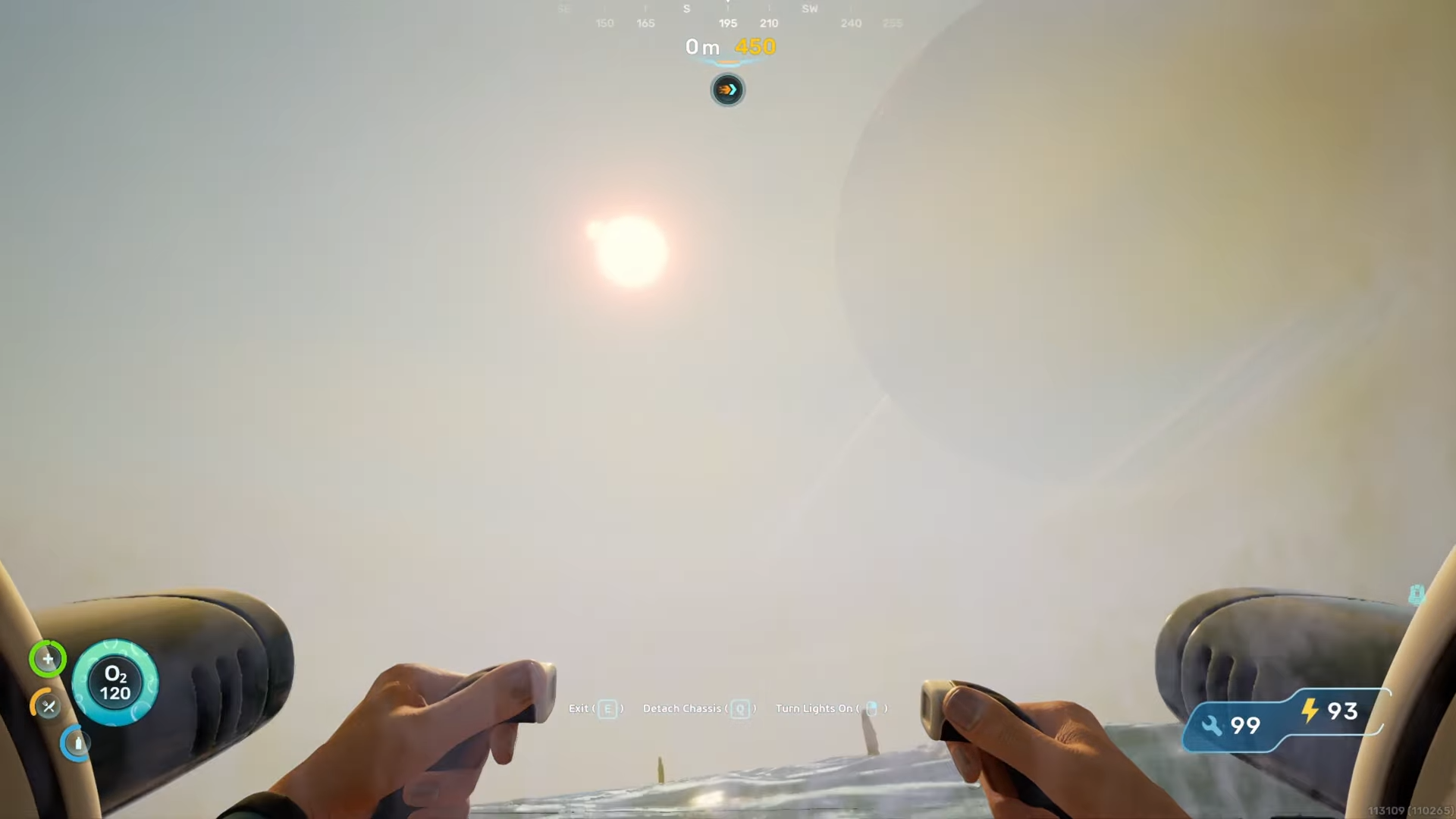
When the in‑game clock passes that point, the crab will rise from the sand and start moving around. It does not matter if you are watching it directly or not; the awakening happens on its own schedule.
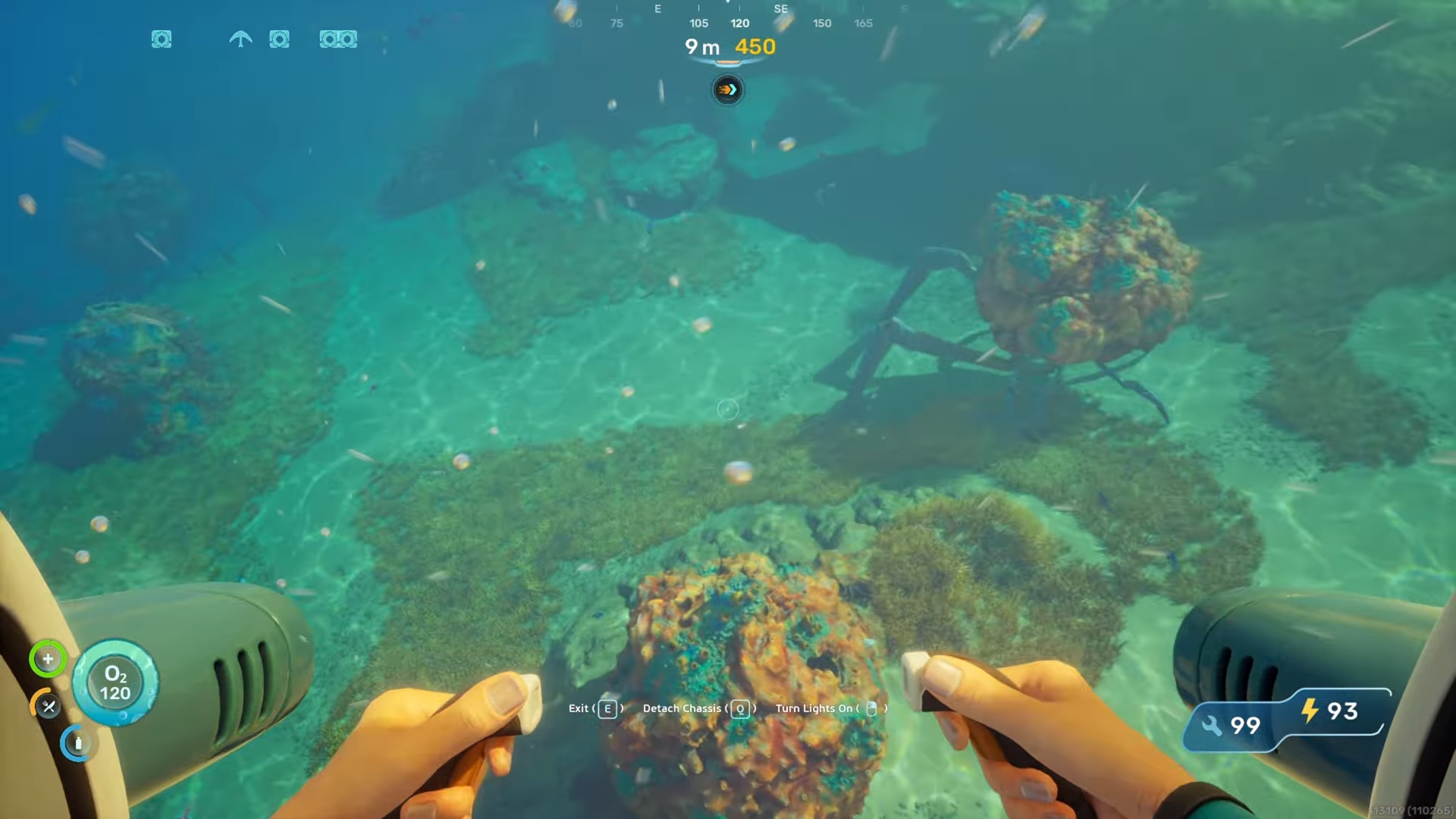
Because the active window is only about two to three minutes, you should plan to be in the area before the expected time so you do not miss the scan. If you arrive too late, you may find only the small indentation where the crab has just dug back down, and you will have to wait until the next day.
How to approach and scan the coral crab
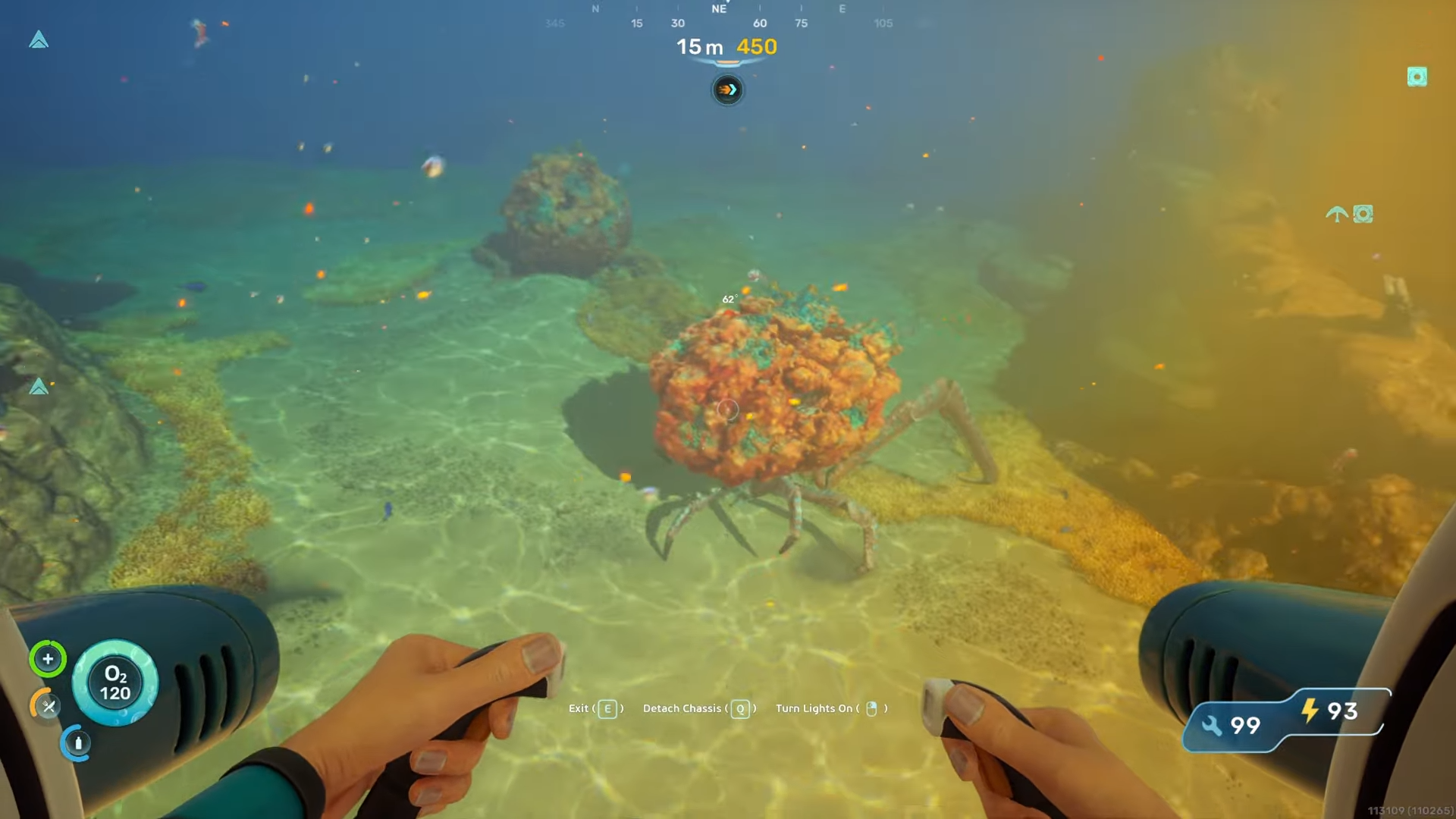
When the crab finally rises from the ground, it will start walking around and digging in the seabed. It behaves like a neutral creature during this phase, so you can move right up to it without risk. You can even get extremely close, essentially standing right next to it, and it will not react beyond its normal idle animations.
Step 1
Face the crab and raise your scanner so the targeting reticle is locked onto its body. Make sure you are not blocked by terrain or debris, and that the crab is clearly visible in your view.
Step 2
Hold the scan button and keep the crab inside the reticle.
Step 3
Once the scan is complete, you can back away and swim off. The crab will continue its normal behavior for a short while before it eventually digs back into the seabed, ending the active window for that day.
Common mistakes to avoid
One of the most common mistakes is trying to scan the crab while it is still buried. If you see only a small pit or mound and no visible creature, the crab is asleep and cannot be scanned. Waiting for it to emerge first is essential.
Another issue is being too far from the spawn point when the crab surfaces. If you are exploring elsewhere at midday, you may miss the entire window and have to wait until the next cycle. Staying within the general east‑of‑lifepod zone materially improves your chances.
Using the coral crab bio scan later in the game
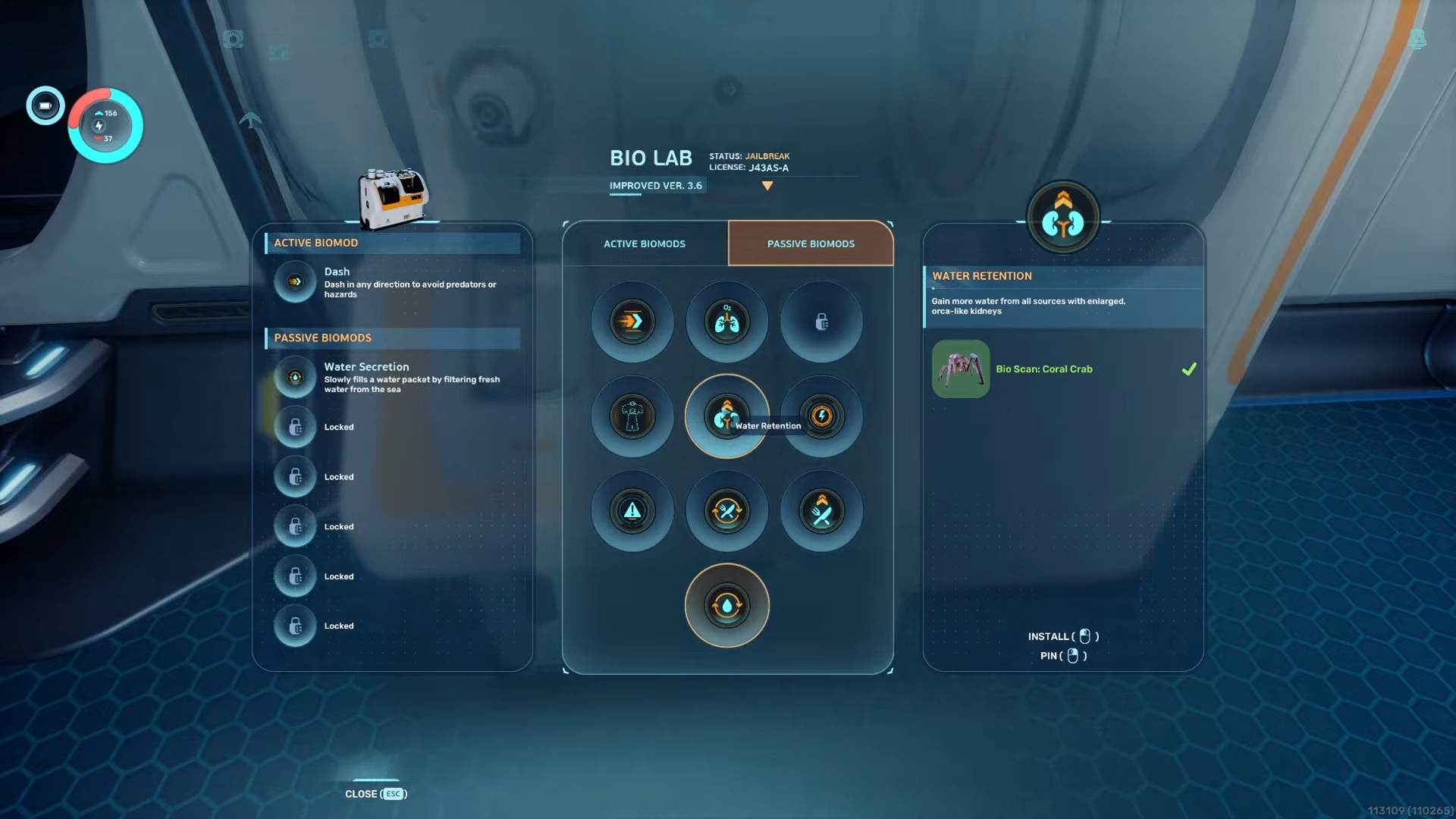
Once the coral crab is scanned, its data unlocks related biomods or PDA entries in the bio lab, depending on the version and progression you are following. Because the crab is only active for a short time each day, many players treat this as a fixed‑time objective they plan around other midday tasks.




Leave a Reply