
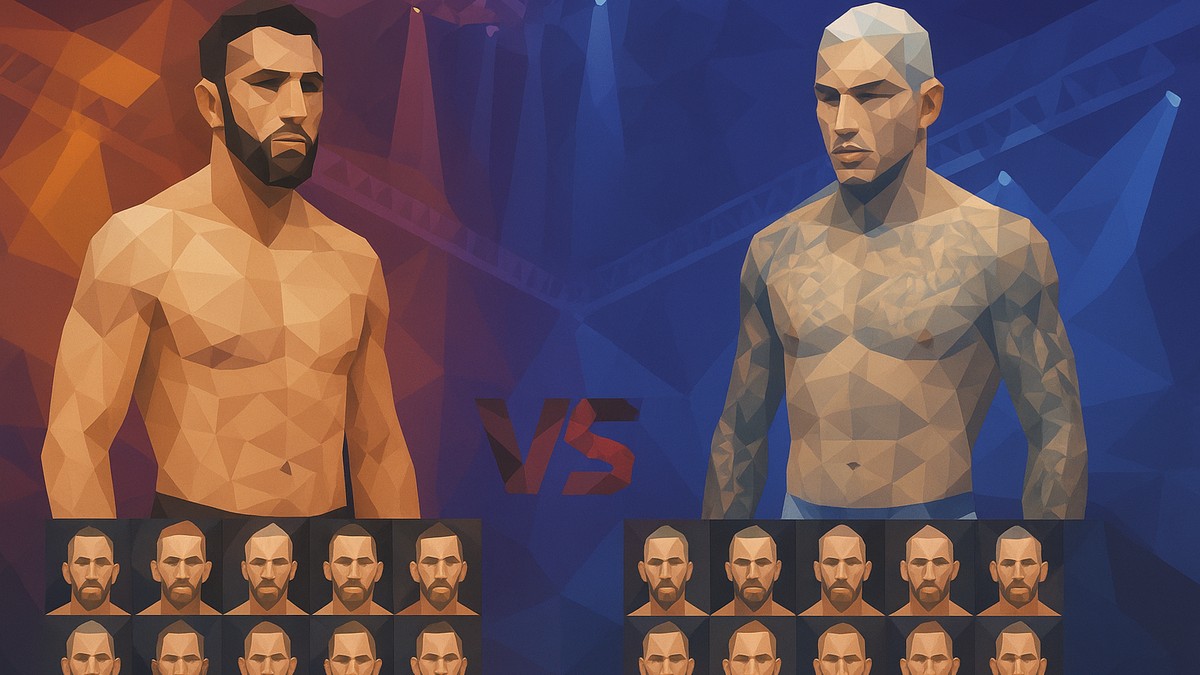
On the UFC 6 fighter select screen, press X to drop in a random fighter and A to lock it in — repeat for the second slot to get a random-versus-random matchup that takes you straight into the fight.
Picking a random fighter in EA Sports UFC 6 is a one-screen action, not a buried menu setting. From the standard fighter select screen you roll a fighter, confirm it, and do the same for the opposite corner — and the moment both slots are filled the game sends you into the bout. Here’s the exact input order and where it lives.
The fastest way to roll a random fighter
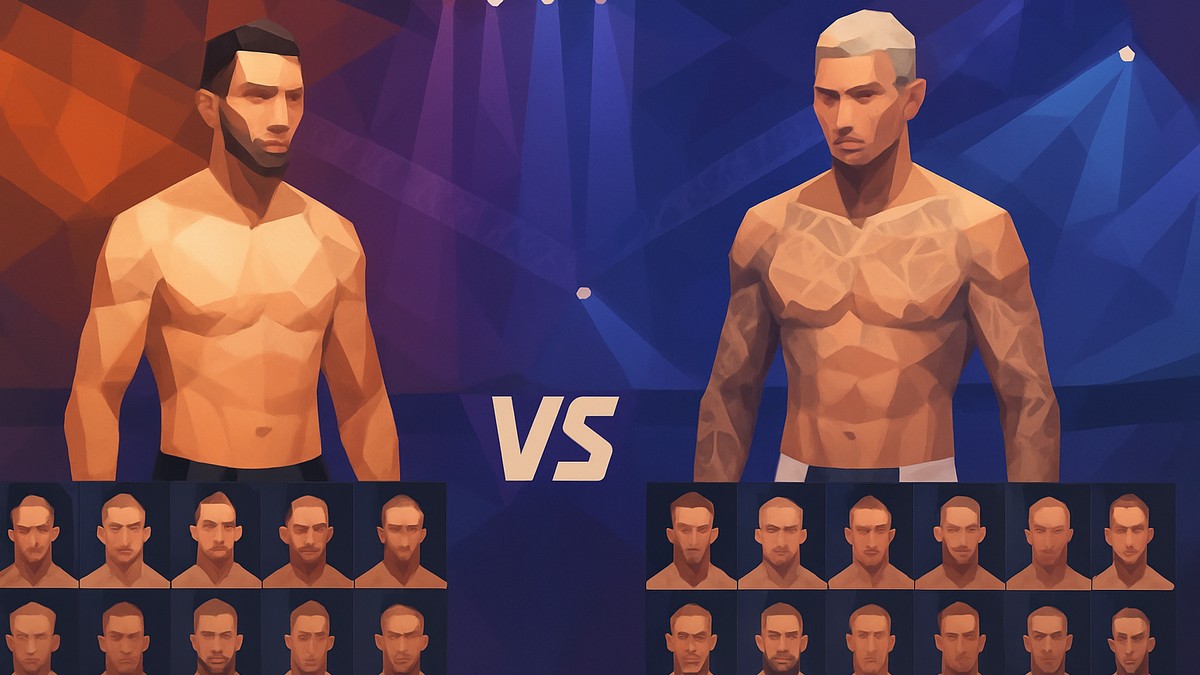
How to pick a random fighter on UFC 6
Press X to randomize your fighter
On the fighter select screen, press X to drop a random fighter into your slot.
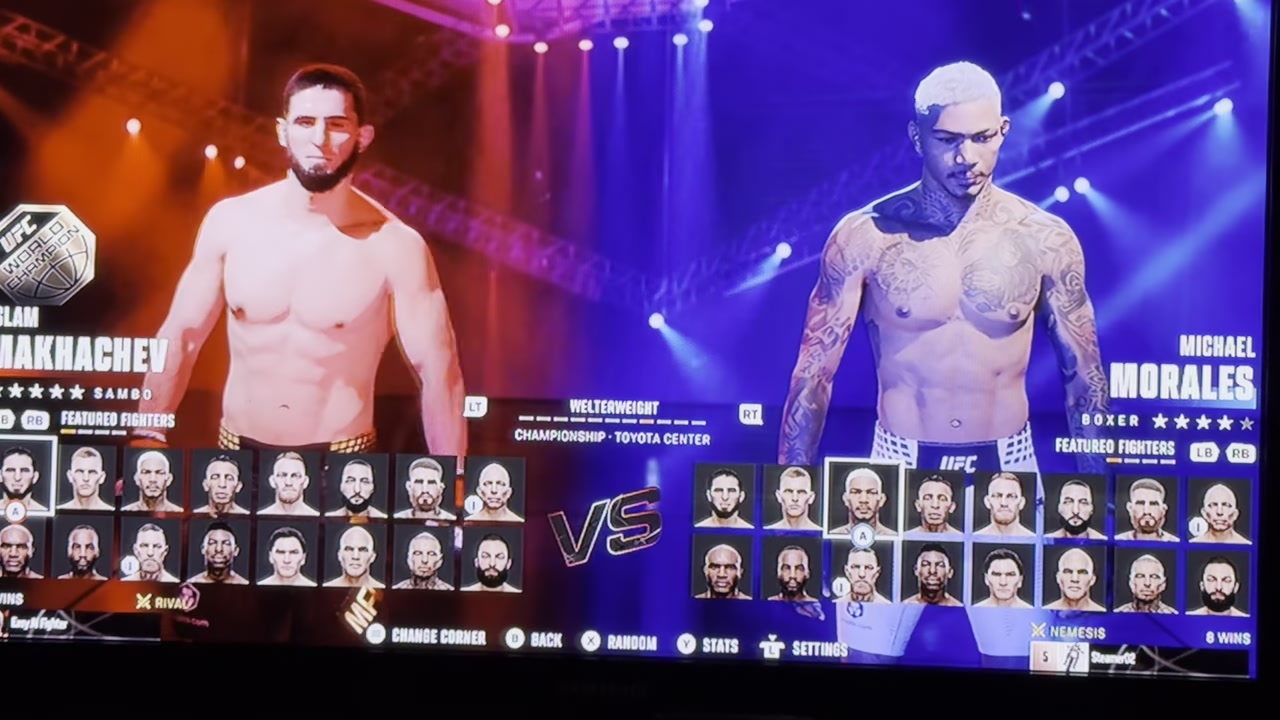
Press A to confirm
Hit A to lock in the randomized fighter you just rolled.
Randomize the second slot
Move to the opponent’s slot and press X again for a random versus random setup.
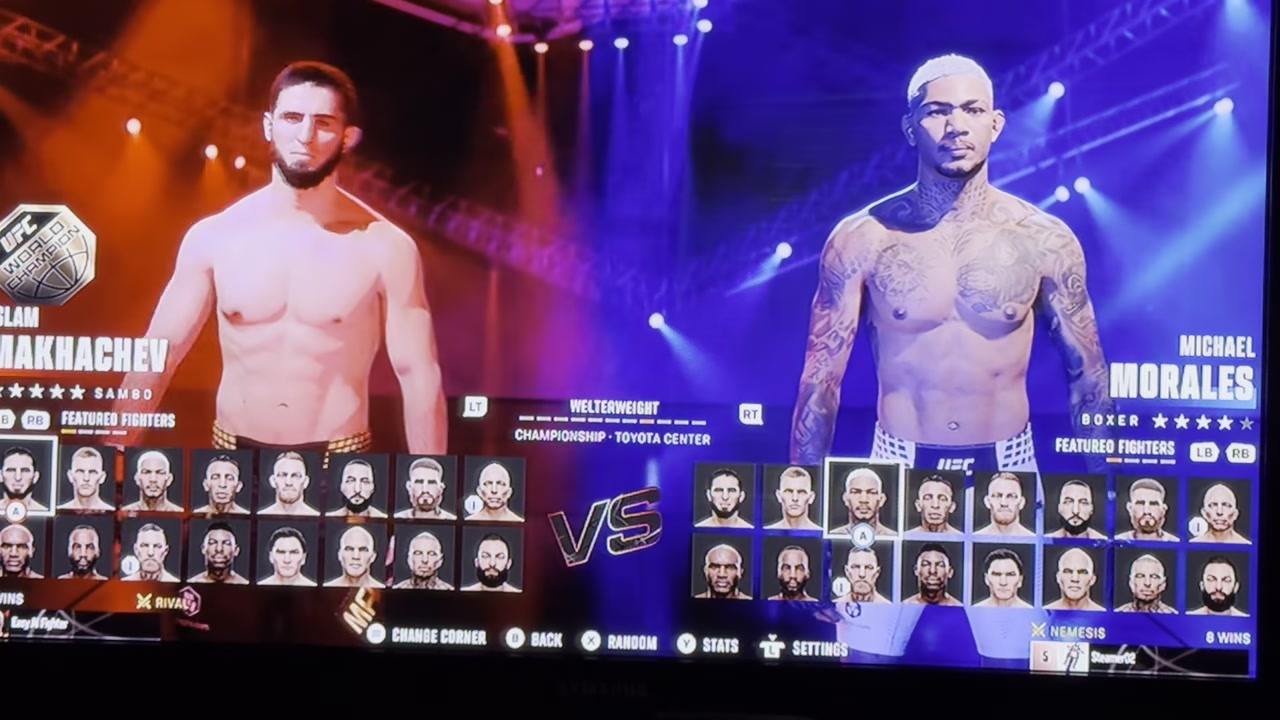
Drop into the match
With both slots filled, the game takes you straight into the fight — no extra confirmation needed.
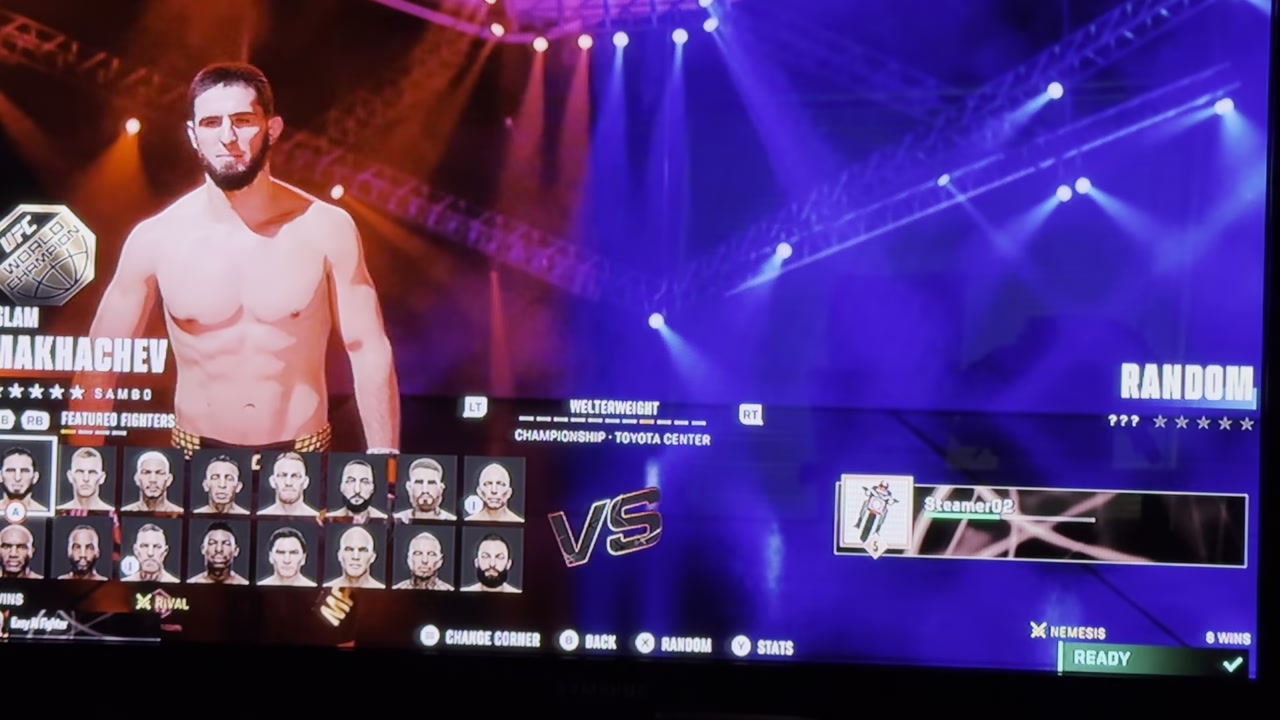
Press X to roll, A to lock, then X again on the opponent’s slot — that gives you a random-versus-random bout in seconds.
Video help
Where this works and what else you can randomize
Frequently Asked Questions
Is the button the same on a PlayStation controller?
The inputs shown here are on an Xbox controller — X to randomize and A to confirm. The PlayStation and PC equivalents aren’t confirmed, but UFC games typically map these to the same face-button positions, so the PlayStation Square and Cross buttons are the most likely match. Check the on-screen prompts on your platform to be sure.
Does random fighter select work online and in every mode?
The roll is demonstrated on the standard fighter-select screen for a straightforward fight. Whether the same prompt is available in Career, Ranked, or Online play — versus only offline or exhibition bouts — isn’t confirmed. If you don’t see the random prompt in a given mode, that mode may simply not expose it.
Can you also randomize the weight class, arena, or opponent?
You can absolutely randomize the opponent — just press X on the second slot the same way you did for your own fighter, which is how you get a random-versus-random matchup. A dedicated random weight class or random arena option isn’t confirmed by what’s been shown, so treat those as unverified rather than guaranteed features.




Leave a Reply