
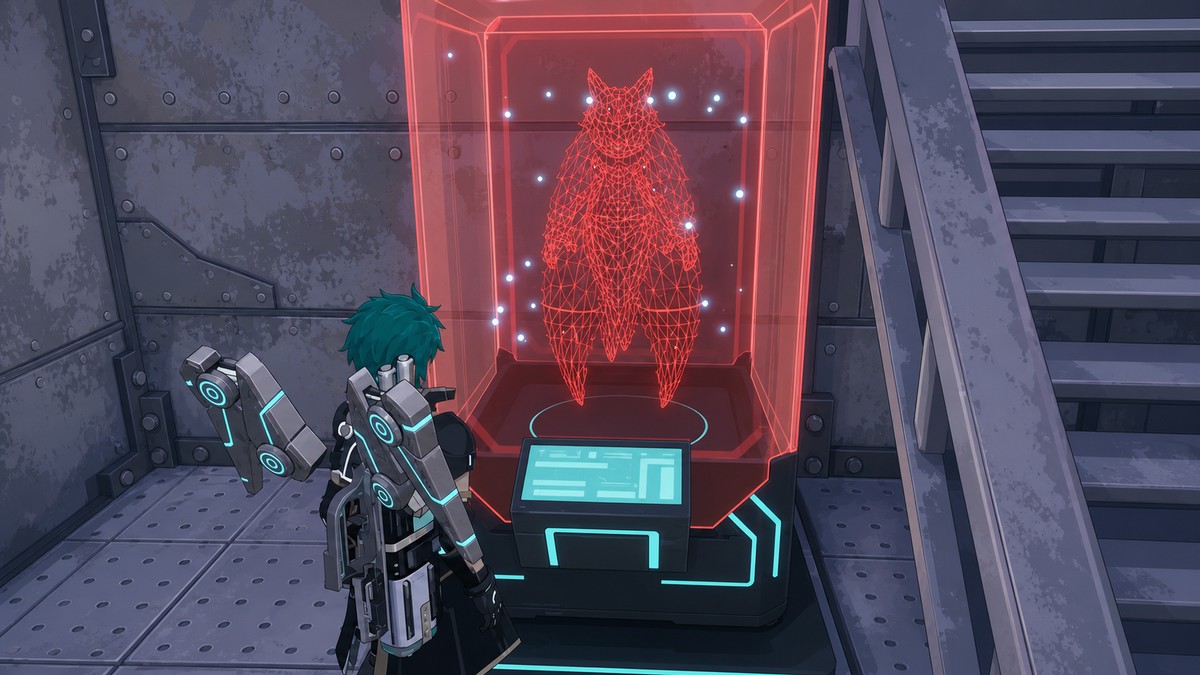
Dimensional Pal Storage is a Palworld 1.0 facility you unlock around level 20, build at a base, and use as massive overflow storage for Pals you do not need sitting in your regular Palbox.
Dimensional Pal Storage is for the moment when your Palbox is packed with Pals you want to keep, but do not need in your active rotation. It gives you a huge place to park extras while keeping your regular box cleaner for party, work, expedition, breeding, and upgrade decisions.
The unlock point can appear around level 20, with some player notes placing it at level 21, so check your current Technology tree if it is not visible yet.
Dimensional Pal Storage capacity and best use
| Detail | Value |
|---|---|
| Unlock area | Pal Technology, around level 20 |
| Purpose | Mass overflow storage for captured Pals |
| Capacity | 9,600 Pals across 320 pages |
| Location | Built as a base facility |
| Sharing option | Private storage or guild access |
Dimensional Pal Storage is bulk Pal storage, not a full replacement for the Palbox. Think of it as long-term overflow: it is where you put Pals you may want later, but do not need available for immediate base systems.
Its big draw is size. The facility can hold 9,600 Pals, shown as 320 pages of storage, which makes it ideal for duplicate catches, breeding leftovers, condensation stock, collection Pals, and future-use Pals you are not ready to sort yet.
Use your Palbox for Pals you actively need, and use Dimensional Pal Storage for the ones you want to keep without letting them clog every daily menu.
How to use Dimensional Pal Storage in Palworld
Build the facility at a base, then move unused Pals out of your main Palbox and bring them back whenever you need them again.
STEP 1/6
Unlock the recipe
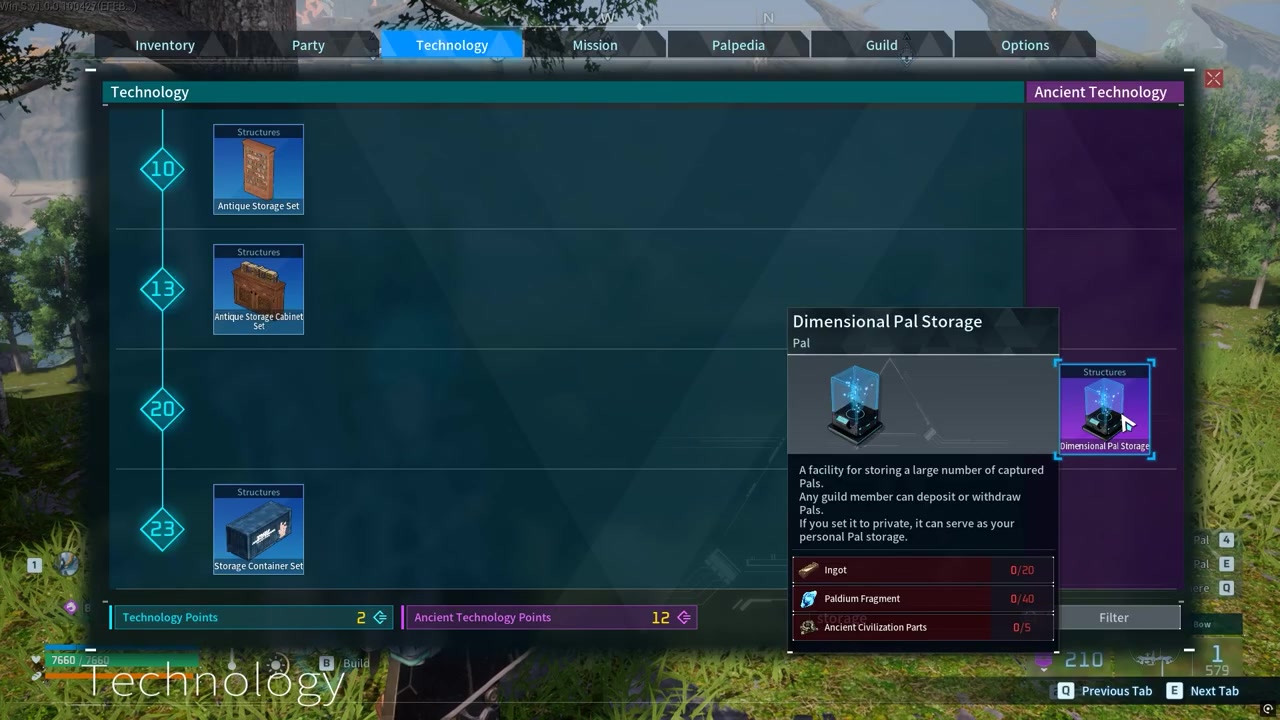
Open the Technology tree around level 20 and unlock Dimensional Pal Storage.
STEP 2/6
Build the facility
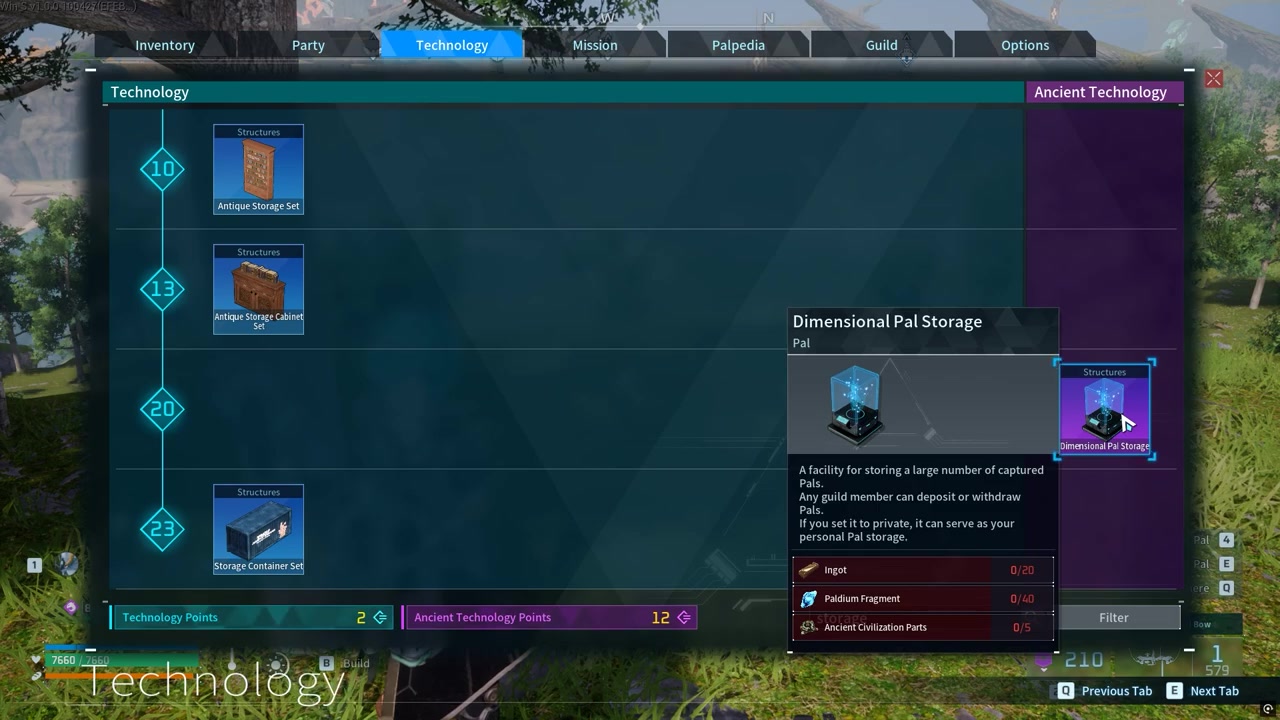
Place and build Dimensional Pal Storage at your base; listed materials are 20 Ingot, 40 Paldium Fragment, and 5 Ancient Civilization Parts.
STEP 3/6
Open the storage
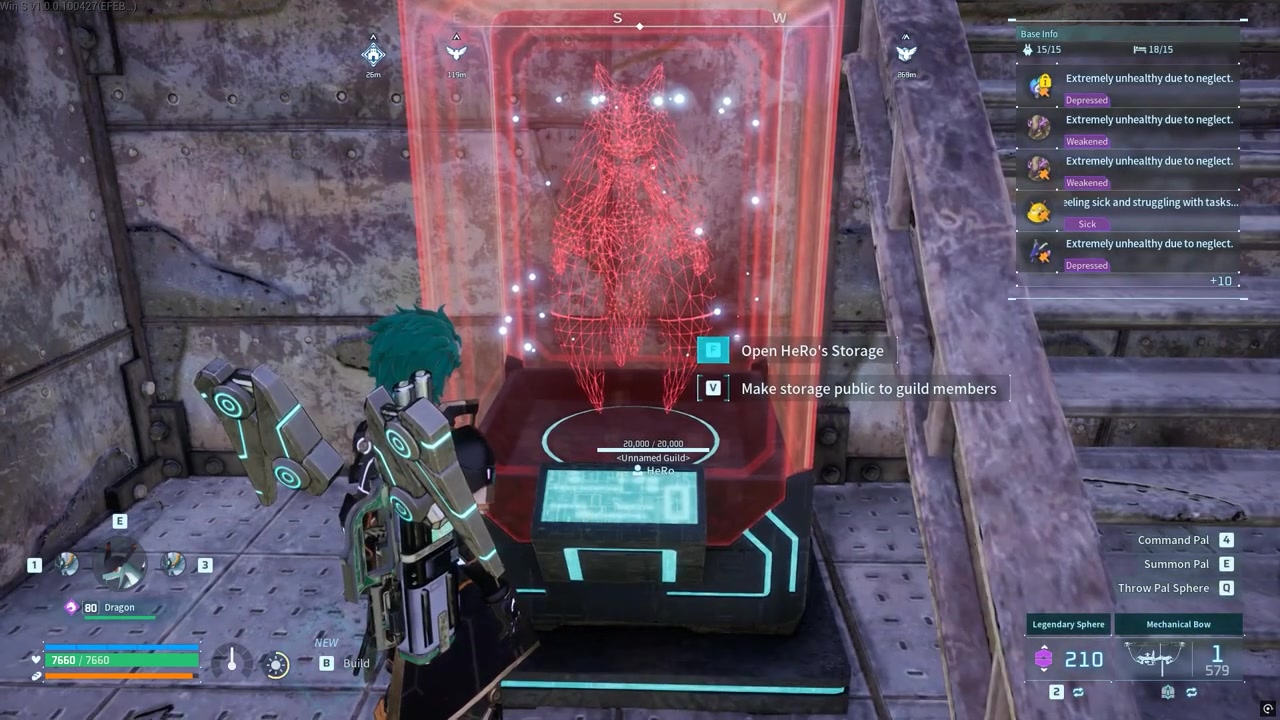
Interact with the facility to open its storage interface.
STEP 4/6
Choose Pals from the Palbox
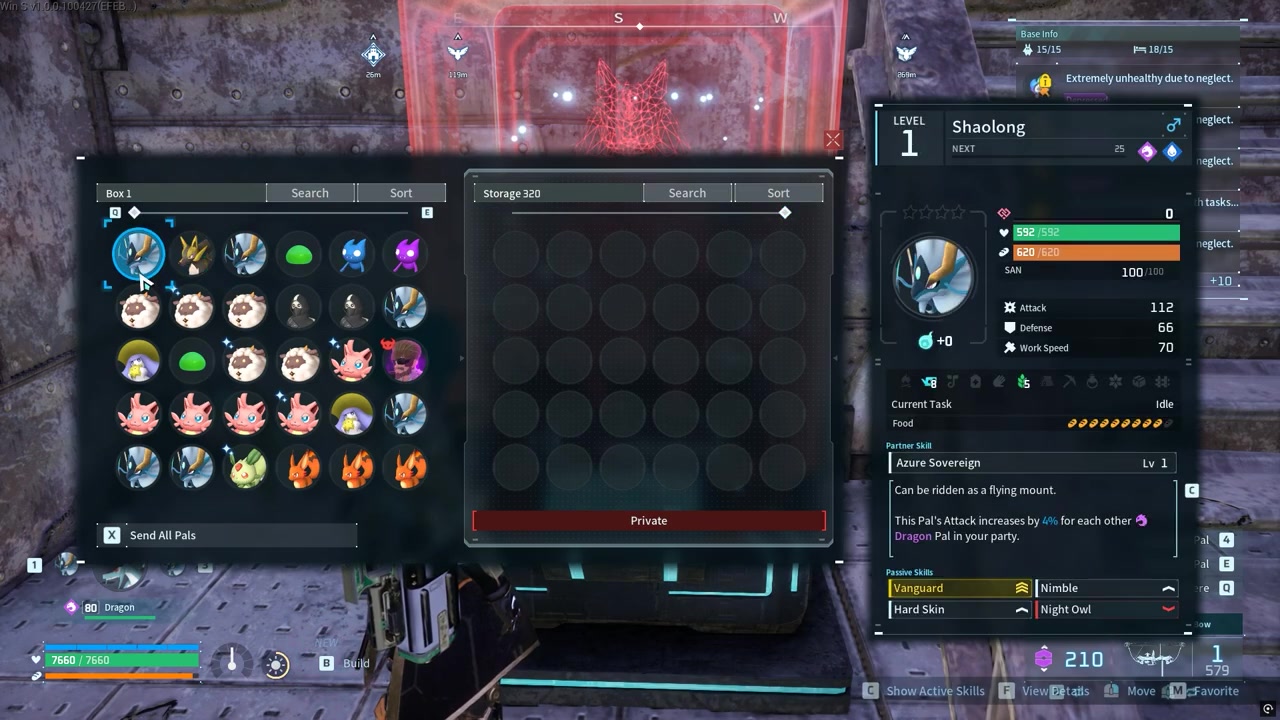
Look through your main Palbox and pick Pals you do not need active right now.
STEP 5/6
Move unused Pals inside
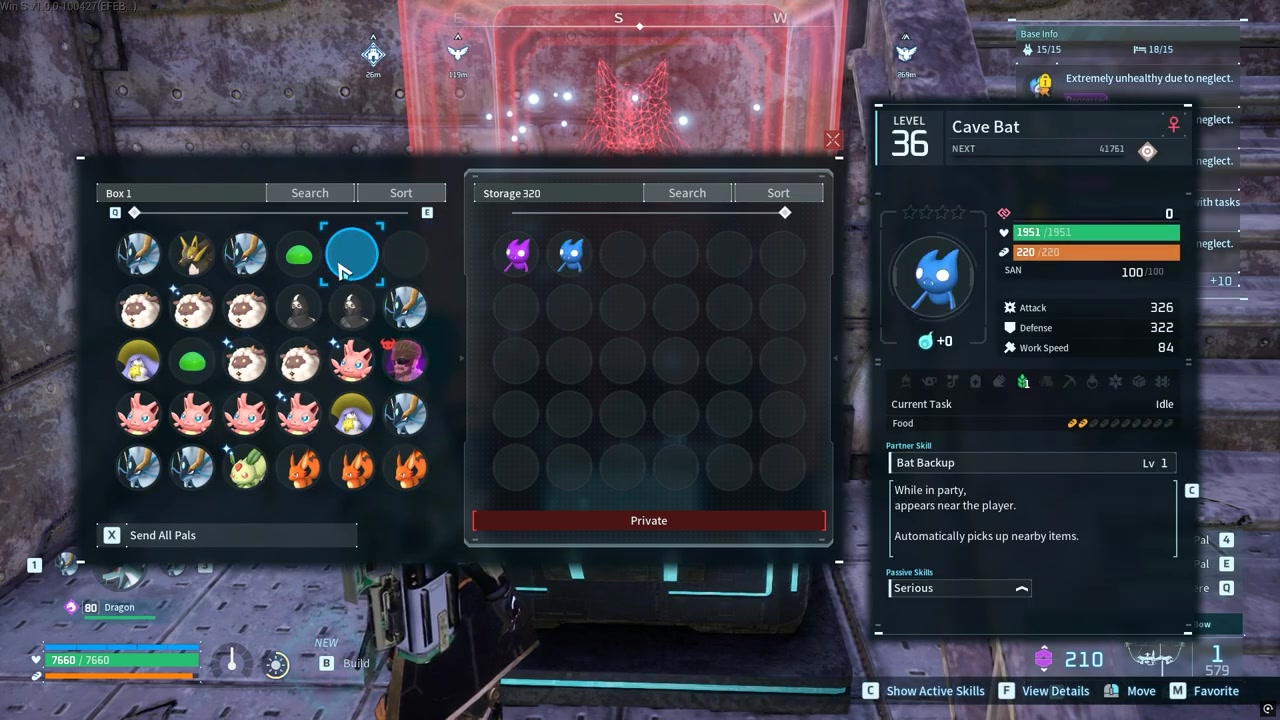
Transfer unwanted or unused Pals into Dimensional Pal Storage to clear space in the Palbox.
STEP 6/6
Pull Pals back later
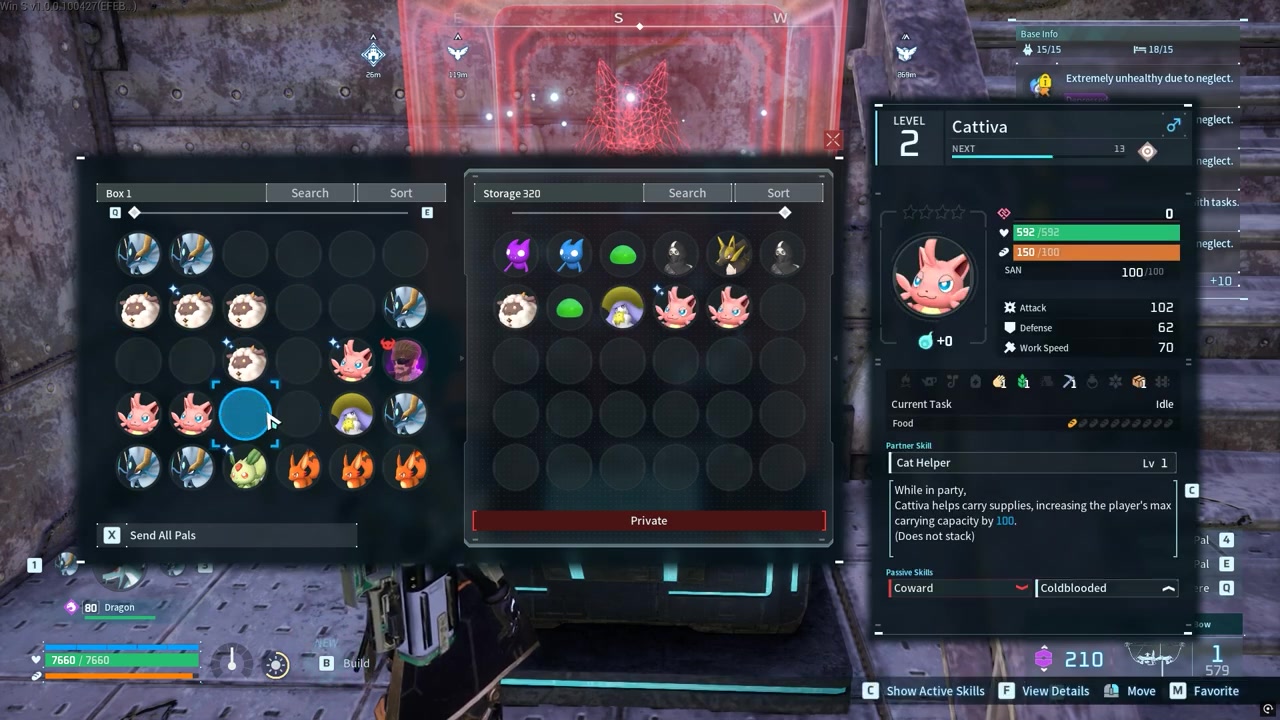
When you need a stored Pal again, move it back out of Dimensional Pal Storage and into your regular Palbox.
Video help
Guild access and private storage settings
Dimensional Pal Storage can work as shared storage for guild play. When sharing is enabled, guild members can deposit and withdraw Pals, which makes the facility useful for group bases where several players are managing captures, breeding stock, or extras.
If you do not want other players touching the contents, keep it private. In single-player, this mostly becomes a personal overflow box, so the sharing setting is not something you need to manage unless you are playing on an online server with a guild.
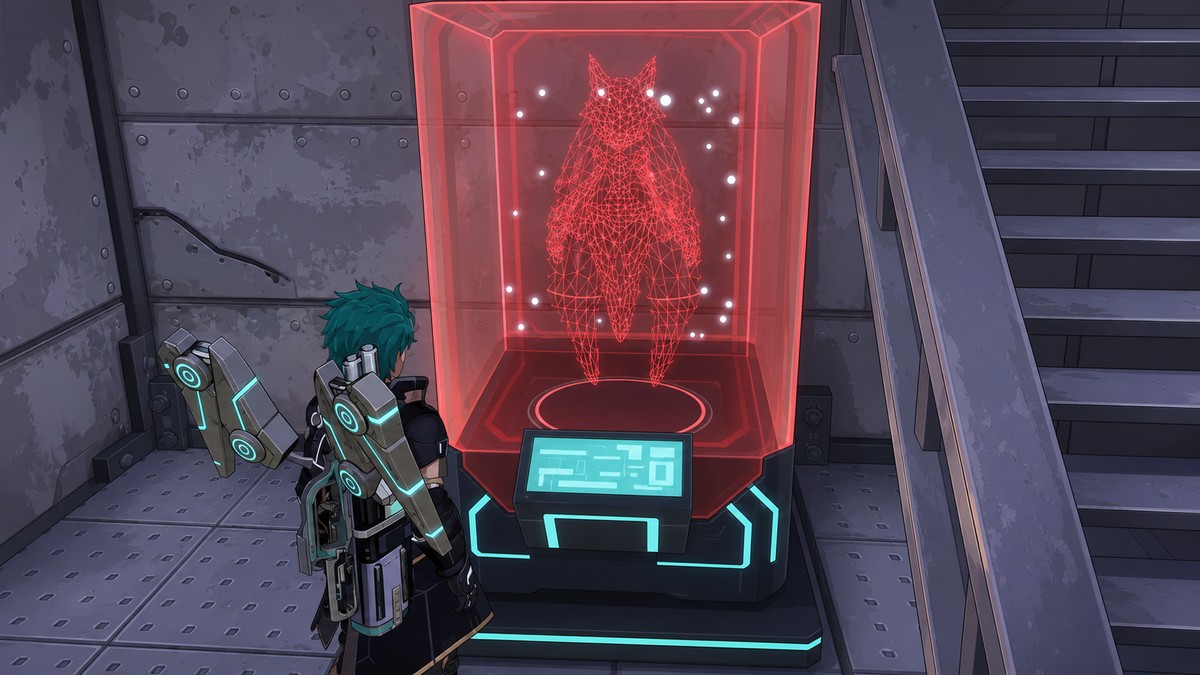
KEY!Player accounts of exact ownership and global behavior vary, so treat the sharing toggle as the important rule: shared means guild access, while private means personal storage.
Palbox jobs Dimensional Pal Storage does not replace
| Palbox | Dimensional Pal Storage |
|---|---|
| Keep active party candidates here | Store future-use backups here |
| Keep base workers here | Store unused workers or duplicates here |
| Keep expedition-ready Pals here | Move Pals back before sending them on expeditions |
| Keep breeding and condensation targets here when using them | Store breeding extras and condensation stock until needed |
| Best for active systems and quick access | Best for overflow, collection, and long-term holding |
Pals sitting in Dimensional Pal Storage are not the same as Pals sitting in your regular Palbox. For systems that pull from the Palbox, such as expeditions, deployment, base work, breeding, or condensation, you may need to move the Pal back first.
This matters most when your Palbox is crowded. If every slot is full of keepers and duplicates, expedition sorting and base management become messier than they need to be.
Keep only active workers, party candidates, expedition-ready Pals, and current breeding or condensation targets in the Palbox; move backups, duplicates, breeders, and collection Pals into Dimensional Pal Storage.
Organization rules for crowded Palboxes
A simple split works best: keep your Palbox for anything you might use today, and keep Dimensional Pal Storage for anything you are saving for later. That keeps your active menus from becoming a warehouse.
Move duplicate catches, spare breeders, condensation fodder, collection Pals, and “maybe later” backups into Dimensional Pal Storage as soon as you know they are not part of your current base or party plan. When one becomes useful again, transfer it back to the Palbox before using it in a system that needs direct Palbox access.
Frequently Asked Questions
What level do you unlock Dimensional Pal Storage in Palworld?
Dimensional Pal Storage unlocks around level 20 in Palworld 1.0. Some players place it at level 21, so check the Technology tree if it does not appear immediately at 20.
How many Pals can Dimensional Pal Storage hold?
Dimensional Pal Storage holds 9,600 Pals, spread across 320 pages of storage.
Can guild members use Dimensional Pal Storage?
Yes, when guild sharing is enabled. Guild members can deposit and withdraw Pals from shared Dimensional Pal Storage; private mode keeps it personal.
Can Pals in Dimensional Pal Storage be used for expeditions?
Pals in Dimensional Pal Storage may need to be moved back to the regular Palbox before expedition systems can use them.
Is Dimensional Pal Storage shared between multiple bases?
Players describe Dimensional Pal Storage contents as accessible from another base that has the facility built, but multi-base behavior can vary by setup, so test it once before relying on it for important Pals.





Leave a Reply