

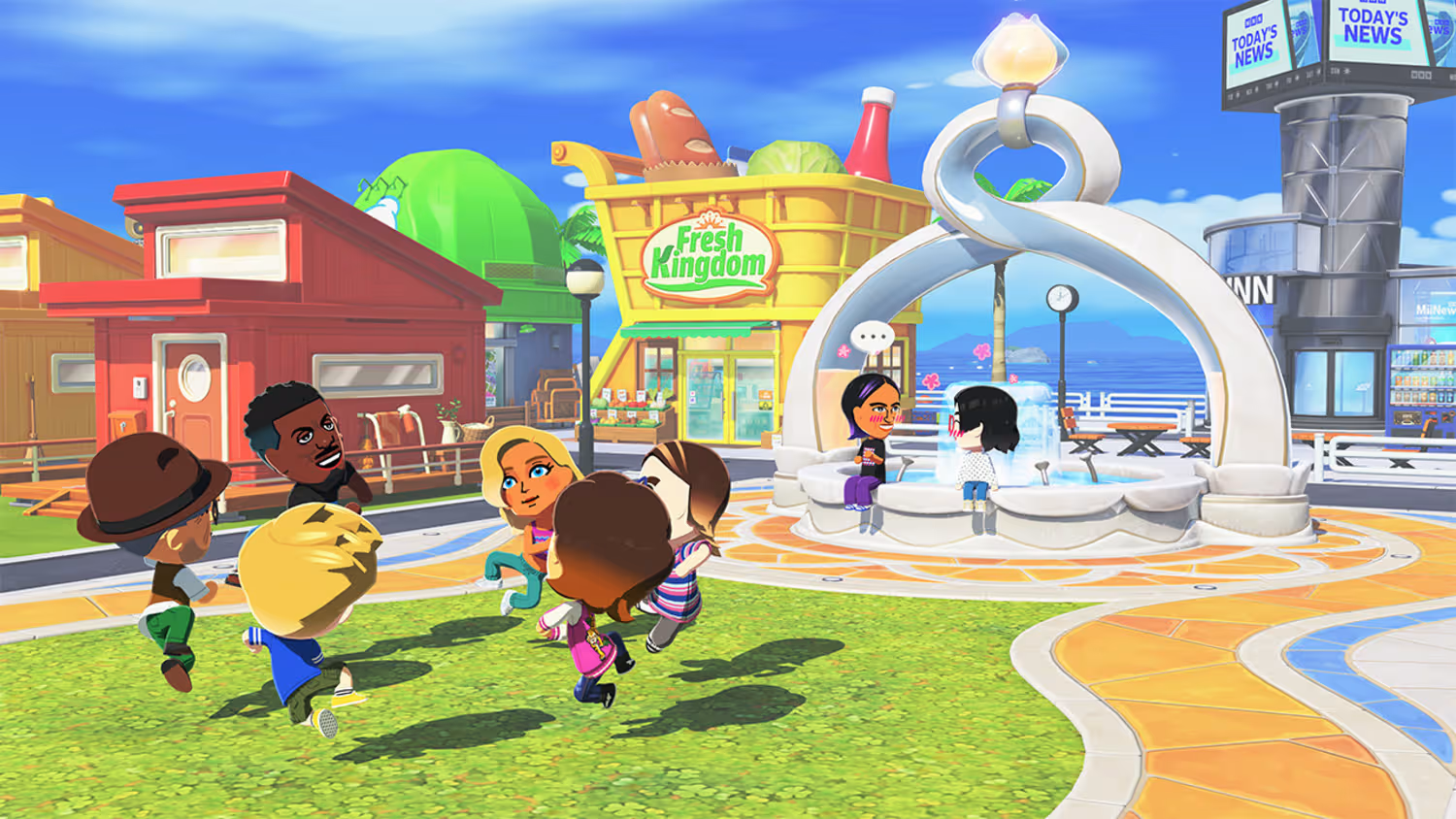
What to know
- Tomodachi Life: Living the Dream does not support native online Mii sharing
- You can use Miitopia (or its demo) as a bridge to transfer Miis
- Miis saved to your Nintendo Switch system can be reused in Tomodachi Life
- Custom-made Miis may not transfer correctly
If you’ve been wondering how to share Miis online in Tomodachi Life: Living the Dream, the process isn’t as direct as you might expect. The game itself doesn’t include any built-in online sharing system, which means you cannot simply upload or download Miis from a server. However, there is a clever workaround that uses another Nintendo title—Miitopia—to effectively bridge that gap. Once you understand how the system works, you can move Miis between games and build your island with characters created by others.
Why Miitopia works as a bridge for Mii sharing
Miitopia acts as an unofficial hub for Mii creation and sharing, especially on the Nintendo Switch. In that game, players can access a wide range of community-created Miis using sharing codes. These Miis can then be saved directly to your console’s system Mii library, which is the key step that makes everything possible.
| Feature | Details |
|---|---|
| Game limitation | No native online sharing |
| Required tool | Miitopia (full game or demo) |
| Transfer method | Save Miis to system memory |
| Compatibility | Works best with standard Miis |
| Main limitation | Custom makeup does not transfer |
Once a Mii exists on your system, Tomodachi Life: Living the Dream can recognize it as a locally available character, even though it originally came from an online source via Miitopia. This indirect method is currently the most reliable way to share Miis across players.
Step 1
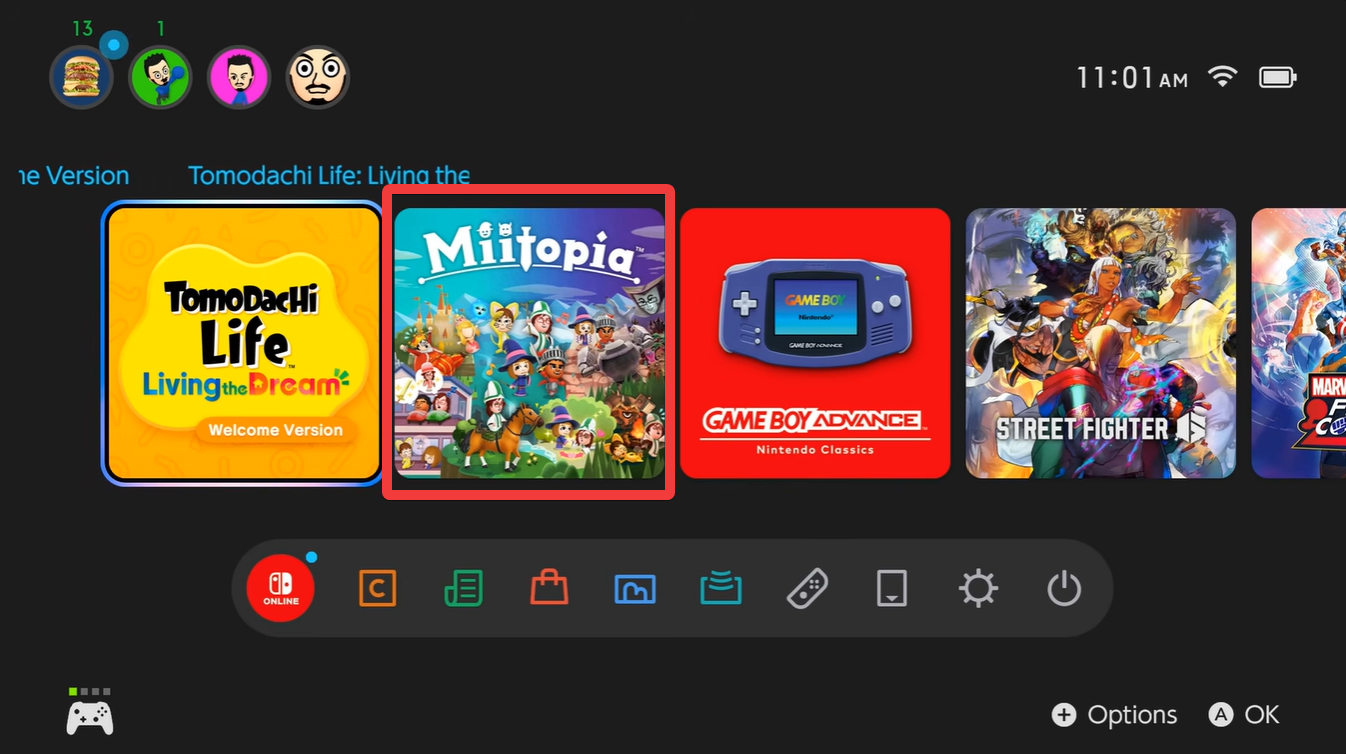
Launch Miitopia (or its free demo) and navigate to the Mii section. This is where you can browse or input sharing codes to find Miis created by other players.
Step 2
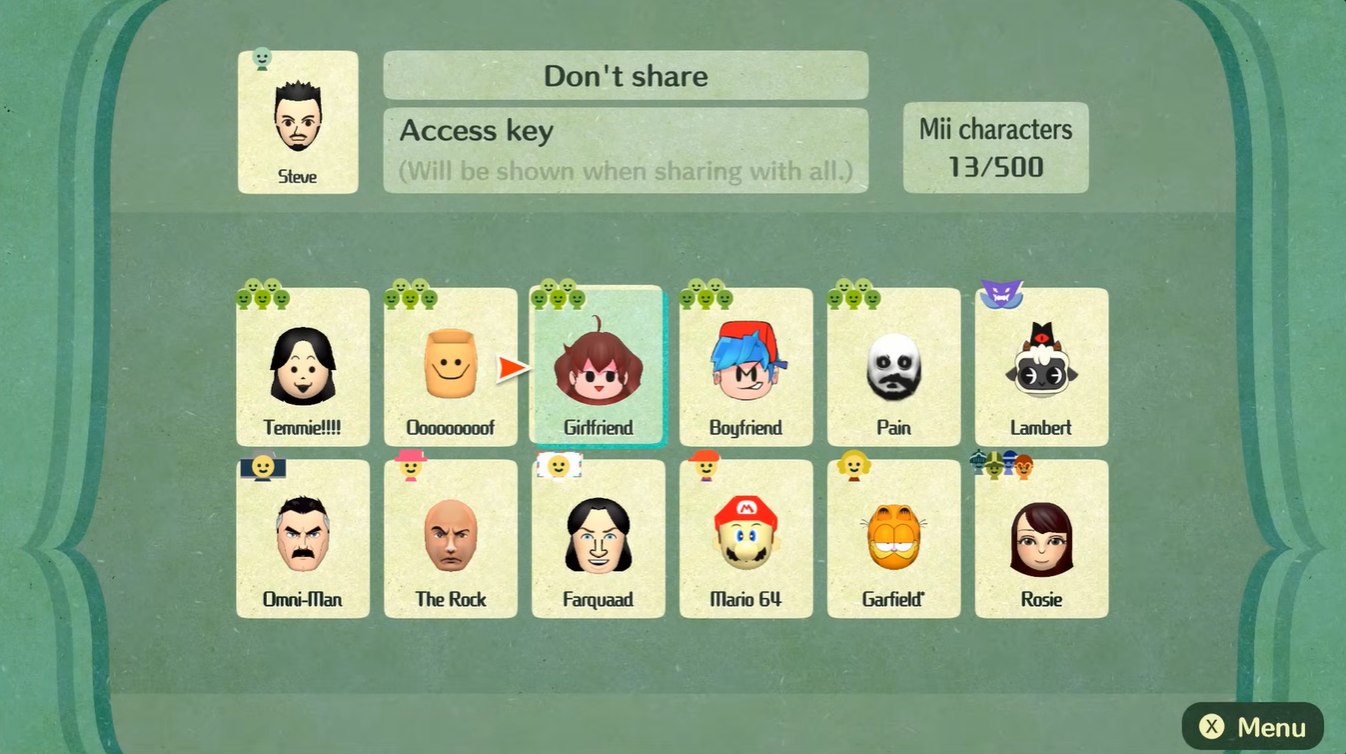
Select the Mii you want and choose the option to save it to your Nintendo Switch system. This step ensures the Mii becomes part of your console’s main Mii database.
Step 3
Confirm that the Mii has been saved successfully. You can usually verify this through the system Mii editor if needed.
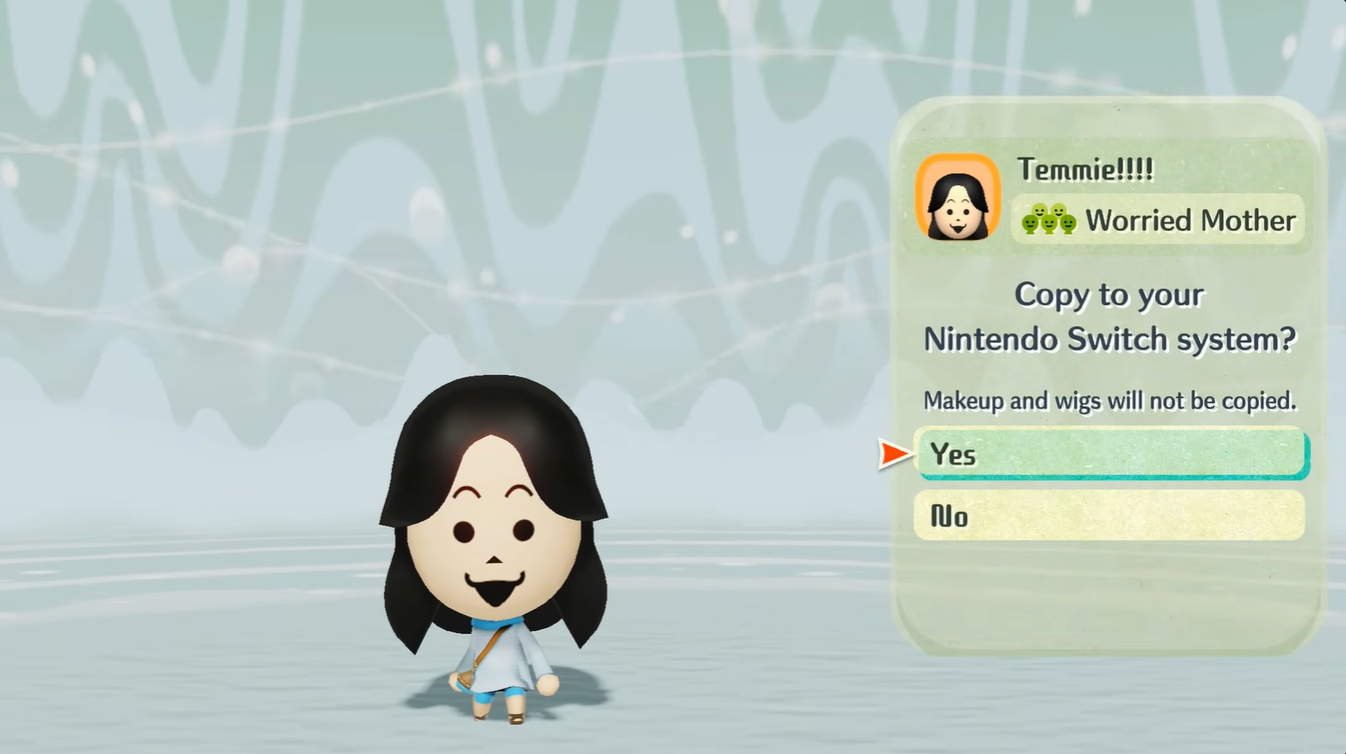
Step 4
Open Tomodachi Life: Living the Dream and access the Mii creation menu.
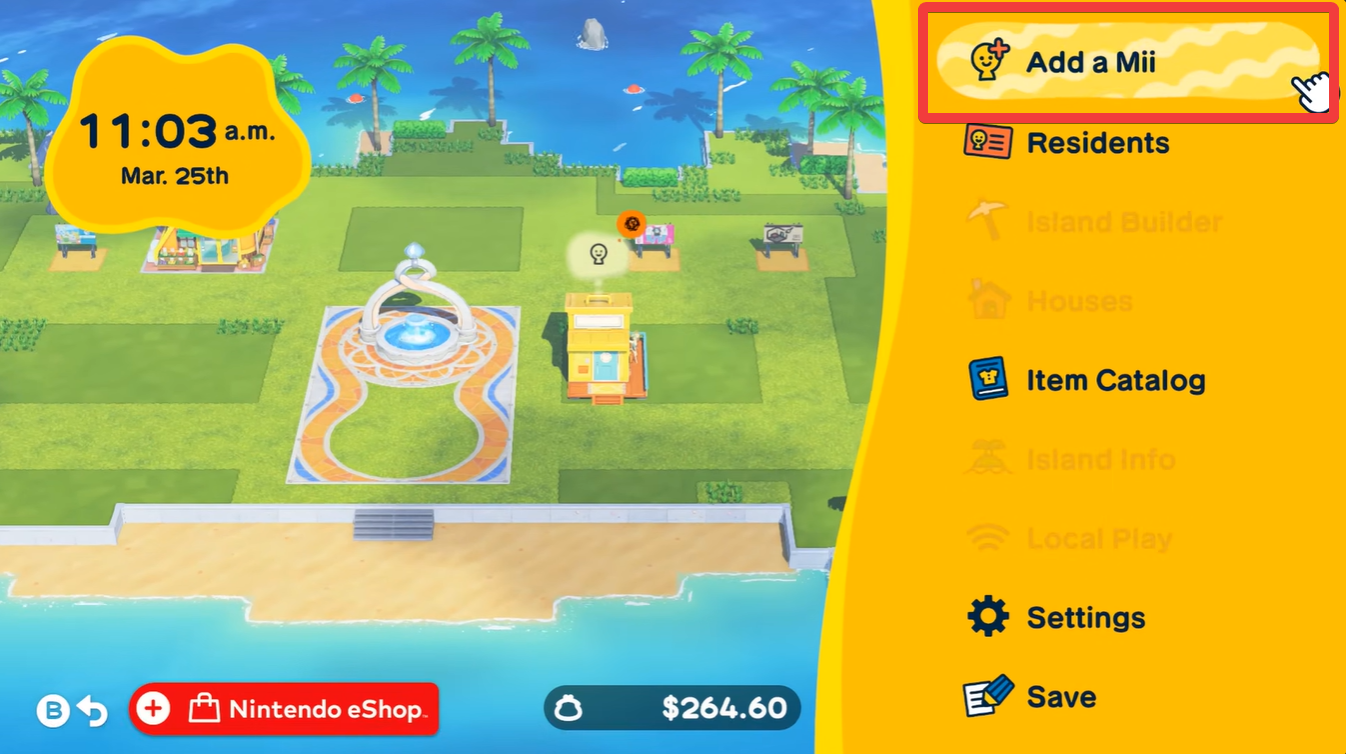
Step 5
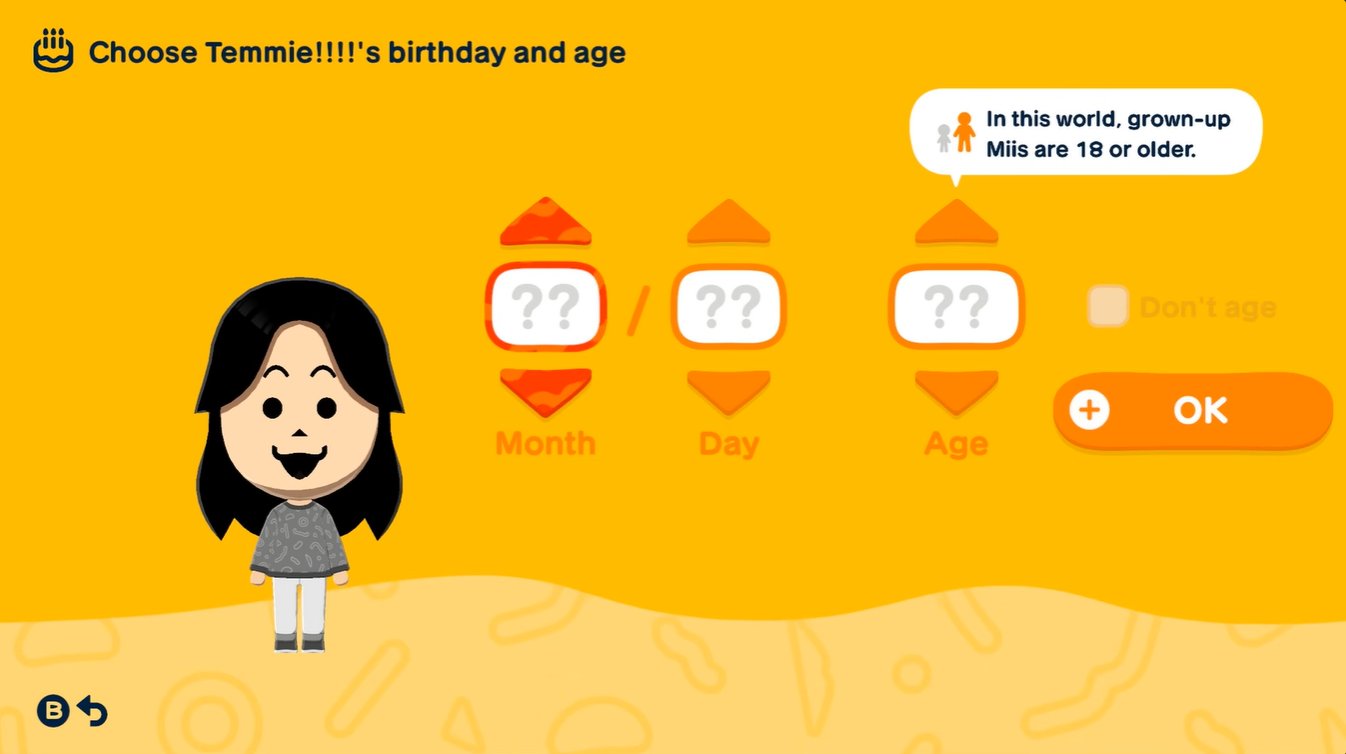
Choose the option to create a Mii based on one already saved on your system. This will display all Miis currently stored on your console.
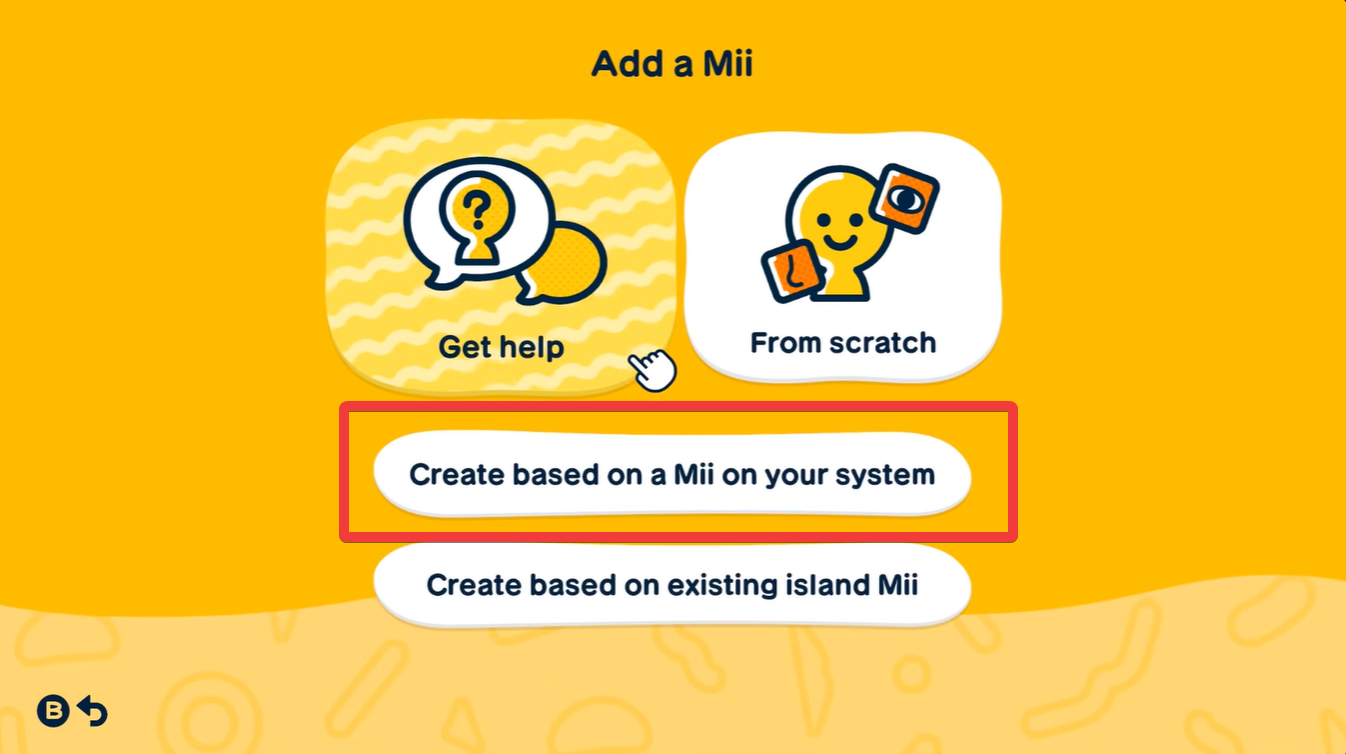
Step 6
Select the Mii you imported from Miitopia and add it to your island. At this point, the Mii behaves like any other character in the game.
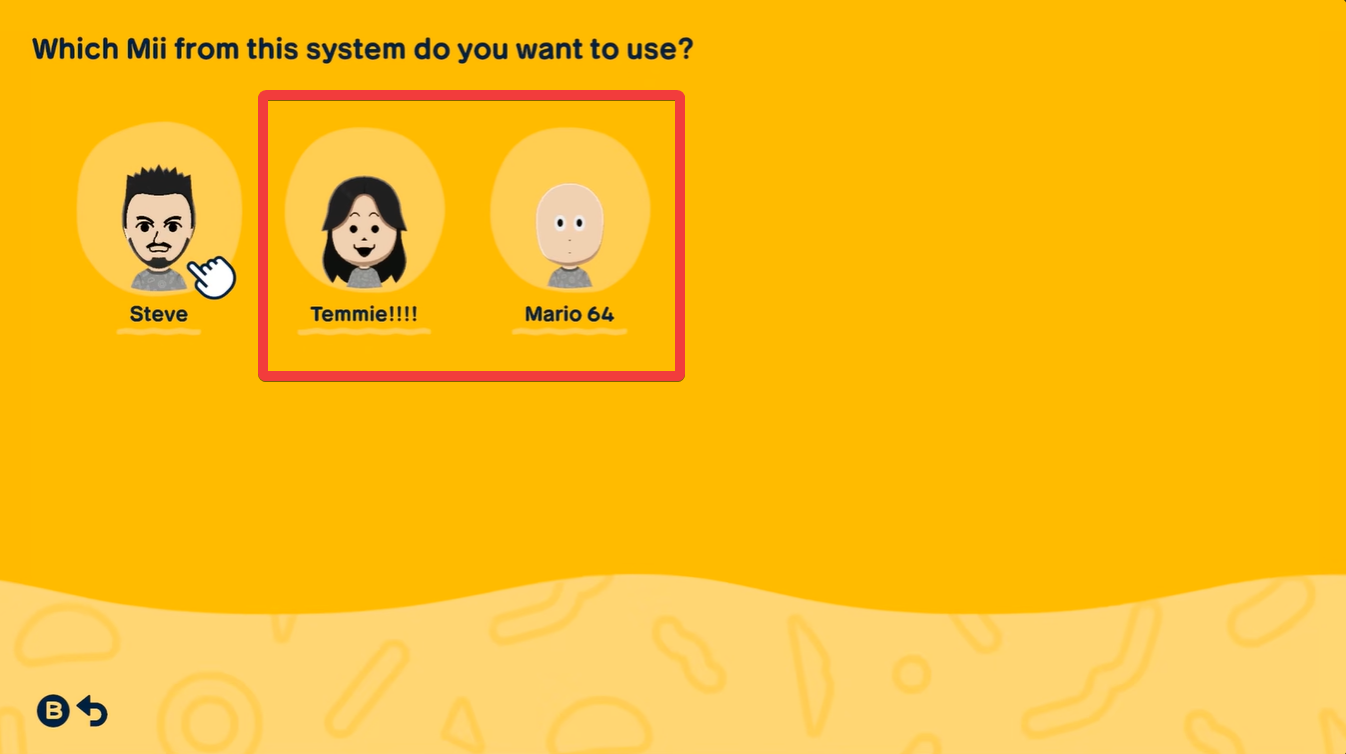
Understanding what transfers and what does not
Miis created using the standard Mii Maker tools transfer without any issues. This includes their appearance, name, gender, and other basic attributes. If you stick to these types of Miis, you’ll get a seamless experience when moving them into Tomodachi Life.
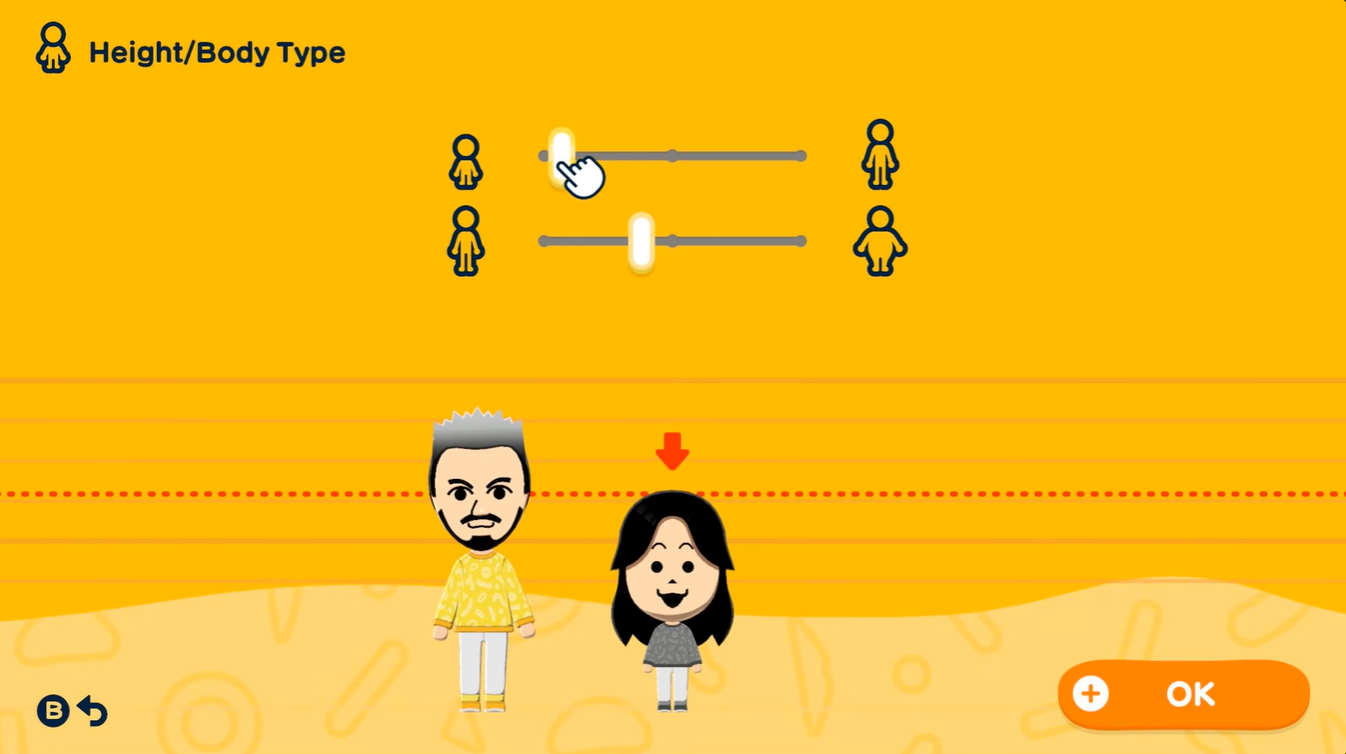
Miitopia allows for highly detailed customization using makeup layers and advanced design tools, but these features are not supported at the system level. As a result, when such a Mii is transferred, it may appear blank or lose its defining features.
This means that while the structure of the Mii transfers, the visual identity may not survive the process, which can be disappointing if you’re trying to import highly stylized characters.
Why this workaround is still useful
Even with its limitations, this method opens up a wide range of creative possibilities. You can explore community-created Miis, bring in characters based on popular media, or share your own creations indirectly with friends.
For players who enjoy building a lively and diverse island, this workaround is currently the best available option. It effectively turns Miitopia into a sharing platform while letting Tomodachi Life remain focused on simulation and interactions.
Making the most of your imported Miis
To get the best results, focus on compatibility and consistency. If you’re creating Miis specifically to share, it’s a good idea to use standard tools instead of relying heavily on custom makeup. This ensures that others can import your creations without issues.
You can also experiment with different Mii styles and combinations, but always keep in mind how they will translate across games. Testing your Miis before sharing them widely can save time and avoid frustration.






Leave a Reply