

The easiest Palworld 1.0 item dupe uses a Wooden Pillar on your base boundary to make the build UI shake, letting you place structures without spending materials and dismantle them for duplicated resources.
This is a base-building material duplication exploit, not a normal farming route. It works with crafting resources that are part of a buildable structure recipe, because the exploit abuses placement and dismantling at the base border.
- What the wooden pillar duplication glitch does
- Requirements for the wooden pillar setup
- How to perform the wooden pillar duplication glitch in Palworld
- How to tell the pillar is working
- Best materials to duplicate with this glitch
- Fixes for failed wooden pillar alignment
- Patch status for the Palworld exploit
- Frequently Asked Questions
What the wooden pillar duplication glitch does

The glitch makes Palworld repeatedly read your position as being in and out of your base while you are standing on a carefully placed Wooden Pillar. When the build preview jitters at the border, you can place certain structures even while the menu says you do not have enough materials.
After those placements go down, dismantling them returns the recipe materials, creating extra resources. That makes it useful for crafting materials tied to structures, such as ingots, cores, holy water, and other expensive build costs.
Requirements for the wooden pillar setup
| Requirement | Use |
|---|---|
| Base boundary edge | The pillar must sit right on the edge so the game flips between inside and outside the base. |
| Wooden Pillar | The setup shown uses the regular Wooden Pillar, rotated before placement. |
| Nearby storage | Keep materials in a chest inside the base so your character is not carrying the recipe cost. |
| Target structure recipe | Pick a buildable structure that uses the material you want to duplicate. |
| Empty character inventory for that recipe | If your character carries the required materials, normal building can consume them. |
You need a base edge where the boundary line can be abused cleanly. Flat terrain helps, while foundations and uneven borders make the pillar alignment harder to trigger.
KEY!The inventory setup matters because the exploit is trying to place something while the game shows insufficient materials. Store the target materials first, then use the pillar to force the shaky build-state behavior.
How to perform the wooden pillar duplication glitch in Palworld
This method uses a rotated Wooden Pillar on the base edge, then turns free border placements into refunded crafting materials.
STEP 1/13
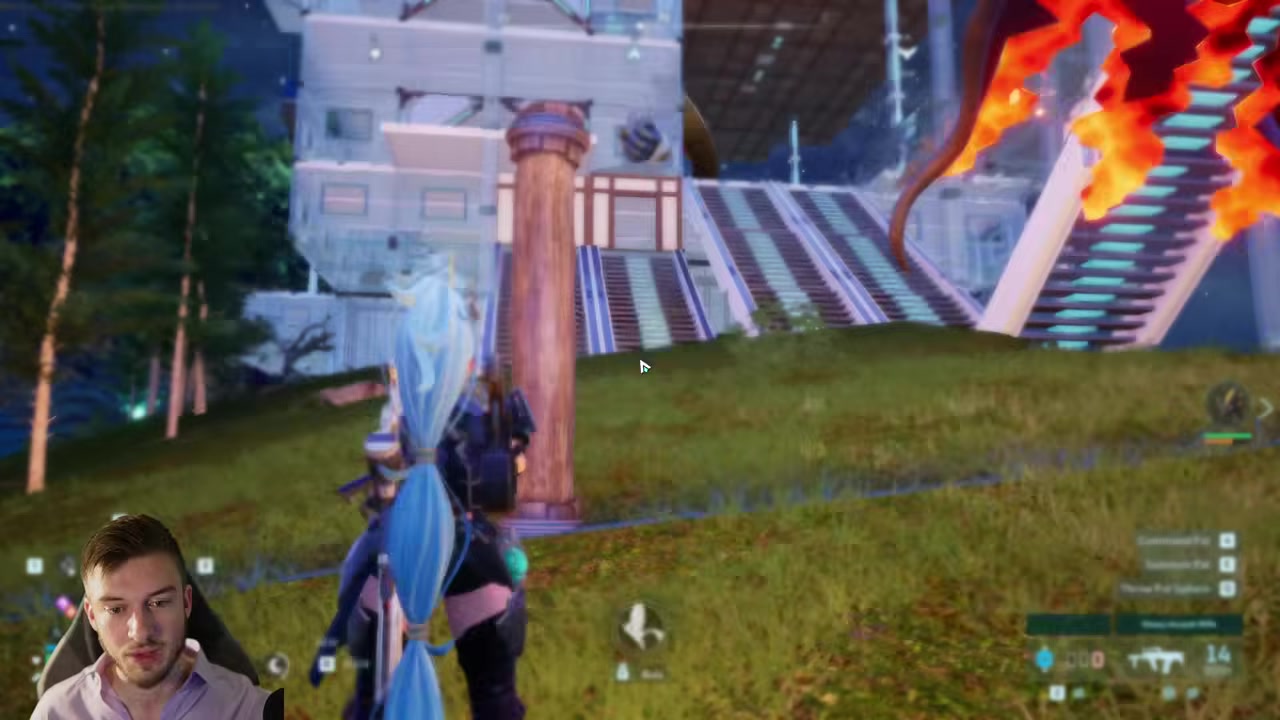
Craft a Wooden Pillar
Build a regular Wooden Pillar; this setup uses the basic pillar, not the taller-looking alternate piece.
STEP 2/13
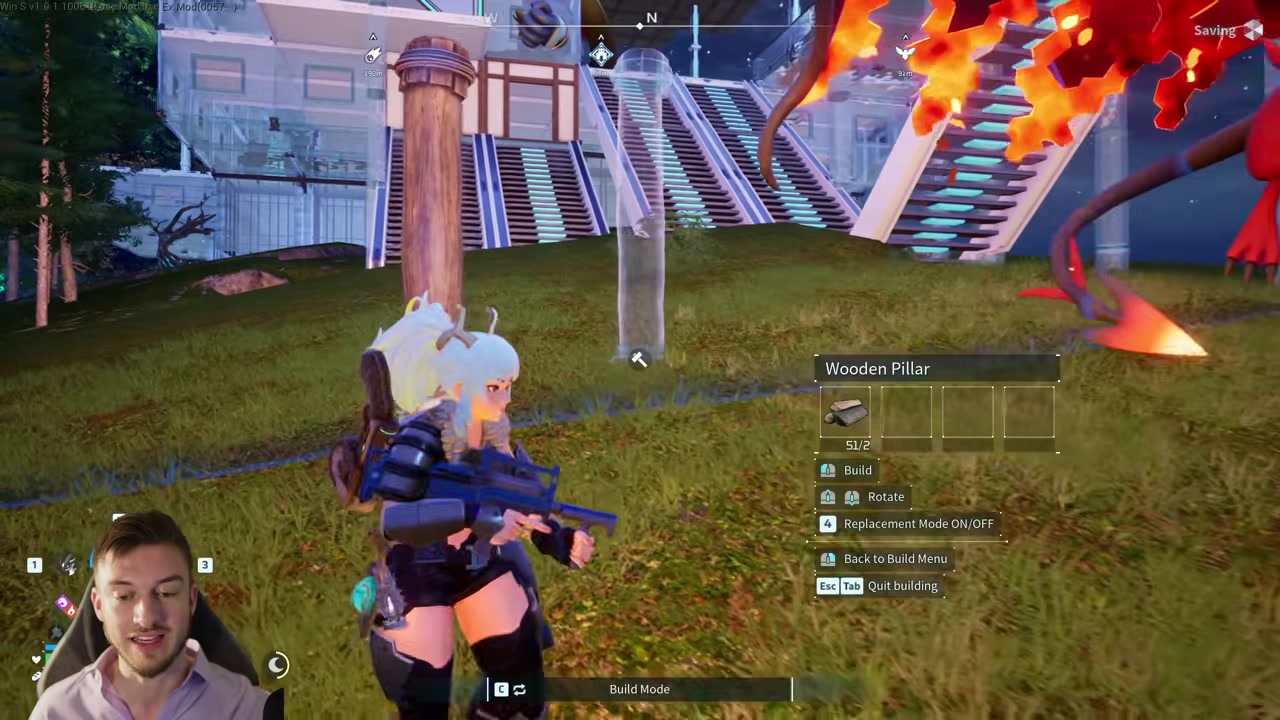
Rotate the pillar nine times
Turn the pillar nine times clockwise before placing it, using the mouse wheel or the matching controller rotation input.
STEP 3/13
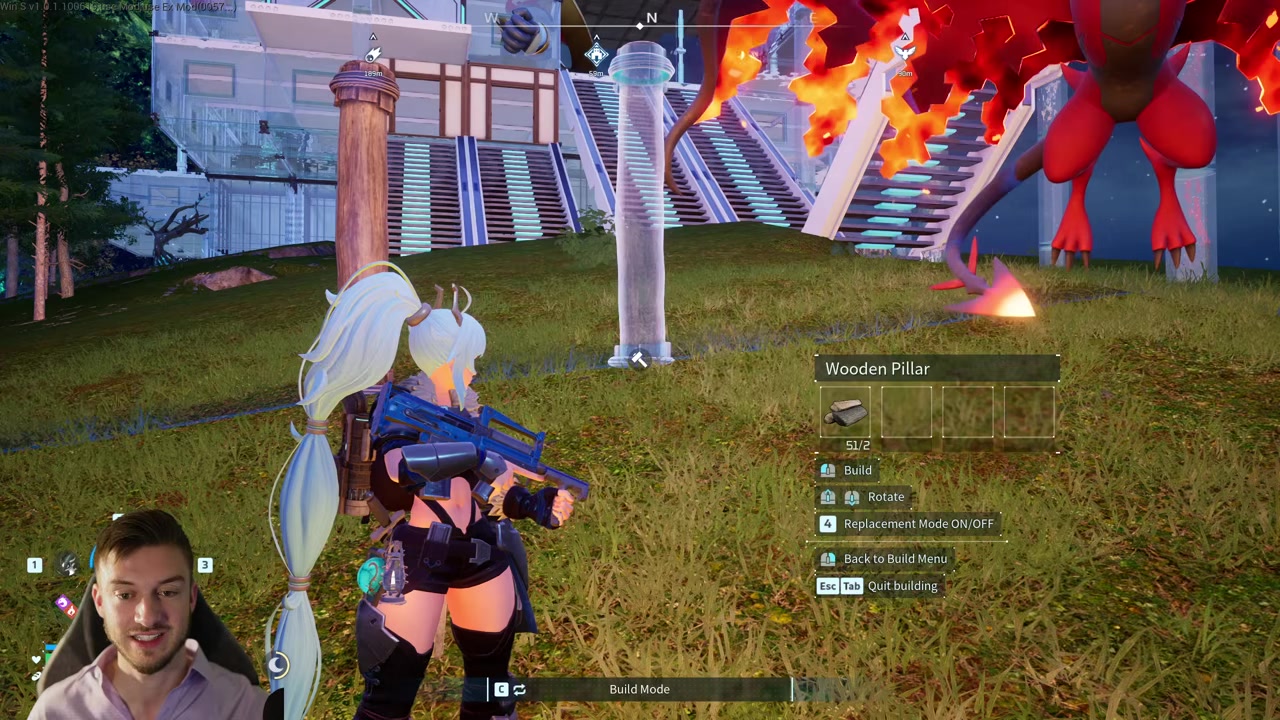
Stand outside the base line
Move just outside your base and aim the pillar so it barely touches the boundary edge.
STEP 4/13
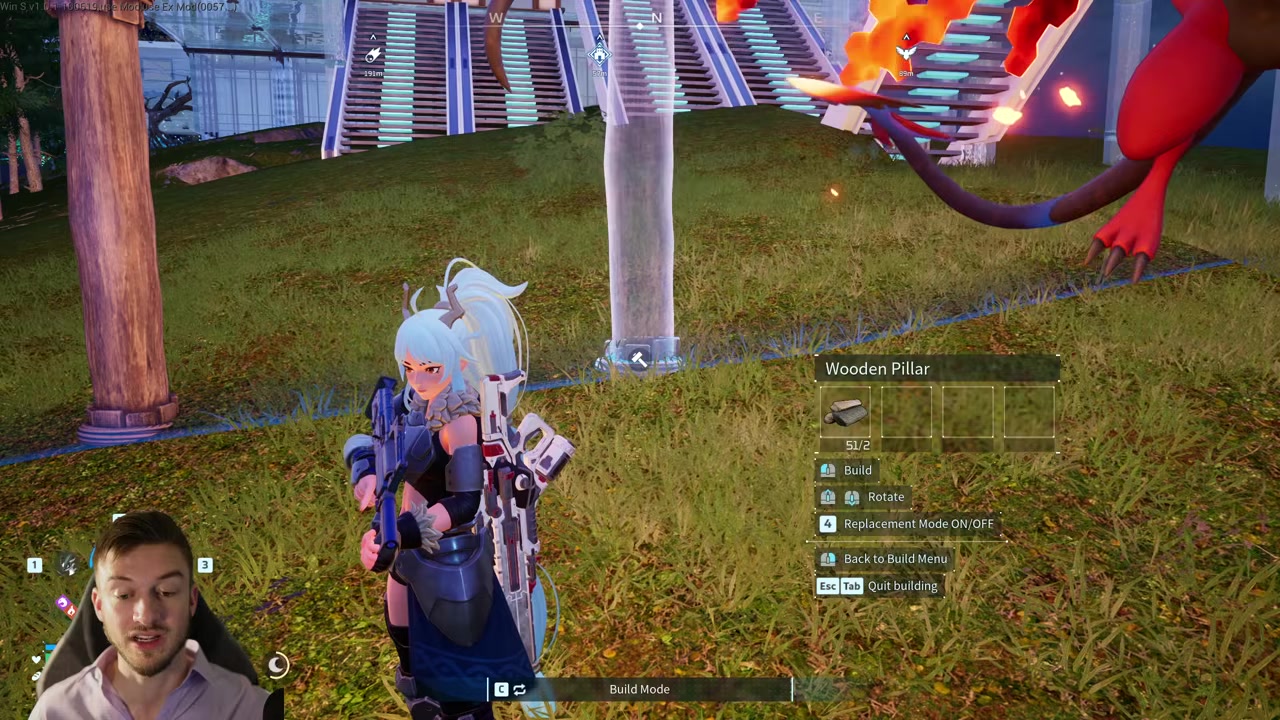
Place the pillar on the ledge
Put the pillar down when it is only slightly on the edge, since the exact spot changes with terrain elevation.
STEP 5/13
Climb and check for character jitter
Climb onto the pillar and rotate around; the setup is active when your character starts wiggling.
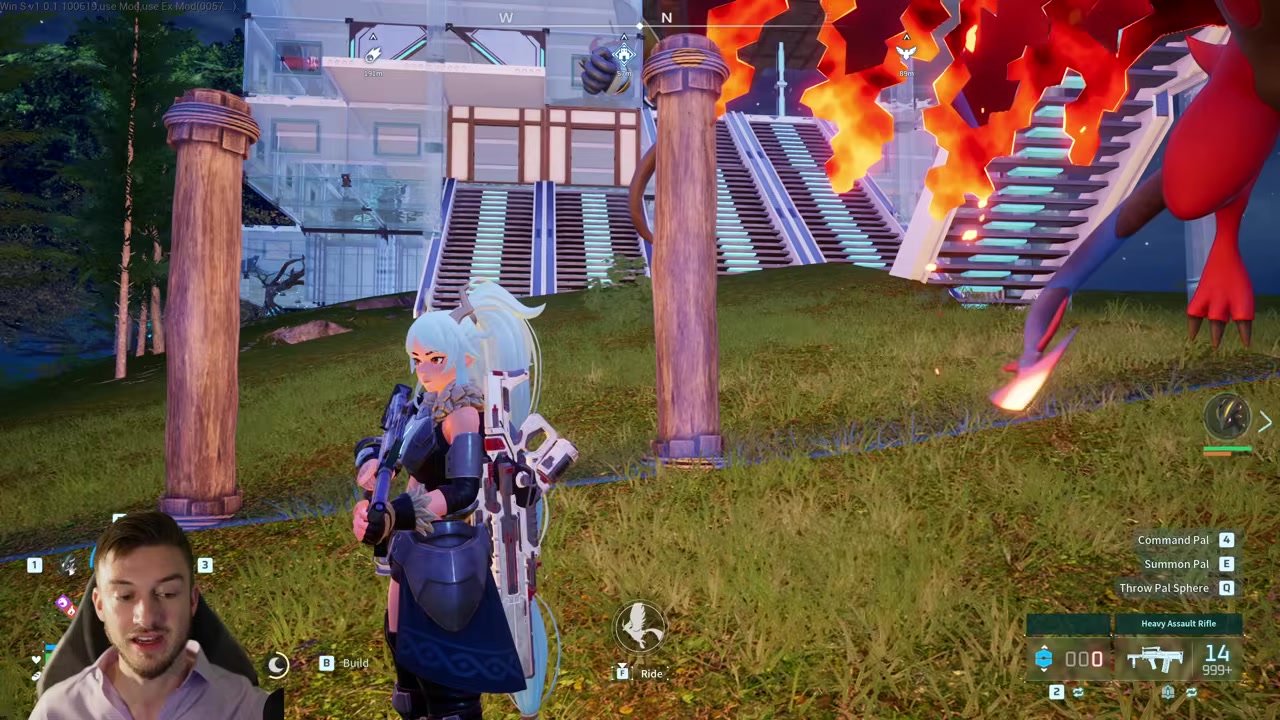
STEP 6/13
Watch the UI shake
Check the left-side UI and inventory numbers for shaking, because that means the boundary read is unstable.
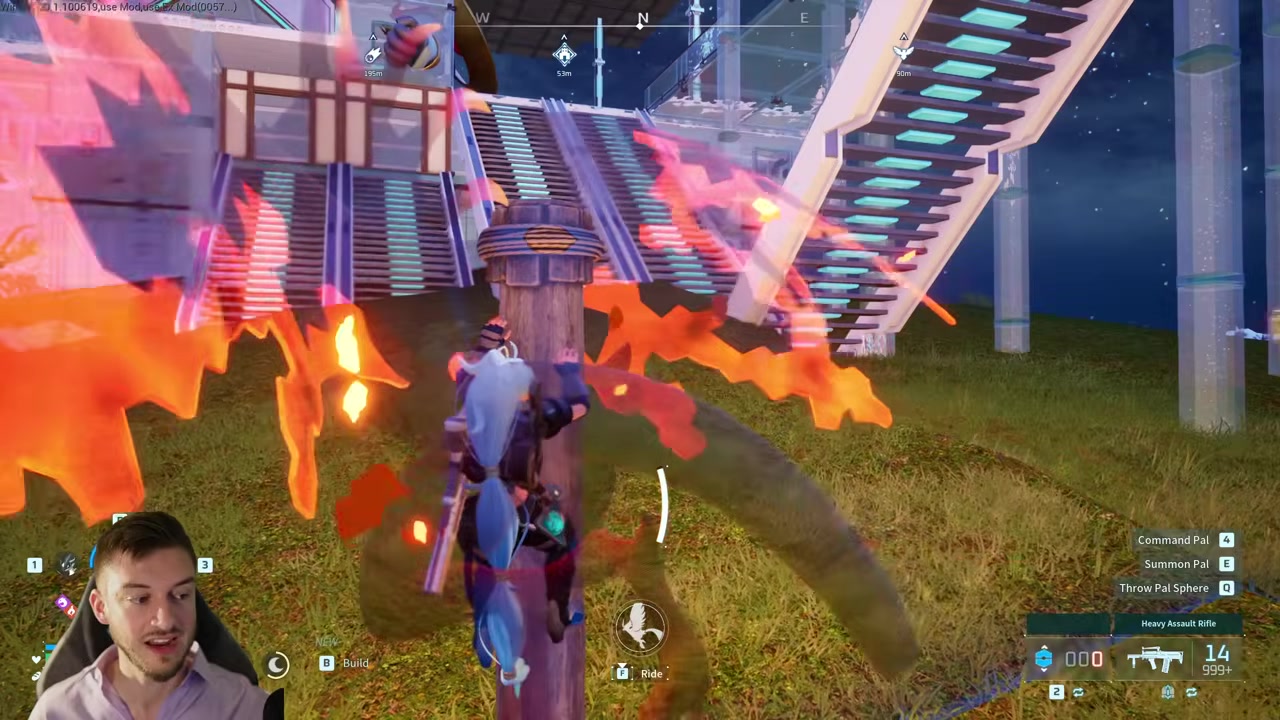
STEP 7/13
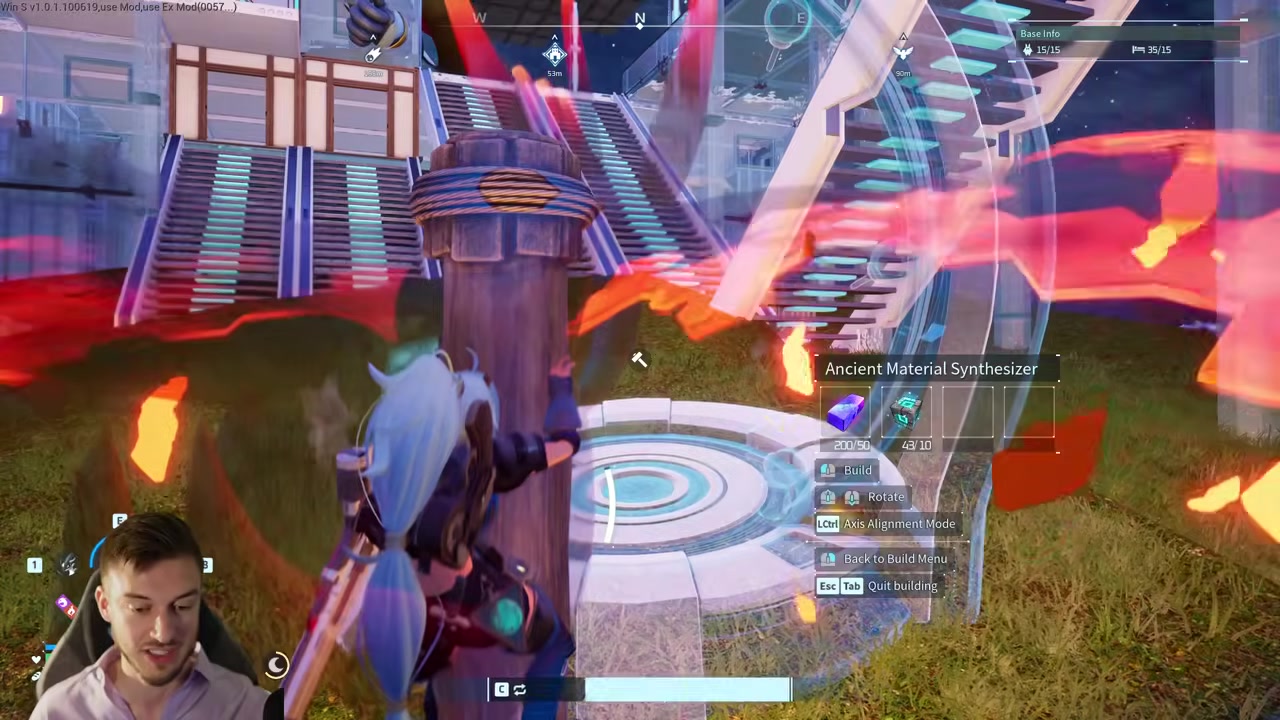
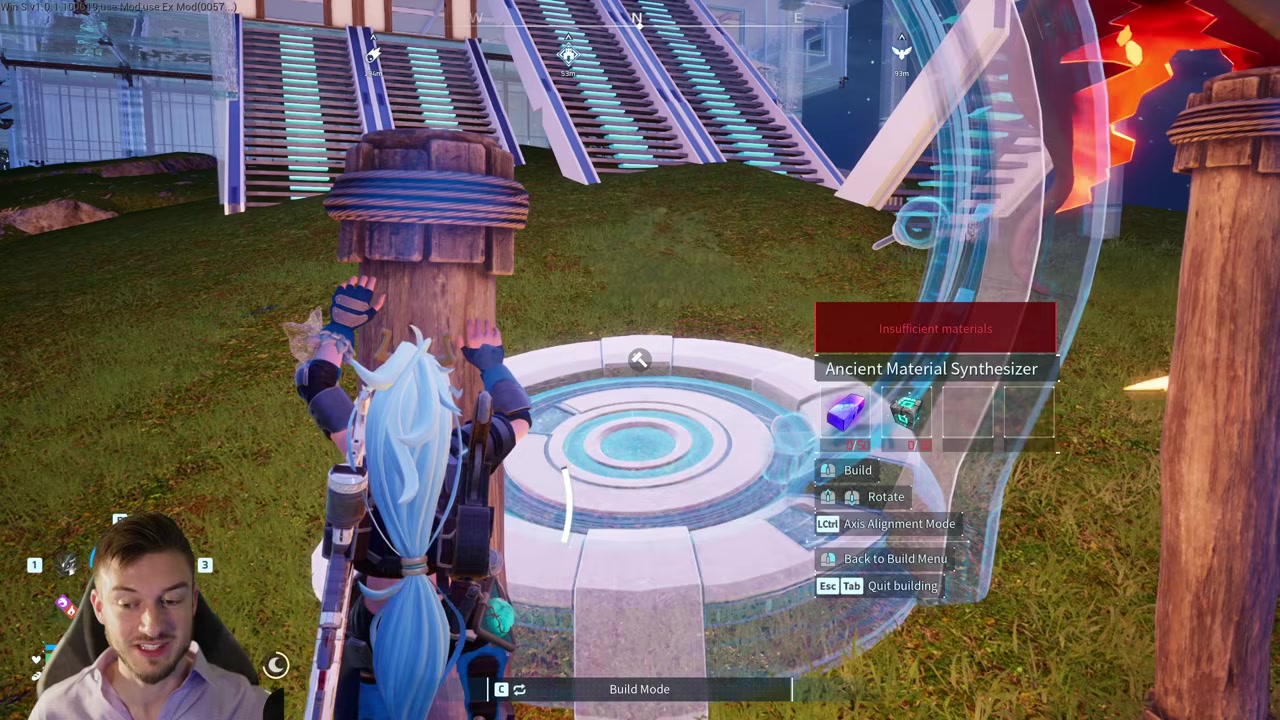
Open the target build item
Select the structure that uses the material you want to duplicate, such as the Ancient Material Synthesizer for Pal Oxide Ingots.

STEP 8/13
Line up the flickering placement
Aim the build preview until it glitches in and out of valid placement while showing insufficient materials.
STEP 9/13
Test multiple pillars if needed
If the first pillar does not shake the UI enough, build several pillars along the edge and try each one.
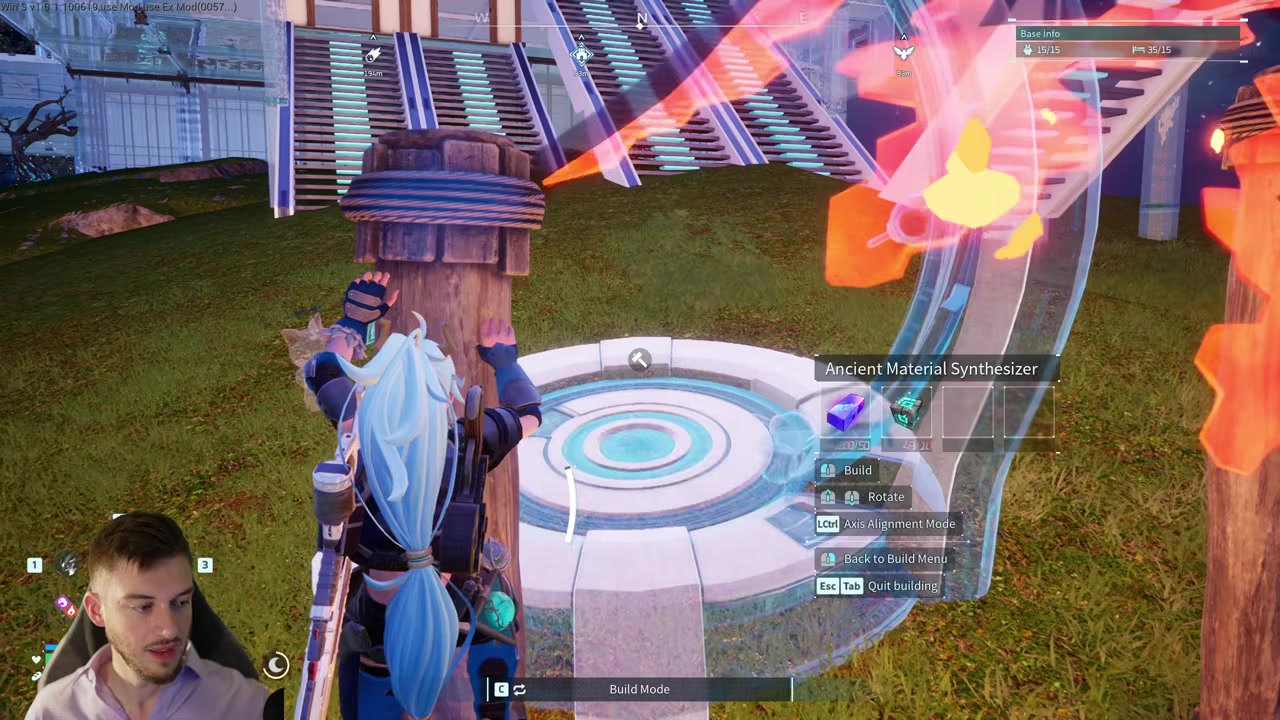
STEP 10/13
Place a few copies while it glitches
Put down several placements only while the preview is flickering between valid and invalid.
STEP 11/13
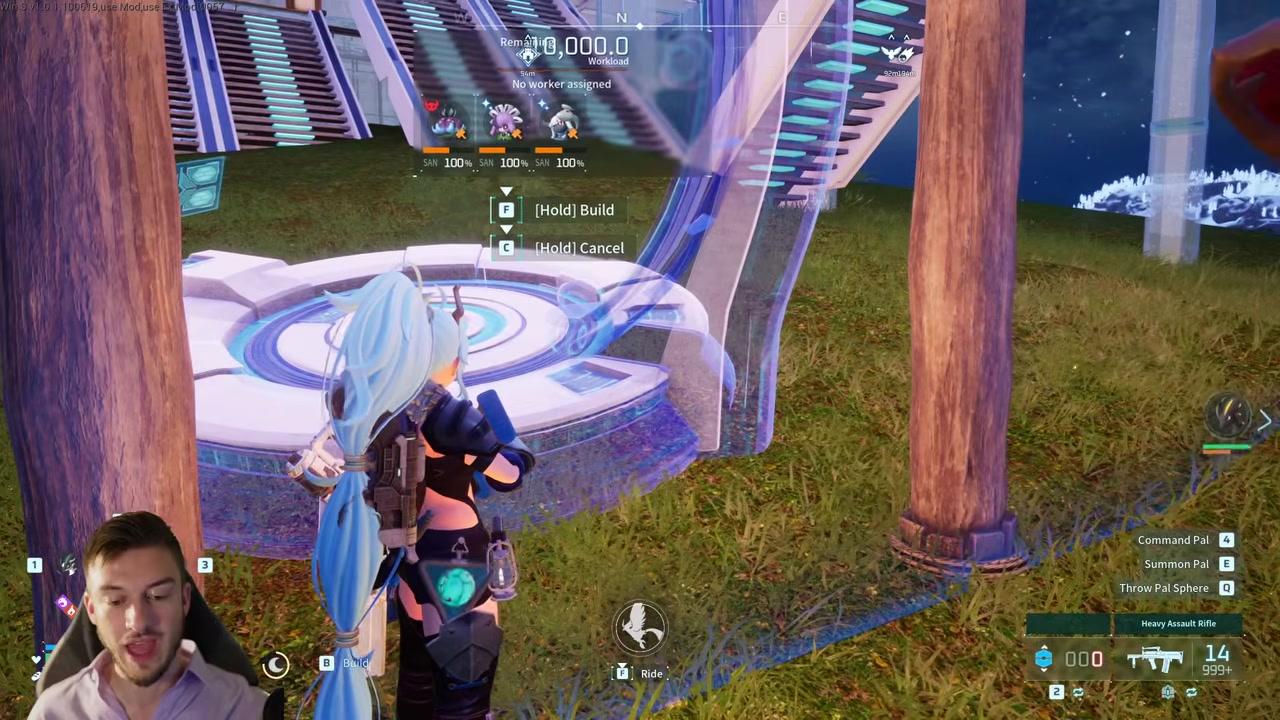
Disassemble the placements
Open the build management option and break down the placed structures to receive the refunded materials.
STEP 12/13
Remove resources before repeating
Keep the required materials out of your character inventory before the next loop so the glitch keeps using the insufficient-materials state.
STEP 13/13
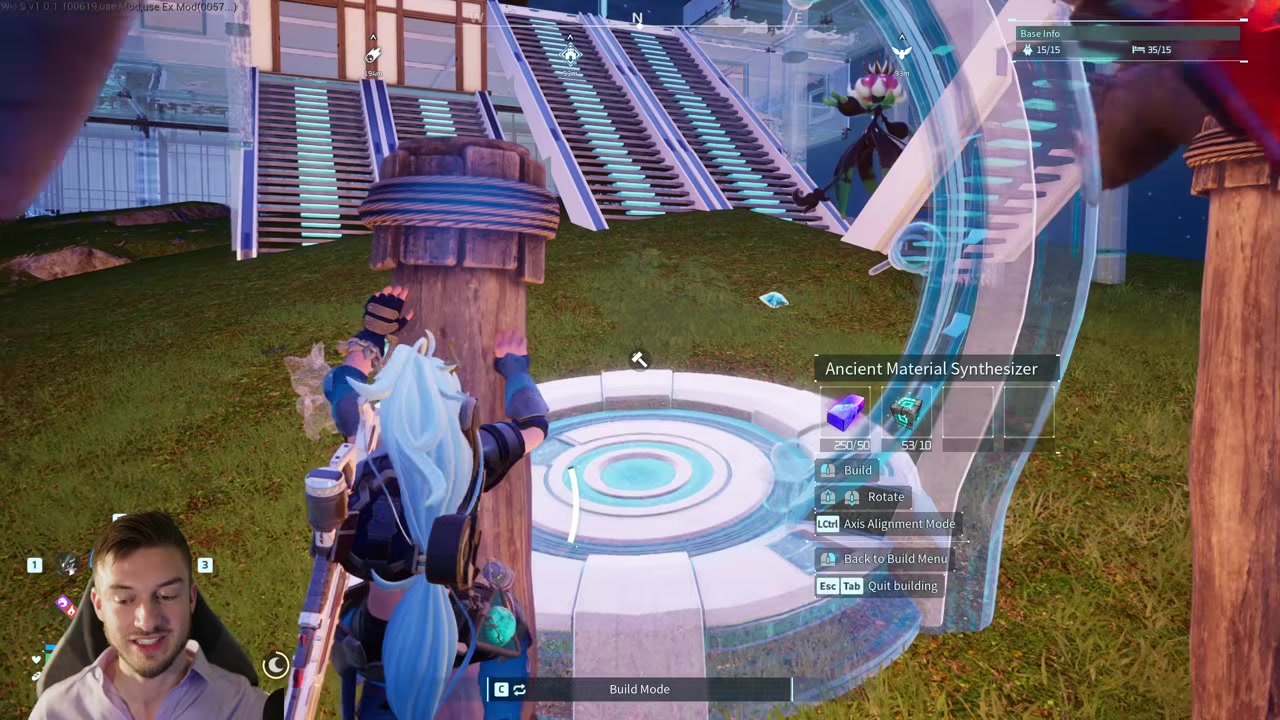
Repeat the placement and dismantle loop
Rinse and repeat on the same working pillar, placing a few structures and breaking them down each cycle.
Video help
How to tell the pillar is working
The correct pillar does not look calm. Your character should wiggle while standing on it, and the build interface should shake as if the game cannot settle your base position.
The strongest check is the build preview itself. It should flicker between placeable and blocked while insufficient materials appears, yet placements still go down when you catch the timing.
You can also open your inventory while standing on the working spot. If the numbers in the top-right area shake along with the UI, the pillar is sitting on the kind of boundary alignment the glitch needs.
Build several Wooden Pillars along the base edge and test each one for UI shaking before trying to duplicate expensive materials.
Best materials to duplicate with this glitch
| Material | Best use |
|---|---|
| Pal Oxide Ingots | Use with a structure recipe such as the Ancient Material Synthesizer when you want a high-value ingot loop. |
| Ancient Civilization Cores | Duplicate through structures that include cores in their build cost. |
| Soralite Ingots | Target late-game structure recipes that consume Soralite Ingots. |
| World Tree Holy Water | Use the glitch only through a buildable recipe that requires it. |
| Wood and Stone | Lower-value test materials for learning the boundary timing before risking rarer resources. |
The most useful targets are expensive crafting resources that appear in structure recipes. Pick the structure by the material you want back, then use the base-edge placement glitch to create dismantle refunds.
The method is tedious on some recipes, so practice with cheaper materials first. Once the pillar is reliable, switch to the structure recipe that refunds the rarer material you actually need.
Fixes for failed wooden pillar alignment
| Problem | Fix |
|---|---|
| The UI does not shake | Rebuild the pillar closer to the exact boundary edge and test from the top again. |
| The terrain is uneven | Move to a flatter base edge where the pillar can sit cleanly on the line. |
| Foundations are near the edge | Use a border area without foundations interfering with the pillar placement. |
| Materials are being consumed | Move the required materials out of your character inventory and into nearby storage. |
| Only one pillar was tested | Place multiple Wooden Pillars along the edge and use the one that makes the character and UI shake hardest. |
| The preview never flickers | Rotate the pillar nine times clockwise again, then place it so it barely touches the blue base edge. |
Most failures come from the pillar being slightly off the base line. The working spot is narrow, and terrain height can change where the pillar needs to sit.
Do not judge the setup by the pillar alone. The real test is whether standing on it makes your character jitter and whether the target structure preview flickers while the menu shows insufficient materials.
Patch status for the Palworld exploit
The wooden pillar duplication setup is shown working in Palworld 1.0, including after a same-day hotfix mentioned by players. Its exact 1.0.1 status is less firm: community reports say it still works, but there is no official patch-note confirmation for that specific version.
Treat it as an unintended exploit that can disappear in any update. There is no solid basis here for claiming bans, multiplayer enforcement, or save corruption from using it.
Frequently Asked Questions
Does the item duplication glitch still work in Palworld?
Yes. The wooden pillar base-edge method is working in Palworld 1.0 when the pillar triggers the shaky boundary state.
Does it work in Palworld?
Players say the glitch still works after the 1.0.1 hotfix, but the patch notes do not specifically address this exploit.
Why is the build UI not shaking?
The pillar is probably not sitting on the exact border point. Re-place it on the edge, keep the nine clockwise rotations, and test another nearby pillar if the first one stays stable.
Do I need to remove materials from my inventory?
Yes. Put the required recipe materials in storage before building, because carrying them can make the game spend resources normally.
Can this duplicate any item?
No. This method is for materials used in buildable structure recipes, not random inventory items or Pal drops.
More questions⤵
Can this glitch be patched?
Yes. Since it relies on unintended base-boundary behavior, any future Palworld update can remove or change it without warning.






Leave a Reply