

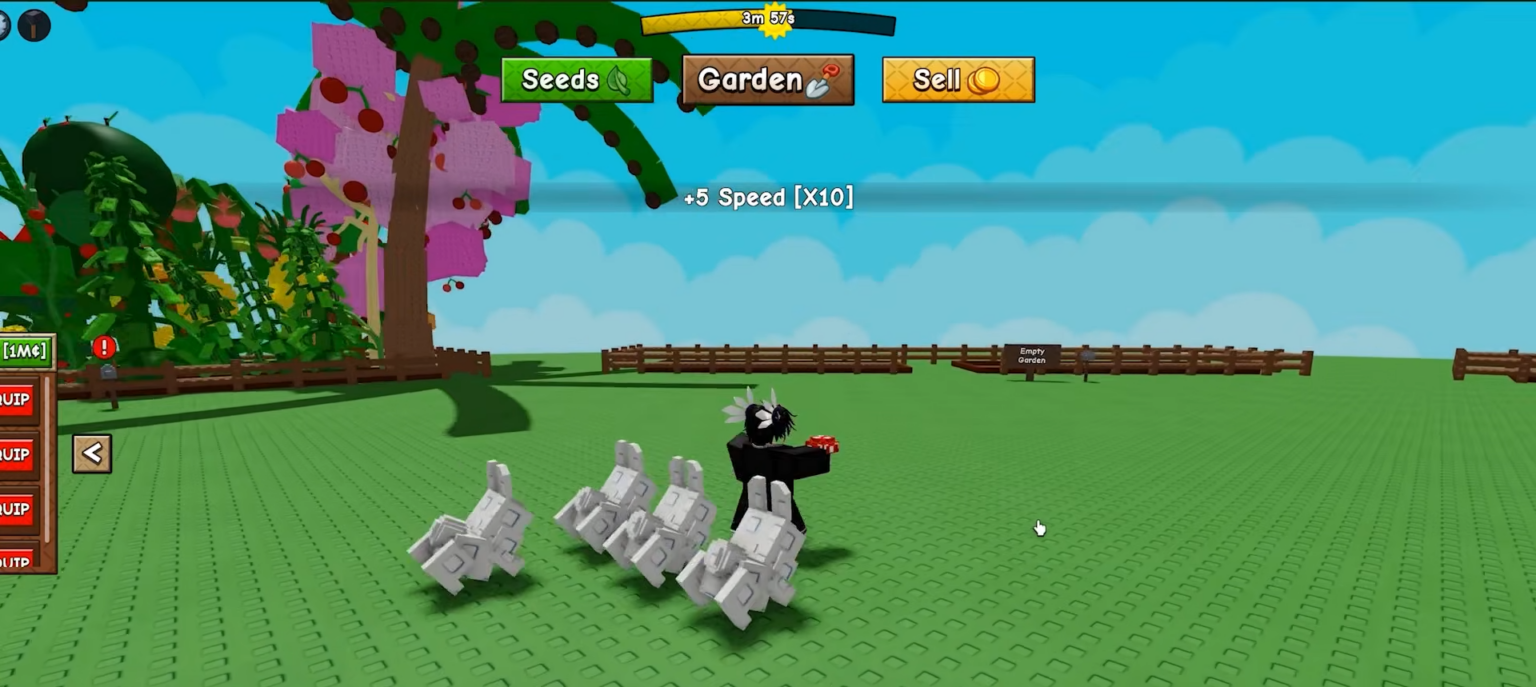
In Grow a Garden 2, the bunny gives you +5 walk speed and hops around your garden while active. Here’s everything you need to know about it.
Bunny Pet details
What the Bunny Does (Exact Ability)

The bunny’s core effect is straightforward: it boosts your walk speed by +5 while the pet is placed and active in your farm. This movement-speed increase helps you:
-
Collect crops faster when responding to time-sensitive harvesting.
-
Move between garden areas quickly without wasting time.
-
React to events like storms, pests, or special spawns.
-
Navigate the map efficiently, especially early in the game.
The pet doesn’t provide income, crop yields, or defense—it’s purely a traversal helper.
Why the Bunny Is Worth Using
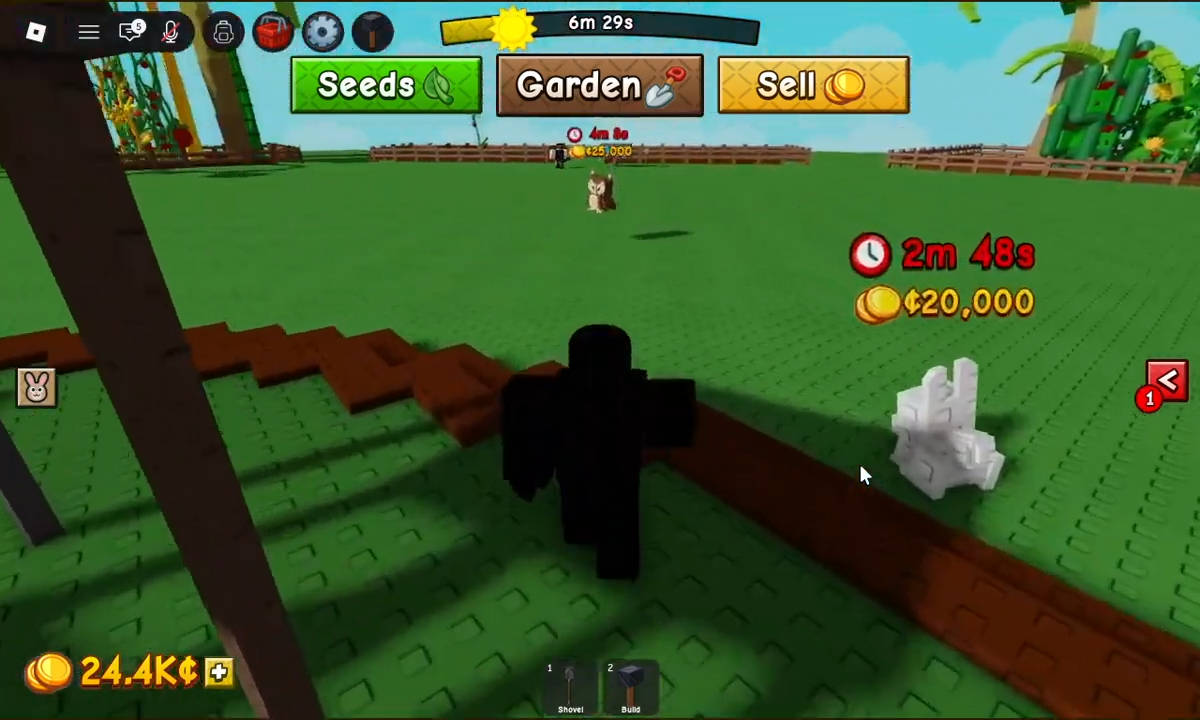
Even though it’s a common-tier pet, the bunny is genuinely valuable for beginners because:
-
Speed boosts are immediately useful from the start.
-
Common rarity means it’s easy to get (11.9% spawn chance).
-
No expensive eggs required compared to rare pets.
-
Great for early-game movement before you unlock faster pets.
The speed boost compounds over time—every second you save walking is time you can spend farming or upgrading.
How to Get the Bunny in Grow a Garden 2
Step 1: Open a Pet Egg
Access your pet egg inventory and select a common egg or any egg that can spawn common pets. The bunny is included in the common pet pool.
Step 2: Hatch the Egg
Tap the hatch button to roll for a pet. The bunny has approximately an 11.9% chance to spawn from compatible eggs.
Step 3: Place the Bunny on Your Farm
Once hatched, open your pet menu, select the bunny, and place it on your farm grid. The pet must be active to grant the +5 walk speed bonus.
Step 4: Confirm the Speed Boost
Walk around your garden and check if your movement feels faster. You should notice the speed increase immediately when the bunny is active.
Critical Mistakes to Avoid
-
Confusing it with the original Grow a Garden bunny—in the older game, the bunny eats carrots and gives a value bonus instead of speed.
-
Leaving the bunny inactive—the speed boost only works when the pet is placed and active on your farm.
-
Expecting income or crop bonuses—the bunny provides only movement speed, not money or yield increases.
-
Overlooking common pets—many players skip common pets for rare ones, but the bunny’s speed is useful immediately.
Tips for Maximum Efficiency
-
Use the bunny early game until you unlock rare pets with stronger abilities.
-
Combine with other speed pets if the game supports multiple active pets.
-
Keep it active during farming sessions when you need to move between plots quickly.
-
Don’t sell it even if you get rare pets—speed boosts are always valuable.
The bunny is a practical common pet that delivers immediate value through its +5 walk speed boost, making it an excellent early-game companion for faster farming and quicker map navigation.






Leave a Reply