
Category
technology
-
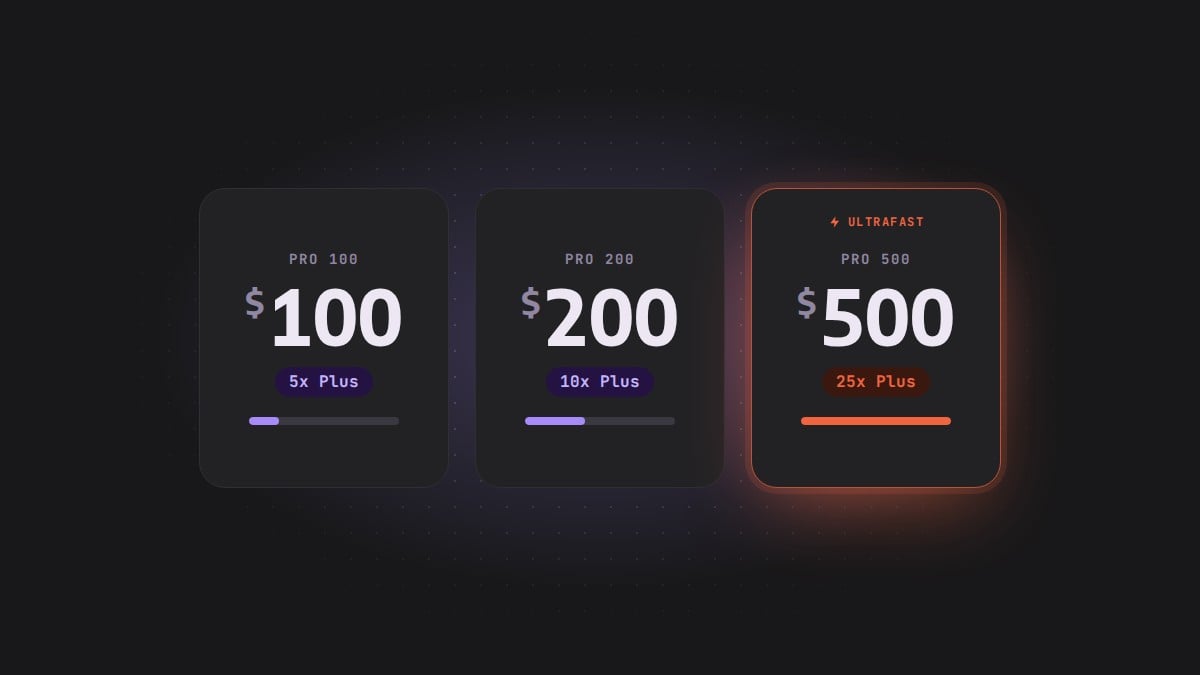
ChatGPT Pro 100 vs Pro 200 vs Pro 500: Prices, Usage Limits and What Changed
ChatGPT Pro 100 vs Pro 200 vs Pro 500 compares monthly prices, usage limits and Ultrafast access, and explains when existing Pro 200 subscribers…
-
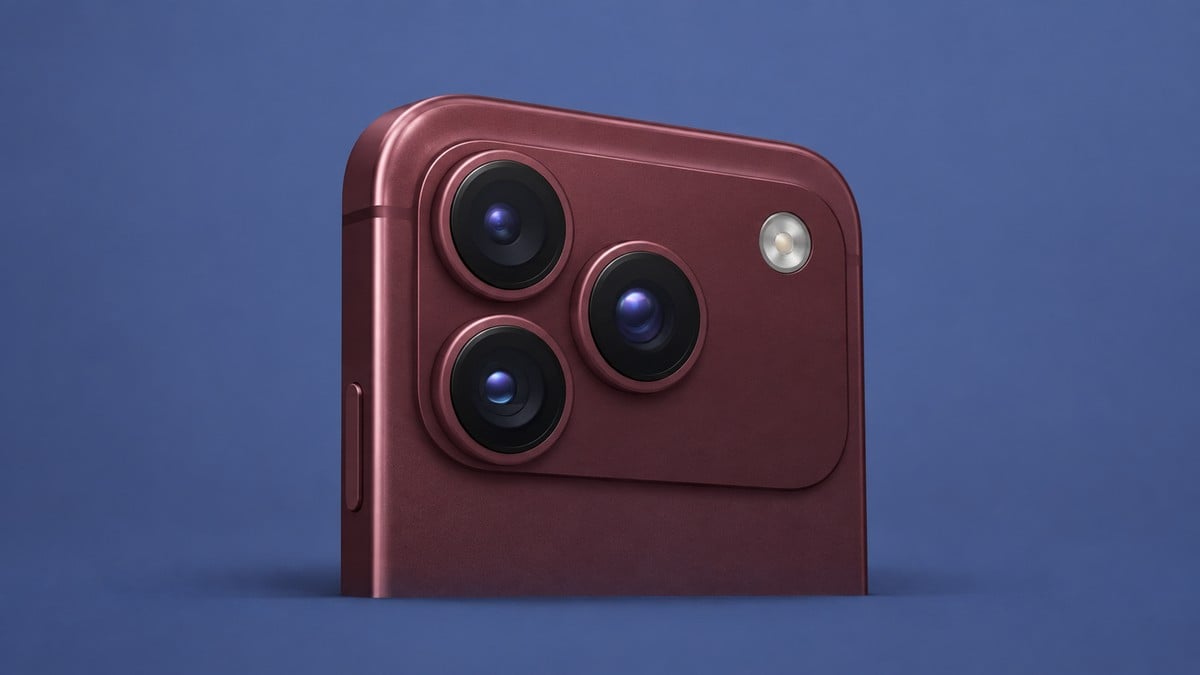
iPhone 18 Pro Packs a Variable-Aperture Camera, A20 Pro Power, Smarter Dynamic Island, While Pro Max Goes Bigger
iPhone 18 Pro and iPhone 18 Pro Max feature A20 Pro, variable-aperture 48MP cameras, redesigned Dynamic Island, and Siri AI, starting at $1,199 with…
-
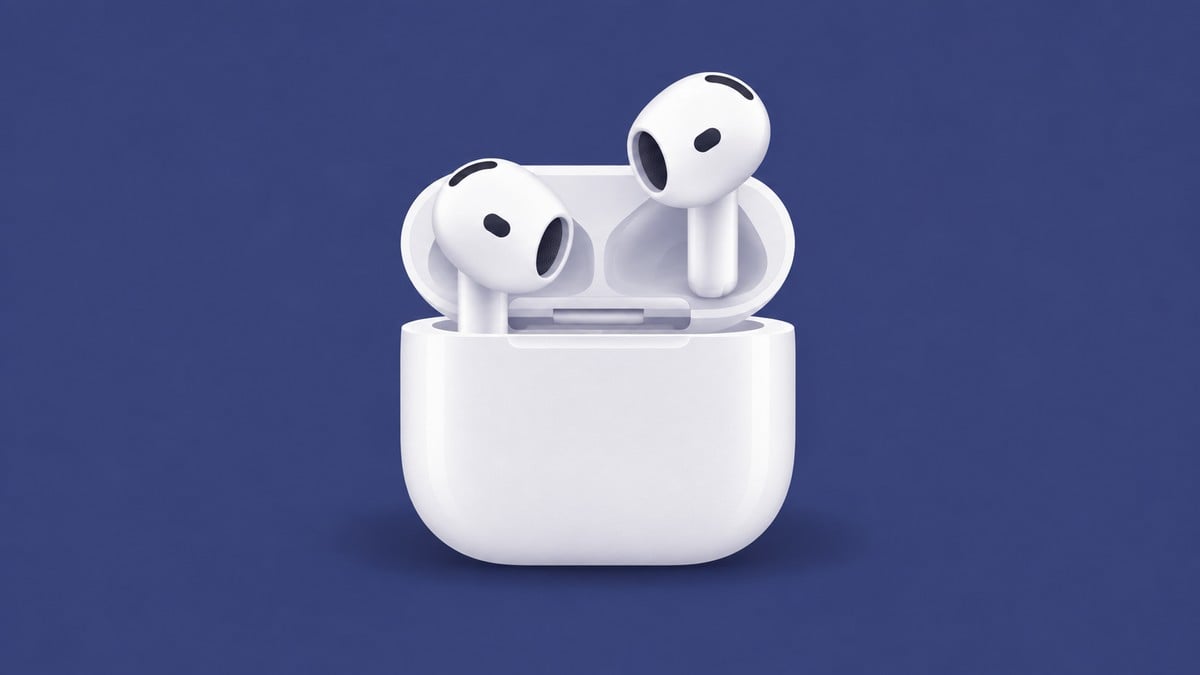
AirPods 5 Adds ANC Across the Line, While AirPods 4 Keeps It on One Model
This AirPods 5 vs AirPods 4 comparison covers noise cancellation, battery life, volume controls, charging cases, pricing, and the key upgrades across all four…
-
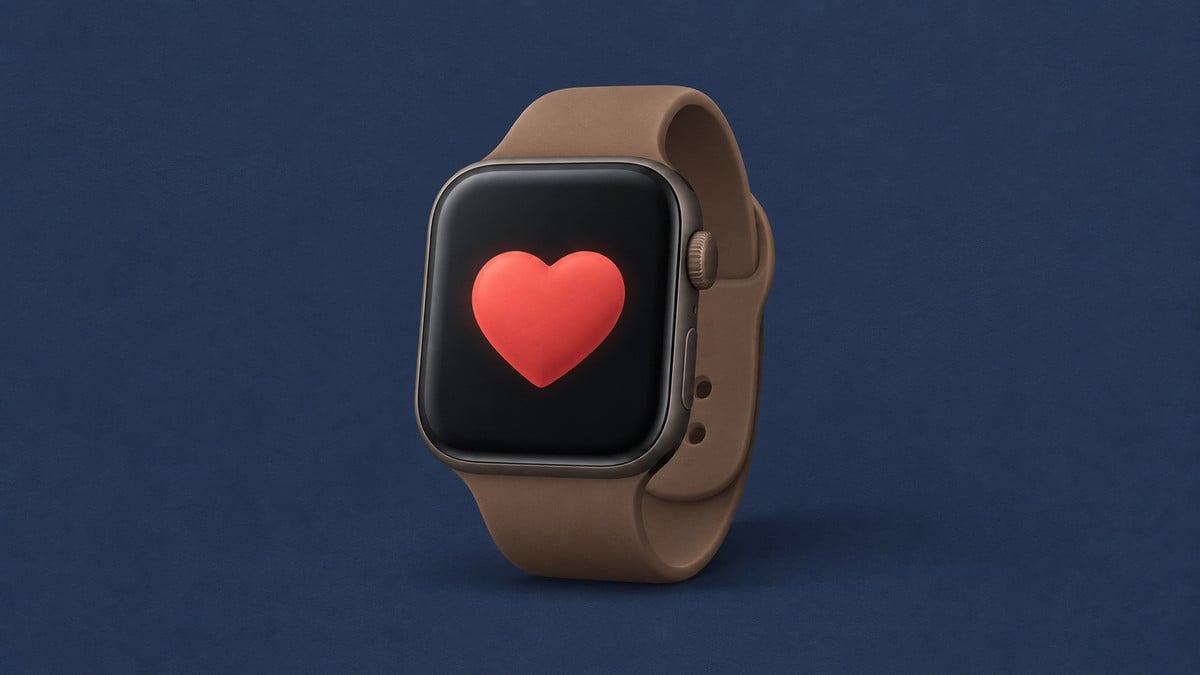
Apple Watch Series 12 Makes Readiness a Living Score, Not a Morning Snapshot
Apple Watch Series 12 features advanced health sensing, daily readiness insights, the S11 chip, premium case options, a $399 starting price, and a September…
-

How Durable iPhone Duo is On Paper? Let’s See!
Is iPhone Duo durable? See how Grade 5 titanium, Ceramic Shield, a precision hinge, reinforced display layers, and IP68 resistance protect each part of…
-

AirPods 5’s $20 Upgrade Buys More Than Wireless Charging
Our AirPods 5 vs AirPods 5 With Wireless Charging Case comparison covers prices, controls, battery life, charging options, and Find My features to help…
-

iPhone Duo Can Be a Clock, Photo Frame, or Widget Hub Without Charging
Learn how to use iPhone Duo Split View for two apps side by side and activate StandBy on either display without charging.
-

Apple Reference Image Answers One Question: Was This Photo Edited?
Learn how to check photo edits with Apple Reference Image on iPhone 18 Pro by comparing the main photo against the camera’s unalterable capture…
-
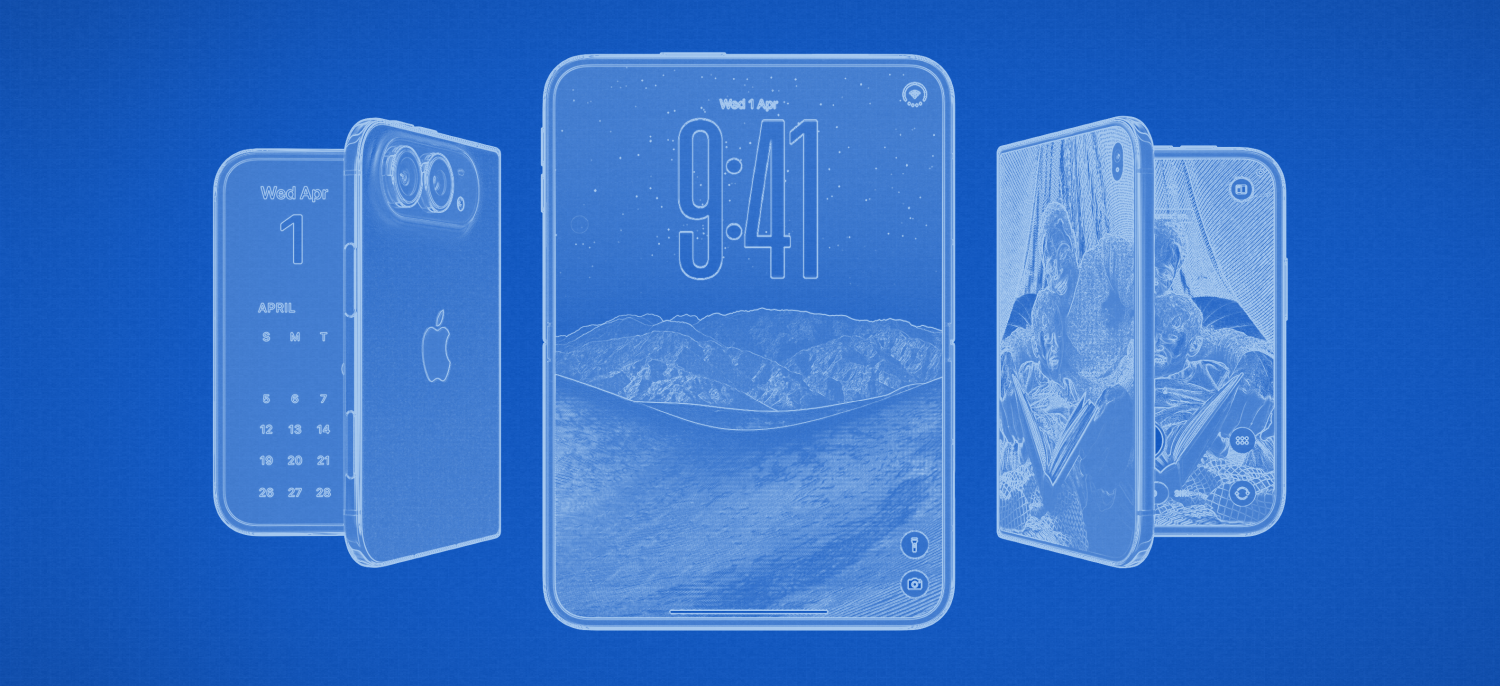
From 0.21 Inches Open to 2TB: The iPhone Duo Spec Sheet at a Glance
iPhone Duo technical specifications cover display sizes, dimensions, storage, cameras, USB speeds, battery ratings, charging claims, recording limits, and the fine print governing each…
-
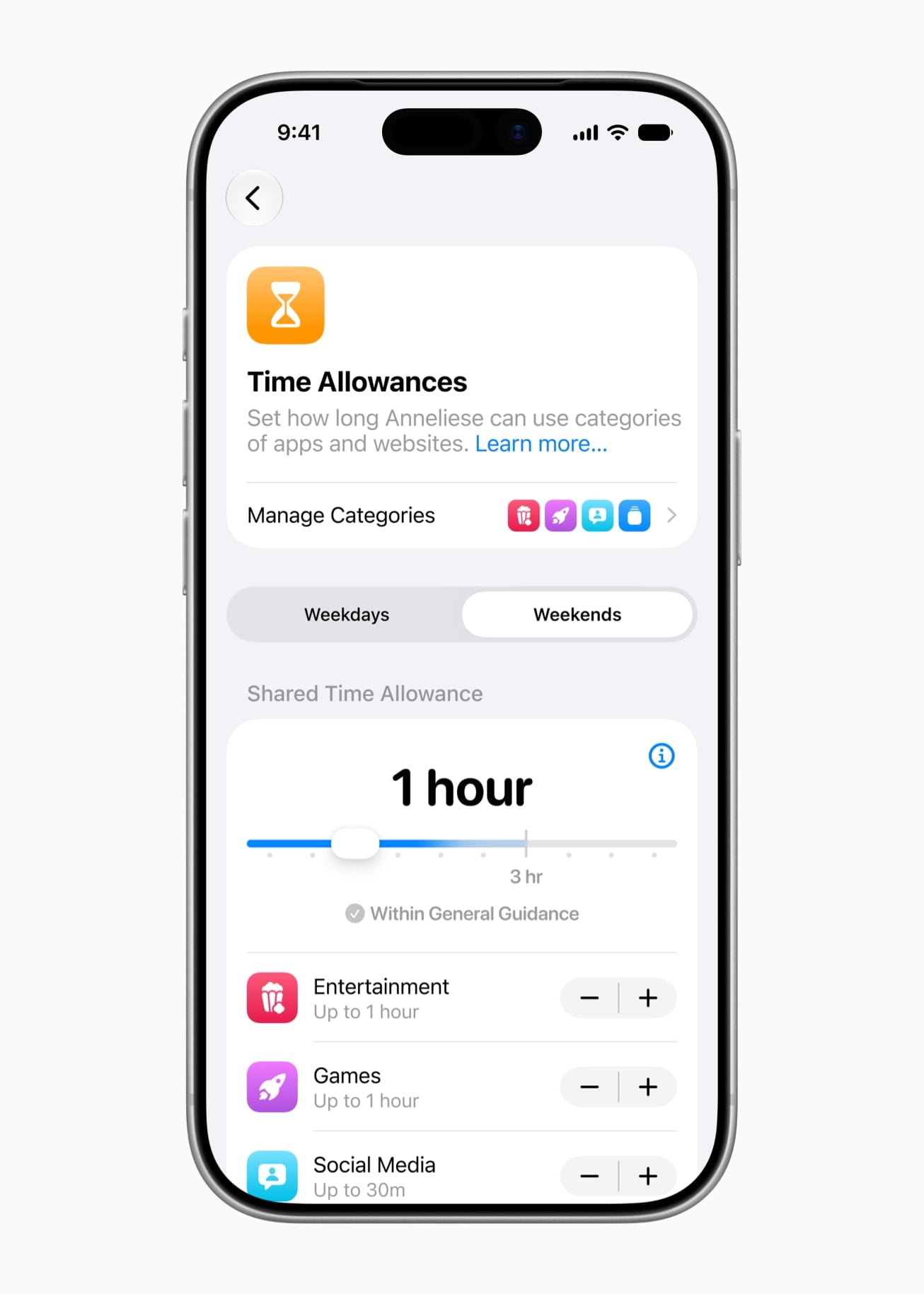
“Pause Device Use” Makes iOS 27 Screen Time More Immediate
Screen Time in iOS 27 adds age-based time allowances, flexible app schedules, device pausing, stronger communication protections, and support across a wide range of…
-
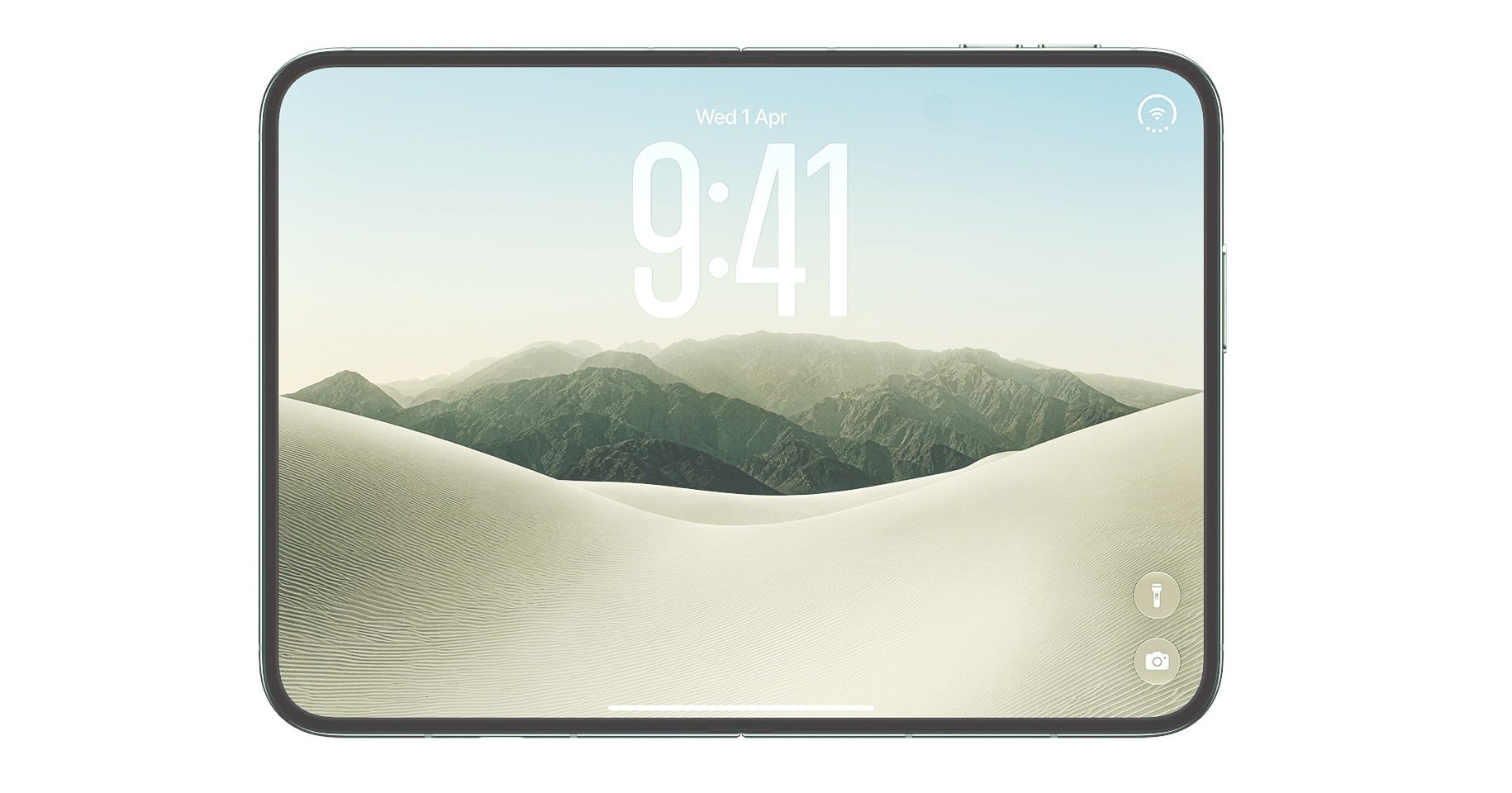
iPhone Duo eSIM Carrier Support and Requirements Explained
iPhone Duo Dual eSIM supports two active lines, stores eight or more plans, simplifies travel switching, and requires a compatible carrier because physical SIM…
-
Google Selfie Video Sign-in: How It Works and Who Can Use It
Learn how Google selfie video sign-in works, who is eligible, and how to set it up as an optional backup for recovering access to…
-

Intel’s Fastest Gaming CPUs Yet Core Ultra 200S Plus Arrives March 26! Everything You Should Know
What to know Intel has unveiled a new generation of desktop processors designed to push gaming performance further. The company introduced the Core Ultra…
-
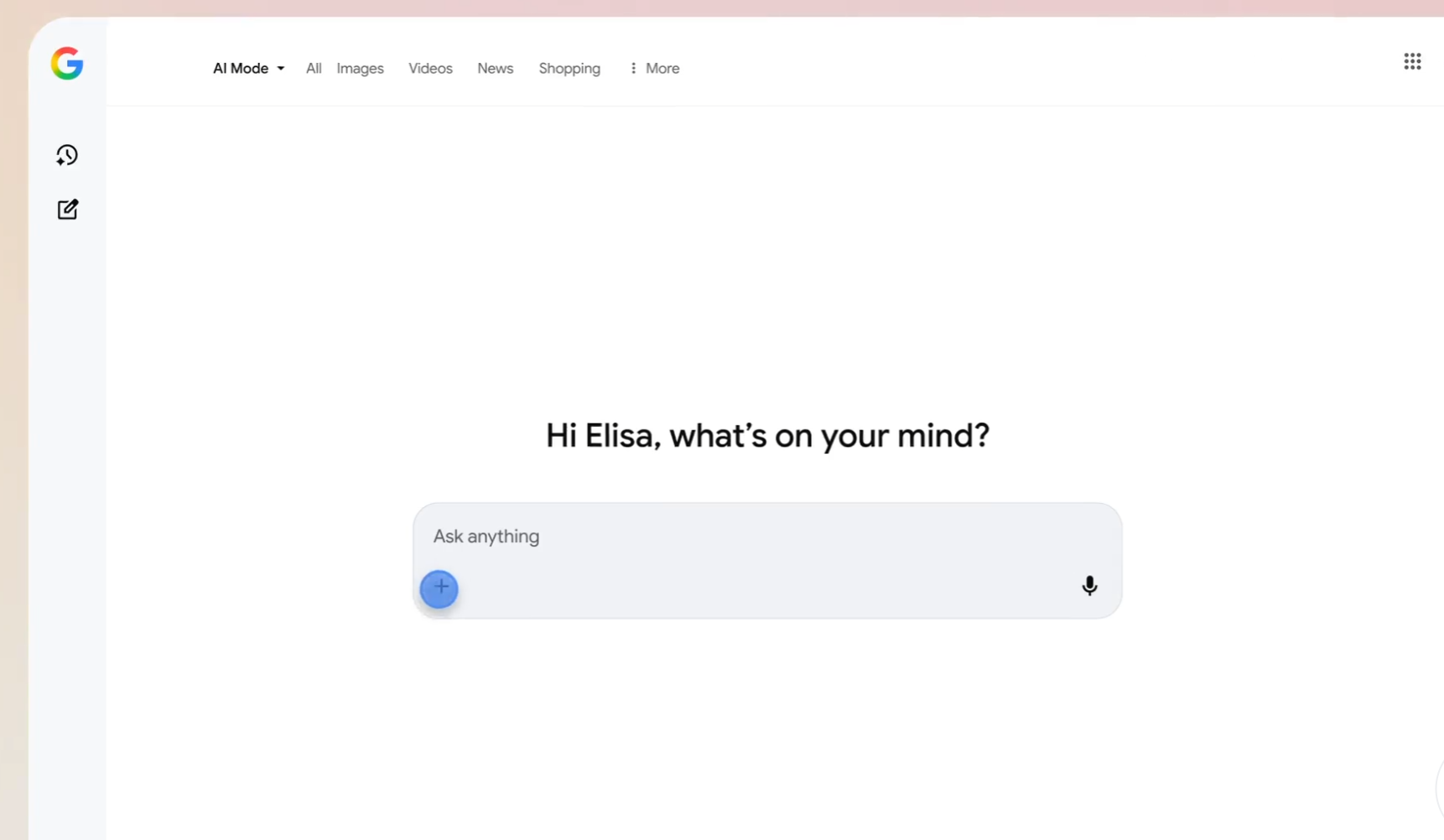
Canvas in AI Mode Becomes a Game-Changer, Letting Anyone Build Apps Right in Google Search
What to know Canvas in AI Mode is now live for all U.S. users in English and lives directly inside Google Search’s AI Mode…
-
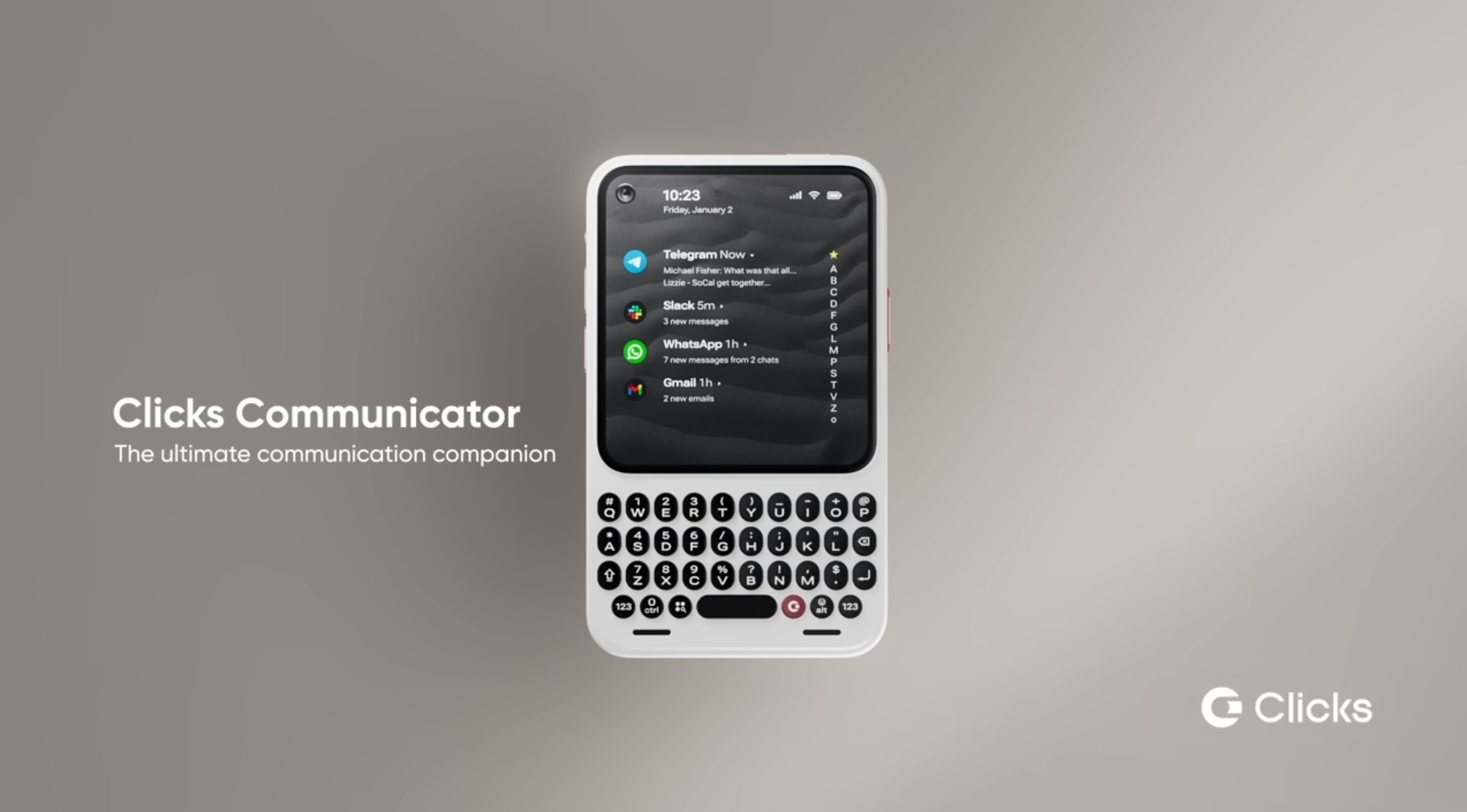
Clicks Communicator: Everything You Need to know – Specs, Design, Localized Keyboards, Early Bird Extension, Price, More!
What to know Clicks Communicator is a keyboard‑first Android 16 smartphone with a 4.03‑inch AMOLED display and a tactile, touch‑sensitive QWERTY keyboard. The device…
-
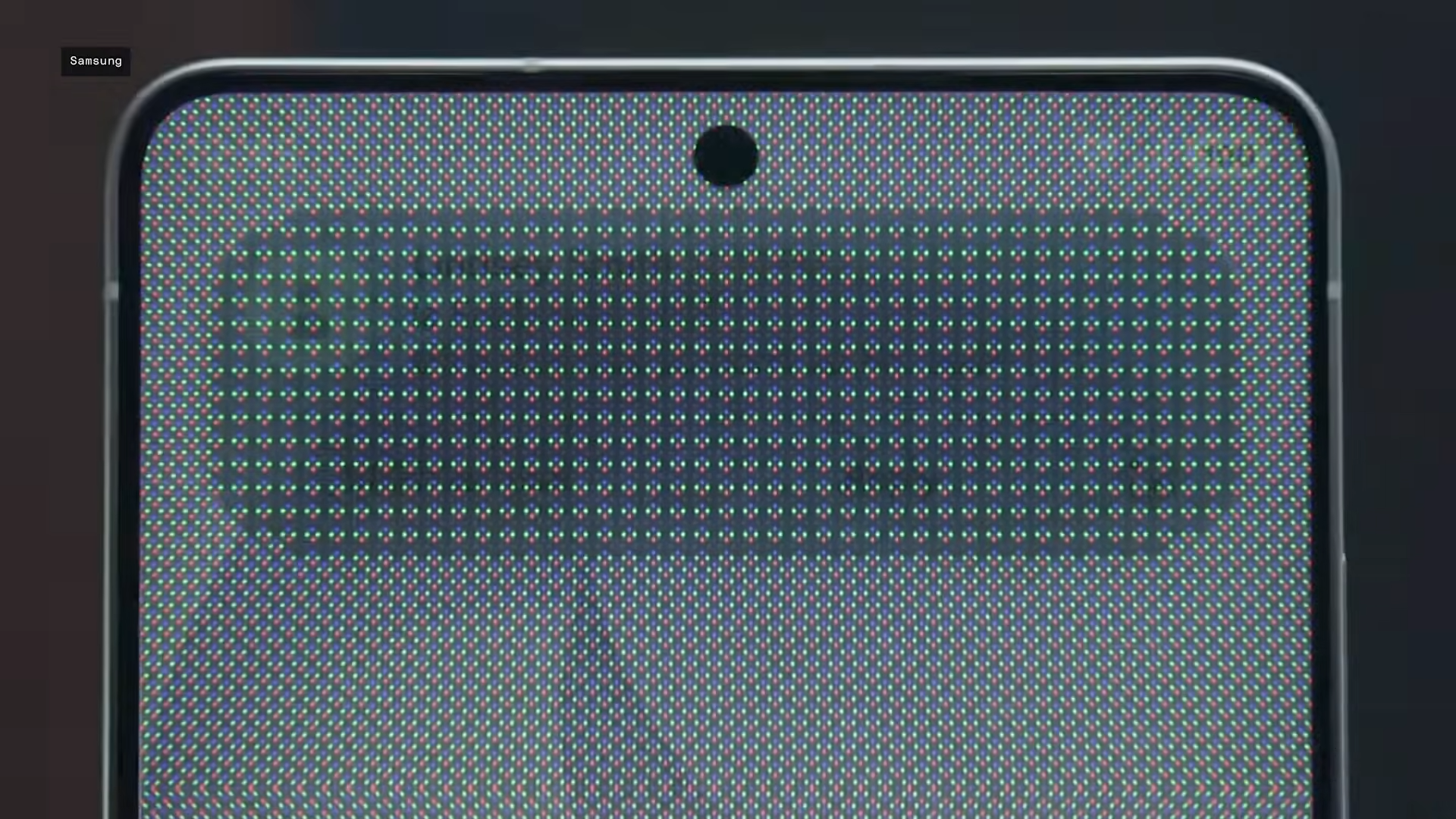
Does Privacy Display Drain Battery on Samsung Galaxy S26
What to know Privacy Display uses pixel dimming to block side-angle peeking, toggleable via Quick Settings or per-app. The S26 Ultra packs a 5,000mAh…
-
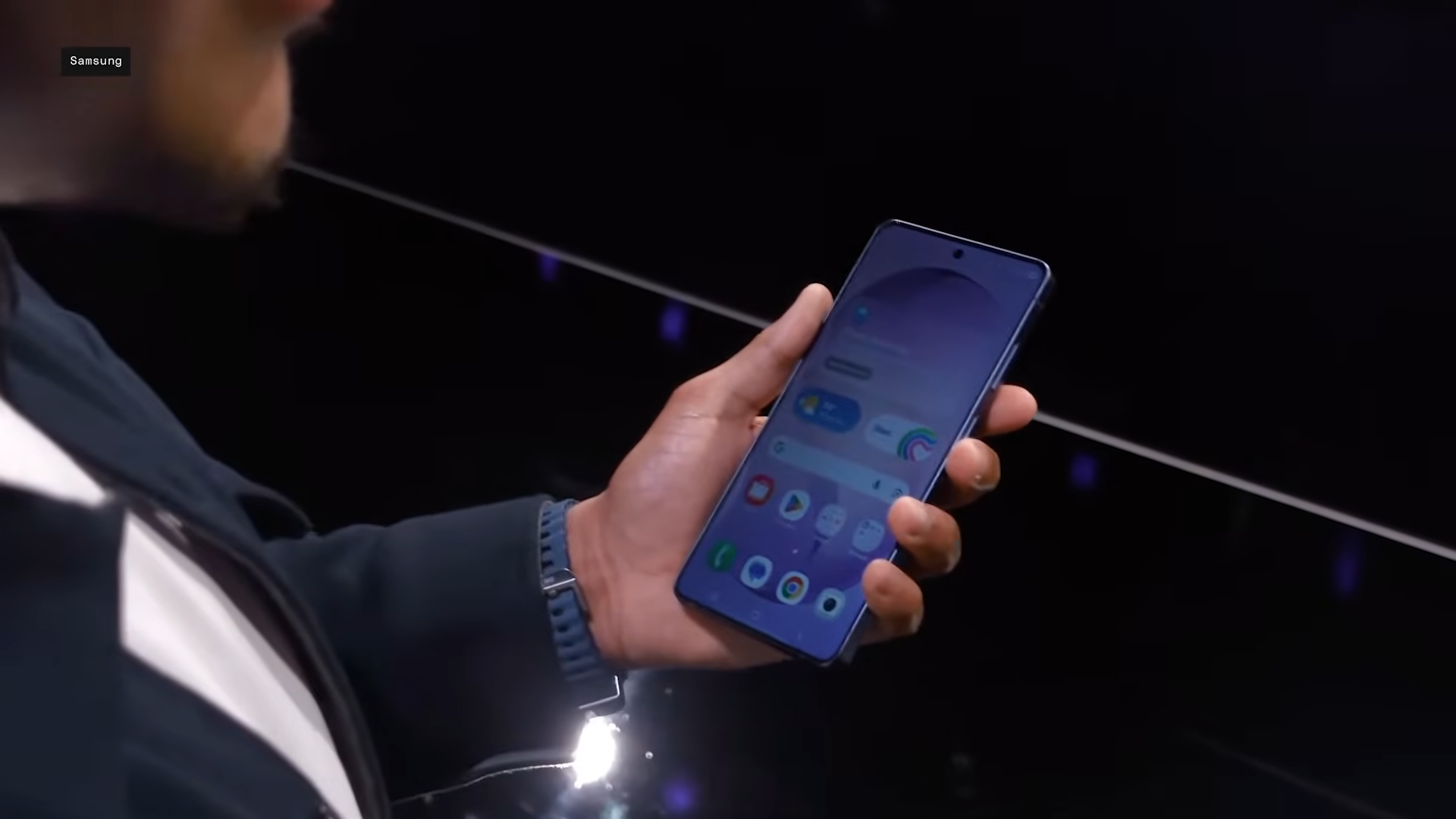
Does Privacy Display Reduce Native Resolution and Brightness on the Galaxy S26 Ultra?
What to know Privacy Display is a hardware feature exclusive to the Galaxy S26 Ultra, using dual pixel types to limit side viewing angles…
-
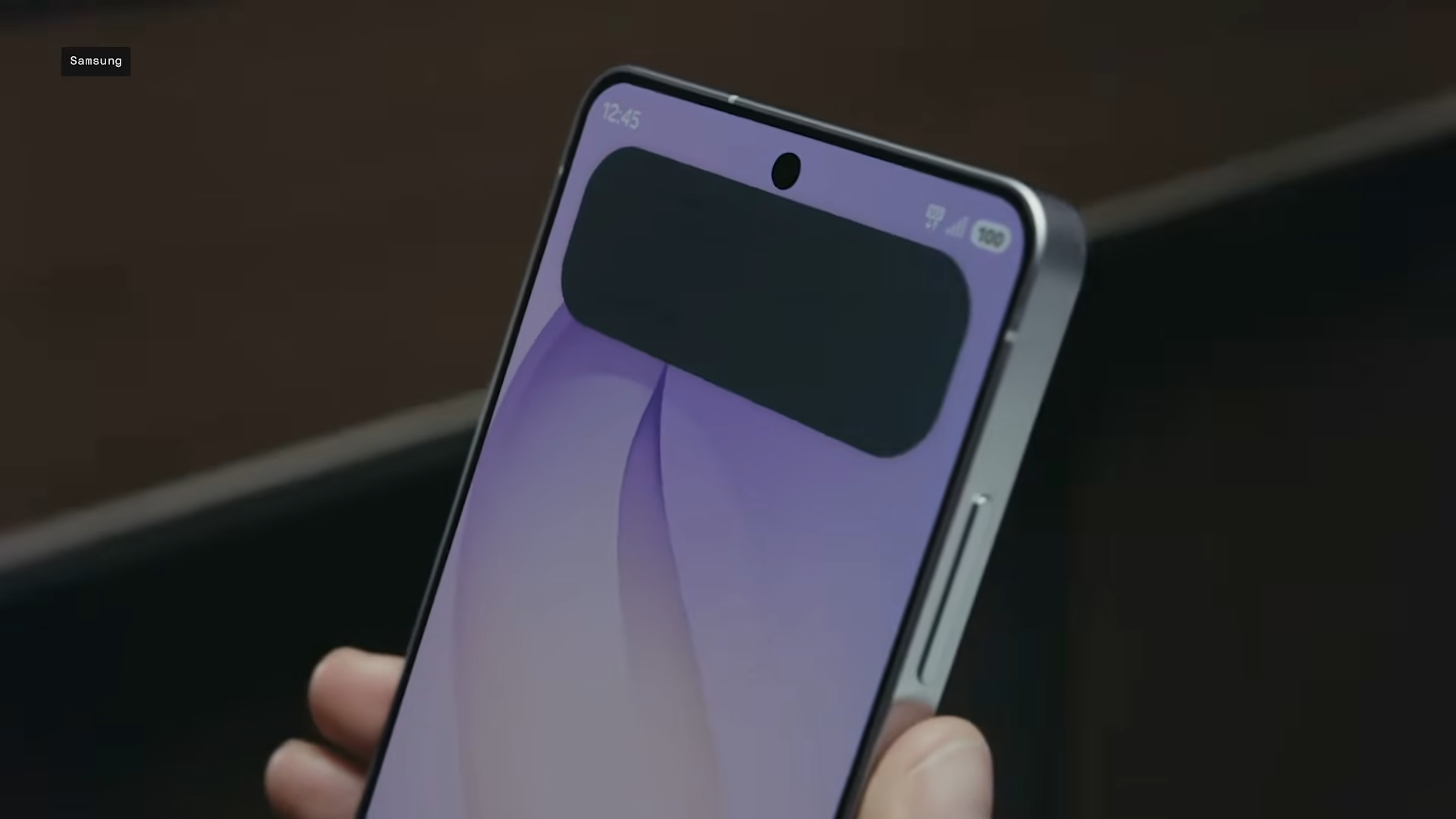
How Does Samsung Galaxy S26 Ultra’s Privacy Display Actually Work
What to know Privacy Display is a built-in hardware feature exclusive to S26 Ultra, using Narrow and Wide pixels to limit side-angle visibility. Privacy…
-
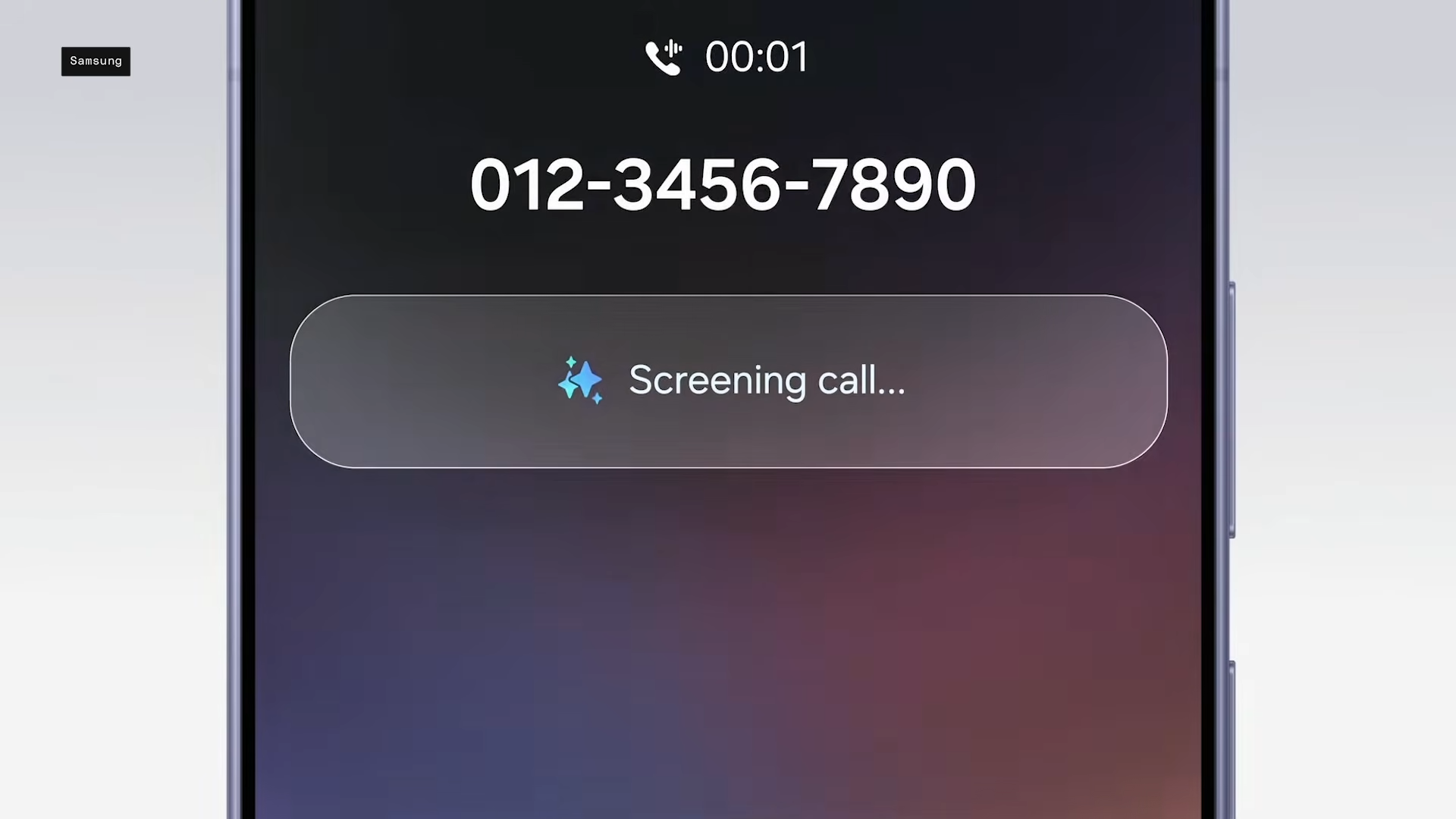
Samsung Galaxy S26 Lets AI Answer Spam Calls So You Don’t Have To
What to know Galaxy S26’s Call Screening expands Galaxy AI’s Call Assist, automatically handling suspicious calls with a digital assistant that asks for the…
-

All the Agentic AI Features in Galaxy S26 Via Samsung’s New Galaxy Browser
What to know Samsung partnered with Perplexity AI for the Galaxy Browser, introducing Ask AI as a core agentic feature on Galaxy S26 series.…