
The short version
- Apple Pay launched in India on September 30, 2026.
- Eligible cards are Axis Bank-issued Visa and Mastercard credit cards.
- It works on iPhone, iPad, and Apple Watch now. Mac support is coming soon.
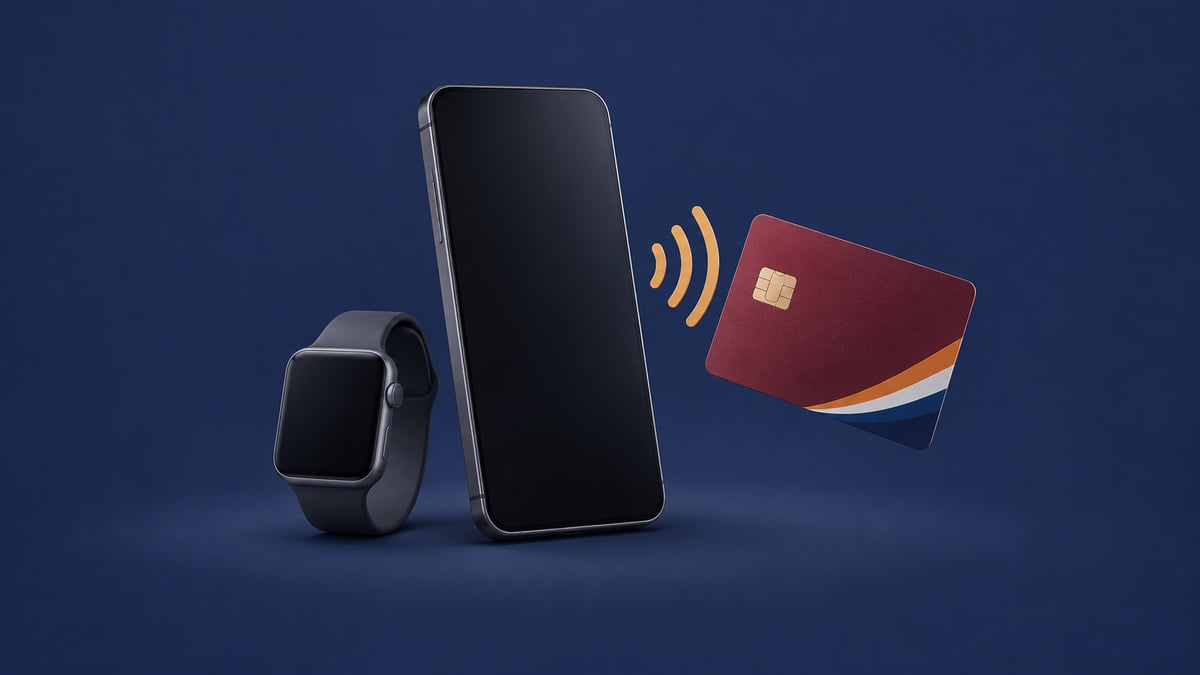
Yes, Apple Pay is available in India now for customers with eligible Axis Bank credit cards. They can use it at contactless store terminals and to check out in apps or on the web.
Where Apple Pay works in India
An iPhone or Apple Watch can pay at stores that accept NFC transactions. In apps and on websites, you can check out with an iPhone or iPad. Participating merchants at launch include Apple Store locations, Blinkit, and Zomato.
Apple Pay checkout does not require a payment PIN or one-time password. Eligible cards keep their existing rewards and benefits.
How to turn it on
Open Wallet on your iPhone and tap the plus sign, then follow the prompts to add an eligible card. The latest Axis Bank app also lets you add a card to Apple Wallet.
At a store terminal, double-click your device’s side button or Home button. Confirm with Face ID, Touch ID, or your passcode if asked, then bring the top of the iPhone or the Apple Watch display close to the reader.
How Apple Pay handles card details
Apple Pay assigns the card a Device Account Number, encrypts it, and stores it in the device’s Secure Element. The card’s actual number stays off the device and Apple’s servers and is not shared with the merchant. Apple also does not keep transaction information linked to you.
If an iPhone goes missing, Find My can help you locate or lock it and suspend payments from it.
Availability and supported devices in India
For iPhone, the requirement is iPhone XR or later with iOS 18 or later. These are the qualifying models:
- iPhone 18 Pro Max (2026)
- iPhone 18 Pro (2026)
- iPhone 17e (2026)
- iPhone 17 Pro Max (2025)
- iPhone 17 Pro (2025)
- iPhone 17 (2025)
- iPhone Air (2025)
- iPhone 16e (2025)
- iPhone 16 Pro Max (2024)
- iPhone 16 Pro (2024)
- iPhone 16 Plus (2024)
- iPhone 16 (2024)
- iPhone 15 Pro Max (2023)
- iPhone 15 Pro (2023)
- iPhone 15 Plus (2023)
- iPhone 15 (2023)
- iPhone 14 Pro Max (2022)
- iPhone 14 Pro (2022)
- iPhone 14 Plus (2022)
- iPhone 14 (2022)
- iPhone SE (3rd generation) (2022)
- iPhone 13 Pro Max (2021)
- iPhone 13 Pro (2021)
- iPhone 13 (2021)
- iPhone 13 mini (2021)
- iPhone 12 Pro Max (2020)
- iPhone 12 Pro (2020)
- iPhone 12 (2020)
- iPhone 12 mini (2020)
- iPhone SE (2nd generation) (2020)
- iPhone 11 Pro (2019)
- iPhone 11 Pro Max (2019)
- iPhone 11 (2019)
- iPhone XS (2018)
- iPhone XS Max (2018)
- iPhone XR (2018)
For Apple Watch, the requirement is Series 6 or later with watchOS 11 or later, paired with an iPhone XR or later. These are the qualifying models:
- Apple Watch Series 12
- Apple Watch Ultra 4
- Apple Watch Series 11
- Apple Watch SE 3
- Apple Watch Ultra 3
- Apple Watch Series 10
- Apple Watch Ultra 2
- Apple Watch Series 9
- Apple Watch Ultra
- Apple Watch Series 8
- Apple Watch SE 2
- Apple Watch Series 7
- Apple Watch
- Apple Watch Series 6
Related guides



Leave a Reply