

- The short version
- Which MacBook Pro models support Touch?
- Everyday Touch gestures on Mac
- How existing Mac apps work with Touch
- Drawing, editing, 3D work, and music controls
- Testing iPhone and iPad apps with Touch
- The Touch sensor, hinge, and physical controls
- Dynamic Island, Spotlight, and Siri AI
- MacBook Pro with PROLED XDR Display release date and price
- FAQs
The short version
- Only the MacBook Pro with PROLED XDR Display has Touch, in 14-inch and 16-inch models with M5 Pro or M5 Max. Liquid Retina XDR models, including the new 14-inch with M6, do not.
- macOS translates touches into clicks, so many existing Mac apps work with Touch right away.
- Third-party apps Apple names, such as Adobe Lightroom and DaVinci Resolve, get their Touch support later this year.
- Prices start at $2,899 in the U.S., and the first models arrive Friday, November 6.
Which MacBook Pro models support Touch?
The display designation identifies Touch support. M5 Pro and M5 Max appear in both display families, so the chip name alone does not distinguish a touchscreen model.
Touch support by display and chip
| MacBook Pro model | Touch display |
|---|---|
| 14-inch MacBook Pro with PROLED XDR Display, M5 Pro | Yes |
| 14-inch MacBook Pro with PROLED XDR Display, M5 Max | Yes |
| 16-inch MacBook Pro with PROLED XDR Display, M5 Pro | Yes |
| 16-inch MacBook Pro with PROLED XDR Display, M5 Max | Yes |
| 14-inch MacBook Pro with Liquid Retina XDR display, M6 | Not applicable |
| 14-inch and 16-inch MacBook Pro with Liquid Retina XDR display, M5 Pro or M5 Max | Not applicable |
Everyday Touch gestures on Mac
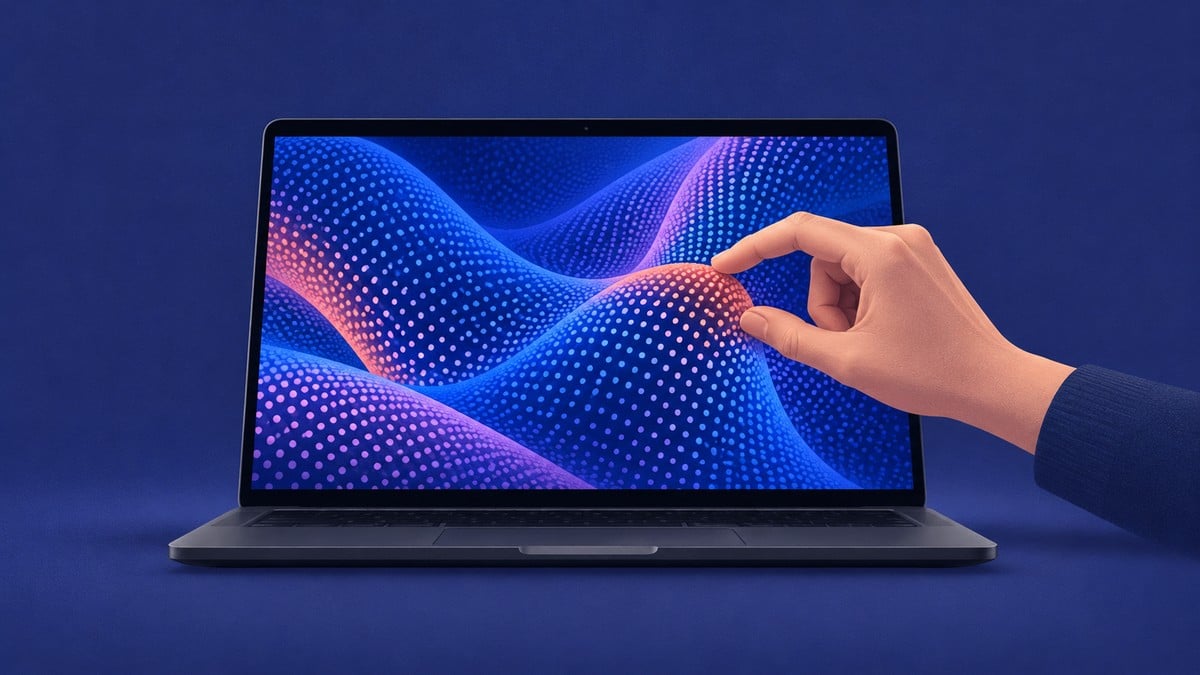
Touch on MacBook Pro with PROLED XDR Display supports Multi-Touch gestures right onscreen: scroll, pinch, rotate, draw, and more. You can also double-tap a window to fill the screen, or flick it into place.
Find Touch interactions by task
Find every Touch gesture and interaction Apple names for MacBook Pro with PROLED XDR Display, grouped by what you want to do, with the app or place each one works and whether Apple says the app arrives later this year.
Apps can also provide controls tailored to their work, extending onscreen interaction into editing, drawing, and music production.
How existing Mac apps work with Touch
Many existing Mac apps work with Touch right away because macOS automatically translates touches into clicks. Apple apps are optimized for the new MacBook Pro, while updated system gesture APIs let developers build experiences specifically for Touch.
[[component: dont-miss]]
KIND: dont_miss
VALUE: macOS 27
RULE: Touch is built for macOS 27 Golden Gate
WHY: The new MacBook Pro comes with macOS 27
[[/component]]
A wide range of third-party apps will also take advantage of Touch, Apple says.
[[component: dont-miss]]
KIND: dont_miss
VALUE: Later this year
RULE: The third-party apps listed will be available later this year
WHY: Apple dates the listed apps to later this year, not to the November 6 arrival date
[[/component]]
Third-party apps named for Touch
| App category | Apps |
|---|---|
| Productivity and collaboration | Notion, Canva, Zoom, Microsoft Word, Excel, PowerPoint, and Outlook |
| Photo and video editing | Adobe Lightroom and DaVinci Resolve |
| 3D modeling and animation | Blender, Maxon Cinema 4D, Maxon ZBrush, and Shapr3D |
| Music | Algoriddim djay Pro |
Drawing, editing, 3D work, and music controls
Touch lets you sketch and annotate directly onscreen, using the display as a drawing canvas. In Pixelmator Pro, that includes drawing, painting, and selecting directly on the design.
For 3D work, product designers can interact with a 3D prototype directly onscreen. In Blender, you can use gestures to manipulate objects directly onscreen.
Music controls include adjusting faders and playing software instruments with your fingers. Logic Pro adds a fully Multi-Touch polyphonic keyboard, along with tappable chord and drum pads.
In Final Cut Pro, Touch supports marking ranges, dropping clips into position, and pinching to zoom in on a cut.
Apple Creator Studio updates arrive this November on the App Store and are free for existing subscribers. Some software may be sold separately, and some apps and services may require a subscription.
Testing iPhone and iPad apps with Touch
Developers can test Touch interactions in their iOS and iPadOS apps directly on the MacBook Pro display, including iOS software in Xcode.
The Touch sensor, hinge, and physical controls
The Touch sensor is built directly into the display panel, not layered on top of it. Apple says this reduces latency.
A newly designed hinge provides greater stability during Touch use, Apple says.
The MacBook Pro has a 12MP Center Stage camera with advanced video stabilization. Apple says stabilization automatically smooths the camera feed in real time when you use Touch during a video call.
The physical inputs include a backlit Magic Keyboard, Touch ID, and Force Touch trackpad. Touch works alongside familiar keyboard shortcuts and trackpad gestures.
The Force Touch trackpad separately provides pressure-sensing capabilities, including Force clicks and pressure-sensitive drawing.
Dynamic Island, Spotlight, and Siri AI
Dynamic Island brings Spotlight, Live Activities, and Siri AI together at the top of the display.
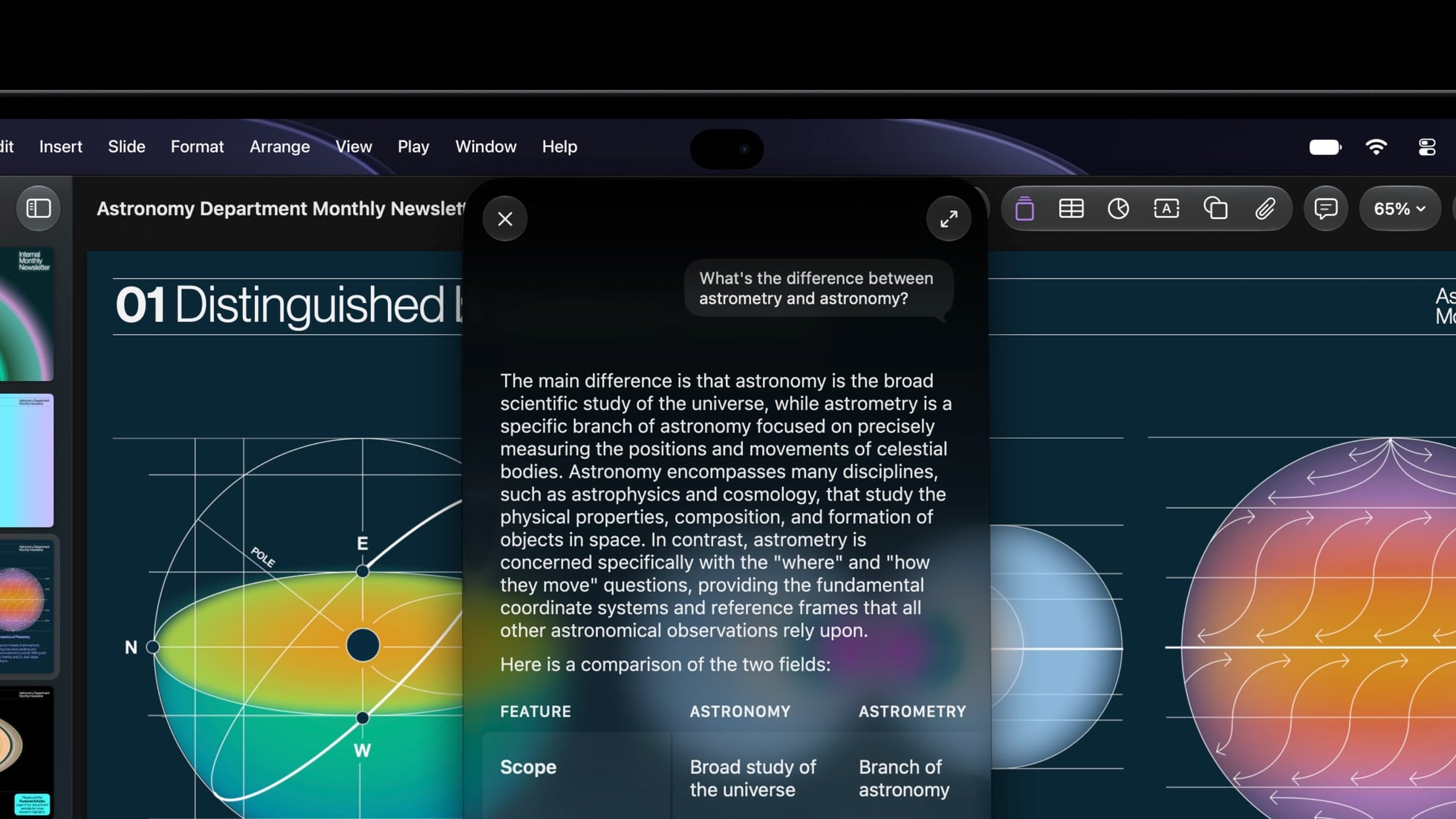
Within Spotlight, you can find documents, images, contacts, and emails; open apps; send a message; and view Clipboard history.
Live Activities give real-time updates at a glance. You can pick up a call, accept an AirDrop request, track your food delivery, or pause a song with a tap of your finger.
Siri AI lets you ask open-ended questions, brainstorm ideas, and have back-and-forth conversations. It is available in beta, requires an Apple Intelligence-enabled device set to a supported language, and some features may not be available in all regions or languages.
MacBook Pro with PROLED XDR Display release date and price
Apple announced the Touch models on October 28, 2026, with preorders beginning that day through the online store and Apple Store app in 30 countries and regions, including the U.S.
U.S. starting prices by configuration
| MacBook Pro with PROLED XDR Display | Starting price (U.S.) | Education starting price (U.S.) |
|---|---|---|
| 14-inch, M5 Pro | $2,899 | $2,749 |
| 16-inch, M5 Pro | $3,399 | $3,199 |
| 14-inch, M5 Max | $4,499 | $4,199 |
| 16-inch, M5 Max | $4,799 | $4,499 |
Customer arrivals and availability at Apple Store locations and Apple Authorized Resellers begin Friday, November 6, 2026.
FAQs
How can I check which MacBook Pro I have?
Click the Apple logo in the upper left of your screen and choose About This Mac.
Does the MacBook Pro Touch display have a fingerprint-resistant coating?
Both sizes of MacBook Pro with PROLED XDR Display have a fingerprint-resistant oleophobic coating.
Which touch-related accessibility features does MacBook Pro include?
Apple lists AssistiveTouch and Touch Accommodations for MacBook Pro with PROLED XDR Display.
Related guides


Leave a Reply