

QUICK ANSWER
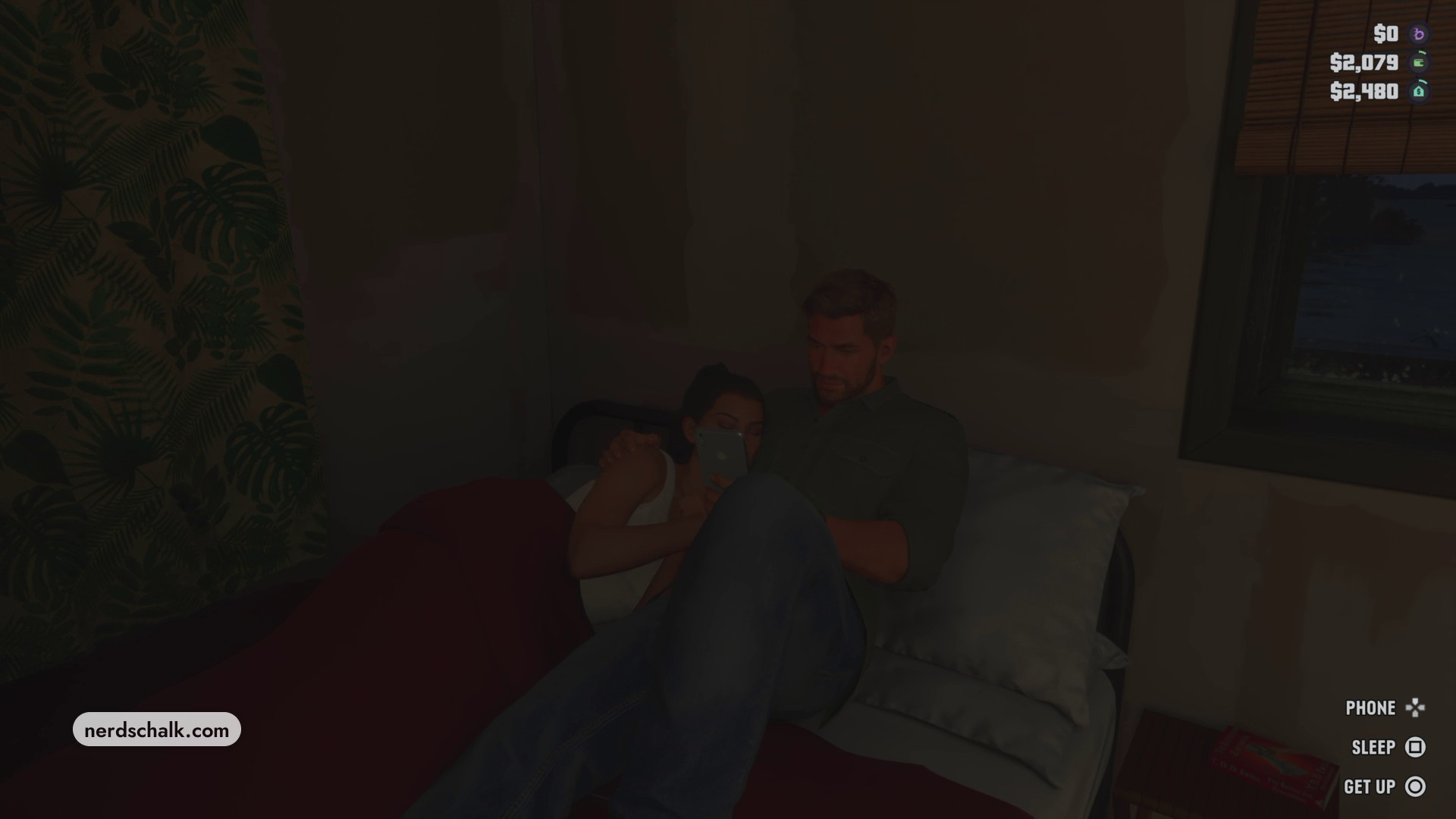
Walk to the bed’s open side where Lucia is resting, activate SLEEP, and wait for Jason to settle beside her.
Walk to the bed’s open side where Lucia is resting, activate SLEEP, and wait for Jason to settle beside her.
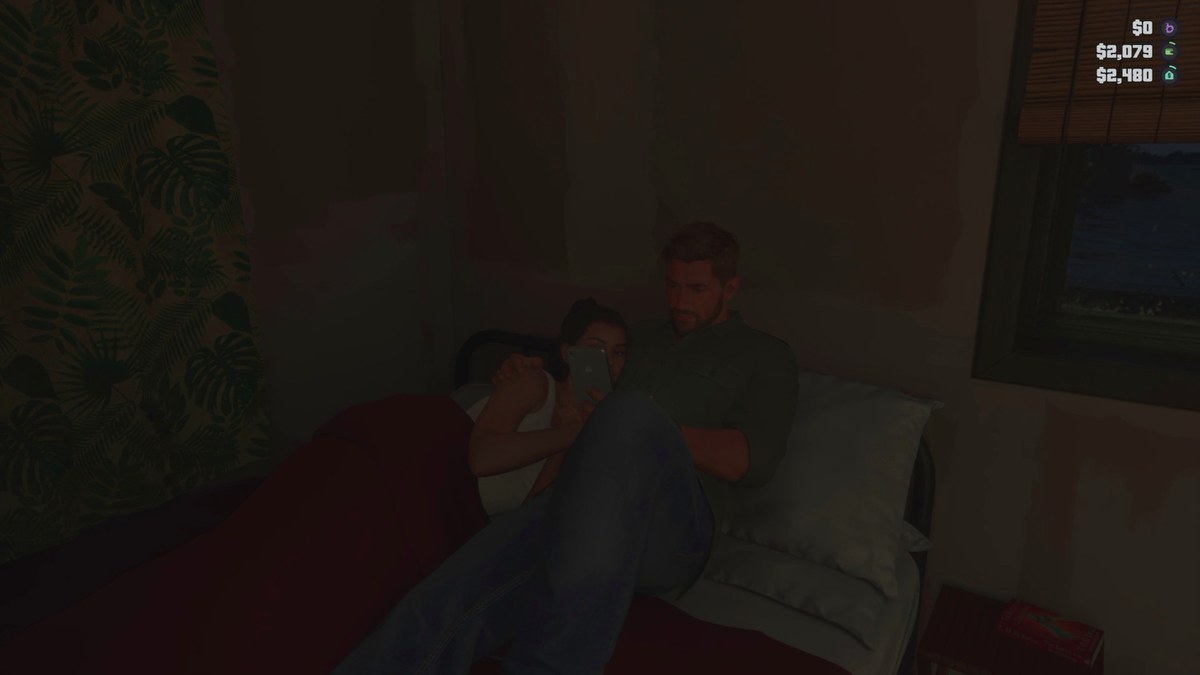
This bedroom interaction in Grand Theft Auto VI begins with Lucia already resting on the bed. This guide covers getting Jason into bed beside her.
The game has listings for PlayStation 5 and Xbox Series X|S. Its Indian PlayStation Store listing carries an 18+ age rating.
settingBedroomapproachOpen side of the bedinteractionSLEEP
How to get into bed with Lucia in Grand Theft Auto VI
STEP 1
Approach the bed
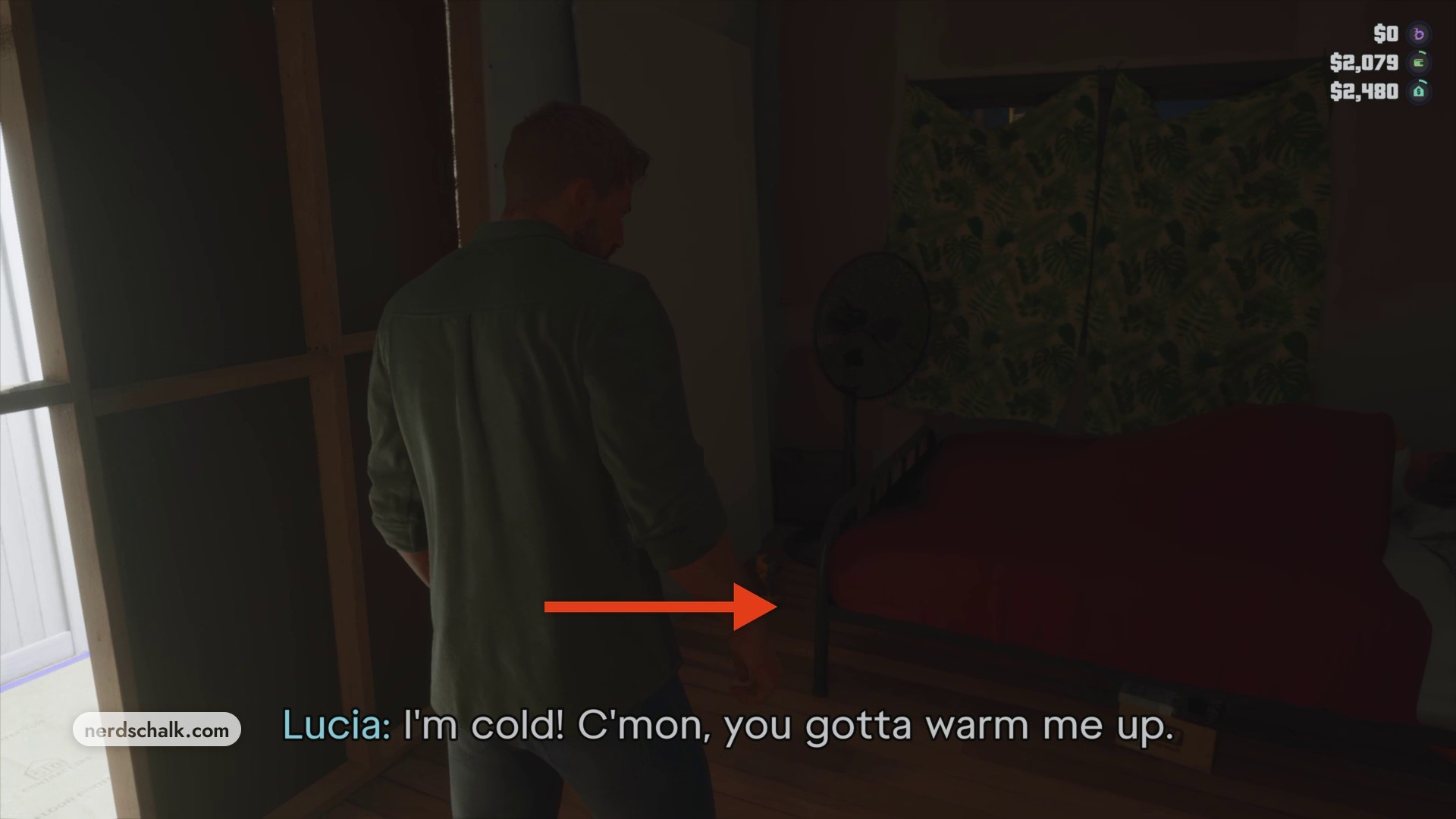
Walk up to the open side of the bed where Lucia is resting.
STEP 2
Activate SLEEP
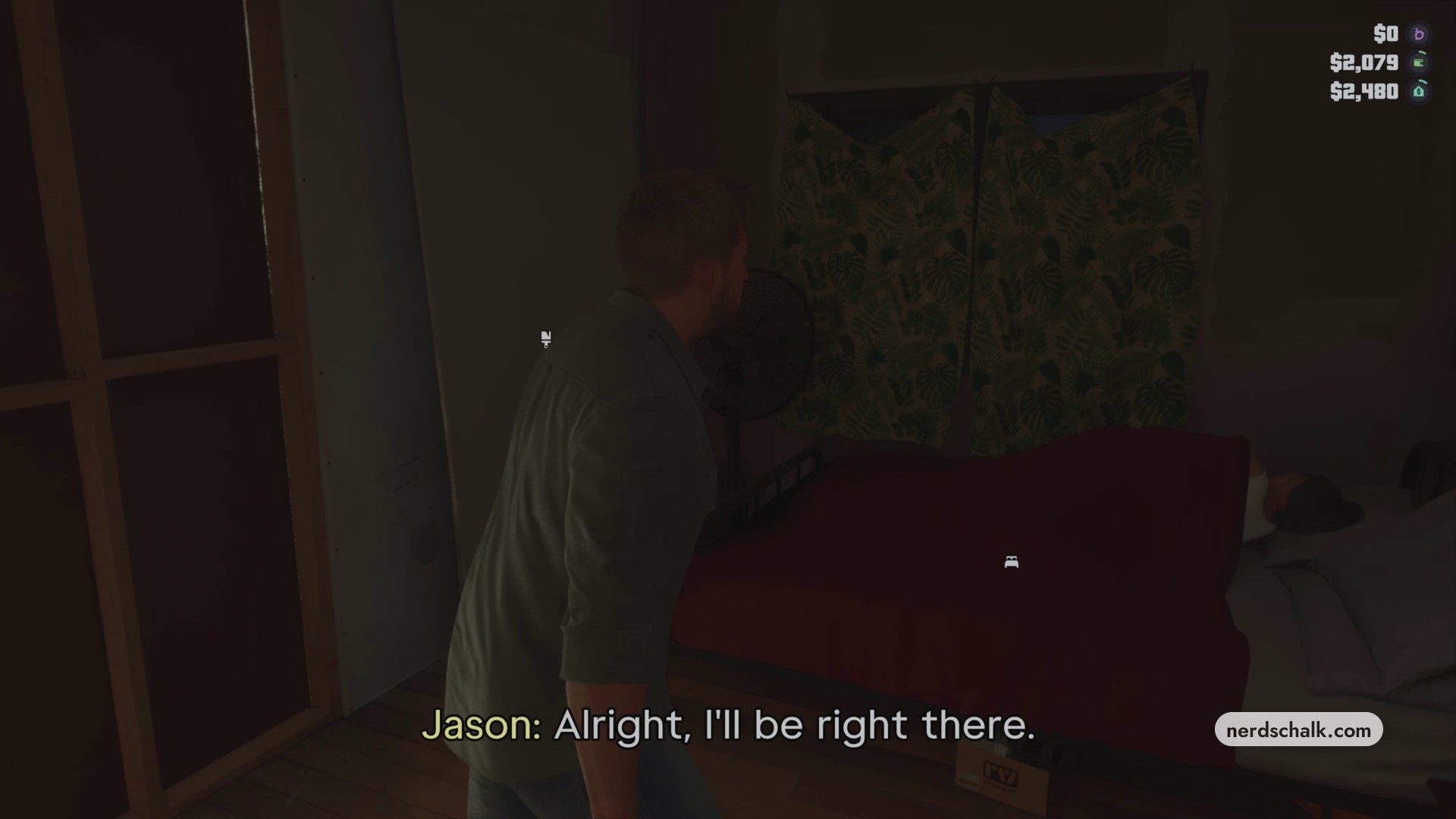
Press the button shown for SLEEP to get into bed beside Lucia.
STEP 3
Let Jason settle
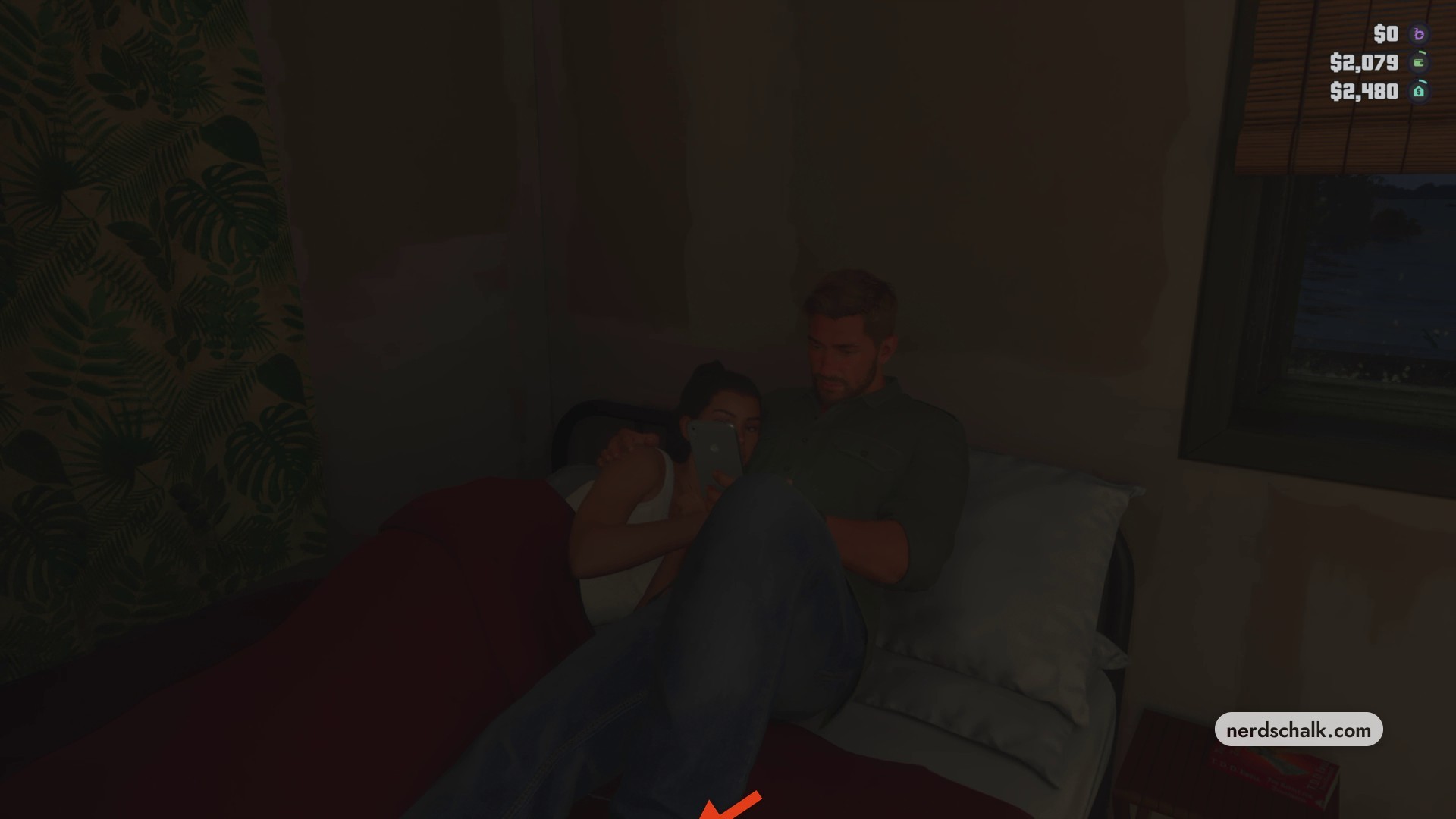
Wait for Jason to finish lying down. He’ll be lying beside Lucia.
Phone and bed controls in Grand Theft Auto VI
Once he’s in bed, Jason takes out his smartphone. The on-screen controls include PHONE, SLEEP and GET UP while he’s beside Lucia.
Related Grand Theft Auto VI guides


Leave a Reply