
Category
iOS
-
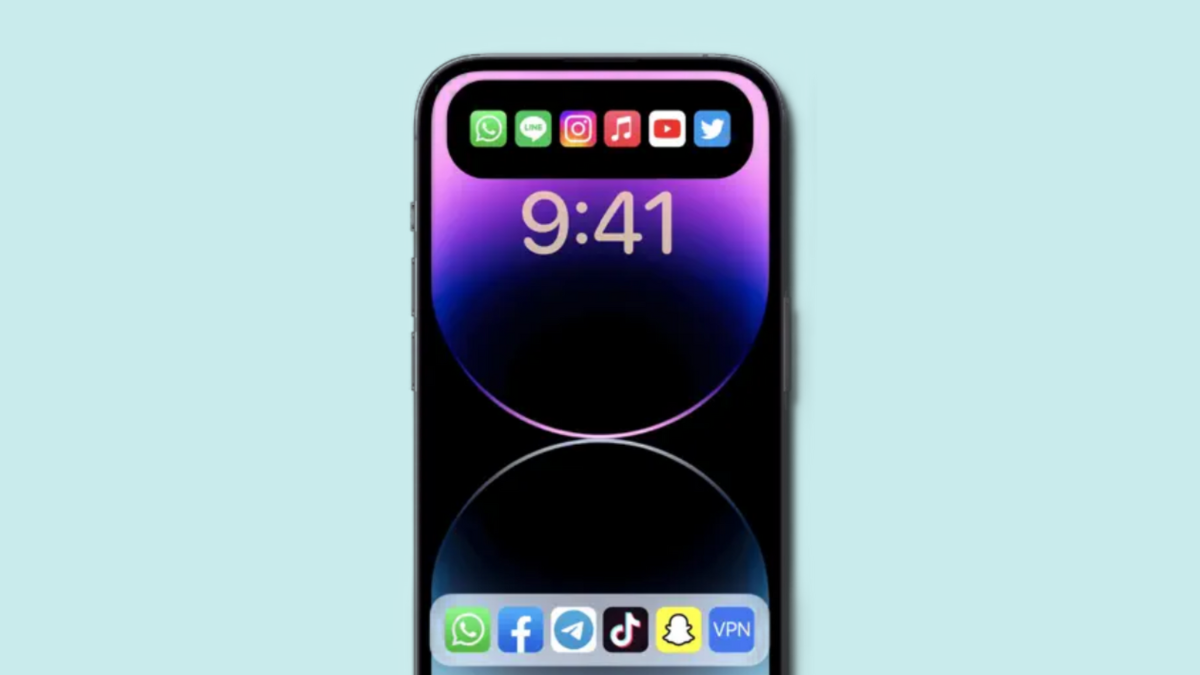
How to add app shortcuts to Dynamic Island using Lock Launcher
Dynamic Island has been an eye-catching exclusive feature from Apple. It allows you to track activities and background tasks directly from the top of…
-
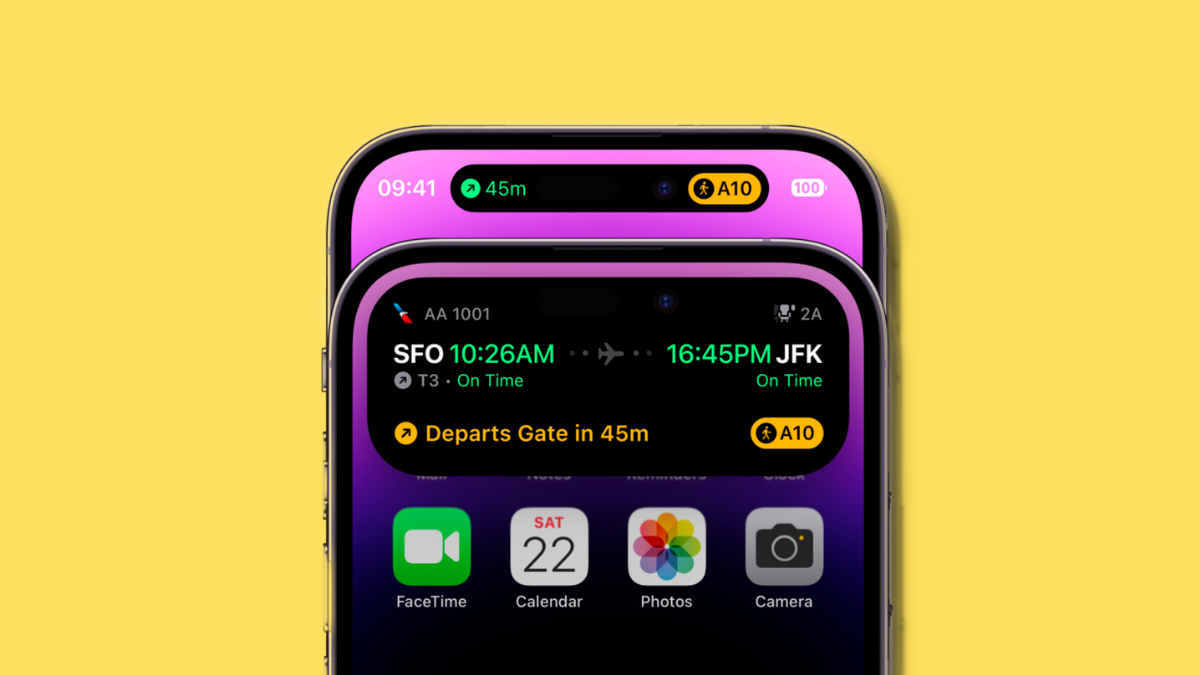
How to use Dynamic Island on iPhone 14 Pro
The iPhone 14 Pro comes with numerous new unique features like the new 48MP sensor, Always on Display, and the new Dynamic Island. Dynamic…
-
How to use gestures in Dynamic Island on iPhone 14 Pro
Dynamic Island has been Apple’s attempt to seamlessly transition between software and hardware. The island has its own dedicated animations, physics, compatibility with live…
-

15 Ways to Clear Space on iPhone
Your iPhone’s storage is limited and you will never be able to use its entire storage at any time as both iOS and the…
-
23 great tips to use iPhone 14 Pro camera like a pro
The iPhone 14 Pro has brought along the biggest update to iPhone cameras in a long time with the inclusion of its massive 48MP…
-

4 Ways to Print From an iPhone
In this all-digital world, the purpose of printing pages isn’t yet dormant. While you might think that it’s easier to save something on your…
-

7 Ways to Delete a Contact on iPhone
Your iPhone can store an infinite number of contacts which can be good if you meet new people every day. Over time, this can…
-

4 Ways to Wipe an iPhone
If you’ve owned and used an iPhone for a long time, your device may have acquired a chunk of data, some of which may…
-
4 Ways to Disable Memories on Photos App on iPhone
Most tech companies constantly strive to improve their apps by adding new features, and Apple’s Photos app has been no different. One feature that…
-
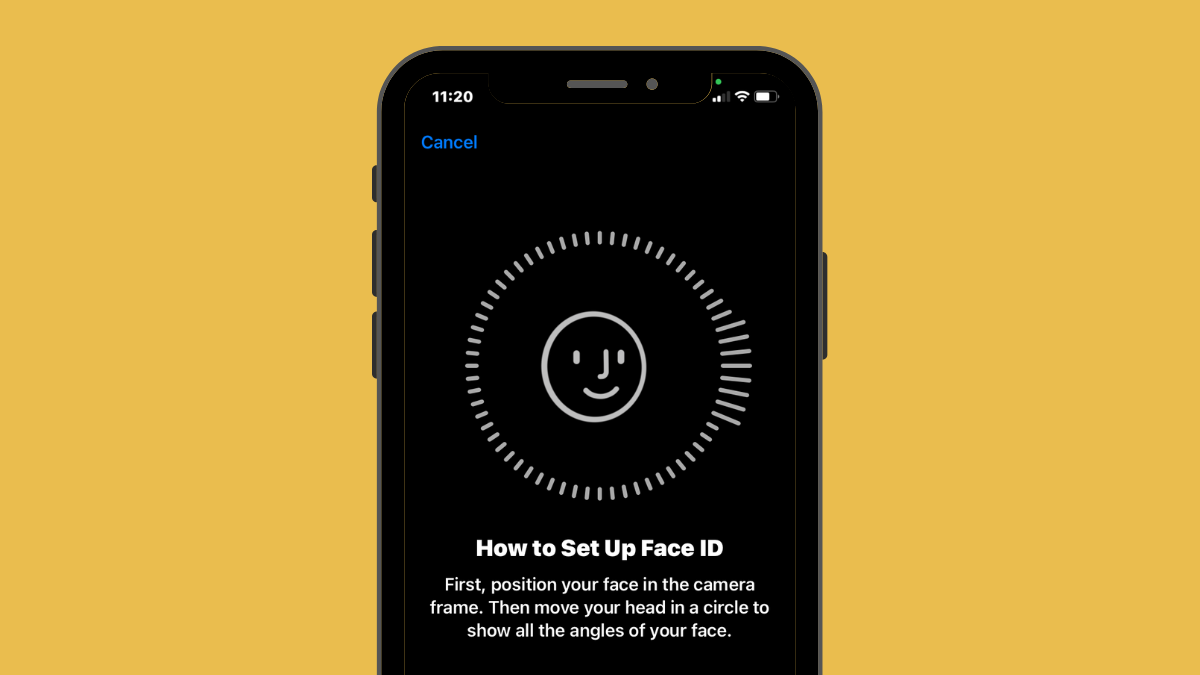
11 Ways to Fix Face ID Not Working After iOS Update on iPhone
If you own an iPhone X or newer device, it’s pretty easy to unlock your phone using the Face ID as all it takes is…
-
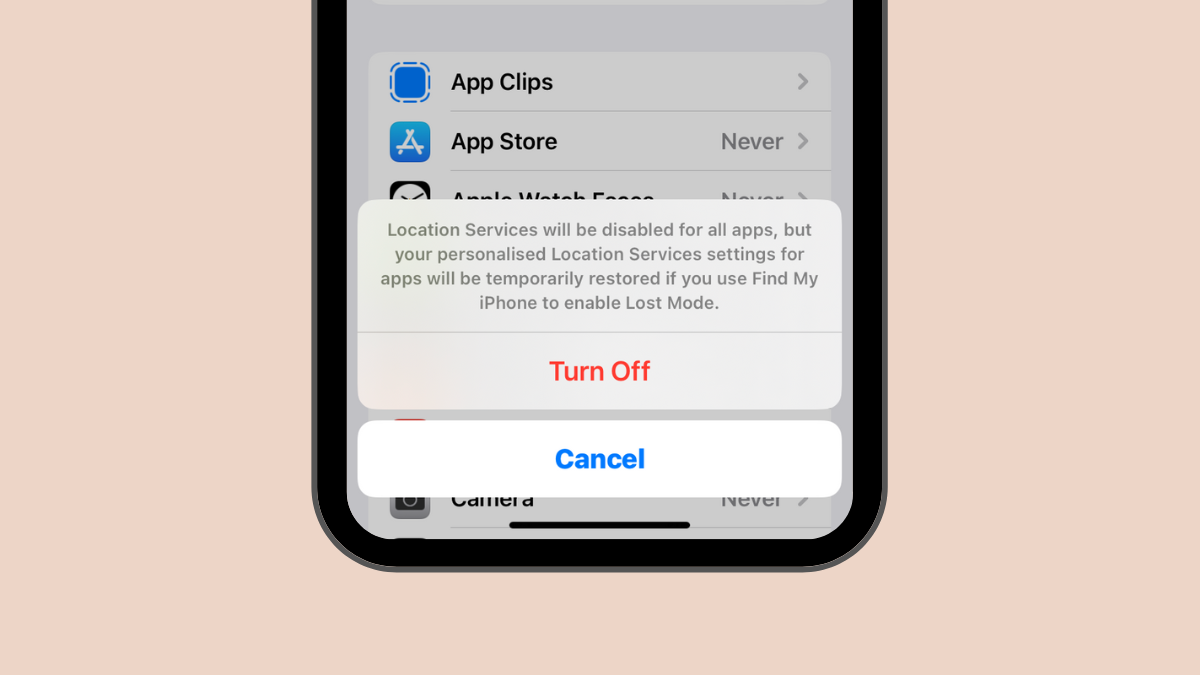
7 Ways to Turn off Location on iPhone
Your iPhone comes with a built-in GPS module that helps you locate yourself on a map and let your friends and loved ones know…
-

2 Ways to Turn Off Precise Location on iPhone
One of the first things that we recommend to protect your privacy is to disable location sharing. If you own an iPhone, some apps…
-
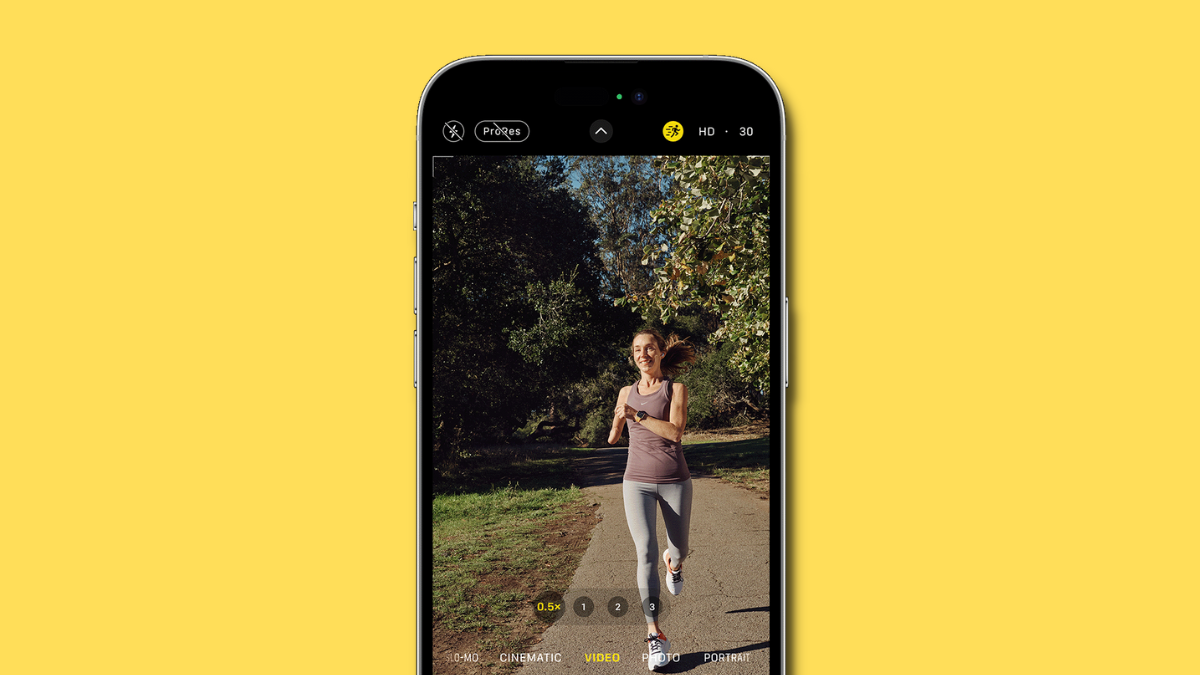
What is Action Mode Lower Light on iPhone 14? How to use it
The iPhone 14 lineup is the latest from Apple, and it comes with tons of exclusive features to help you make the most out…
-

Where are notifications on iOS 16?
iOS 16 has introduced a ton of changes for iPhone users and many are still getting accustomed to its new functionalities and user interface.…
-
How to make Always-on Display minimal on iPhone 14 Pro and Pro Max
The iPhone 14 Pro and Pro Max are the first iPhones ever to feature an Always-intron Display. Apple’s take on AOD is quite different…
-
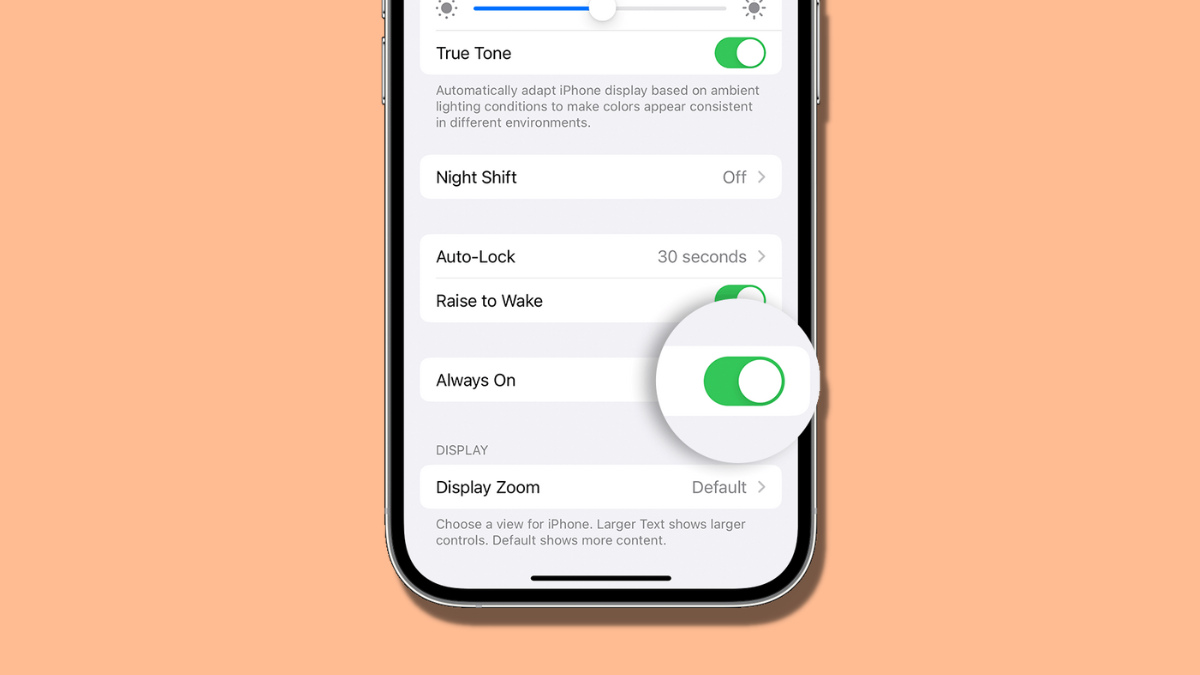
How to dim Always-on Display on iPhone 14 Pro
If the high brightness level of the Always-on Display screen on your iPhone 14 Pro and Pro Max is giving you headaches, worry not;…
-
![13 Ways to Fix if Voice to Text Is Not Working On iPhone [2023]](https://cdn.nerdschalk.com/wp-content/uploads/2022/10/ios-16-voice-to-text-not-working-how-to-fix.png)
13 Ways to Fix if Voice to Text Is Not Working On iPhone [2023]
Apple’s Dictation tool is quite efficient when it comes to converting your voice into text and can be used across any app or screen…
-
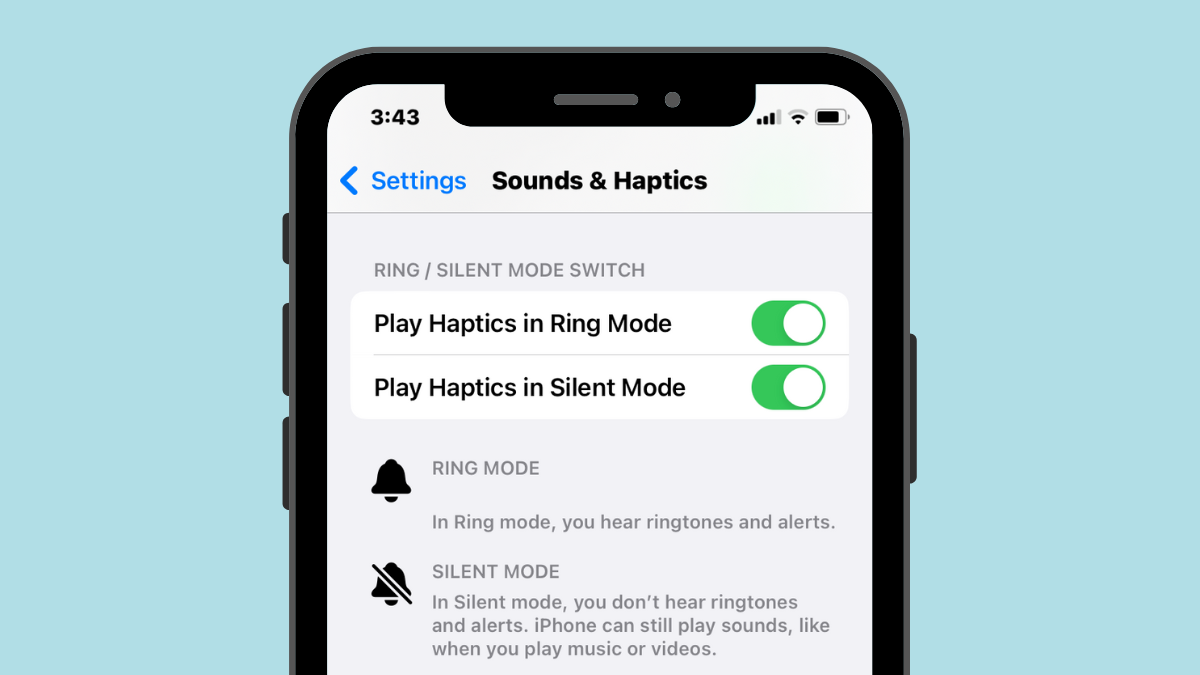
2 Ways to Make iPhone Vibrate in Silent Mode
Putting your iPhone on Silent mode is pretty easy as all you need to do is slide the Ring/Silent switch until you see the…
-
How to turn off Always-on Display at night on iPhone 14 Pro
The Always-on Display is a nifty new feature on iOS that helps a lot in various ways, but it does consume some battery all…
