Category
iOS
-

Apple Pay Launches in India for iPhone, iPad, and Apple Watch
Yes, Apple Pay is available in India for eligible Axis Bank credit cards on supported iPhones, iPads, and Apple Watches.
-

iPhone Duo Can Be a Clock, Photo Frame, or Widget Hub Without Charging
Learn how to use iPhone Duo Split View for two apps side by side and activate StandBy on either display without charging.
-
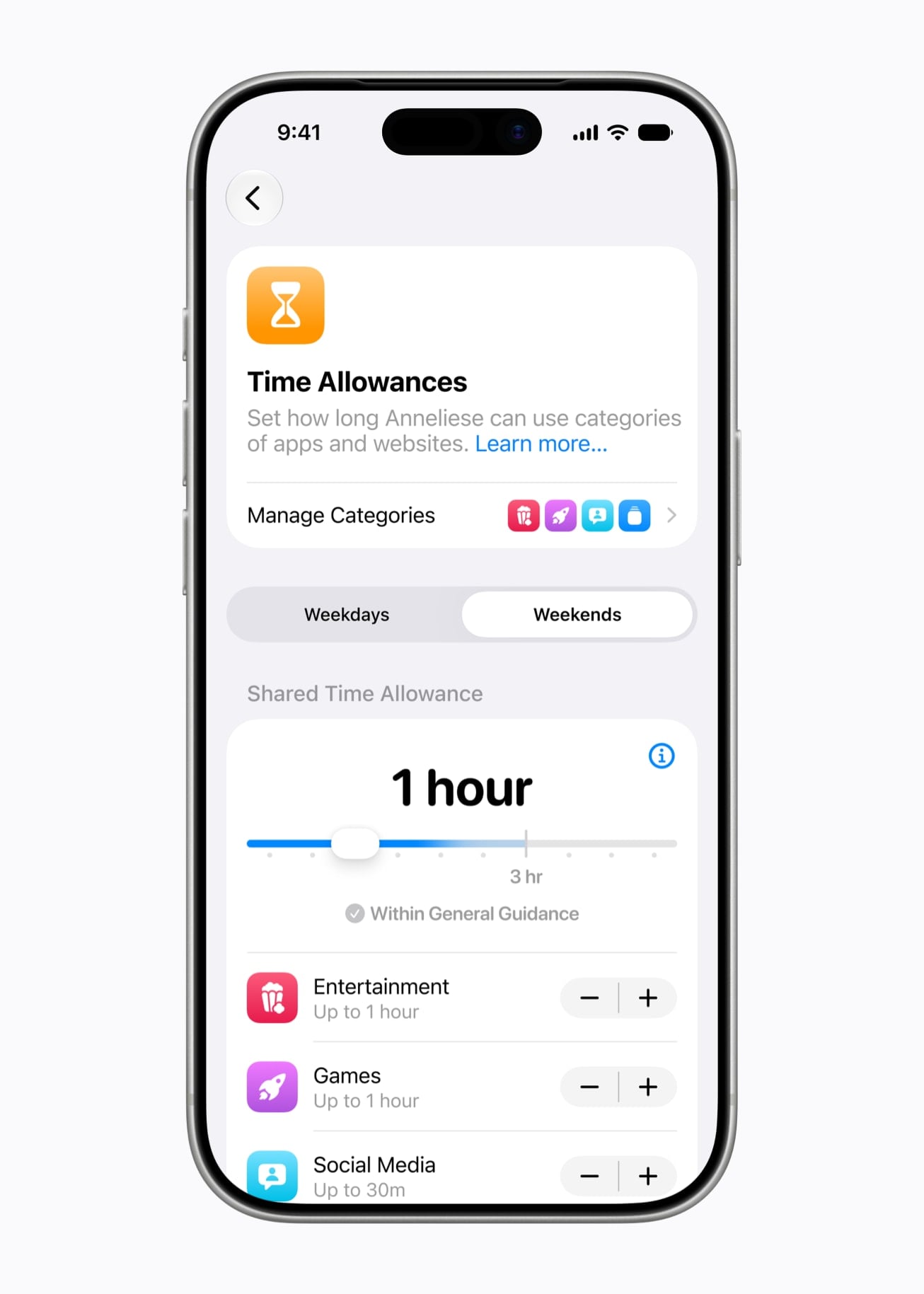
“Pause Device Use” Makes iOS 27 Screen Time More Immediate
Screen Time in iOS 27 adds age-based time allowances, flexible app schedules, device pausing, stronger communication protections, and support across a wide range of…
-

Gothic 1 Remake: How to Enter the Tavern and Talk to Silas in A Few Drops Too Much Quest – Location, Requirements, and Step-by-Step Guide
In Gothic 1 Remake, to enter Silas’s tavern and start the quest, tell the bandit guarding the entrance that you’re a “Scrapper” – this…
-
You Can’t Turn Off Apple Intelligence Features on iOS 27, and That’s a Storage Problem!
What to know iOS 27 doesn’t let you remove AI features from the iPhone. Apple Intelligence, combined with the OS, can easily take up…
-
iOS 27 Automatically Generates Captions in Videos, Even Without New Siri
What to know iOS 27 now automatically generates captions for videos. Auto captions appear in Photos app as well as the Messages app, and…
-

iOS 27 Adds New “Add & Delete” Options In Apple Music For Better Library Management
What to know You can now delete songs from your Apple Music playlists and favorites when you delete them from your library. iOS 27…
-
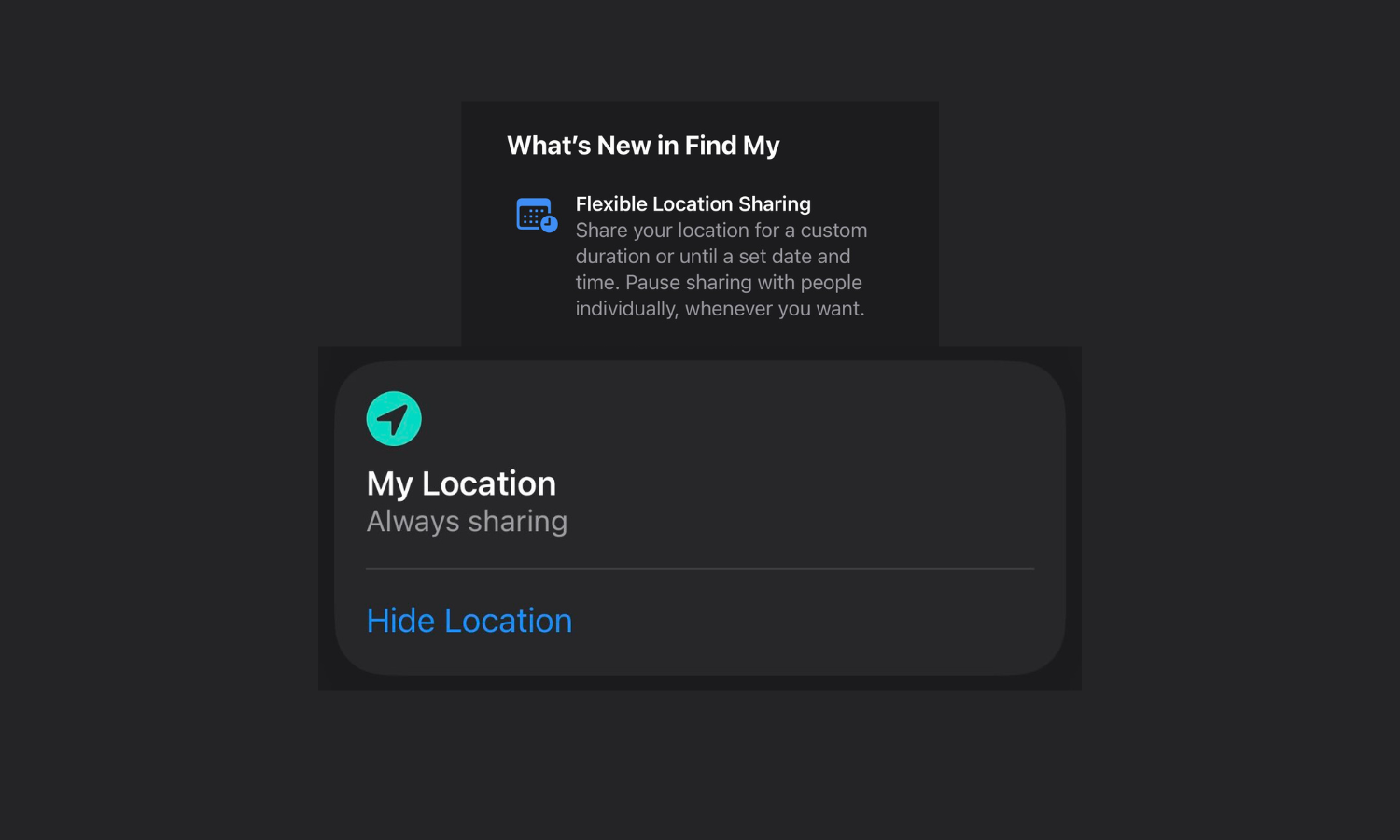
iOS 27 Lets You Hide Your Location in Find My Without Notifying the Other Person
What to know Find My lets you pause and Hide Location from others. The other person is not notified when you pause, stop, or…
-
iOS 27 Adds Individual Volume Controls for Alarms, Ringtones, and System Sounds
What to know iOS 27 now lets you control alarm, ringtones, and system sounds separately. There are now separate volume controls options for Ringtones,…
-
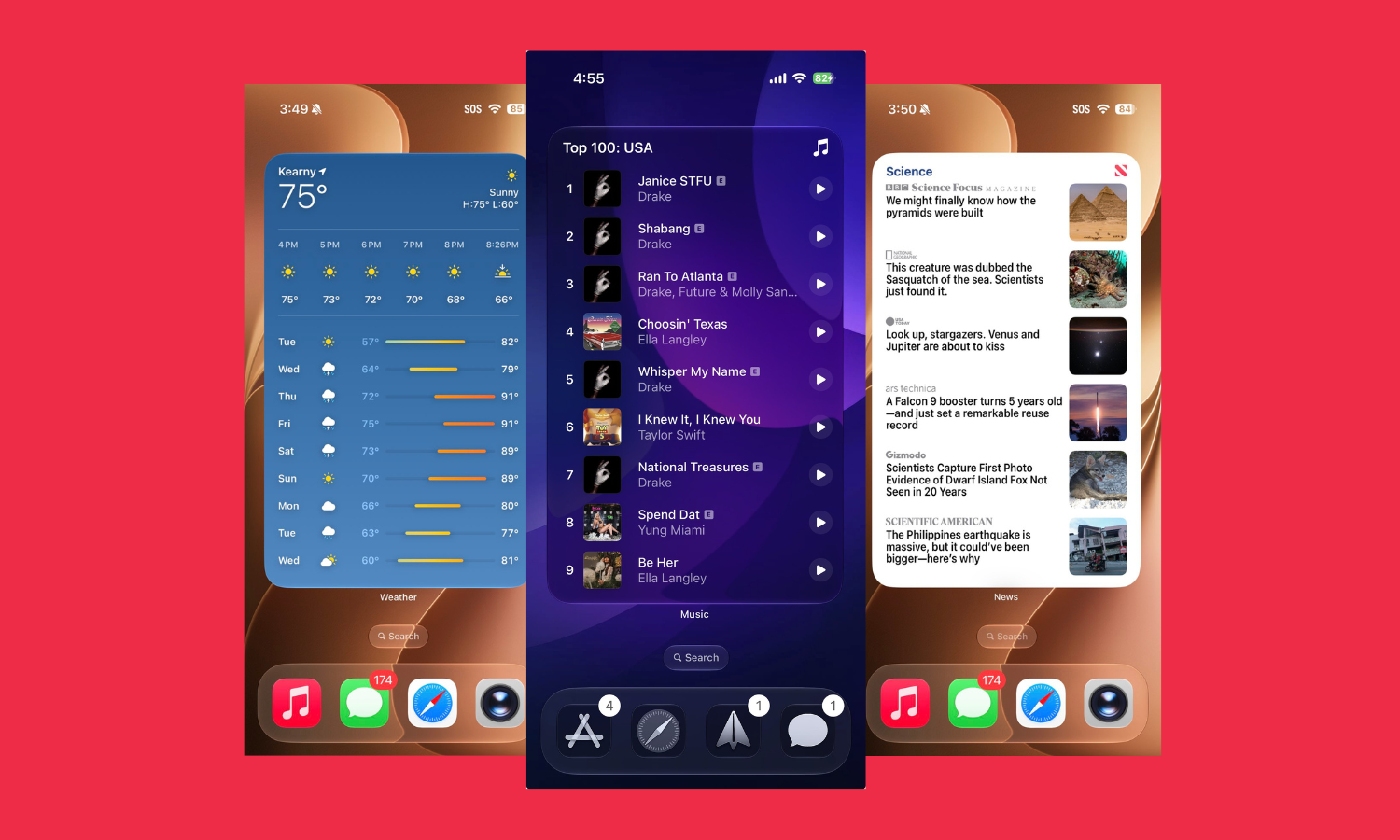
iOS 27 Adds a New 4×6 Extra Large Widgets Style That Fills the Home Screen
What to know iOS 27 adds a new large Widgets style that takes up the entire home screen. Simply go into Widgets customization and…
-
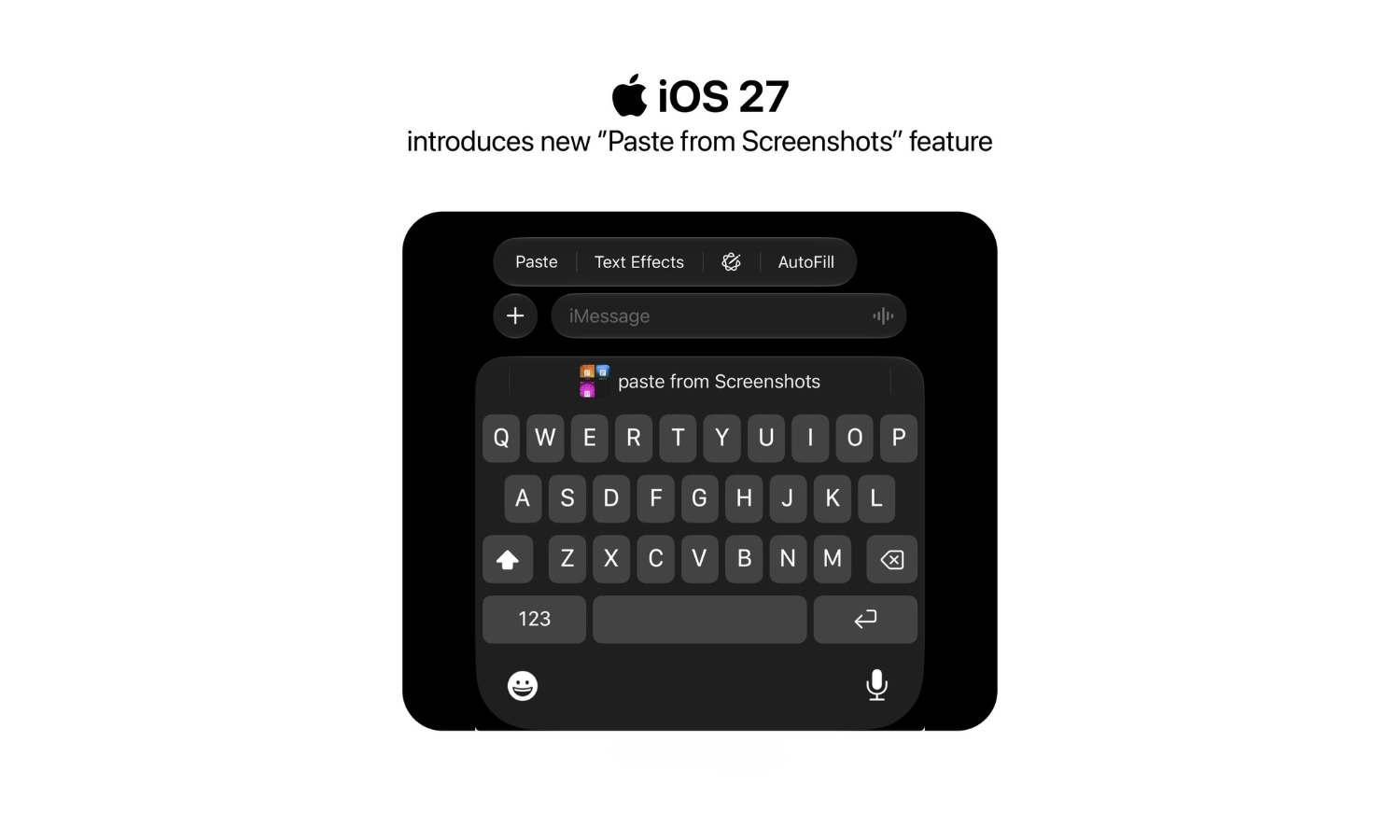
iOS 27 Finally Lets You Paste Screenshots and Copied Text Directly From Keyboard
What to know iOS 27 keyboard gets a new ‘Paste from Screenshots’ feature. It lets you paste screenshots as well copied text directly from…
-
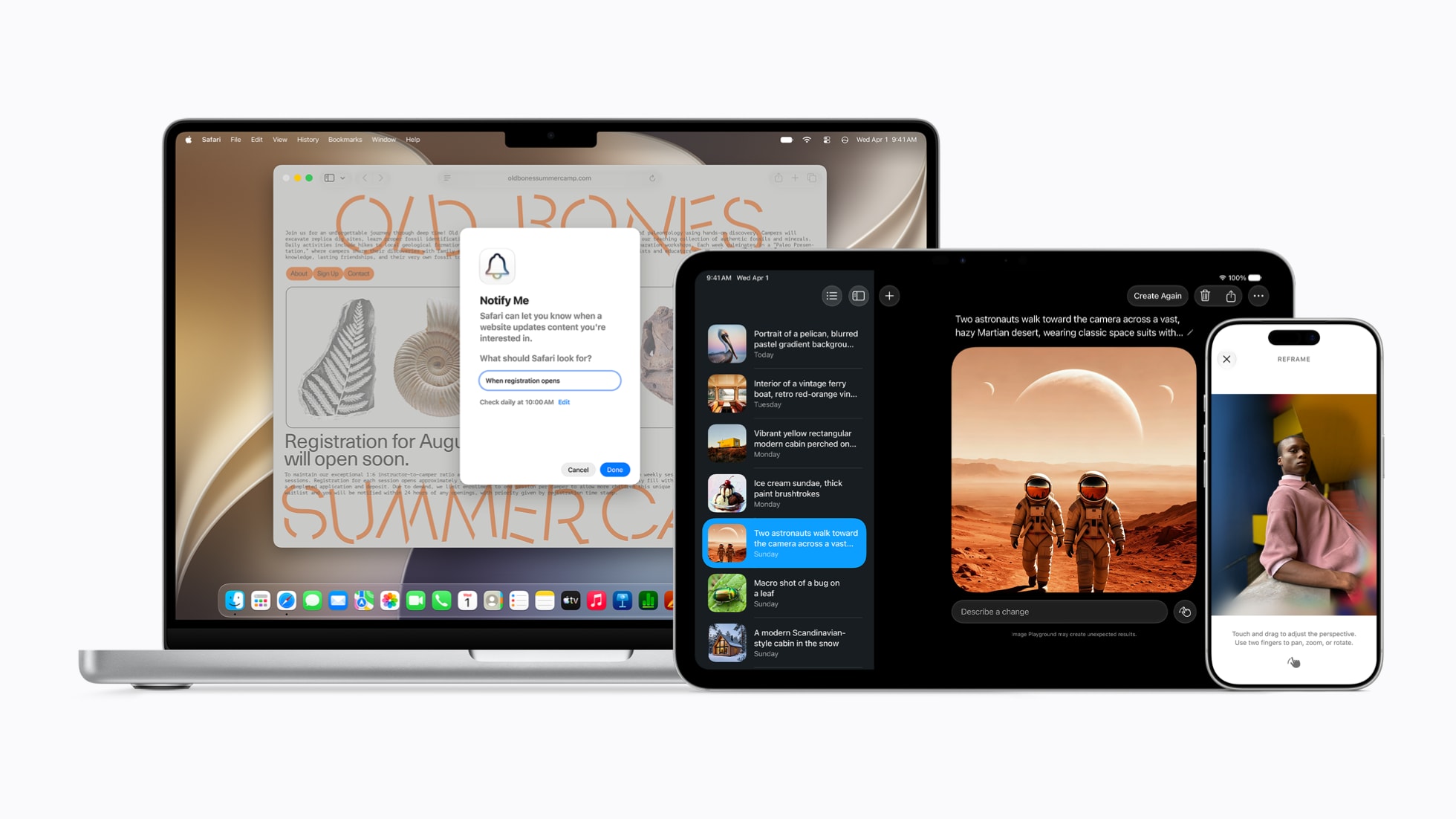
Vibe Coding Meets the iPhone in iOS 27 – And It Could Be Huge!
iOS 27 has a very interesting energy around it. Yes, there is a new design. Yes, Siri is getting smarter. Yes, Apple Intelligence is…
-
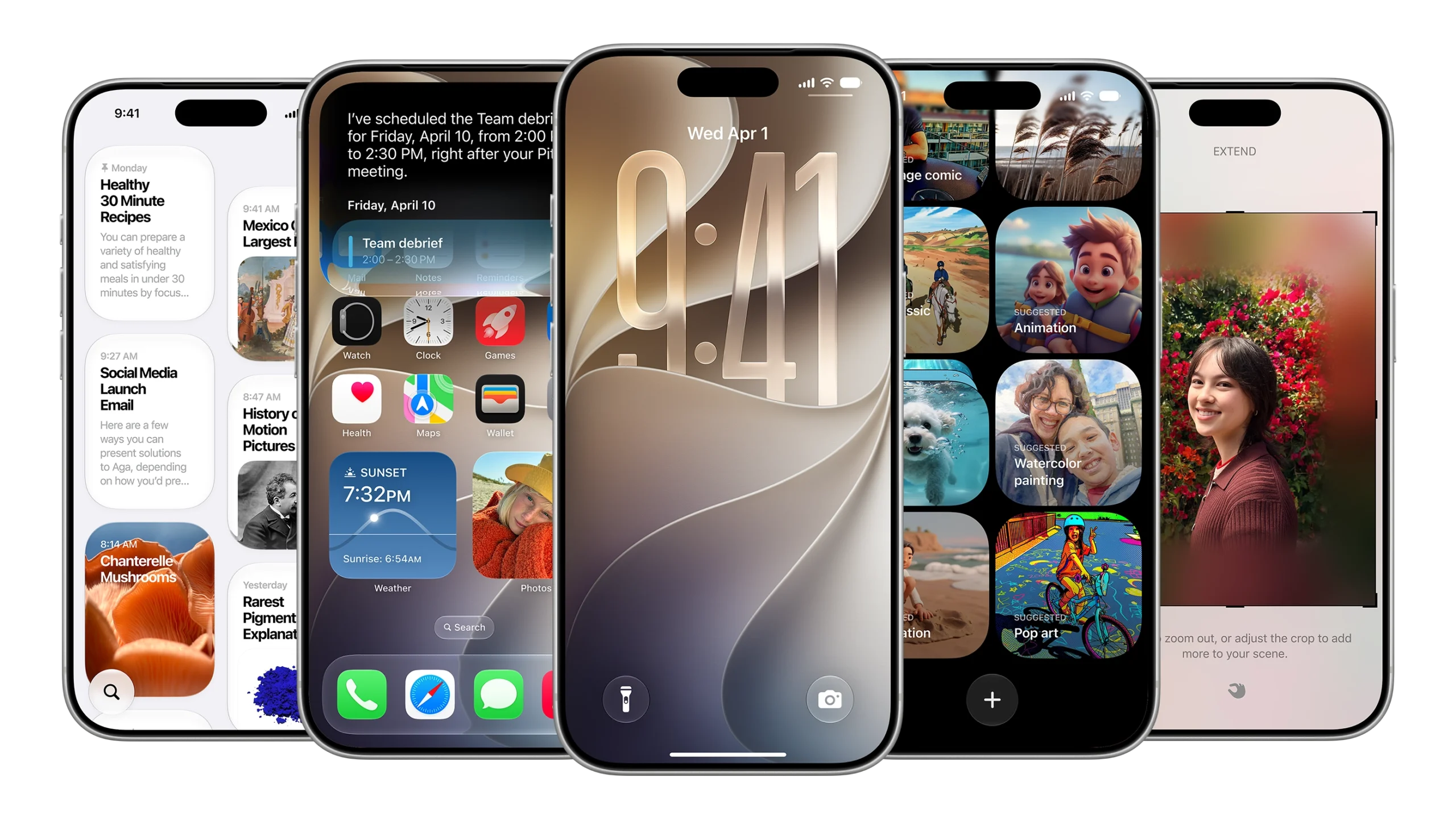
iOS 27 on Older iPhones: What Actually Improves on iPhone 11, 12, 13, and 14
What to know iOS 27 is compatible with every iPhone since iPhone 11. Older iPhones will gain improved performance across app launches, photo loading,…
-

Apple Music’s 5 New Upgrades on iOS 26.4: AI Playlists, Concert Finder, Widgets, UI, and More!
What to know Apple Music introduces Playlist Playground for AI-generated playlists from text prompts. Concerts Near You helps discover local live events directly in…
-

App Store Submissions Will Require iOS 26 and Newer SDKs in 2026
What to know Apple will enforce new minimum SDK requirements on April 28, 2026. All Apple platform apps must be built with the corresponding…
-

Old West, New Reach: Red Dead Redemption Rolls Out on Netflix, Mobile & Next-Gen Consoles
The 2010 Western classic Red Dead Redemption from Rockstar Games has officially launched on iOS, Android (via Netflix Games), and next-generation consoles including PlayStation…
-

iOS 26 Laggy? All the Fixes You Can Try
Many iPhone users say performance has degraded after installing iOS 26 — these fixes aim to help restore smooth operation.
-

WhatsApp Testing Threaded Replies on iOS for Improved Conversations
WhatsApp is testing threaded replies on iOS, aiming to make conversations more organized and easier to follow. The feature is currently in beta and…
-

iOS 26 Featured Photos Widget Now Adds Spatial View with Motion Tilt
The Featured Photos widget on iOS 26 now gets an immersive 3D-like spatial tilt effect, impressing and annoying users alike.