
What to know
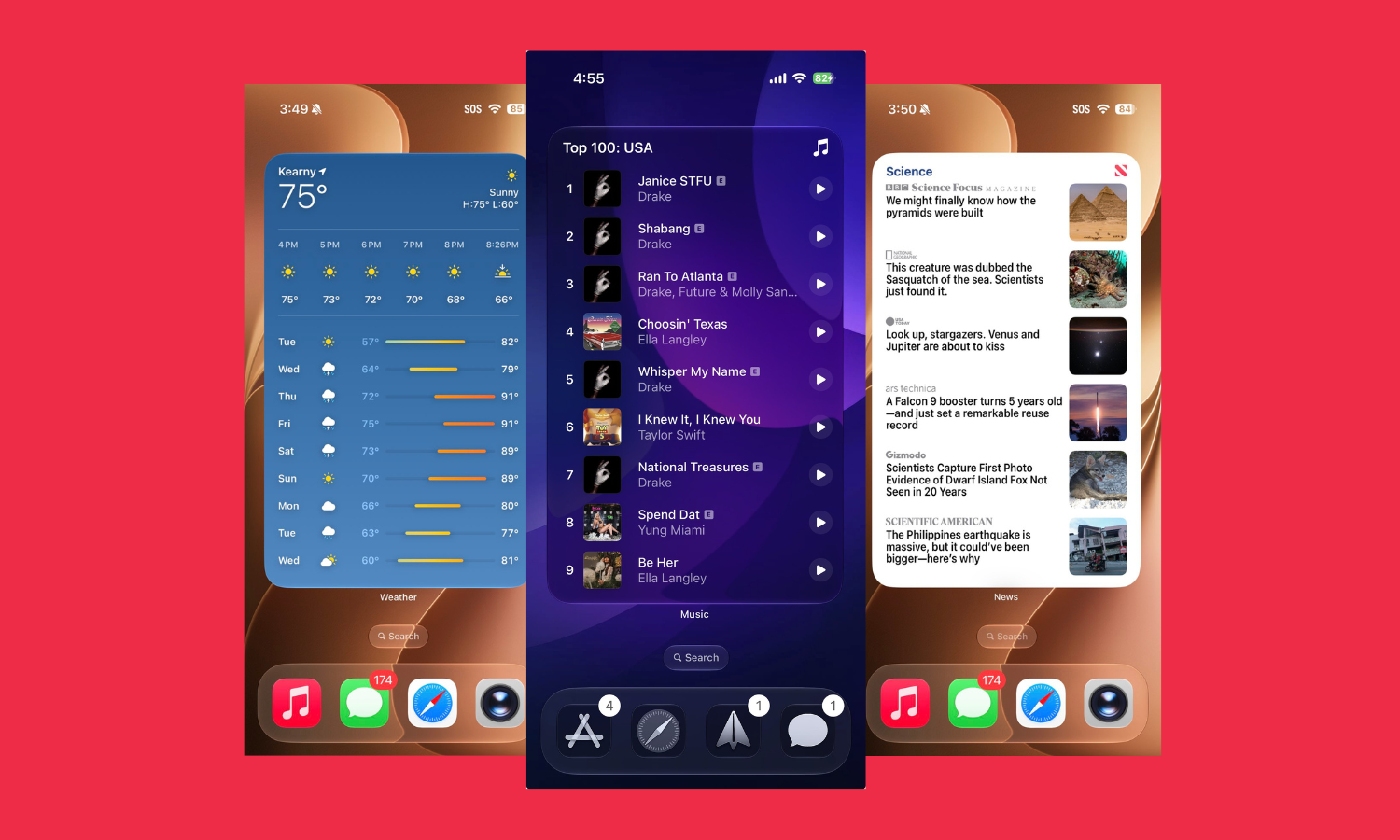
- iOS 27 adds a new large Widgets style that takes up the entire home screen.
- Simply go into Widgets customization and pick the largest widget style.
- Extra large widget size is great when you want to dedicate an entire home screen to a widget.
With iOS 27, Apple has brought a few cool features that improve the UI and make your home screen more customizable. One of these is a new 4×6 XL Widget Size that fills up the entire home screen. Accessible from the widget customization screen on the home screen itself, the largest possible widget size lets you dedicate a complete screen for a widget.
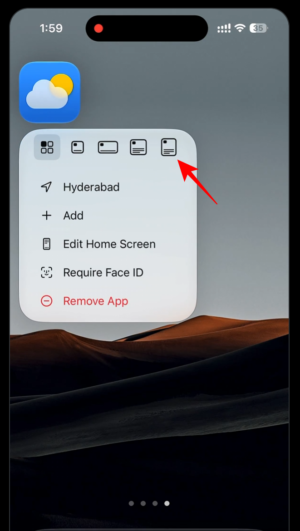
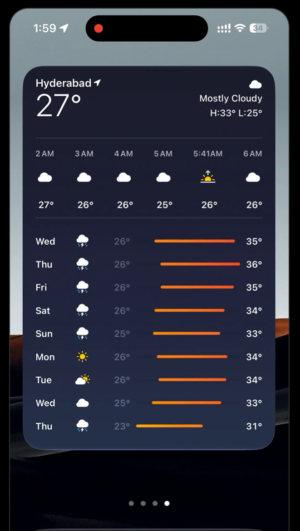
This can be extremely handy if you like some widgets to occupy their own space, unsullied by extra gaps or icons.
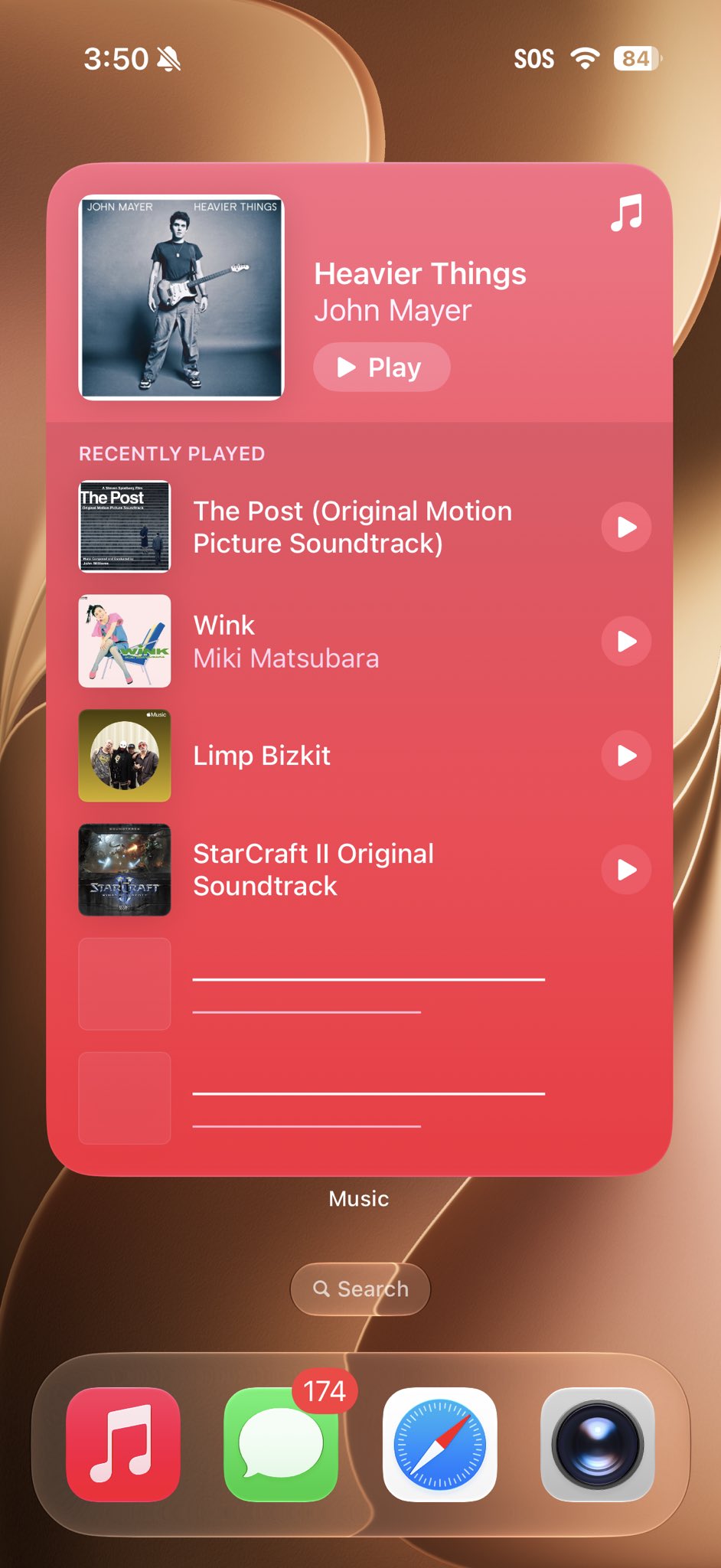
With full sized Widgets, you can now reimagine the iPhone home screen any way you like – as your playlist viewer, weather app, news app, etc. Along with the Lock Screen, you can now have different areas of your iPhone dedicated to different things.


Leave a Reply