
What to know
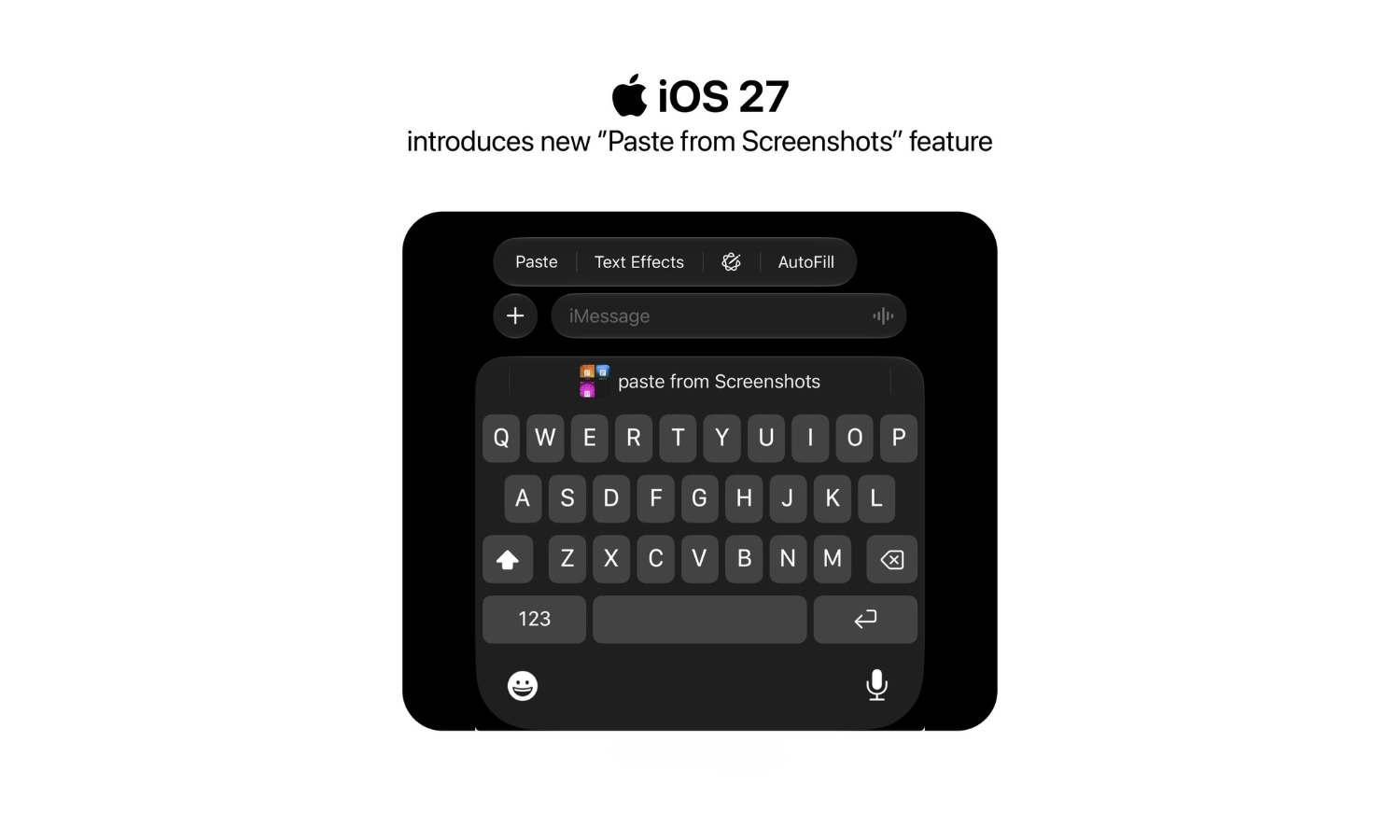
- iOS 27 keyboard gets a new ‘Paste from Screenshots’ feature.
- It lets you paste screenshots as well copied text directly from the bar above the keyboard where you usually see text suggestions.
- A number row is still missing from the keyboard.
At long last, your iPhone is getting a small but extremely helpful feature – the ability to quickly paste text and screenshots directly from the keyboard. With iOS 27, the so-called ‘Paste from Screenshots’ feature will cover not only screenshots but general text as well.
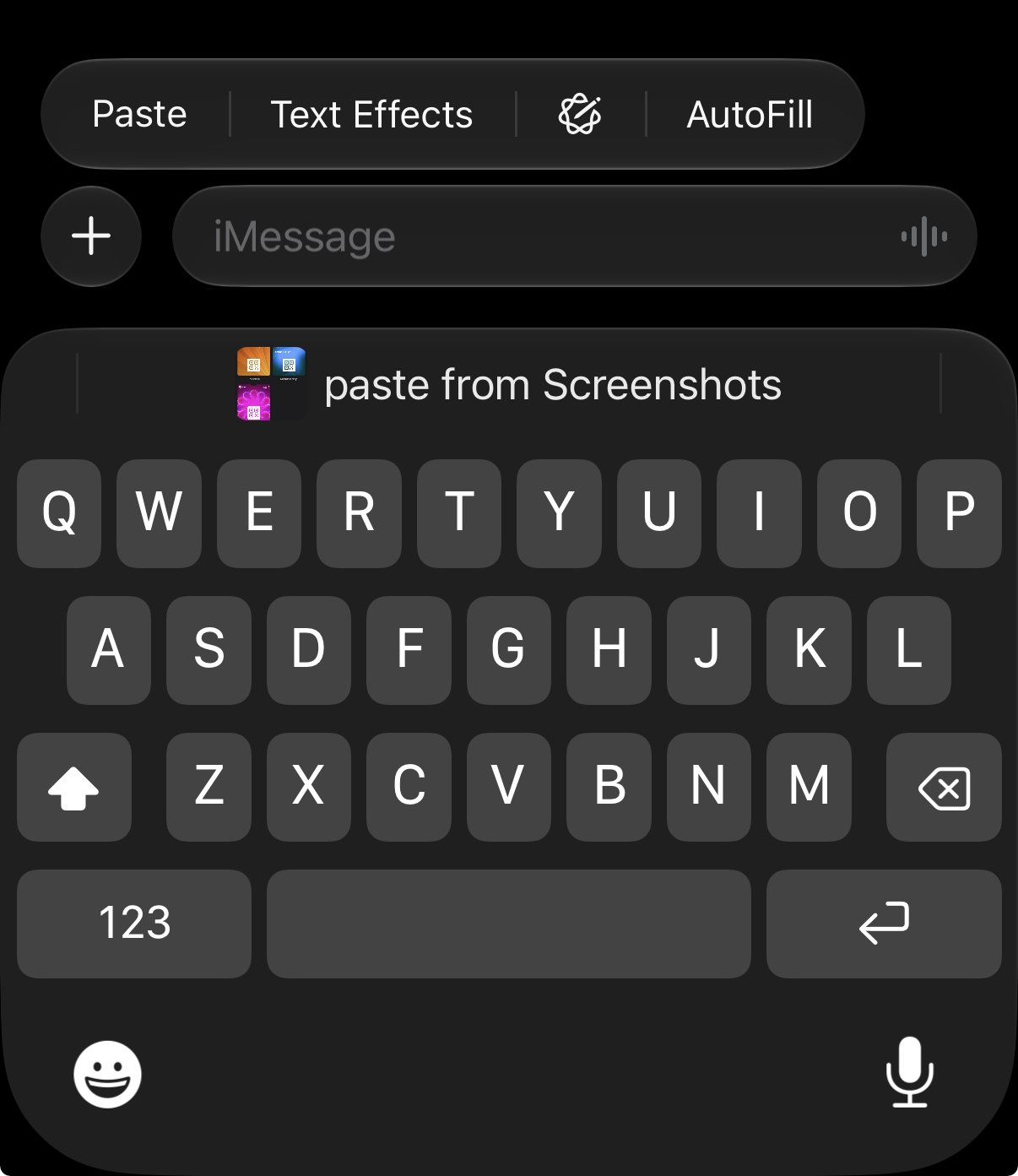
Now, whenever you have something in your clipboard – be it a screenshot or text – it will appear above the keyboard. This way, you can insert it directly from there.
Do note that only the latest element that you copy will appear above the keyboard for quick pasting.
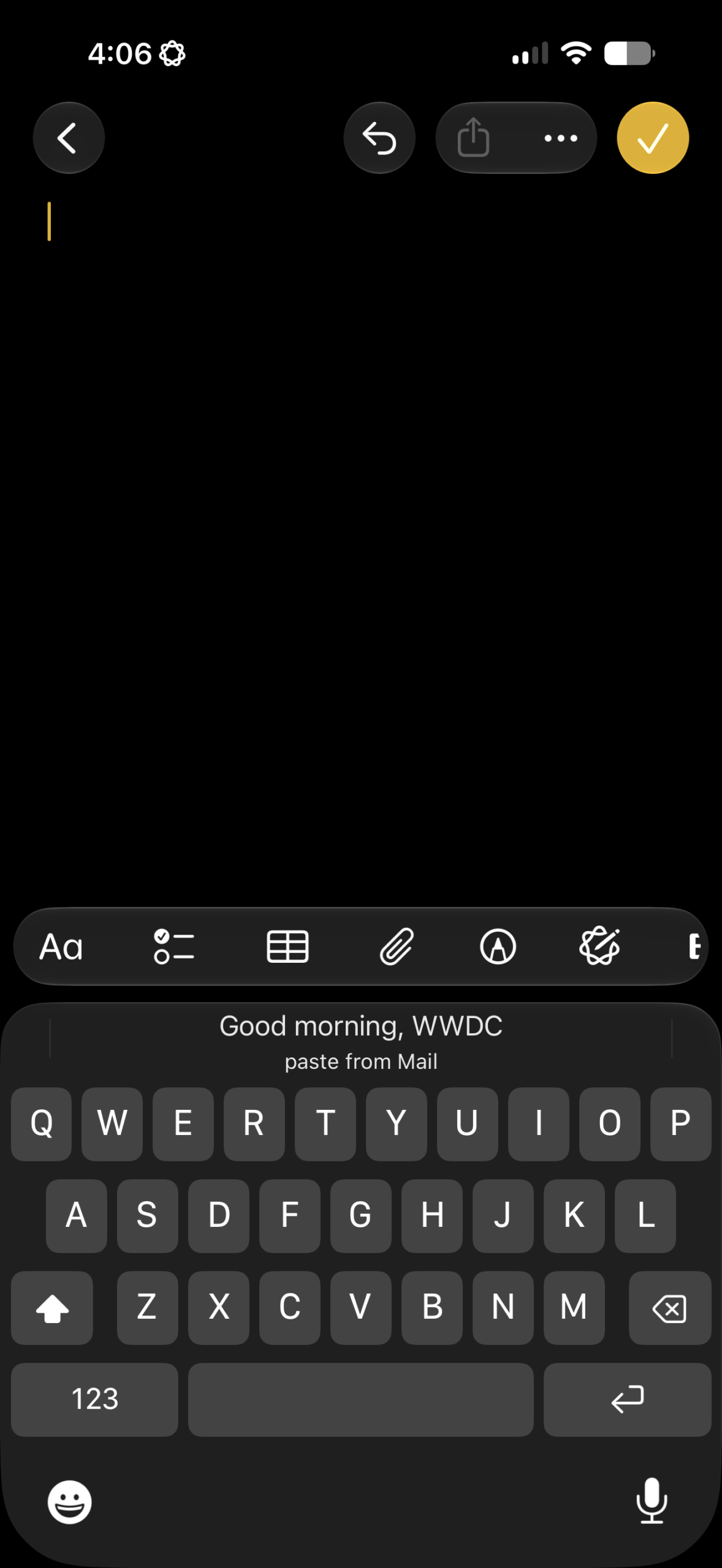
Although this is a welcome addition to the keyboard, users are understandably taking aim at Apple for taking years to provide what is a basic feature, and one that almost every keyboard app includes, from Gboard to SwiftKey.
Comment
byu/freaktheclown from discussion
iniOSBeta
At the same time, users are also quick to point out that a number row on the default keyboard – one of the most requested features – is still missing. As is clipboard history. Given how long it’s taken Apple to add the quick text and screenshot pasting feature in the keyboard, it may well be a while before further keyboard features arrive.




Leave a Reply