
What to know
- Find My lets you pause and Hide Location from others.
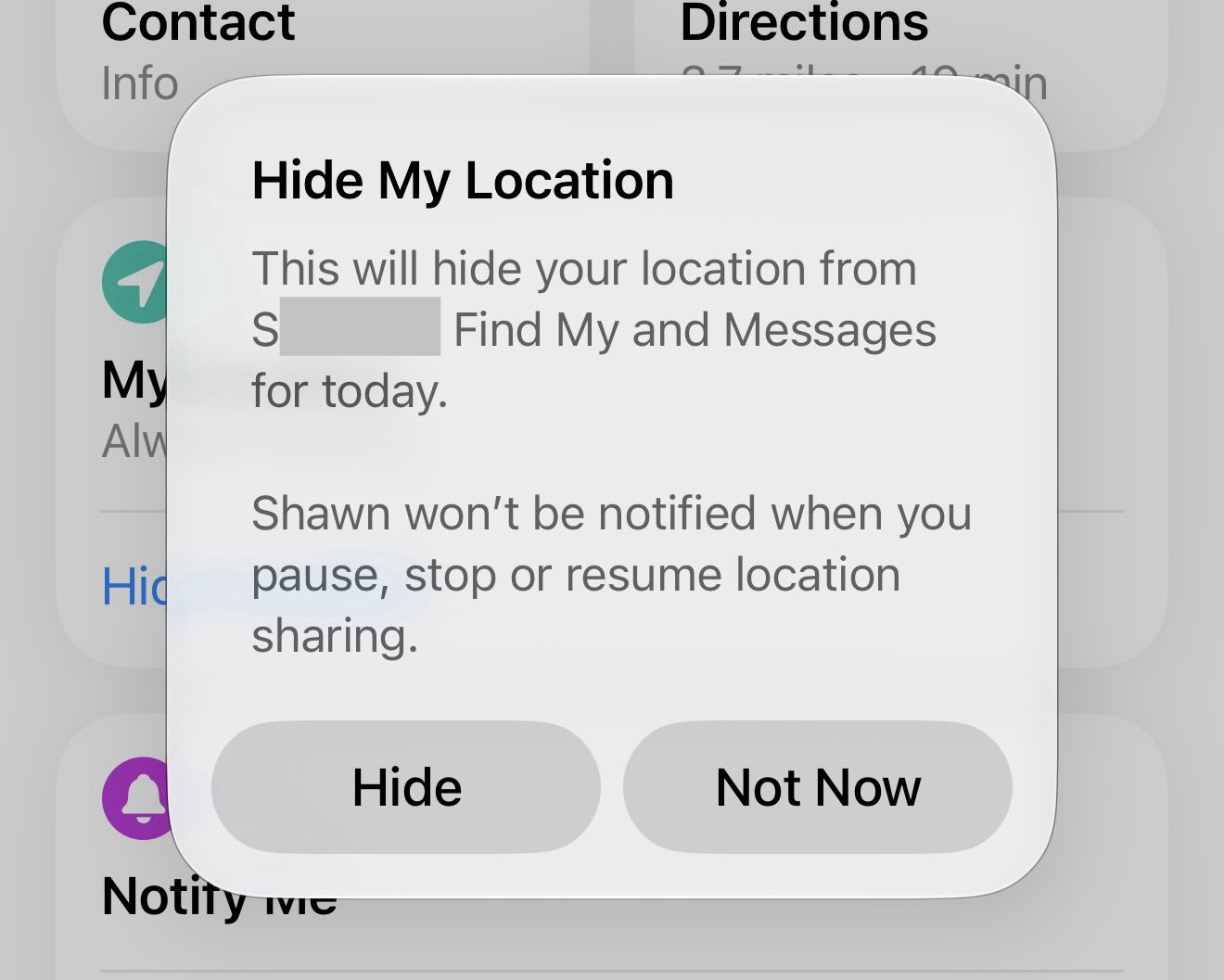
- The other person is not notified when you pause, stop, or resume location sharing.
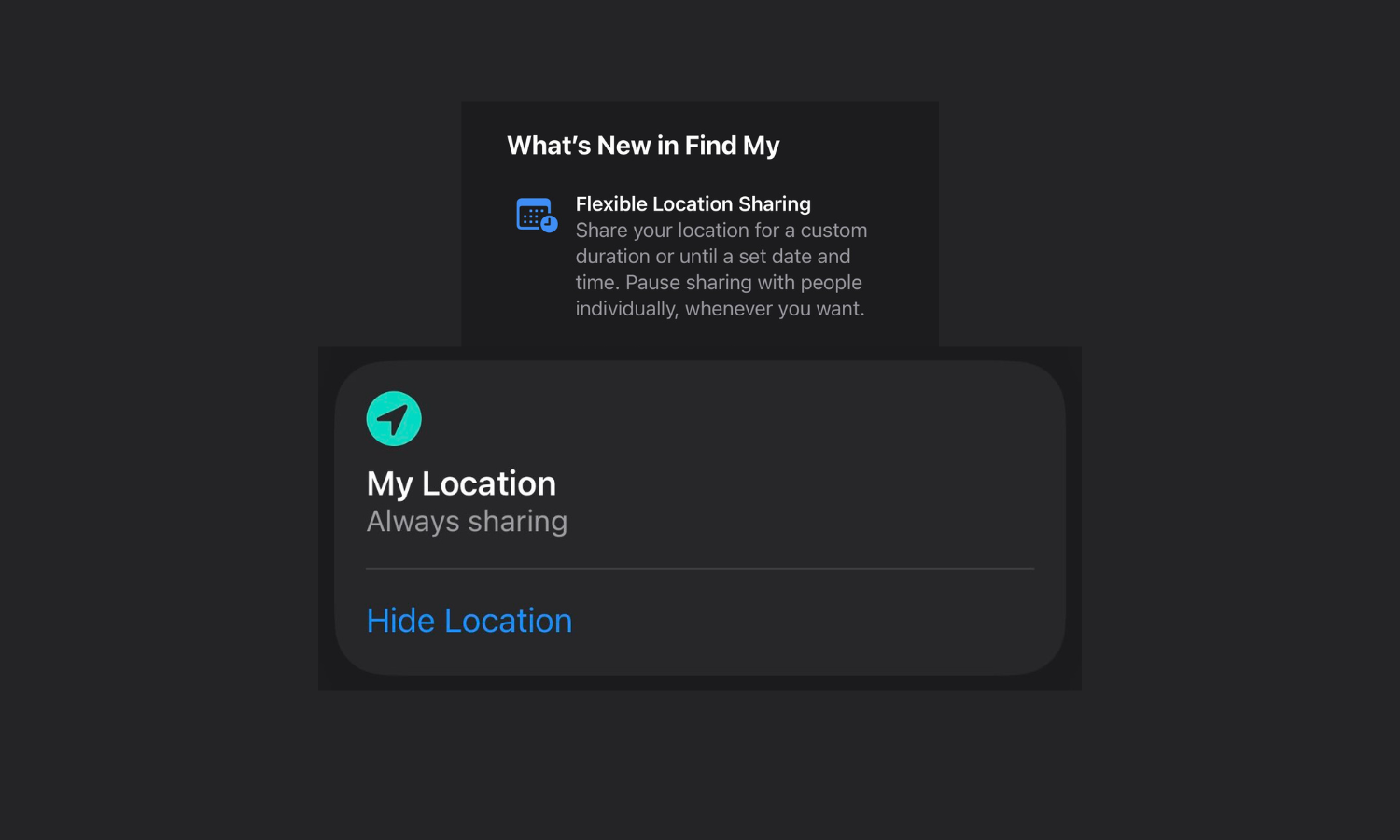
iOS 27 has made Find My’s location sharing experience a little more flexible. The built-in Apple device tracking location service now lets you pause sharing your location with people individually.
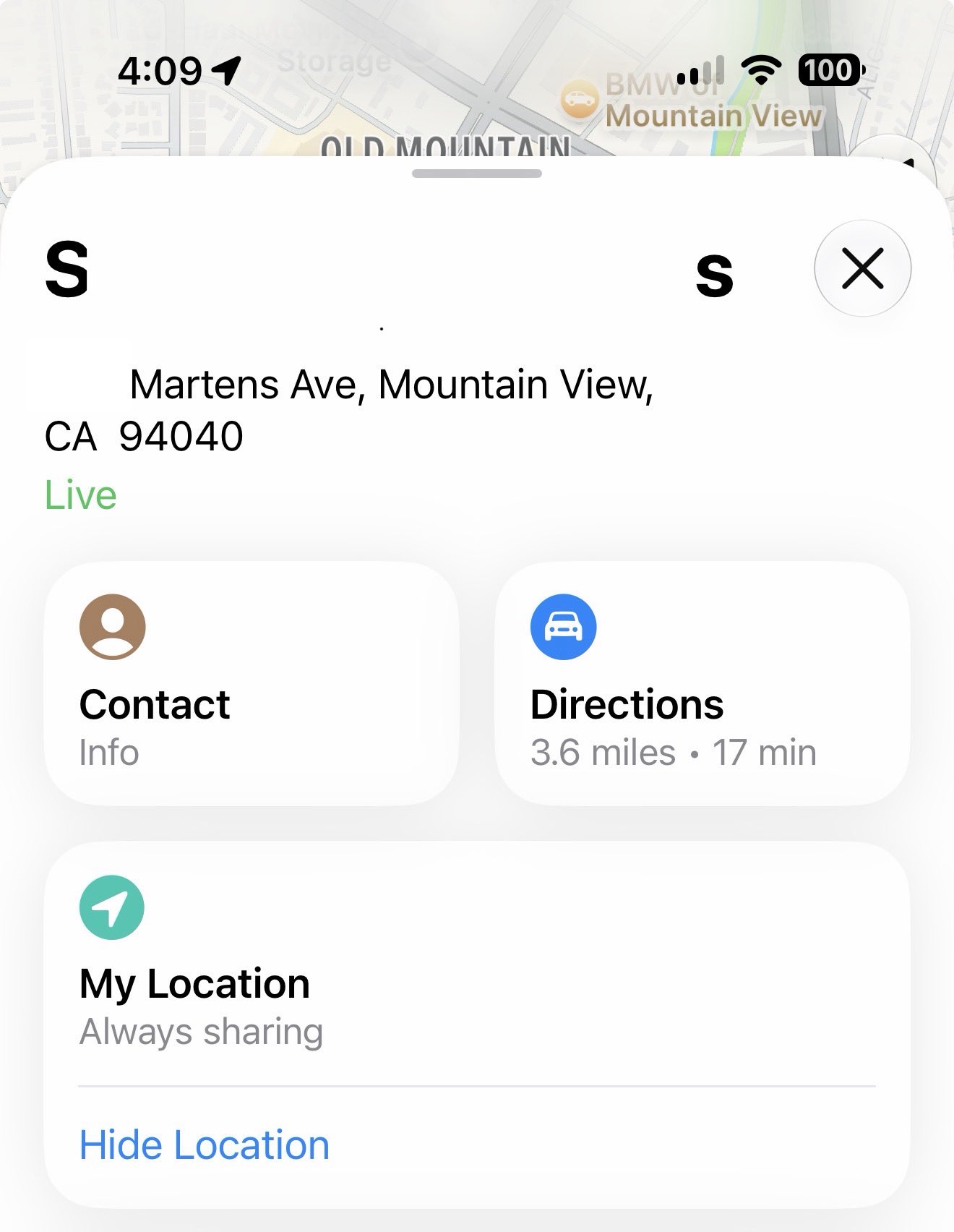
That means you can now pause sharing your location with others whenever you want. That too without notifying the other person. Simply look for the ‘Hide Location’ button at the bottom of location services.
When prompted, select Hide.
This is a huge privacy boost in the right direction that gives you more control, allowing you to suspend (or pause) sharing location with others without them knowing.
Of course, you can always stop sharing your location entirely. But if you don’t want to upset the other person, and simply want to pause sharing location temporarily, this options should be of much use.


Leave a Reply