
Category
Gaming
-
Destiny 2 “I’m Tired, Boss” Triumph Guide: How to Get a Perfect Score in the Tire Mini-Game
What to know After arriving in Sanctuary on the Moon, you can participate in one of Destiny 2’s most unusual activities: the Tire Game.…
-

Destiny 2 Hidden Treasures Triumph Guide: 3 Solo Hidden Chests Location
What to know If you’re working on the Hidden Treasures triumph in Destiny 2, you don’t need a full fireteam or a complete raid…
-
Best Hollow Traits in VV Ultimatum and How to Reset Them
What to know If you’re playing as a Hollow or progressing toward an Arrancar in VV Ultimatum, your trait selection can have a major…
-
Best Weapons for Every Race in VV: Ultimatum Ranked – Quincy, Arrancar, and Soul Reaper
VV: Ultimatum offers several weapon choices for each race, and picking the right one can dramatically improve your leveling speed, boss farming efficiency, and…
-
VV Ultimatum: Valley of Screams Location Guide – How to Enter Valley of Screams and Purple Portal
The Valley of Screams has no permanent map location in VV Ultimatum. You can only enter through randomly spawning purple portals. The area is…
-
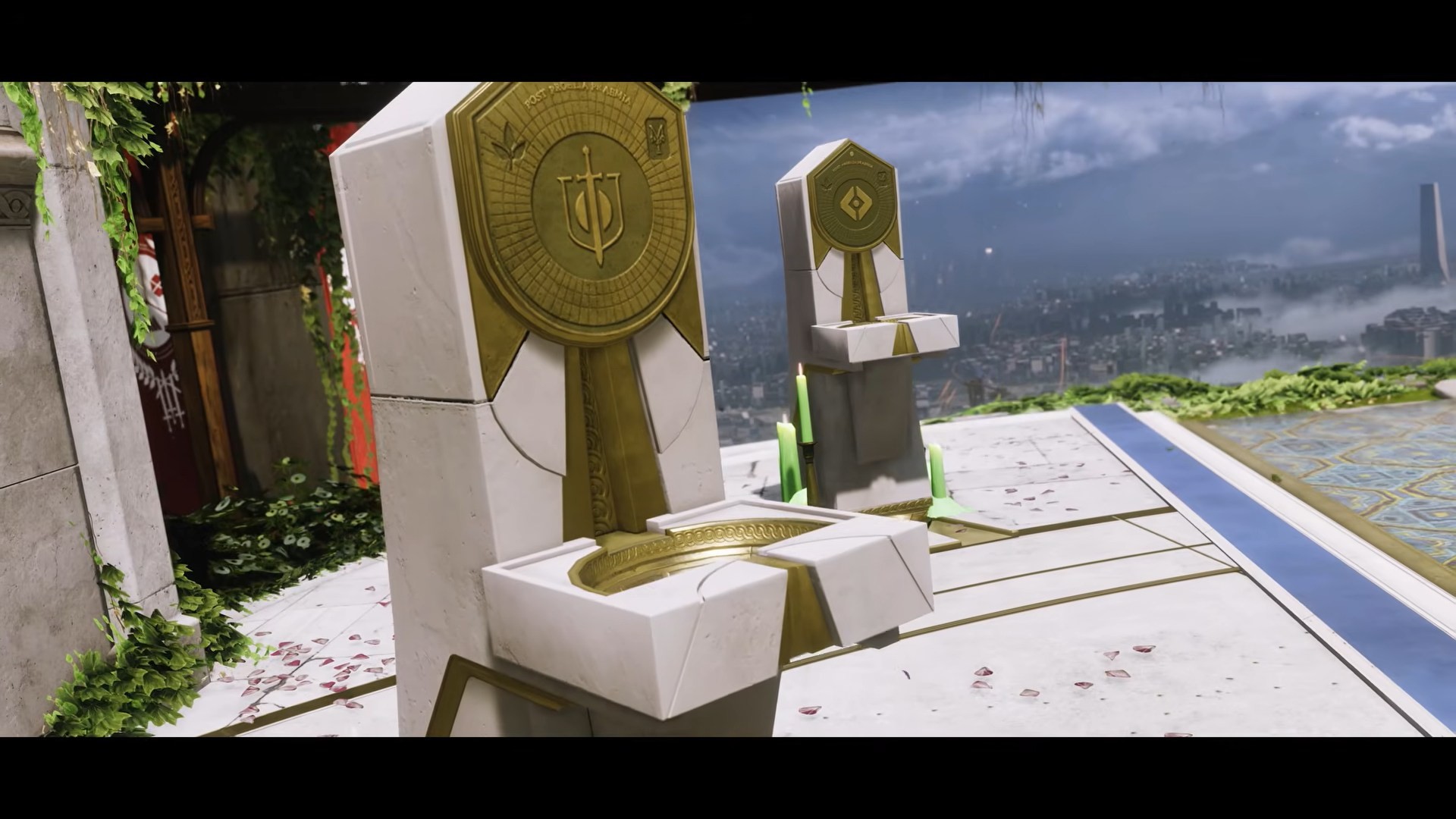
Destiny 2: Ak-Baral Nine-Touched Triumph Guide: Veles Labyrinth Corruption Location
What to know After the arrival of the Nine-related activities in Destiny 2, several triumphs require Guardians to locate hidden Corruptions inside existing Lost…
-
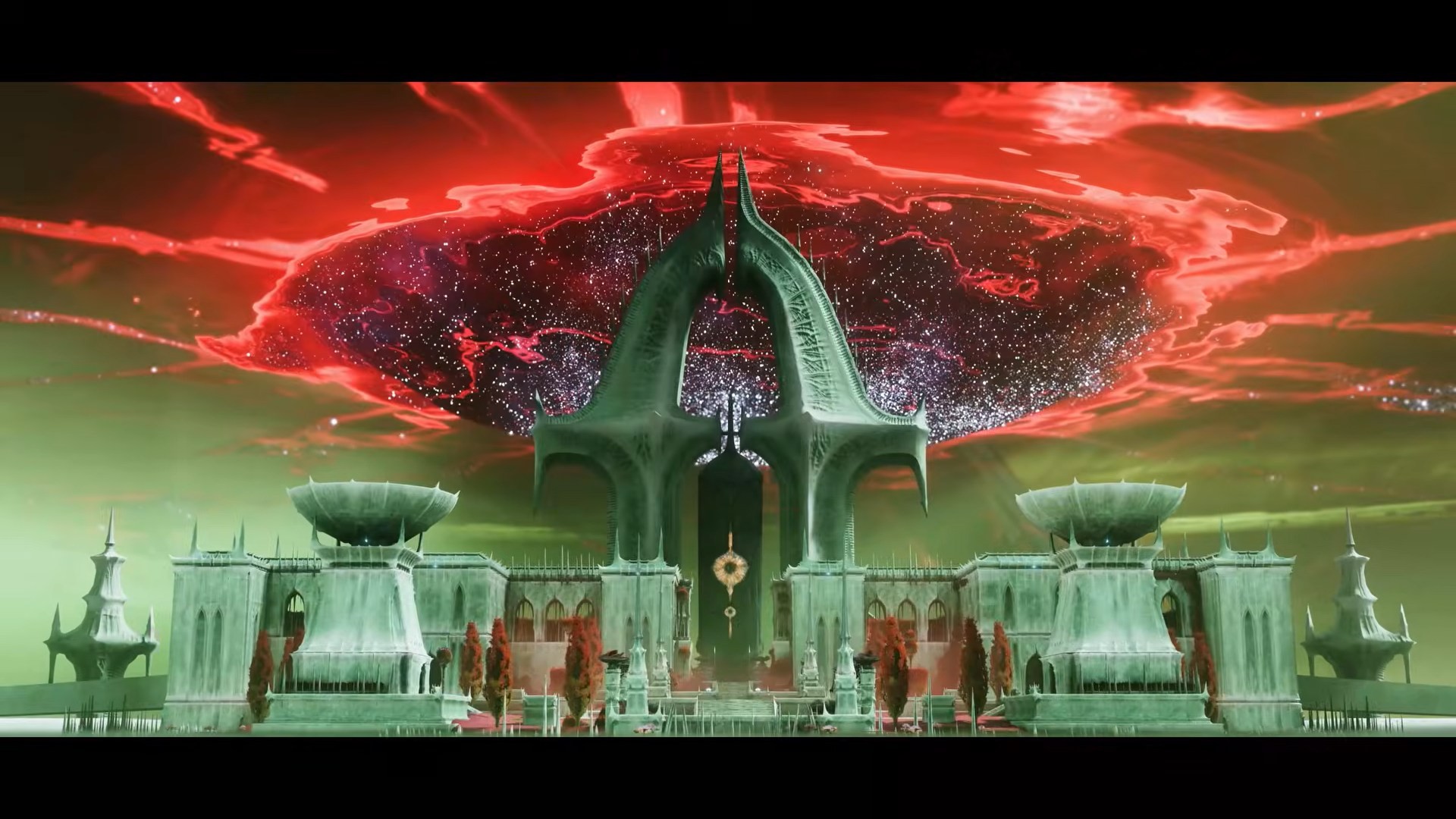
Destiny 2 QUEQIAO-41 Triumph Guide: Crashed Satellite Location in Lost Sector
What to know If you’re working through Destiny 2‘s hidden triumphs, the QUEQIAO-41 Triumph requires locating and interacting with a crashed satellite, sometimes referred…
-
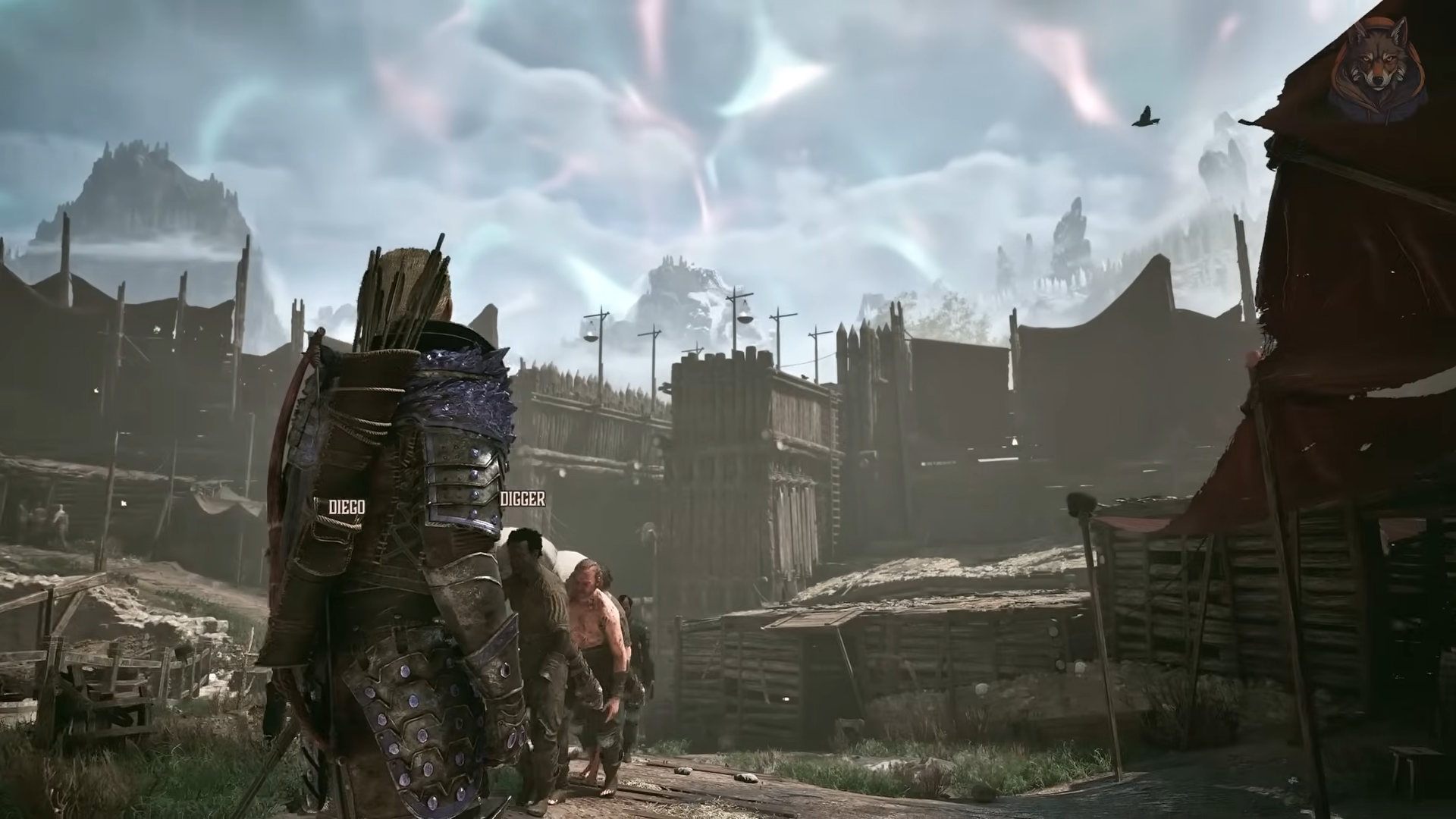
Gothic 1 Remake: Should You Give the Letter to Torrez or Milten – Locations, Choices, Consequences, and Rewards
In Gothic 1 Remake, you should give the sealed letter to Milten to get the highest possible EXP reward (400 XP) and unlock a chance to…
-
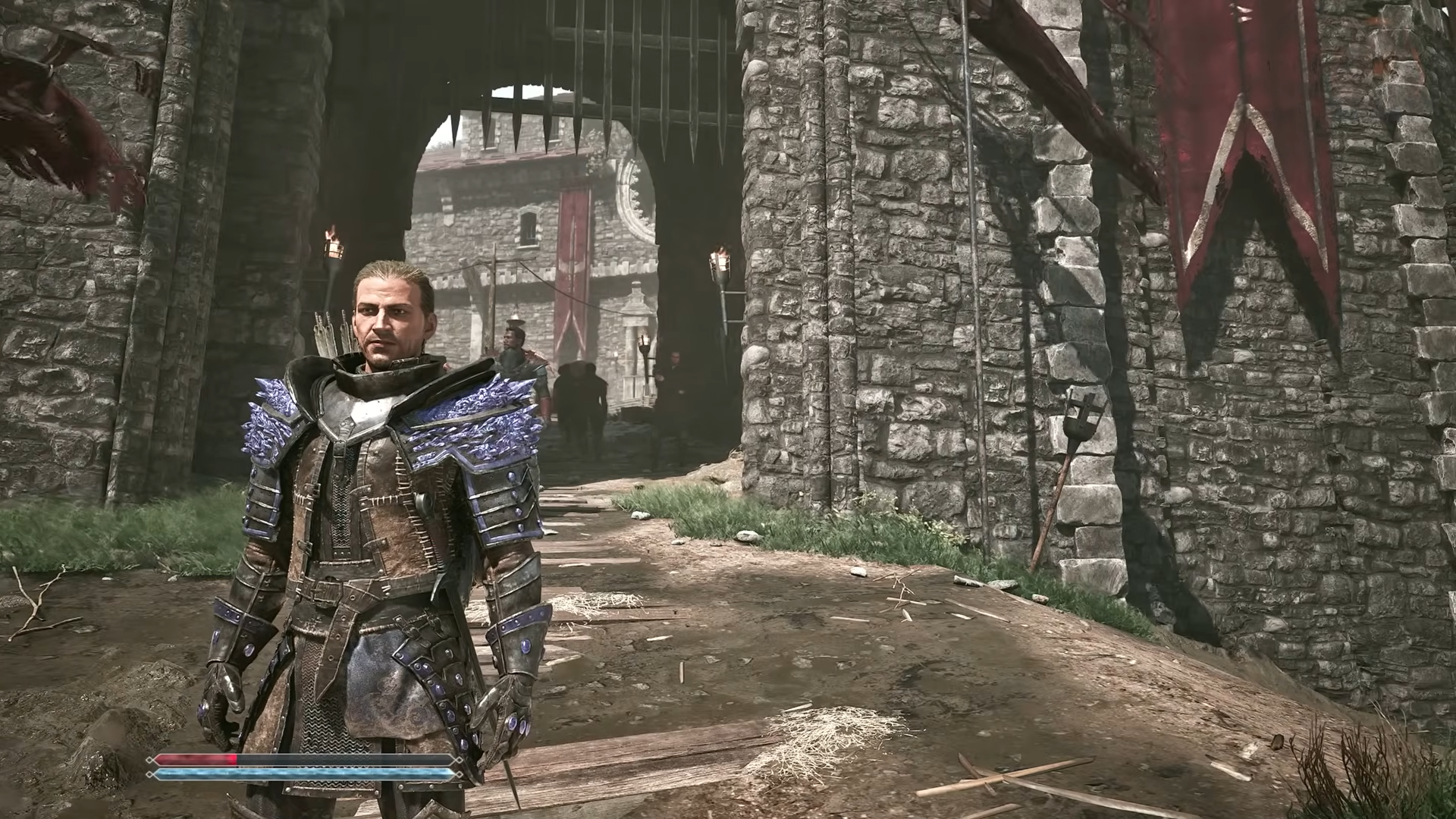
Gothic 1 Remake: How To Get The Ancient Ore Armor Early – Get the Best Armor in Game with Step-by-Step Guide
In Gothic 1 Remake, you can get the Ancient Ore Armor in Chapter 1 by defeating Gomez and looting it from his bedroom chest…
-
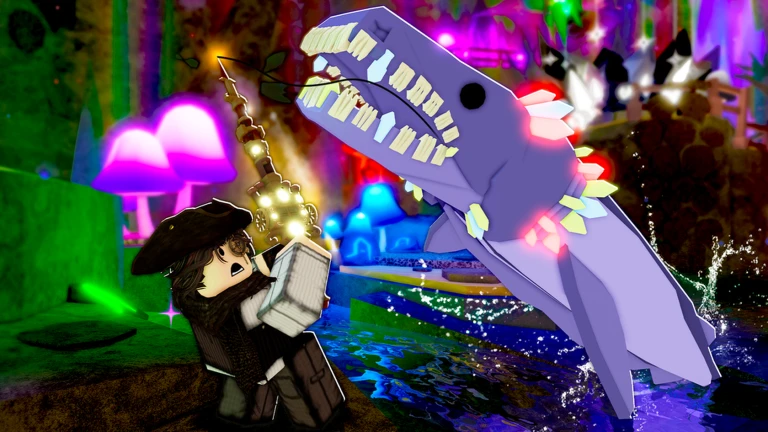
Fisch Noiseform Rod Unlock Guide: Full Quest, Requirements, and Noiseform Stats Explained
What to know If you’re aiming to obtain the newest Noiseform Rod in Fisch, the Noiseform questline will test both your fishing progression and…
-

Destiny 2 “Sweeper No Sweeping” Triumph Guide – All 6 Sweeper Bot Locations
The Sweeper No Sweeping triumph is one of several fun Tower-based activities available during Destiny 2’s Monument of Triumph celebrations. Rather than fighting enemies…
-
Destiny 2 Hidden Soccer Goal Net Location: Goooaaalll Triumph Guide
What to know After the addition of the Monument of Triumphs in Destiny 2, several hidden objectives were introduced around the Tower. One of…
-
Destiny 2: Who Needs Floors Anyways Triumph Guide – Location, Rewards, and Tips
What to know Destiny 2‘s hidden Floor is Lava challenge has been a fan-favorite Tower secret for years. While it does not provide powerful…
-
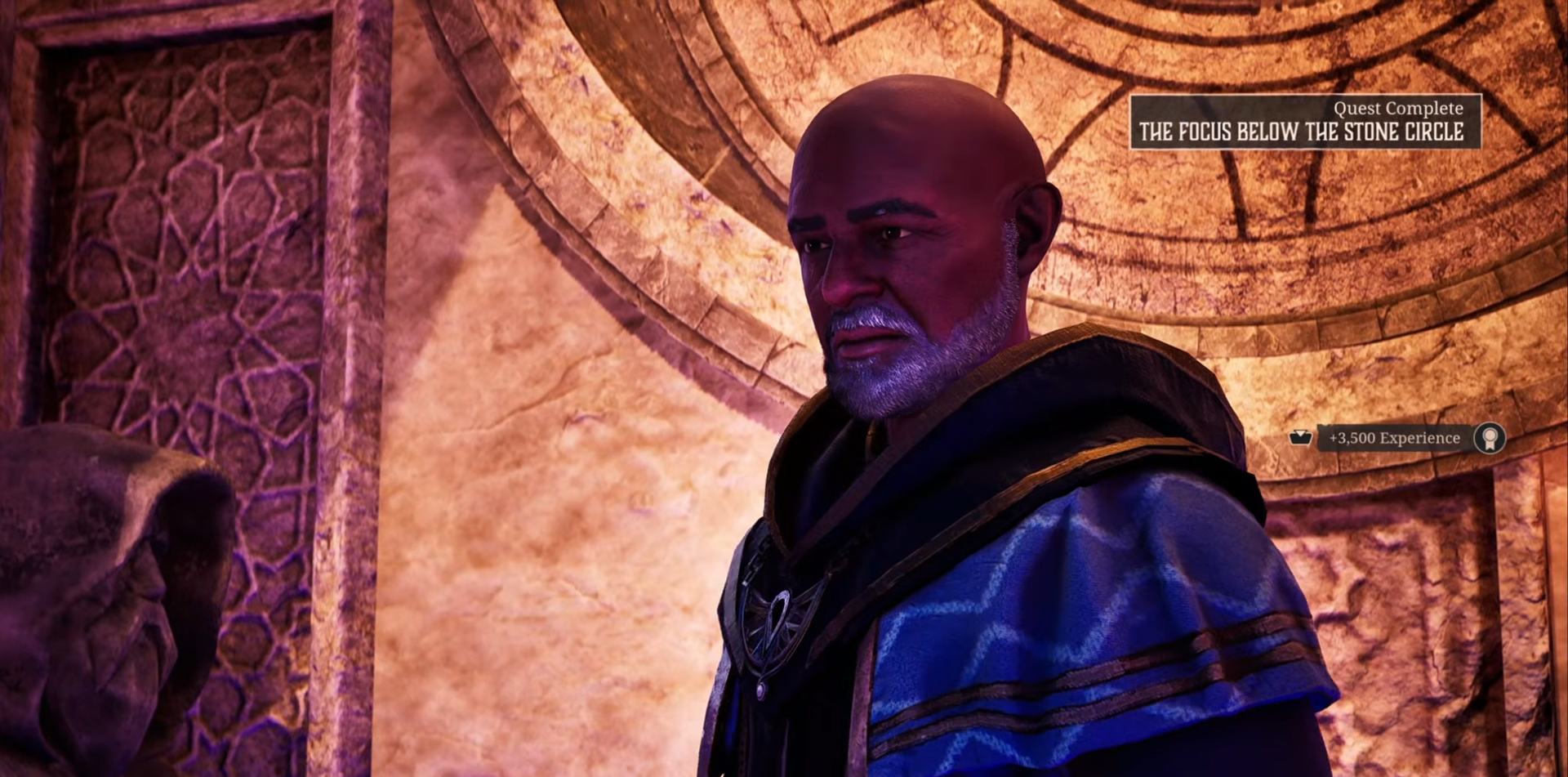
Gothic 1 Remake: How to Complete The Focus Below the Stone Circle Quest – Stonehenge Location, Requirements, and Step-by-Step Guide
In Gothic 1 Remake, The Focus Below the Stone Circle is completed by traveling to the path near the Stone Circle, meeting Diego, entering the…
-
Destiny 2 Reset the Clock! Triumph Guide: How to Reset the Site Safety Counter in the Tower Hangar
What to know If you’re working through the Monument of Triumph objectives, Reset the Clock is one of the quickest triumphs to complete. The…
-
Destiny 2 Monument of Triumph: Hidden Imbaru Chest Location and Loot in Queen’s Bailey Guide
What to know If you’re trying to complete the hidden Imbaru chest triumph in Destiny 2, you’ll need to travel to Savathûn’s Throne World…
-
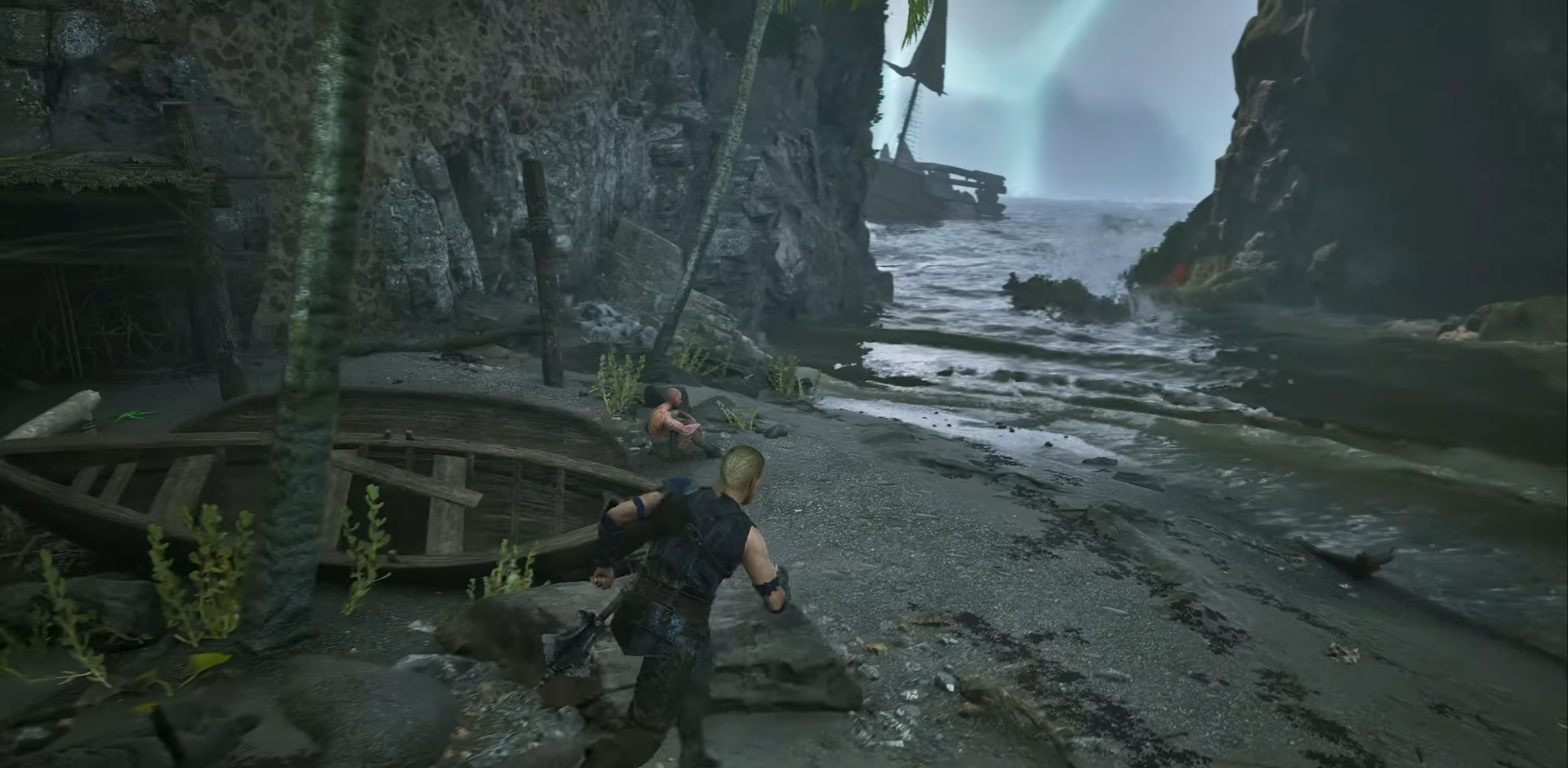
Gothic 1 Remake: How to Learn Climbing – Trainer Location, Requirements, and Step-by-Step Route Guide
You can learn climbing in Gothic 1 Remake by finding Theron at the Swamp Camp and paying him 6 pieces of Northern Dark plus 5 LP to teach you the skill. Climbing…
-
Destiny 2: Mara’s Cipher Triumph Solution, Wishing Wall Code, and Ethereal Key Location
After the launch of the Monument of Triumph in Destiny 2, one of the Treasure Hunting objectives players encounter is Mara’s Cipher. The triumph…
-
VV Ultimatum Missing Necklace Location Guide: Nikla’s Necklace Quest Guide and Rewards
What to know If you’re working through side quests in VV: Ultimatum, the Missing Necklace quest is one of the simpler objectives available early…
-
How to Change Your Faction in VV Ultimatum Without Losing Progress: Costs, Requirements, and Drawbacks
Changing factions in VV: Ultimatum is not as straightforward as selecting a new race or allegiance from a menu. However, players who want to…