
Category
Gaming
-
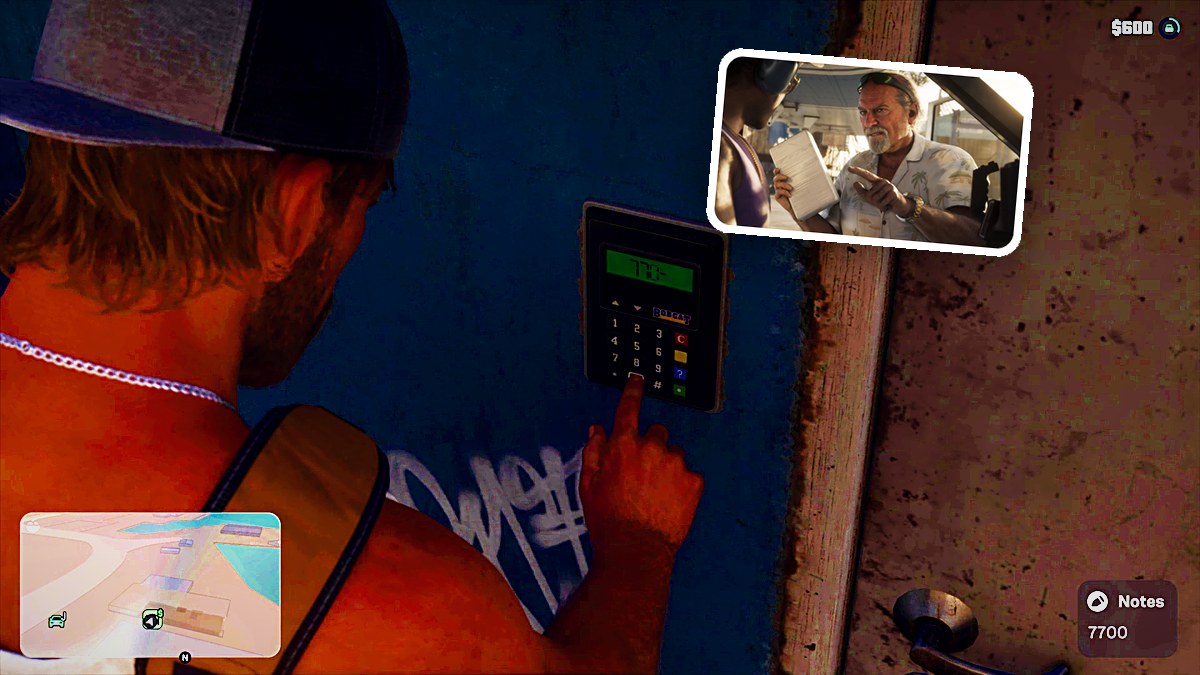
GTA 6 Brian’s Lockup and Boutique Lab: All Codes, Unlock Steps, and Stash Bag Drop
Find the GTA 6 Brian’s Lockup and Boutique Lab codes, learn how to unlock both doors, and follow the steps to leave the stash…
-
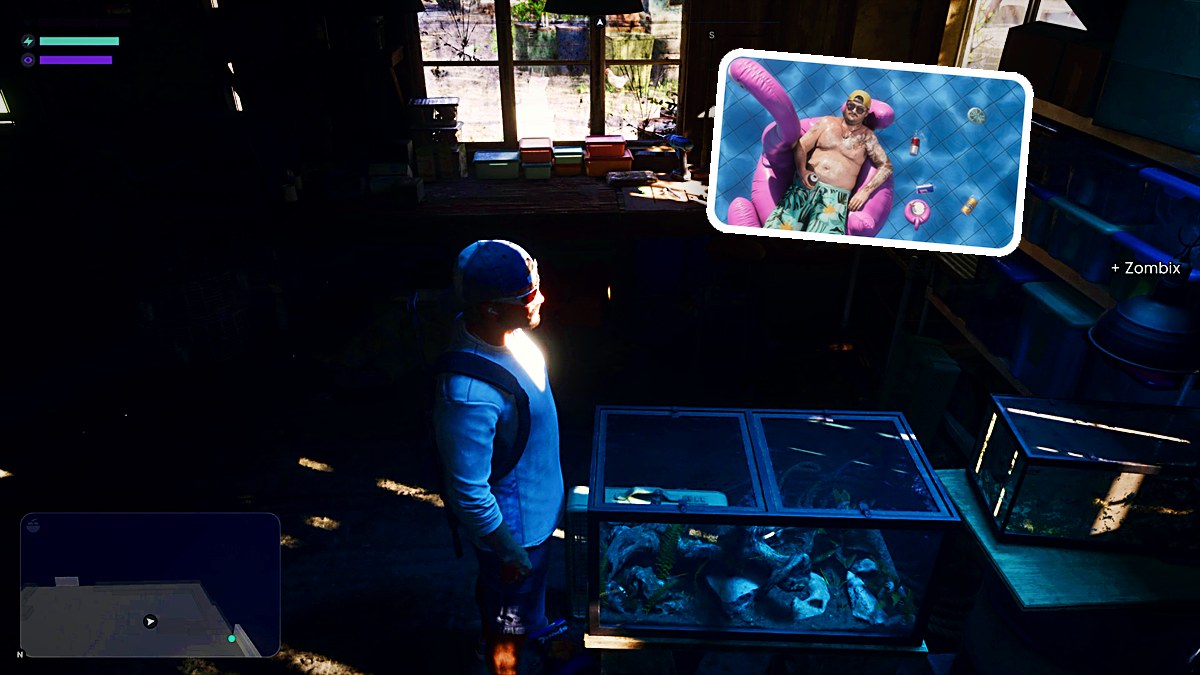
Where to Buy Zombix in GTA 6 and How to Use It
This GTA 6 Zombix guide explains where to find the mini-mart counter in Key Lento, how to buy Zombix for $15, and how to…
-
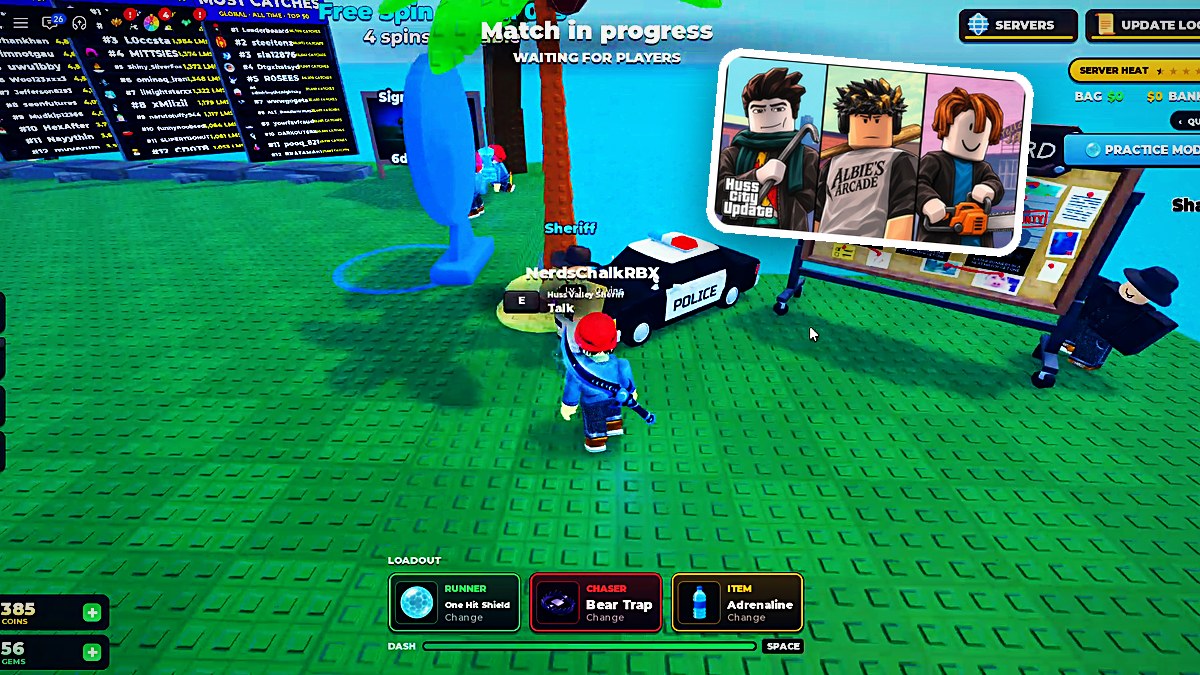
Bounty Update: NPCs, Heat Rewards, and Bundles in Huss Valley
Explore Huss Valley’s Bounty Update with a guide to NPC interactions, player-set bounties, cash and Heat progression, Crew Vault rewards, and the Getaway Bundle…
-
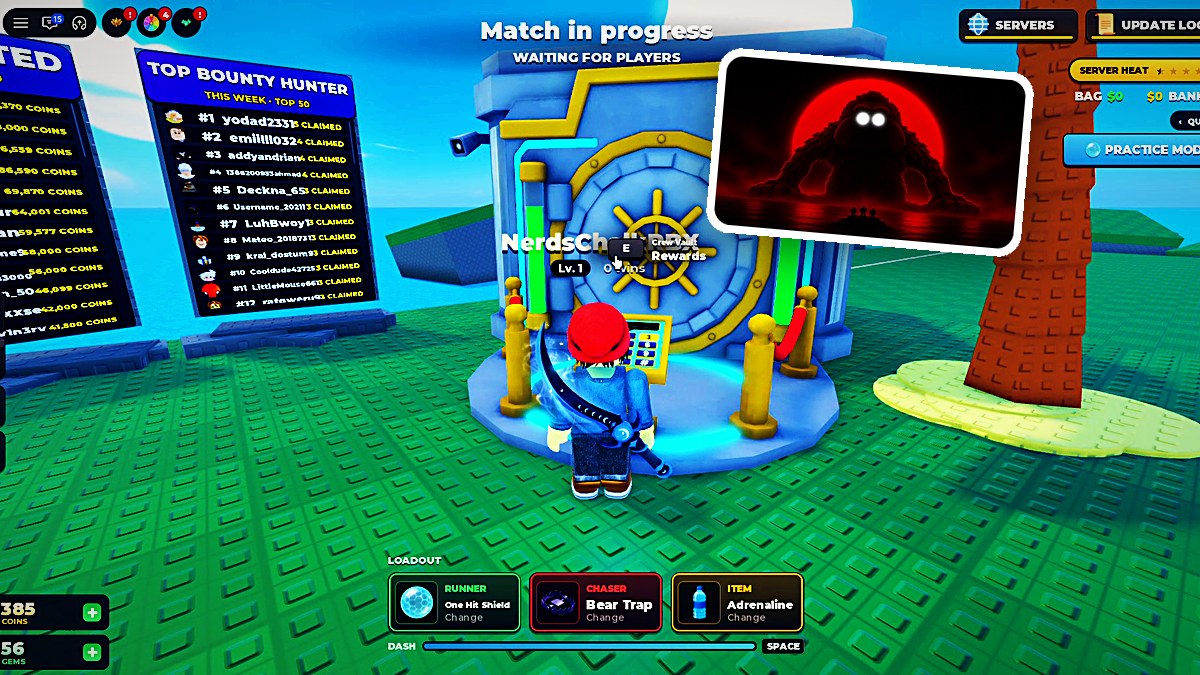
Survive Your Ideas Thinker Event: Bounty Event, Vault Rewards, and New Maps
The Survive Your Ideas Thinker Event introduces a word-powered boss fight with exclusive rewards, alongside Bounty Event activities, vault rewards, and new Airport and…
-
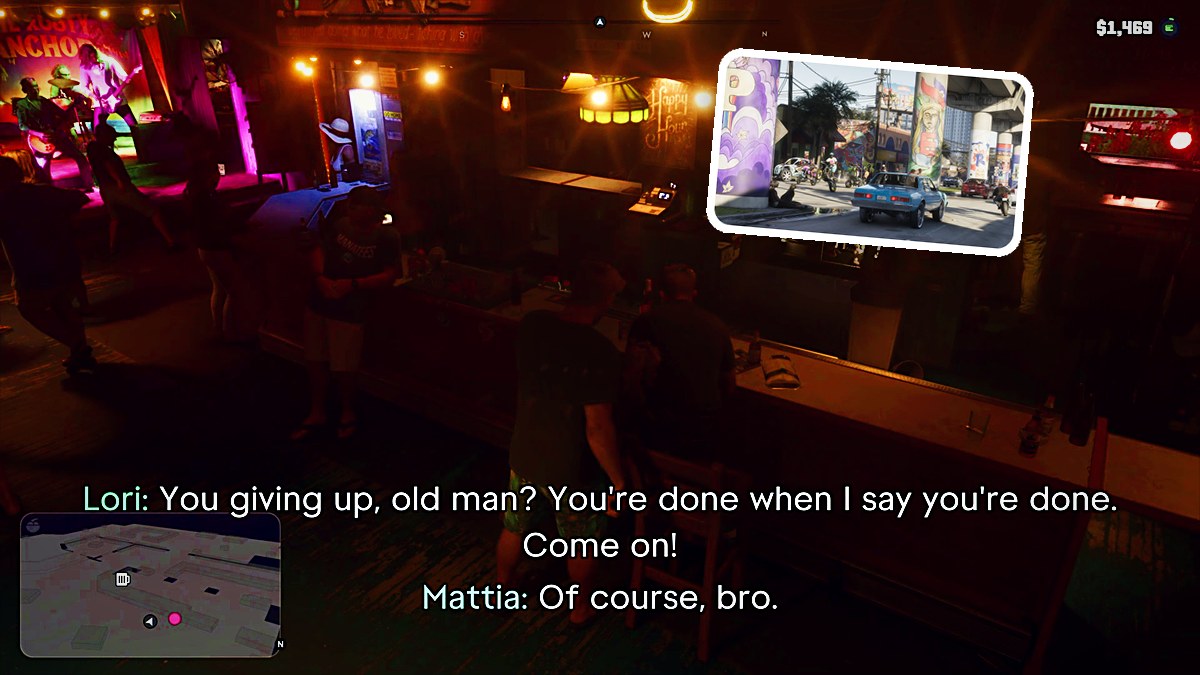
Who Is Mattia in GTA 6?
Mattia in GTA 6 is Kat’s Italian boyfriend, whose connections help Lucia remove her ankle monitor and bring him into Jason’s circle, while his…
-
GTA 6 Gameplay Menu: Targeting, Input Assists, and How to Save
Explore the GTA 6 Gameplay menu to understand targeting options, movement settings, input assists, and accessibility features, then learn how to save your changes…
-
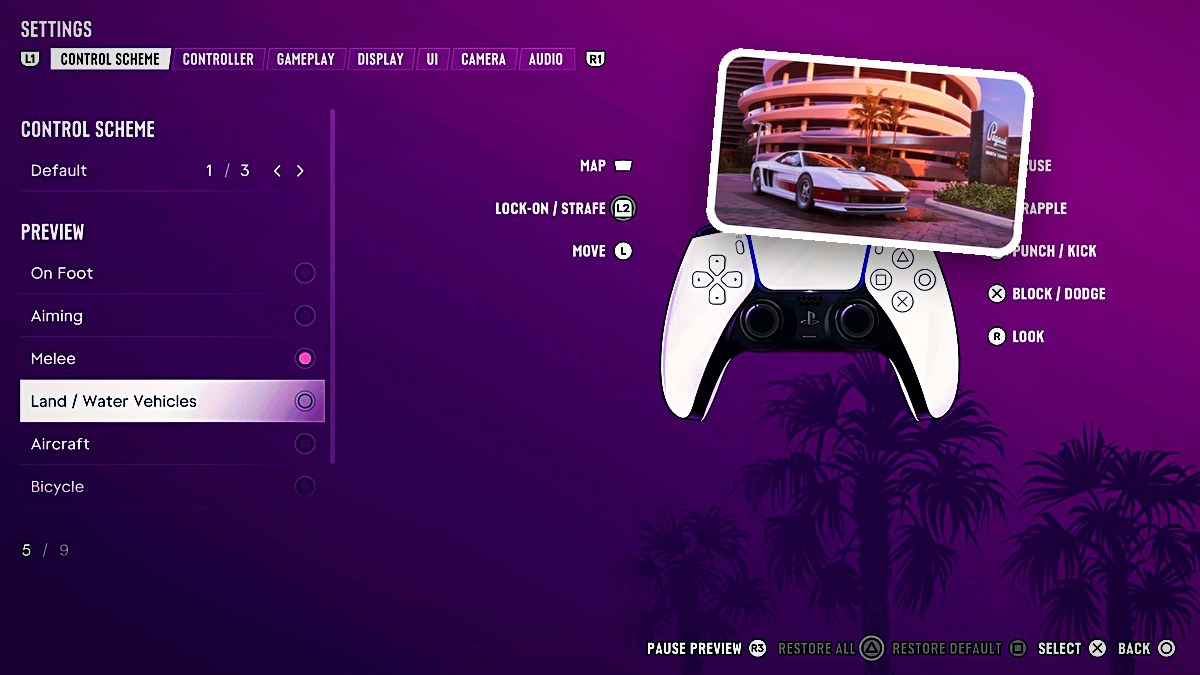
GTA 6 Controls: Preset Setup, on-Foot Controls, and Vehicle Layouts
Explore GTA 6 controls, choose between Default and Classic presets, and find the button layouts for on-foot movement, combat, driving, flying, cycling, swimming, and…
-
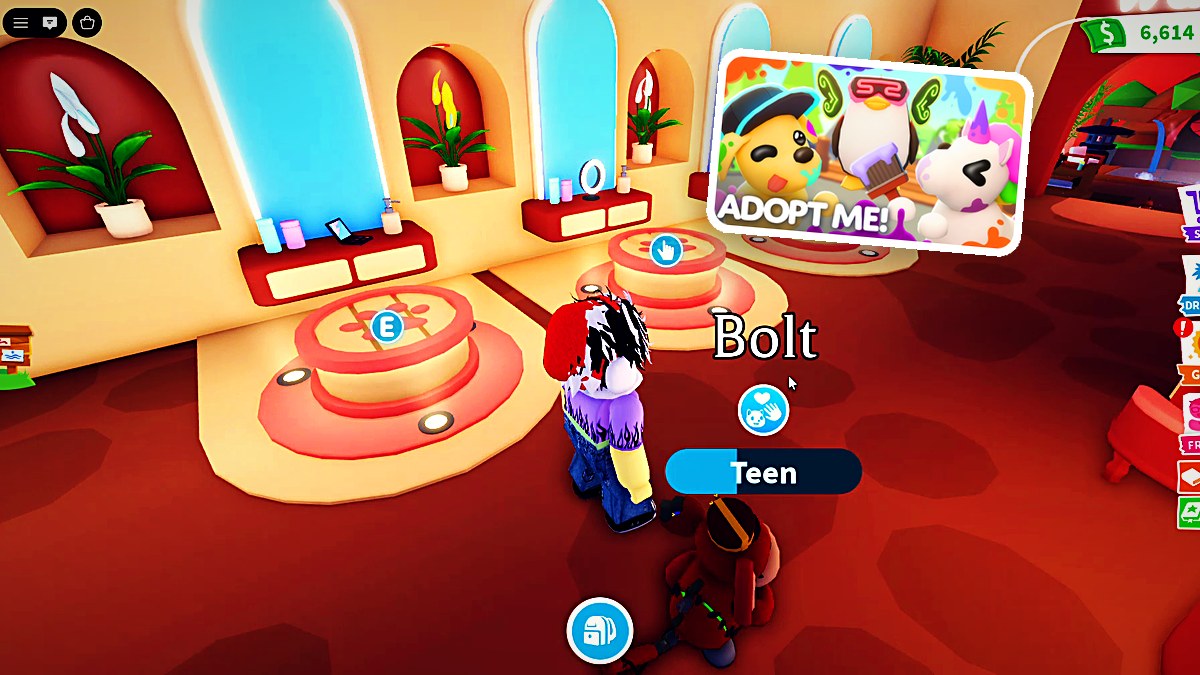
Adopt Me! Pet Recoloring: Paint Options, How to Recolor, and Color Reset
Adopt Me! pet recoloring lets you customize your pet at the Salon, with 25 Pet Paints and seven Mega Neon Paints to explore, plus…
-
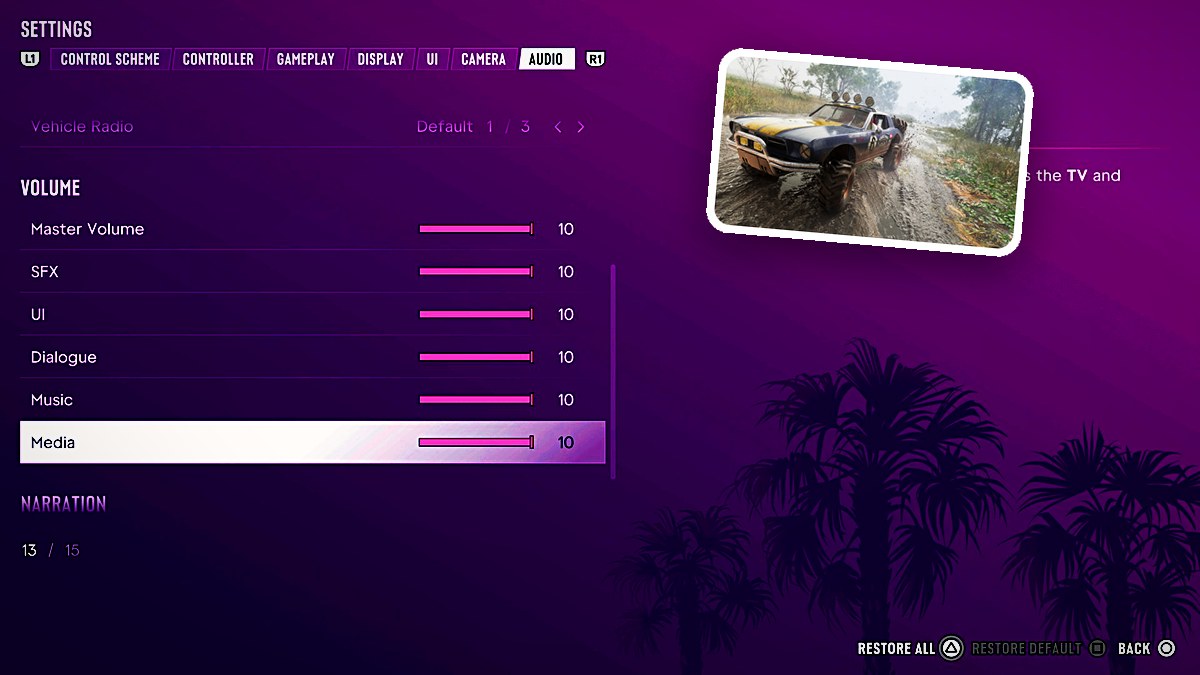
GTA 6 Sound Settings: Mono Audio, Volume Controls, and Audio Descriptions
Explore GTA 6 sound settings to adjust mono audio, balance individual volume controls, manage controller and vehicle radio sound, and choose audio descriptions and…
-
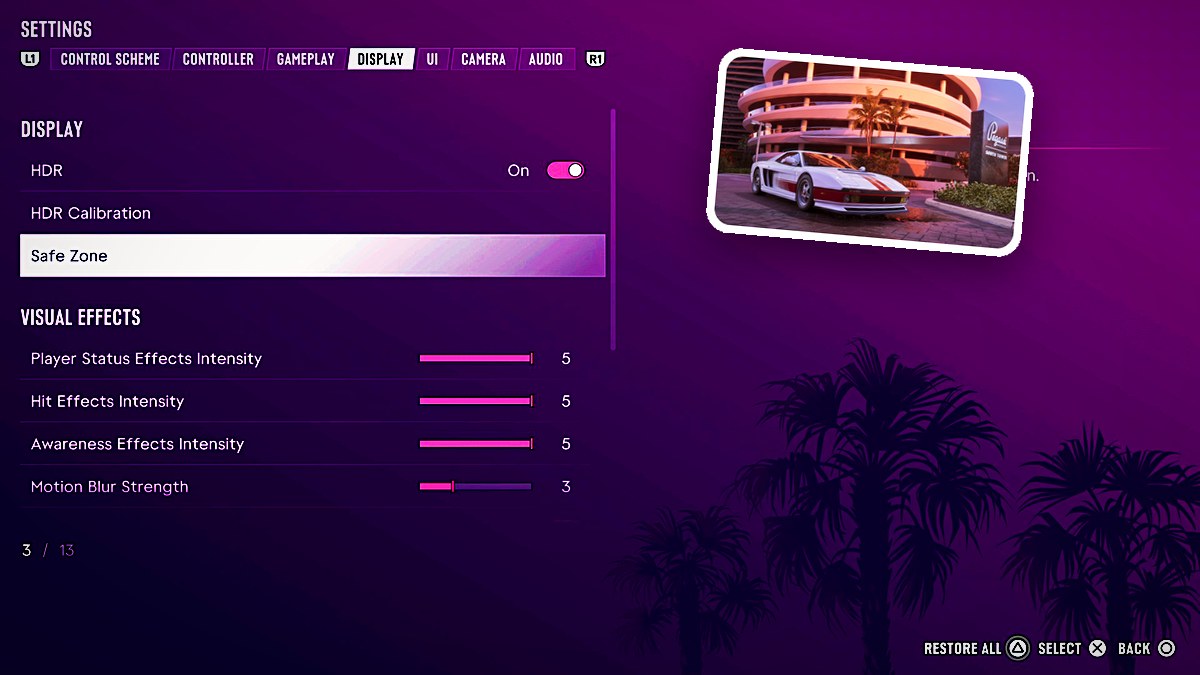
GTA 6 Display Settings: HDR Calibration, Screen Fit, and Visual Effects
Learn how GTA 6 display settings control HDR calibration, screen fit, and visual effects, with options to adjust screen boundaries and the intensity of…
-
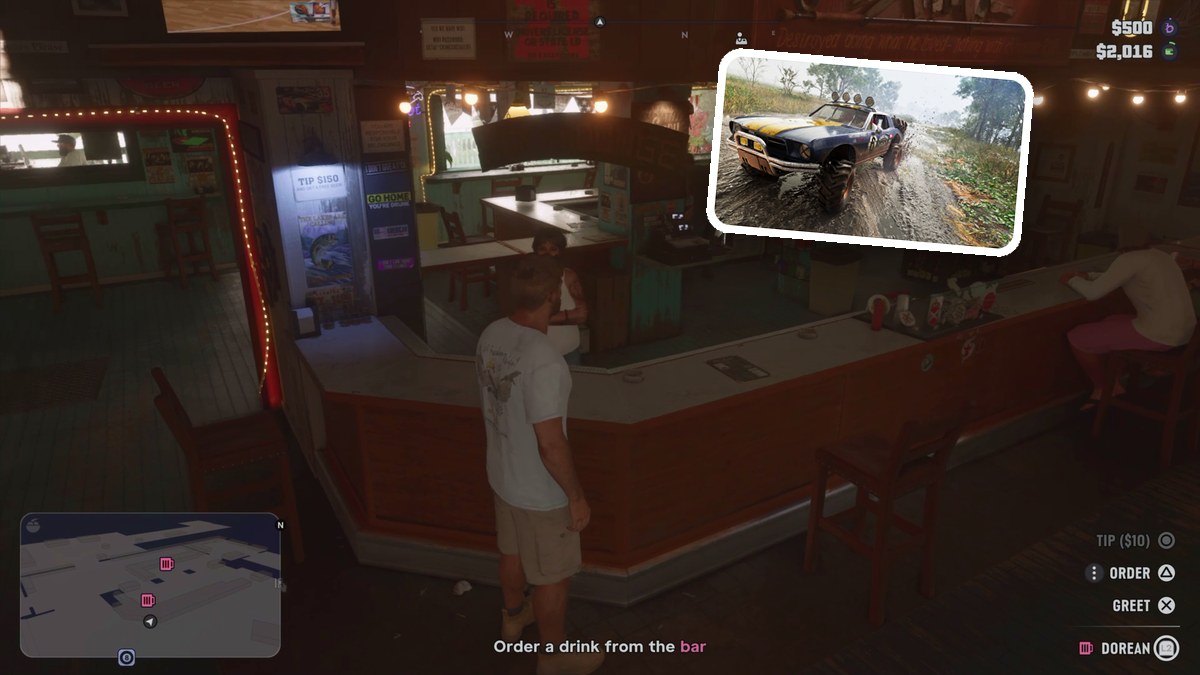
Key Lento Iced Tea in GTA 6: How to Order a Drink From the Bar
Order Key Lento Iced Tea in GTA 6 by approaching Dorean at The Rusty Anchor, opening the drinks menu, and selecting your drink to…
-
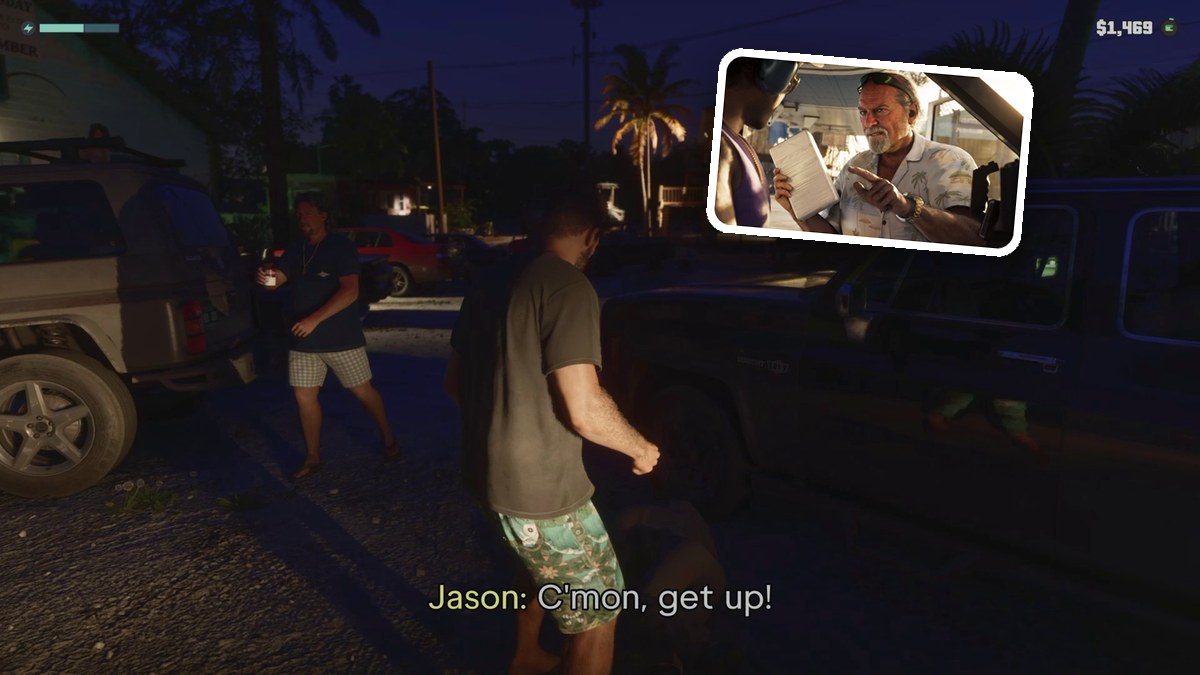
How to Deal With D-Man in GTA 6
Learn how to deal with D-Man in GTA 6 by blocking his attacks, landing counterpunches, and delivering the strikes Jason needs to knock him…
-
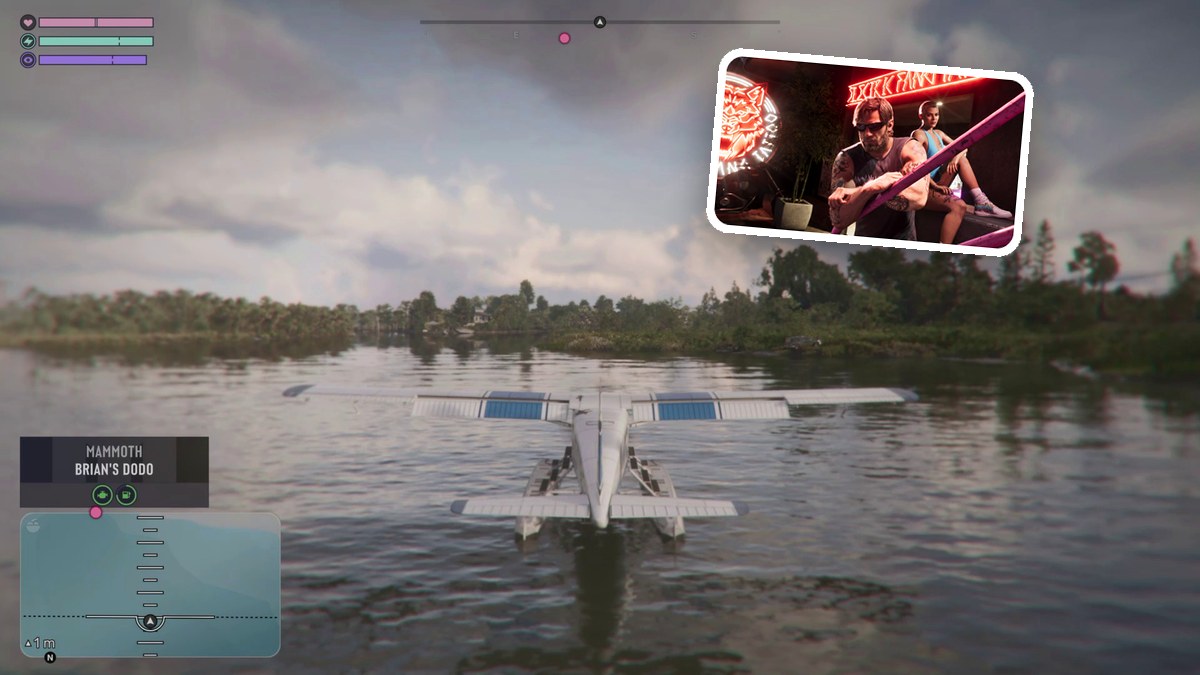
GTA 6 Brian’s Seaplane: Takeoff, Boat Approach, and Water Landing
Learn how to take off in GTA 6 Brian’s Seaplane, approach the moving boat, and return for a controlled water landing near the dock…
-
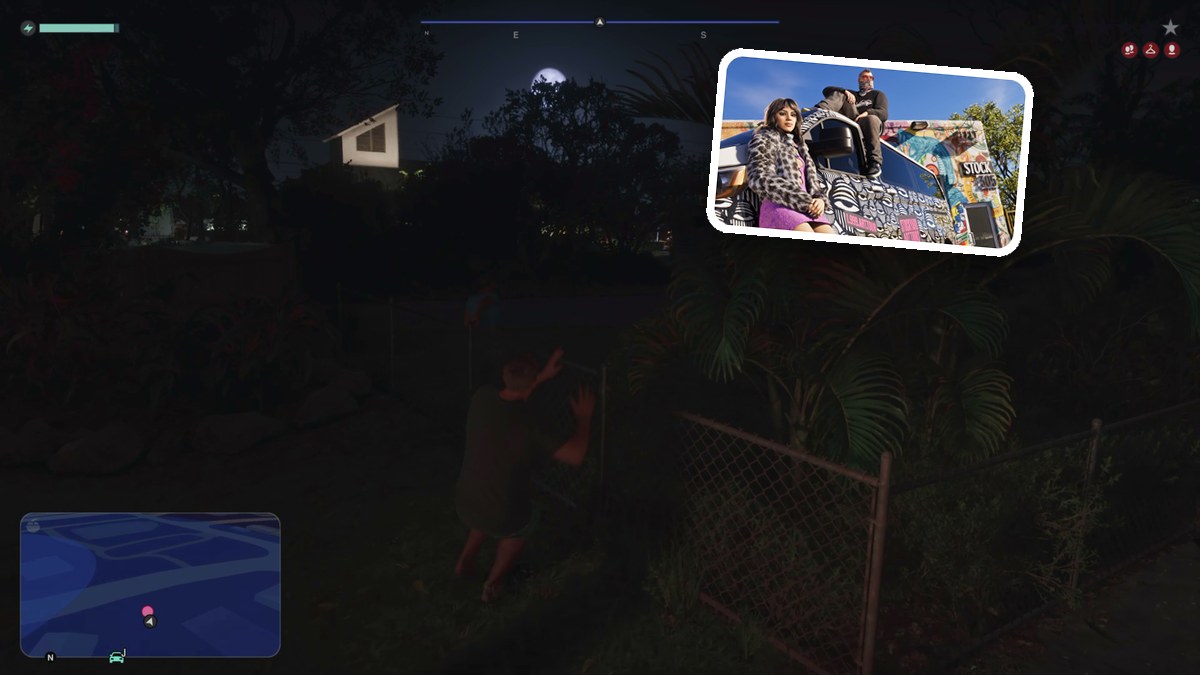
Coming Home First Part: Avoid Lucia’s Arrest in GTA 6
Avoid Lucia’s arrest in GTA 6 Coming Home First Part by sprinting behind her, following her backyard escape route, climbing the chain-link fence, and…
-
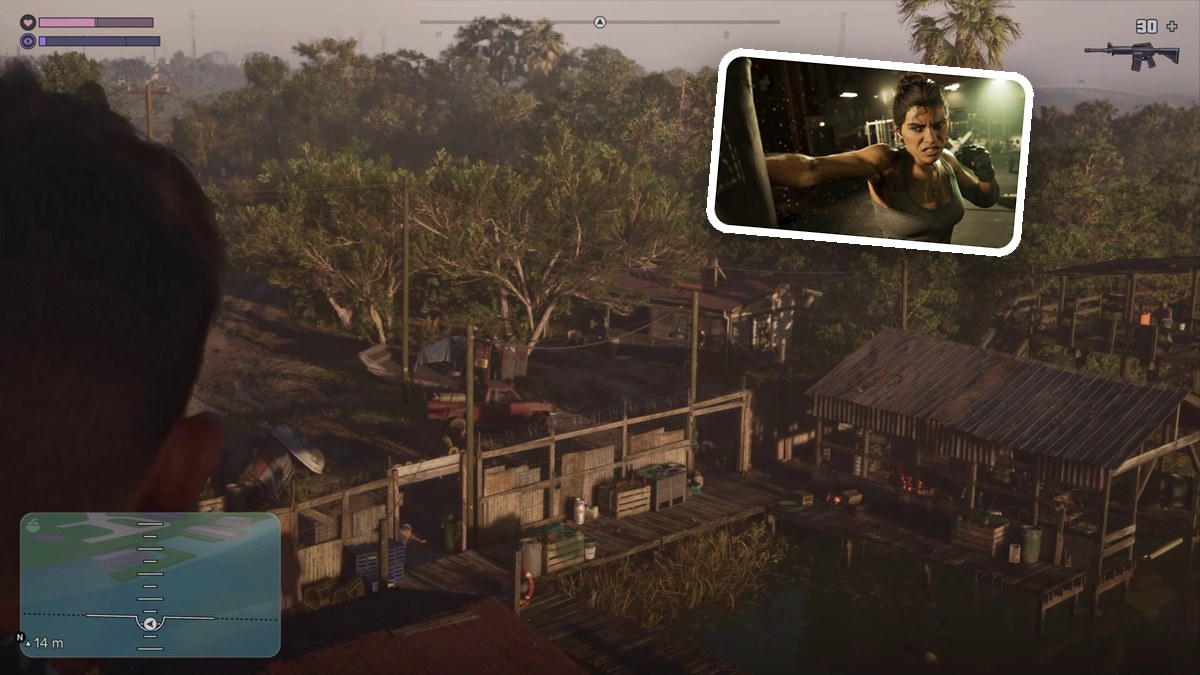
How to Destroy the Truck in Swamped in GTA 6
Learn how to destroy the truck in Swamped in GTA 6 by clearing the Kingfishers and focusing gunfire on the red Karin pickup before…
-
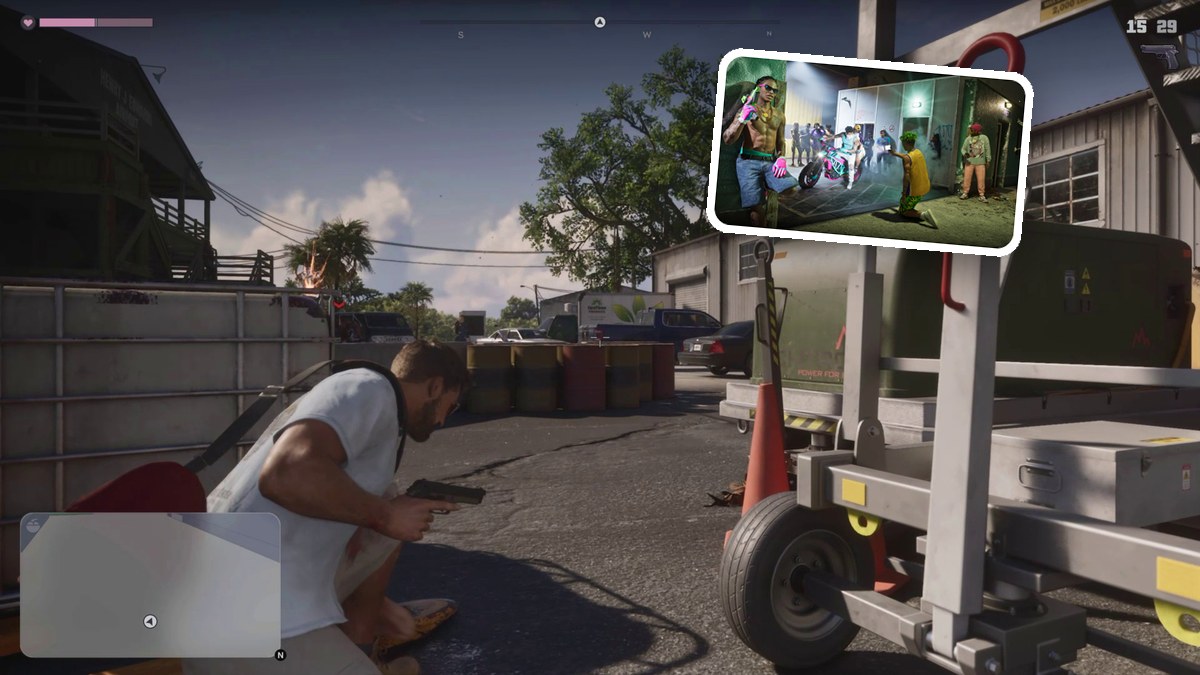
How to Hold off the Final Chapter in GTA 6
Learn how to hold off the Final Chapter in GTA 6 by using the water tank for cover, clearing attacking bikers, healing, and reaching…
-
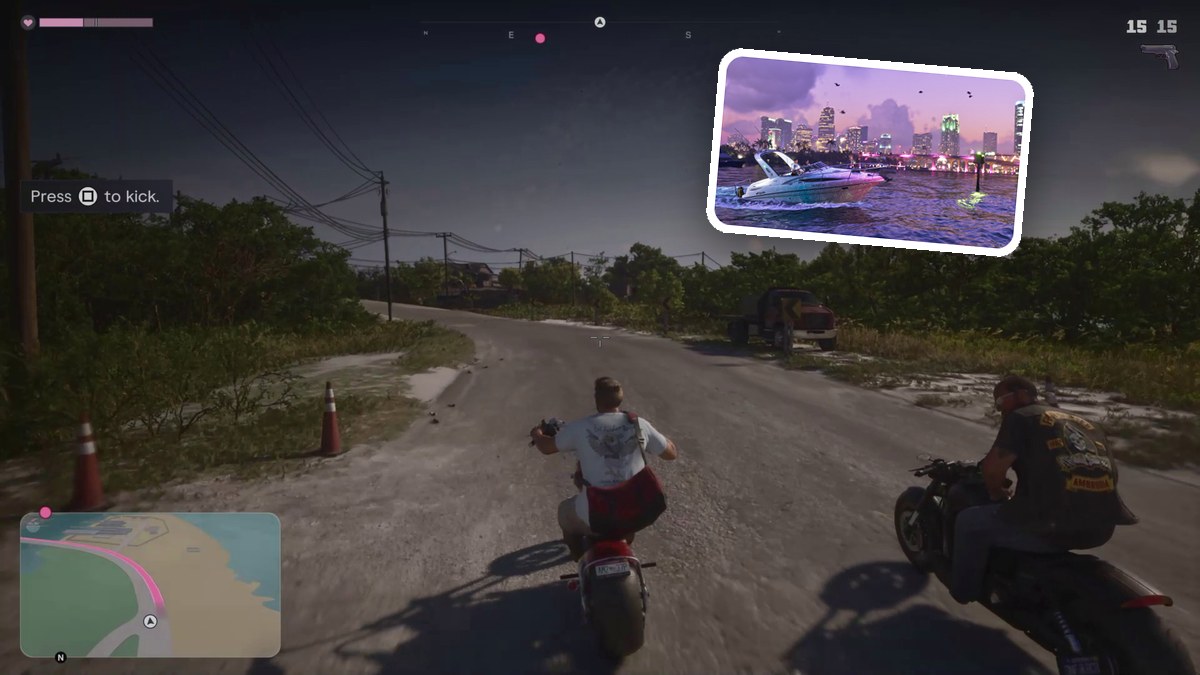
How to Grab a Bike and Catch up to Donnie in GTA 6
Learn how to grab a bike and catch up to Donnie in GTA 6, from finding the red LCC Avarus to following the coastal…
-
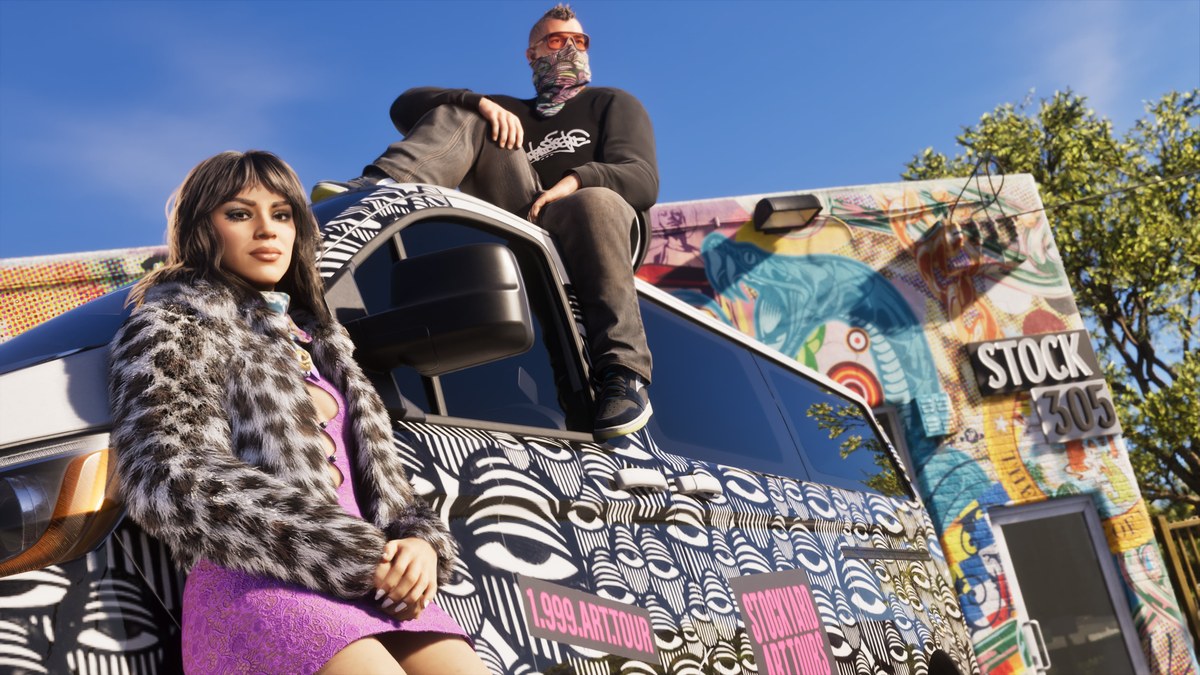
How to Keep up With Mattia in GTA 6
Learn how to keep up with Mattia in GTA 6 by following his car through the tunnel, taking the left highway exit, and using…
-
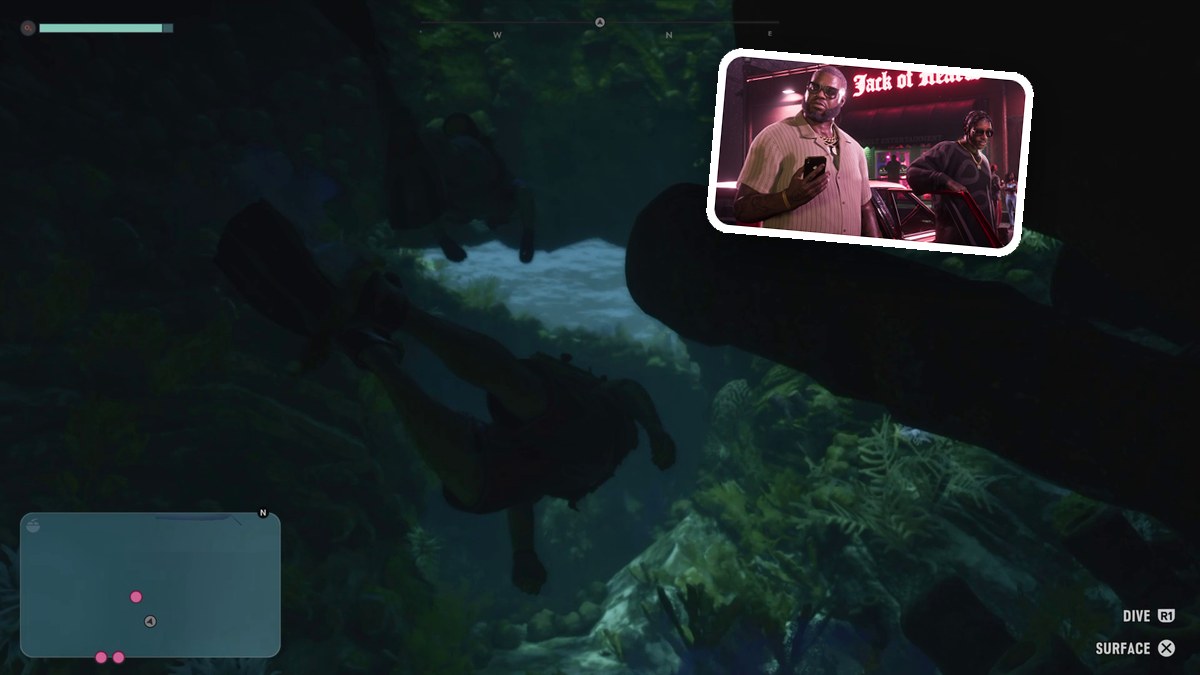
How to Escort the Bachelor Party Through the Trench in GTA 6
Learn how to escort the bachelor party through the trench in GTA 6, follow the divers through the reef archway and shipwreck, and use…
-
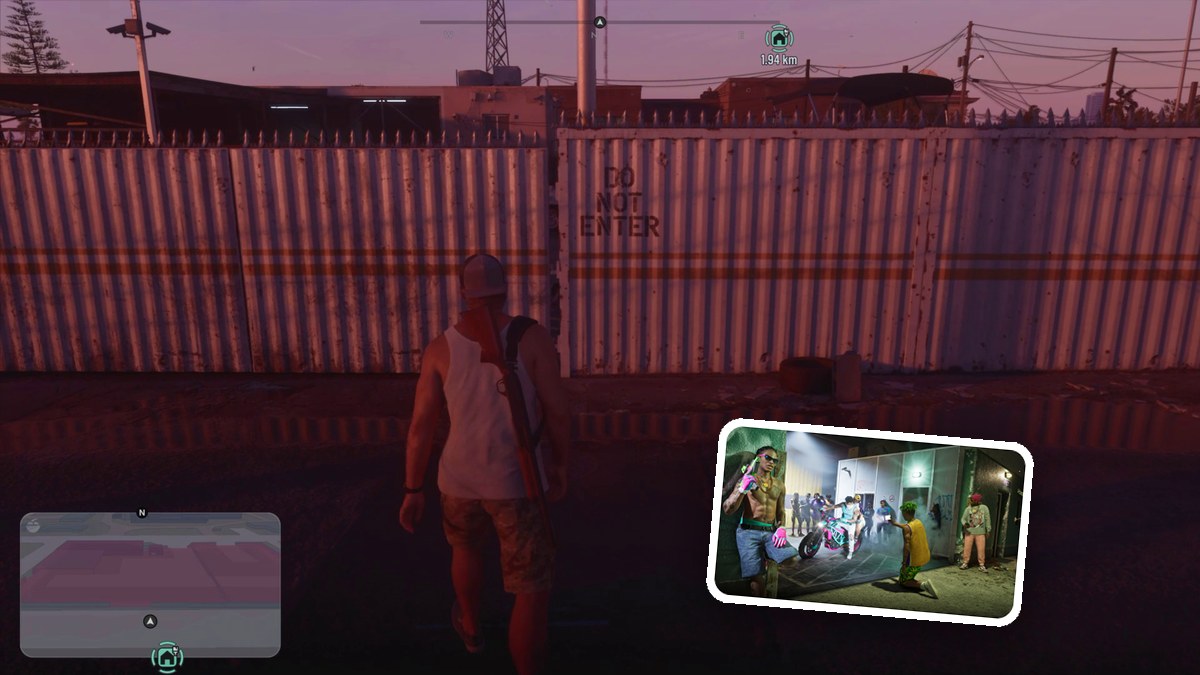
GTA 6 Impound Gate Explosive: Planting Prompt and How to Plant
Learn how to plant the GTA 6 impound gate explosive by finding the DO NOT ENTER gate, standing beside its seam, and pressing Triangle…