

Mudit
-
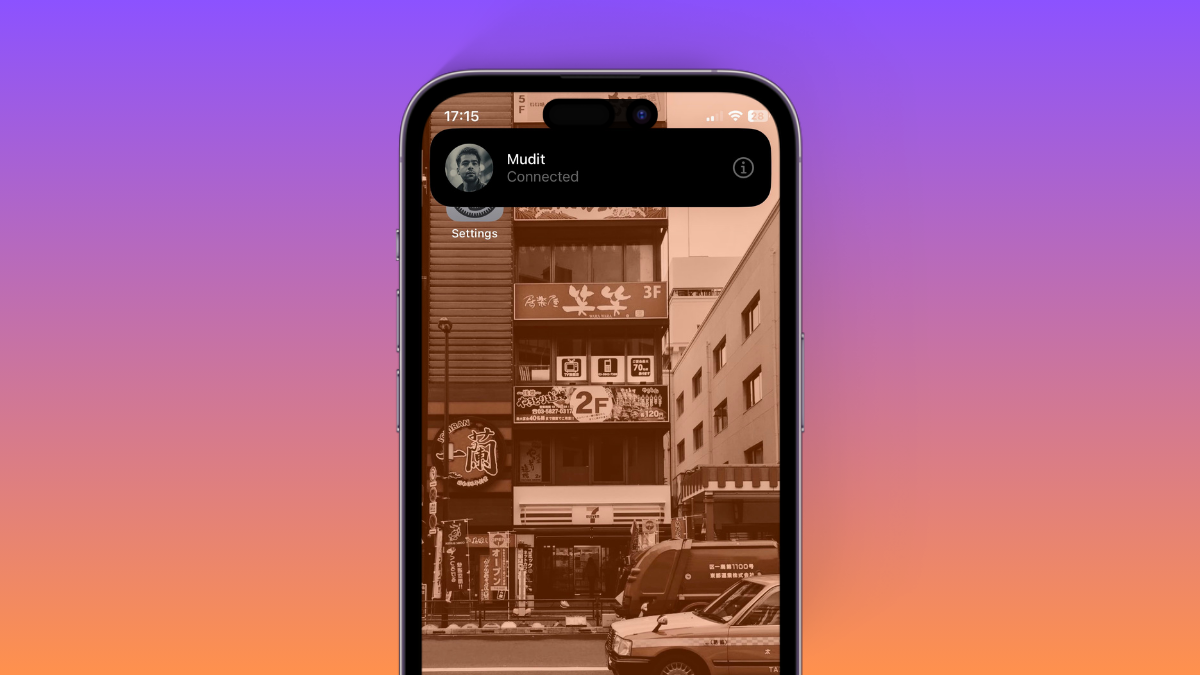
What Does Connected Mean on iOS 17? How to Fix This
What to know ‘Connected’ is a new notification displayed when you trigger AirDrop on iOS 17 using the new gesture. To do so, you…
-

Location Sharing Not Working in iOS 17? How To Fix
What to know Try Location and Privacy reset first: head to Settings > General > Transfer or Reset iPhone > Reset > Reset Location…
-

How to Turn Off Contact Sharing in iOS 17
What to know To turn off NameDrop (contact sharing) on your iPhone, head to Settings > General > AirDrop > Turn off the toggle for…
-
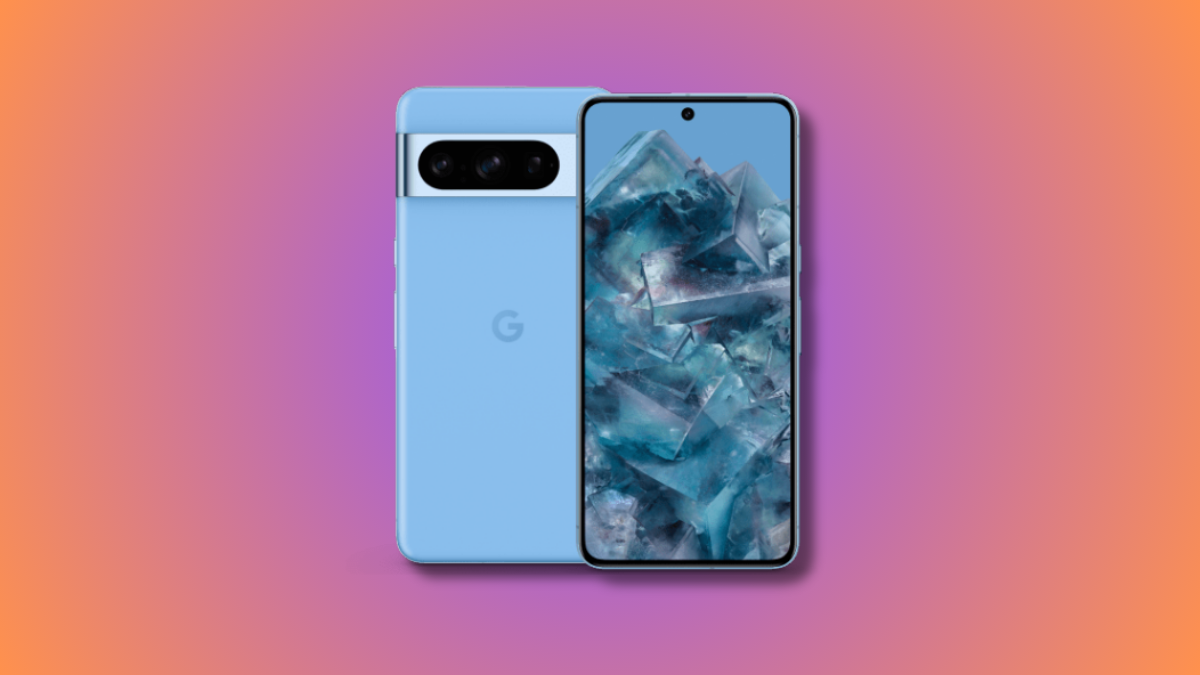
List of ALL Cool Pixel 8 Pro Features With Their Release Date and Restrictions
The Made by Google event for this year recently wrapped up, and one of the biggest announcements this year was the release of the…
-

Google Pixel Watch 2 Sensors Explained: 2 New Sensors and The Improved Heart Sensor
What to know The Google Pixel Watch 2 is equipped with two innovative sensors: a skin temperature sensor and the cEDA, or Continuous Electrodermal…
-

What Happened to Using Siri During Phone Calls in iOS 17?
What to know ‘Siri in calls’ was part of the iOS 17 beta builds and was found under Settings > Siri & Search >…
-

iOS 17: How to Pause And Resume Audio Recording on iPhone
What to know To pause an audio message recording, tap on the Stop icon. Once you’re ready to record again, tap the Plus icon beside…
-

Fly Delta App Not Working? 8 Ways to Fix
What to know If the Fly Delta app fails to work on your phone, we first recommend you check the service’s server status. In…
-

What Is Synced Content on iPhone?
What to know Synced content refers to the content you sync from other devices to your iPhone. This content can sync from a Mac,…
-
How to Select a Different SIM to Return Calls From an Unknown Caller on iPhone
What to know To select the preferred SIM Line, head to Phone > “i” beside the number > SIM Line > Select preferred SIM Line…
-
Personal Voice Not Showing Up in iOS 17? Fix in 10 Proven Ways
What to know If Personal Voice is missing or not working on your iPhone, then the first fix we recommend is to restart your…
-

12 Ways to Fix iOS 17 Face Time Gestures Not Working Issue
What to know The main reason gestures might not trigger reactions in a FaceTime call for you might be because they have not been…
-
iOS 17 Wi-Fi Icon Not Showing Issue: 15 Fixes Explained
iPhones have traditionally excelled at seamless switching between mobile and Wi-Fi networks. They remember and automatically connect to your saved networks and hotspots based…
-

How to Remove an Image’s Background in Snipping Tool Using Windows Copilot
What to know Launch Snipping Tool > New > Click and drag on the concerned image > Open Copilot > Click on ‘Ask me…
-
![How to Set up My Card in Contacts on iPhone [2023]](https://cdn.nerdschalk.com/wp-content/uploads/2023/09/my-card-in-ios.png)
How to Set up My Card in Contacts on iPhone [2023]
What to know Using the Contacts app, go to My Card > Edit. You can then add the relevant information to your My Card…
-

How to Keep iOS 17 Standby Always On (Fix StandBy Turn Off Issue)
What to know You can make StandBy always on an iPhone 14 Pro or 15 Pro handset by turning on the Always On feature…
-

iOS 17 Standby Mode Digital Clock: Step-By-Step Guide
What to know You first need to enable StandBy on your iPhone. Head to Settings > StandBy > enable the toggle for StandBy. Once StandBy…
-

How to Use FaceTime Reactions on iPhone
Apple recently integrated reactions in the FaceTime app. These reactions allow you to express your emotions with a simple hand gesture or by using…
-

How to Use HEIF Max (48 MP) on iPhone 14 Pro (And Save Storage Space From Camera Clicks)
What to know To enable and use HEIF Max on your iPhone 14 Pro (or iPhone 15 Pro), head to Settings > Camera >…
-
6 ways to FIX Apple Watch Double Tap Not Working Issue
The recent Wonderlust event hosted by Apple has been a huge success, with people all over the world talking about it. During the event,…