

The Register update adds six new Jujutsu Shenanigans emotes to the normal emote shop, where players can roll them for $250 Cash or 25 Robux each and then equip them from the Emotes inventory.
The new Register update emotes are part of the regular emote pool in Jujutsu Shenanigans. That means you are looking for shop rolls, not a code screen, event claim, or special unlock menu.
The exact English names for the six Register entries are still messy across early lists, so the clean way to track them is by the six new shop additions and their animations. Some emotes marked as new elsewhere, including BANG, Bang!, Chest Bump, Chalk Toss, Lonely, and Honoured, should be matched in-game before treating them as Register-specific.
What the Register update adds

The Register update adds six new emotes to the normal Jujutsu Shenanigans emote rotation. They are bought the same way as other standard emotes: open the shop, roll the emote pool, and then equip anything you want to use from your inventory.
Since they are regular shop emotes, the limiting factor is not a hidden quest or expired code. It is your available Cash, your willingness to spend Robux, and whether you have enough wheel space to keep the new animations equipped after buying them.
Register emote checklist
| Emote | How to get |
|---|---|
| Register emote 1 | Roll from the normal Emotes shop for $250 Cash or 25 Robux. |
| Register emote 2 | Roll from the normal Emotes shop for $250 Cash or 25 Robux. |
| Register emote 3 | Roll from the normal Emotes shop for $250 Cash or 25 Robux. |
| Register emote 4 | Roll from the normal Emotes shop for $250 Cash or 25 Robux. |
| Register emote 5 | Roll from the normal Emotes shop for $250 Cash or 25 Robux. |
| Register emote 6 | Roll from the normal Emotes shop for $250 Cash or 25 Robux. |
KEY!Use this as a six-slot checklist while rolling. If the shop or inventory labels a newly owned emote differently from community lists, trust the in-game name and match the animation visually before reorganizing your wheel.
How to equip the Register emotes in Jujutsu Shenanigans
Buying a new emote only adds it to your collection; you still have to place it on the wheel before you can use it in a match.
STEP 1/6
Open the Shop
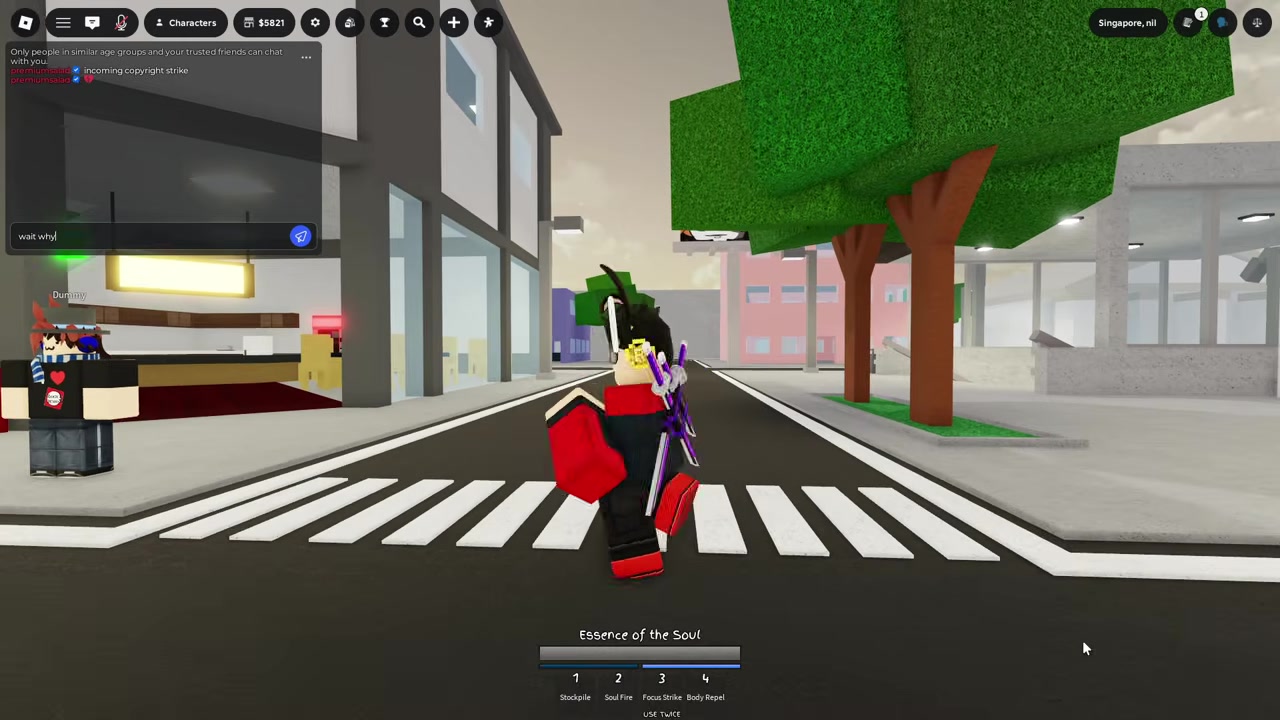
Go to the Shop and choose the Emotes option.
STEP 2/6
Roll an emote
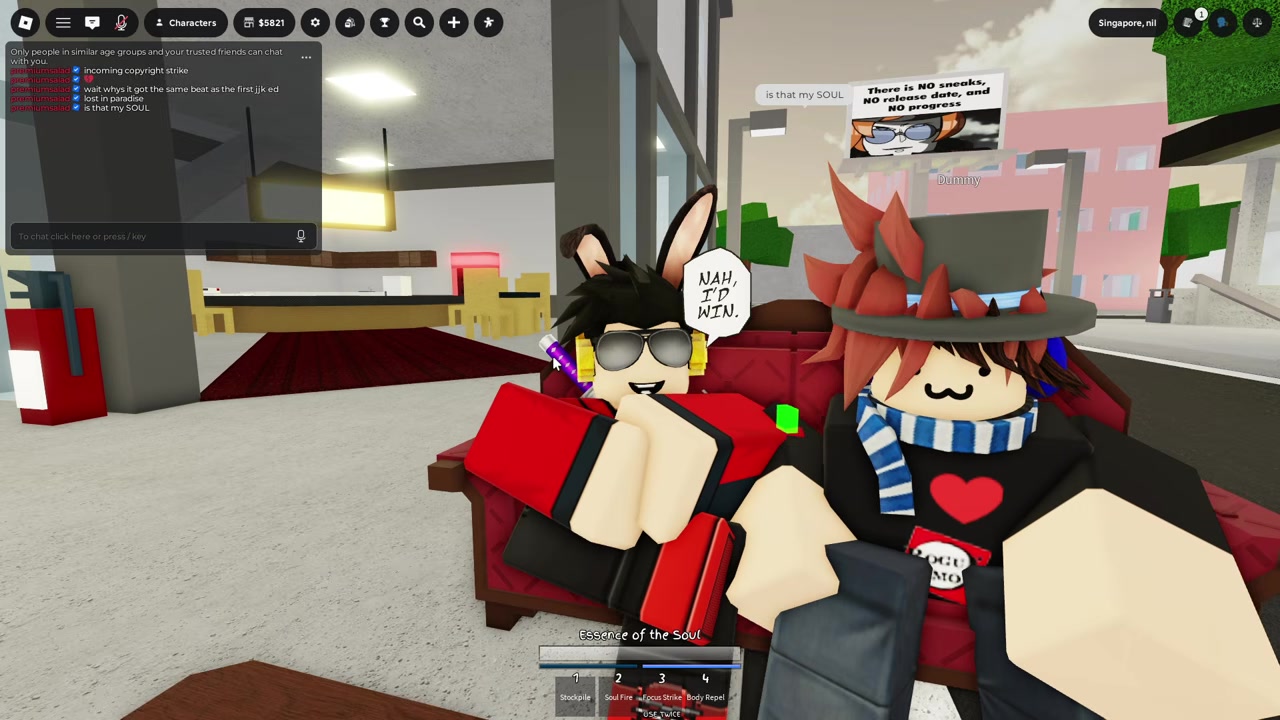
Spend $250 Cash or 25 Robux for one random emote from the pool.
STEP 3/6
Open your inventory
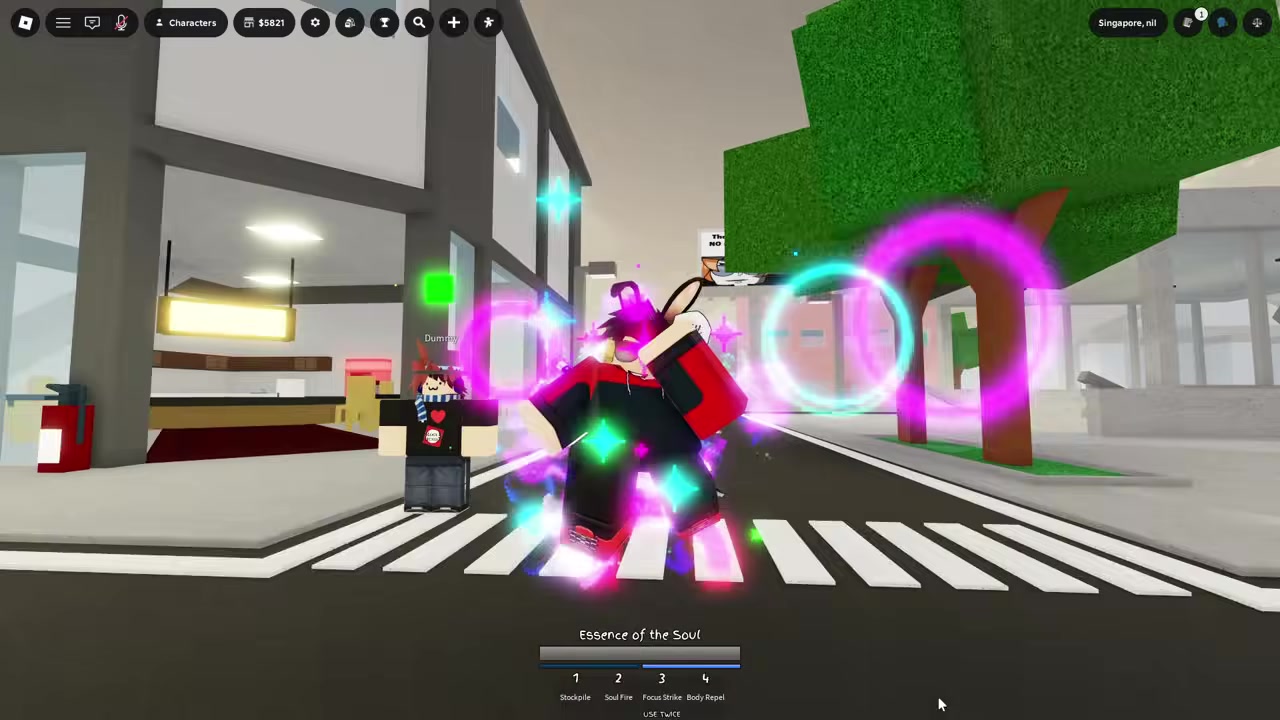
Click the Backpack icon after buying the emote.
STEP 4/6
Go to Emotes
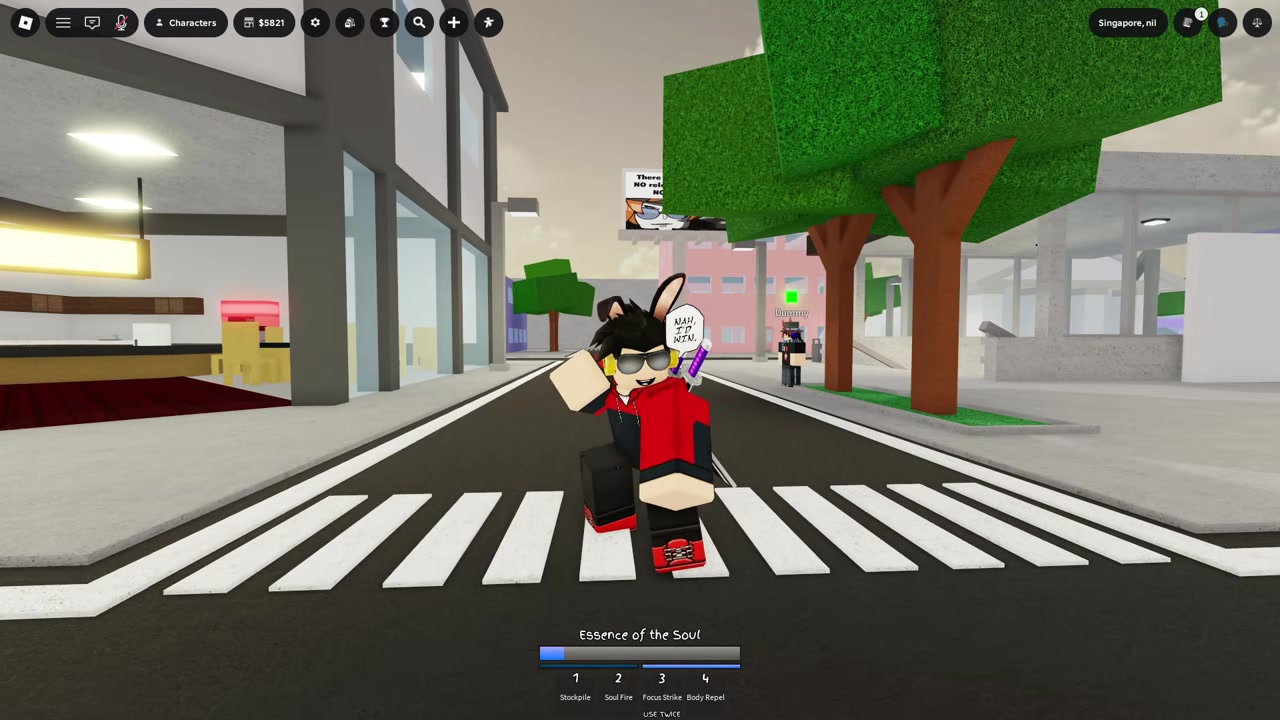
Switch to the Emotes tab to see your owned animations.
STEP 5/6
Assign a wheel slot
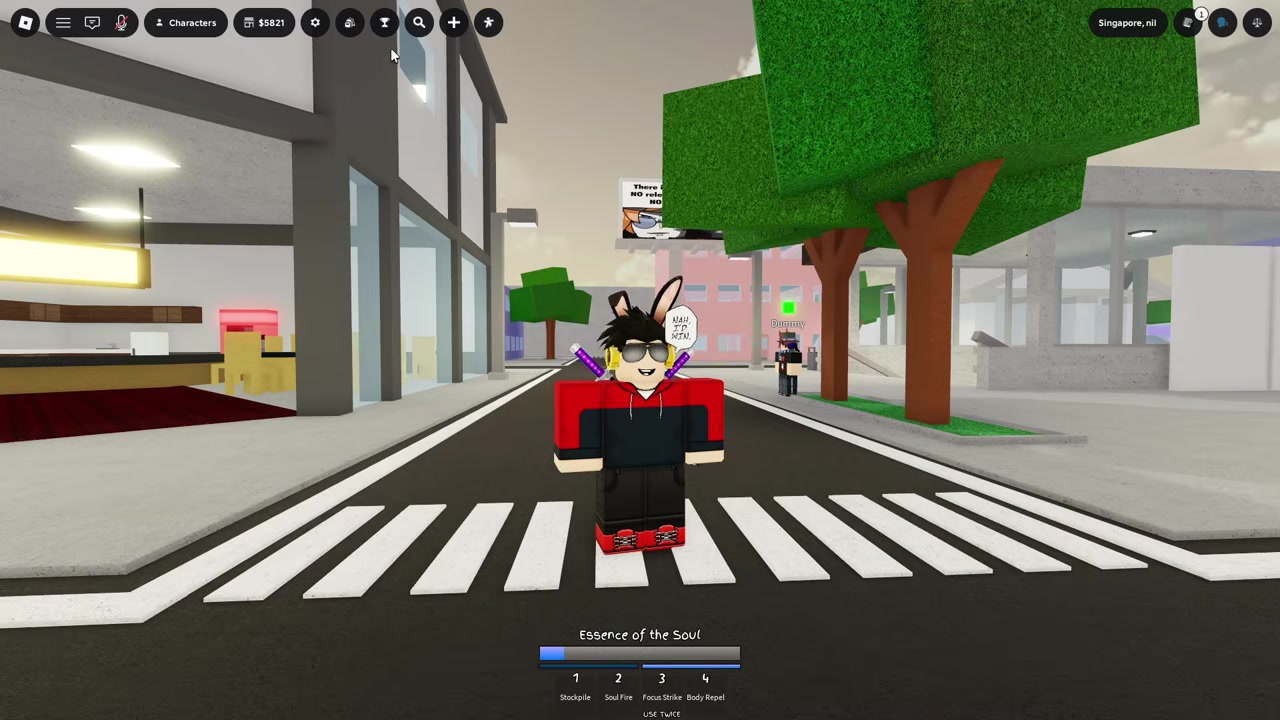
Select an empty or replaceable slot, then choose the Register emote you want there.
STEP 6/6
Use the emote wheel
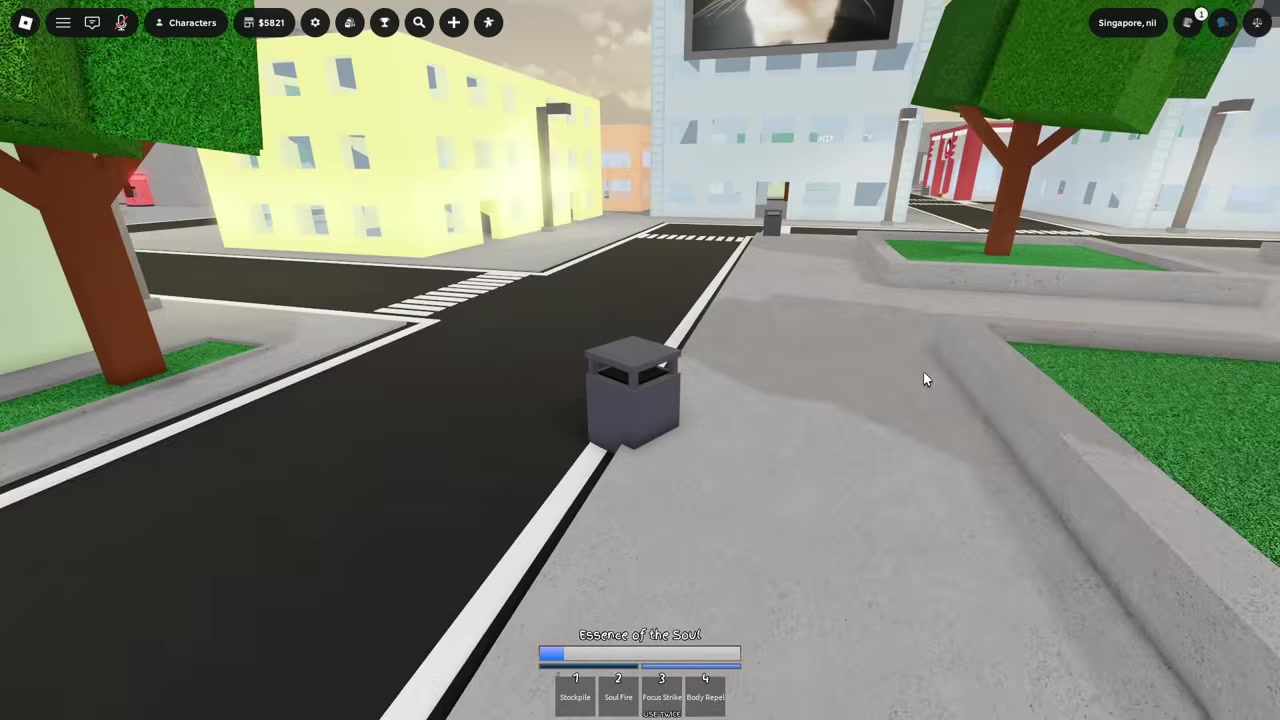
Click the Dance or character icon, or press B on PC, then pick the emote.
Roll first, then immediately assign the new emote from the Backpack’s Emotes tab so it does not sit unused in your inventory.
Video help
Emote slots and faster rolls
| Option | Cost |
|---|---|
| Single emote roll | $250 Cash or 25 Robux |
| 10x emote roll | $2,500 Cash or 250 Robux |
| More Emote Slots | 150 Robux |
| Second Emote Page | 175 Robux |
By default, Jujutsu Shenanigans lets you keep 4 emotes equipped on the wheel. The More Emote Slots gamepass raises that to 8, while the Second Emote Page adds another page for more equipped capacity.
If you are trying to chase all six Register additions quickly, use the purchase multipliers instead of rolling one at a time. The 2x, 5x, and 10x options buy multiple emotes at once, spending Cash first and then Robux if needed. A 10x roll costs the same as ten single rolls and lets you choose the tenth emote from unowned emotes, with a Pick Later option if you do not want to decide immediately.
Register emote mistakes to avoid
Do not treat every emote marked NEW in every list as part of the Register update. The Register batch is six emotes, while broader emote trackers can include older additions, exclusive emotes, and newly tagged entries from different update windows.
The other common miss is forgetting the equip step. A bought emote can be in your collection without appearing on the wheel, so check the Backpack, open Emotes, and assign it manually.
Also, do not look for these six as code rewards. They are regular shop rolls, and if you only have the default 4 equipped slots, you cannot keep all six Register emotes on the first wheel at the same time without changing your slots or buying more capacity.
Frequently Asked Questions
How many new emotes were added in the Register update?
The Register update adds six new emotes to Jujutsu Shenanigans.
Are the Register update emotes bought with codes or from the shop?
They are bought from the normal Emotes shop. Roll the emote pool with Cash or Robux; they are not presented as code-only or event-only unlocks.
How much does one emote cost in Jujutsu Shenanigans?
One random emote roll costs $250 Cash or 25 Robux.
Why did my new emote not appear on the emote wheel?
Buying an emote adds it to your inventory, but it does not automatically equip it. Open the Backpack, go to the Emotes tab, select a wheel slot, and assign the emote there.
How many emotes can I equip at once?
You can equip 4 emotes by default. More Emote Slots raises the wheel to 8, and Second Emote Page gives you more equipped space across another page.


Leave a Reply