

To unlock two extra inventory slots in The Sinking City 2, reach the church/graveyard area, grab the Star Key and E.R.C. Activator Pen, open the star-locked graveyard crate, and pick up the Inventory Upgrade inside.
Key Limited space can force you to leave useful loot behind or make extra trips to Safe Room storage. This early pickup gives your field loadout some much-needed breathing room.
Church inventory upgrade location and requirements
| Item | Where to get it |
|---|---|
| Star Key | On the dead body to the right after leaving the safe house through the church |
| E.R.C. Activator Pen | On the left-hand table after entering through the broken church window |
| E.R.C. crate | Beyond the star-locked gate in the graveyard |
| Inventory Upgrade | Inside the opened E.R.C. crate |
The upgrade is in the graveyard attached to the church area, shortly after the Annex area. You are looking for one Inventory Upgrade that grants both slots, rather than two separate items.
The crate-opening tool appears under closely related names: Activator Pen, ERC Activator Pen, or E.R.C. Activation Handle. The enclosed graveyard structure may also be described as a mausoleum or crypt, so use the star-marked gate as your landmark.
Before leaving, save and sort your carried supplies in the Safe Room; its suitcase storage can be accessed from other Safe Rooms later.
How to get the church Inventory Upgrade in The Sinking City 2
Start from the safe house and collect both required items before opening the graveyard crate.
STEP 1/11
Leave the safe house
Exit by passing through the church and heading outdoors.
STEP 2/11
Turn right
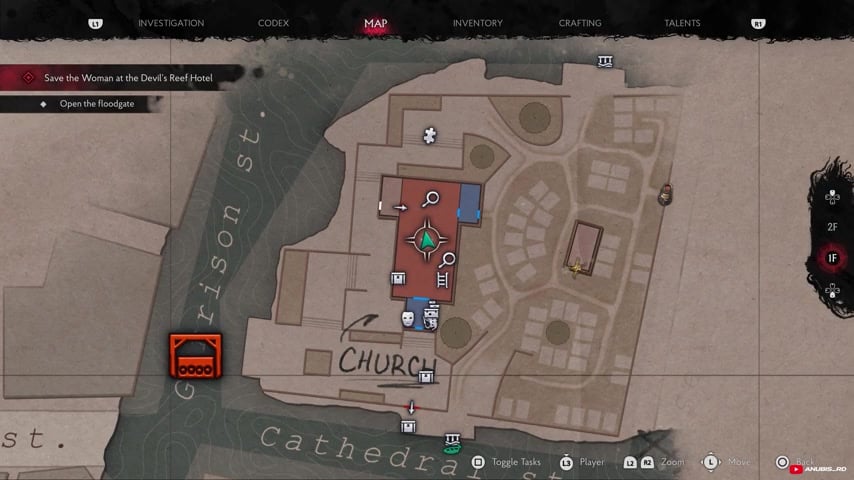
Once outside, follow the path toward the right side of the area.
STEP 3/11
Take the Star Key
Loot the Star Key from the dead body along this route.
STEP 4/11
Kill the two creatures
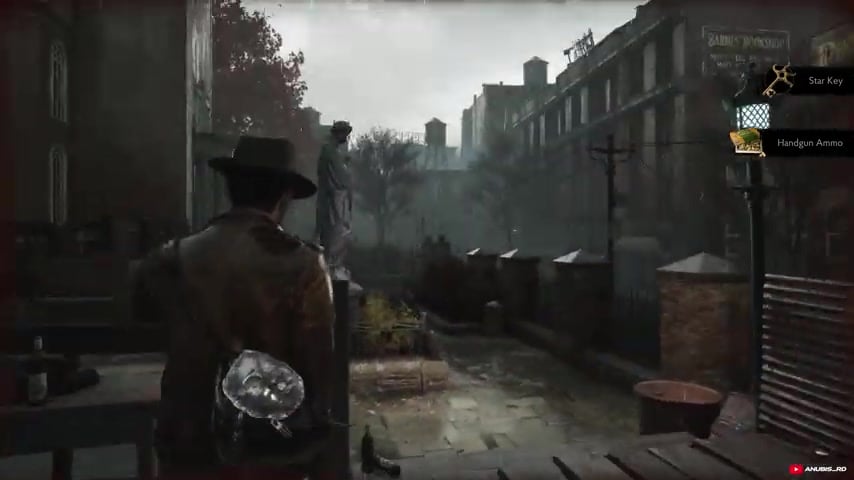
Clear both enemies before continuing through the area.
STEP 5/11
Continue along the left
After the fight, move forward while keeping to the left side.
STEP 6/11
Enter through the broken window
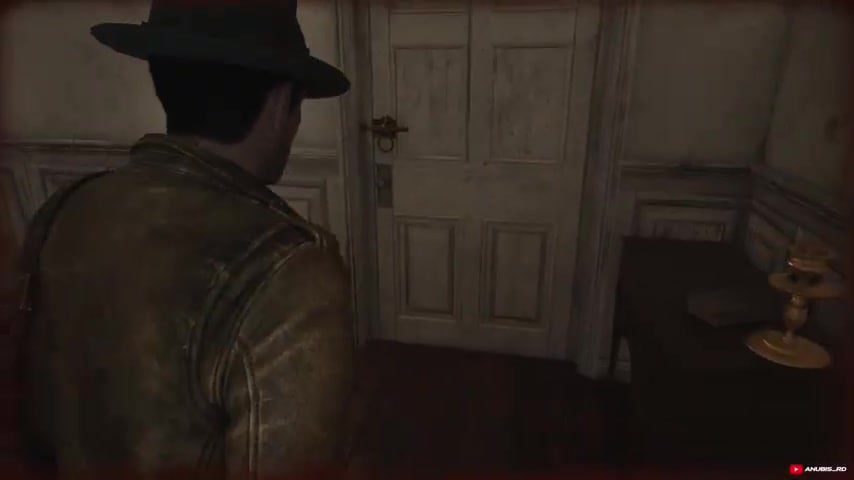
Climb through the opening to get inside the church.
STEP 7/11
Pick up the Activator Pen
Take the E.R.C. Activator Pen from the table on your left.
STEP 8/11
Head into the graveyard
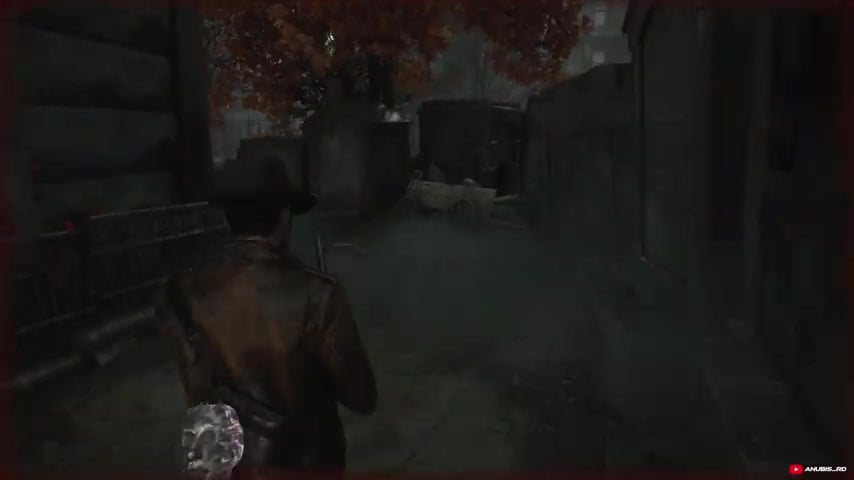
Leave the church and make your way outside to the graveyard.
STEP 9/11
Unlock the star-marked gate
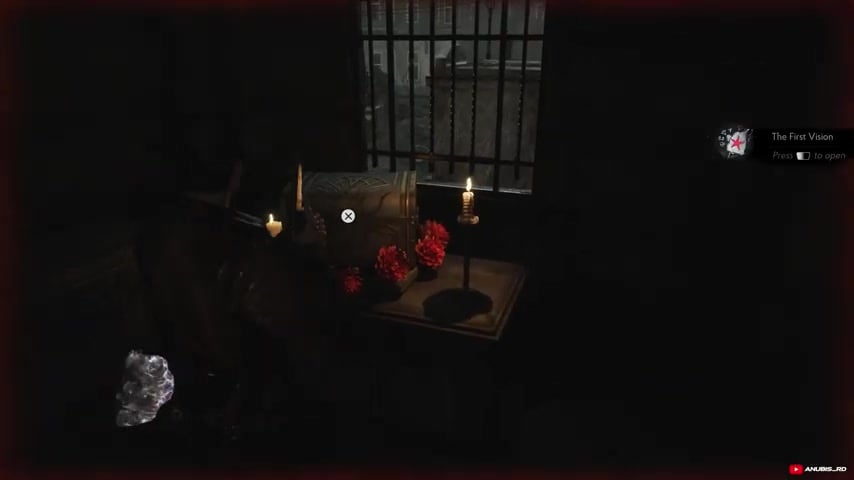
Use the Star Key on the graveyard gate.
STEP 10/11
Open the emergency relief crate
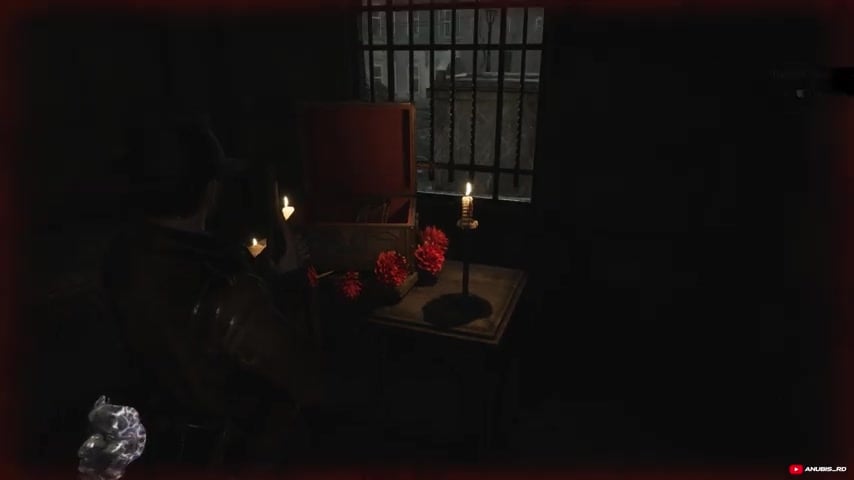
Use the E.R.C. Activator Pen to activate and open the crate.
STEP 11/11
Collect the Inventory Upgrade
Pick up the Inventory Upgrade from inside the crate.
Video help
What the Inventory Upgrade changes
The Inventory Upgrade adds two slots immediately when collected. The increase is permanent and does not require a separate equip action.
You can use the extra space for weapons, ammo, healing items, and key supplies, making it easier to maintain a useful loadout away from storage.
Mistakes that keep the E.R.C. crate locked
The easiest item to miss is the Star Key. If the graveyard gate remains locked, return to the outdoor path and check the dead body on the right. Players can also walk past the broken church window, which blocks access to the table holding the activator.
Reaching the crate without the E.R.C. Activator Pen leaves it sealed even after the gate is open. Also, do not confuse normal loot containers with the distinctive white-and-gold E.R.C. crate behind the star-marked gate.
Where later inventory expansions appear
This is not the only Inventory Upgrade in the game. Additional expansions appear inside other E.R.C. crates and on tables within certain dungeons later in the story.
Inventory pressure can also ease through further exploration and perk-point progression, but those upgrades are separate from this church pickup.
Related The Sinking City 2 guides






Leave a Reply