
Topic
Customization
-

Bluesky Rolls Out Customizable Notifications and Activity Alerts for Favorite Accounts
Bluesky now lets users fully customize their notifications, including activity alerts from favorite accounts. The update brings more control and personalization to the platform’s…
-
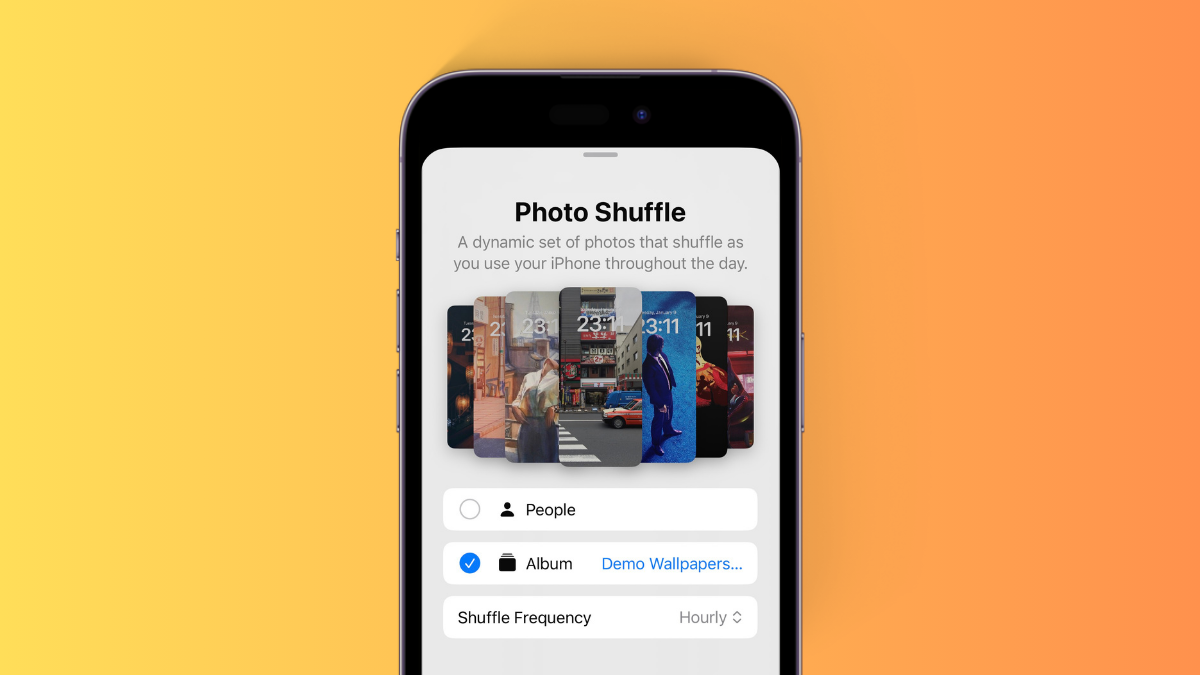
How to Apply a Specific Album for Photo Shuffle Wallpaper on iPhone
What to know To choose a specific album for your Photo Shuffle wallpaper, head to your Lock screen > Tap and hold > + icon…
-
Nothing OS 2.0: How to Theme All App Icons in Monochromatic Style
What to know To use the default Nothing icon pack on Nothing OS 2.0, open Settings > Customization > Icon Pack and apply the…
-
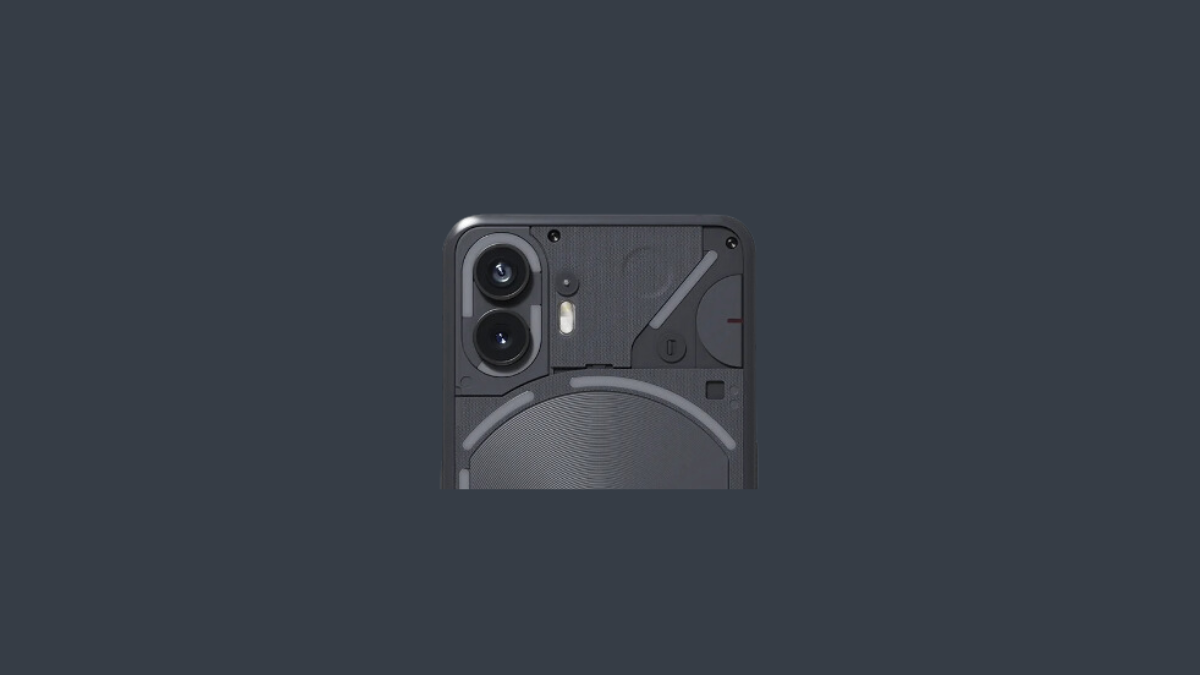
How to Customize Lock Screen on Nothing OS 2.0: Add Widgets, Shortcuts, and More
What to know Nothing OS 2.0 lets you add clocks, quick settings, photos (Nothing OS 2.0.4), and weather widgets to the Lock Screen. To…
-
Customize Google Keep Text: How to Bold, Italicize, Underline, and Apply Headings
What to know Google Keep now lets you bold, italicize, underline, and add H1/H2 headings for text. The new rich text formatting applies to…
-

What Are Device Usage Options in Windows 11 and How to Use Them
What to know Microsoft has been improving Windows 11 and testing out new features with each feature update since its release. Designed to be…
-
How to Customize Safari Address Bar on iPhone on iOS 15
Safari’s new address bar has been a cause for debate since even the beta version of iOS 15 came out. Over the months, Apple…
-

How to Change App Icons on iOS 15
iOS 15 has come a long way since the last iteration with numerous changes and features to help it stand apart from its predecessors.…
-

How to Customize the Start Menu on Windows 11
What to know Change Start Menu alignment from Settings > Personalization > Taskbar > Taskbar behaviors > Taskbar alignment. Pin or unpin apps to…
-

How To Change Icons on Windows 11
The reason why Windows 11 is so popular amongst developers and users alike is the level of customization that is possible with it. Apart…
-
How to Use Home Up on Your Samsung Galaxy Phone
Thanks to simplicity and user-friendliness, Samsung’s One UI has emerged as one of the leading ROMs on the planet. Not only is it easy…
-
How To Change the Appearance of a Website on Android
Web browsers are our foremost point of interaction with the internet. Most apps use your default browser to display data from the internet as…
-
How to Hide Name and Content in Notifications on Signal
Signal’s recent growth in popularity is a much-deserved achievement considering the exceptional service that the app aims to offer. If you have recently switched…
-

How to format your messages in Microsoft Teams
Microsoft offers a great collaboration tool in the form of Teams featuring video and audio conferencing, file-sharing, instant messaging, end-to-end encryption, and real-time editing.…
-
How to Go All-Black on Android
Unless you have been living under a rock, you would know that the dark UI is all the craze right now. In the next…
-
How to Create a Clock Widget Using KWGT and Best KWGT Clock Apps
Android offers a lot of customization options and that is one of the main reasons people love it. If you love to decorate your…
-
How to Get a Beautiful Map Wallpaper on Your Android Home Screen
Hey, did you ever wish to set a map showing your live location as your Live Wallpaper, because you can on Android? Well, you…
-

Microsoft Launcher vs Samsung Galaxy One UI 2 Launcher: Which one would suit you
Days of feature-heavy, bulky, flashy ROMs and launchers are behind us. This new breed of smartphone users want efficiency and clean design, and developers…