

In Gakuran, reroll regular character stats from the left-side Stats menu, but reroll your Fighting Style separately from the right-side Combat Style menu — each roll changes only the category you picked, at random.
Rerolling is how you reshape a Gakuran character after creation, from cosmetic details like your name and height to the Fighting Style that decides how your build performs in PvP. The two systems live in different menus and cost different amounts, and every roll is random — so it pays to know which button spends what before you commit any Robux.
What rerolling changes in Gakuran
Most of your character is made of independent stats you can reroll one at a time: your first name, last name, height, ethnicity, gender and other body traits. These are mainly about identity and appearance, and rerolling any of them leaves the rest of your character untouched. That is the part players get wrong most often — a single reroll never wipes your whole build.
Your Fighting Style sits in a completely separate menu and carries far more weight in a fight. It shapes your combos, passive bonuses and PvP matchups, so it is the roll that actually changes how strong your character feels. Both systems are RNG-based and category-specific, meaning you spend on one thing and only that thing changes.
| Reroll type | What changes |
|---|---|
| Character stats | One selected identity or body attribute — name, height, ethnicity, gender or a cosmetic field |
| Fighting Style | Your combat style, swapped for a random replacement |
How to reroll stats and Fighting Style in Gakuran
Normal stats and your Fighting Style use two different menus, so here is the full sequence for both, in the order the game lays them out.
STEP 1/10
Open the left-side menu
Tap the menu tab on the left edge of the screen to bring up your character panel.

STEP 2/10
Expand it with the left arrow
Press the left arrow to open the menu fully so the stat categories are visible.
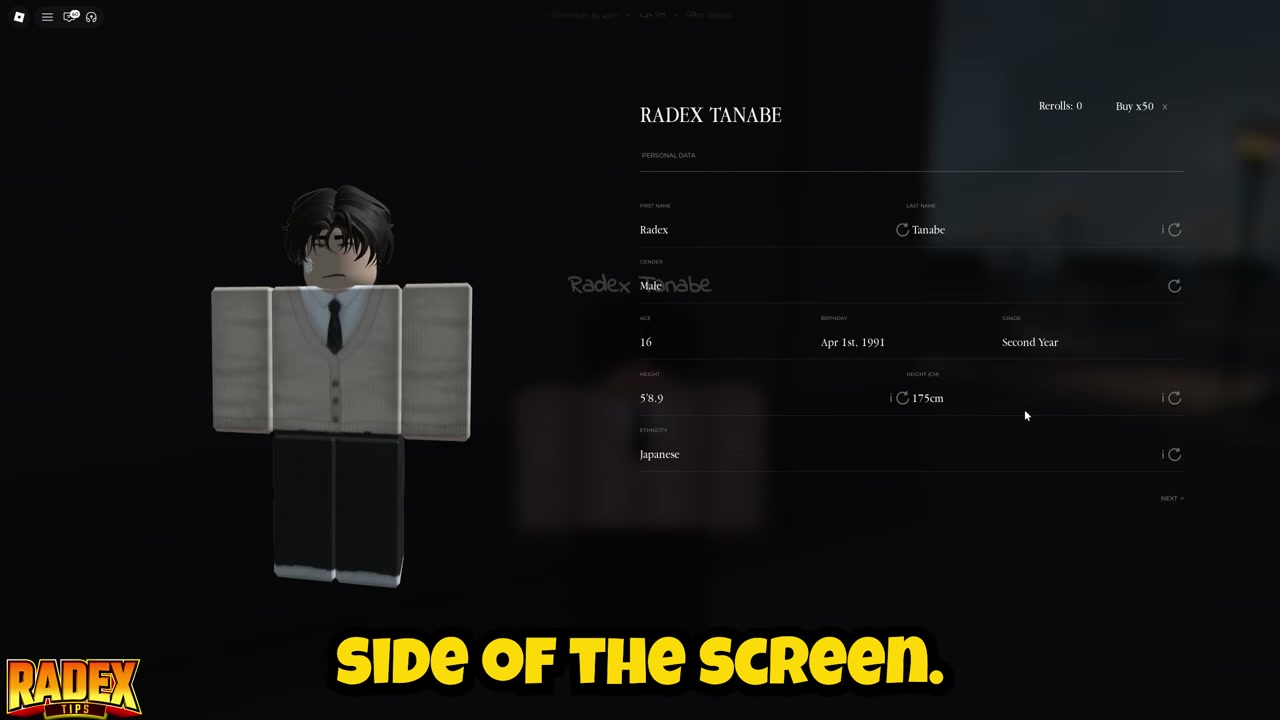
STEP 3/10
Go to Stats
Select Stats at the top of the menu to see everything you can reroll.
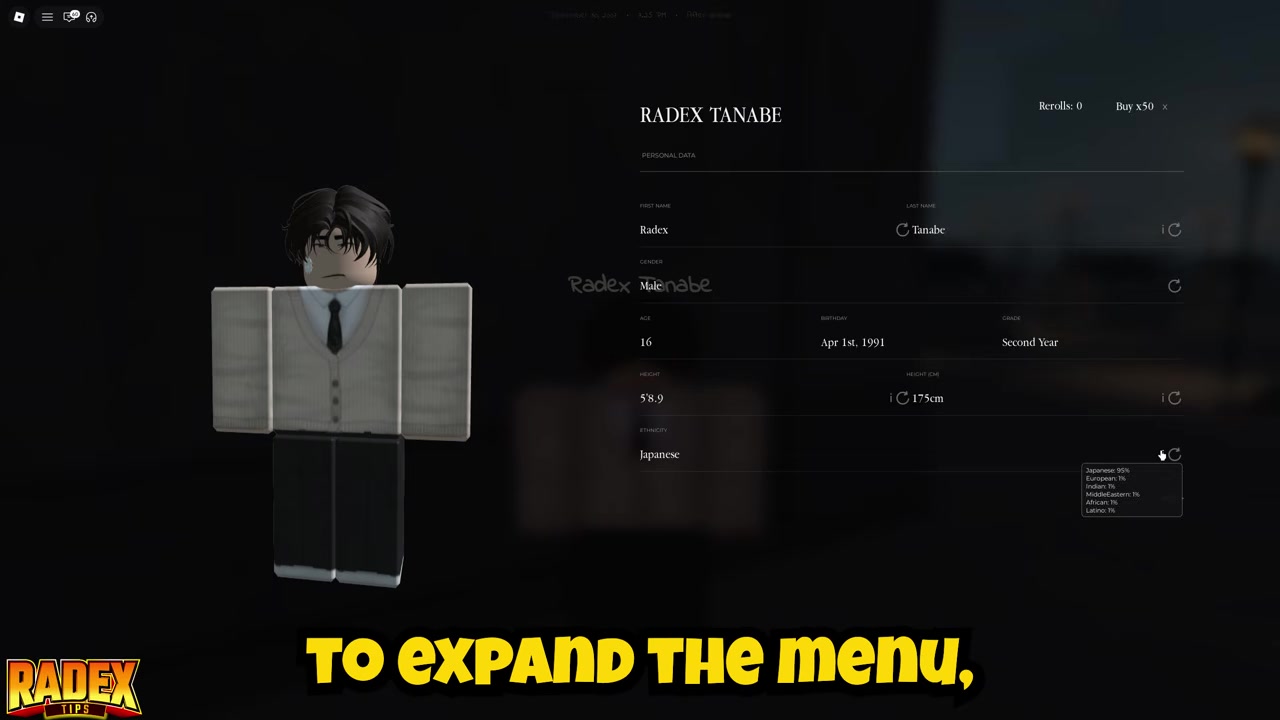
STEP 4/10
Pick one attribute
Choose the single stat you want changed, such as height, ethnicity or a name field.
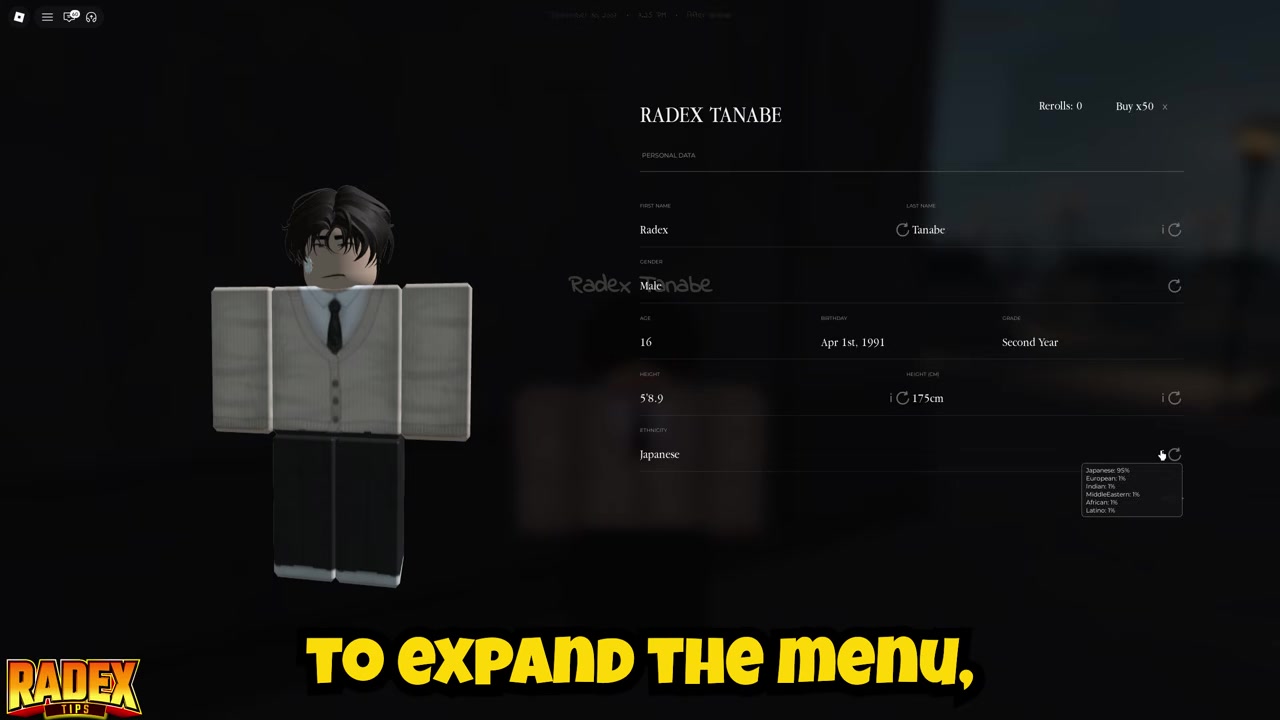
STEP 5/10
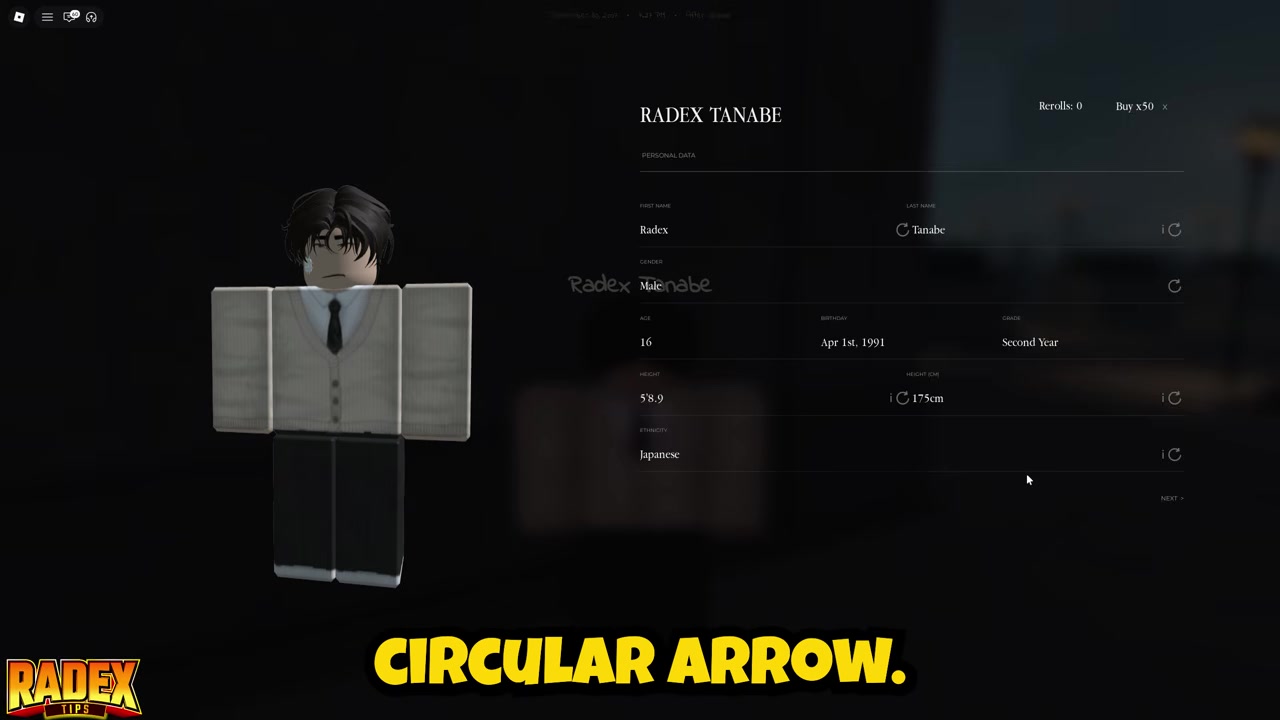
Press the circular reroll button
Hit the reroll icon (the circular arrow) next to that attribute.
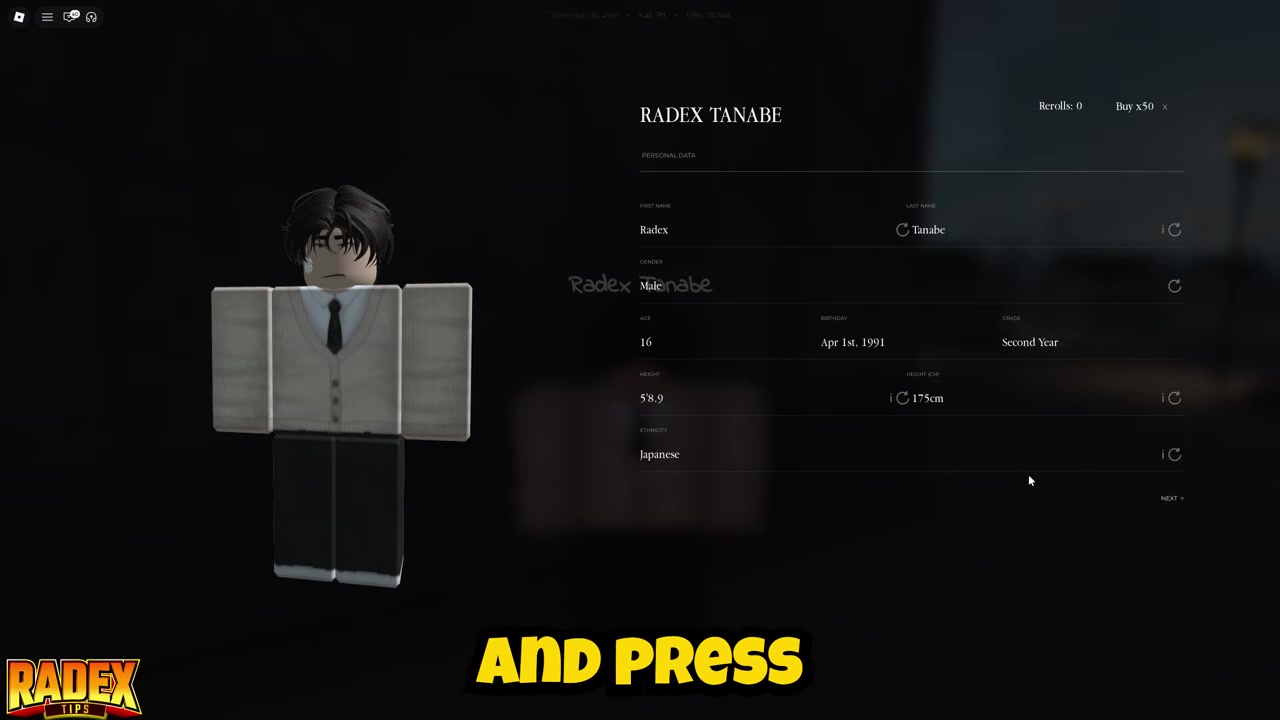
STEP 6/10
Confirm the Robux payment
Normal stat rerolls cost 2 Robux per attribute, and only the stat you picked changes at random.
STEP 7/10
Open the right-side menu
Switch to the menu on the right side of the screen for your combat options.

STEP 8/10
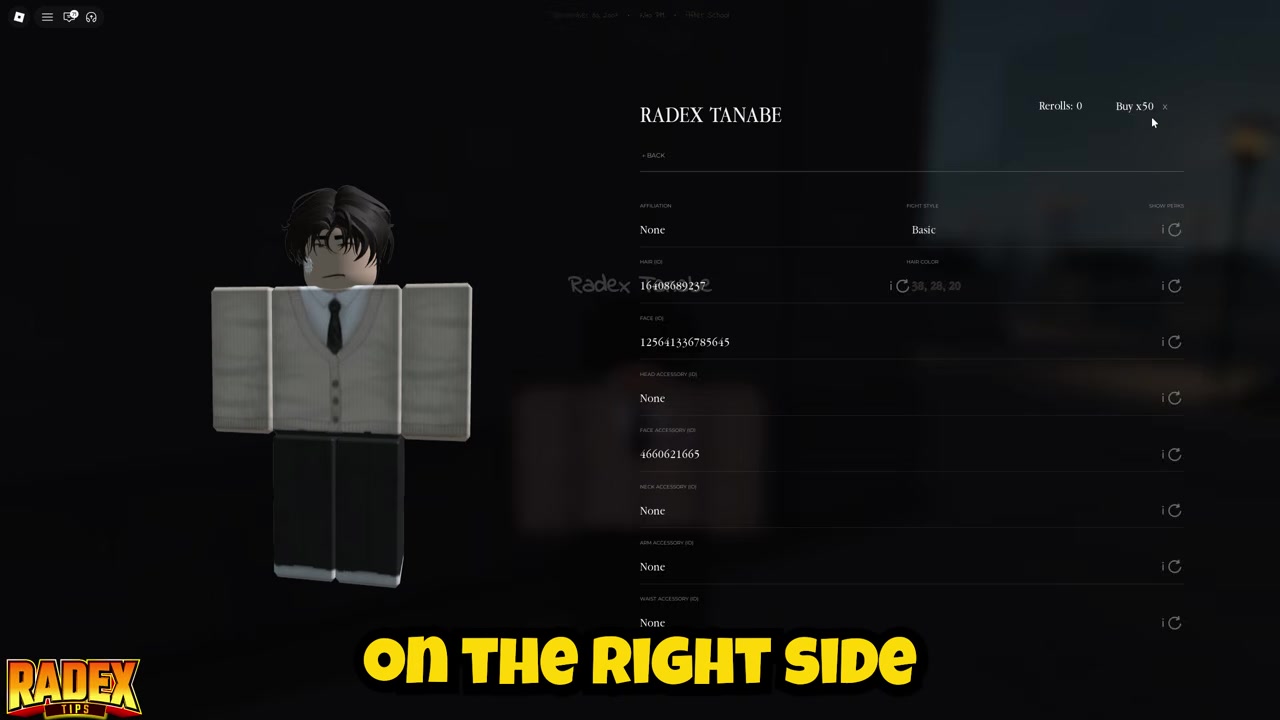
Open Combat Style
Go to the Combat Style section — this is fully separate from your normal stat rerolls.
STEP 9/10
Reroll beside your current style
Find your current Fighting Style and press the reroll button next to it.

STEP 10/10
Confirm and take the random style
This costs 5 Robux per roll and replaces your style with a random one from the pool.

Because the two menus are independent, spending on your name or height never touches your Fighting Style, and rerolling your style never resets your cosmetics. If you have free reroll charges from codes, you can spend those in place of Robux at the confirmation step.
Video help
Which stats matter before you spend
Not every rerollable stat pulls its weight. Your first name, last name, ethnicity and gender are essentially identity and appearance — nice to fix, but they do nothing in a fight. Height is the outlier among the “cosmetic” stats, because it is not cosmetic at all. A baseline character sits around 100 HP, and rolling taller or shorter shifts your whole combat feel.
Taller builds generally get larger hitboxes, more health and damage, and longer reach, but slower attacks. Shorter builds get smaller hitboxes and lower raw stats, traded for faster combos and quicker recovery on cooldowns. Ethnicity and height are weighted rather than even, so the taller, rarer rolls can take a while to hit — don’t expect a perfect body on your first few tries.
Above all of that sits your Fighting Style, the one category with real PvP consequences. If your goal is combat, that is where your rerolls should go once your height is where you want it.
| Category | Use |
|---|---|
| First name / last name | Identity only, no combat effect |
| Ethnicity | Appearance, weighted roll |
| Gender | Appearance only |
| Height | Changes hitbox, HP, damage, reach and attack speed |
| Fighting Style | Biggest combat impact — combos, passives and PvP performance |
Fighting Styles you can roll
The styles currently showing up across the community include Basic, Boxing, Muay Thai, Karate, Wrestling, Hikari and Hoop Demon — and the pool keeps shifting, so treat this as what players are seeing now rather than a fixed, complete list. Each style carries its own passives, combos and matchup advantages, which is why the right roll can make a build feel noticeably stronger.
Rolls come from different rarity tiers — common, epic and legendary — and the system is weighted, so common styles show up far more often than the standouts. Rarer styles can take several rerolls to land, so don’t count on one attempt getting you the exact style you’re chasing.
| Fighting Style | Notes |
|---|---|
| Basic | Common starter style |
| Boxing | Fast, straightforward striker |
| Muay Thai | Aggressive striking style |
| Karate | Balanced striker |
| Wrestling | Strong for grappling-focused builds |
| Hikari | High-end pick, elite paired with maximum height |
| Hoop Demon | Rarer roll that can take several tries |
Reroll strategy for PvP builds

If PvP is the point, roll with a plan instead of dumping charges the moment you have them. Bank some Robux or a stack of free reroll charges first, then decide what your build actually wants: reach and HP from a taller frame, or speed and lower cooldowns from a shorter one. That single decision tells you which height range you’re aiming for before you touch your style.
Once your body is set, put your rerolls into Fighting Style rather than cosmetics — the style is what changes your damage ceiling and combo options. Rerolling early can absolutely be worth it, since a better style feeds stronger combos and better match performance from the start.
Just don’t expect the roll to carry you. A strong style helps, but it won’t save bad spacing, dodging, parries, counters or combo timing — the style raises your ceiling, and your mechanics decide how close you get to it.
Redeem reroll codes before spending Robux — codes like GAKURAN and 15REROLLS grant free reroll charges, so bank those and use them on Fighting Style rolls instead of paying out of pocket.
Mistakes that waste rerolls
The big one is thinking a single reroll resets your whole character — it only ever changes the one category you selected. Right behind it is expecting to pick your Fighting Style directly; every style roll is random and weighted, so you can influence your odds by rolling more, not by choosing. Pouring Robux into cosmetics before you’ve sorted out your style and basic combat is another way to burn resources for nothing.
Two smaller traps catch new players: redeeming reroll codes but staying on the Codes panel instead of switching to Stats to actually spend the charges, and treating height as pure decoration when it directly changes your hitbox, HP and reach.
What to look up next

Once your rerolls are sorted, the usual follow-ups are the latest Gakuran codes for more free reroll charges, tier lists for the best Fighting Styles in PvP versus grinding, and the best height rolls for the build you’re going for. It’s also worth reading up on God Pierce and Resilience, the values that decide how much damage bleeds through a block — higher God Pierce means more chip damage on a guarded hit, so it feeds directly into which style and stats actually win trades.
Frequently Asked Questions
Does rerolling one stat reset the whole character?
No. Each reroll changes only the single category you selected. Reroll your height and just your height changes; reroll a name and only that name field changes. Everything else stays exactly as it was.
Can you choose the exact Fighting Style you want?
No. Style rerolls are always random and weighted, so you can’t hand-pick a style directly. You improve your chances by rolling more, and rarer styles can take several attempts to land.
How much do stat rerolls and Fighting Style rerolls cost?
In-game, normal stat rerolls run 2 Robux per attribute and Fighting Style rerolls cost 5 Robux per roll. Some community figures put Fighting Style rerolls much higher, around 50–150 Robux, which may reflect older builds or vary by server, so treat that range as uncertain. You can also pay with code-granted reroll charges instead of Robux.
Can codes give free rerolls?
Yes. Codes such as GAKURAN (10 rerolls) and 15REROLLS (15 rerolls) grant free reroll charges. Redeem them, then switch to the Stats menu and spend the charges on the attribute you want — staying on the Codes panel won’t apply them.
Is it worth rerolling early for PvP?
If you’re focused on PvP, yes. A better Fighting Style early gives you stronger combos, more damage potential and better match performance from the start. It still won’t replace real mechanics, but it raises the ceiling you’re playing toward.
More questions⤵
Does height matter in combat?
Yes — height is not cosmetic. A baseline character sits near 100 HP, and taller builds get bigger hitboxes, more HP and damage, and longer reach at the cost of slower attacks. Shorter builds trade raw stats for faster combos and quicker recovery, so your height roll shapes how your character fights.






Leave a Reply