
The short version:
- The 48MP Fusion Main camera on iPhone 18 Pro has a variable aperture. Six laser-cut blades open and close to change the size of the opening.
- The four stops are ƒ/1.48, ƒ/1.8, ƒ/2.8 and ƒ/4.0. Apple lists ƒ/1.8 as the default.
- The camera picks the stop on its own in photos and video. Pro controls hand the choice back to you.
- Apple lists the variable aperture for iPhone 18 Pro and iPhone 18 Pro Max, on the Fusion Main camera only.
How the aperture physically changes
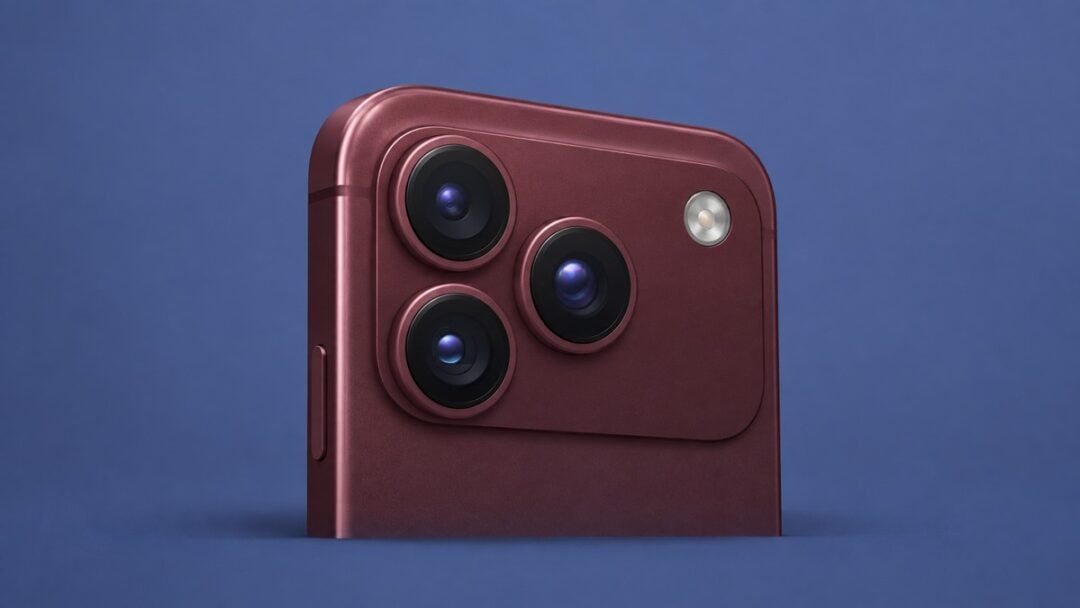
The 48MP Fusion Main camera uses six laser-cut blades and a new rotor mechanism to change its aperture. Apple says the blades “smoothly transition between different apertures.”
Under the blades is a 24 mm lens over a 2.44 µm quad-pixel sensor (1.22 µm individual), with second-generation sensor-shift optical image stabilization and 100% Focus Pixels. That same camera produces the 12MP optical-quality 2x Telephoto at 48 mm.
As the blades close in, the opening gets smaller and the f-number gets larger. That is why ƒ/1.48 is the widest of the four settings and ƒ/4.0 the narrowest.
Aperture dial: drag the slider through ƒ/1.48, ƒ/1.8, ƒ/2.8 and ƒ/4.0 to see how much light each stop passes and what Apple says it is for.
The four stops, in Apple’s words and in practice
Most of the range is a trade. Opening up to ƒ/1.48 buys light and gives up depth of field, and closing down to ƒ/4.0 does the reverse. The two stops in the middle are the compromises between them.
Light, depth and the use for each stop
| Stop | Light vs ƒ/1.8 | Apple’s description | Use it for |
|---|---|---|---|
| ƒ/1.48 | About 1.48x | “Maximum light. Around 50 percent better low-light performance — great for indoor scenes. Take better-quality Night mode photos faster.” | Indoor scenes and Night mode |
| ƒ/1.8 | 1x, the reference | “Default. A versatile balance between low light and depth.” | Everything, unless you have a reason |
| ƒ/2.8 | About 0.41x | “More depth. A narrow aperture lets you capture detail farther back in the scene.” | Holding detail deeper into the frame |
| ƒ/4.0 | About 0.20x | “Maximum depth. Use Pro controls to create artful effects manually, like a luminous starburst from bright light.” | Manual, deliberate effects |
ƒ/1.48
The extra light lets a Night mode shot finish sooner, and a shorter capture is an easier one to hold steady. It is also the shallowest of the four, so where you put the focus carries the most weight here.
ƒ/1.8
This is where the camera sits unless something moves it, so most of what you shoot lands here.
ƒ/2.8
Light drops off sharply at this stop. It wants a well-lit scene, or a slower shutter speed to make up the difference.
ƒ/4.0
This is the stop that needs the most light in the scene, or the steadiest hands.
Auto or manual: where the stops live
Left alone, the camera works the blades itself. Apple says they move between apertures “by automatically adjusting for depth of field and lighting.”
Pro controls are where you take that over. Apple lists aperture, shutter speed, white balance and viewing histogram as the settings you can add, and the same four are listed for video recording.
Smart focus tracking sits on the same camera. Apple says on-device intelligence lets you lock onto a subject and maintain focus as they move through the scene, even if they leave and then reenter the frame.
What changes for video
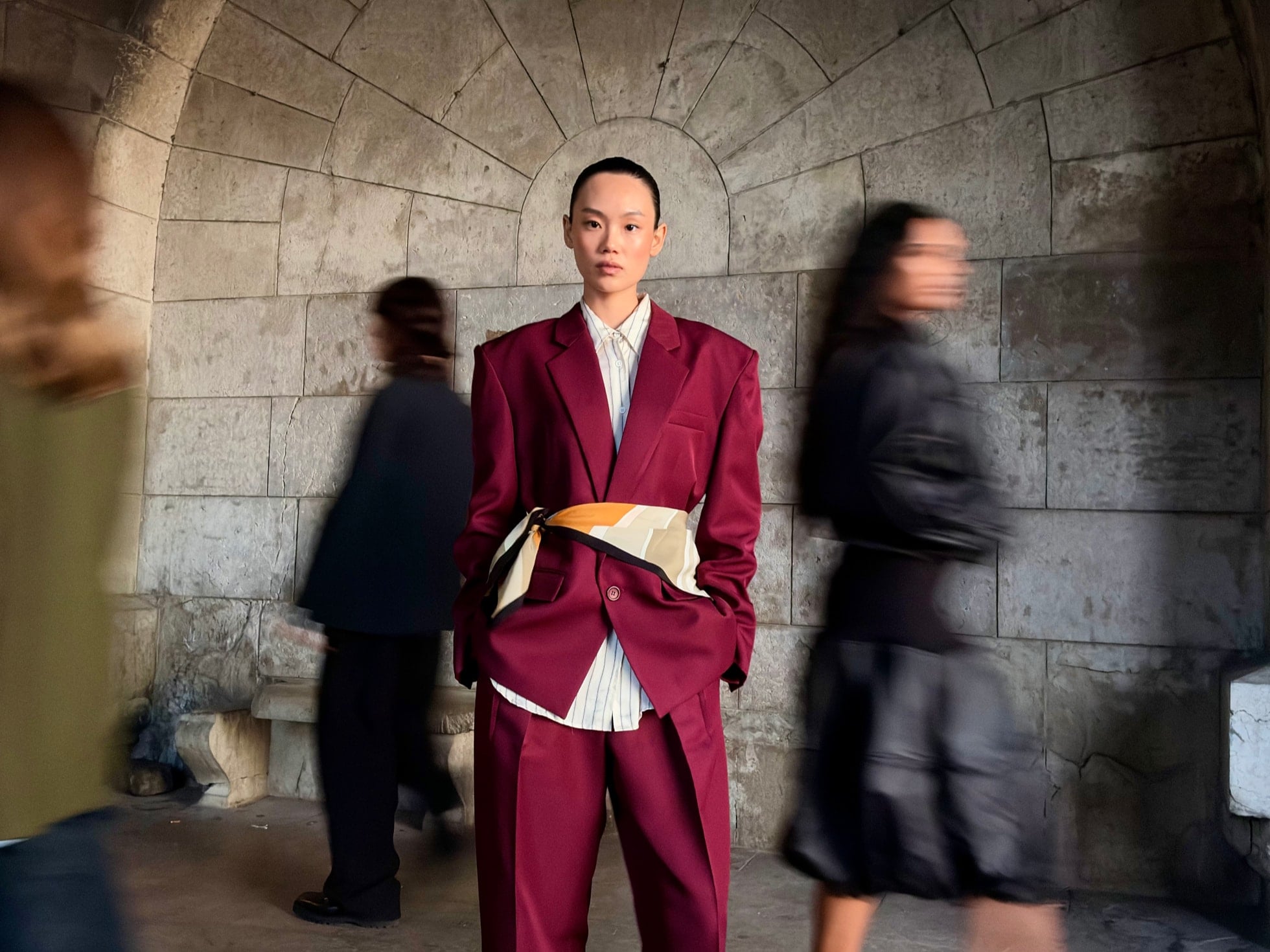
Apple says the camera system improves low-light video at night or indoors by intelligently adjusting aperture and frame rate for brighter, clearer footage.
Video modes, frame rates and Pro controls
| Video feature | iPhone 18 Pro |
|---|---|
| Cinematic mode | Up to 4K Dolby Vision at 60 fps |
| Cinematic effects | Applied to regular video after you shoot, up to 60 fps |
| Time-lapse | With stabilization up to 4K Dolby Vision |
| Low-light video | Improved at night or indoors, aperture and frame rate adjusted automatically |
| Pro controls | Lens aperture, shutter speed, white balance, histogram |
The tech specs list 4K Dolby Vision recording at up to 120 fps on the Fusion Main camera, and slo-mo at 1080p up to 240 fps. Audio Mix now separates music and voices from unwanted background noise in your videos, with new algorithms that can isolate music.
Camera comparison: a filterable table of iPhone 18 Pro against iPhone 17 Pro, with a switch for only the rows that are new.
What iPhone 17 Pro did not have
Both generations carry the same three 48MP cameras: Fusion Main, Fusion Ultra Wide and Fusion Telephoto. iPhone 17 Pro runs them on the A19 Pro chip with a 16-core Neural Engine, and iPhone 18 Pro on the A20 Pro with a Dual 16-core Neural Engine.
Camera rows compared across both Pro generations
| Camera row on iPhone 18 Pro | iPhone 17 Pro |
|---|---|
| ƒ/1.48, ƒ/1.8, ƒ/2.8, ƒ/4.0 variable aperture options (Fusion Main) | Not available |
| Pro controls for lens aperture, shutter speed, white balance, and viewing histogram | Not available |
| Smart focus tracking | Not available |
| Cinematic mode effects from video | Not available |
| Improved low-light video | Not available |
| Time-lapse video recording with stabilization up to 4K Dolby Vision | Not available |
| Apple Reference Image (Fusion Main) | Not available |
| Photographic Styles 3 | Photographic Styles 2 |
| Cinematic mode up to 4K Dolby Vision at 60 fps | Up to 4K Dolby Vision at 30 fps |
Photographic Styles 3 adds texture and grain on top of tone and color. You can soften skin details or go for a film look, and adjust or reverse the effects anytime.
Apple Reference Image signs photo data at pixel level at the time of capture, so what the camera sensor saw can be verified later. The feature is opt-in, and Apple says it will not be available in China at launch because of regulatory requirements. In the EU, capture will not be available at launch on iPhone 18 Pro models, though people on iOS 27, iPadOS 27 and macOS 27 can develop and view reference images.
FAQs
Do Pro controls work on the front camera?
Yes, without the aperture setting. Apple lists Pro controls for shutter speed, white balance and viewing histogram on the 18MP Center Stage camera, which is fixed at ƒ/1.9.
Can I lock one stop for every shot?
Only through Pro controls. Apple also lists an API for developers, for even more control across the aperture range inside their own apps.
Does the stop change how far I can zoom?
No. Apple lists 8x optical-quality zoom in and 2x optical zoom out, a 16x optical-quality zoom range, and digital zoom up to 40x in photos.
Does the variable aperture work on the telephoto?
No. It is a Fusion Main feature. The 48MP Fusion Telephoto is fixed at ƒ/2.8 across its 100 mm and 200 mm outputs, and the 48MP Fusion Ultra Wide is fixed at ƒ/2.2 with a 120° field of view.
Can you tell when a photo was edited with AI?
Image metadata and upcoming support for the SynthID standard can help. Apple says SynthID arrives in a software update later this year and will be included for most edited images, depending on the edits applied.
Related guides
- iPhone Duo Explained: Specs, Prices, Dates and What You Give Up
- Is 256GB Enough for iPhone Duo? Available Storage Explained


Leave a Reply