
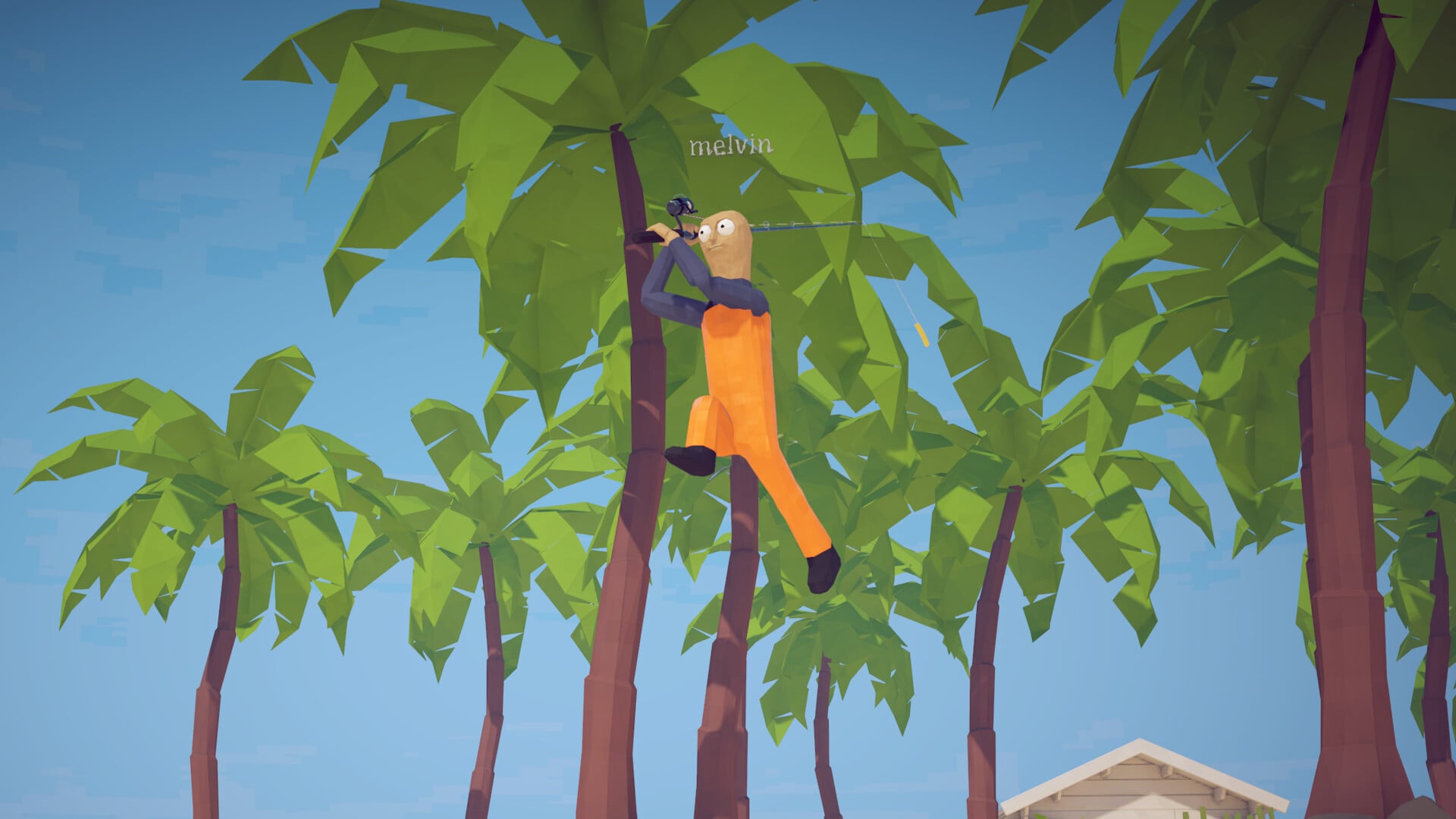
Open the in-game settings and look for an invert vertical look (invert Y) toggle in the controls first. If there is no such option, remap the axis through Steam Input on a controller or use mouse-driver software that supports axis inversion.
How to Fish, the physics fishing-and-shooting game from Dazed Games on Steam, uses a first-person camera, so the correct up/down axis is essential for comfortable aiming. Players have requested mouse Y-axis inversion on the game’s forum, making it a real concern for anyone who prefers inverted look. Start with the in-game controls, then use the matching controller or mouse workaround if the toggle is not there.
Where invert Y-axis support stands right now
Open the in-game controls menu first. A player thread on the game’s own forum requests mouse Y-axis inversion for release, and players who use inverted look can check the current build directly from the settings screen.
Key Open the controls menu and look for an invert-Y toggle. If the option exists, turn it on and test the camera. If it does not, the fallback routes below produce the same result at the input layer.
Open settings
From the main menu or pause menu, open the game’s settings or options screen.
Find the controls area
Open the controls, input, mouse, or camera section rather than graphics or audio.
Scan for an invert toggle
Check the camera and look bindings for an invert vertical look or invert Y-axis option.
Apply and test in-game
Switch it on, back out of the menu, and move the camera up and down until the direction feels right.
Fallback routes when the game has no toggle
| Method | Best for |
|---|---|
| Native settings check | Anyone — always try this first |
| Steam Input remap | Controller players who want per-game axis control |
| Mouse-driver software | Mouse users whose device software supports axis inversion |
| Report and wait for a patch | Mouse-look players with no working workaround yet |
If the controls menu does not include an invert-look option, flip the axis at the input layer. On a controller, Steam Input lets you remap the right-stick or gyro behavior per game. This is the most reliable path because it sits between your hardware and the game without changing any game files. On mouse and keyboard, use mouse-driver or macro software that explicitly supports axis inversion; availability depends on your device and its software.
If neither workaround works with your setup, report the missing mouse-look inversion and wait for a patch. Mouse-look inversion is a common request, and a later update can add it directly to the controls menu. Start with the route that matches your input device.
If you use a controller, enable Steam Input and remap the vertical look axis there — it works without editing any game files and can be toggled off per game whenever you want.
How the camera direction affects your aim
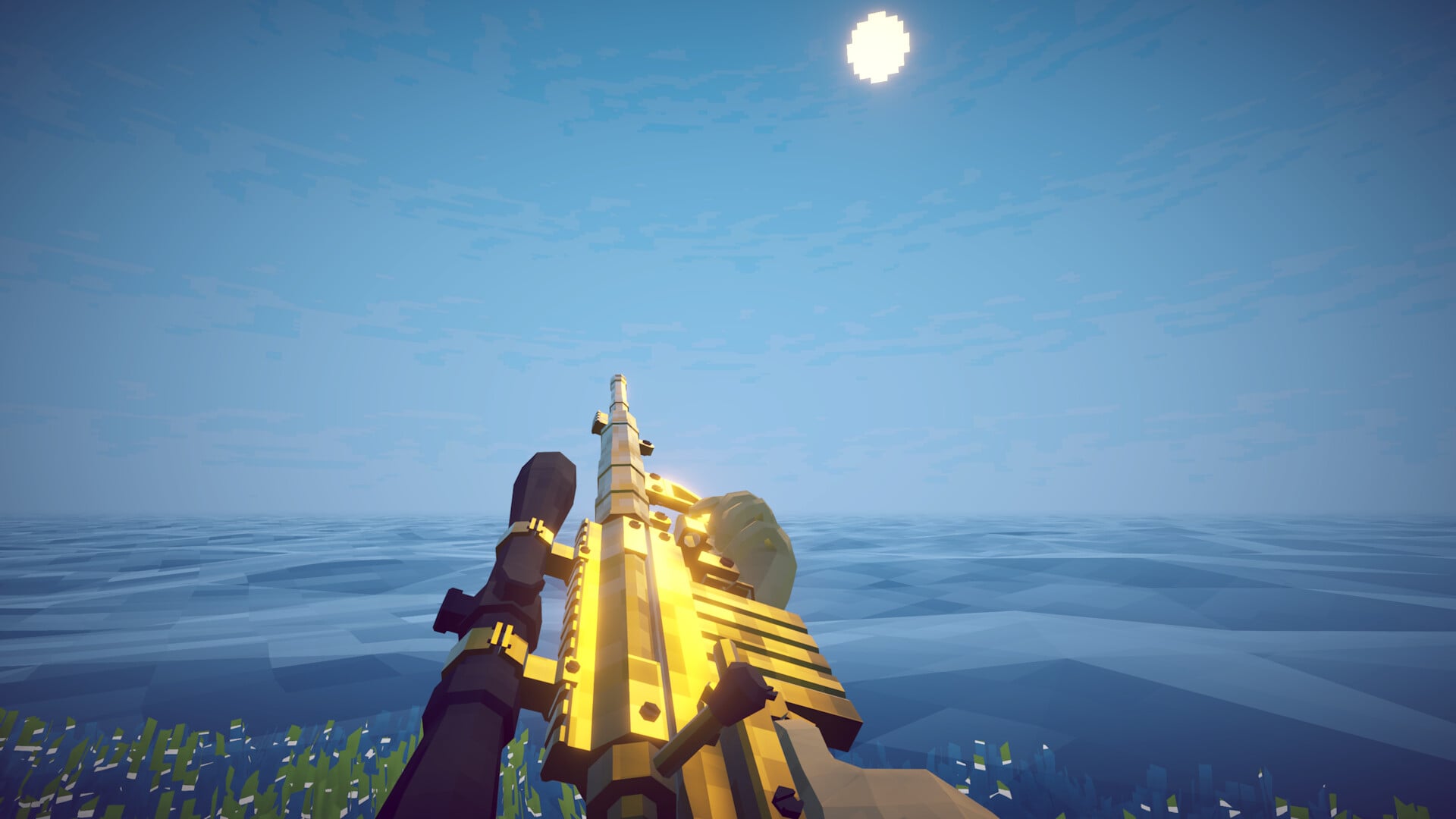
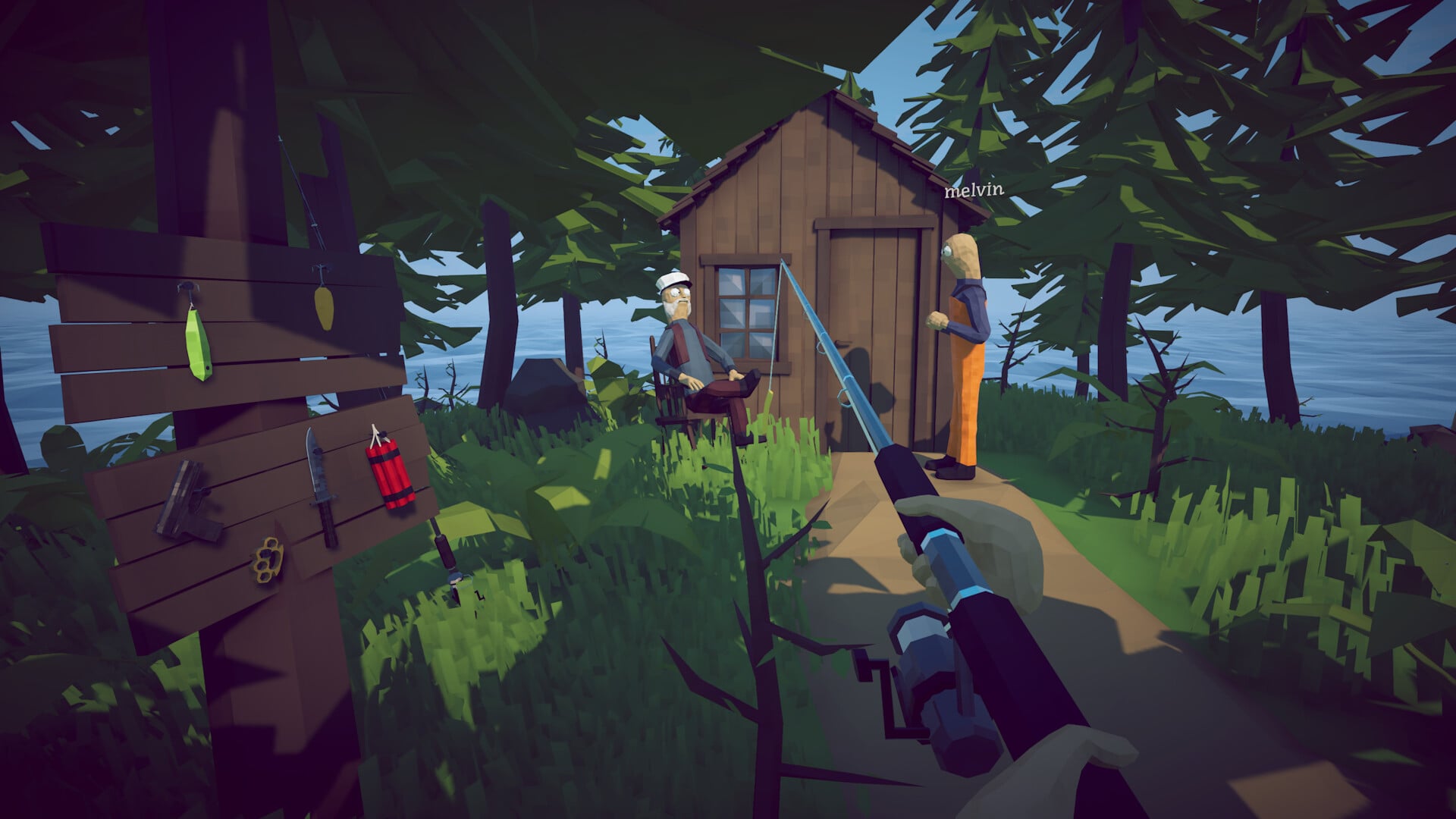
How to Fish is a first-person game built around constant aiming. You shoot creatures for money, pilot and upgrade a boat, and fight bosses, often alongside up to three other players in co-op. Every one of those actions relies on vertical aim, so the wrong camera direction works against you during the fights and trick shots at the center of the game.
Set the axis correctly before starting a serious run. Inverted-look players have muscle memory that does not simply switch off, and a boss you need to drop quickly becomes much harder when the camera pulls against you.
Related How to Fish guides
Frequently Asked Questions
Does How to Fish have an invert Y option at launch?
Open the controls menu and check for the invert Y toggle in the current build. Players requested mouse Y-axis inversion for release on the game’s forum; if the option is absent, use Steam Input or supported mouse software to invert the axis.
Where is the invert Y setting?
Open Settings and check the controls, input, mouse, or camera section for an invert vertical look option.
Should you edit config files to force the inversion?
No. Skip hand-editing config files. Use the in-game toggle when available; otherwise, flip the axis through Steam Input on a controller or supported mouse software. Both methods are safer and easier to undo.






Leave a Reply