

To view your new recruits, head to the Personnel terminal inside the Holotable room in The Den and interact with it to see each operator’s stats and Focus Tree — but recruits only appear here after you hire them at the Recruitment Facility.
Once you start filling out your squad in Star Wars Zero Company, the operators you own live at the Personnel console, the desk built into the Holotable room at The Den. It’s where you read a recruit’s stats, spend their Focus Points and reshape their build. The walk there is short, and the roster is only a couple of screens away.
How to view new recruits at the Personnel console in Star Wars Zero Company
Getting to your recruits is a quick trip across The Den, so here’s the exact path to the Personnel console and the roster list waiting on it.
STEP 1/4
Find Personnel on the Den map
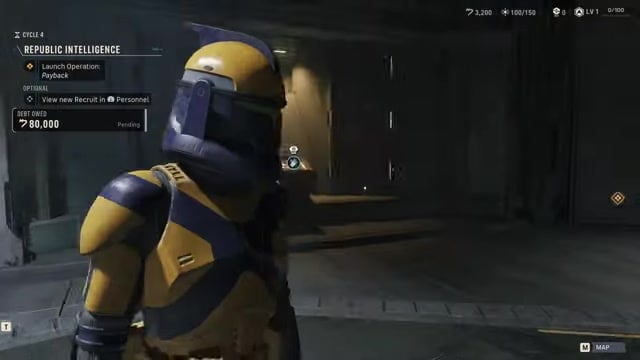
Pull up the map of The Den and look for the Personnel label sitting right beside the Holotable.
STEP 2/4
Enter the Holotable room
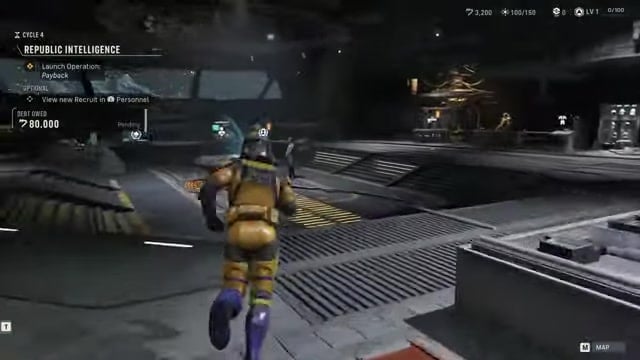
Run through the base corridor and up the stairs into the Holotable room, where the Personnel terminal lives.
STEP 3/4
Interact with the Personnel terminal
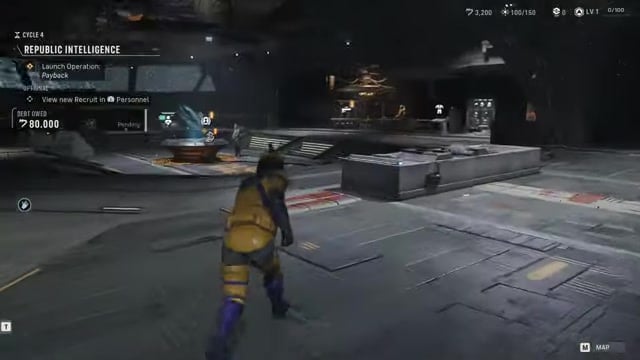
Walk up to the terminal behind the Holotable and interact with it to open the Personnel console.
STEP 4/4
Read your recruit roster
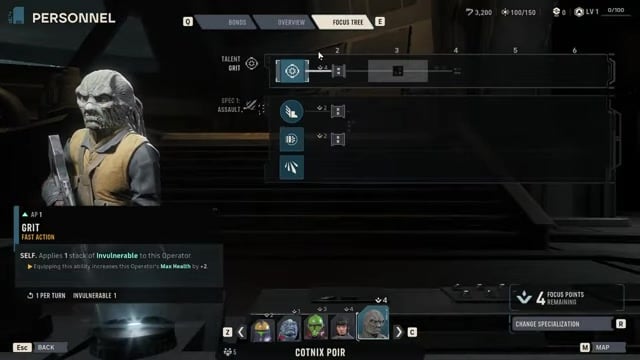
Your hired operators fill the list — names like Cotnix Poir and Jae Mordant show here — each with their stats and available Focus Points.
Video help
Why fresh recruits live at the Recruitment Facility first
| Facility | What it does |
|---|---|
| Recruitment Facility | Browse and hire new Custom Operators with Credits; candidates only exist here until purchased. |
| Personnel console | View and manage operators already on your roster — stats, Focus Tree, Bonds and respec. |
Key Here’s the part the walk-up doesn’t tell you: the Personnel console only lists operators you already own. Brand-new candidates — the game calls them Custom Operators — don’t appear at Personnel at all until you’ve paid for them. If your new recruit is missing from the list, that’s why.
New candidates are generated at the Recruitment Facility, a separate terminal in The Den, and you hire them there with Credits. The moment a hire goes through, that operator drops onto your roster and becomes visible at Personnel, where you can actually manage them. Roughly speaking your roster starts at about 7 operators and can grow toward 20 through upgrades and story joins, so keep an eye on your Roster Capacity before a hire.
What you can change once a recruit is open

Opening an operator at Personnel is the real payoff of the trip. You can inspect their Talent, Specialization and weapon, then step into the Focus Tree tab to spend Focus Points and level up their abilities. It’s also where you adjust an operator’s Bonds and respec their class, so a starting Specialization you don’t love isn’t locked in for good.
Spend a new recruit’s Focus Points right away in the Focus Tree — freshly hired operators arrive un-invested and stay underpowered until you do.
Related Star Wars Zero Company guides
Frequently Asked Questions
Why aren’t my new recruits showing up at Personnel?
Because they haven’t been hired yet. Candidates only exist at the Recruitment Facility until you buy them with Credits; only then do they join your roster and appear at Personnel. The available pool also rotates each Cycle, and you can refresh the list if none of the current candidates suit you.
When does the Personnel console unlock?
Early in the campaign — it comes online alongside The Den in roughly the first few Cycles, so you’ll have access to it well before your roster fills out.






Leave a Reply