Gaming

GTA 6 ATM at the Rusty Anchor: Location, Account Menu, and Deposit Steps

Find the GTA 6 ATM at the Rusty Anchor beside the gumball machine, open its account menu, and follow the deposit steps to select an amount and confirm your cash transfer.

Find the GTA 6 ATM at the Rusty Anchor beside the gumball machine, open its account menu, and follow the deposit steps to select an amount and confirm your cash transfer.

0 Comments
QUICK ANSWER
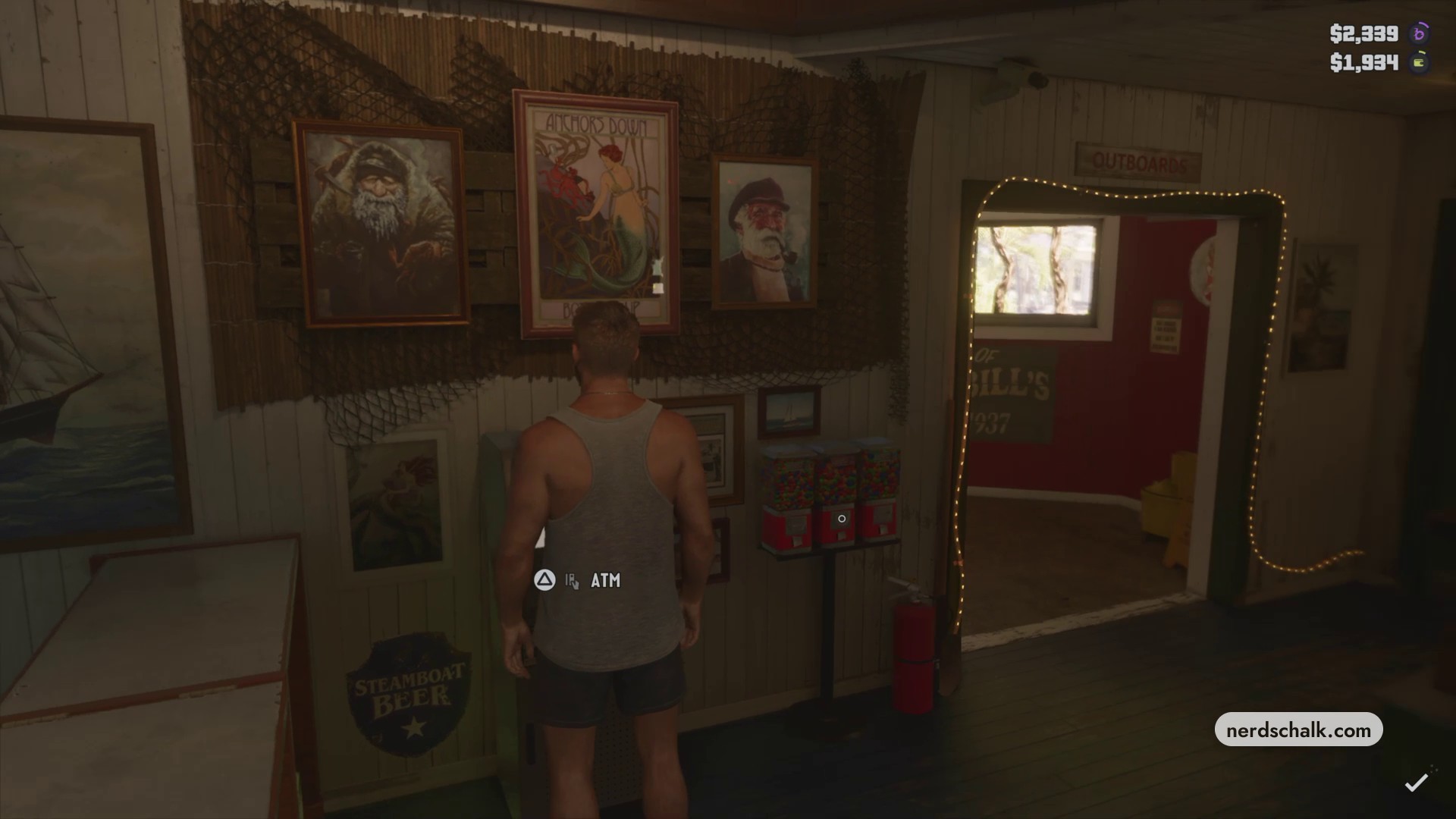
The Rusty Anchor’s ATM is inside the tavern, past the pool table, beside the gumball machine near the back-wall archway.

In Grand Theft Auto VI, this ATM offers a Deposit option through its account menu. This guide covers finding the terminal inside The Rusty Anchor and completing a cash deposit.

entrance landmarkLighthouse tower above the bar entranceterminal letteringATMaccount limit$15,000 for deposits
QUICK WIN

Look for Back on the deposit screen alongside Confirm.

buttons PS5 / Xbox

How to find and use The Rusty Anchor ATM in Grand Theft Auto VI

STEP 1

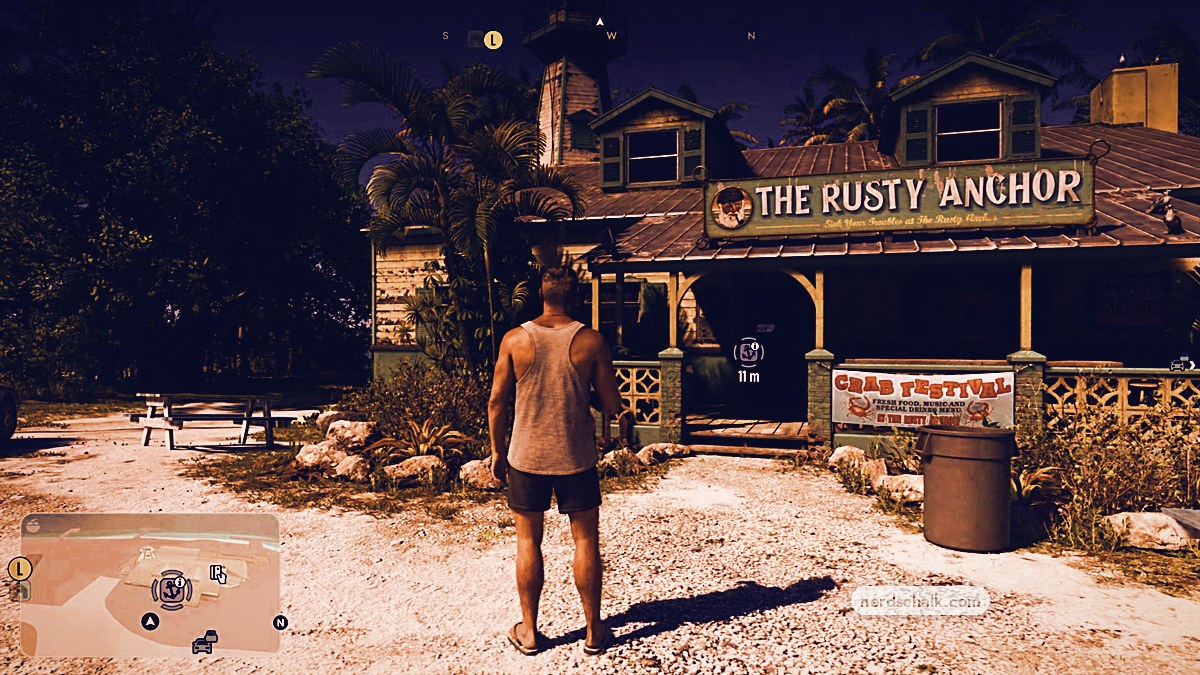
Enter The Rusty Anchor

Head to The Rusty Anchor’s entrance and walk through the front doors to enter the tavern.
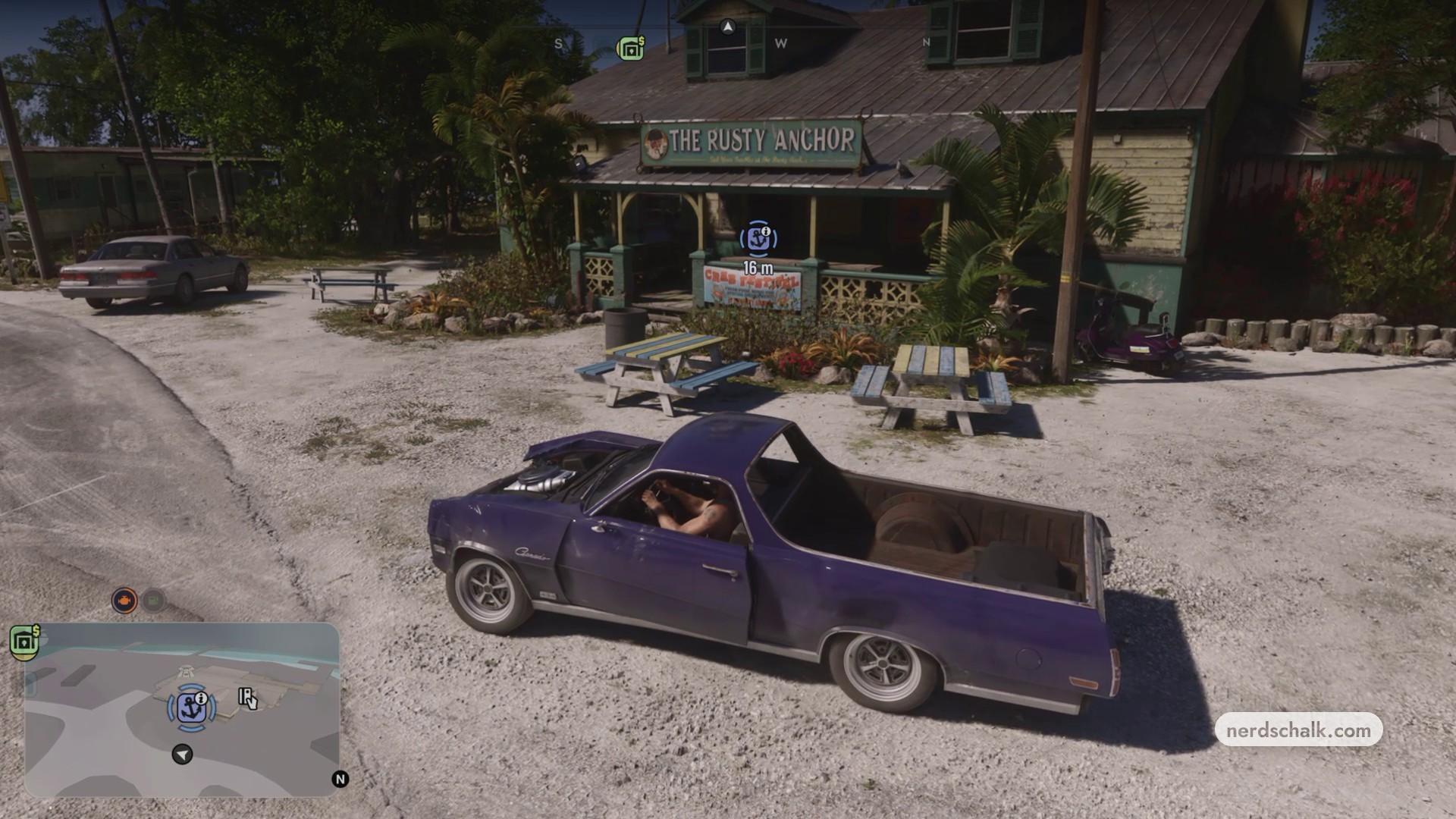
The exterior approach to The Rusty Anchor
The exterior approach to The Rusty Anchor · Screenshot by NerdsChalk

The character is approaching The Rusty Anchor’s entrance; head inside through the front doors.
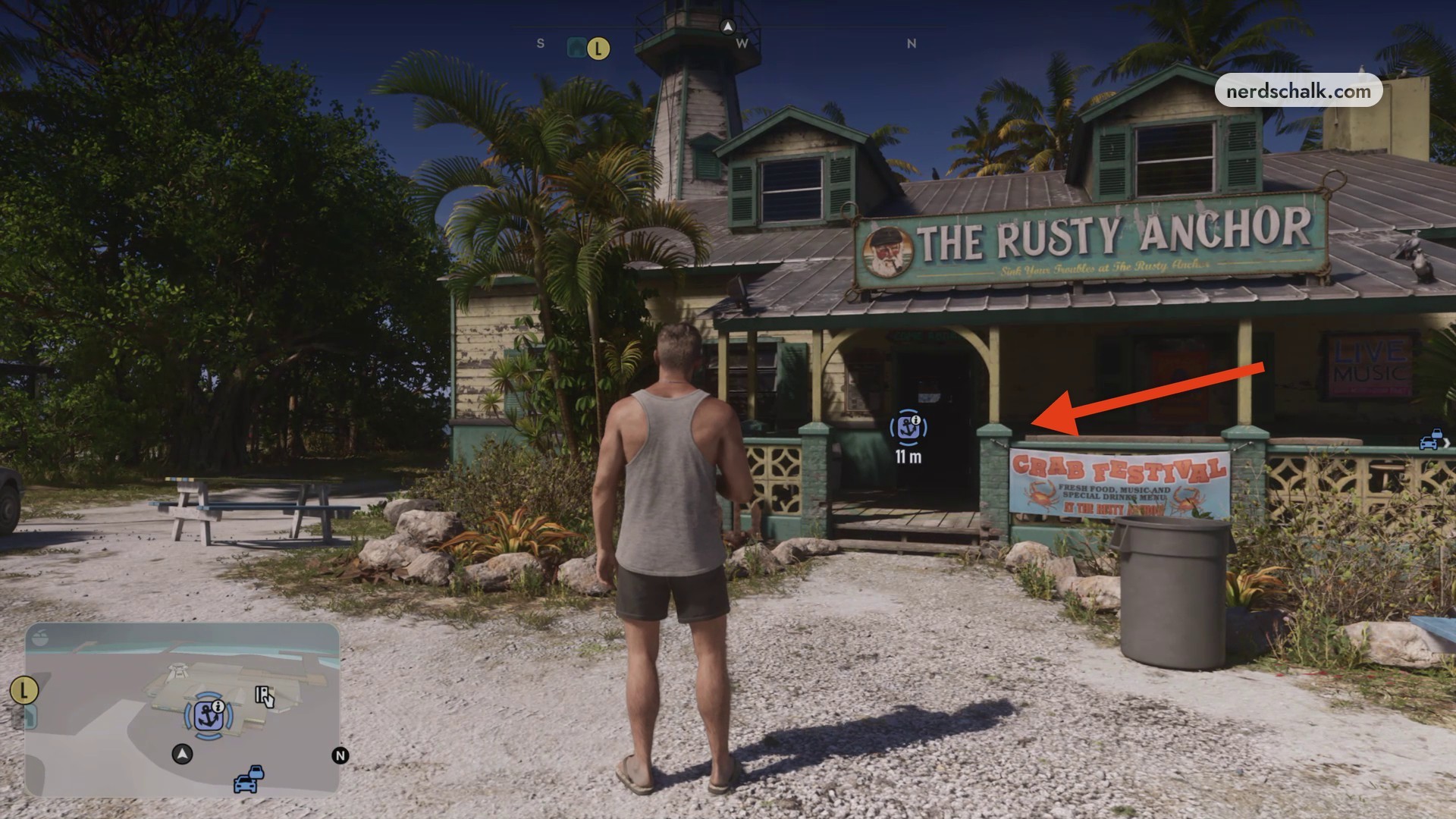
Approaching The Rusty Anchor’s entrance
Approaching The Rusty Anchor’s entrance · Screenshot by NerdsChalk
STEP 2

Find the ATM inside

Walk past the pool table toward the rear corridor. Look near the back-wall archway for the terminal beside the gumball machine.
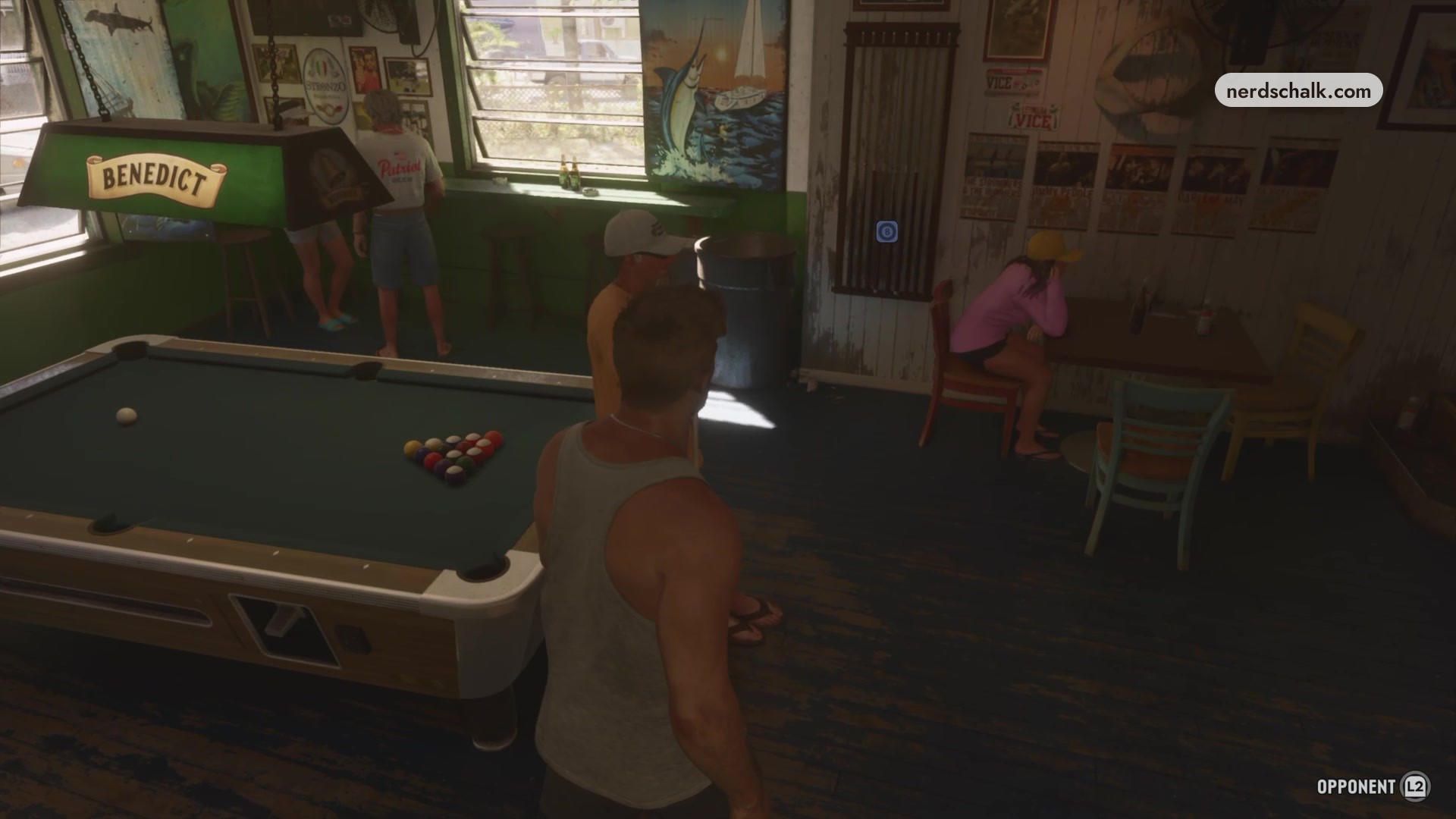
The pool table on the route toward the rear corridor
The pool table on the route toward the rear corridor · Screenshot by NerdsChalk

The terminal is by the back wall near the archway; approach it to use the banking interface.
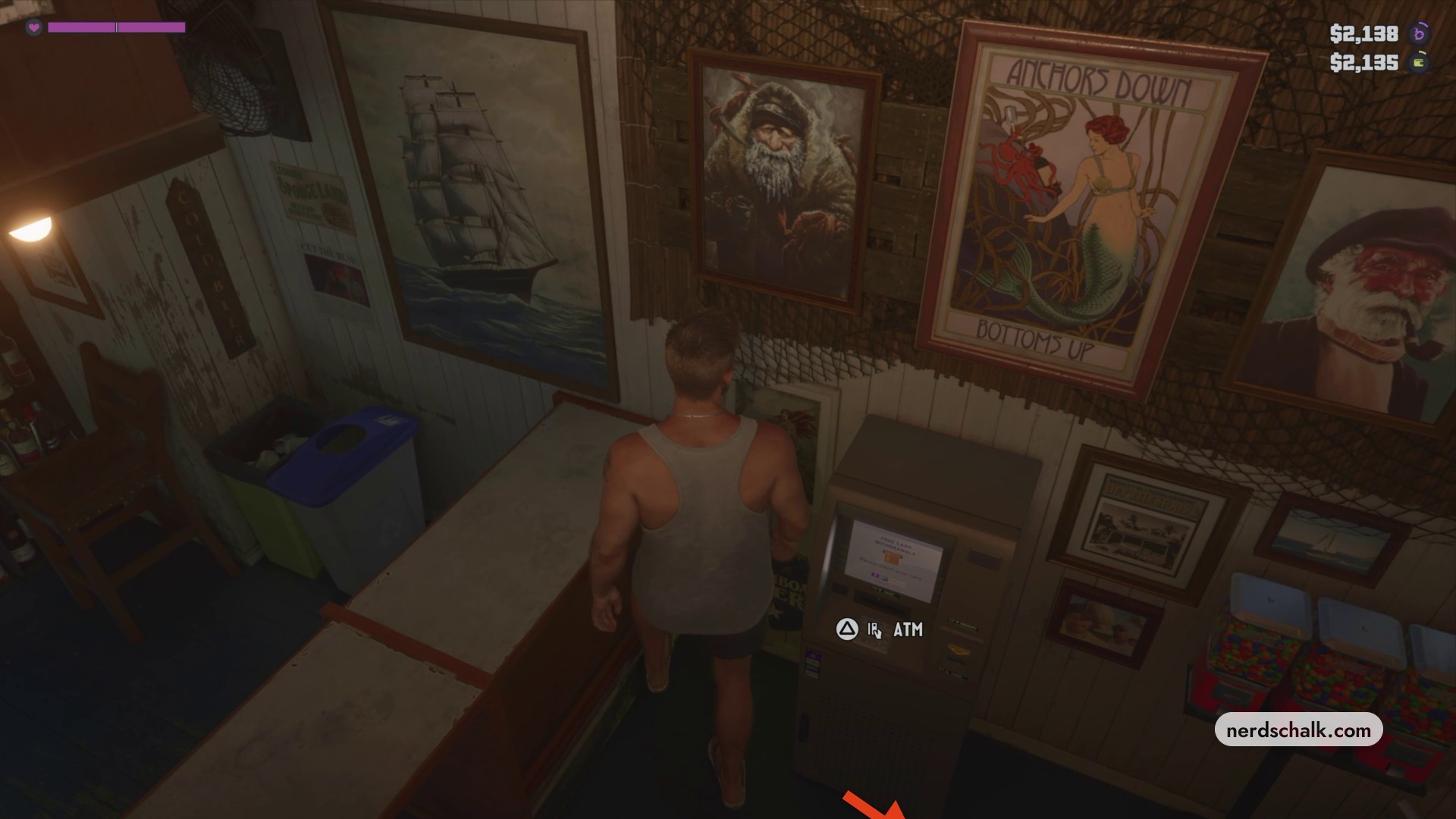
The ATM terminal inside The Rusty Anchor
The ATM terminal inside The Rusty Anchor · Screenshot by NerdsChalk
STEP 3

Open the banking interface

Move up to the ATM terminal and press TriangleY to open its banking interface.

STEP 4

Choose Deposit

On the Your Account menu, select Deposit with CrossA. The other visible options are Withdraw, Transactions and Exit.
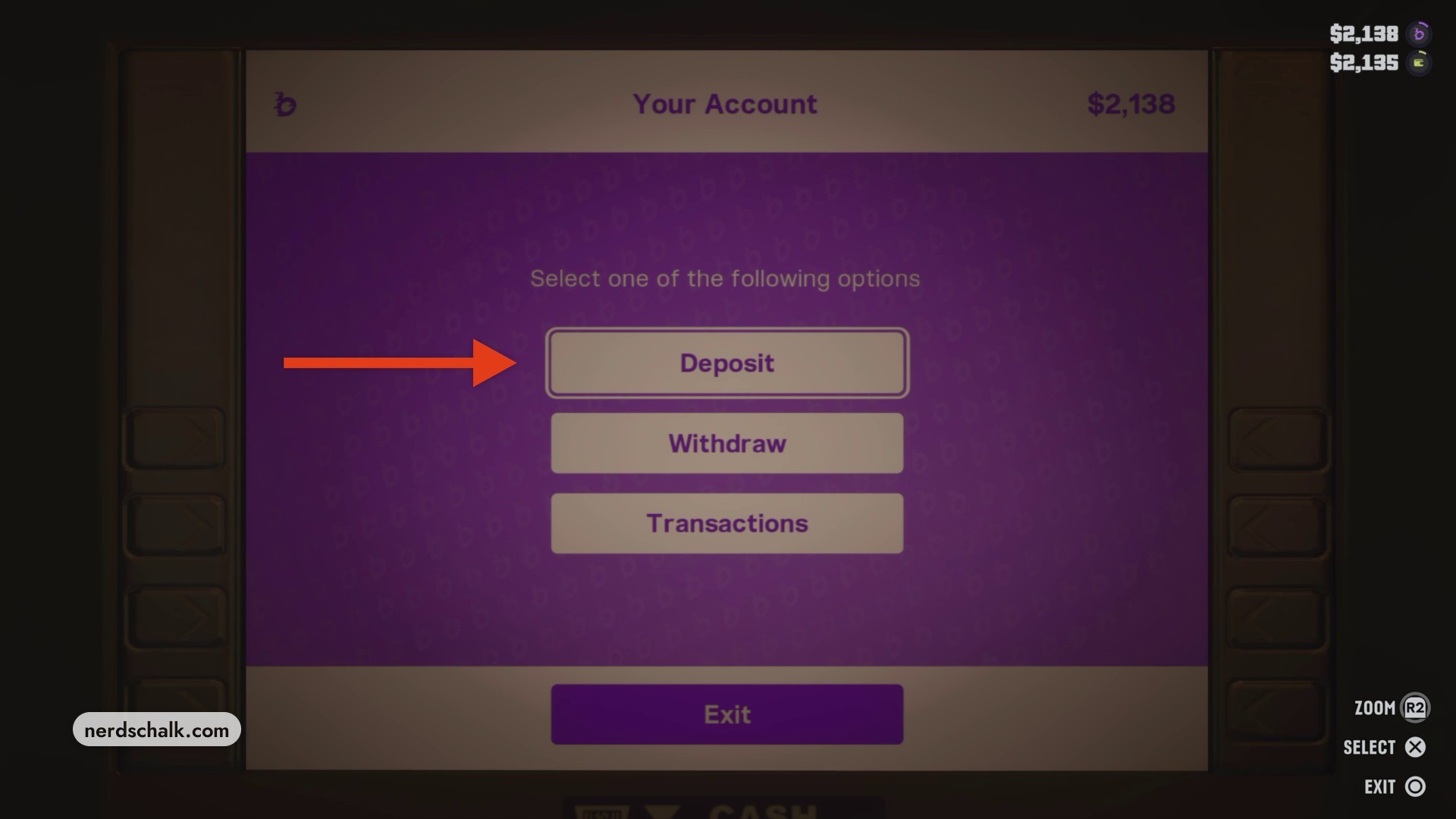
Deposit in the Your Account menu
Deposit in the Your Account menu · Screenshot by NerdsChalk
STEP 5

Set and confirm your deposit

Adjust the cash amount with the D-pad, then select Confirm to submit your deposit. For a $201 deposit, reduce the selected amount to that value before confirming.
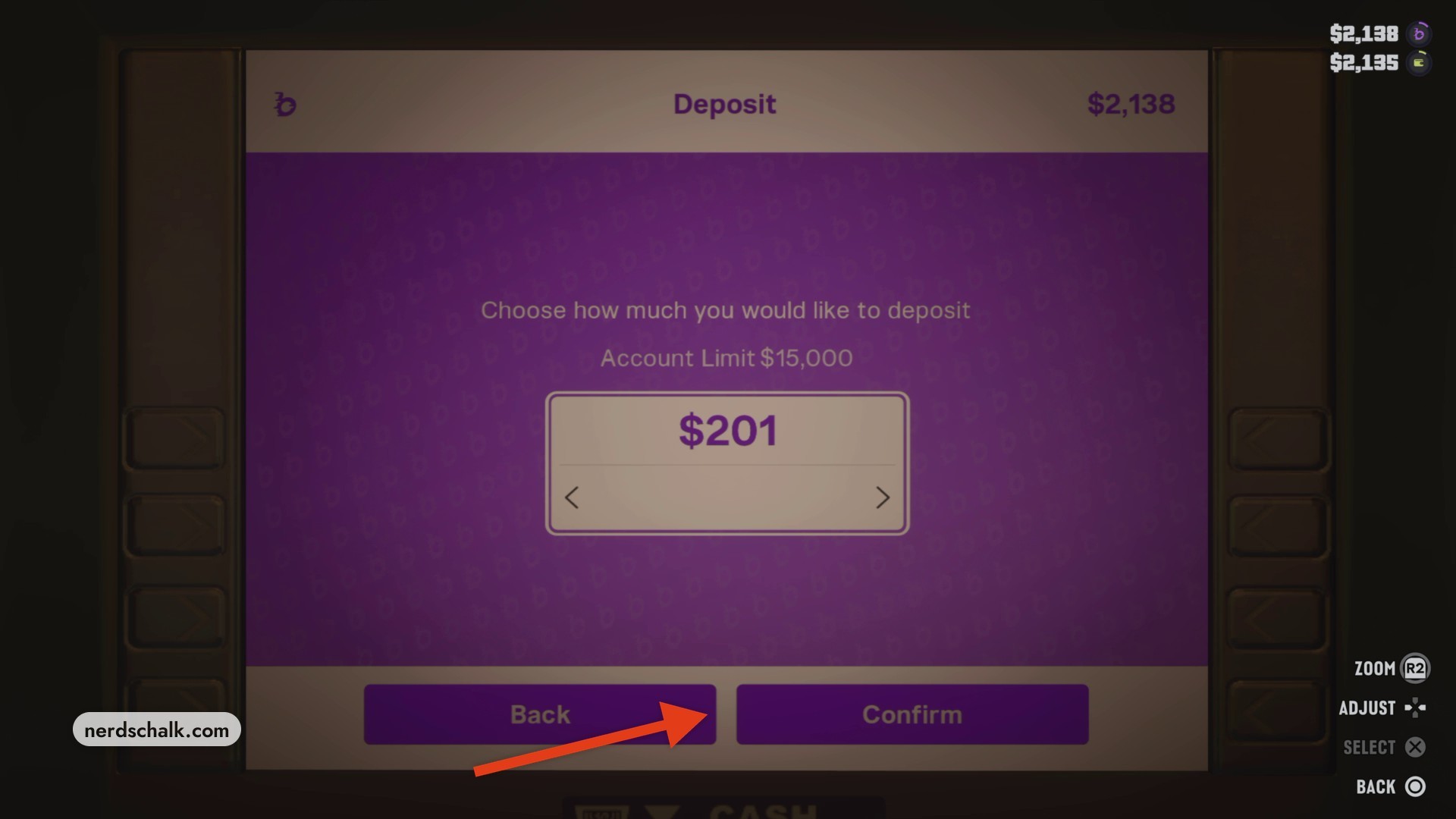
The deposit amount selector and Confirm button
The deposit amount selector and Confirm button · Screenshot by NerdsChalk
STEP 6

Wait for the deposit to complete

Let the Buckme transaction screen finish processing. A confirmation screen appears when your deposit is complete.

The ATM is beside the gumball machine; stand at the terminal to use it.
Don’t miss this$10 minimumYour deposit must meet the ATM’s minimum amountSet your deposit at or above this amount before confirming.
The ATM beside the gumball machine
The ATM beside the gumball machine · Screenshot by NerdsChalk
releaseNovember 19, 2026platformsPlayStation 5, Xbox Series X|SeditionsStandard Edition, Ultimate EditionratingsUS: ESRB M (Mature 17+); Europe: PEGI 18

Related Grand Theft Auto VI guides
Leave a Reply

Your email address will not be published. Required fields are marked *