

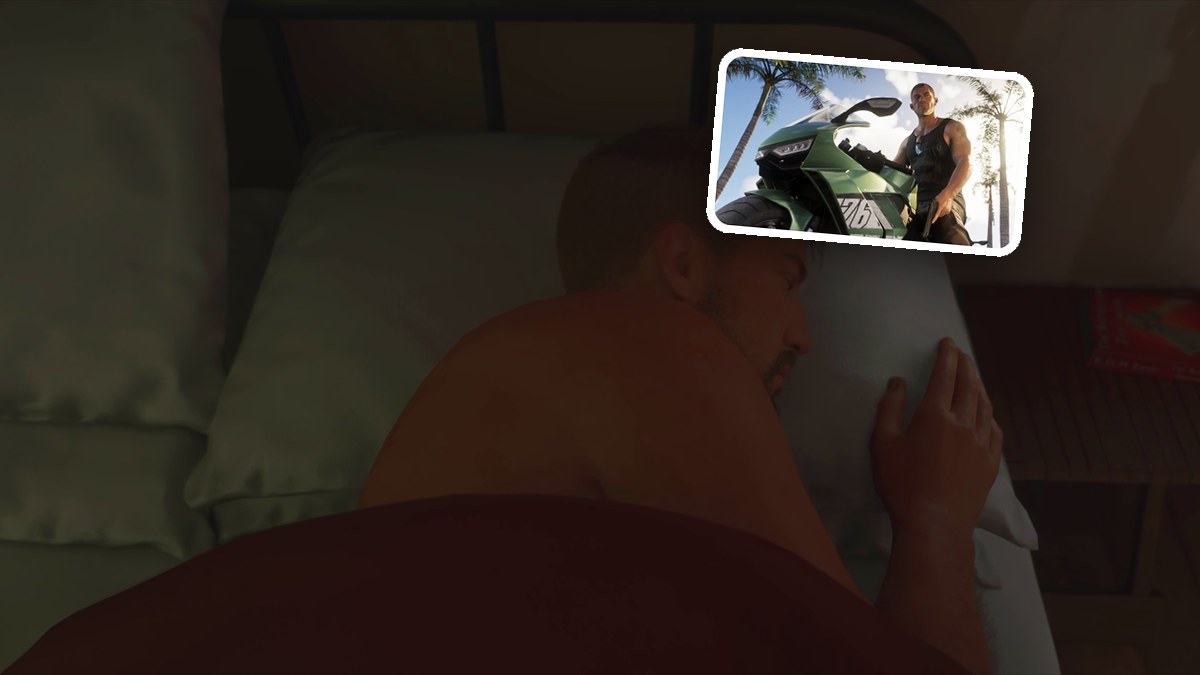
QUICK ANSWER
Select SLEEP UNTIL MORNING from the bed’s alarm options and press Cross to advance to morning in Grand Theft Auto VI.
Select SLEEP UNTIL MORNING from the bed’s alarm options and press Cross to advance to morning in Grand Theft Auto VI.
This guide covers opening those options, selecting morning and completing the sleep sequence.
Grand Theft Auto VI’s platforms are PlayStation 5 and Xbox Series X|S.
starting positionIn bed beside Luciaalarm choiceSLEEP UNTIL MORNINGcompletionWake up in bed after the morning transition
How to sleep until morning in Grand Theft Auto VI
STEP 1
Open the sleep menu
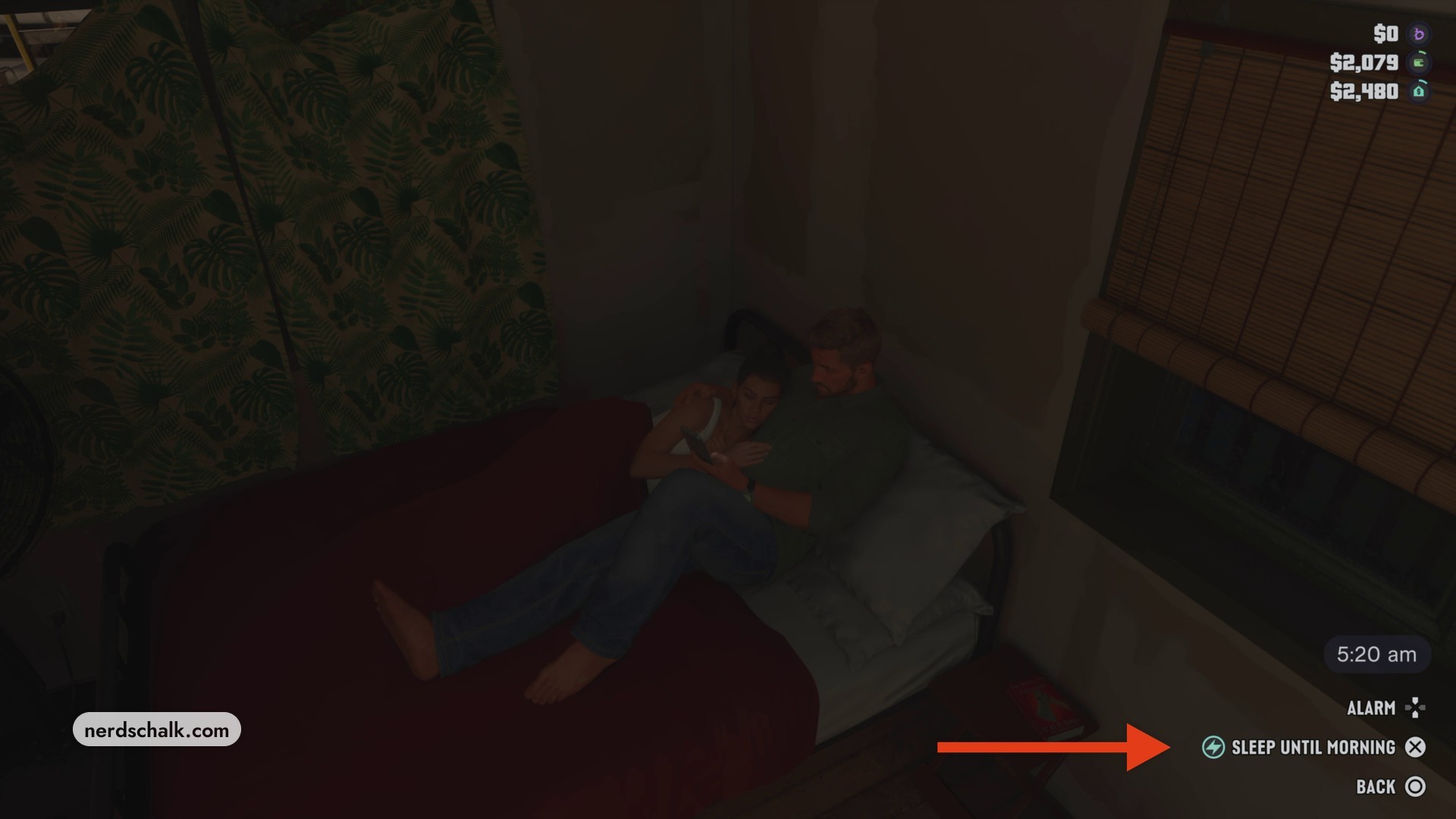
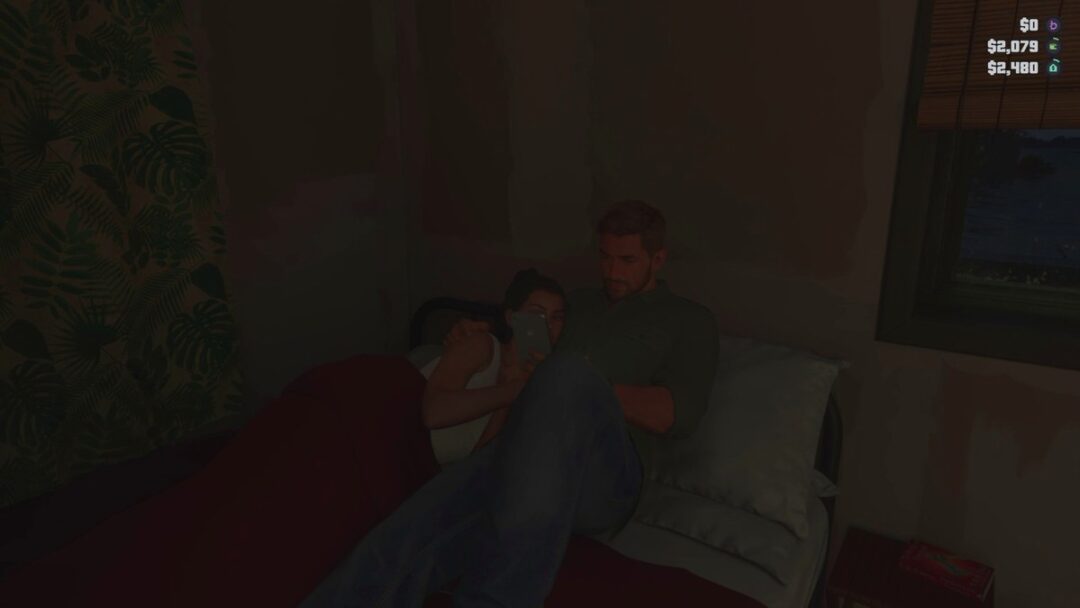
From your starting position in bed, bring up the sleep menu to access the alarm options. The clock reads 5:20 am before sleeping begins.
STEP 2
Select SLEEP UNTIL MORNING
Cycle through the alarm choices until SLEEP UNTIL MORNING appears, then press Cross to begin sleeping.
STEP 3
Wake up in the morning
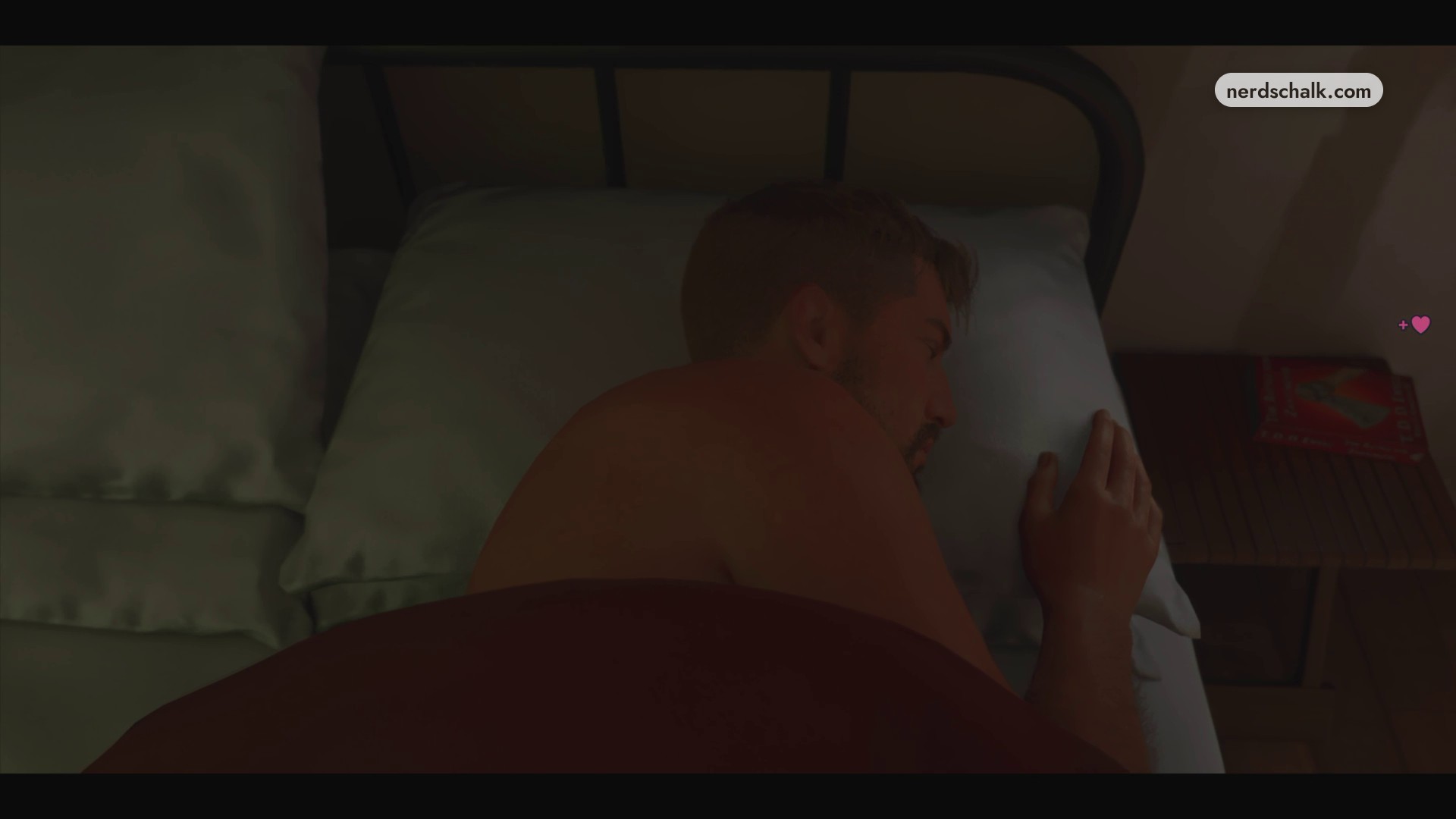
Let the scene transition to morning. You’ll wake up in bed when the sequence finishes.
Don’t miss thisSquarePress Square from bed to open the sleep menuThis brings up the alarm choices you need to select morning.
› story detailsSpoilers for the story. Open to read.
Before sleeping, Jason shares the bed with Lucia.
Morning finds Jason awake in bed on his own.
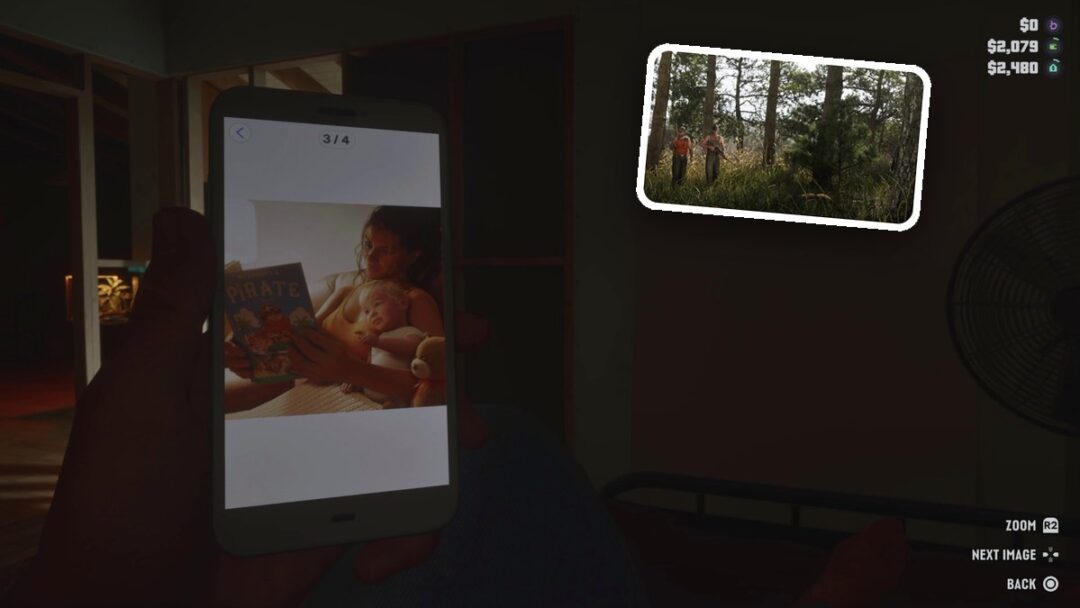
After waking, Cross activates getting dressed, and Jason dresses at the wardrobe.
Related Grand Theft Auto VI guides
Leave a Reply