

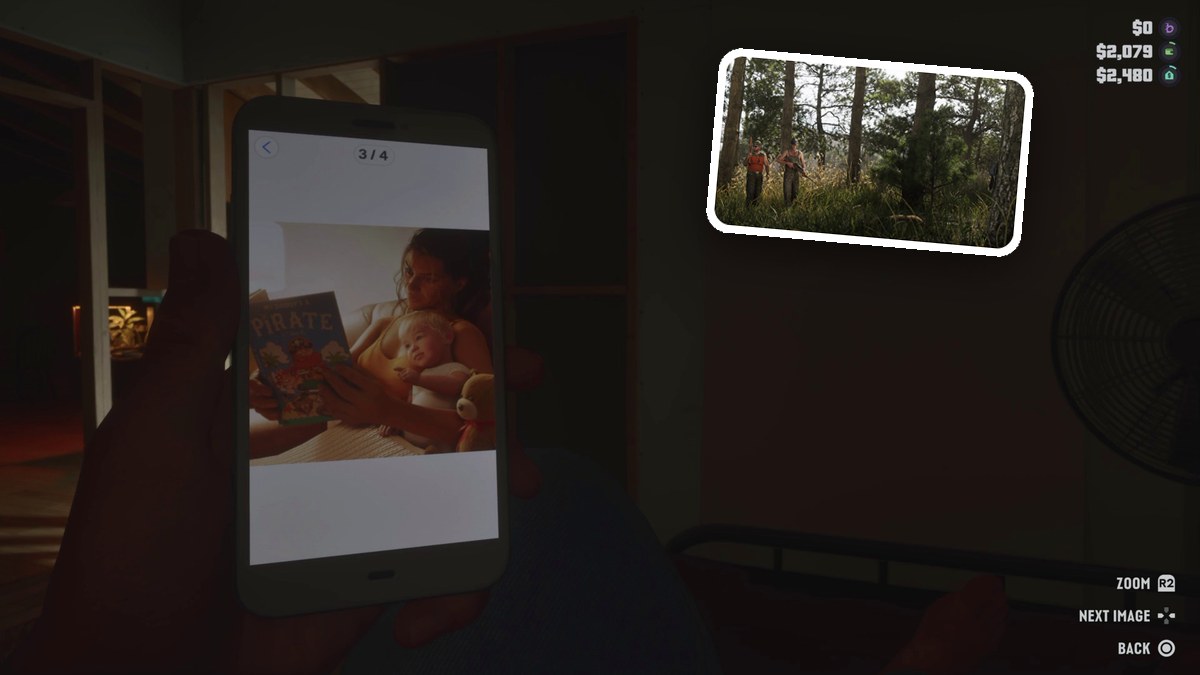
To view phone photos in Grand Theft Auto VI, press D-Pad Up, open Gallery, choose Personal, and select a thumbnail with Cross.
Your character’s smartphone has a photo viewer with controls for enlarging pictures and browsing the album. This guide covers opening your photos and returning to the game, using PlayStation button names.
How to view phone photos in Grand Theft Auto VI
Open the phone
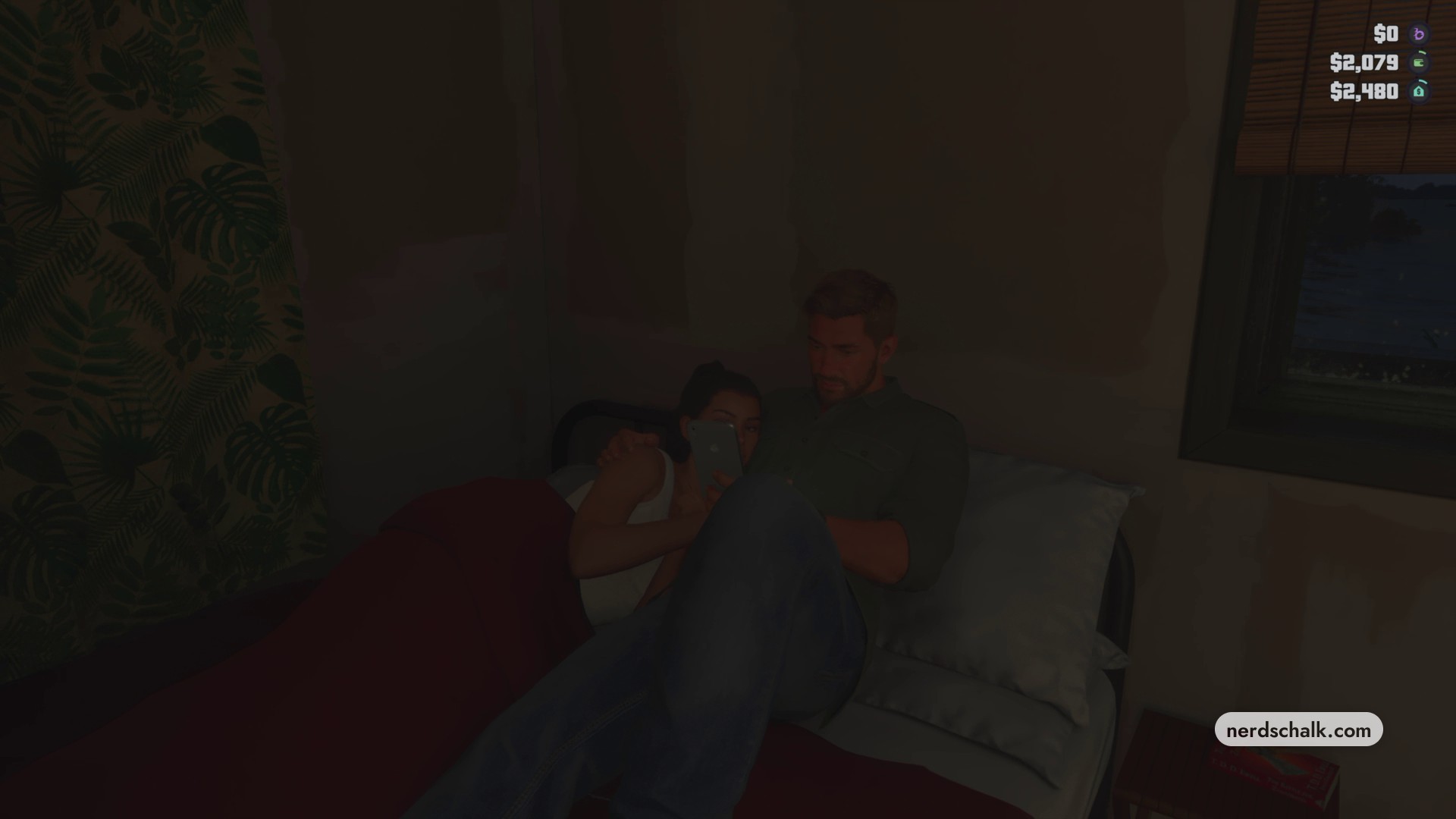
While resting or exploring, press D-Pad Up to bring up your character’s smartphone. The resting screen labels this control Phone.
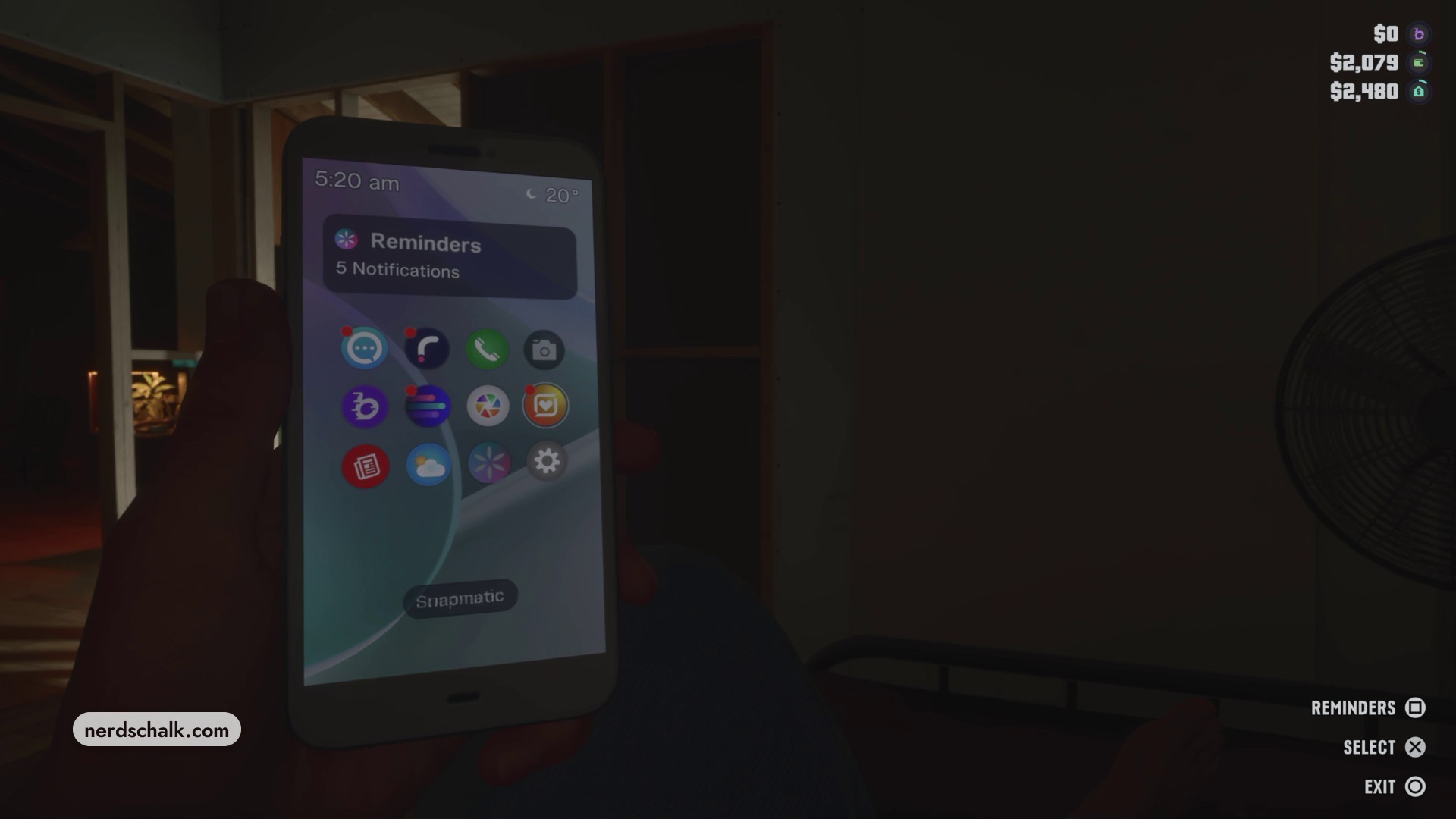
Select Gallery
Move the cursor across the phone’s home-screen app icons until Gallery is highlighted, then press Cross to open it. Gallery also shows a 0 / 32 photo-storage counter.
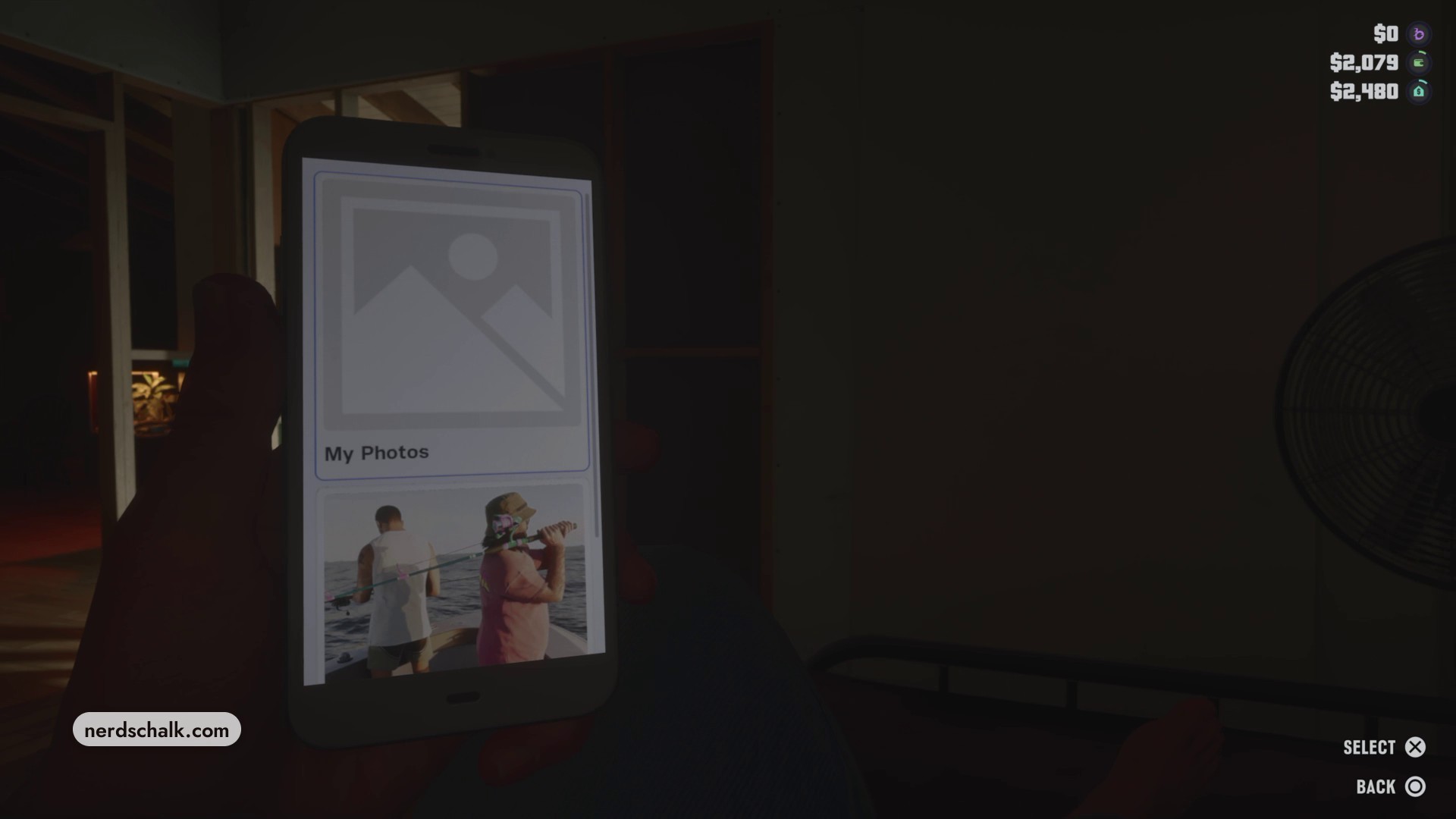
Open the Personal album
From My Photos, scroll down to Personal and press Cross to open the album’s thumbnail grid.
Select a photo
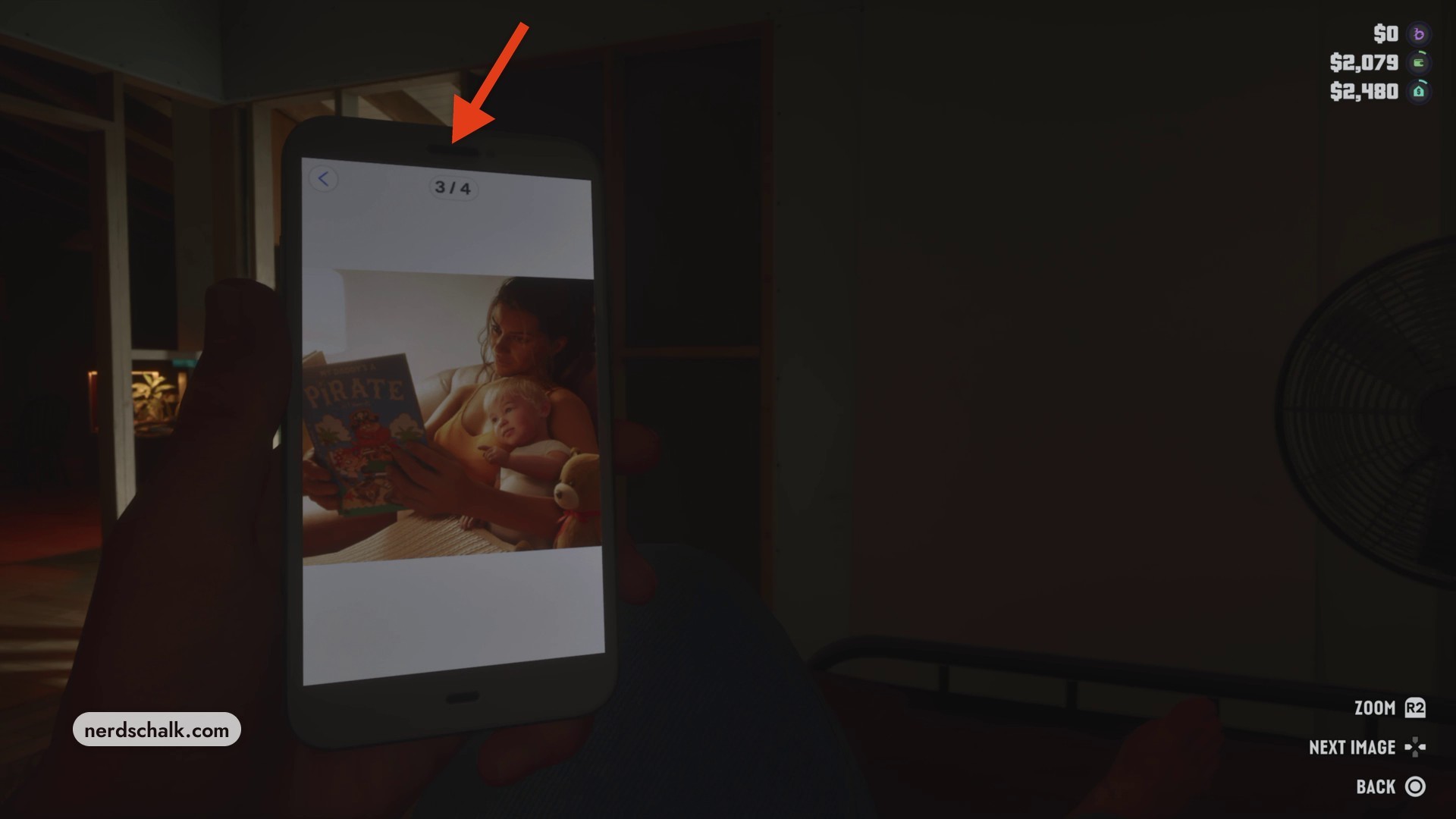
Highlight the thumbnail you want to view, then press Cross to open the picture full screen.
View and zoom the photo
Press R2, labeled ZOOM, to enlarge the photo. Use D-Pad Right for NEXT IMAGE. When you’re finished browsing, press Circle for BACK to return to the album overview, then exit Gallery and close the smartphone.
Related Grand Theft Auto VI guides
Leave a Reply