
The Internet has made our lives immeasurably more convenient. All you need is an internet connection and a working browser, and you can take care of pretty much everything. However, as you’d expect, the convenience we enjoy isn’t without a price. With hackers giving their all to access our sensitive data and steal banking credentials, the responsibility has fallen upon us users to keep our online presence as secure as possible.
Almost all of us use Gmail to carry out our day-to-day. From Facebook login to Bank account statements, Gmail has access to most of our sensitive information. So, from a hacker’s perspective, it makes perfect sense to crack open our Gmail vault. Thankfully, Google has a contingency in place — Two-Step verification. Turn it on and getting hold of your password won’t be enough for a hacker to gain access.
In this section, we’ll take a look at how to secure your account with Two-step Authentication.
How to enable and set up Two-step authentication on your Android
Two-step verification requires a passcode every time a login is attempted from an unrecognized device. This process eliminates the panic after your password is compromised, as the perpetrator would still need that verification code to gain access to your account.
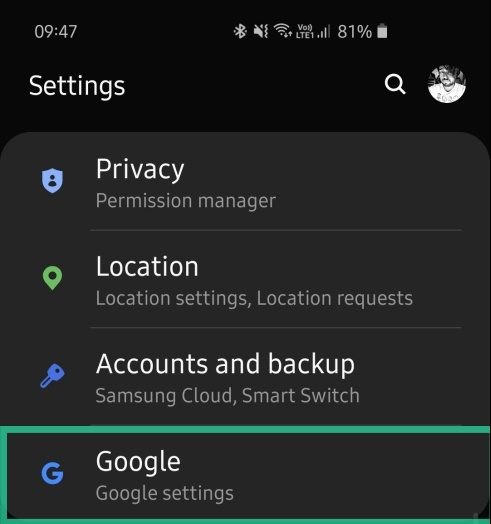
Two-step authentication makes life a lot difficult for hackers, but enabling it remains simple as ever for end-users. Simply follow the steps below and make your account secure as ever.


What if I don’t want Google prompt under 2-step authentication


Side note: If you have a security key, choose that option instead and follow on-screen prompts to set it up.
RELATED: